How to Make 3D Cartoon Videos With AI in 2026 (Step-by-Step)
Turn a script into a Pixar style animated story: pick a 3D look, lock your characters, choose voices, animate key scenes and set YouTube's kids rules.
 Emmanuel Greyco Tulabut
On this page
You searched for how to make 3D cartoon videos with AI, so this guide gives you the full workflow: choosing a 3D look, writing a story, keeping characters consistent, voicing it and exporting for Shorts or long-form YouTube.
The timing is good. In November 2026, vidIQ estimates "3d cartoon animation" at about 72,000 monthly YouTube searches, up 61%, and the Hindi search "cartoon video kaise banaye" is up 50%. Demand is high, but so is competition from low-effort uploads. Below you get niches, a step-by-step build, kids-content rules and the mistakes that sink new channels.
Executive summary: This guide explains what 3D cartoon AI videos are, which niches suit them, and how to make one from a script in an AI story tool, step by step. It covers script tips for kids and family stories, YouTube's made for kids setting and COPPA basics, why "Pixar style" is a look and not a license, fair alternatives, monetization rules and common mistakes. It suits beginners starting a faceless animated channel.
Table of Contents
What Are 3D Cartoon AI Videos?
5 Niches That Suit 3D Animated Story Videos
How to Make 3D Cartoon Videos With AI in Clippie (Step-by-Step)
Script Tips for Kids and Family Cartoon Videos
YouTube Made for Kids Settings and COPPA Basics
Pixar Style Is a Look, Not a License
Other Ways to Make an AI Cartoon Video
Originality and Monetization Rules for 3D Cartoon Channels
Common Mistakes With 3D Cartoon Animation AI
FAQs
What to Do Next
What Are 3D Cartoon AI Videos?
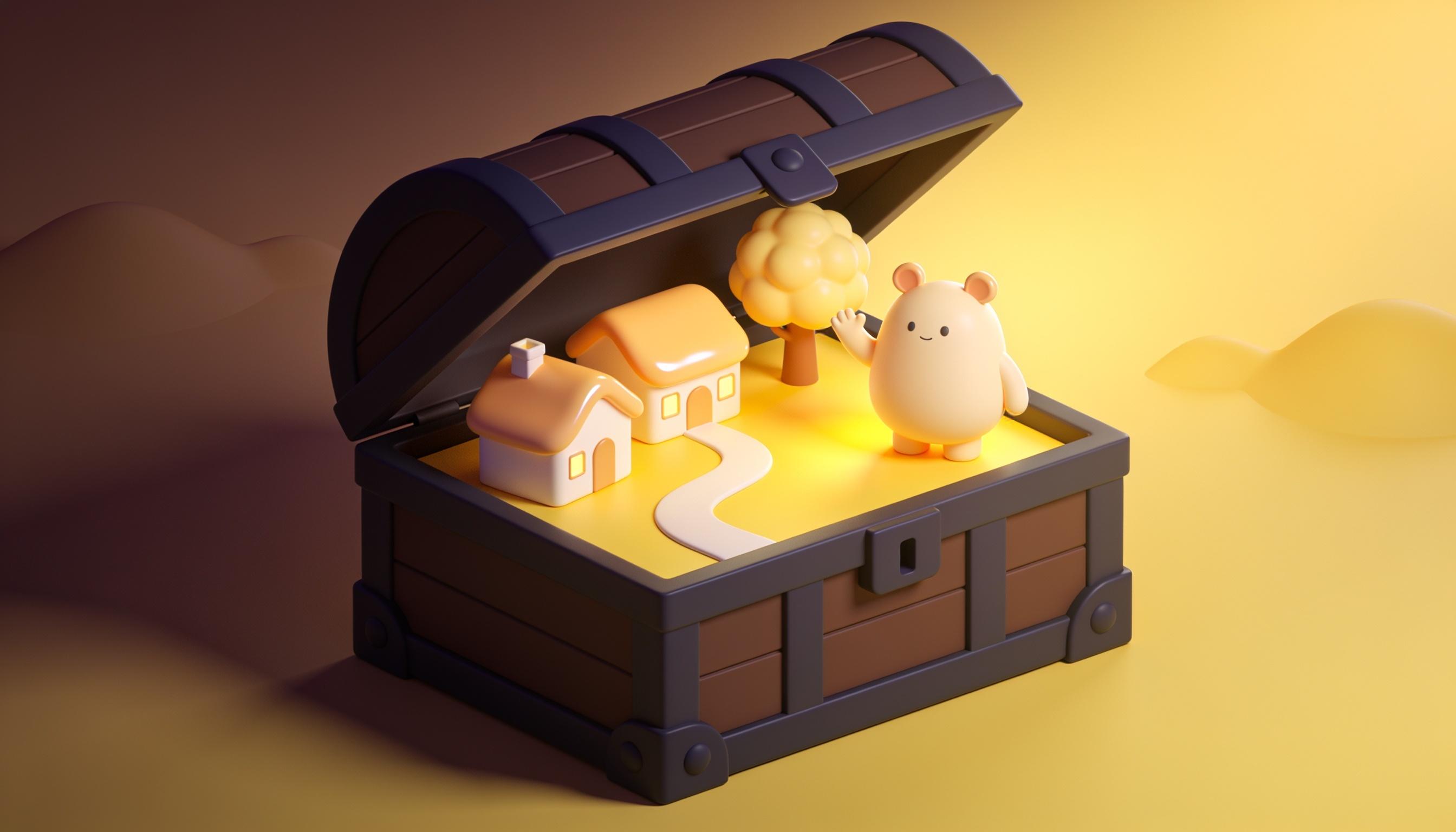
A 3D cartoon AI video is a narrated or dialogue-led story where every scene is an AI-generated image in a soft, rounded, animated-film look: big expressive eyes, warm lighting and toy-like textures. Some scenes are animated with an AI video model, and voiceover, captions and music tie it together.
Why the format works
Instant appeal: the look reads as friendly and premium.
Wide audience: kids and adults both watch animal and moral stories.
No animation skills: you write; the AI draws and voices.
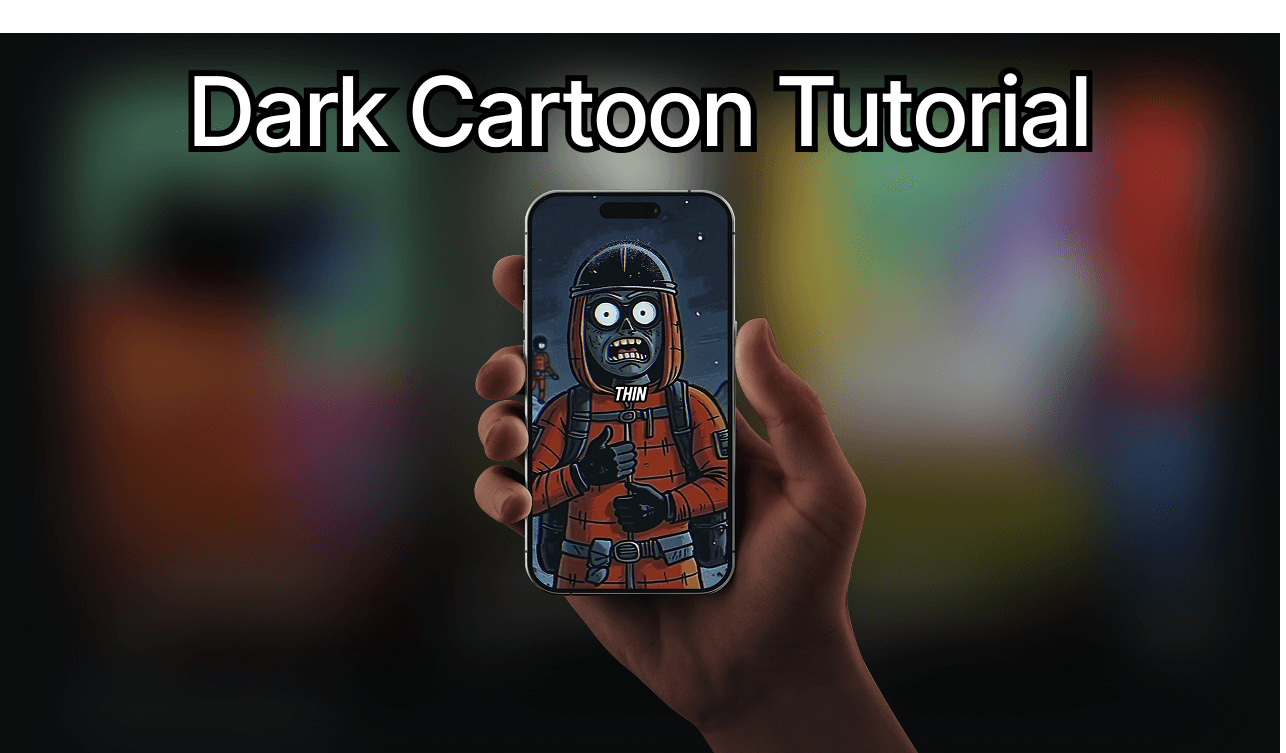
3D cartoon sits at the bright end of AI story videos. For horror or mystery, a darker 2D look fits better; this dark cartoon AI story video tutorial covers that style.
5 Niches That Suit 3D Animated Story Videos
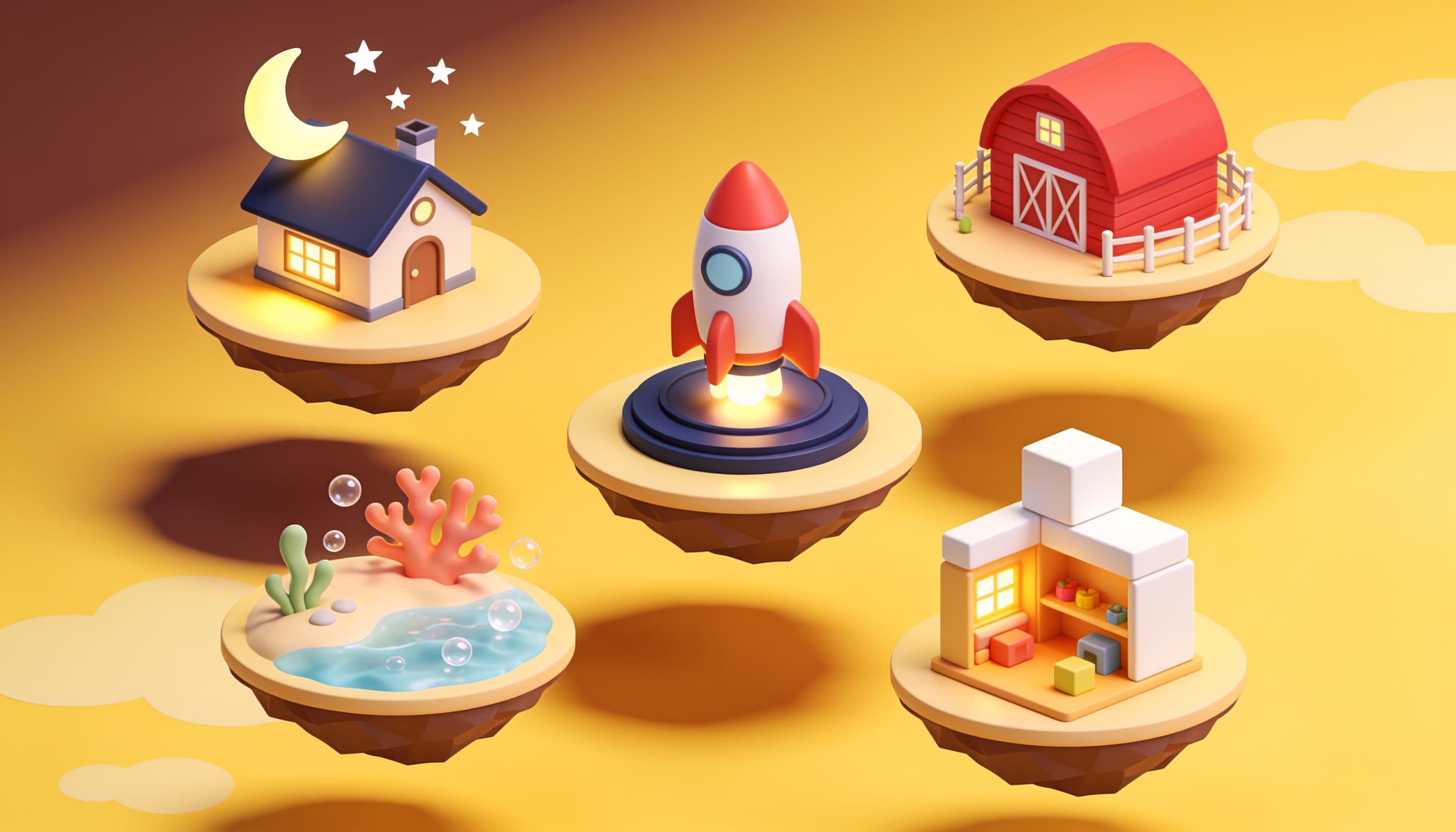
The best niches for 3D animated story videos are ones where warmth and clear emotion carry the story: bedtime and kids stories, animal adventures, moral stories, family drama and simple explainers. Each one has a repeatable structure, so you can build a series instead of one-off uploads.
Niche #1: Kids Bedtime Stories
Calm adventures with a gentle ending, a soft voice and slow pacing.
Niche #2: Animal Stories
A lost puppy or a brave fox with a clear goal.
Niche #3: Moral Stories
Honesty, sharing and patience. Searches like "ai se cartoon video kaise banaye" show strong South Asian demand. Teach through actions, not a closing lecture.
Niche #4: Family Drama
Sibling rivalry or a grandparent's secret. These skew older, so they usually suit the general audience setting.
Niche #5: Simple Explainers
"Why is the sky blue?" told by a curious robot.
Clippie's short on making viral scary cartoon videos shows the same story-first approach in a darker genre.
How to Make 3D Cartoon Videos With AI in Clippie (Step-by-Step)
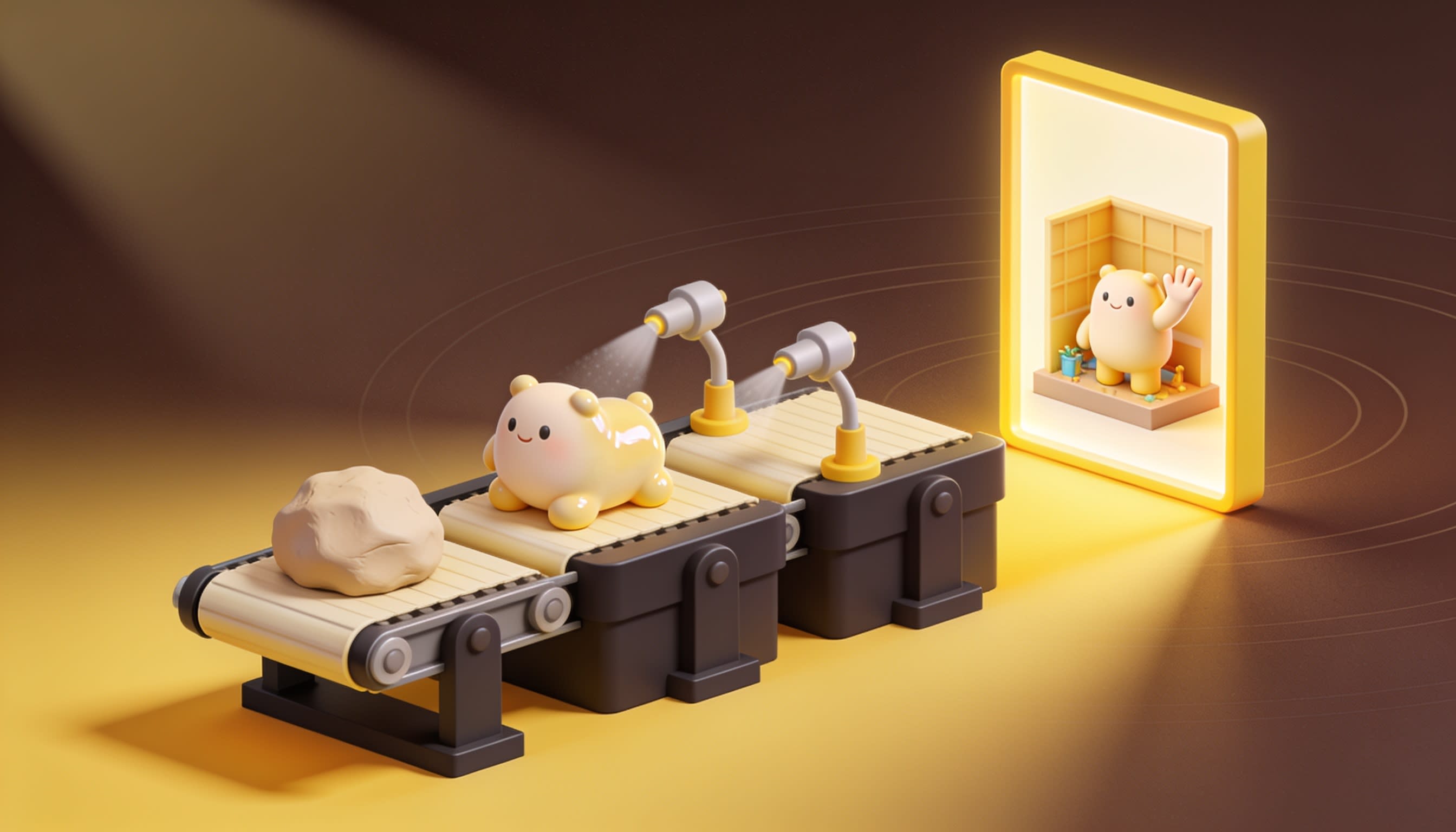
In Clippie, you make a 3D cartoon video inside AI Story: pick a 3D template or the Pixar art style, write or generate the script, define your characters and @mention them, add scene instructions, choose a voice and style, generate the scenes, animate the key moments, then export in 9:16 or 16:9.
Step 1: Open AI Story and Pick a 3D Look
Open AI Story video generation and choose your frame and look before generating:
Pixar 3D (9:16): "Cute animal and kid stories", for Shorts, TikTok and Reels.
3D animated film (16:9): "Family-film storytelling", built on Seedream 5.0 Lite.
Kids cartoon (16:9): "Bright 3D shows for little ones", for long-form episodes.
Or pick the Pixar art style directly, or an image model such as Nano Banana 2.1.
Step 2: Write or Generate the Script
Paste your story, or use the AI script writer, which fits the chosen voice's reading time and shows an estimated runtime. In Clippie's walkthrough you pick a duration (30 seconds to 10 minutes), a theme, a tone and a story idea.
Step 3: Create Your Characters and @Mention Them
Consistency is the hardest part. Define each character once with a name, an appearance and an uploaded or drawn picture.
Write
@Pipwherever Pip appears, so the same fox shows up each scene.Use Keep off screen for a character who is only talked about.
Reuse saved characters with From library; ready-made ones include a cat and a dog.
Step 4: Add Scene Instructions
Scene instructions (up to 2,000 characters) set how all or some scenes look, such as "soft morning light, pastel forest."
Step 5: Choose a Voice and Voice Style
Pick a voice from the 16,000+ library, then a style: Soft for bedtime, Energetic for adventures, Dramatic for family drama. Tags like [whispers] are performed, not read aloud.
Step 6: Generate Scenes and Fix Weak Images
Click Generate Scenes and review each frame. Redo pictures redraws visuals but keeps words, voiceover and timing.
Step 7: Animate the Key Scenes
Animate the hook and the emotional peak with an AI video model. The cost is shown first; quick picks cover the first 10s, 30s, 1 minute or the whole video.
Step 8: Add Captions and Music, Then Export
Choose a caption style (captions in 102+ languages don't use plan minutes), add music and export in 9:16 or 16:9. Clippie's 3D cartoon video walkthrough on YouTube shows this flow in under a minute, using a darker look.
Where it falls short
Clippie is not a timeline editor; precise cuts need a separate editor.
Scenes are stills unless you spend credits animating them.
There is no no-cost tier. Plans start at $19.99 a month, with discounts on longer billing; check the pricing page.

Script Tips for Kids and Family Cartoon Videos
A good kids or family cartoon script has one clear goal, a simple problem, a turning point and a warm ending, told in short sentences a child can follow. YouTube's own quality principles for kids content reward a clear story arc and penalize jumbled plots, so structure matters as much as visuals.
A simple four-beat structure
Beat 1, the want: Pip the fox wants the biggest acorn in the forest.
Beat 2, the problem: a storm hides the path.
Beat 3, the choice: Pip helps a lost bird instead.
Beat 4, the payoff: the bird shows the way, and they share the acorn.
Writing rules that help
Short sentences: one idea per line, one clear picture per scene.
Clear English: many viewers watch in a second language.
Nothing a child could copy: no dangerous pranks or stunts.
YouTube Made for Kids Settings and COPPA Basics
Every YouTube creator must mark each channel or video as made for kids or not, because of COPPA, the US children's privacy law. Animated characters can signal kids content, but YouTube says animation that appeals to everyone can be general audience. Set it honestly; this is not legal advice.
What YouTube says
You must choose: every creator sets the audience, per channel or per video.
Signals of kids content: subject matter, child-focused language, simple songs or stories, and characters that appeal to children, including cartoon figures.
Family-friendly is not automatically made for kids.
What changes for made for kids videos
YouTube turns off personalized ads, comments, the notification bell and save to playlist, among other features, which usually lowers revenue.
Why getting it right matters
In September 2025, Disney agreed to pay $10 million to settle FTC allegations that it labeled kids videos on YouTube as not made for kids. The FTC's updated COPPA Rule compliance deadline passed in April 2026. When in doubt, read YouTube's audience help pages or ask a lawyer.
Pixar Style Is a Look, Not a License
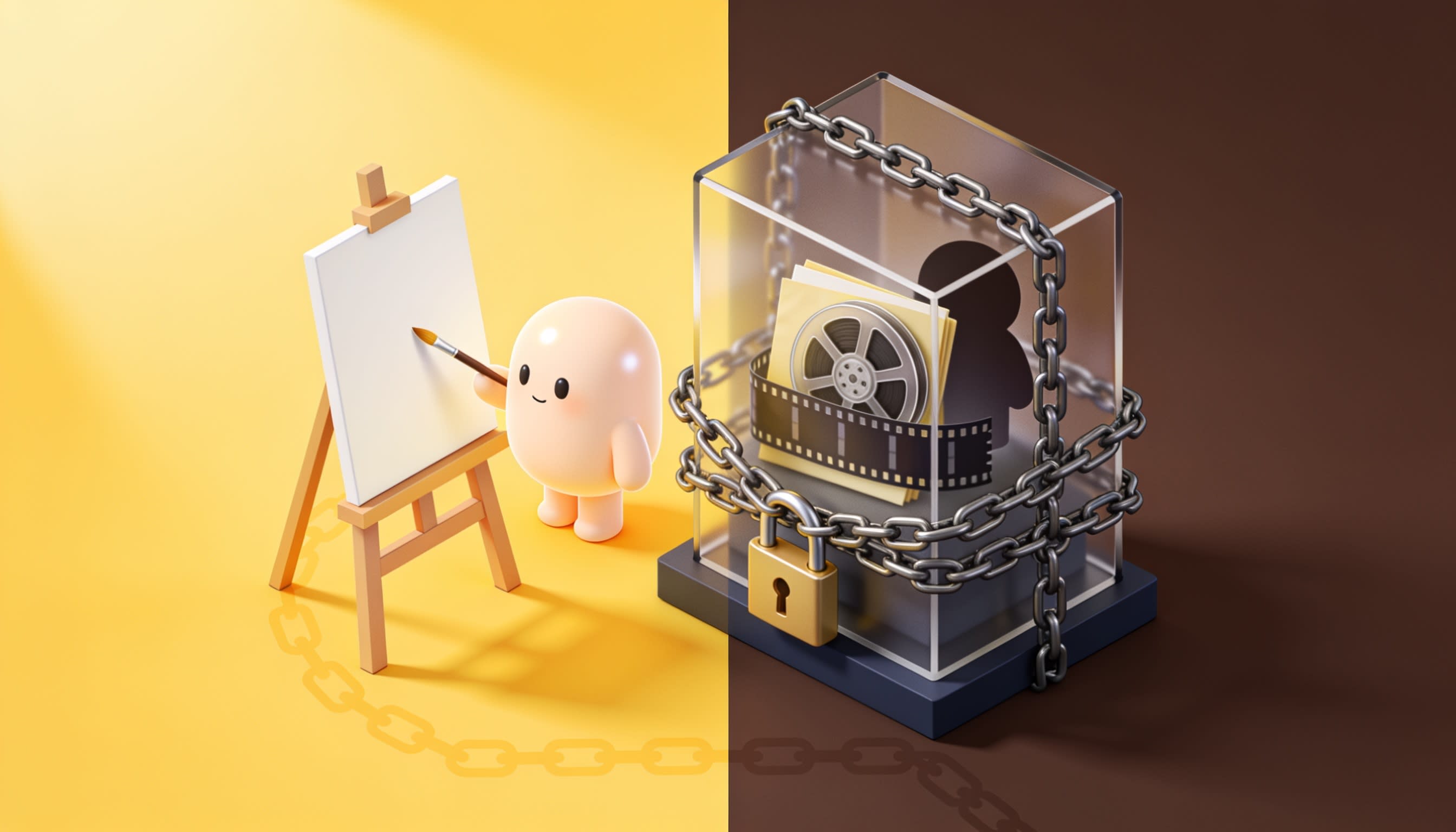
"Pixar style" describes a visual look, not permission to use Pixar's or Disney's characters, names or logos. You can make soft, rounded 3D stories with original characters, but recreating Woody, Elsa or any other studio character, or using their names in titles, invites copyright and trademark trouble.
Why studios care
In June 2025, Disney and Universal sued the AI image company Midjourney, citing AI copies of characters such as Buzz Lightyear and Elsa. Channels that copy studio characters are easy targets for claims.
How to stay on the right side
Invent your own cast: an original fox, a robot, a grandma in a red scarf.
Keep studio names out of titles and tags: "cute 3D animal story" is fine; "new Pixar movie" misleads.
No look-alikes: a cowboy toy with the same hat and catchphrase is still a copy.
Other Ways to Make an AI Cartoon Video
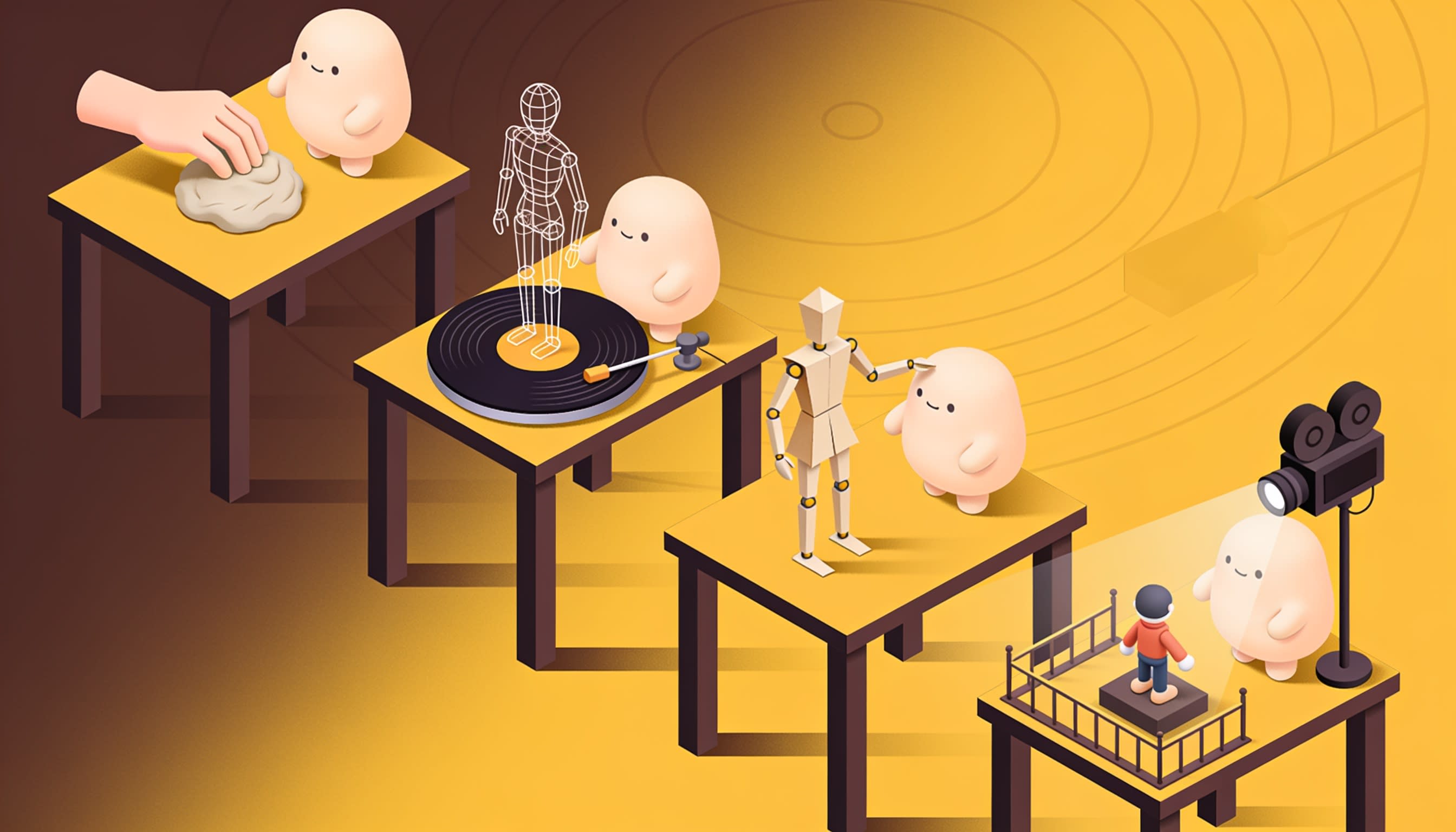
You can also make an AI cartoon video by chaining separate image, video and editing tools, or with another script-to-video platform. Each route trades speed against control, so choose based on whether you want a finished story fast or control over every shot.
Alternative #1: The Multi-Tool Route
Make a character sheet in an image model, animate key frames with an image-to-video model, add a voiceover and assemble in an editor like CapCut.
Better choice when: you want custom camera moves, precise timing or heavy effects.
Where it falls short: many export cycles per episode, and characters drift between tools.
Alternative #2: Dreamina by CapCut
Dreamina offers text-to-video, image-to-video and a cartoon video tool, with models including Seedance 2.5 and Veo 3.1.
Better choice when: you want individual high-motion cinematic clips.
Where it falls short: it is clip-first, so a narrated multi-scene story takes more manual assembly.
Alternative #3: Renderforest
Renderforest turns an idea or script into a cartoon video in styles such as 3D and anime, with AI voiceover. Its free plan covers basic cartoon creation.
Better choice when: you want a branded template video for a business.
Where it falls short: fewer story controls, such as character mentions or voice-acting tags.
Originality and Monetization Rules for 3D Cartoon Channels
3D cartoon channels can be monetized, but YouTube's inauthentic content policy targets mass-produced, repetitive videos, and kids content faces extra quality rules. Original stories, a recurring cast and real variation between episodes are what keep a channel eligible for the YouTube Partner Program.
What YouTube looks for
Inauthentic content: in July 2025, YouTube renamed its repetitious content policy, clarifying it covers mass-produced material.
Kids quality principles: channels with mostly low-quality made for kids content may be suspended from the Partner Program; single weak videos may get limited or no ads.
Disclosure: clearly non-realistic animation needs no AI label on YouTube. Label anything that could pass as real.
Pressure is rising
In April 2026, AP reported that more than 200 groups and experts, led by Fairplay, asked YouTube to restrict AI videos for children. Expect stricter rules. This look at whether AI story videos are still worth making in 2026 explains why original series outlast templated uploads.
Common Mistakes With 3D Cartoon Animation AI
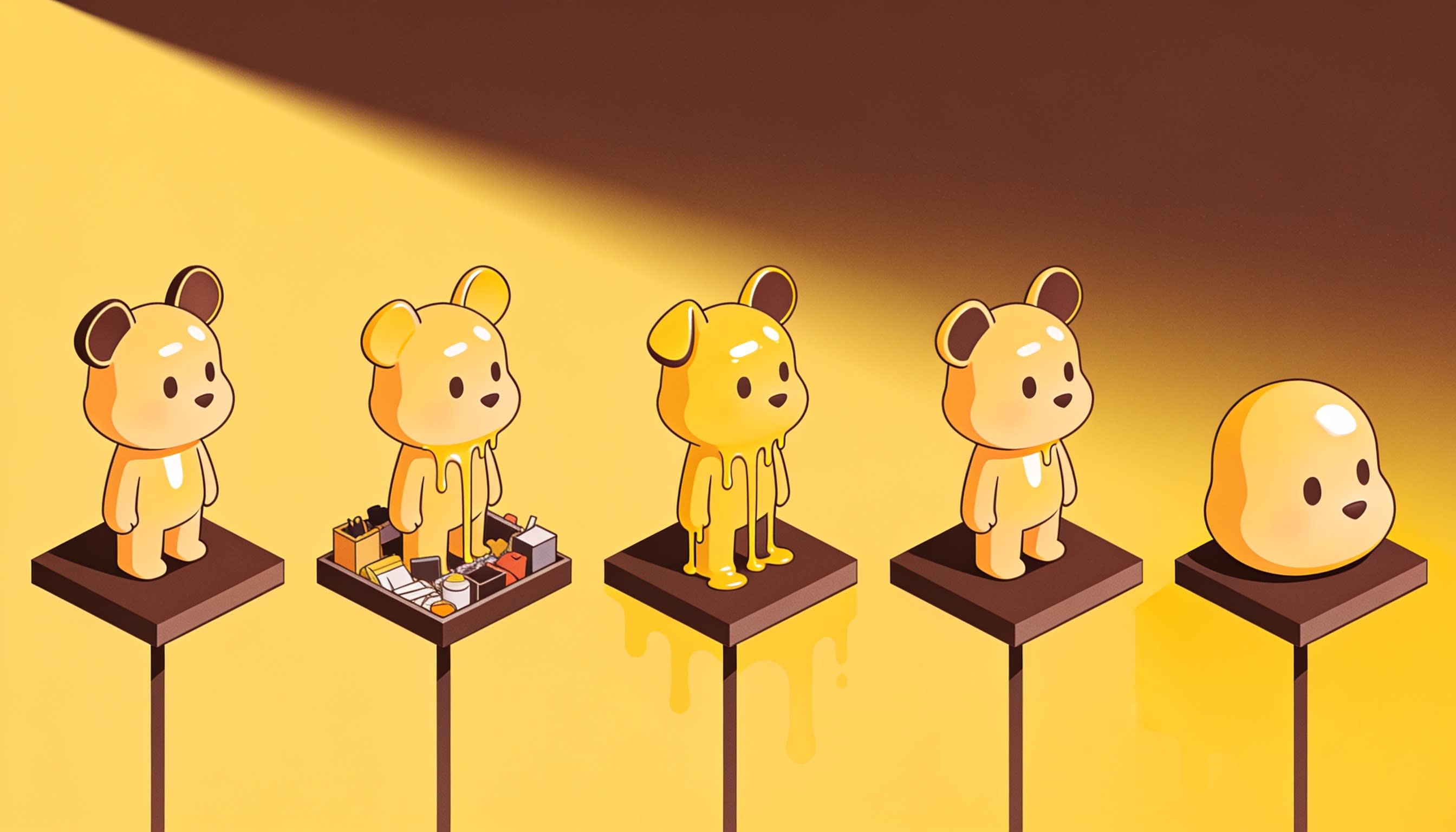
Most 3D cartoon channels fail for the same reasons: copied characters, drifting designs, generic AI scripts, the wrong audience setting and animating everything at once. Each one is easy to avoid with a little planning before you generate.
Mistake #1: Copying Studio Characters
Look-alike studio characters invite claims. Build an original cast.
Mistake #2: Skipping Character Setup
Undefined heroes change face every scene. Define them once and @mention them.
Mistake #3: Publishing Unedited AI Scripts
Rewrite the hook and ending yourself so episodes don't feel mass-produced.
Mistake #4: Setting the Wrong Audience
A toddler story marked general audience, or adult drama marked made for kids, both cause problems.
Mistake #5: Animating Every Scene
Animate the hook and the emotional peak; let stills carry the rest.
FAQs
What is the best AI tool to make 3D cartoon videos?
It depends on your goal. For narrated stories with consistent characters, an all-in-one AI story tool with 3D templates is fastest. For single cinematic clips, a video model platform such as Dreamina gives more motion. For full control, chain an image model, an image-to-video model and an editor such as CapCut.
Can I make 3D cartoon videos with AI for free?
Some third-party tools, such as Renderforest's free plan or Dreamina's starter offers, let you test AI cartoon video at no cost, usually with limits on quality, length or watermarks. Clippie is a paid tool. Its plans start at $19.99 a month, with discounts on longer billing, so check the pricing page first.
Can I call my video a "Pixar style AI video"?
You can describe a look, but avoid implying any link to Pixar or Disney. Don't use their characters, logos or movie names in your title, thumbnail or tags. Phrases like "3D animated story" or "cute 3D cartoon" describe the style without suggesting the studio made or endorsed your video.
Should I mark my 3D cartoon video as made for kids?
Only if children are the main audience. YouTube looks at subject matter, language, songs and stories, and characters that appeal to children. Animation that appeals to everyone can be general audience. Made for kids videos lose personalized ads and comments, so decide honestly per video and check YouTube's audience help pages.
Ai cartoon video kaise banaye (how do I make an AI cartoon video)?
The steps are the same in any language. Pick a cartoon look, write a short story with one clear lesson, define your characters, choose a voice in your language, generate the scenes and export. Write the script in simple sentences, and add captions in your viewers' languages to reach a wider audience.
How long should a 3D animated story video be?
For Shorts, aim for 45 to 60 seconds with one clear moment. For long-form kids or moral stories, three to ten minutes works well, as long as the story has a clear beginning, problem and ending. Start shorter, check where viewers drop off, then stretch episodes once your cast is familiar.
What to Do Next
Pick one niche: animal, moral or bedtime stories.
Create two original characters: each with a name, look and voice.
Write three four-beat scripts: different problems, same cast.
Build episode one: choose a 3D template, @mention your cast and animate only the hook and payoff.
Set the audience honestly for each video before you publish.
Try it in Clippie
Make a 3D animated video
Pick a 3D look, write or generate a story, and Clippie draws, animates and narrates every scene.
Make a 3D video