
Recast anyone in any video.
Pick a clip, add a photo of each new person, and Recast swaps them in. Same scene, same moves, same camera, same sound.
- Creators1,000,000+ and counting
- TemplatesOver 400 clips
- Output720p or 1080p
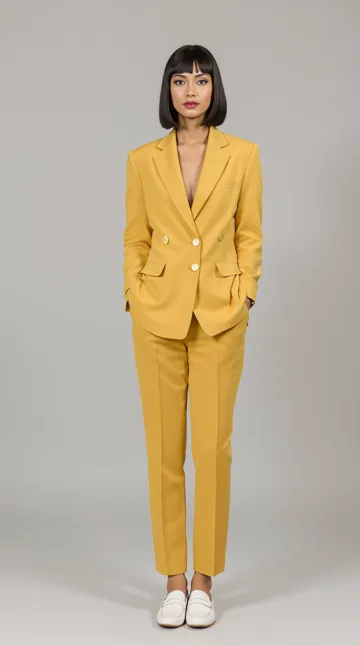
One clip and one photo in. The same strut, the same hallway, a new person.
How to recast someone in a video.
- 1
Open Recast in AI Studio
Go to AI Studio, open the Motion tab and pick Clippie Recast. It is the default model there.
- 2
Choose the video
Upload a clip between 5 and 30 seconds, or tap a trending template. Keep each shot under 15 seconds.
- 3
Add a photo for each person
One clear photo per person you want to swap in, up to 4, matched to the people in the video from left to right.
- 4
Pick 720p or 1080p and generate
The result comes back as long as your clip, in its shape, with the original sound. Download it or add captions in Clippie.
Trending Recasts. Tap one to start.
Each one opens AI Studio with the clip loaded. Add your photos and generate.
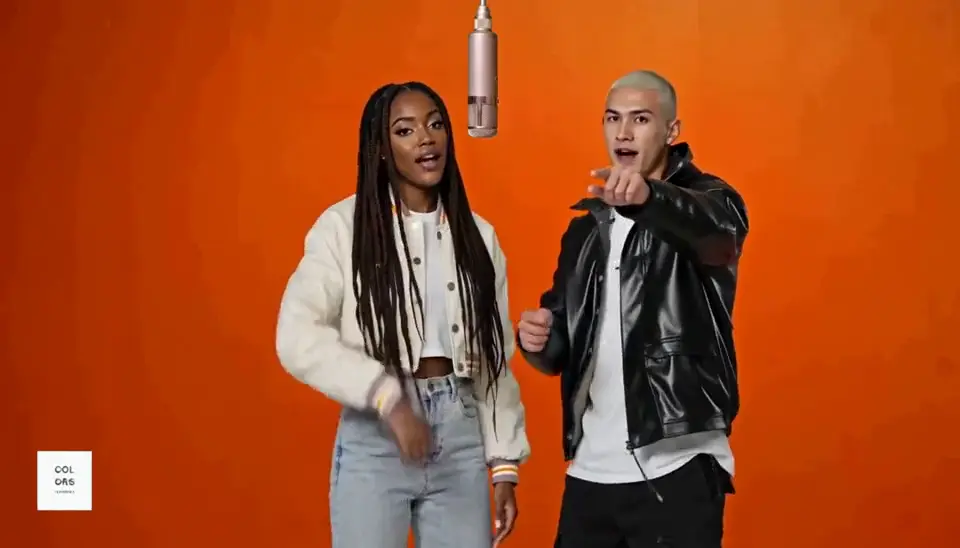 How-toHotel lobby trendStep into the Quavo and Takeoff performance with a friend. Full how-to.
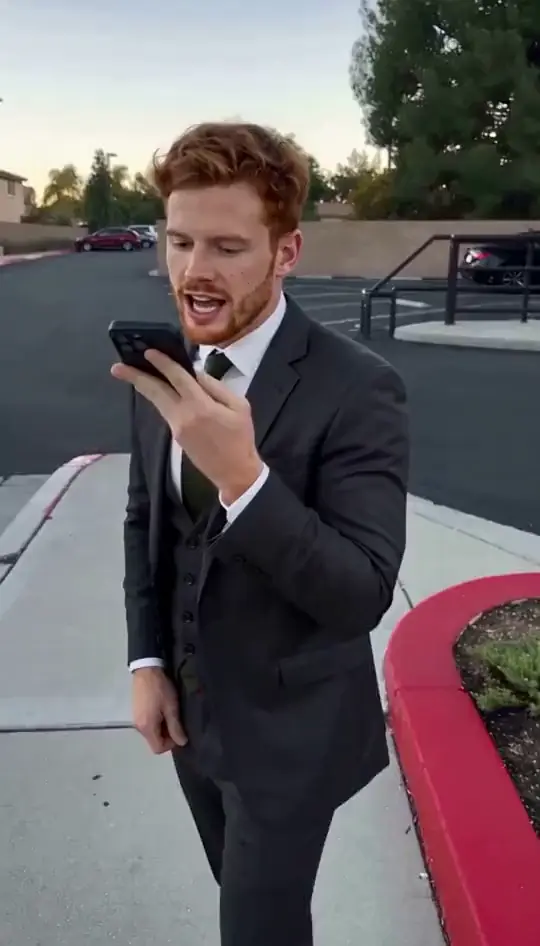 How-toHey Chat trendBe the one talking to ChatGPT on speakerphone. Full how-to.
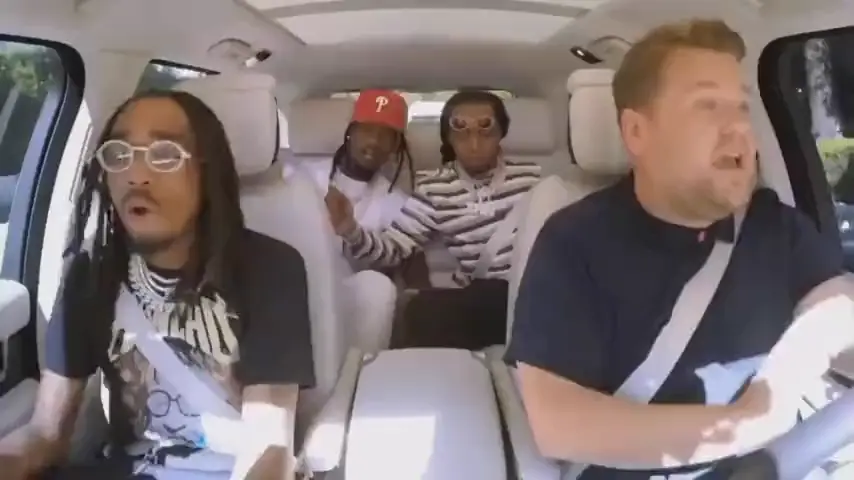 Carpool KaraokeRecast template
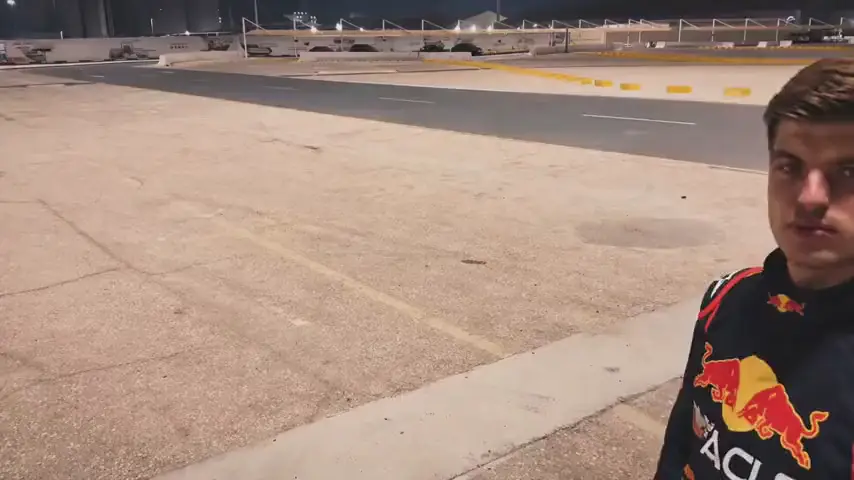 Car Swap TransitionRecast template
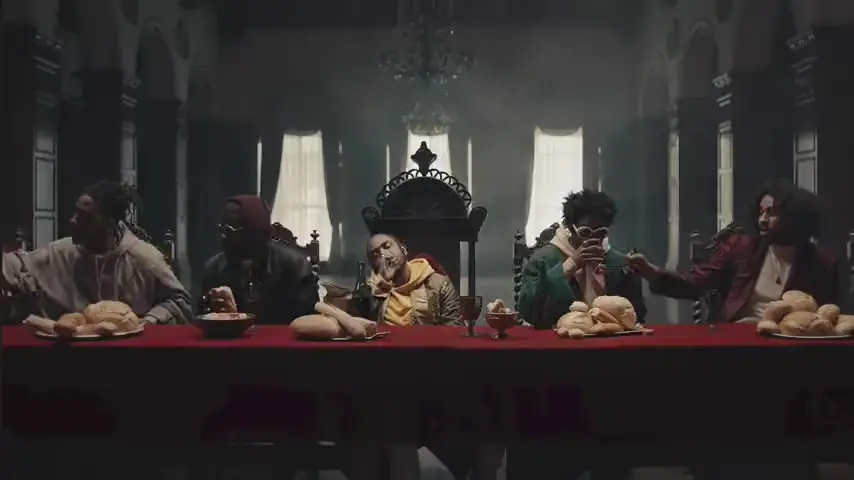 Royal BanquetRecast template
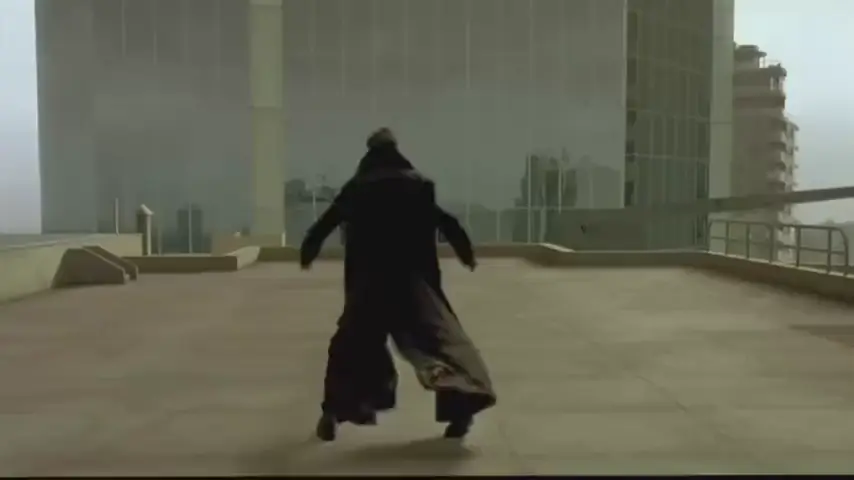 Rooftop Bullet DodgeRecast template
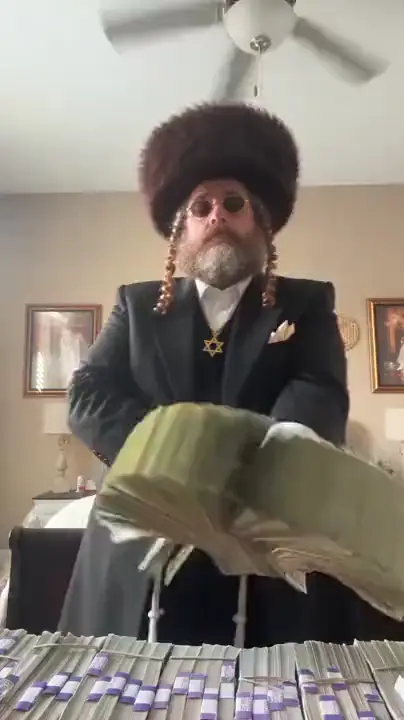 Money SpreadRecast template
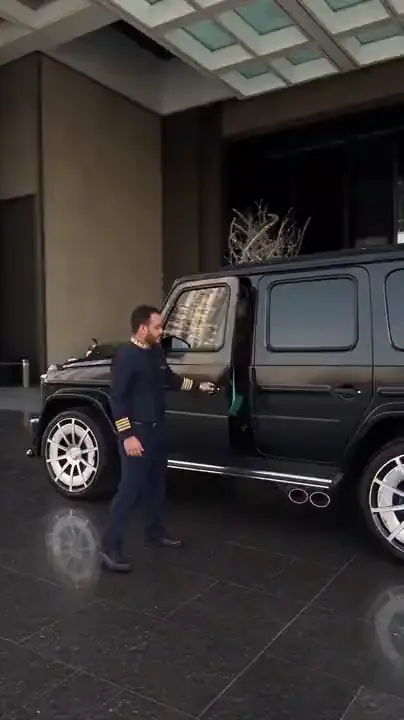 Valet ArrivalRecast template
Same scene. New star.
Keeps the whole scene
Background, lighting, camera moves and cuts stay as they were. Only the people change.
Up to 4 people
Swap a duo, a trio or a whole group in one go, one photo each, left to right.
Original sound
The song, the dialogue and the timing come through untouched, so it still lines up.
5 to 30 seconds
Long enough for a full trend, a chorus or a movie scene. The result is as long as your clip.
720p or 1080p
Test at 720p, then render the keeper at 1080p for TikTok, Reels and Shorts.
Over 400 templates
Dances, music videos, memes and movie scenes, in vertical and widescreen.
Frequently asked questions.
What is Clippie Recast?
An AI model in Clippie AI Studio that replaces the people in a video with people from your photos. The scene, motion, camera, cuts and sound stay the same, so the result looks like the original clip with a new cast.
How do I replace a person in a video?
Open AI Studio, choose Clippie Recast on the Motion tab, upload your clip or pick a template, add one photo of the new person, and generate. Recast swaps them in and keeps everything else.
How long can the video be?
Between 5 and 30 seconds, with no single shot longer than 15 seconds. The result is the same length as the clip.
Can I recast more than one person?
Yes, up to 4. Add one photo per person in the order they appear in the video, from left to right.
What photo works best?
A clear, well-lit photo with the face visible, ideally showing the outfit you want. Full-body photos work best for dances and walking shots.
How is Recast different from Genjutsu Motion Transfer?
Both put your people into a clip. Recast keeps the original scene, camera and sound exactly and is made for realistic swaps of up to 4 people. Genjutsu Motion Transfer handles up to 8 people and starts at 480p, which suits big group dances and quick tests.
How much does Clippie Recast cost?
Recast is priced per second of video, and 1080p costs more than 720p. You see the price before you generate. Every paid plan includes AI Studio credits: 300 on Lite, 1,000 on Creator and 2,000 on Pro, and you can top up any time.
Can I use someone else’s face?
Use your own face, a character you made, or someone who has given you permission. Do not put real people into videos without their consent, and use the platform’s AI label when you post realistic AI content.

