
Your AI influencer, in every trend.
Design a character once, then put them into the dances and memes that are trending this week. Same moves, same timing, your influencer.
- Creators1,000,000+ and counting
- Views generatedOver 5 billion
- MonetizationCopyright safe
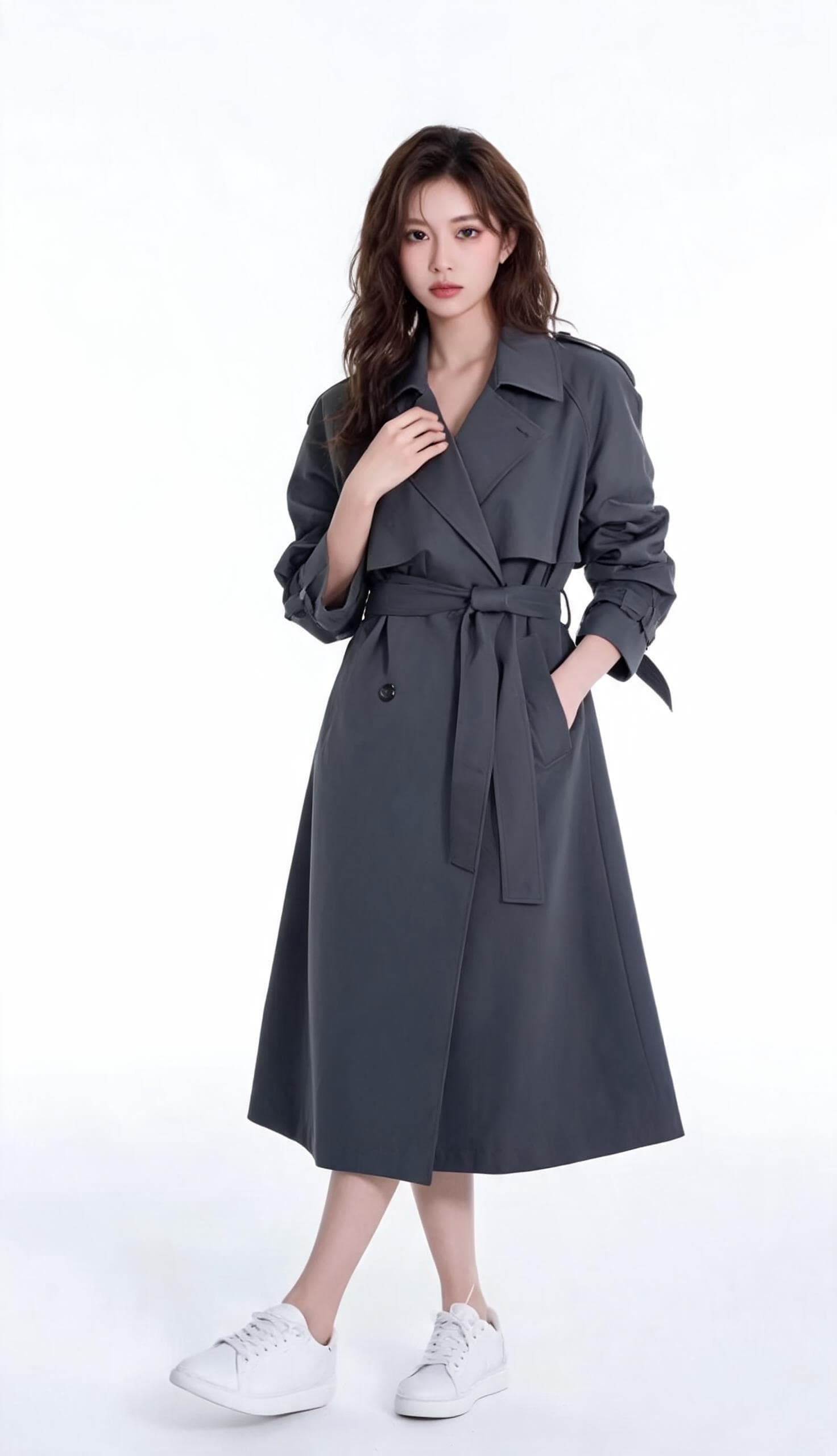 Your influencerPhotos from AI Studio or your own
- TrendPick from the template library
- ModelClippie Recast or Genjutsu Motion Transfer
Pick a trend below and AI Studio opens with it loaded.
Create once. Post every day.
- 1
Create your influencer
Generate a character with Nano Banana or Seedream in AI Studio, or use photos you have the rights to. Keep the best ones as your reference set.
- 2
Pick a trend
Choose a dance, meme or skit from the template library, or upload any clip you want to recreate.
- 3
Generate and post
Motion transfer puts your influencer into the clip with the same moves. Download it, caption it and post.
Trending right now. Tap one to start.
Each template opens AI Studio with the move loaded. Add your influencer and generate.
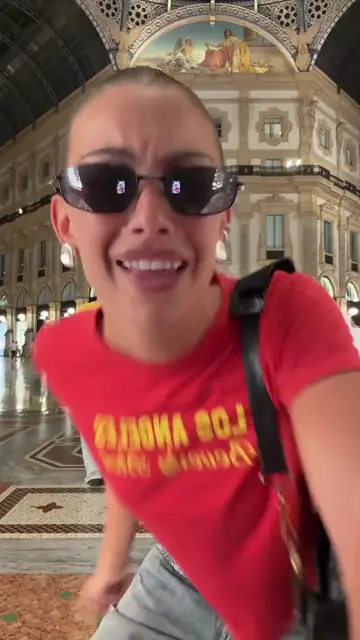 Viral Dance TrendMotion transfer template
 Platform GrooveMotion transfer template
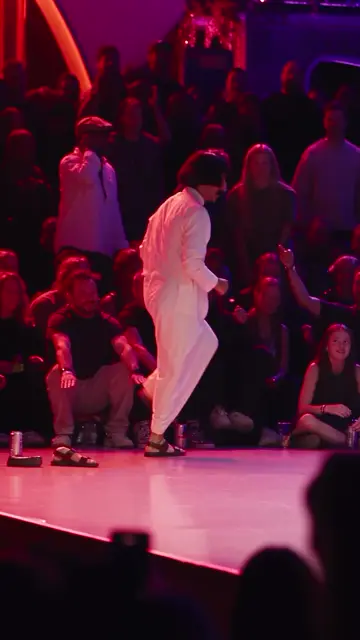 Stage Dance TrendMotion transfer template
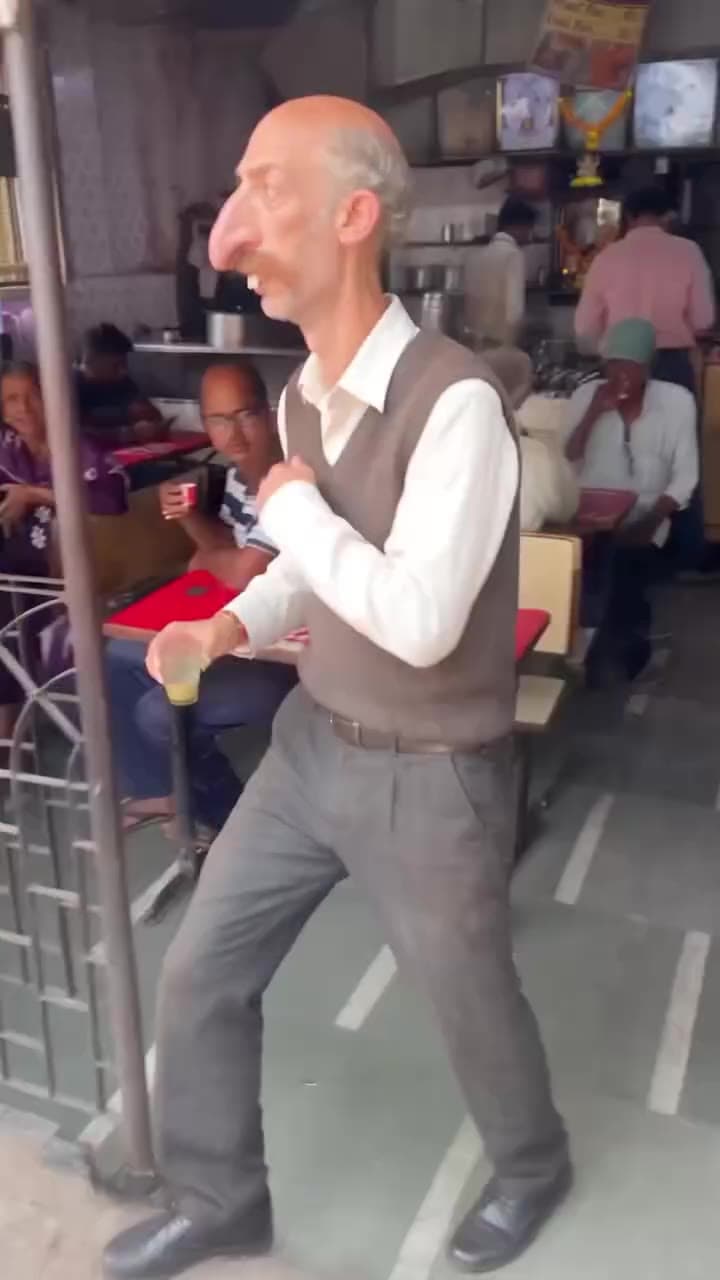 Diner DanceMotion transfer template
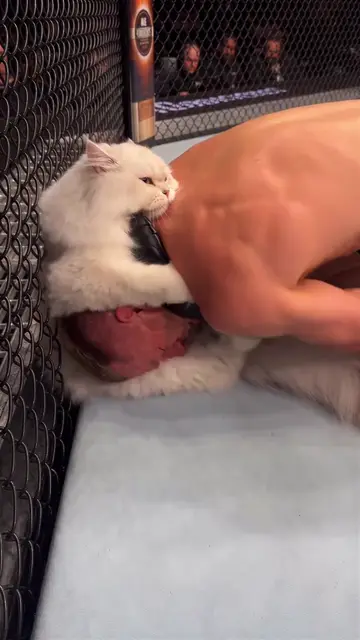 UFC Cat SubmissionMotion transfer template
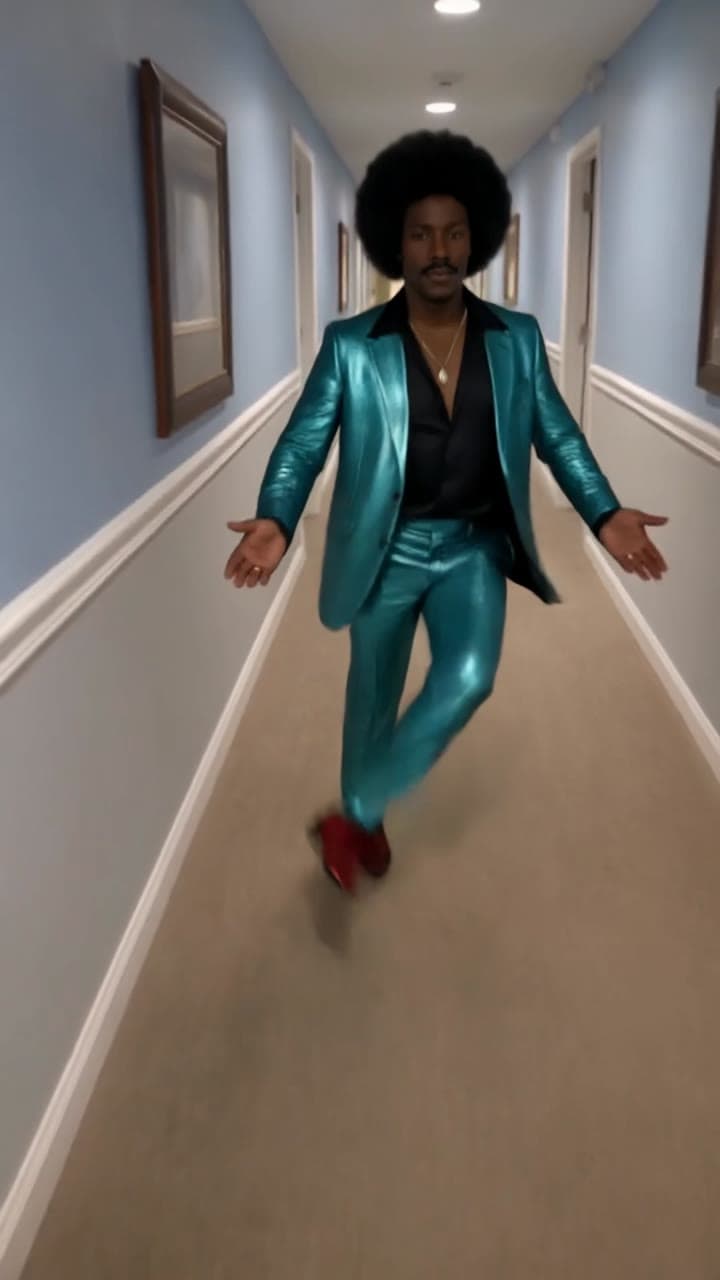 Hallway StrutMotion transfer template
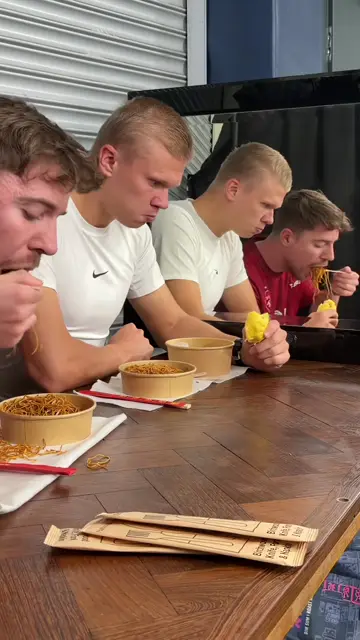 Haaland Eating MemeMotion transfer template
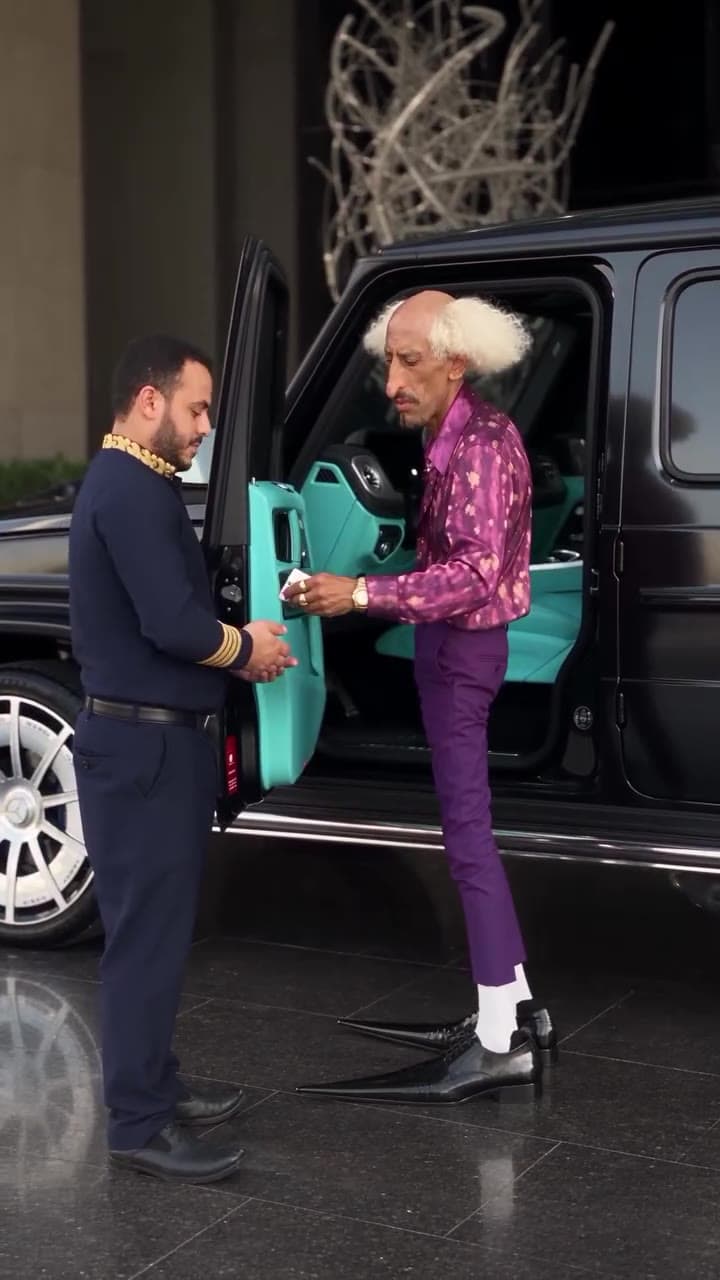 Valet ArrivalMotion transfer template
Everything an AI influencer needs. In one place.
A consistent face
Nano Banana 2.1 takes up to 14 reference images, so new photos of your character stay on model.
Trending moves
A template library of dances and memes, kept fresh as new trends take off.
Two motion models
Recast for realistic swaps with the original sound, Genjutsu for big group clips.
Vertical by default
Results keep the shape of the trend clip, ready for TikTok, Reels and Shorts.
Captions and voice
Drop the clip into a Clippie template to add animated captions or a voiceover.
Restyle the whole look
Turn a clip into anime, 3D or pixel art with Genjutsu Restyle for a different series.
Frequently asked questions.
What is an AI influencer?
A virtual creator: a character made with AI that posts videos and photos like a real influencer. Clippie gives you the image models to design one and the motion models to put them in trending videos.
How do I keep my AI influencer’s face consistent?
Pick a small set of your best character images and reuse them. Nano Banana 2.1 accepts up to 14 reference images for new photos, and motion transfer uses your photos for every video.
Which trends can I use?
Anything in the template library, which is updated as new trends appear, or any clip you upload. Genjutsu works with clips from 4 to 30 seconds.
Do I need to label AI influencer content?
TikTok, Instagram and YouTube ask creators to label realistic AI-generated content. Turn on the platform’s AI label when you post, and never pass a real person off as your character.
Can I use a real person as my influencer?
Use your own face, a character you made, or someone who has given you permission. Do not put real people into videos without their consent, and use the platform’s AI label when you post realistic AI content.
Keep exploring

