
The AI video generator with every model in one studio.
Type a prompt, start from a photo, or copy the moves from any clip. Seedance, Veo, Recast and Genjutsu side by side, with credits included in every plan.
- Creators1,000,000+ and counting
- Views generatedOver 5 billion
- MonetizationCopyright safe
Every clip is labelled with the model that made it.
Three steps. No editing skills.
- 1
Pick what you want to make
Create a video from a prompt or a photo, copy a move onto your own character, or edit a clip you already have.
- 2
Choose a model
Each model shows what it is good at and what it costs before you generate. Switch between them any time.
- 3
Generate and use it anywhere
Download the clip, or use it as footage in any Clippie template with captions and a voiceover.
Start with a model. Or a use case.
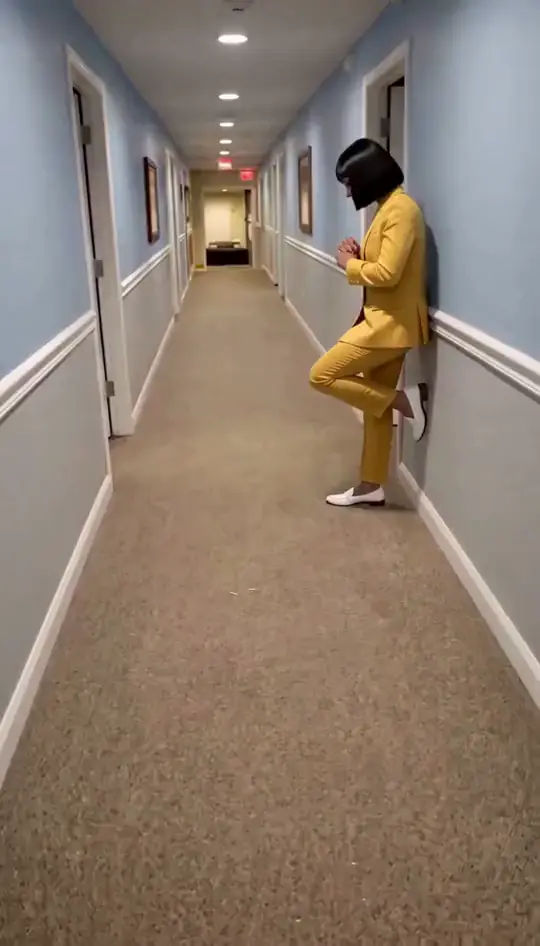 Clippie RecastClippie Recast swaps the people in a 5 to 30 second video for people from your photos, keeping the scene, moves, camera and sound, for up to 4 people at 720p or 1080p.
 Genjutsu Motion TransferGenjutsu Motion Transfer replaces the people in a 4 to 30 second clip with your own characters, keeping the original moves, framing and length, in 480p, 720p or 1080p.
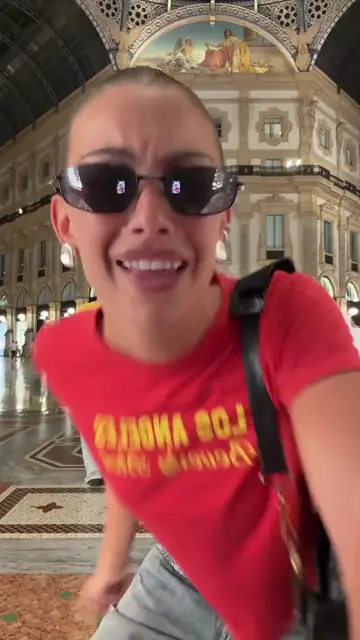 AI Influencer GeneratorMake AI influencer videos by putting a consistent AI character into trending dances, memes and skits with Clippie Recast and Genjutsu Motion Transfer.
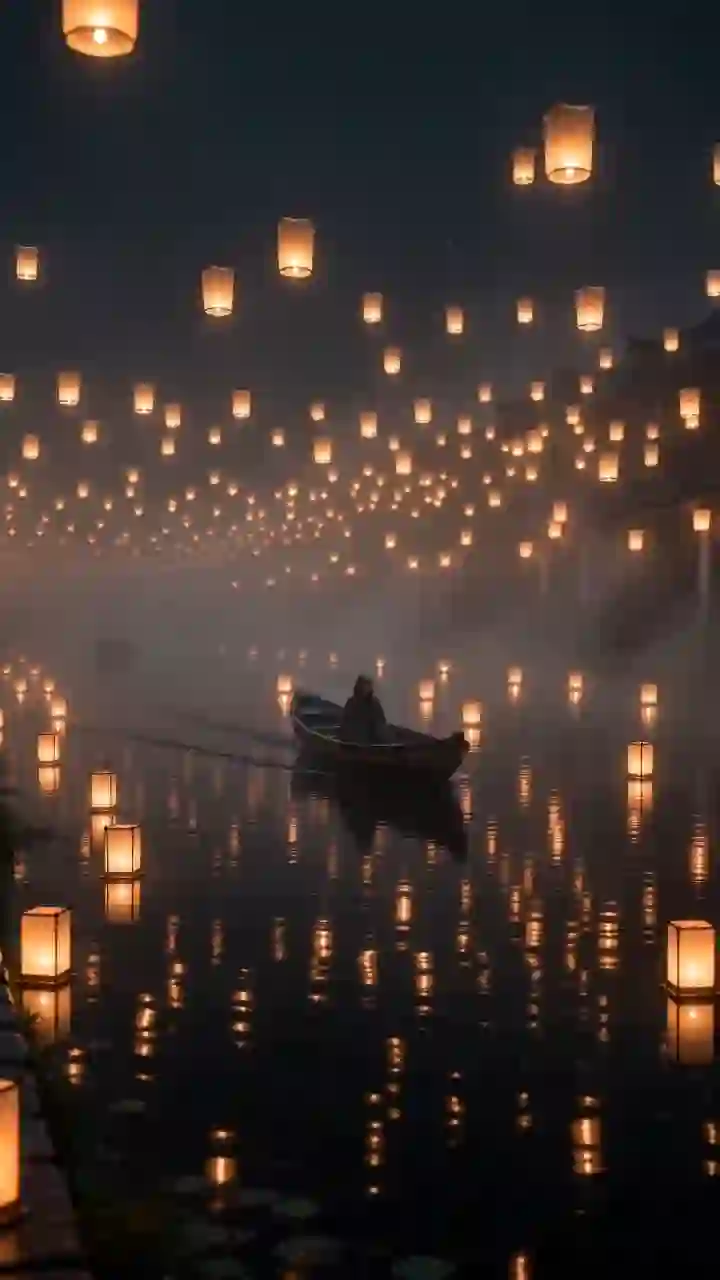 Seedance AI VideoSeedance is ByteDance’s family of AI video models. Clippie has Seedance 2.5 (up to 30 seconds and 50 references), Seedance 2.0 with native audio, and the Fast, Mini, 1.5 Pro and 1.0 Pro versions.
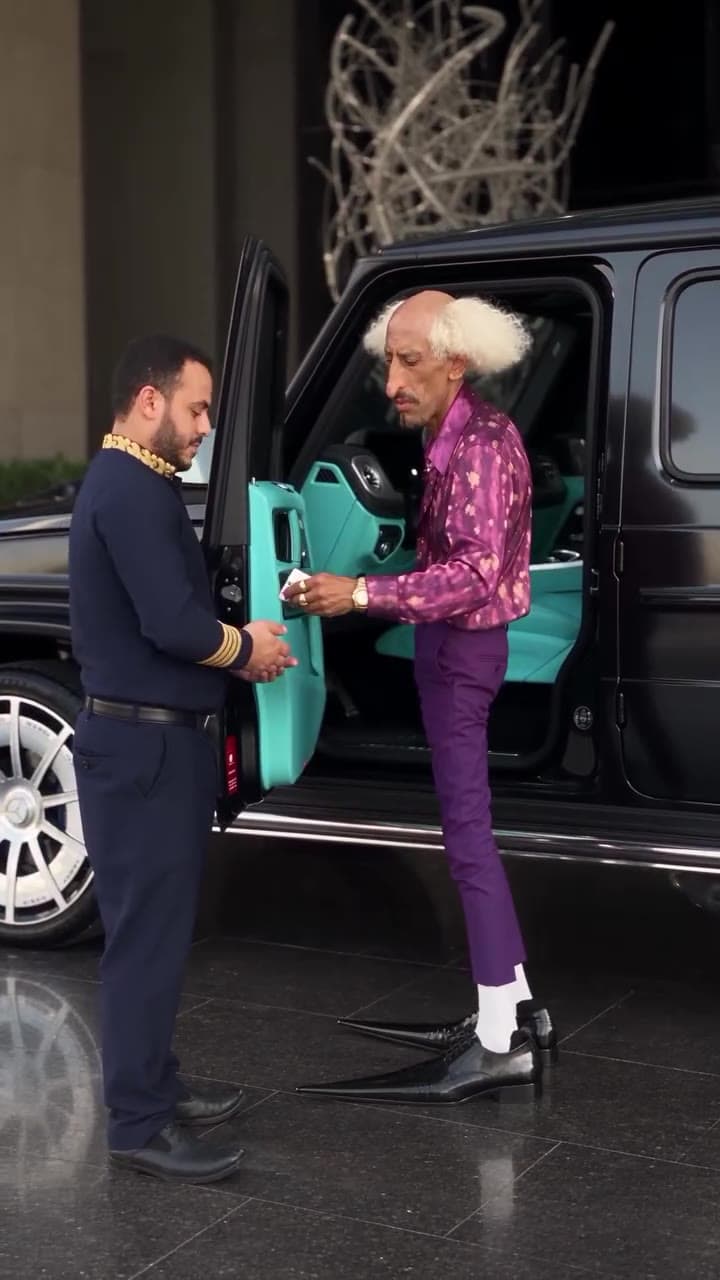 Genjutsu Object SwapGenjutsu Object Swap replaces a person or object in an existing video with one from your images, guided by a short description of the change.
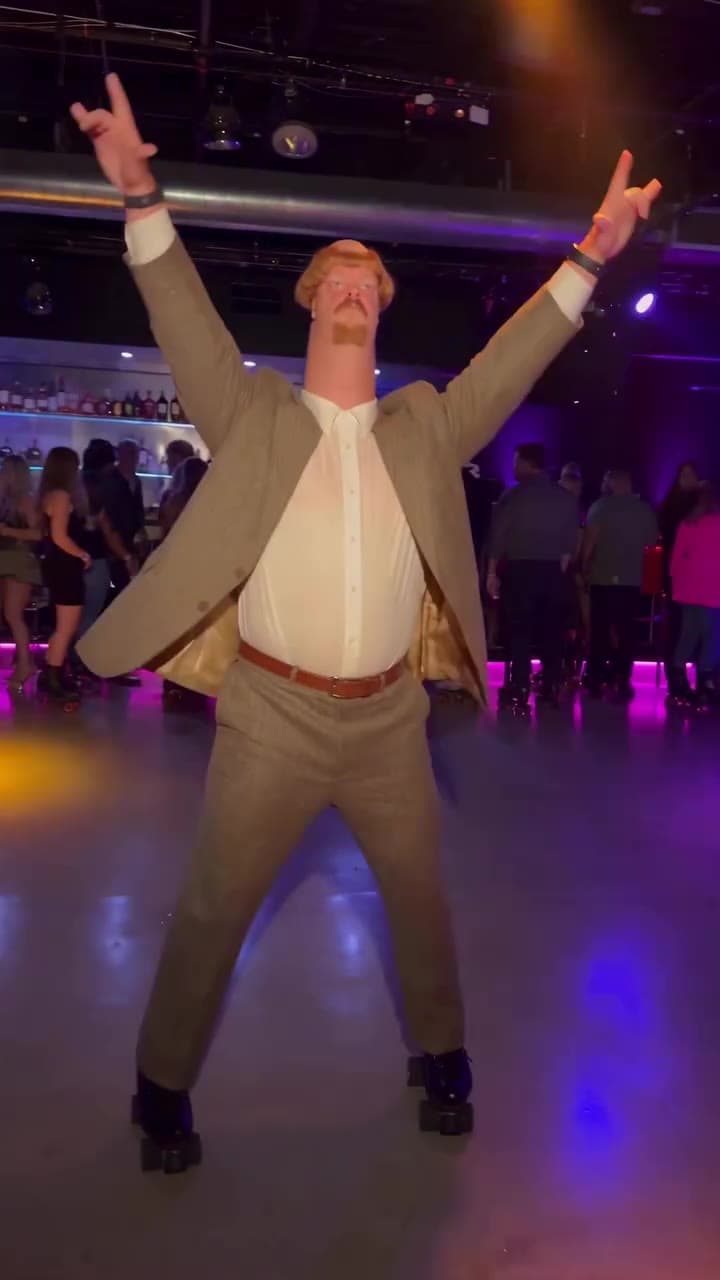 AI Video RestyleGenjutsu Restyle redraws an existing video in a new style such as anime, 3D, pixel art or stop motion, with optional character images to keep people on model.
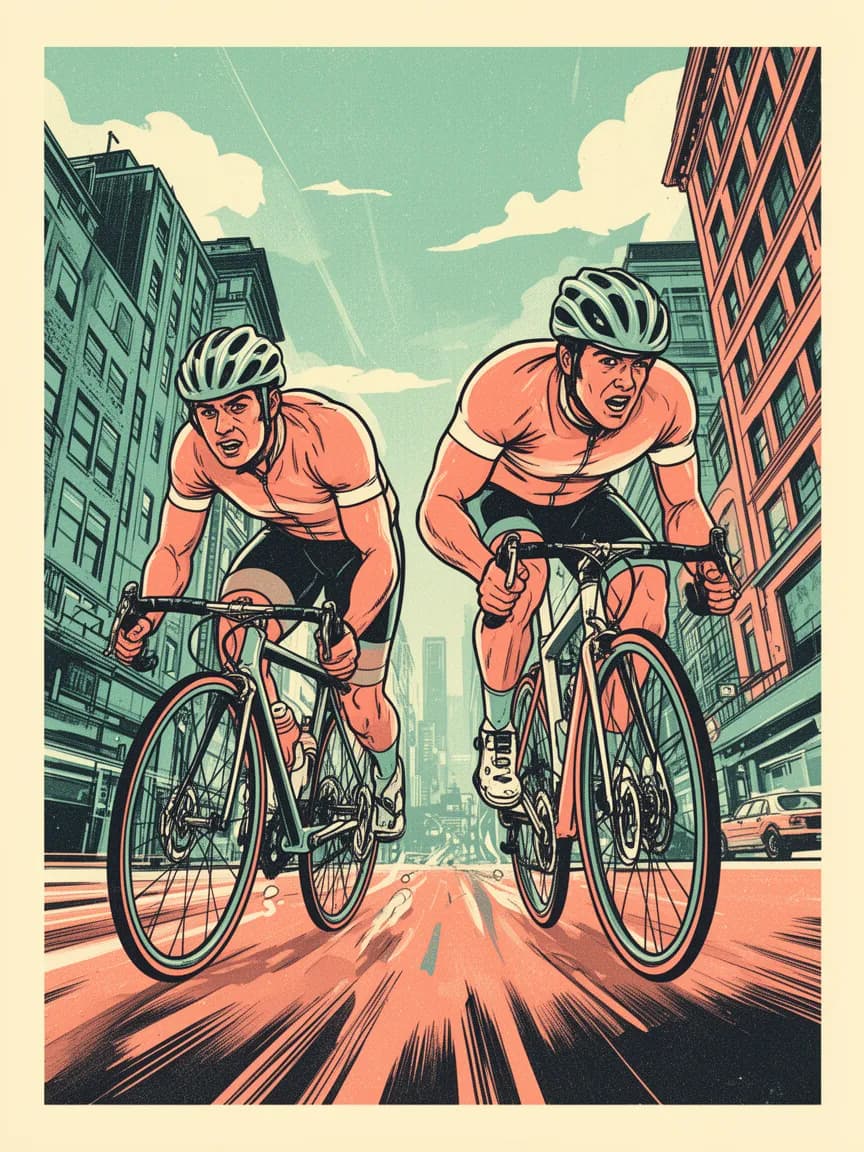 AI Image GeneratorClippie’s AI image generator has Nano Banana, Nano Banana 2.1 and Pro, Flux 2 and Seedream 5.0 for text-to-image and image editing with up to 14 reference images and 4K output.
One studio. Every model worth using.
Text and image to video
Seedance 2.5, Seedance 2.0 and Veo 3.1 from a prompt, a start and end frame, or a set of reference images.
Motion control
Clippie Recast and Genjutsu Motion Transfer put your character into a dance, a walk or a meme.
Video editing
Genjutsu Object Swap replaces a person or object in a clip. Genjutsu Restyle redraws it as anime, 3D or pixel art.
Sound included
Seedance 2.0 and Veo generate audio together with the picture, so clips arrive with sound.
Image models too
Nano Banana, Flux 2 and Seedream for thumbnails, characters and start frames.
Upscale to 4K
The Topaz upscaler sharpens images up to 6x and videos up to 4K at 60fps.
Frequently asked questions.
Which AI video models does Clippie have?
Seedance 2.5, 2.0, 2.0 Fast, 2.0 Mini, 1.5 Pro and 1.0 Pro, Veo 3.1 and Veo 3 with their Fast versions, Clippie Recast, and Genjutsu Motion Transfer, Object Swap and Restyle. The Explore page shows every model with samples and prices.
Is the AI video generator free?
You can open AI Studio and set up a generation without an account. Generating uses AI credits. Every paid plan includes AI Studio credits: 300 on Lite, 1,000 on Creator and 2,000 on Pro, and you can top up any time.
How many credits does a video cost?
It depends on the model, the length and the resolution. Every model shows its price before you generate, from a few credits for a short Seedance 1.0 Pro Fast clip to a few hundred for a long 1080p generation.
Can I make vertical videos for TikTok and Reels?
Yes. Veo and Seedance make vertical 9:16 and landscape 16:9 clips, and the motion and editing models keep the shape of the video you give them.
Can I use AI Studio clips in my Clippie videos?
Yes. Everything you generate is saved to your assets, so you can download it or drop it into any Clippie template as footage.

