
An AI image generator with the best models side by side.
Generate from a prompt, edit with up to 14 reference images, and export in 4K. Then use your images in videos, thumbnails and motion transfer.
- Creators1,000,000+ and counting
- Views generatedOver 5 billion
- MonetizationCopyright safe
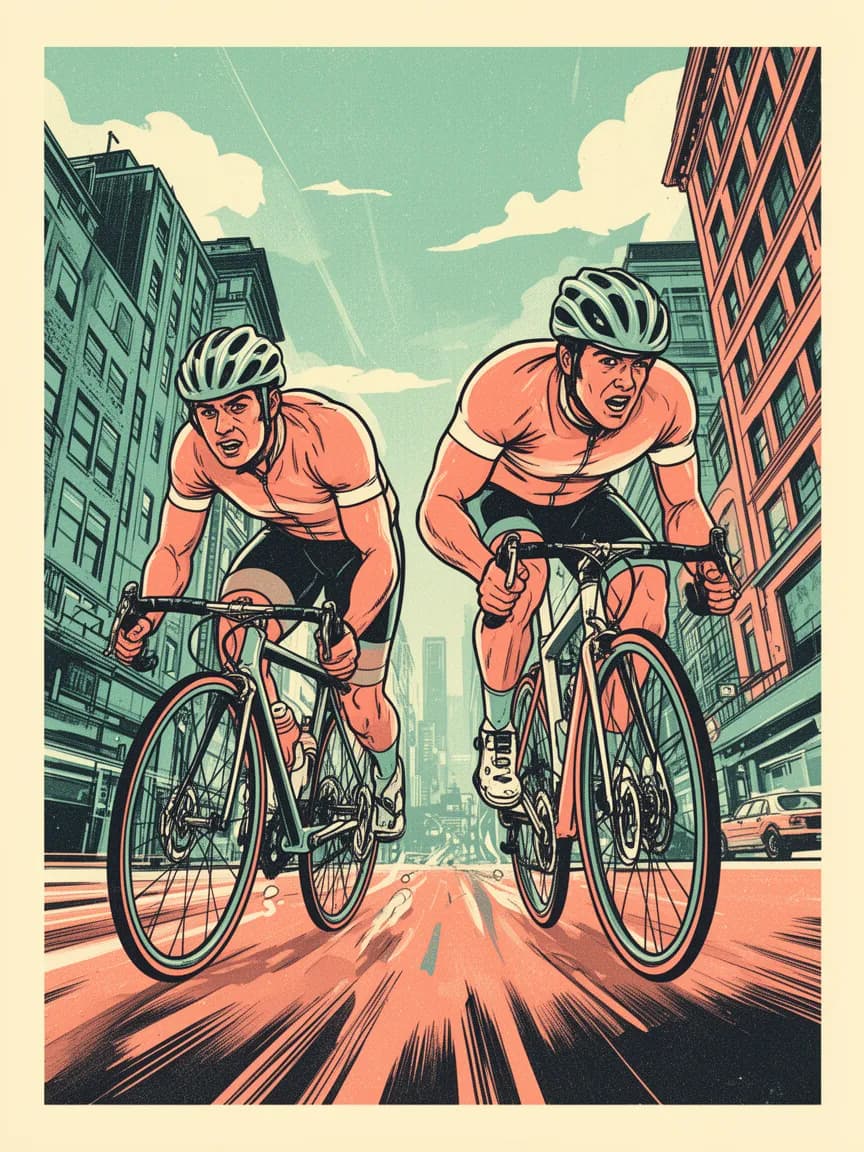
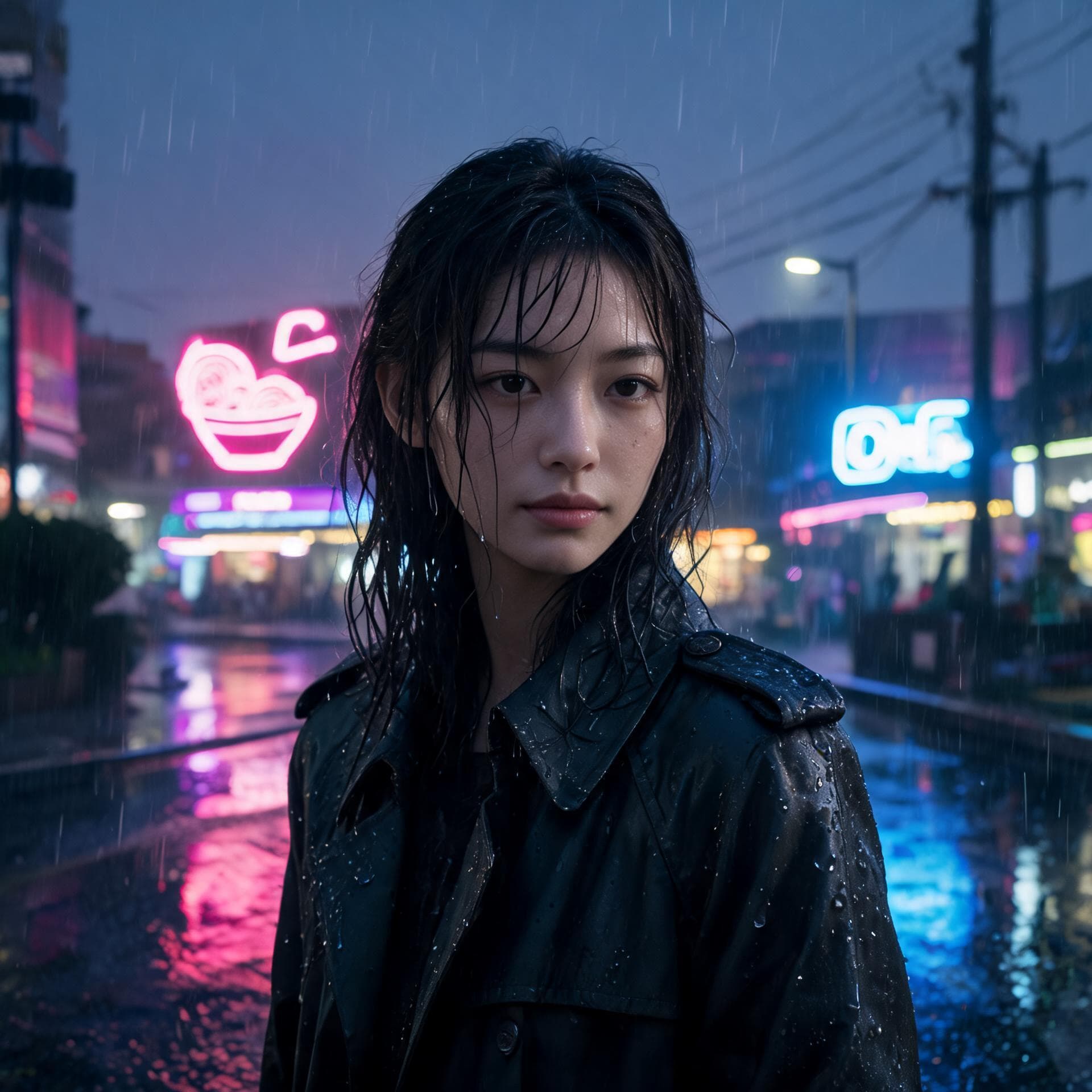
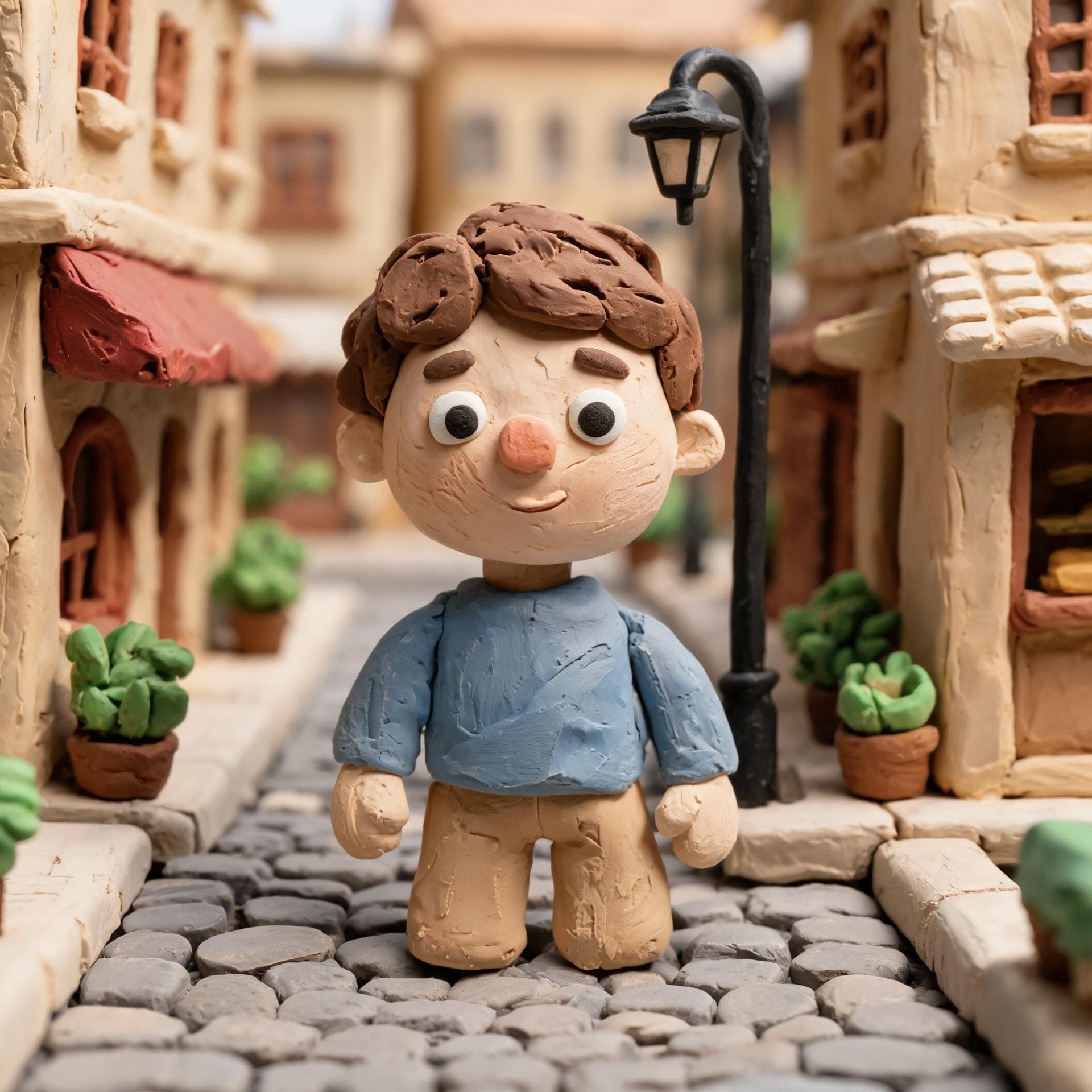
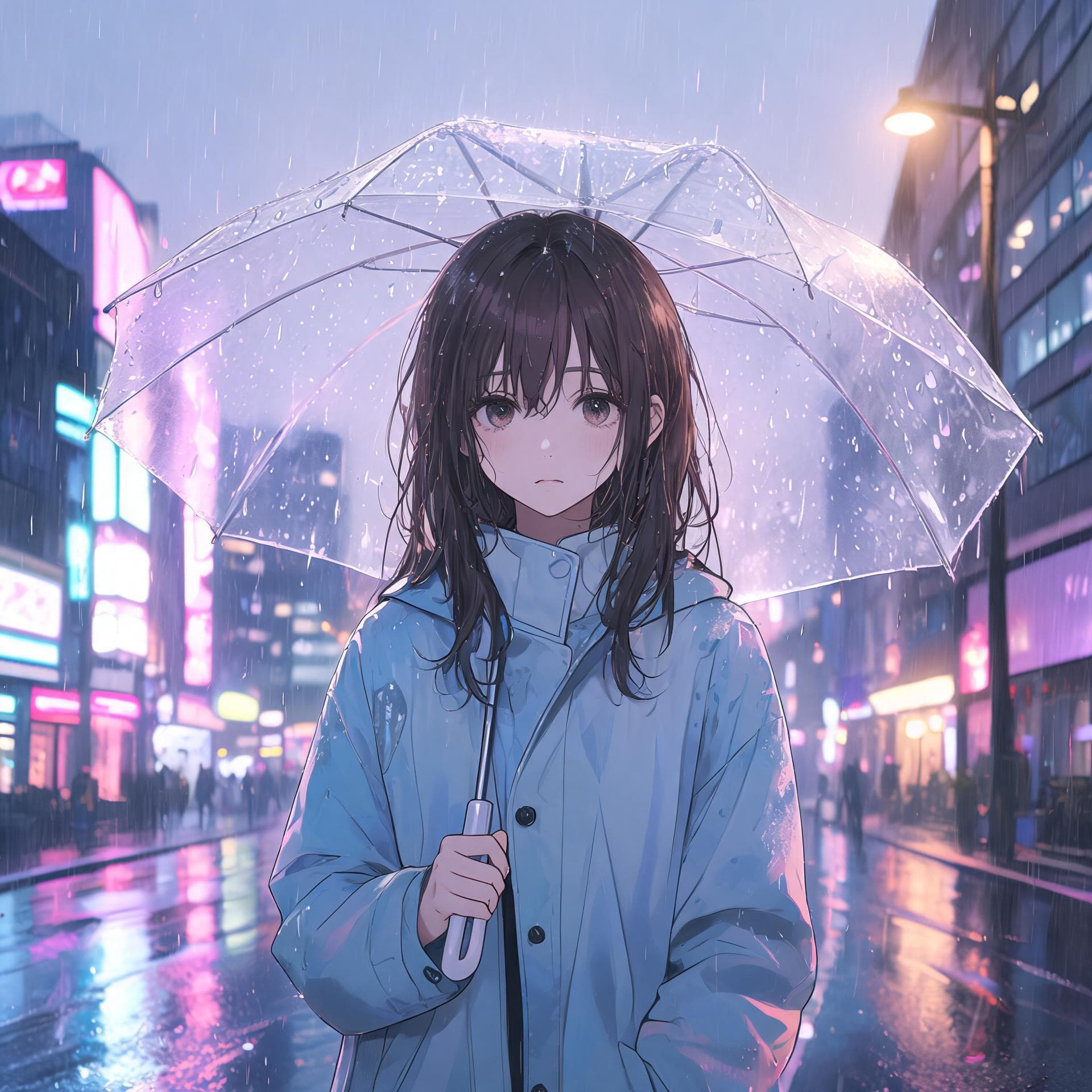
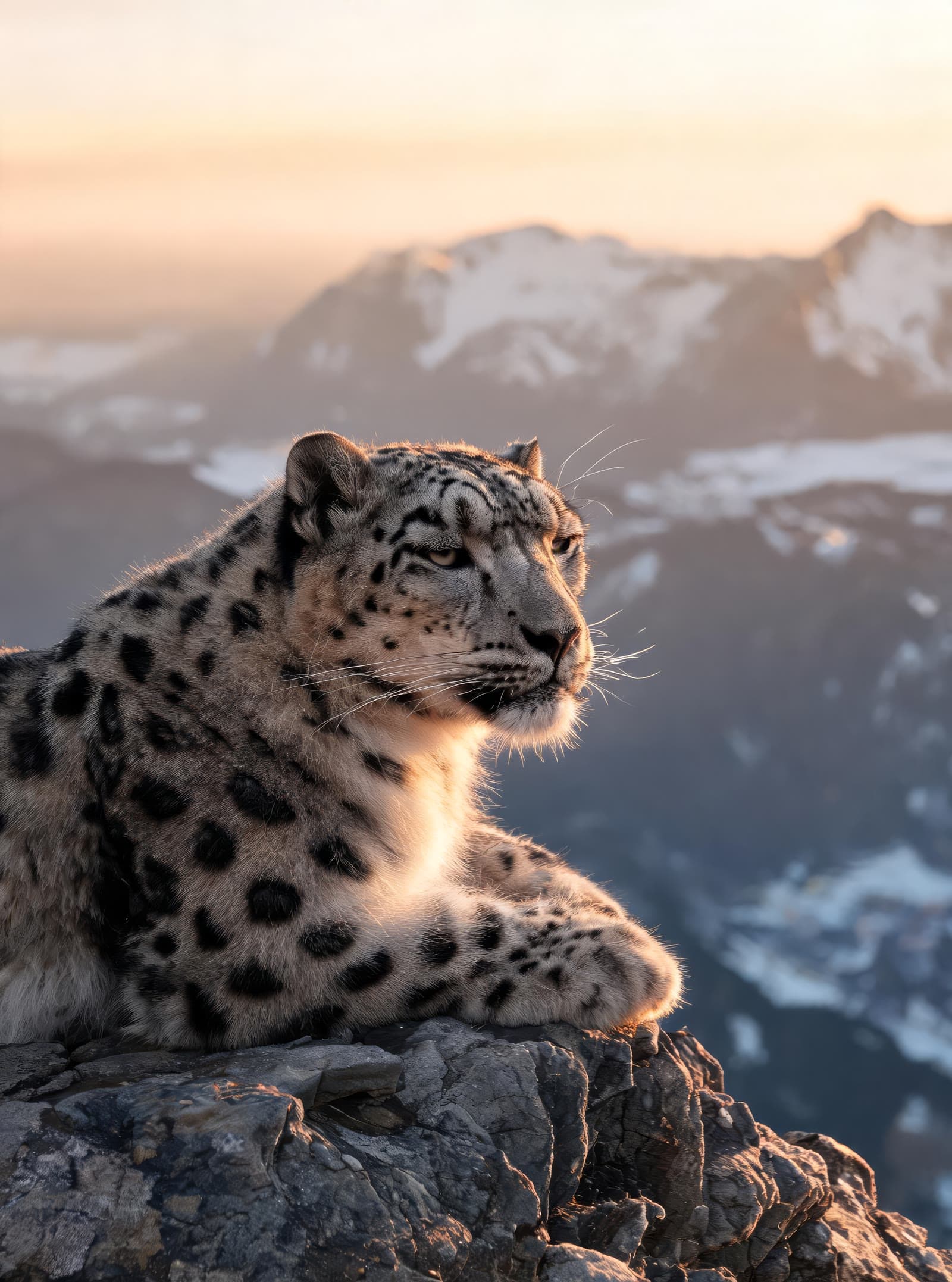
Describe it. Refine it.
- 1
Describe the image
Write what you want, including any text that should appear in it.
- 2
Add references
Optional: add photos of a person, product or style to edit or match. Nano Banana 2.1 and Pro take up to 14.
- 3
Pick a model and generate
Compare models, choose a resolution up to 4K and generate.
Every image model you need. No extra subscriptions.
Nano Banana 2.1 and Pro
Up to 14 references, 4K output and sharp text. Pro adds a thinking mode for complex scenes.
Flux 2
Dev, Pro, Flex and Max. Flex is the pick for typography and posters.
Seedream 5.0
Batches of up to 15 images at once from Seedream 5.0 Lite.
Edit with references
Change outfits, backgrounds or products while keeping the subject.
Upscale to 4K
The Topaz upscaler enlarges images up to 6x with face enhancement.
Use it in videos
Turn images into start frames, AI influencer photos or scenes for your AI story videos.
Frequently asked questions.
Which image models does Clippie have?
Nano Banana, Nano Banana 2.1 and Nano Banana Pro, Flux Dev and Flux 2 Dev, Pro, Flex and Max, and Seedream 4.0, 4.5, 5.0 Lite and 5.0 Flash, plus more in AI Studio.
Can I edit my own photos?
Yes. Add your photos as references and describe the change. Nano Banana 2.1 and Pro accept up to 14 images and Flux 2 Flex up to 10.
Which model is best for text in images?
Nano Banana 2.1 is built for sharp text, and Flux 2 Flex is the best Flux model for typography.
How much does an image cost?
A few credits per image on most models, more for Pro models and 4K. Prices show before you generate. Every paid plan includes AI Studio credits: 300 on Lite, 1,000 on Creator and 2,000 on Pro, and you can top up any time.

