
Pick a style, get a whole video.
Choose the world your story belongs in. Start from a ready-made template or select a look in the AI Story gallery, then build the script, scenes, voices and captions in one workflow.
Any style. Same three steps.
- 1
Pick a style
Start with a preset template, or choose a look in the gallery and set the frame to 16:9 or 9:16.
- 2
Add a script
Paste your own or generate one from a topic, a tone and a length up to 10 minutes.
- 3
Generate and export
Clippie draws the scenes, narrates and captions. Edit anything, then export.
New
Post it straight to YouTube
Post the finished video straight to YouTube, as a Short or a regular video, or schedule it for a day and time up to six months ahead.
Find your story’s look. See it before you create.
Explore real samples and a production guide for each look. Some open a preset template; others start in AI Story, where you select the named look and frame shape.
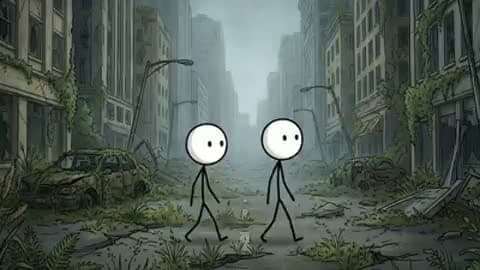 16:9 · 9:16StickmanBare, Caveman, Doodle explainer, Painted and Classic stickman looks for viral stories and explainers.
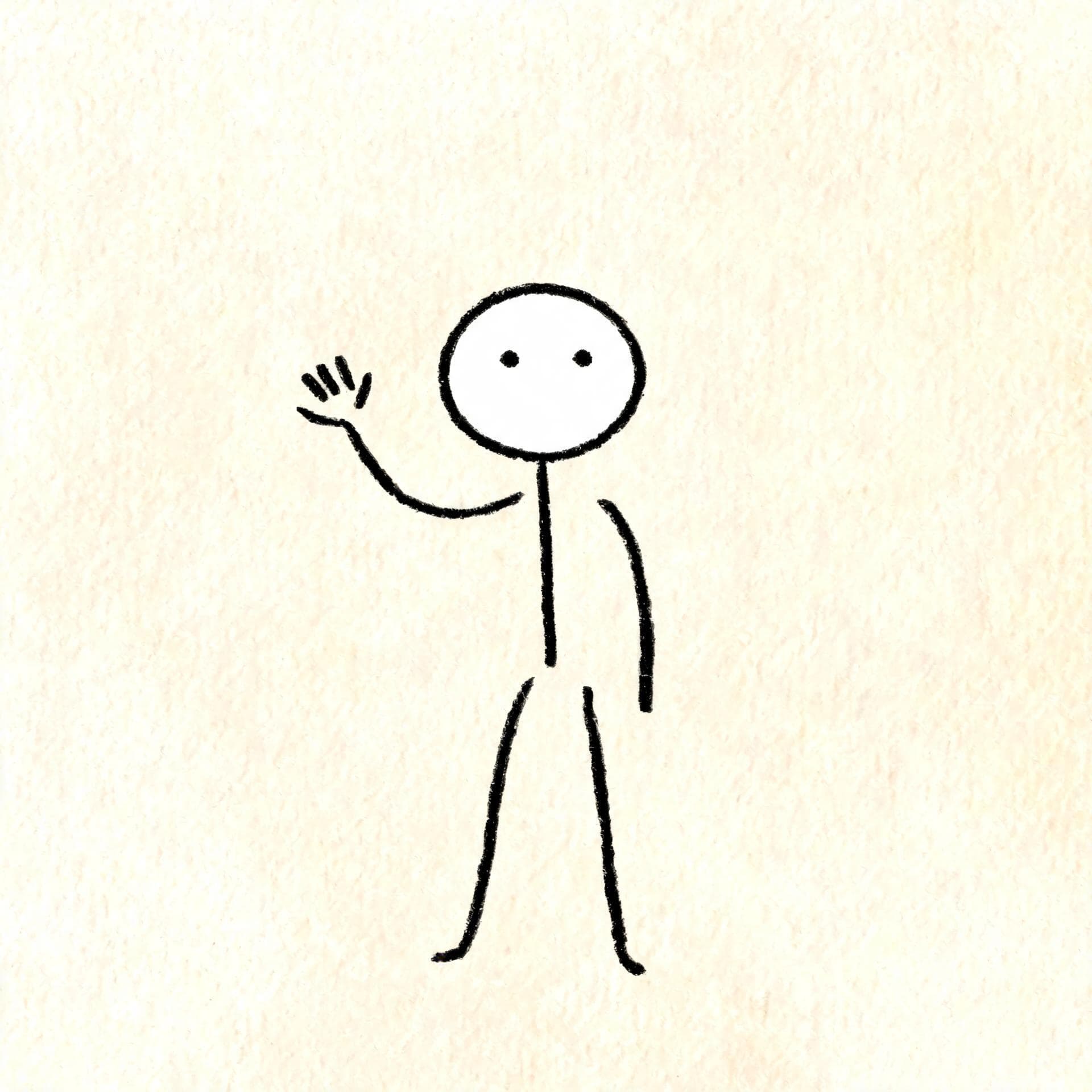 16:9Doodle explainerDoodled explainers, money and law
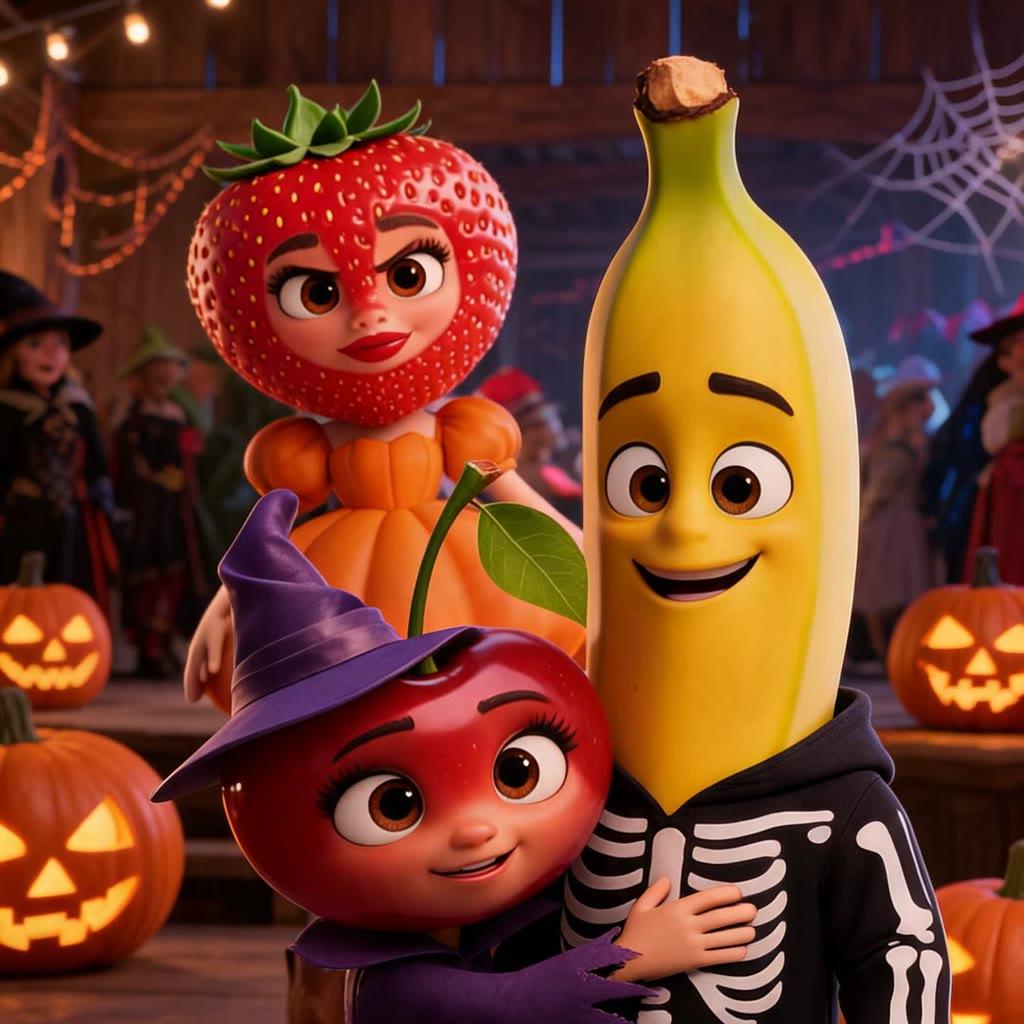 9:16Fruit storiesTalking fruit characters, each with their own voice
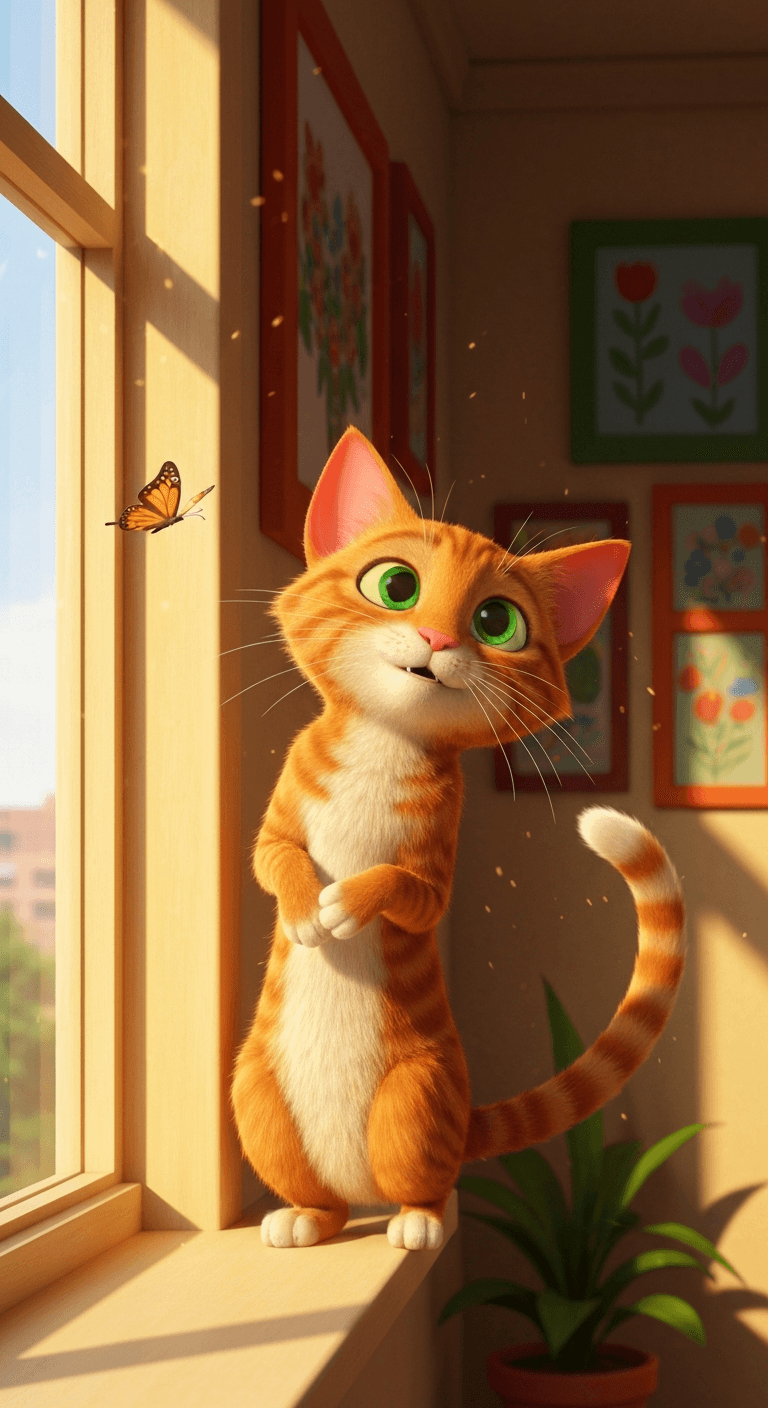 9:16Pixar 3D StyleCute animal and kid stories
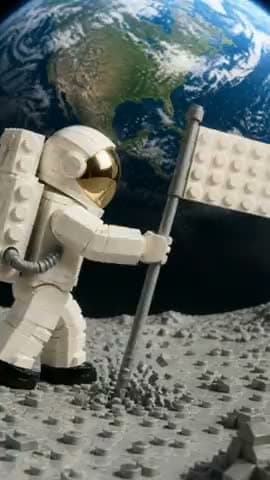 9:16 · 16:9LegoCreate Lego-style AI story videos with brick-built sets and minifigure-style characters. Write the story, review each scene, add narration and optional animation.
 9:16 · 16:9ClaymationMake clay-style AI story videos with handmade characters and miniature sets. Plan scenes, add narration and captions, then animate selected moments in Clippie.
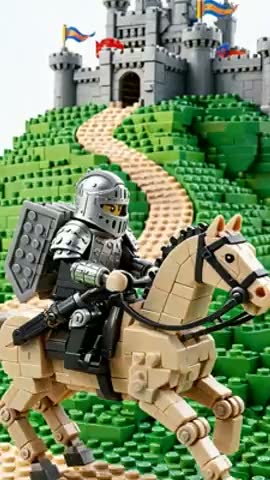 9:16 · 16:9Toy brickMake AI stories in a plastic toy-brick world. Keep a small cast, modular sets and toy-box lighting consistent, then add narration, captions and optional motion.
 9:16 · 16:9Blocky voxelCreate blocky voxel AI stories with cubic characters and worlds. Plan a consistent grid-like environment, review scenes and add narration, captions and motion.
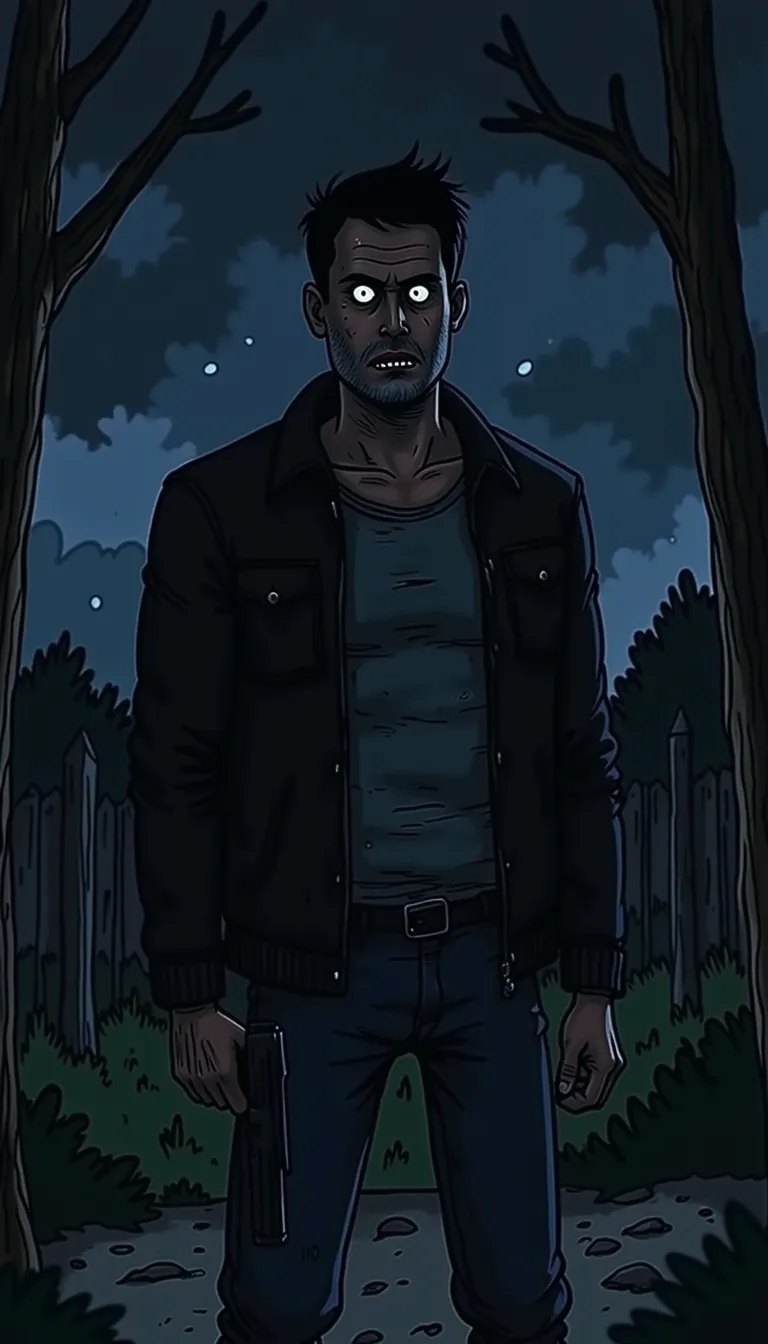 9:16 · 16:9Creepy CartoonHorror and mystery stories
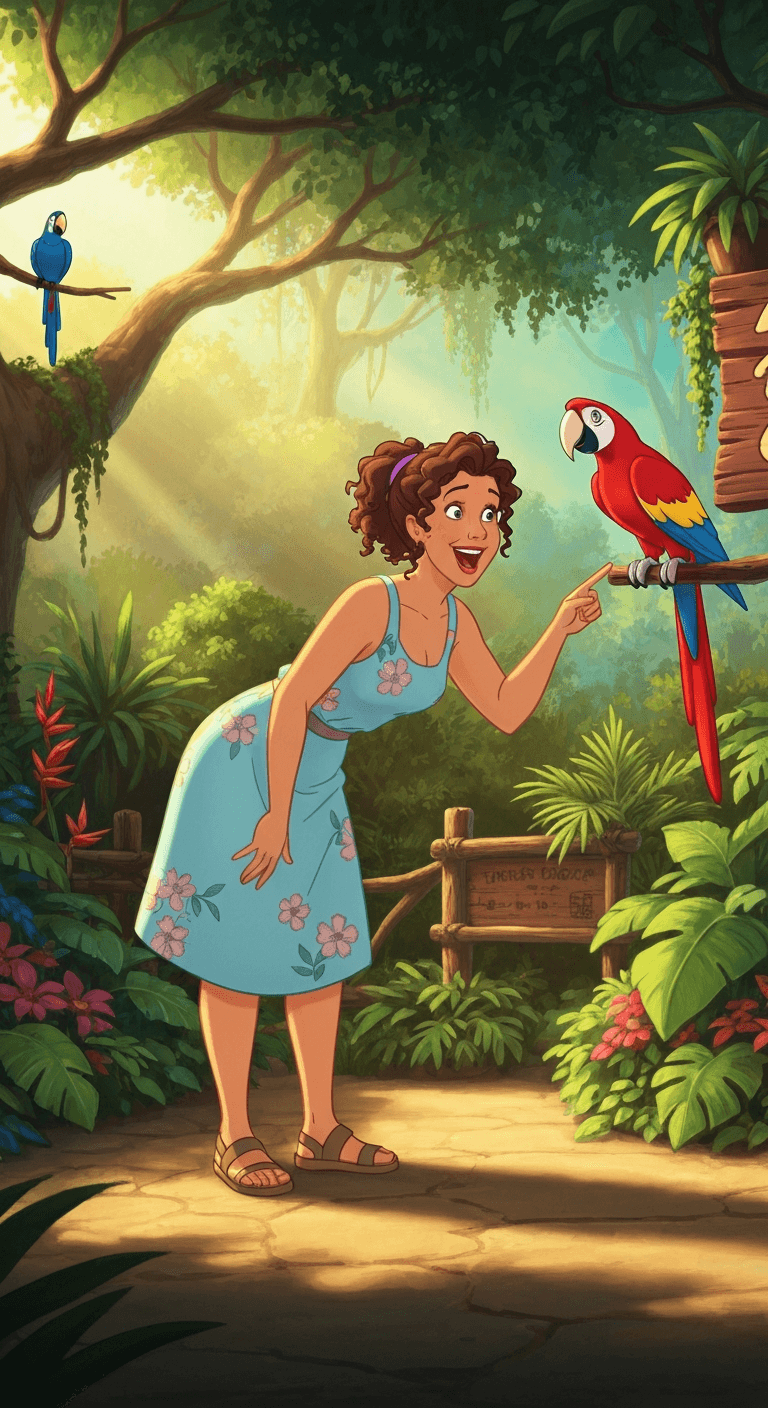 9:1690s Disney StyleWarm hand-drawn fairy tales
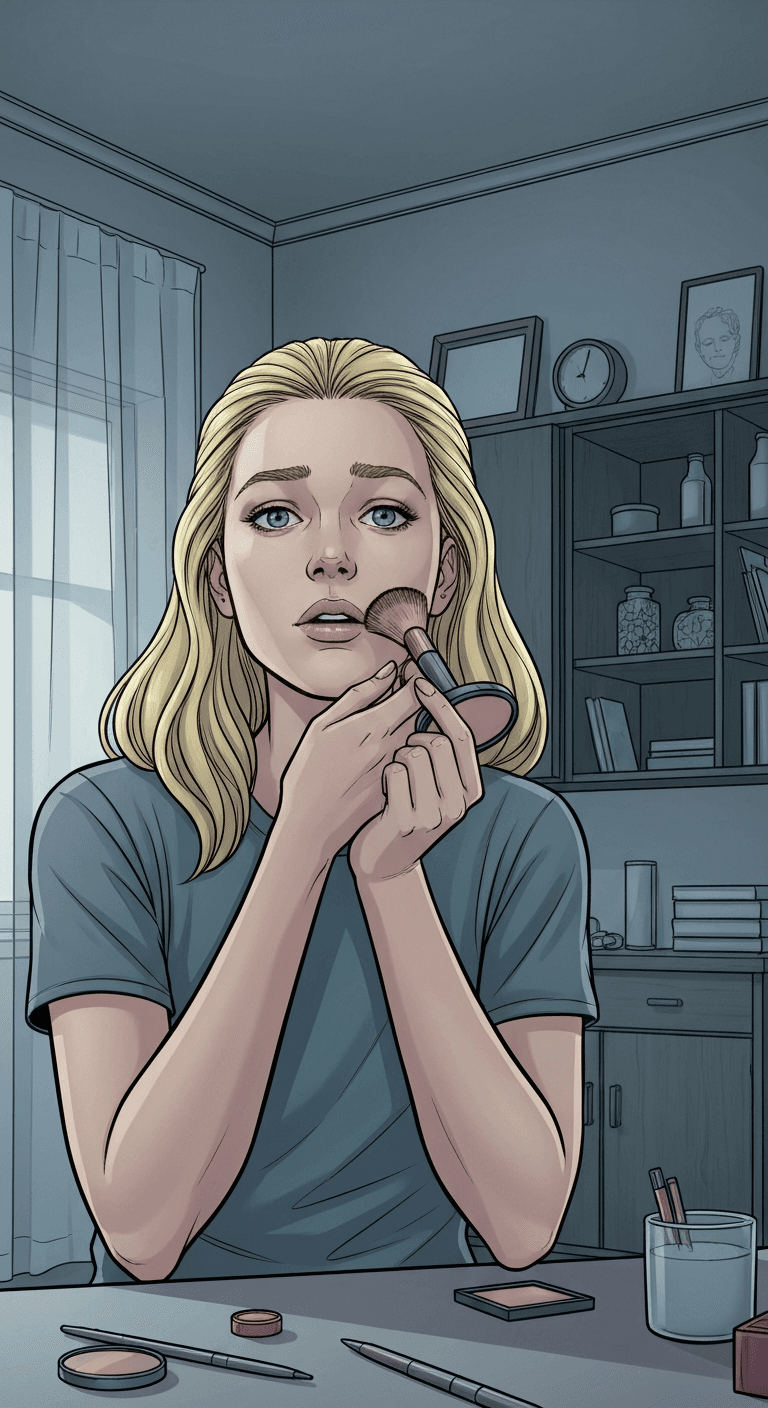 9:16Comic RealismDrama and relationship stories
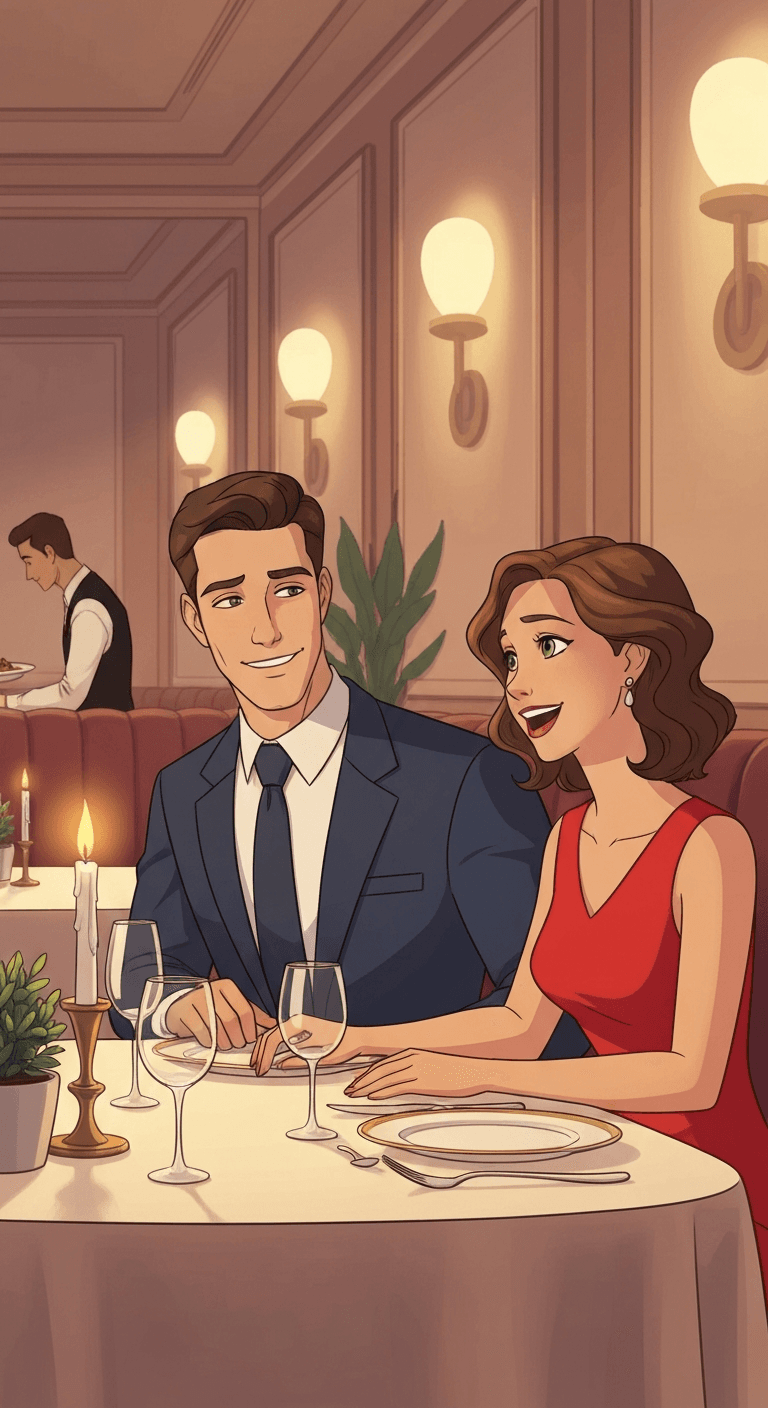 9:16Polished CartoonReddit and AITA stories
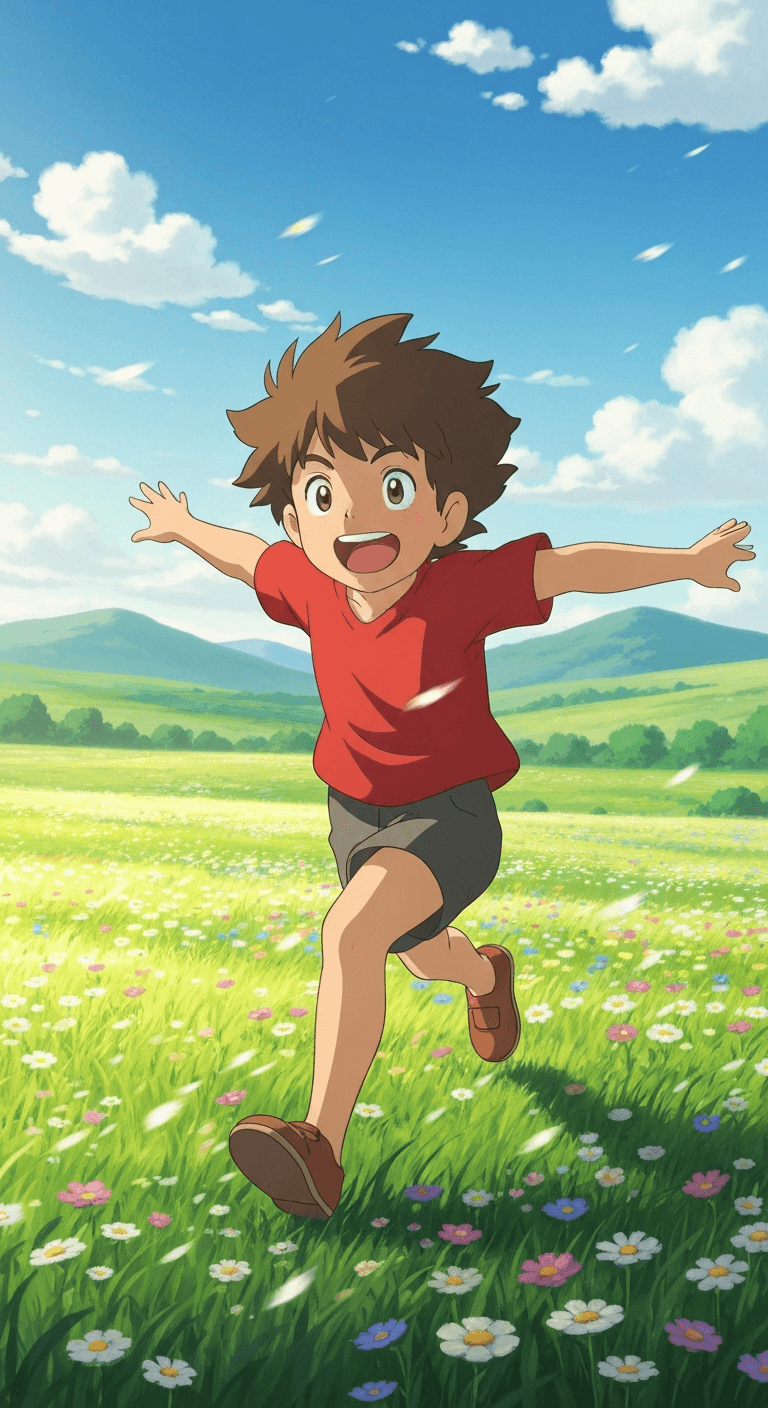 9:16Studio Ghibli StyleSoft, painterly slice of life
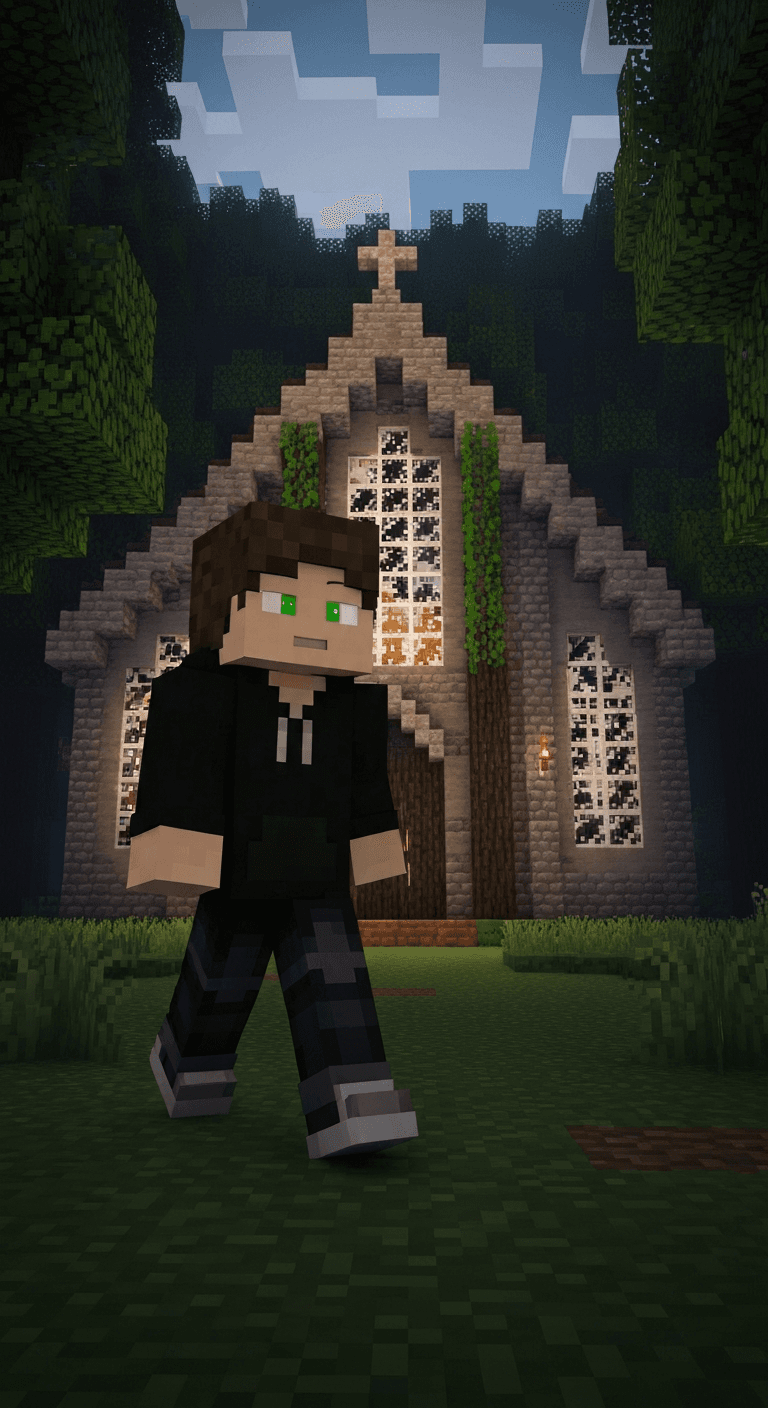 9:16Minecraft StyleGaming lore and survival tales
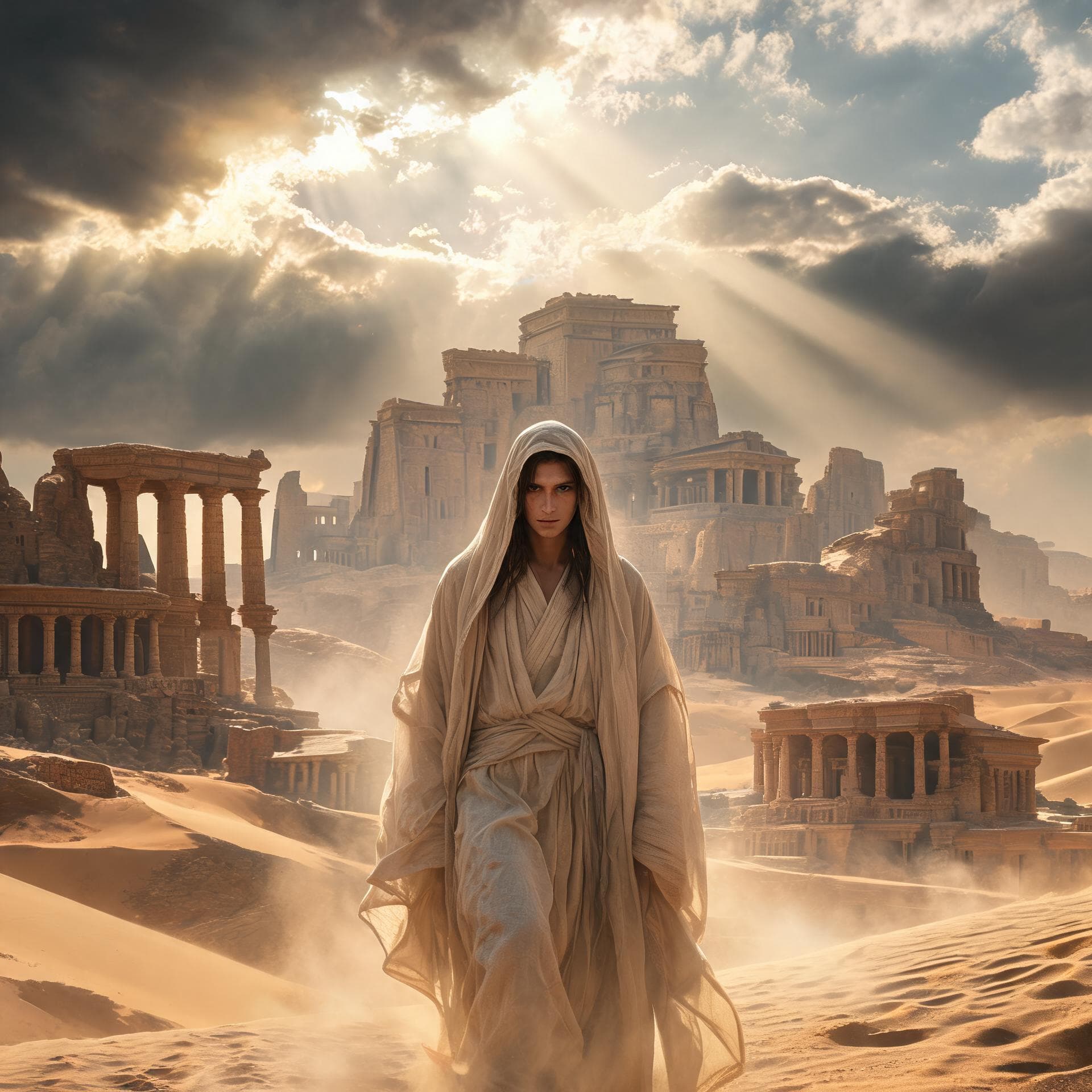 16:9Ancient EpicMyths, empires and Bible stories
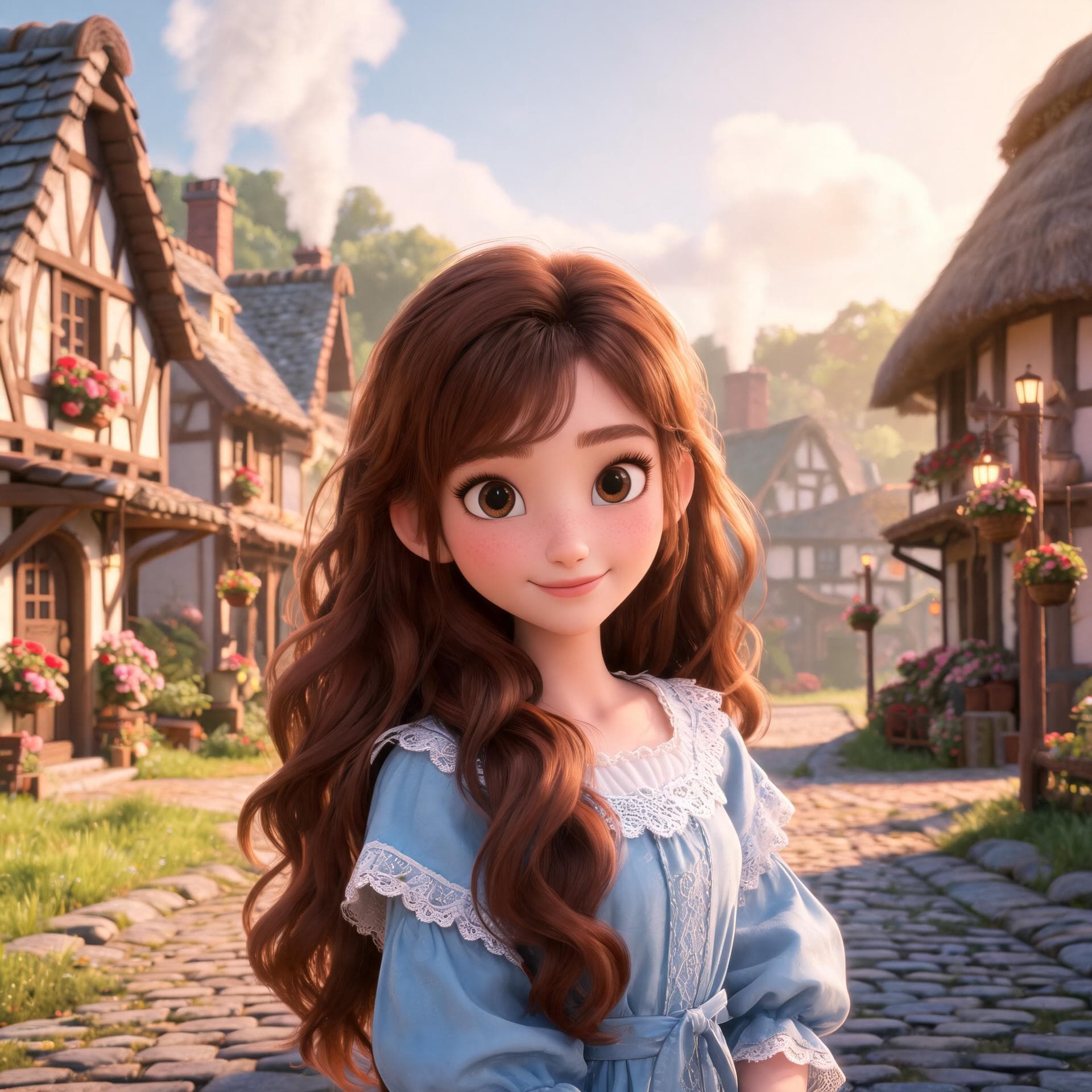 16:93D Animated FilmFamily-film storytelling
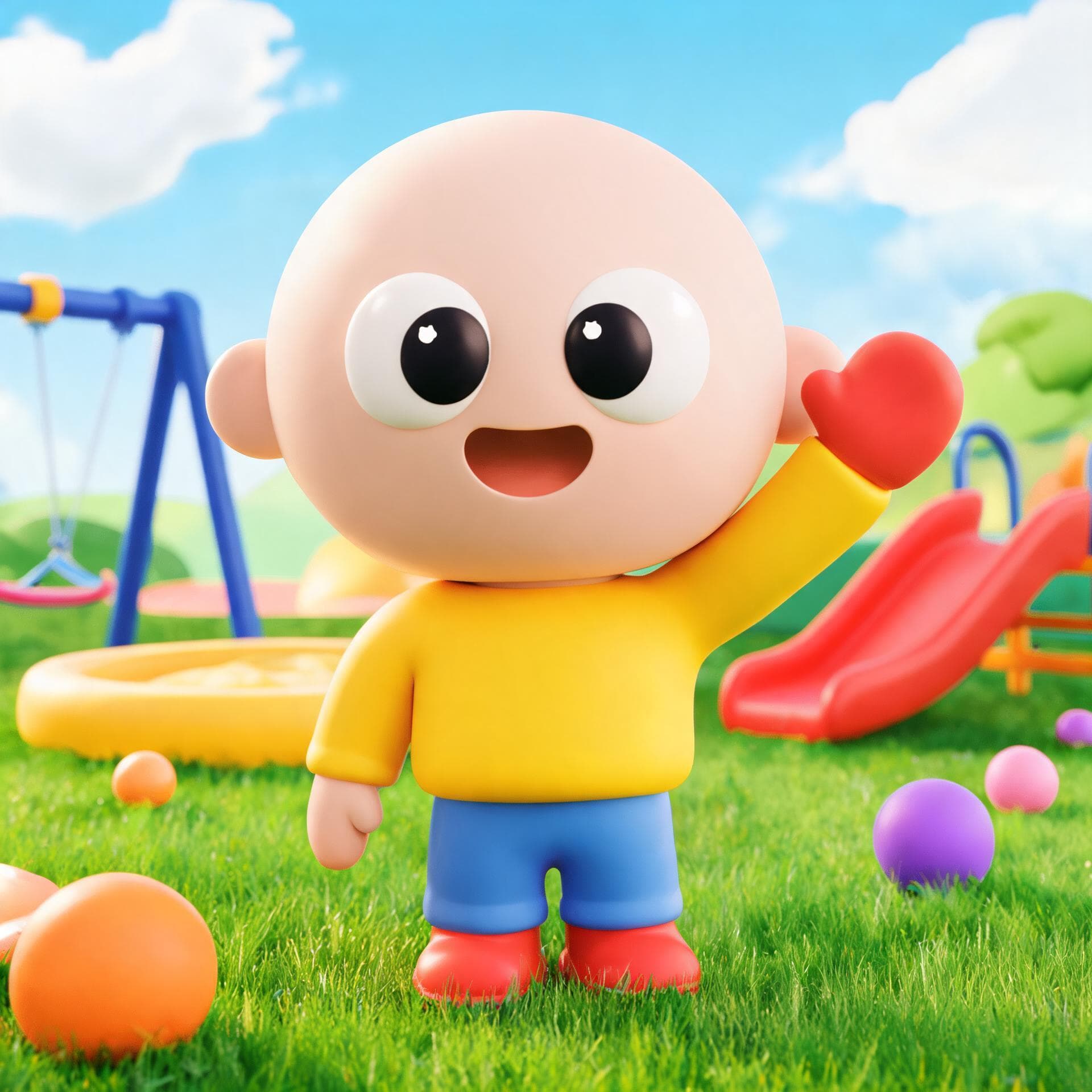 16:9Kids CartoonBright 3D shows for little ones
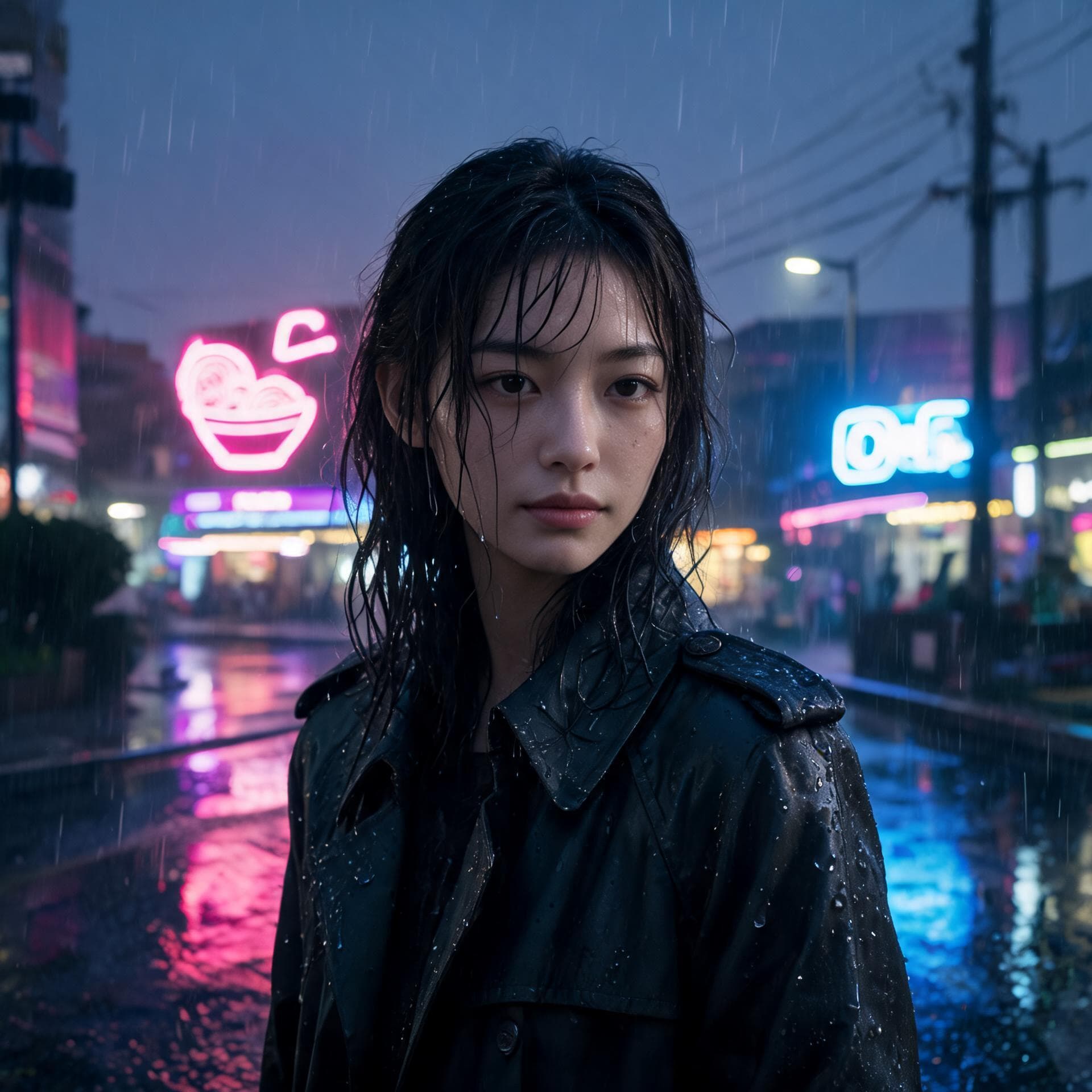 16:9CinematicMoody photoreal storytelling
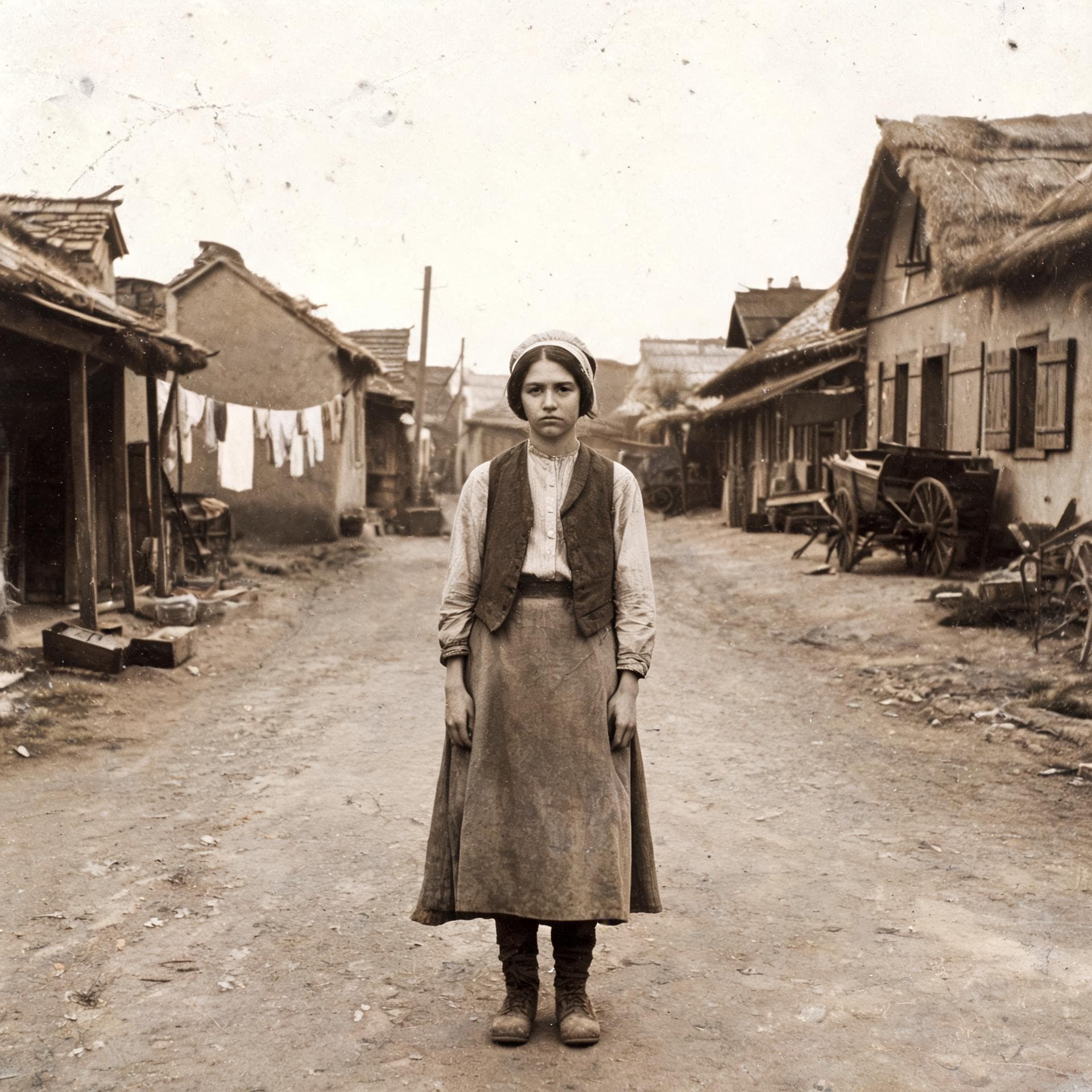 16:9History documentaryArchival stills and old film
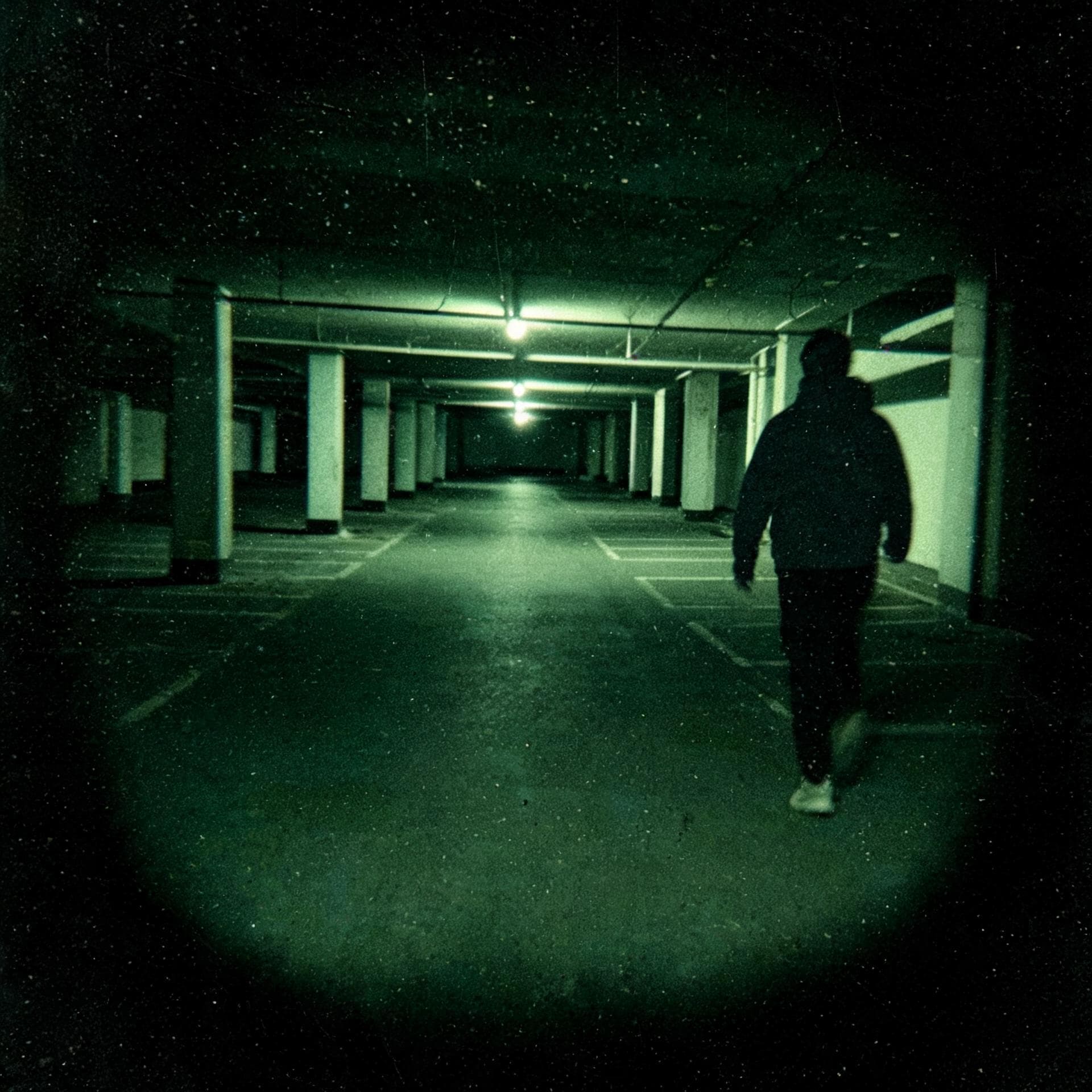 16:9True crimeGrainy CCTV and found footage
Every AI story includes. No extra tools.
AI script writer
Choose a theme, tone and target length, or work from your own script.
125 AI voices
Narrators for every niche, with any line regenerated on demand.
Captions in 100+ languages
Styled, word-timed captions.
AI scene animation
Bring still scenes to life with AI motion.
Overlays and transitions
VHS, rain, snow, particles and glitch transitions.
Scene-by-scene editor
Change any image, line or timing before you export.
Frequently asked questions.
What is an AI story video?
A narrated video where every scene is an AI-generated image in one consistent style, with an AI voiceover and captions. Clippie builds it from a script, which you can write or generate.
Long-form or short-form: which style should I pick?
Pick a 16:9 look for YouTube videos over a minute, and a 9:16 style for TikTok, Reels and Shorts. 2D stickman comes in both.
Do styles cost extra?
The 9:16 Clippie styles are included in your plan. The 16:9 long-form looks are drawn by AI image models and use AI credits per scene, shown before you generate. Exporting uses the export minutes in your plan.
Can I monetize these videos on YouTube?
The images, voice and captions are generated for you, so there is no copyrighted footage to get flagged. YouTube still rewards original work, so write or edit your own script, check your facts and add your own angle.
Guides from the Clippie blog.
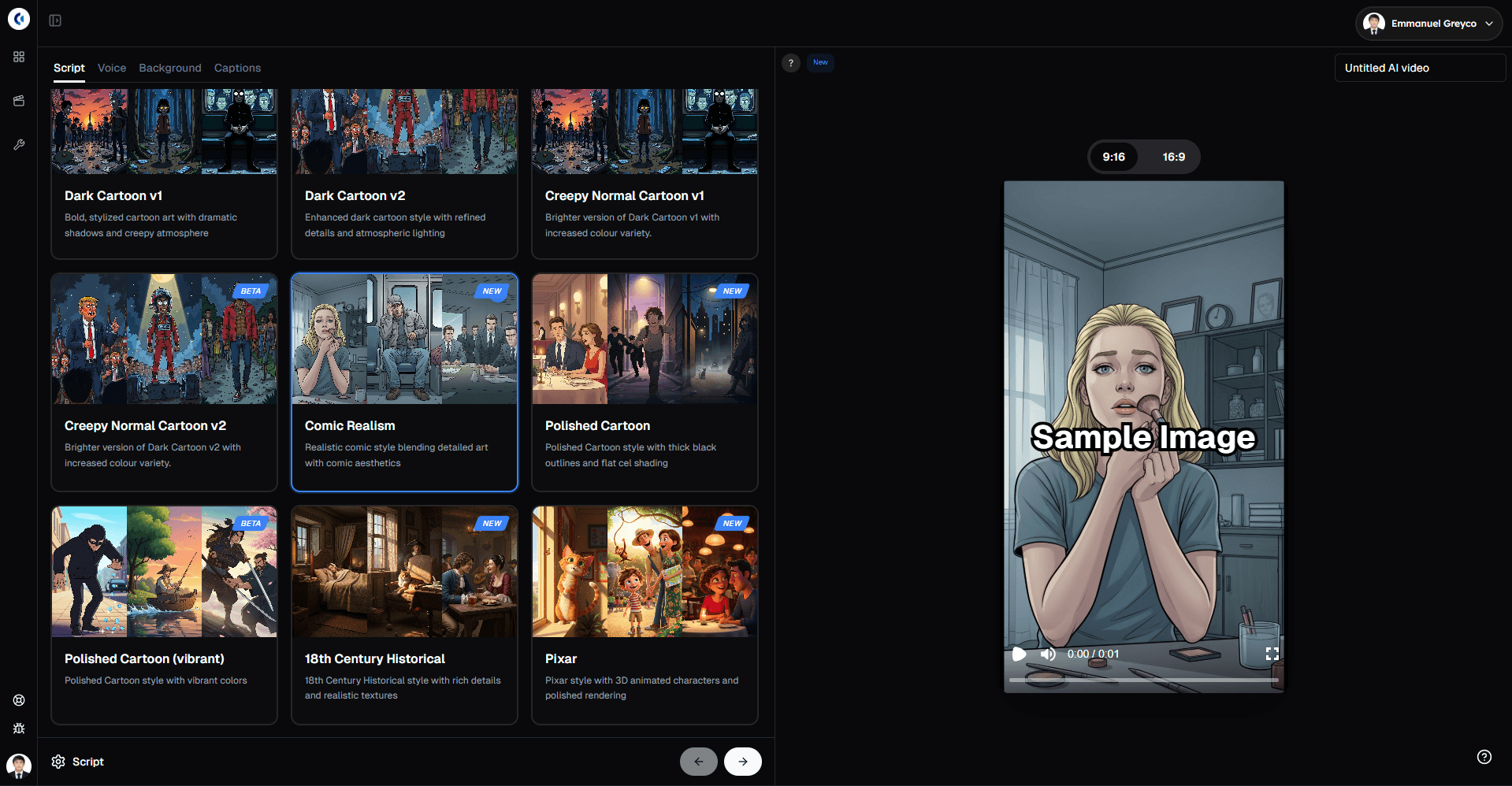
The Ultimate Guide to Clippie's AI Story Video: Create Viral AI-Generated Stories Fast
Complete guide to creating viral AI-generated story videos with Clippie. Step-by-step tutorials, art style customization, new features, and proven viral strategies for 2025.
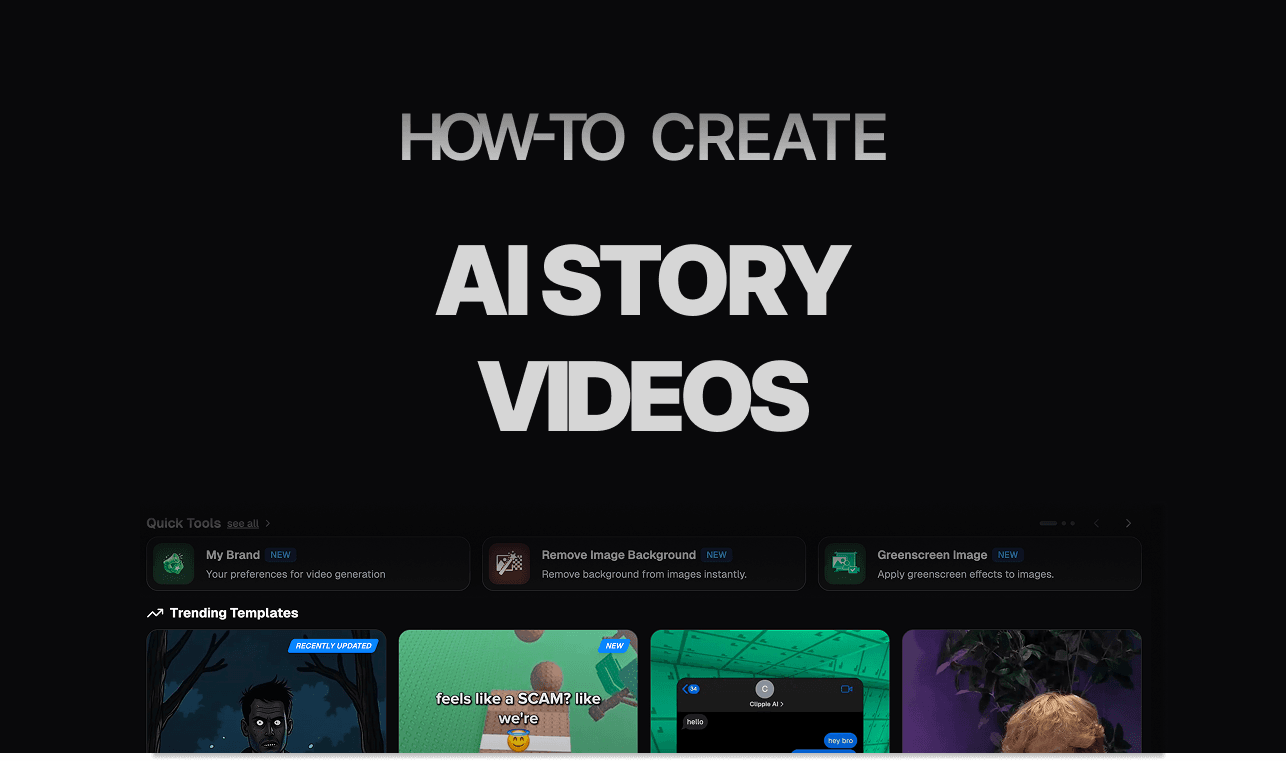
How to Create AI Story Videos with Clippie AI (2026 Guide)
Learn how to create engaging AI story videos using Clippie AI. This step-by-step guide shows how to generate scripts, choose voices, create scenes, and produce faceless story videos optimized for short-form platforms.
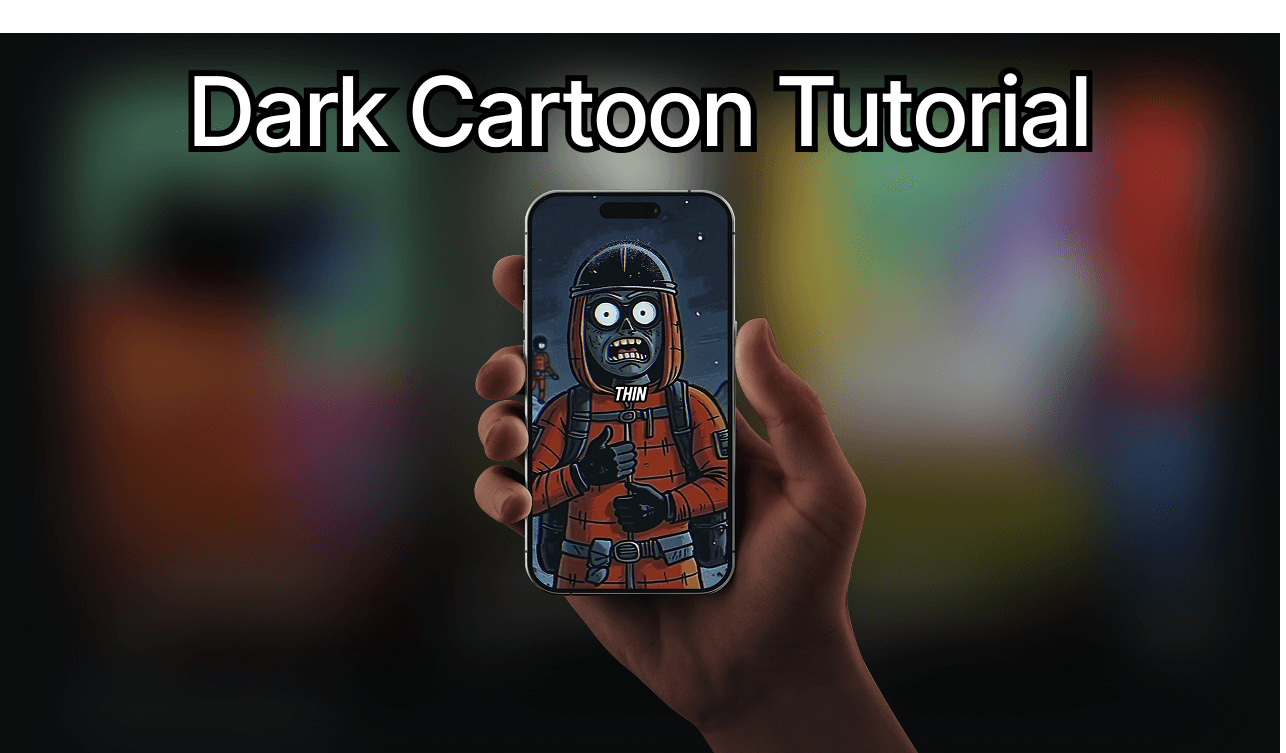
How to Make Dark Cartoon AI Story Videos with Clippie AI (2025 Guide)
Learn step-by-step how to create viral Dark Cartoon AI story videos with Clippie AI. From script writing to voiceovers, captions, and effects — here’s how to build scary story content that performs on TikTok, YouTube Shorts, and Instagram Reels.
Plan your next video
How to animate AI story scenes without losing the story
Plan scene motion around approved images and narration, preserve character continuity, and review animated clips before exporting.
How to turn a script into an AI cartoon video
Turn an original script into a cartoon with a scene plan, recurring characters, a consistent visual style, voices, optional animation and captions.
How to write a short video script
Plan a focused short video with a clear opening, a simple story structure, a realistic word budget and a practical editing checklist.

