
Make stickman videos with AI.
Turn a script or an idea into a narrated, captioned stickman video. Clippie writes the script, draws every scene and narrates it, in 16:9 for YouTube or 9:16 for Shorts.
One script. A story you can watch.
Follow Clippie’s Stickman example from the script it started with to its scene artwork and animated result.
The script
He took the shortcut through the woods to save ten minutes. Now the sun was gone, his phone was on two percent, and the path had split into three…
Bare stickman · 9:16 · 35-second story · deep narrator voice
01
Split it into scenes
Clippie split the script into five scenes and planned what each one shows, keeping the same stickman in a dark forest at night. Edit the script or the scene plan before drawing.
02
Draw each scene
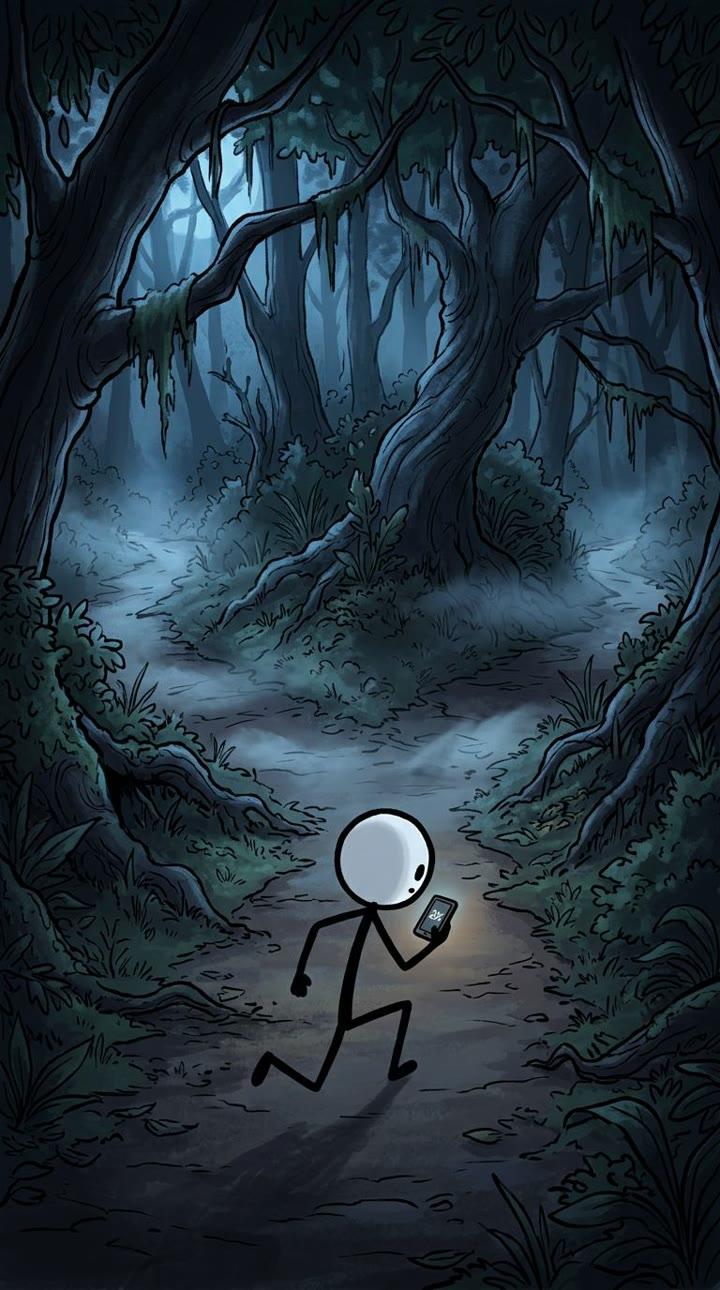
This is the first scene image from that project. The same Bare stickman look carries through the story; review or redraw a scene before animating it.
03
Bring it together
Each scene was animated, then the narration, captions and music were added. The preview shows the animated scenes and captions together; this website excerpt has no audio.
A silent excerpt from this example. Your story can include narration and captions.
From idea to finished video. Four steps.
- 1
Start with an idea or a script
Type your idea above, or paste a script you wrote. You sign up and pick a plan, and your idea opens in the script writer.
- 2
Pick a look and a length
Five stickman looks in 16:9 or 9:16. The writer drafts from 30 seconds up to 10 minutes, in the tone you choose.
- 3
Generate the scenes and the voice
Clippie splits the script into scenes of 5 to 8 seconds, draws each one, reads it in the voice you picked and adds captions.
- 4
Animate, edit and export
Animate the scenes you want to move, redraw any you do not like, change a line, then export. No Clippie watermark.
New
Post it straight to YouTube
Post the finished stickman video straight to YouTube, or schedule a whole series of episodes on the calendar.
Five stickman looks. Each one draws differently.
Pick by the story you are telling. You can redraw a finished story in another look without rewriting it.
Bare stickman
A round white head and thin black strokes, wearing nothing at all, in detailed, muted worlds. Monsters take whatever head colour your story gives them.
Best for: survival, “what if” and horror stories.
Caveman stickman
The same round head with messy brown hair and a ragged fur tunic, in a bright, sunny prehistoric world of savanna, caves and campfires.
Best for: ancient humans and first inventions.
Doodle explainer
Marker doodles with slightly wobbly lines and flat, muted colours on a plain paper background, so one clear idea fills the frame.
Best for: money, law and psychology explainers.
Classic stickman
The meme-style look: big expressions, clothed bodies and plain rooms. It is a Clippie style, so it keeps characters from how you describe them, not from a picture.
Best for: funny drama and everyday explainers.
What each length takes. Worked out from how the editor counts.
Longer videos cost more voice and export minutes, and only animation uses credits. Scene pictures are included in your plan at every length.
| Length | Scenes at Normal pacing | Voice + export minutes | Credits to animate every scene | Fits |
|---|---|---|---|---|
| 30 sec | 4 to 6 | 0.5 + 0.5 | About 42 | TikTok, Reels, Shorts |
| 1 min | 8 to 12 | 1 + 1 | About 84 | TikTok, Reels, Shorts |
| 3 min | 23 to 36 | 3 + 3 | About 252 | Longest YouTube Short, short YouTube video |
| 5 min | 38 to 60 | 5 + 5 | About 420 | YouTube |
| 10 min | 75 to 120 | 10 + 10 | About 840 | YouTube. The longest the AI writer drafts at once |
| 20 min | 150 to 240 | 20 + 20 | About 1,680 | YouTube, from a script you paste |
Scenes run 5 to 8 seconds at Normal pacing. Credits assume Clippie’s default animation model at 480p, 7 credits per 5 seconds, and you can animate only part of a video. Monthly allowances: Lite: 3 hours export, 1 hour AI voice and 2,400 credits; Creator: 10 hours export, 4 hours AI voice and 4,500 credits; Pro: 16 hours export, 8 hours 20 minutes AI voice and 9,000 credits.
The stickman video guide. What to know before you start.
Why people make stickman videos
A stick figure is quick to read and costs almost nothing to draw, so the story has to do the work. That suits faceless channels: nobody has to appear on camera, and there is no footage to license. The same figure works for a survival series, a history lesson or a video about tax.
The format has a public track record, which you can check on each channel’s Videos tab: Ink Explainer, Beanie Survives and Neon Rush are three to start with. Those numbers are not results anyone should expect.
What the niche pays
There is no set rate for stickman videos, and we will not quote one. Earnings depend on the topic, where your viewers live, the time of year and how long they watch. What can be stated are the rules of the programs that pay.
- Joining on YouTube: 1,000 subscribers, plus either 4,000 watch hours in the last 12 months or 10 million Shorts views in the last 90 days.
- YouTube’s revenue share: creators keep 55% of net ad revenue on long-form videos and 45% of the revenue allocated to their Shorts.
- TikTok’s Creator Rewards: third-party guides consistently list 10,000 followers, 100,000 views in 30 days, videos over one minute and a supported country. Check TikTok Studio for what applies to your account.
YouTube’s monetization policies exclude content that is mass-produced or repetitive, including videos that look made from a template, feel interchangeable from one to the next, or are AI-generated from generic templates without the creator’s own insight. A stickman look is not the problem. A channel of unedited first drafts could be. Clippie does not promise views or earnings. Write your own angle, check your facts and give your channel a character of its own.
What happens between the idea and the finished video
The AI writer takes your idea, one of eight lengths from 30 seconds to 10 minutes, one of 13 themes and one of 12 tones. Over two minutes it switches to a long-form structure with an opening hook, rising action, a turning point and a resolution. You can edit every word, or paste your own script and skip this step.
Clippie then splits the script into scenes of about 13 to 20 words, or 8 to 15 at Fast pacing, and draws each one. Scene instructions let you set rules such as “every scene is at night” or “the last scene is at sunset”. Add a character and describe them once, and they stay recognisable across the video.
Pick from 125 built-in voices or the wider voice library, and set a delivery such as Calm, Dramatic or Eerie. Captions come in 17 styles and over 100 languages, and the Background tab adds music. After generating, you can change a line, redraw a scene, upload your own picture, zoom and pan a still, or animate it.
What a stickman video costs
Clippie uses three balances, and only two of them are always spent. A 10-minute video uses 10 voice minutes and 10 export minutes, so Lite at $19.99 a month covers six of them. Scene pictures are included. Animation is the optional part.
Animating all of that 10-minute video at the default settings is about 840 credits, a little over a third of the 2,400 credits Lite includes each month. Most of the choice is how much to animate: the first minute is about 84 credits, and the animate dialog shows the exact total before you start.
What Clippie does not do
Clippie is not a frame-by-frame animation tool. You describe scenes and it draws them, and animation adds motion to what is already in the picture. If you want a choreographed stick fight where you pose every limb, use a hand animation app.
The AI writer can get facts wrong, so check dates and claims in history and explainer videos. It drafts up to 10 minutes in one go, and Clippie’s script tools work up to 20,000 characters, about 20 minutes. Split anything longer into parts and generate each as its own video.
Which stickman video maker fits your video
It depends on what you are making.
- Narrated stickman stories and explainers: Clippie. It is built for faceless YouTube and Shorts channels: a script becomes drawn, narrated and captioned stickman scenes in five looks, in 16:9 or 9:16.
- Business and training animations: Vyond, a team animation platform with a whiteboard style, where you build scenes from its character library.
- Hand-drawn whiteboard explainers: VideoScribe, which animates drawings appearing on a whiteboard.
- Animating a stick figure frame by frame: Pivot Animator on Windows or FlipaClip on a phone, when the motion itself is the point and you have the time.
The full guide covers the AI method and animating by hand, step by step.
Every kind of stickman video. Pick what you want to make.
Each page has its own samples, steps and answers, with a template to start from.
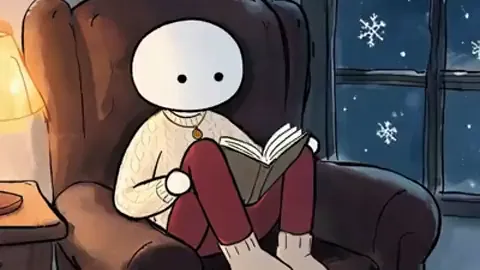 GuideHow to make stickman videosThe full guide: script, scenes, voice, animation and captions, with AI or by hand.
- Stickman animation prompts and ideasOriginal survival, what-if, explainer and horror prompts with a separate plan for scenes and motion.
- Finance, psychology and history explainersOriginal script examples, a scene plan and a practical Doodle workflow.
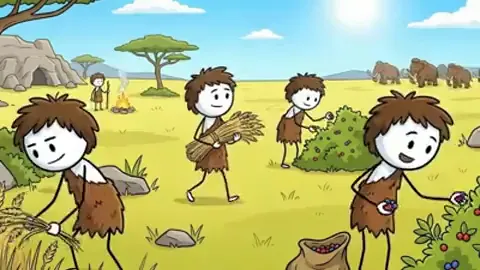 ToolStickman story generatorTurn one line into a script, with 12 tones and 13 themes to steer it.
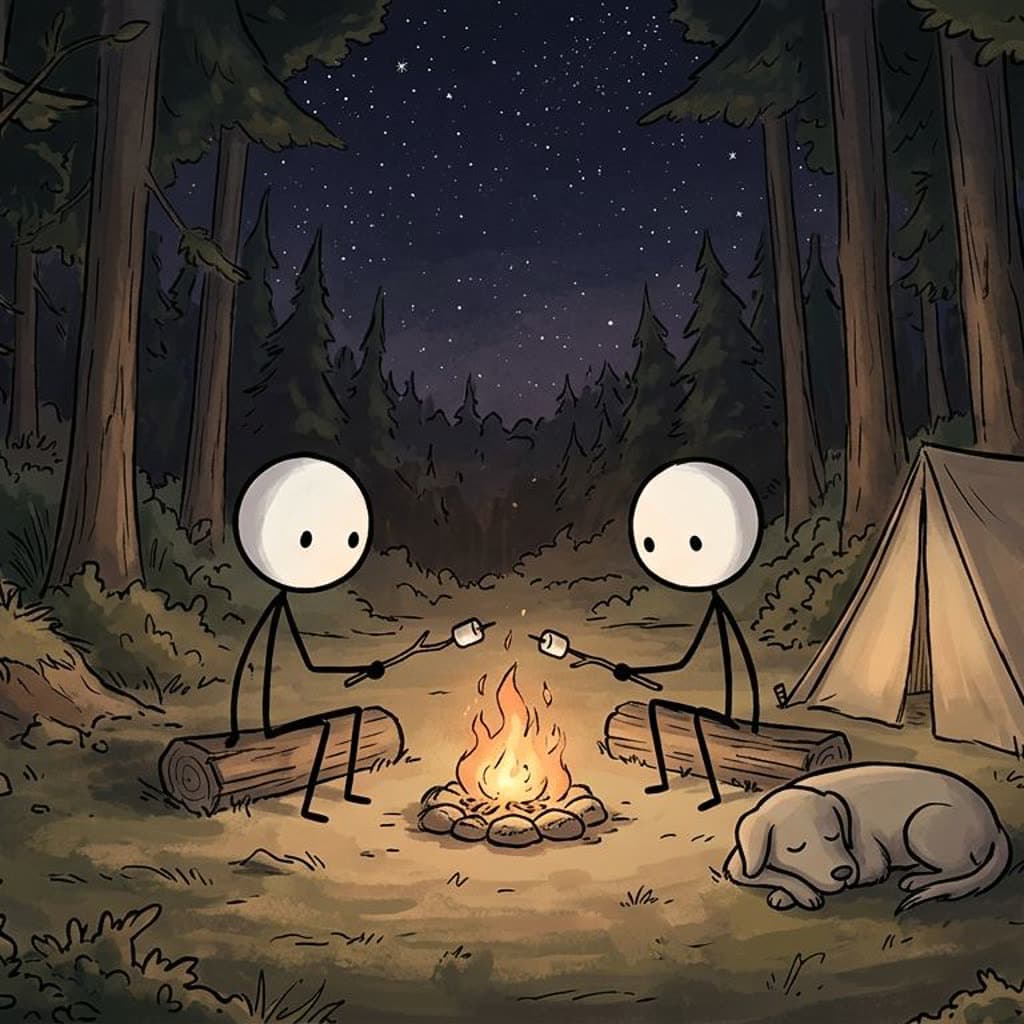 ToolAI stickman generatorDraw stickman characters and scenes from a description.
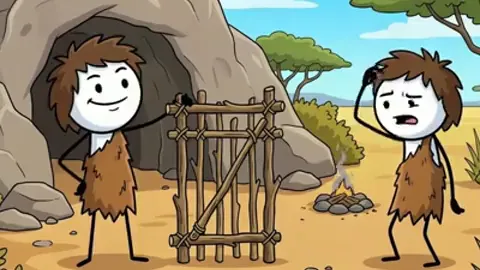 ToolStickman animation makerMake drawn scenes move, and what each clip costs in credits.
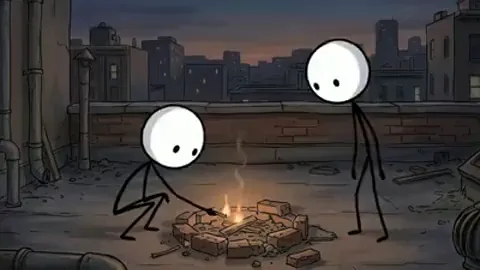 StoryStickman survival storiesScenarios where the viewer has to work out how to stay alive.
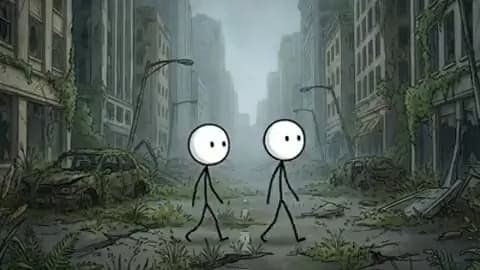 Story“What if” stickman videosTake one impossible premise and follow it step by step.
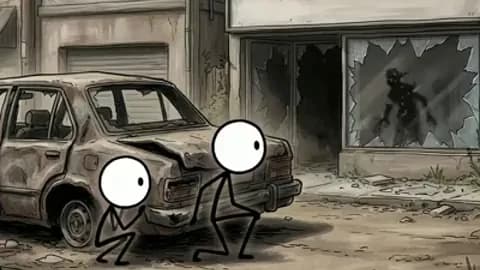 StoryStickman horror storiesSlow dread, an eerie narrator and something in the window.
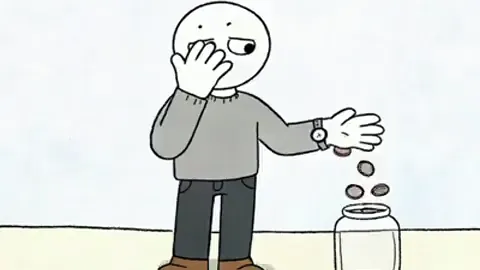 StoryStickman explainer videosMoney, law and psychology, explained with doodled figures.
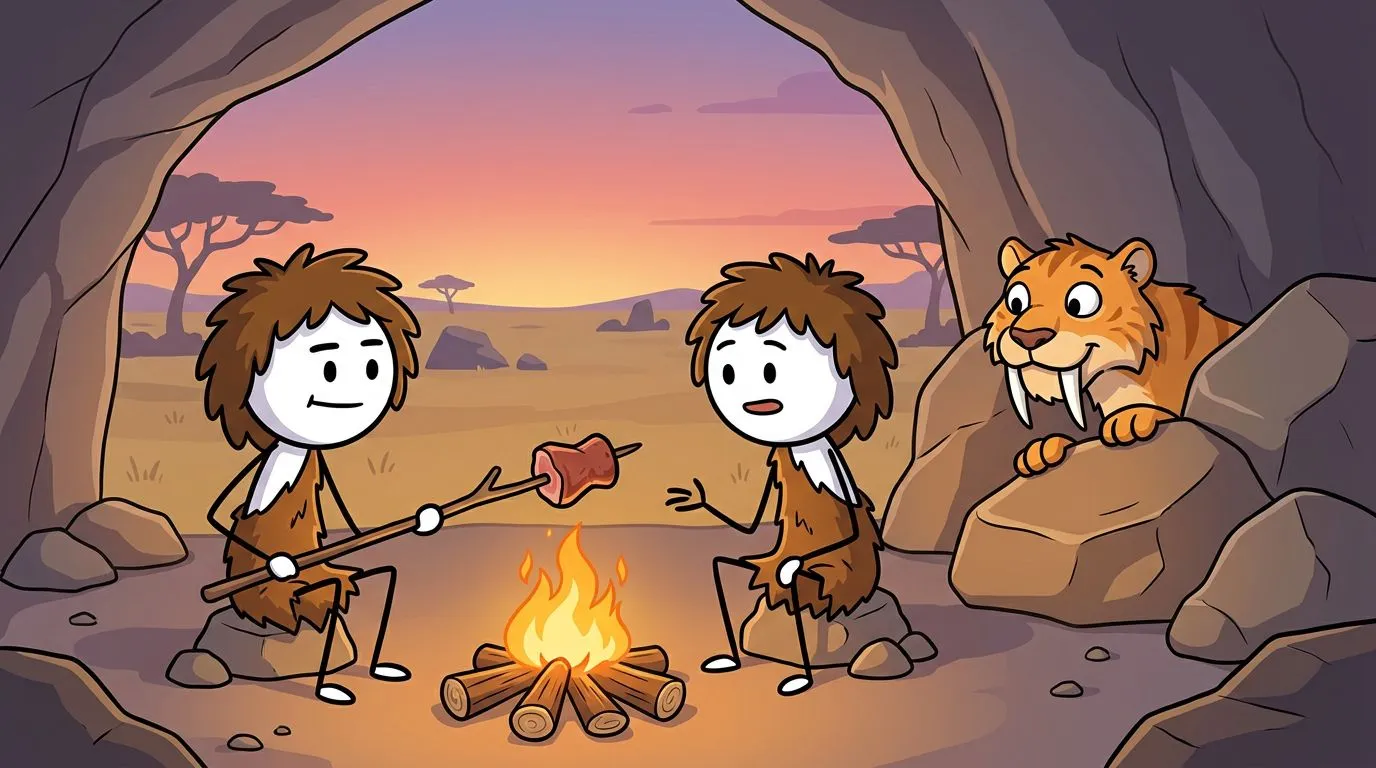 StoryStickman history videosEmpires, wars and eras, with scene instructions that hold the period.
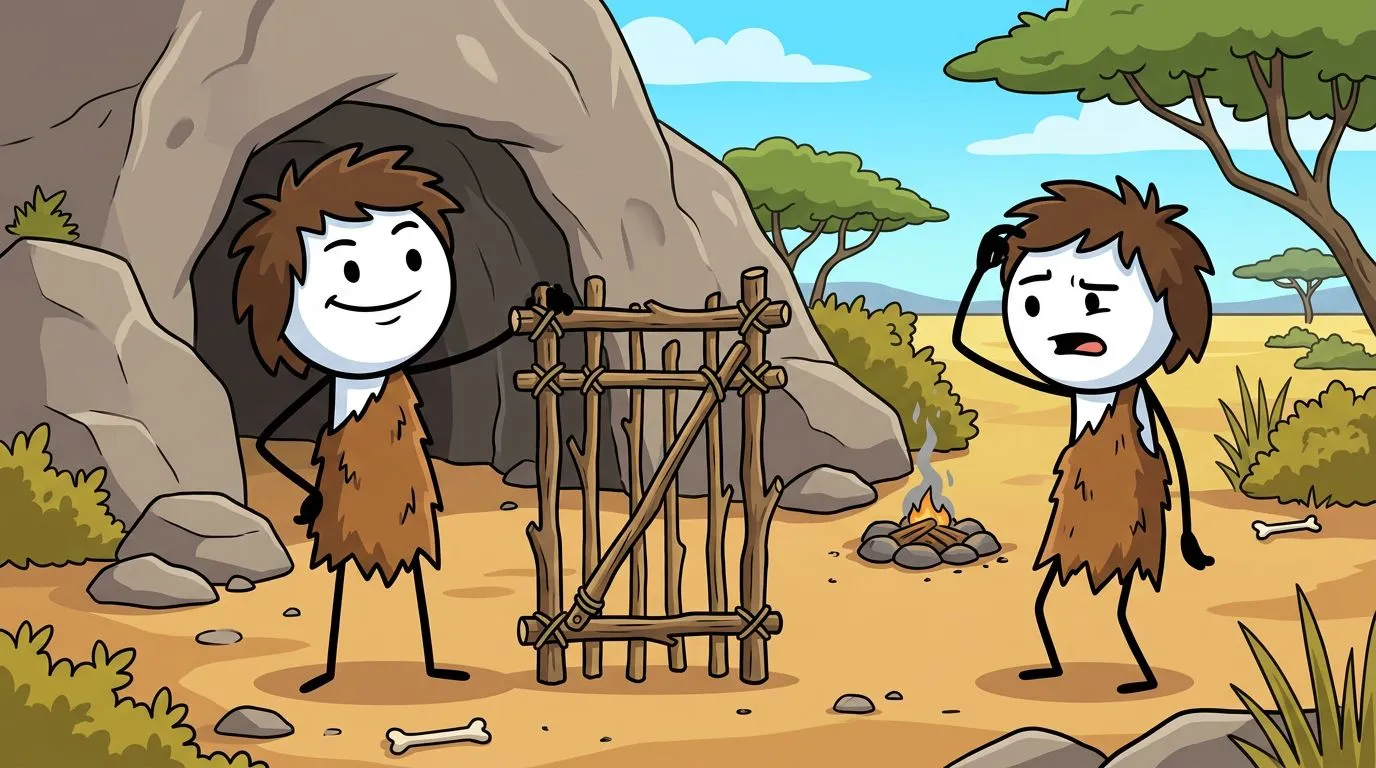 StoryAncient humans stickman videos“What did ancient humans do all day?” and “How did humans invent…?” explainers.
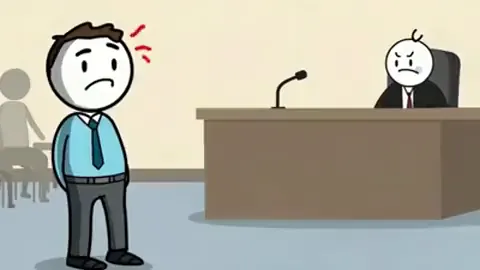 How-toViral stickman videosHooks, cliffhangers and numbered parts that keep people watching.
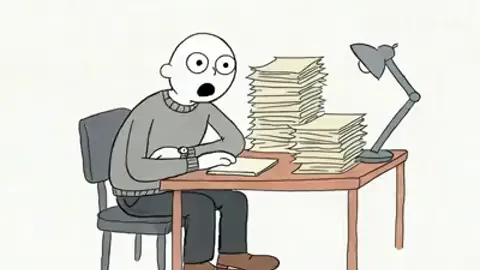 How-toStickman YouTube videosStart a faceless stickman channel in 16:9, and what YouTube asks of it.
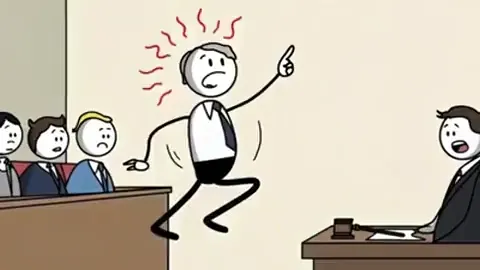 How-toStickman Shorts and TikToksAll five looks in 9:16, at the lengths each platform rewards.
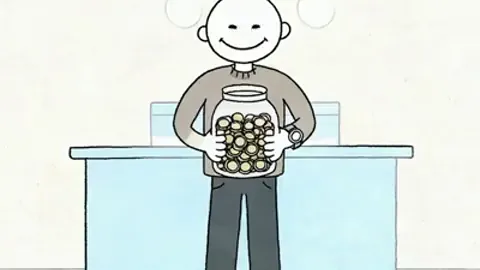 How-toLong stickman videos10 minutes and longer, without drawing 100 scenes.
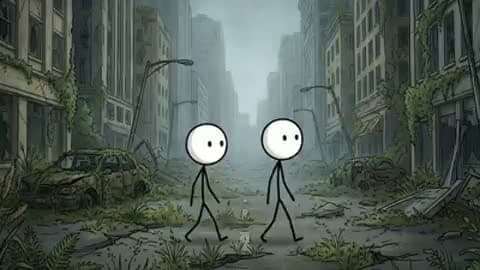 FormatVideos like Beanie SurvivesEpisodic stickman survival series, counted in days.
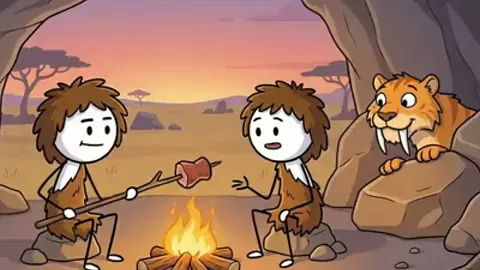 FormatVideos like Ink ExplainerAncient-human and everyday-science explainers, 6 to 15 minutes.
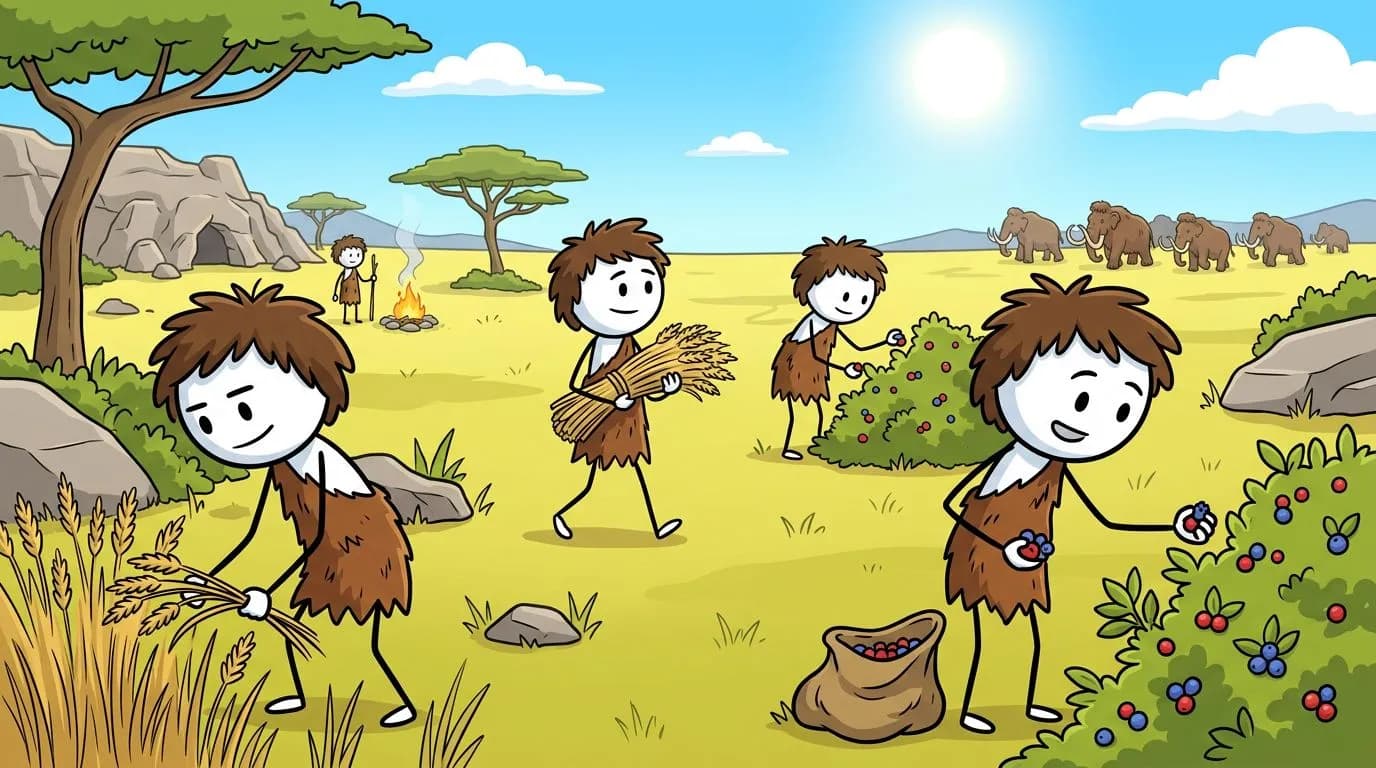 FormatVideos like Neon RushHalf-hour “how did humans invent…” stickman documentaries.
Everything a stickman video needs. In one editor.
Five stickman looks
Bare, Caveman, Doodle explainer, Painted and Classic. Redraw a story in another look without rewriting it.
Animate what matters
One scene, the first minute or the whole video, in the background while you keep editing. Uses AI credits.
125 AI voices
A calm narrator for explainers, a tense one for survival stories, and thousands more in the voice library.
Captions in 100+ languages
Word-by-word captions in 17 styles, so people watching on mute can follow along.
Edit scene by scene
Change a line, redraw a scene, swap the voice or retime it, without starting over.
16:9 or 9:16
Landscape for YouTube, vertical for Shorts, TikTok and Reels.
Frequently asked questions.
How do I make a stickman video with AI?
Open a stickman template in Clippie, paste a script or generate one, and Clippie draws a scene for every few lines, adds a narrator voice and captions. Animate the scenes you want to move, edit anything, then export.
Is there an AI that turns a script into a narrated stickman video?
Yes. Clippie turns a pasted script, or one its AI writer drafts from a topic, into a stickman video: drawn scenes, a narrator voice, word-by-word captions and optional animation, in 16:9 for YouTube or 9:16 for Shorts and TikTok.
What is the best AI tool for stickman videos on YouTube?
For narrated stickman stories and explainers, use a tool built for faceless channels, like Clippie, which writes, draws, animates and narrates every scene. Vyond and VideoScribe suit business and whiteboard animation, and Pivot Animator or FlipaClip suit animating stick figures by hand.
Can I make stickman videos for free in Clippie?
No. Clippie is a paid product and the editor opens after you sign up and pick a plan, from $19.99 a month. The samples on this page show what it makes. If you want to spend nothing, animate by hand in a free app such as Pivot Animator on Windows, and expect it to take far longer.
How much does it cost to make a stickman video?
Clippie plans start at $19.99 a month. Scene pictures are included in all five looks. The voiceover uses voice minutes and the export uses export minutes, one of each per minute of video. Monthly allowances are Lite: 3 hours of export and 1 hour of AI voice generation; Creator: 10 hours of export and 4 hours of AI voice generation; Pro: 16 hours of export and 8 hours 20 minutes of AI voice generation. Animating scenes is optional and uses AI credits, from 7 credits for a 5-second clip. Lite includes 2,400 credits a month.
Are the stickman scenes animated or still?
Both. Every scene starts as a drawn picture, which you can zoom and pan for free. To make the figures move, animate one scene, or animate the first 10 seconds, the first minute or the whole video at once. Animation uses AI credits, and the dialog shows the total before you start.
What is the difference between the stickman looks?
Bare stickman is plain stick bodies in detailed, muted worlds. Caveman stickman is fur-clad stickmen in bright prehistoric scenes. Doodle explainer is marker doodles on a plain background. Painted stickman puts clothed stickmen in warm, painterly scenes. Classic stickman is the meme-style look with big expressions.
Can I use my own script?
Yes. Paste it and Clippie splits it into scenes and draws a stickman scene for each one. Or let the AI script writer draft one from a topic, a tone and a length, then edit it.
Can I monetize stickman videos on YouTube?
Stickman videos can join the YouTube Partner Program like any other channel, once you reach its thresholds. YouTube’s policies exclude mass-produced or templated content, so write or edit your own script and give the channel its own angle. Non-realistic animation does not need YouTube’s altered-content label.
Can stickman videos get copyright claims?
The scenes, voice and captions are generated for you, so there is no stock or film footage to get claimed. Copying another channel’s characters, scripts or videos is a different matter, so make your own.
Plan your next video
How to storyboard a Stickman survival video
Build a Stickman survival story around one difficult choice, with an original six-scene script, visual instructions and a practical production checklist.
How to animate AI story scenes without losing the story
Plan scene motion around approved images and narration, preserve character continuity, and review animated clips before exporting.
How to plan an AI story video
Turn a story script into a practical scene plan with consistent characters, clear visual prompts, narration and a final review checklist.

