Consistent character video generator the same character in every scene.
Most AI video tools redraw your character from scratch in every shot, so the hair, the outfit and the face keep changing. In Clippie you define a character once, with a name, a description and a picture, and every scene they appear in is drawn from that picture.
- Characters per storyUp to 8
- Looks that use character pictures21
- Saved in your libraryUp to 300
Short answer
To make an AI video with a consistent character, define the character once and make every scene draw from the same reference picture, instead of describing them again in each prompt. Clippie’s AI Story does this for you: add up to 8 characters with a name, a “Looks like” line and a picture, write or paste a script, and each scene a character appears in is drawn with their picture as the reference. It works in 21 looks, from stickman to 3D animated film.
- 1
A narrated story with a recurring cast: Script in, scenes out, the same characters throughout.
- 2
Stickman videos: One stickman with the same hair, scarf or backpack from the first scene to the last.
- 3
Cartoon and 3D characters: A cartoon cast that stays on model across an episode.
- 4
A series: The same character in every video you post.
Checked against the product on 13 November 2026.
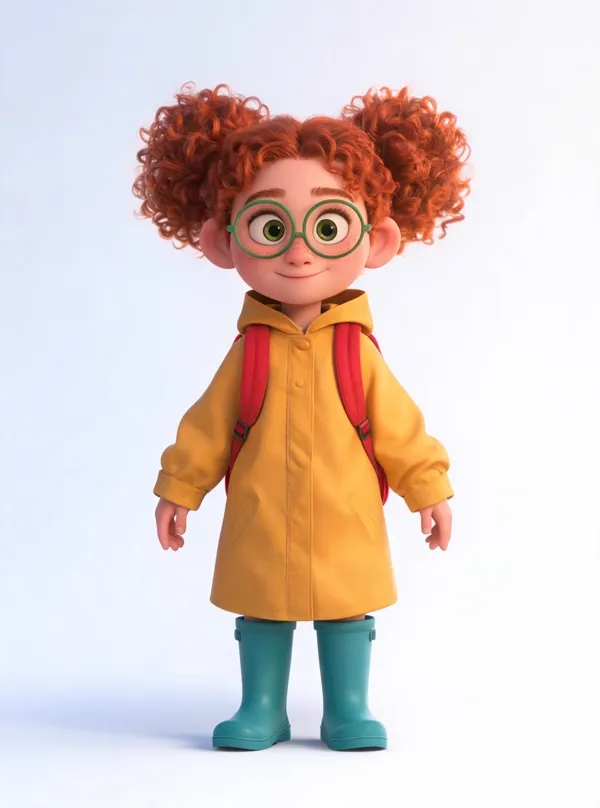
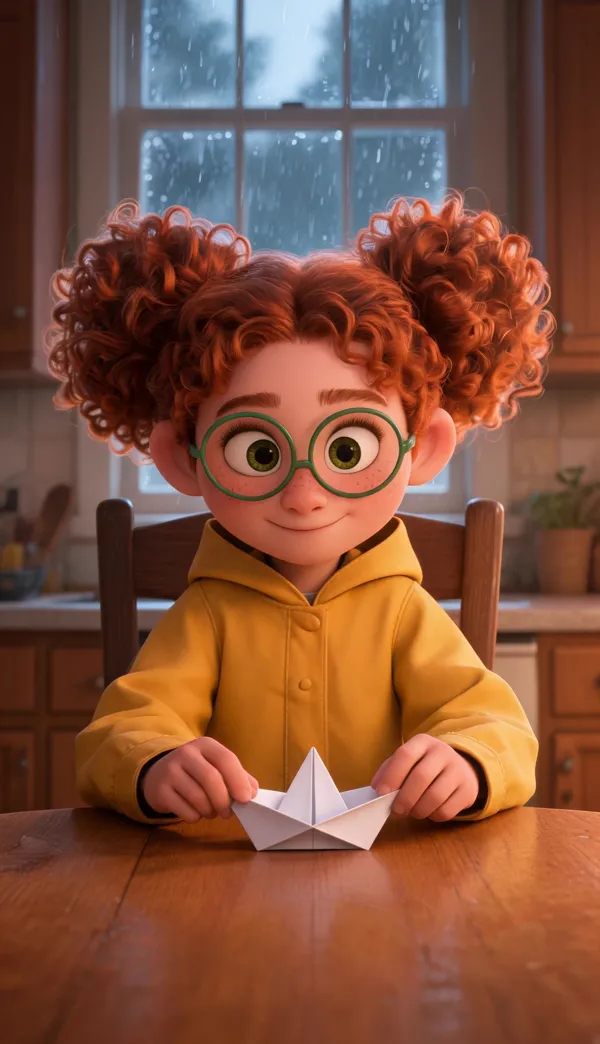
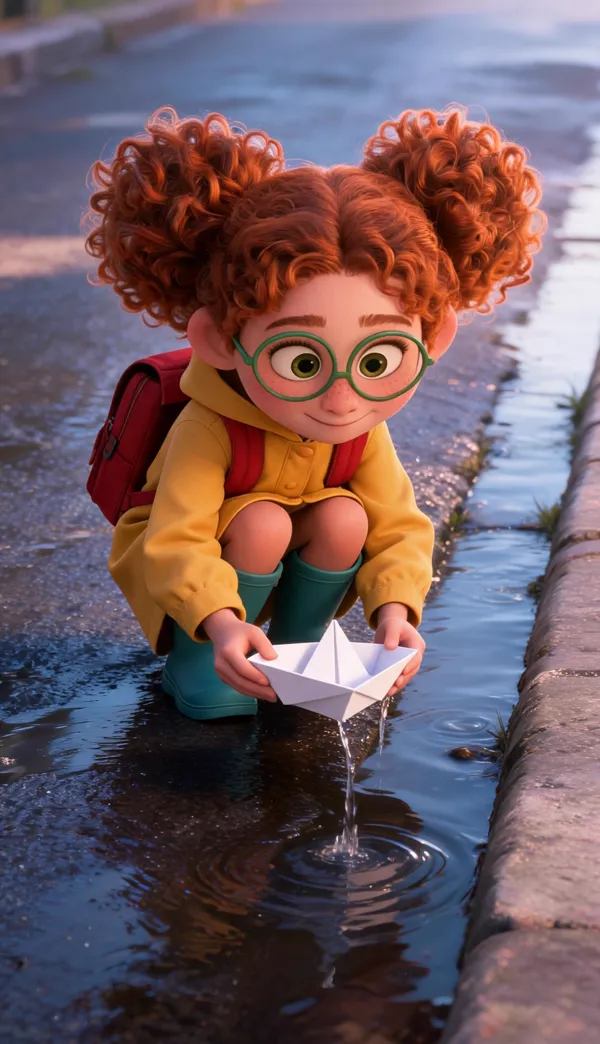
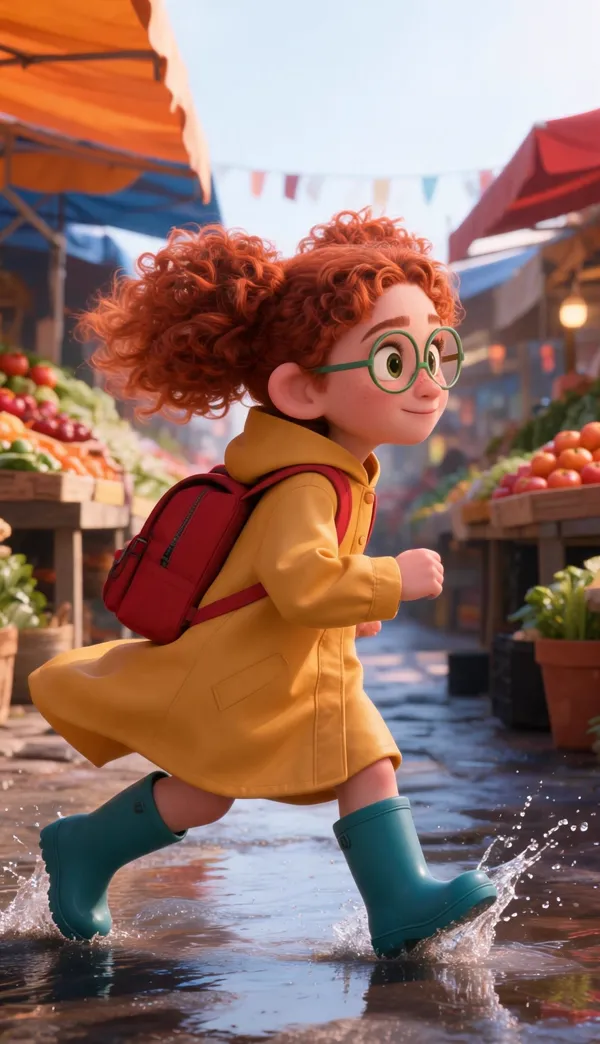
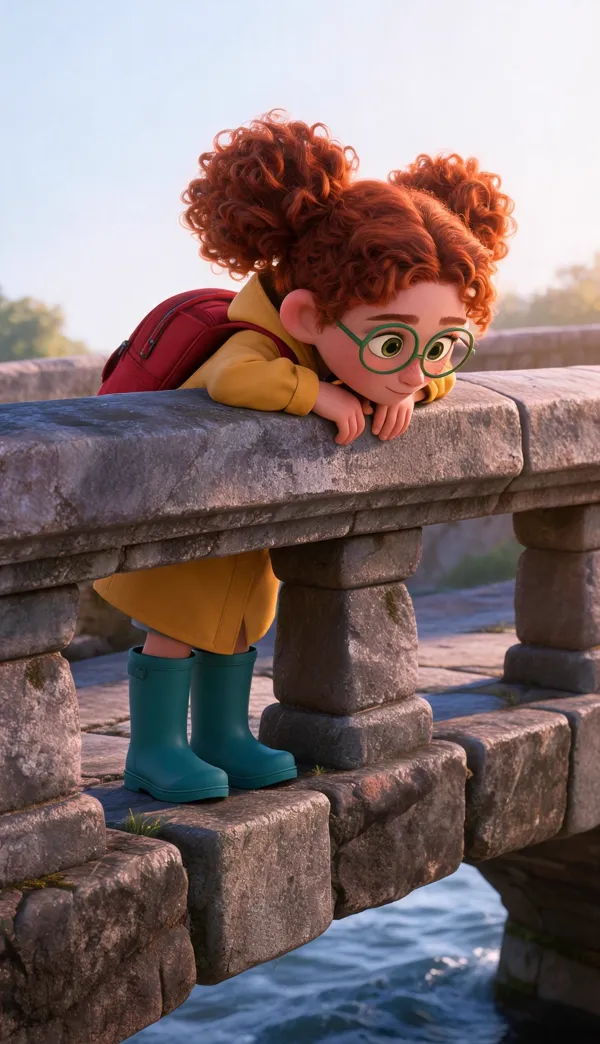
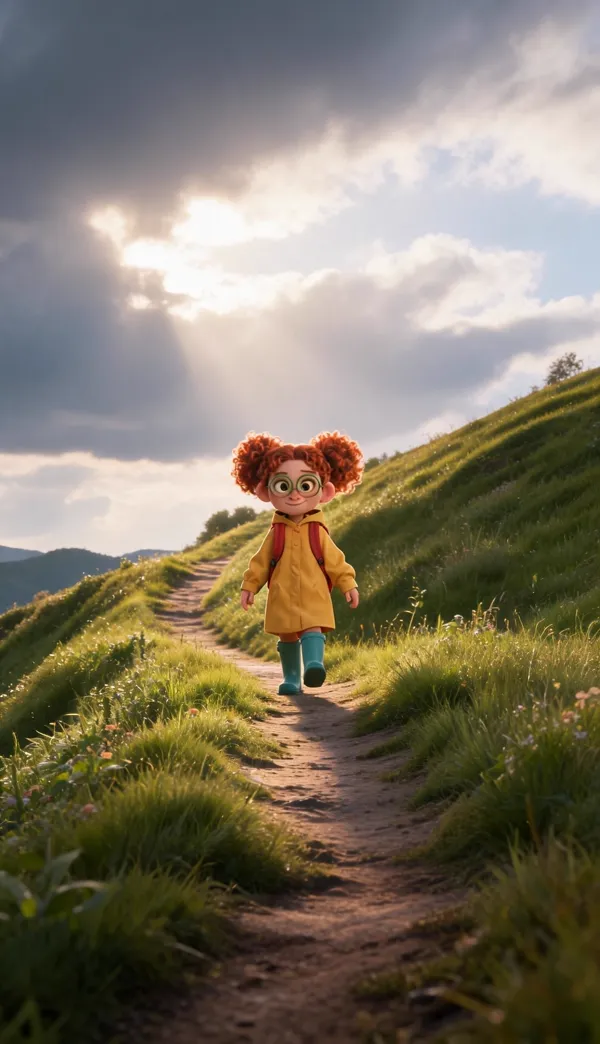
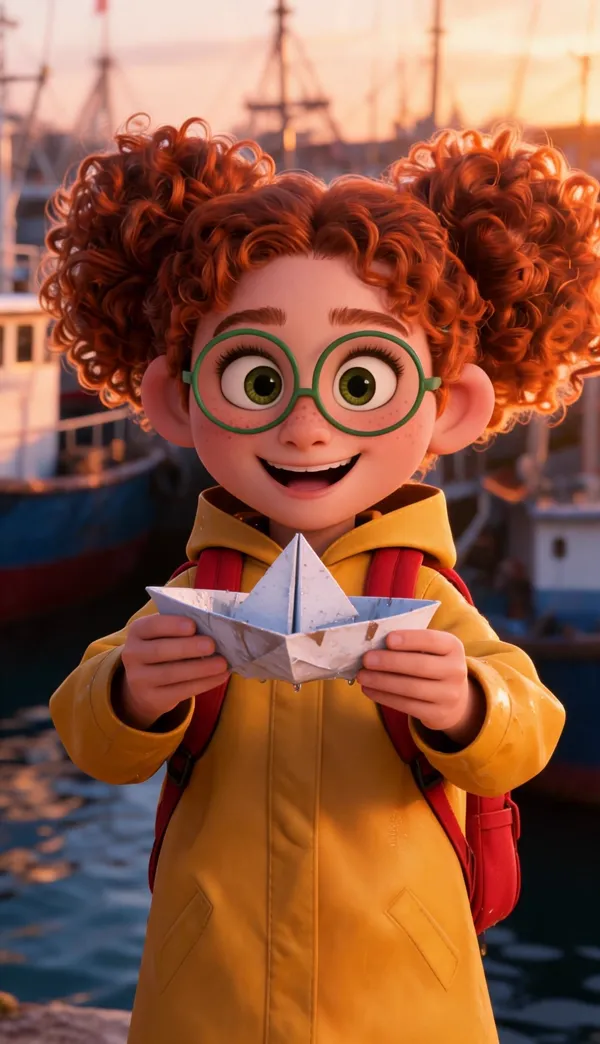
One picture of Mira, drawn from a single “Looks like” line, then six scenes of one story drawn from it in the 3D animated film look. First take, nothing retouched: the hair, glasses, raincoat, boots and backpack hold in close shots, wide shots and from the side.
How to make a video with a consistent character. Four steps.
- 1
Pick a look that uses character pictures
Open AI Story and choose a look with the standing-figure mark, such as Bare stickman, 3D animated film, Storybook or Cinematic. 21 looks have it.
- 2
Add your characters
Add up to 8 characters. Give each a name and a “Looks like” line, then draw their picture in the story’s look, upload one, or take one from your library.
- 3
Write the script and generate
Paste a script or have the AI writer draft one, and mention characters with @. Every scene a character is in is drawn from their picture.
- 4
Review, fix and export
Look through the scenes. Redraw any scene, or change a character and redraw only their scenes. Then animate, add captions and export in 9:16 or 16:9.
Which looks keep a character from their picture. All of them, by family.
21 of Clippie’s 46 story looks, and any look you describe yourself, send each character’s picture to the scenes they are in. The rest keep the character from the written “Looks like” line. Checked 13 November 2026.
| Look family | Drawn from the character’s picture | Kept from the “Looks like” line |
|---|---|---|
| Stickman | Bare stickman, Caveman stickman, Whiteboard stickman, Doodle explainer, Painted stickman | Classic stickman |
| 3D & games | Fruit people, 3D animated film, Kids cartoon, Claymation, Toy brick, Blocky voxel | Pixar 3D, Minecraft, Lego, Low poly |
| Cartoon | None yet | Creepy cartoon, Polished cartoon, 90s Disney, Dark cartoon, Bright creepy cartoon, Bright dark cartoon, Vibrant cartoon, Adult cartoon, Simpsons, Corporate satire, Whiteboard |
| Illustrated & anime | Soft anime, Storybook, Editorial | Studio Ghibli, Cute anime |
| Comic | Noir ink | Comic realism, Comic book, Dark comic, Black & white comic |
| Realistic & cinematic | Cinematic, History documentary, True crime, Ancient epic, Phone photo, Vintage film | Ultra realistic, Film still, 18th century |
In the look gallery, looks that use character pictures carry a standing-figure mark, and the “Use character pictures” filter lists only those.
Consistent characters, by what you are making. Pick a page.
- How to Keep Characters Consistent in AI VideosA full guide to character consistency in AI video: why characters change between scenes, the five ways to stop it (a fixed description, a reference picture, a character sheet, seeds, a trained model) and the step-by-step method in Clippie, where every scene is drawn from the character’s picture.
- AI Story Generator with Consistent CharactersTurn a script into a narrated AI story video where the characters stay the same from the first scene to the last. Clippie finds the characters in your script, draws each one once, and draws every scene from those pictures.
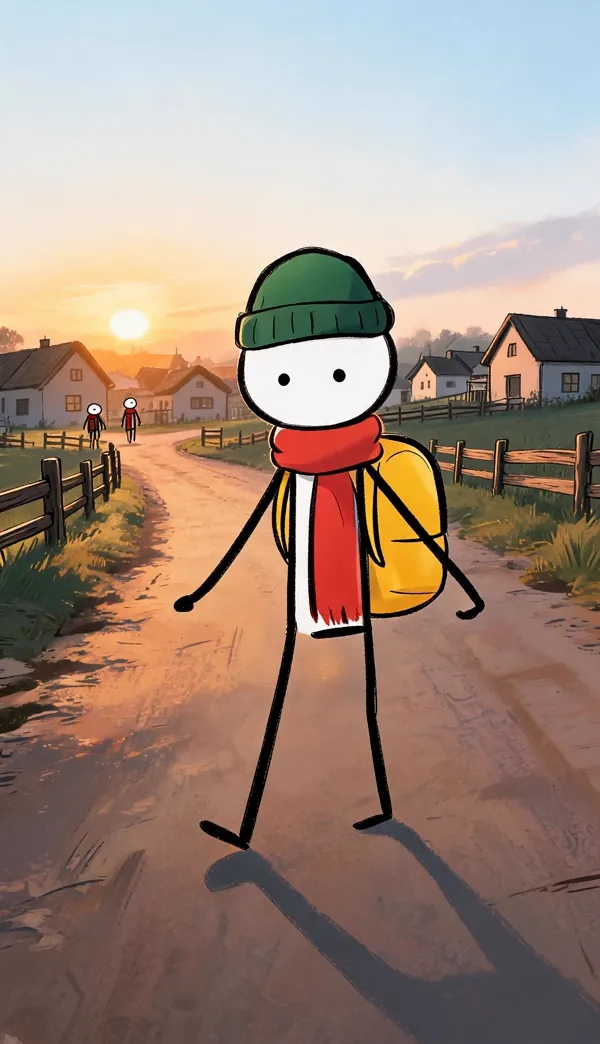 Consistent Stickman CharactersHow to make stickman videos where the stickman stays the same character: give them one signature detail and a picture, and 5 of Clippie’s 6 stickman looks draw every scene from that picture.
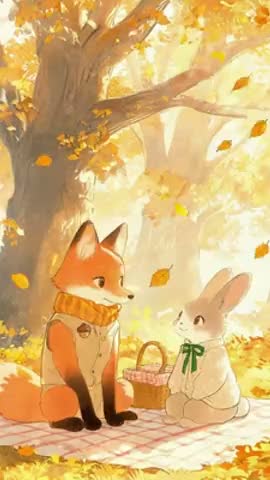 Consistent Cartoon Character GeneratorCreate a cartoon or 3D character once and keep them on model in every scene of an AI video: 3D animated film, Kids cartoon, Claymation, Storybook, Soft anime and more. For kids’ stories, bedtime videos and cartoon series.
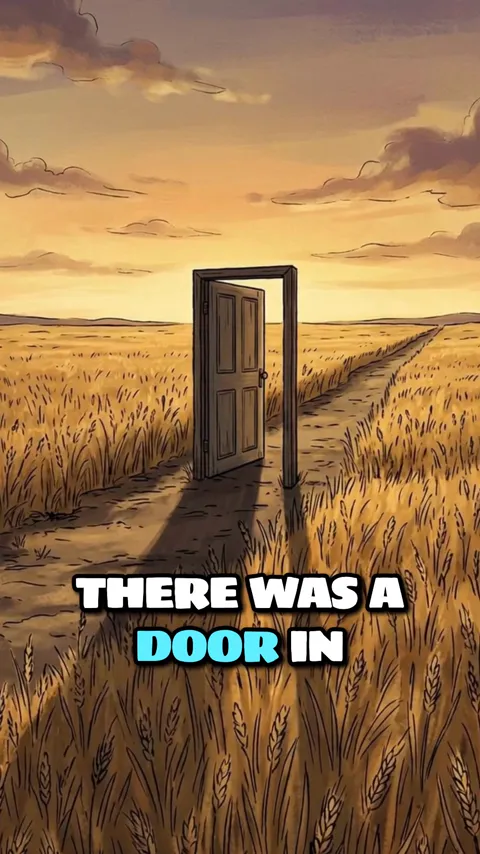 Same Character Across AI VideosUse the same AI character in every video you post. Clippie saves each character you use, with their picture and voice, to a library of up to 300, so every episode of a series starts from the same cast.
Built to stop characters drifting. Before, during and after generation.
One picture, every scene
Each character has a picture. On 21 looks, every scene the character is in is drawn with that picture as its reference, so the face, outfit and proportions come from one source.
Described is enough
Write what a character looks like and skip the drawing. When the story is generated, Clippie draws their picture in the story’s look first, then draws the scenes from it.
Characters found in your script
Clippie reads the script and suggests the recurring characters and groups, with the other words the script uses for them, so “the grey figures” are still drawn as your zombies.
Fix one character, not the whole video
Add or change a character after the story is generated and redraw only the scenes they are in. Every other scene stays exactly as it was.
A library for the next video
Characters you use are saved to your library, up to 300, with their picture and voice. Add one to a new story with “From library”.
Animation starts from the approved picture
A scene is animated from its own drawn picture, so the character you approved as a still is the character that moves. Check the stills first, then animate.
Frequently asked questions.
What is character consistency in AI video?
Character consistency means a character keeps the same face, body, outfit and colours in every scene of a video, and from one video to the next. Image and video models draw each shot separately and have no memory of the last one, so without a shared reference the same description produces a slightly different person every time.
How does Clippie keep a character the same in every scene?
Every character in a story has a name, a “Looks like” line and a picture. On the 21 looks that take reference images, each scene a character appears in is drawn with their picture attached as the reference, so every scene works from the same face, outfit and proportions. On the other looks the scene is drawn from the written “Looks like” line. If you only describe a character, Clippie draws their picture in the story’s look before it draws the scenes.
Is the character identical in every single scene?
Close, not guaranteed. A reference picture steers the drawing far more than a text description does, and the main traits (head shape, hair, outfit, colours) normally hold from scene to scene. Small details such as a logo or the exact number of buttons can still vary, so look through the scenes before you animate. A scene that drifted can be redrawn on its own without touching the others.
Which looks use character pictures?
21 of the 46 story looks, plus any look you describe yourself: Stickman: Bare stickman, Caveman stickman, Whiteboard stickman, Doodle explainer and Painted stickman. 3D & games: Fruit people, 3D animated film, Kids cartoon, Claymation, Toy brick and Blocky voxel. Illustrated & anime: Soft anime, Storybook and Editorial. Comic: Noir ink. Realistic & cinematic: Cinematic, History documentary, True crime, Ancient epic, Phone photo and Vintage film. They carry a standing-figure mark in the look gallery. The other looks keep characters from the “Looks like” line.
Can I use the same character in another video?
Yes. A character you use in a story is saved to your character library with their picture and voice, up to 300 characters. Open a new story, choose “From library” and they are in the cast. Draw the new story in the same look and they match the earlier video.
Can I turn a photo or my own drawing into a consistent character?
Yes. Upload a drawing, or a photo you have the right to use, as a character’s picture. You can use it as it is, or have Clippie redraw it in the story’s look so the character matches the scenes. For a photo of a real person you confirm you have the right to use it.
Does it work for more than one character in a scene?
Yes. A story holds up to 8 characters, and a scene that mentions two of them is drawn with both pictures as references. Give each character one clear, different trait (a red scarf, a green bow, a taller build) so they stay easy to tell apart.
How much does it cost?
Clippie is a paid product, with plans from $19.99 a month. Characters, character pictures and scene pictures are included on a plan. The voiceover uses your plan’s voice minutes and the export uses its export minutes. Animating scenes is optional and uses AI credits, with the total shown before you start.
Guides from the Clippie blog.

How to Create AI Story Videos with Clippie AI (2026 Guide)
Learn how to create engaging AI story videos using Clippie AI. This step-by-step guide shows how to generate scripts, choose voices, create scenes, and produce faceless story videos optimized for short-form platforms.
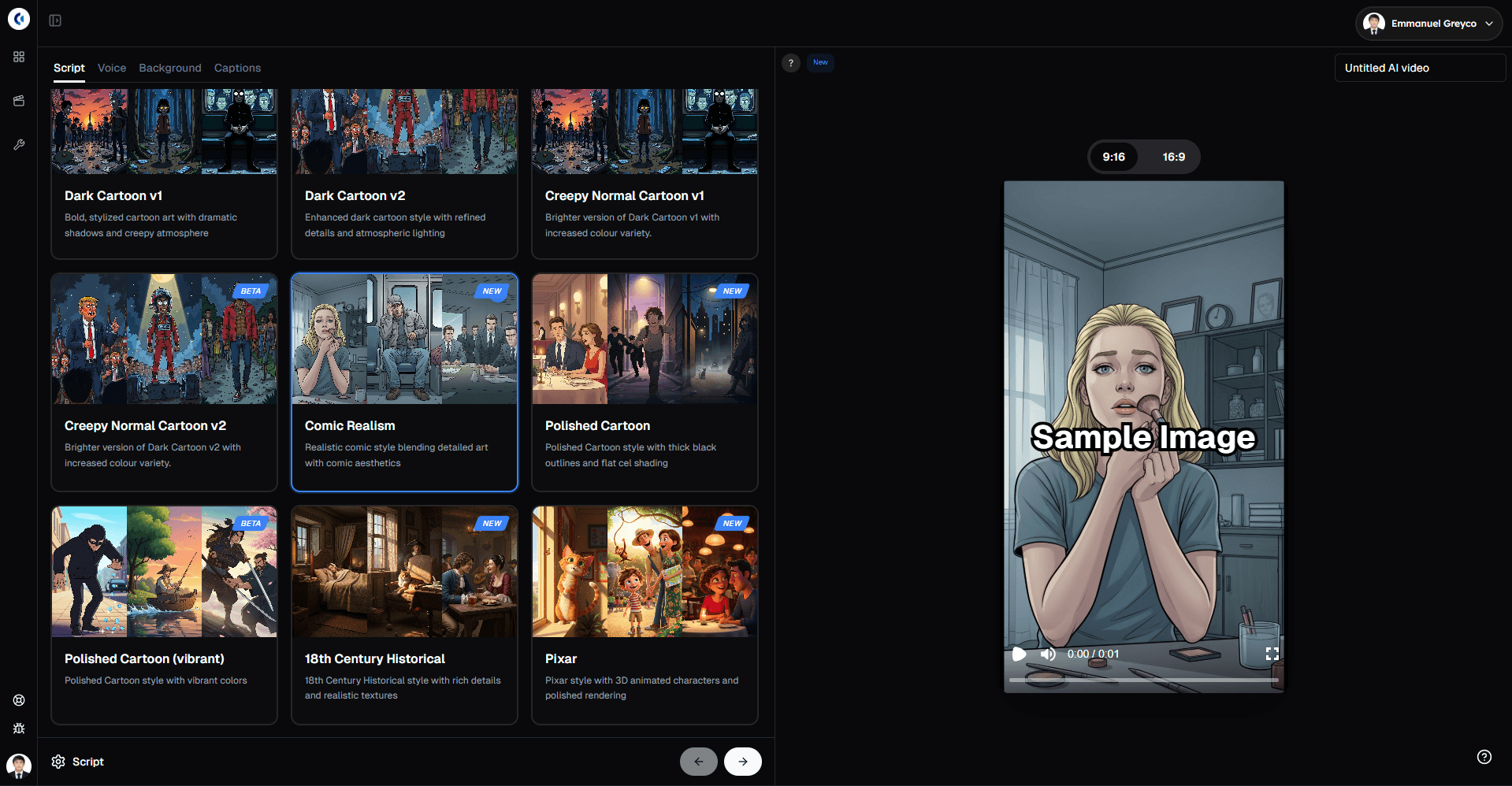
The Ultimate Guide to Clippie's AI Story Video: Create Viral AI-Generated Stories Fast
Complete guide to creating viral AI-generated story videos with Clippie. Step-by-step tutorials, art style customization, new features, and proven viral strategies for 2025.