
What are you making? Start from there.
Clippie’s editors do a lot, so these pages start from you. Find your kind of channel or your kind of story, and see the samples, the right template and the questions people in that niche ask.
- Story looks45 to choose from
- AI voices125, plus a voice library
- CaptionsIn 100+ languages
Three steps, whichever niche you pick.
- 1
Find your page
Pick the audience or niche closest to what you make. Each page explains what works there and what to watch out for.
- 2
Start from its template
Each page links to the right look and frame. You sign up and pick a plan, then your idea opens in the script writer.
- 3
Check it and export
Clippie writes, draws, reads and captions the video. You fix what is wrong, then export and post it yourself.
Find your audience or your niche.
Audience pages cover running a channel or a page. Niche pages cover making one kind of video.
 AudienceFaceless YouTube ChannelsFor people running a YouTube channel without appearing on camera: 16:9 story videos with a script, a scene for every line, a narrator and captions, in one consistent look.
 AudienceYouTube AutomationWhat can and cannot be automated on a YouTube channel: Clippie handles script drafts, voice, scenes, captions and rendering, in the editor or through its API. Topics, checks and uploads stay with you.
 AudienceTikTok Creator Rewards CreatorsFor creators making original TikToks over a minute long: the AI writer has one-minute and longer presets, and every scene, voice and caption is generated for your script.
 AudienceInstagram Reels PagesFor Instagram theme pages that have relied on reposts: make your own Reels in a look your page owns, with your handle on the frame and captions for muted viewers.
 AudienceKids Story ChannelsFor the adults running children’s story channels: bright 3D and storybook scenes, a gentle narrator and captions, plus what YouTube requires for videos made for kids.
- AudienceHistory ChannelsFor people running a history channel: a matching look for each period, your own researched script, narration and captions, and your own archive images where they matter.
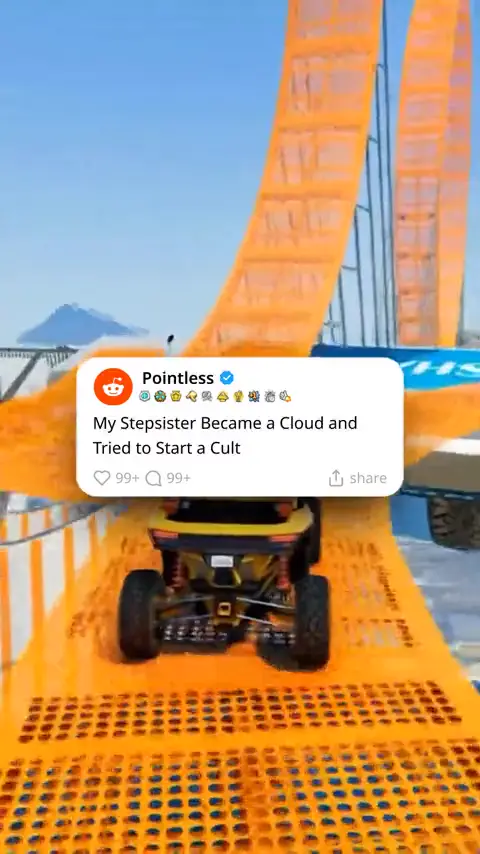
 AudienceStorytime and Reddit PagesFor storytime and Reddit story pages: tell one story three ways, as a Reddit card over gameplay, a fake text thread or a drawn cartoon, with AI narration and captions.
 AudienceSocial Media AgenciesFor small social media agencies and freelancers: a brand kit per client, every short-form format in one plan, commercial use of the output and an API. There are no team seats yet.
 AudienceShort-Form as a Side ProjectA plain guide for people thinking about short-form video as side income: what it involves, what it costs and where money can come from. No earnings figures and no promises.
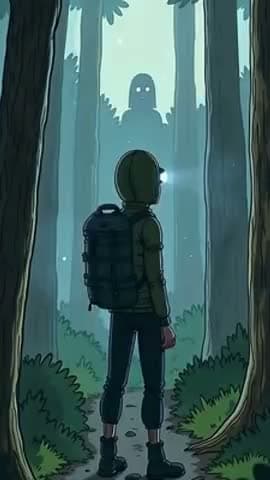 NicheCreepy Cartoon Video MakerMake creepy cartoon videos with AI: wide-eyed characters, black shadows and an eerie narrator, in four dark cartoon looks, for 9:16 shorts or 16:9 YouTube.
 NicheHorror Story Video GeneratorGenerate long horror story videos for YouTube: a script that builds for up to 10 minutes or longer if you paste it, dark scenes in cartoon or realistic looks, a narrator and captions.
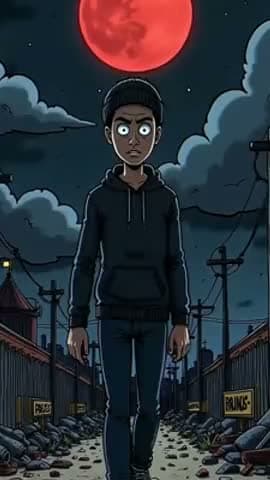 NicheScary Story Video MakerMake scary story videos for TikTok, Reels and Shorts: a tight 30 to 60 second script with a twist at the end, dark scenes, fast cuts, a low voice and captions.
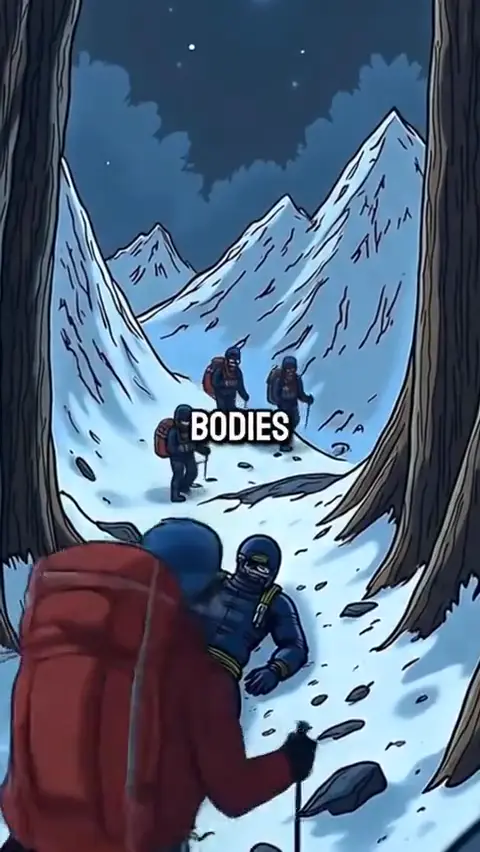 NicheSurvival Story Video MakerMake survival story videos with AI: lost at sea, stuck on a mountain or alone in the wild, told in the second person with a countdown, in stickman or creepy cartoon looks.
 NicheUnsolved Mystery Video MakerMake unsolved mystery videos with AI: vanished ships, strange signals and places nobody explains, with a suspenseful narrator, noir and found-footage scenes, and captions.
 NicheBible Story Video MakerMake Bible story videos with AI: paste the passage or draft from it, with painted epic scenes, a calm narrator and captions in over 100 languages. You check every line against scripture.
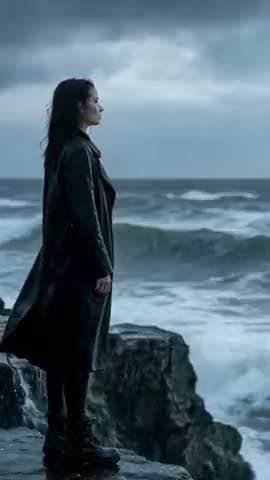 NicheMotivational Video MakerMake motivational videos with AI: your own message read by a deep or calm voice, over moody cinematic scenes, with bold captions, in 9:16 or 16:9.
 NichePsychology Facts Video MakerMake psychology facts videos with AI: one effect explained with a real example, in doodle or editorial scenes, with a narrator and captions for Shorts, Reels and TikTok.
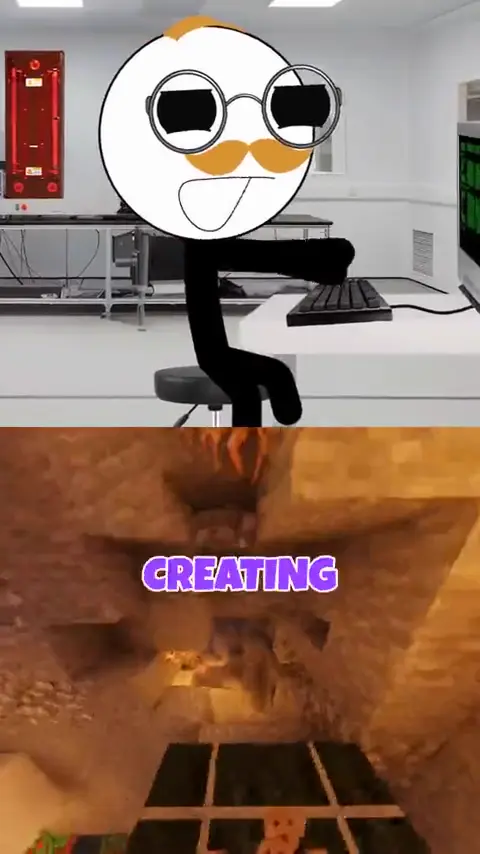 NicheDid You Know Video MakerMake did-you-know facts videos with AI: one surprising, checked fact, drawn scene by scene or read over gameplay, with a narrator and captions for short-form feeds.
 NicheScience Explainer Video MakerMake science explainer videos with AI: one question answered step by step, in family-film 3D or playful looks, with a clear narrator and your own diagrams in any scene.
 NicheFinance Explainer Video MakerMake personal finance explainers with AI: how a credit card or a mortgage actually works, in doodled scenes, with your own charts, a narrator and captions. Education, not advice.
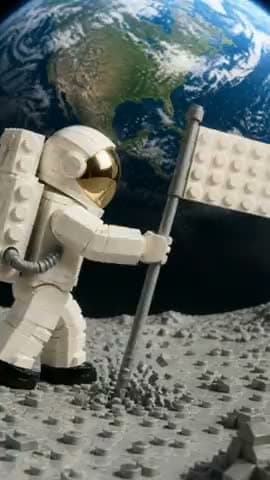 NicheWhat If Video MakerMake what-if videos with AI: take one hypothetical, then walk through the first minute, day and year, with drawn scenes, a narrator and captions in 9:16 or 16:9.
 NicheAnime Story Video MakerMake anime story videos with AI in three looks: painterly Ghibli style, Cute anime and Soft anime. Original characters, narration and captions, in 9:16 or 16:9.
 NichePet Story Video MakerMake pet and animal story videos with AI: a cat with opinions, a lost dog’s journey or a fox and rabbit fable, in 3D and storybook looks, with each animal in its own voice.
 NicheAI Cartoon Story GeneratorTurn a story into a cartoon video with AI: pick from Clippie’s cartoon looks, from polished and vibrant to 90s hand-drawn, and get drawn scenes, narration and captions.
 NicheBedtime Story Video MakerMake bedtime story videos with AI: gentle storybook and 3D scenes, a soft voice and slow pacing, for your own kids or a channel, from a few minutes up to 10 or longer.
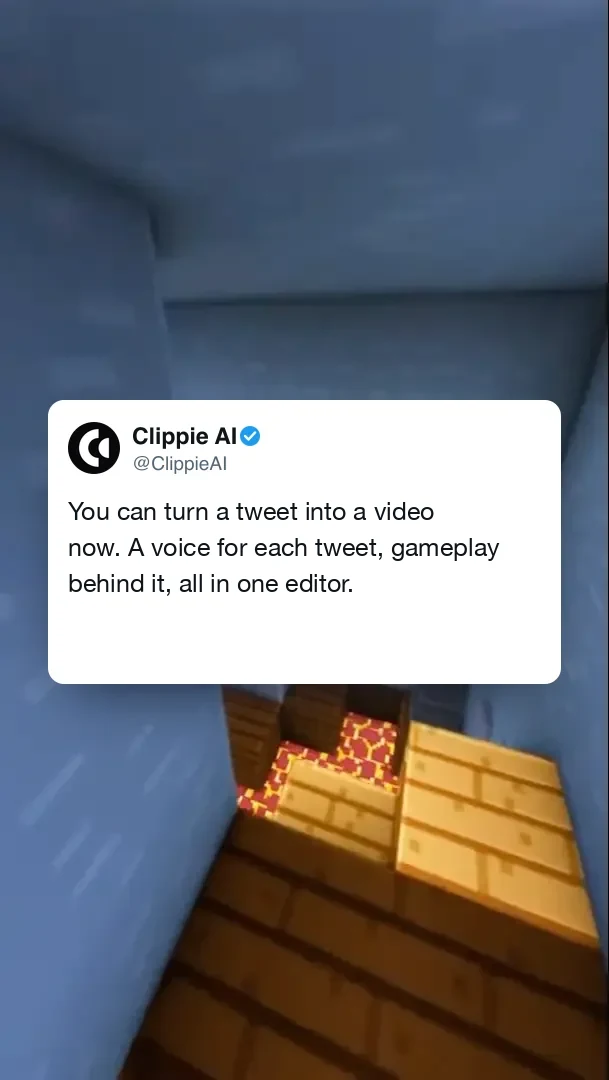 NicheTwitter Video GeneratorTurn a tweet or a thread into a video: a tweet card you fill in, an AI voice reading it, gameplay behind it and a 1080x1920 export for TikTok, Reels and Shorts.
 NicheAI Stickman Video MakerMake stickman videos with AI: Clippie writes the script, draws every scene in one of five stickman looks, adds a narrator and captions, animates the scenes you choose, and exports 16:9 for YouTube or 9:16 for Shorts and TikTok.
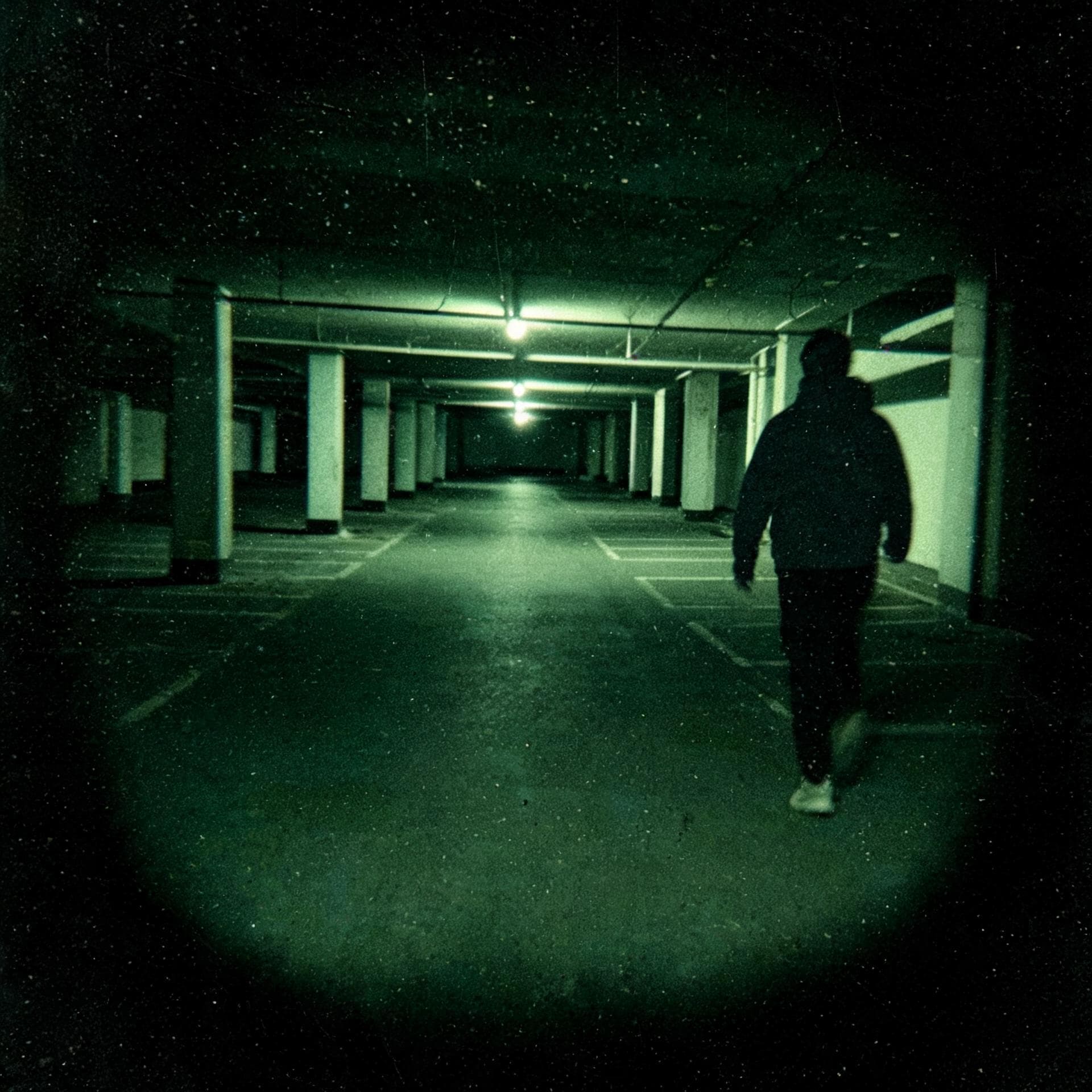 NicheTrue Crime Video MakerMake long-form true crime documentaries with AI: a suspenseful script, grainy CCTV and found-footage style scenes, a narrator voice and captions, exported in 16:9.
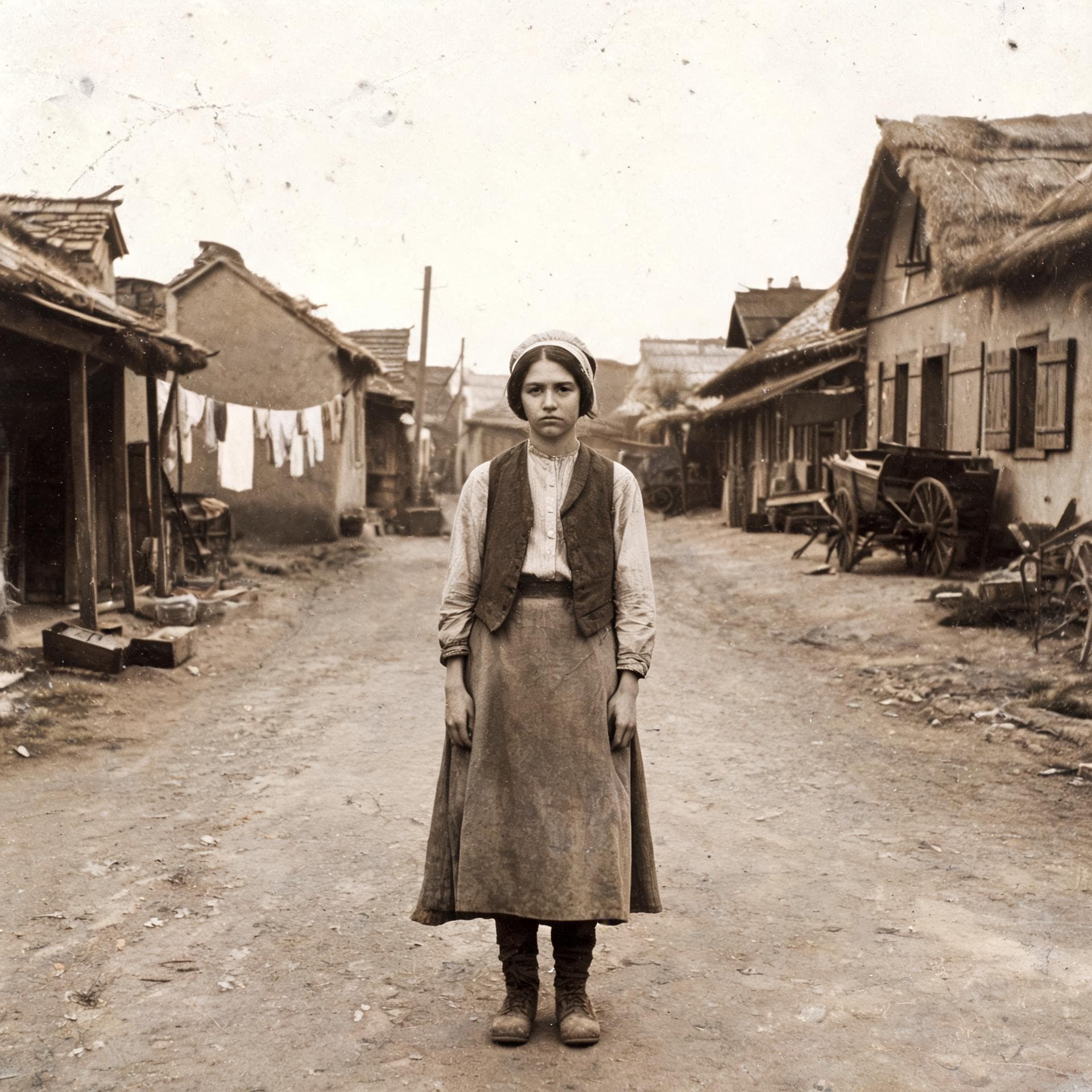 NicheHistorical Documentary MakerMake history documentary videos with AI: an AI-written script up to 10 minutes, archival-style scenes, a narrator voice and captions, exported in 16:9 for YouTube.
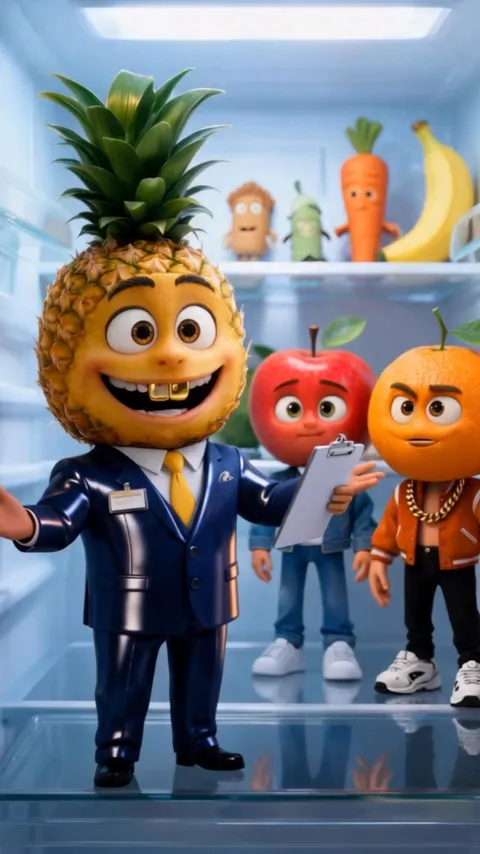
 NicheAI Fruit Video GeneratorMake viral AI fruit videos: fruit and vegetable characters with 3D fruit heads act out a drama, each saying their lines to camera in their own voice. Start from the Fruit videos template with a ready-made cast and story, or write your own.
 NicheAI ASMR Video GeneratorMake AI ASMR videos two ways: generate satisfying ASMR clips with sound (glass fruit cutting, crunchy textures, slow pours) on AI video models that make sound, or narrate whisper ASMR stories with soft AI voices and [whispers] tags.
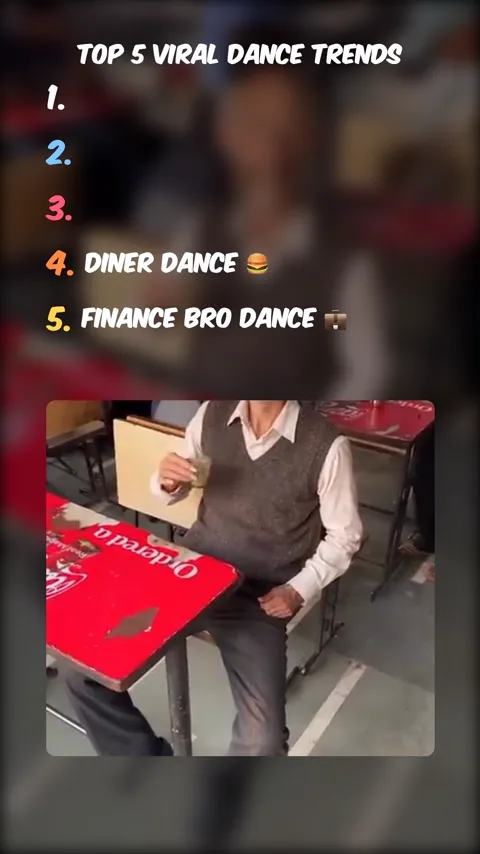 NicheTop 5 Video MakerMake top 5 countdown videos from your own clips: upload 2 to 9 clips, drag them into rank order, type the labels, add an AI voiceover, music, bass-boost transitions and captions, and export in 1080x1920 for TikTok, Reels and Shorts.
- NicheWould You Rather Video GeneratorMake would you rather videos: the AI writes the questions and draws a picture for each option, a voice reads them, a countdown runs and the percentages are revealed.
NicheRoblox Rant Video GeneratorMake Roblox rant videos: write or AI-generate the rant, pick a voice, and Clippie plays it over Roblox gameplay from a library of 171 clips with bold captions. 1080p vertical exports.
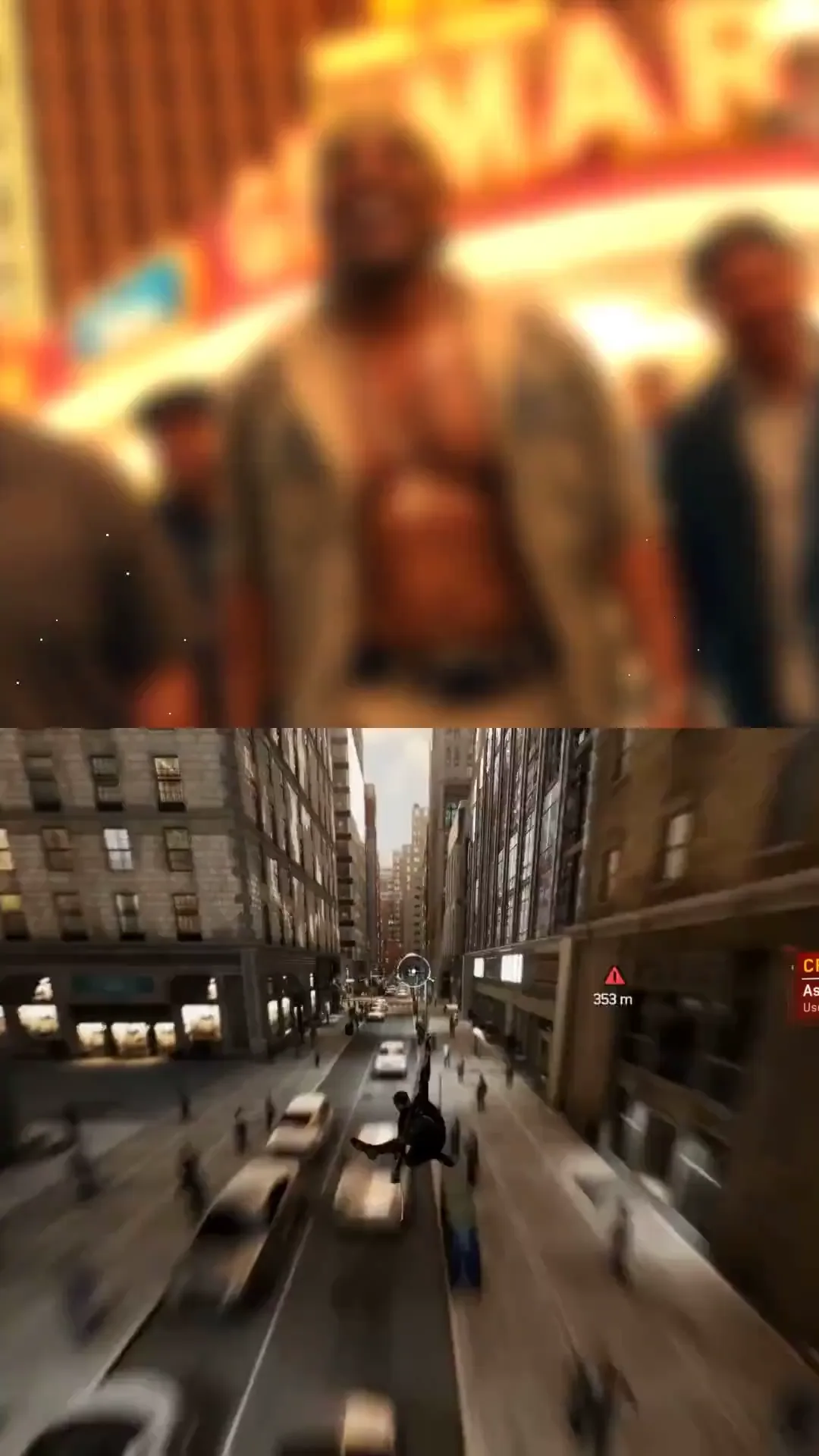 NicheSplit Screen Video MakerMake split screen videos for TikTok and Shorts: your clip on top, gameplay from a 417-clip library below, auto captions in 104 languages between them, exported at 1080x1920.
 NicheKids Cartoon AI VideosMake bright kids cartoon videos with AI for YouTube.
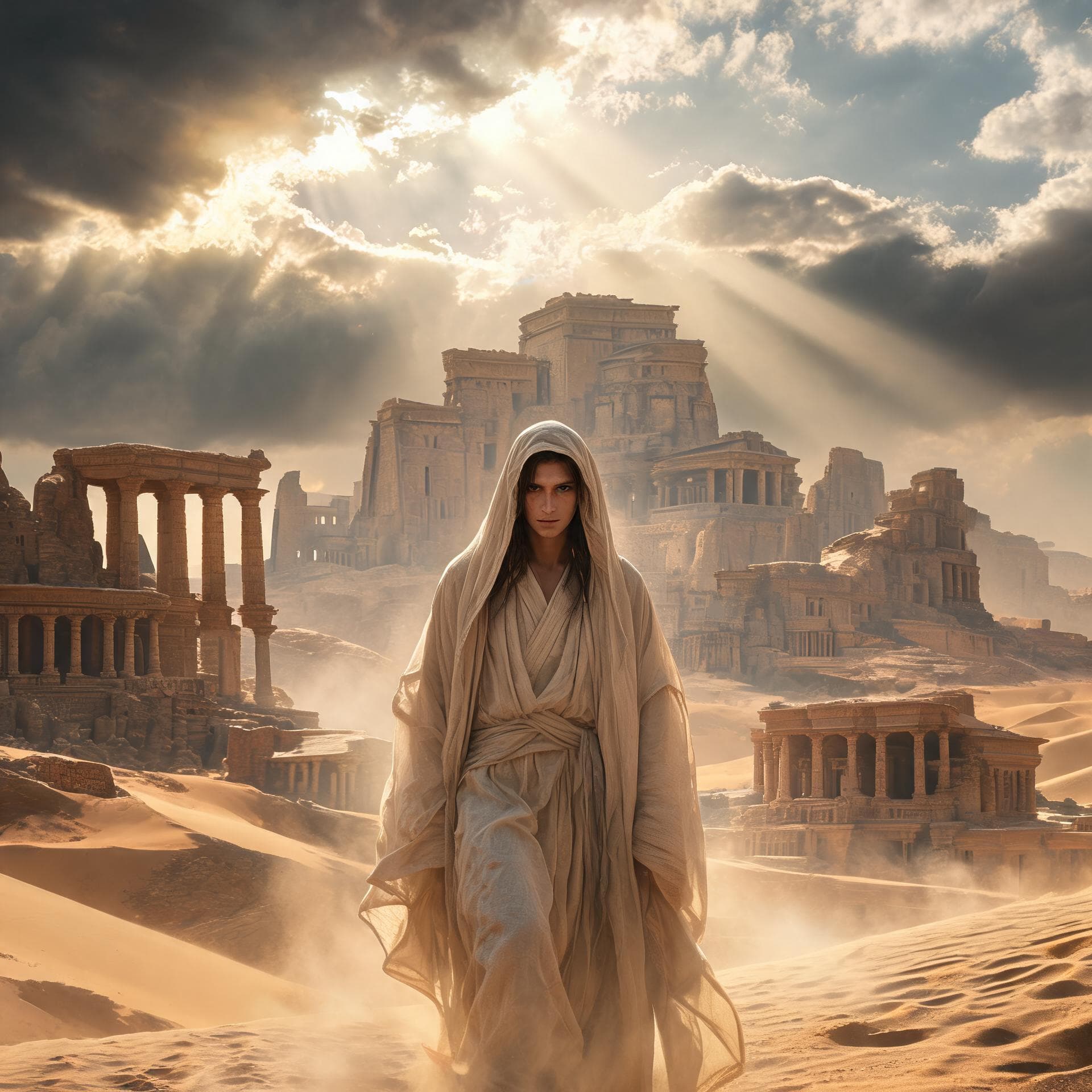 NicheAncient Epic AI VideosMake ancient history, mythology and Bible story videos with AI in an epic painted style.
 NicheComic Realism AI VideosMake drama and relationship story videos in a realistic comic style with AI.
What every page has in common. One editor underneath.
AI script writer
13 themes and 12 tones, from 30 seconds to 10 minutes, or paste your own script.
45 story looks
Stickman, cartoon, anime, comic, 3D and realistic, in 9:16 or 16:9.
125 AI voices
Plus a live search of a much larger library, and your own imported voice.
Captions in 100+ languages
17 styles with word-by-word highlighting.
Gameplay formats
Reddit, fake texts, would you rather and more, over a 417-clip library.
An API and an MCP server
Make videos from your own code or from an AI assistant.
Frequently asked questions.
Which page should I start with?
If you are running a channel or a page, start with the audience closest to yours. If you know what kind of video you want, start with that niche. Both lead into the same editor.
What if my niche is not listed?
Start an AI story video, describe your idea and pick the look closest to it. A list of all the looks is on the AI Video Styles page. The list here covers what people ask for most, not the limit of what you can make.
Do these pages promise views or income?
No. Clippie makes the video. Reach and earnings depend on your content, your audience and each platform’s rules, and we make no promise about either.
Do I need an account and a plan?
Yes. The editor needs a Clippie account and a paid plan, and there is no free version of the video formats. This page shows what the output looks like, and the pricing section lists what each plan includes.
What does a video use from my plan?
Drawing the scene pictures and editing are included. The voiceover uses voice minutes and the finished export uses export minutes. Animating scenes is optional and uses AI credits, and the price shows before you start.

