
Kids cartoon videos, bright, friendly and made with AI.
Colourful 3D shows for little ones: bedtime stories, learning videos and nursery tales. Clippie writes, draws and narrates the whole episode in 16:9.
- Creators1,000,000+ and counting
- Views generatedOver 5 billion
- MonetizationCopyright safe
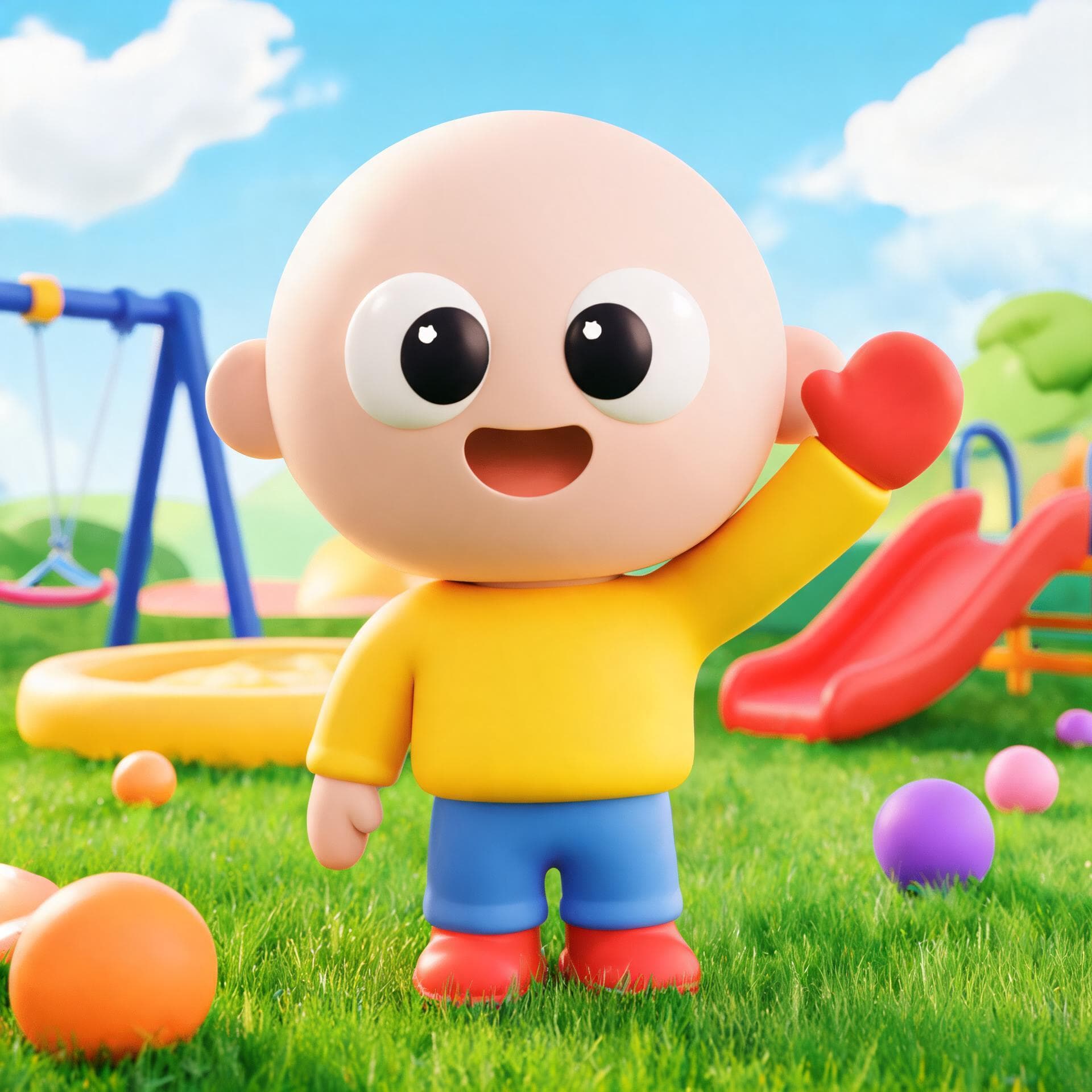
Sample frames from the Kids Cartoon template.
How to make kids cartoon videos. Three steps.
- 1
Open the Kids Cartoon template
The look and frame are set for you: long-form 16:9 for YouTube.
- 2
Write or generate the script
Paste your story, or let the AI script writer draft one from a topic, a tone and a length up to 10 minutes.
- 3
Generate, edit and export
Clippie draws every scene, adds a narrator and captions. Change any scene, voice line or caption, then export.
What people make with it. Kids Cartoon, ready to go.
Bedtime stories
Gentle stories with a calm narrator.
Learning videos
Colours, animals, numbers and good habits.
Nursery tales
Classic tales retold for toddlers.
125 AI voices
Pick the narrator that fits the story and regenerate any line.
Captions in 100+ languages
Styled captions that keep muted viewers watching.
Built for long-form
A 16:9 frame and scripts up to 10 minutes for YouTube.
Frequently asked questions.
Can I publish these on YouTube Kids?
You can publish them to YouTube and mark them as made for kids. Follow YouTube’s rules for children’s content, and keep scripts age-appropriate.
How long does it take to make a Kids Cartoon video?
A few minutes for a short. Clippie generates the scenes, voice and captions in one go; most of your time goes into tweaking the script.
Do styles cost extra?
The 9:16 Clippie styles are included in your plan. The 16:9 long-form looks are drawn by AI image models and use AI credits per scene, shown before you generate. Exporting uses the export minutes in your plan.
Keep exploring

