
How to make long stickman videos.
A 10-minute stickman video is around 100 scenes. Clippie draws every one of them from your script and narrates the whole thing, and you choose how much of it to animate.
Two looks that sit well over a long watch: warm painted rooms and plain doodles.
How to make a long stickman video. Four steps.
- 1
Get a long-form script
Generate up to 10 minutes with the AI writer, which switches to a long-form structure over two minutes, or paste a longer script of your own.
- 2
Choose Normal pacing
Normal holds each scene for 5 to 8 seconds, which suits long videos. Clippie splits the script and draws a scene for every part in the same look.
- 3
Decide what to animate
Animate the whole video, or only the opening and the scenes that matter. The dialog shows the credit total before you start.
- 4
Narrate, check and export
Pick a narrator, scrub through, redraw or retime any scene, add overlays and export the full video in 16:9.
Four ways to animate 10 minutes. Same video, different budget.
| What you animate | Credits at the default settings | Good when |
|---|---|---|
| Nothing: stills that zoom and pan | 0 | Calm narration, where the words carry it |
| First 30 seconds | About 42 | You want a strong opening and little else |
| First minute | About 84 | Most viewers decide early, so spend there |
| Whole video | About 840 | Action stories. About a third of Lite’s 2,400 monthly credits |
Credits assume Seedance 1.0 Pro Fast at 480p, 7 credits per 5 seconds. Sharper quality and other models cost more. Picking individual scenes is also an option.
Keeping a long video watchable. What changes after minute three.
Write in chapters, not one long draft
A long video needs more than a long script. Give each chapter its own small question that it answers before the next one opens, so a viewer who drifts has a reason to come back.
For anything past 10 minutes, generate one chapter at a time, or paste a script you wrote elsewhere. Past about 20 minutes, split it into parts and generate each as its own video. Clippie drops labels such as “Scene 1” and “Visual:” from scripts pasted from other AI tools, so the narrator does not read them out.
How to keep 100 scenes looking like one video
Every scene is drawn in the same look, which holds the style. Characters take more care: add your main character in the Characters panel and describe them once, then call them with @ in the script.
Scene instructions hold the world together. “Set in winter”, “every scene is at night” or “the last scene is at sunset” are folded into every picture you ask them to cover.
What to check before you export
Scrub the whole video before spending export minutes. Look for a scene that shows the wrong thing, a name the voice mispronounces, and any stretch where the same composition repeats. Redraw only those scenes: there is no need to regenerate the video.
Batches take time. Clips usually take a few minutes. Requests start at about ten a minute, so 100 scenes take at least 10 minutes, in the background.
Formats that run long. And how to plan them.
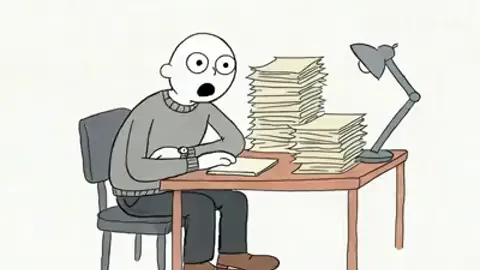 How-toStickman YouTube videosStart a faceless stickman channel in 16:9, and what YouTube asks of it.
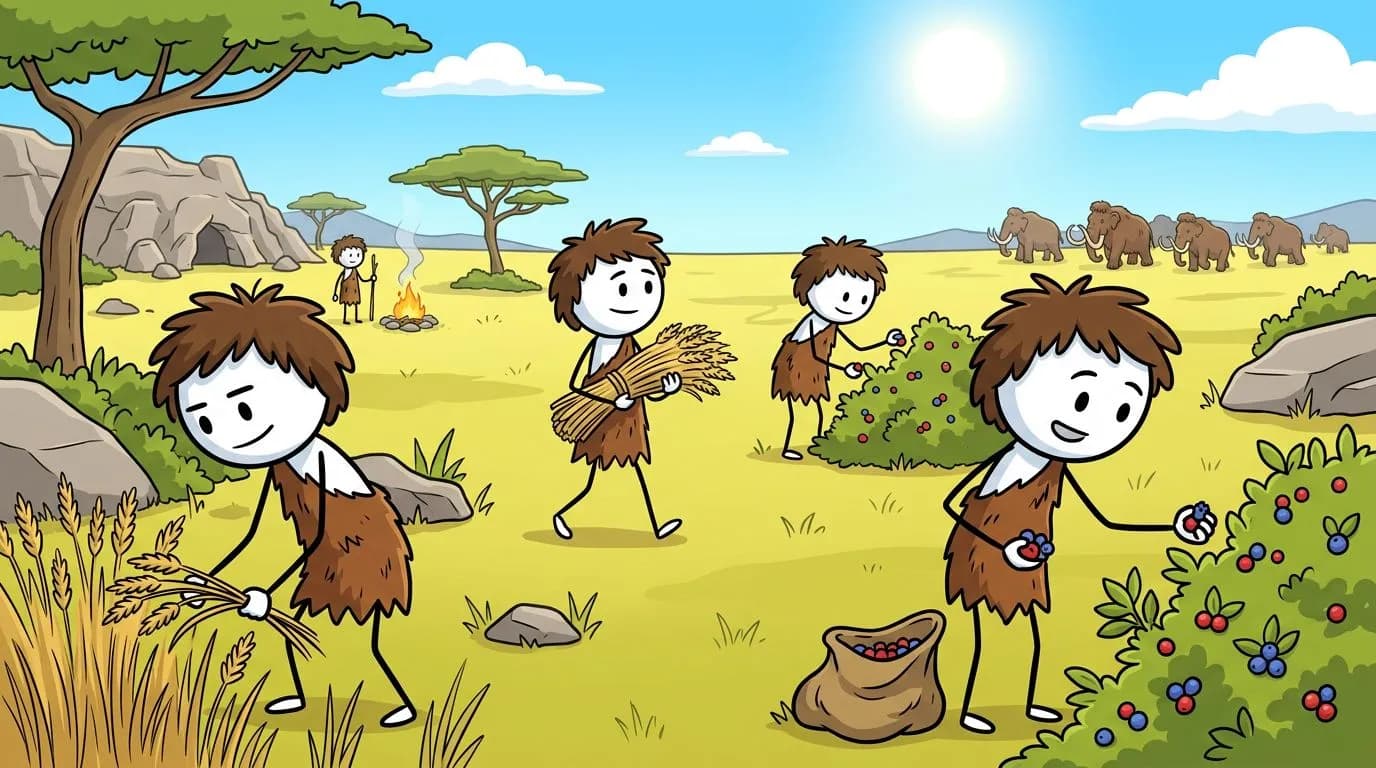 FormatVideos like Neon RushHalf-hour “how did humans invent…” stickman documentaries.
 FormatVideos like Beanie SurvivesEpisodic stickman survival series, counted in days.
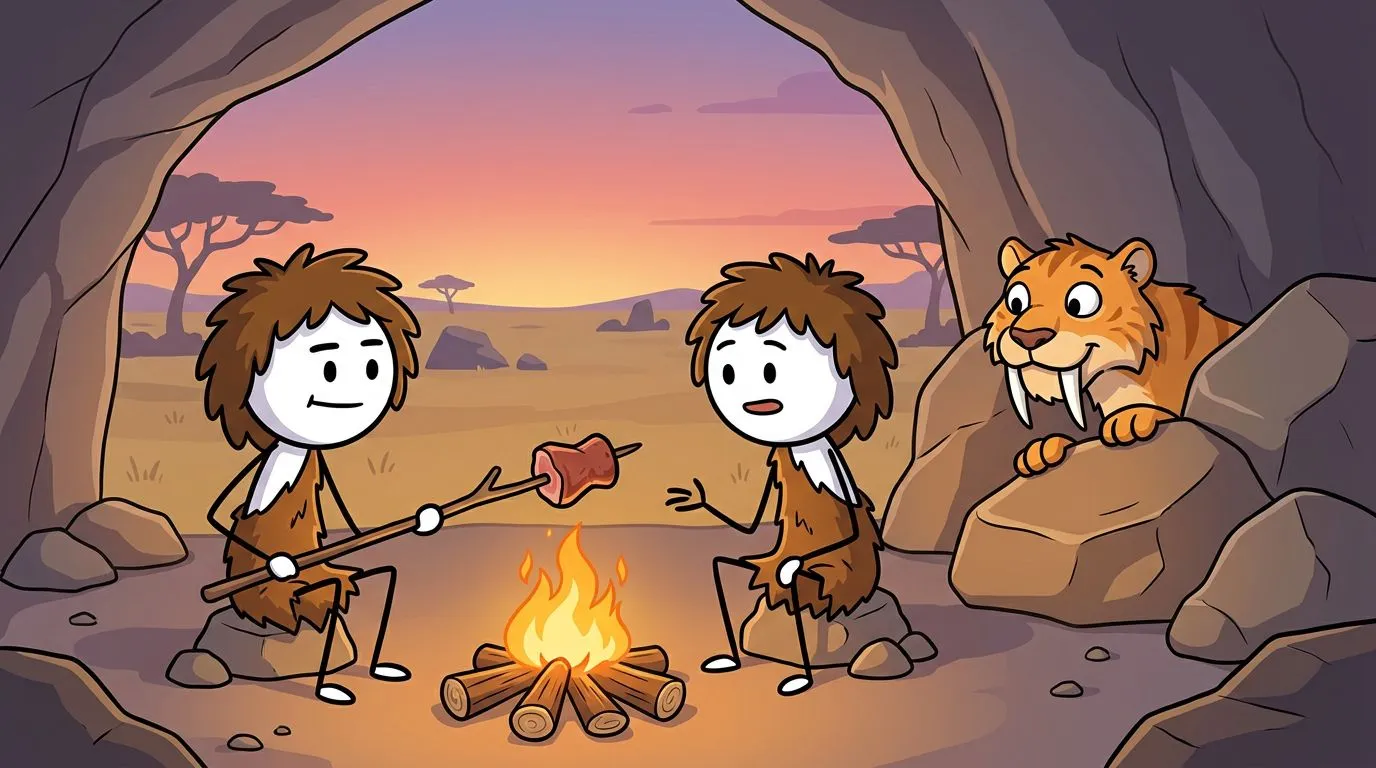 StoryStickman history videosEmpires, wars and eras, with scene instructions that hold the period.
Long stickman videos, without the long hours.
Scripts up to 10 minutes
Or paste your own, up to about 20 minutes. Split anything longer into parts.
One look, start to finish
Every scene is drawn in the template’s stickman look, so a 10-minute video stays consistent.
Pictures are included
Generating and redrawing scene pictures uses no credits, so a 100-scene video costs no more to draw than a 10-scene one.
Normal or Fast pacing
Normal holds scenes for 5 to 8 seconds for long videos. Fast cuts every 2 to 3 seconds for high-energy parts.
Fix one scene at a time
Redraw a picture, change a line or retime a scene without regenerating the rest.
Overlays and atmosphere
VHS, rain, snow and glowing particles to set the mood across a long story.
Frequently asked questions.
How long can a stickman video be in Clippie?
The AI script writer drafts up to 10 minutes. Clippie’s script tools work up to 20,000 characters, about 20 minutes, so split anything longer into parts. Your plan’s voice and export minutes apply too.
How many scenes is a 10-minute stickman video?
With Normal pacing each scene holds for 5 to 8 seconds, so a 10-minute video is roughly 75 to 120 scenes. Clippie draws all of them from the script, and you only redraw the ones you want to change.
Will the stickmen look the same across a long video?
Every scene is drawn in the same stickman look, so the style stays consistent. Add your main character in the Characters panel, and describe them the same way, for example “the stickman with the spiky hair”, to keep them recognisable.
Can I animate a whole 10-minute video?
Yes. At the default settings it is about 840 credits. Lite includes 2,400 a month, Creator 4,500 and Pro 9,000, and top-ups are available. Many long videos animate only the opening, or leave stills that zoom and pan.
How much does it cost to make a stickman video?
Clippie plans start at $19.99 a month. Scene pictures are included in all five looks. The voiceover uses voice minutes and the export uses export minutes, one of each per minute of video. Monthly allowances are Lite: 3 hours of export and 1 hour of AI voice generation; Creator: 10 hours of export and 4 hours of AI voice generation; Pro: 16 hours of export and 8 hours 20 minutes of AI voice generation. Animating scenes is optional and uses AI credits, from 7 credits for a 5-second clip. Lite includes 2,400 credits a month.
Can I keep one script and make a shorter version?
Yes. Paste the section you want into a 9:16 template and generate it as its own video, with the same look, for a Short that points back to the full video.

