
An AI stickman generator for characters and scenes.
Describe a stickman and Clippie draws it, in the same style from the first scene to the last. Start with a ready-made character or make your own, and every scene of your story follows.
- Creators1,000,000+ and counting
- Views generatedOver 5 billion
- MonetizationCopyright safe
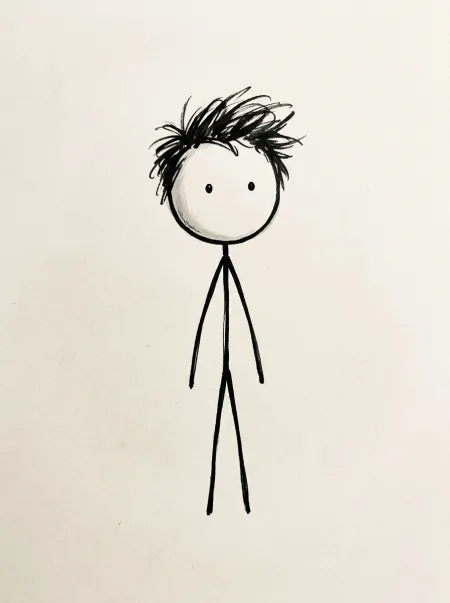
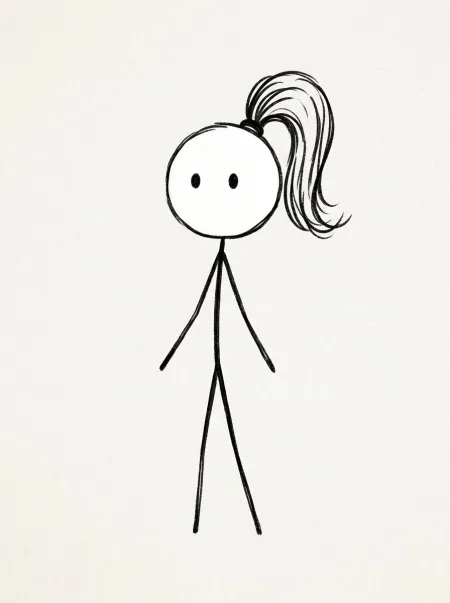
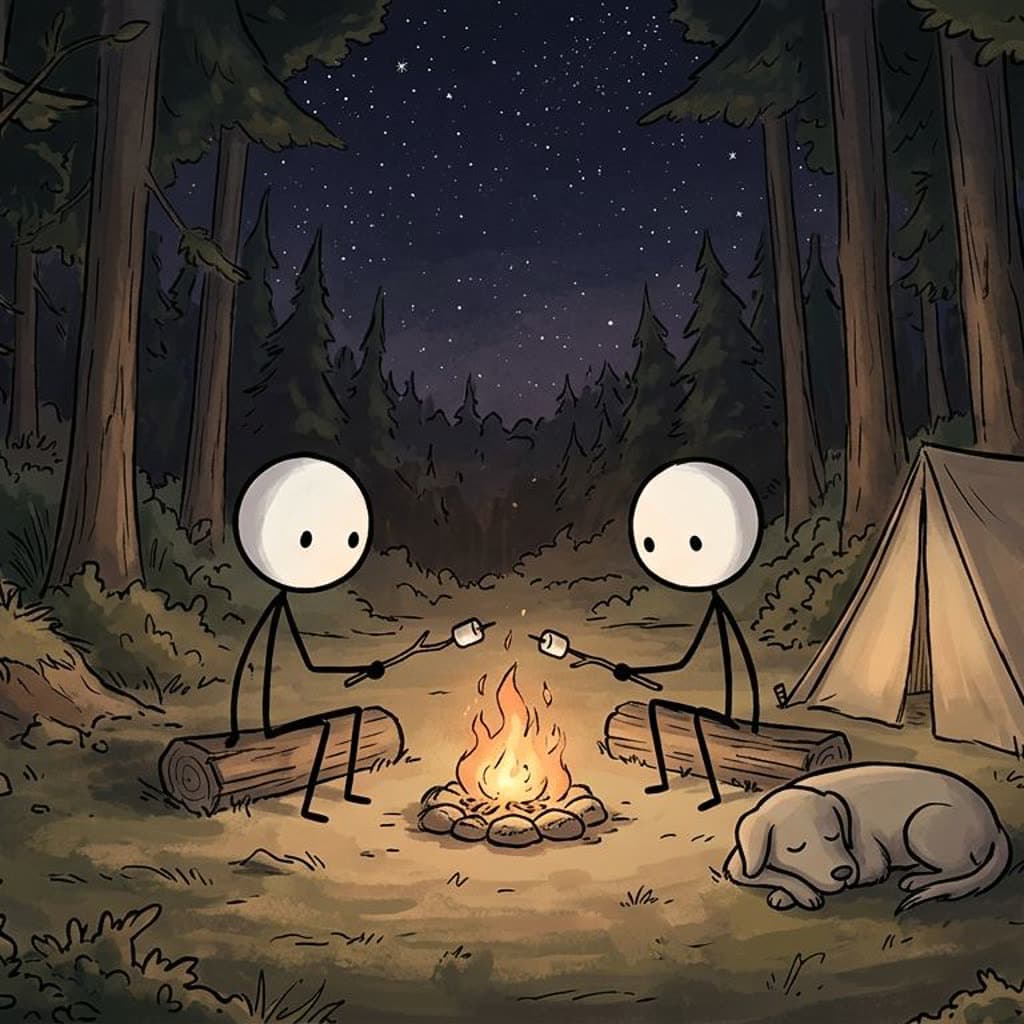
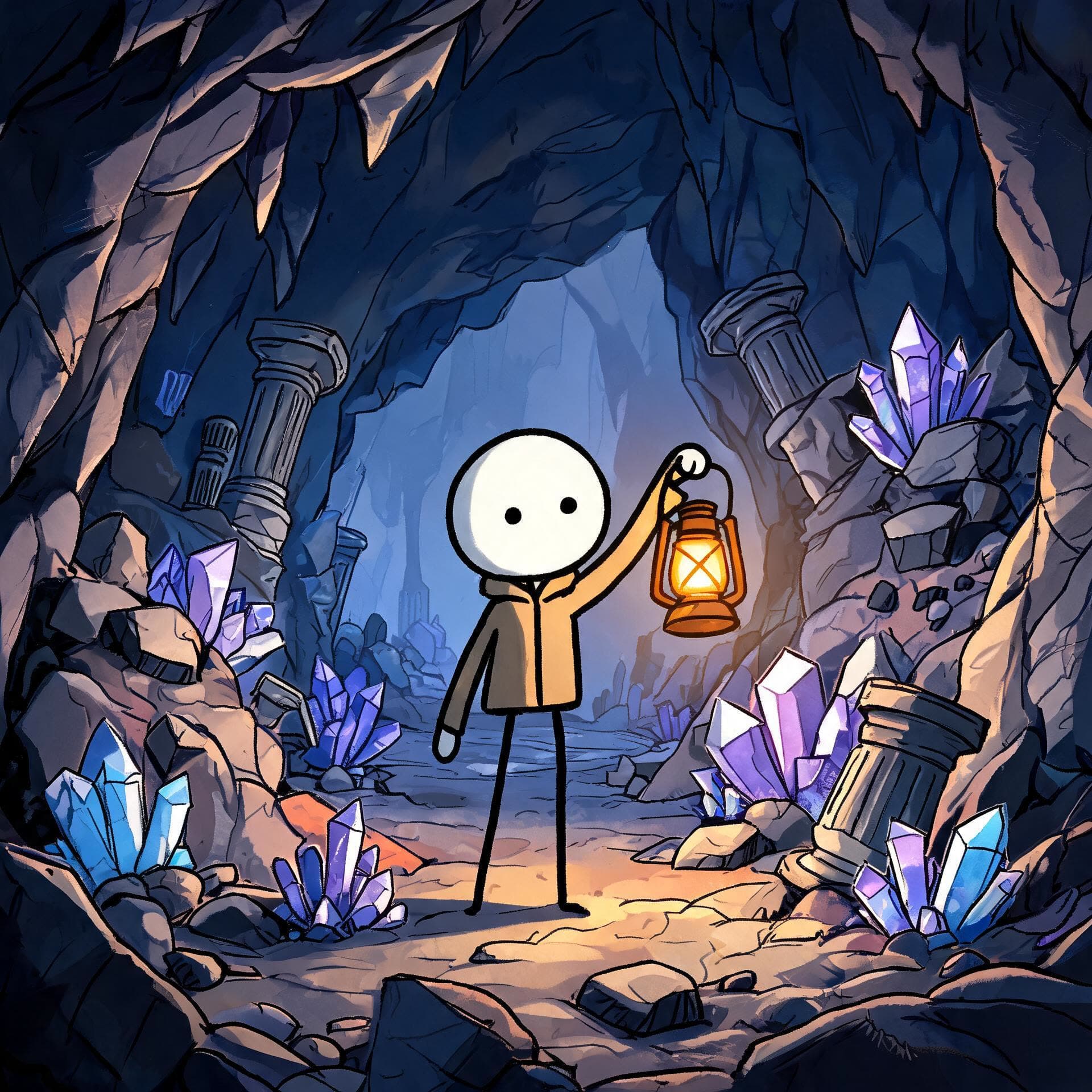
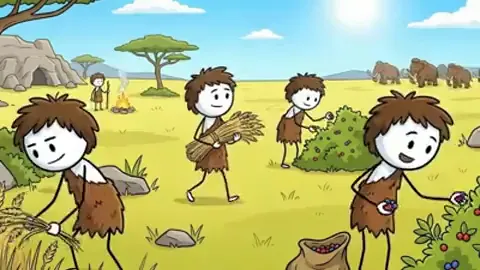
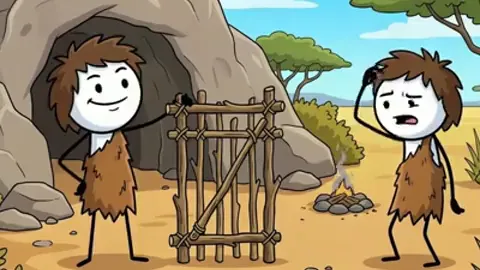
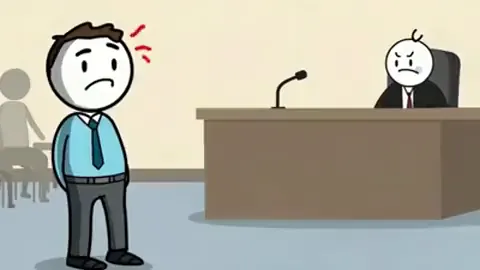
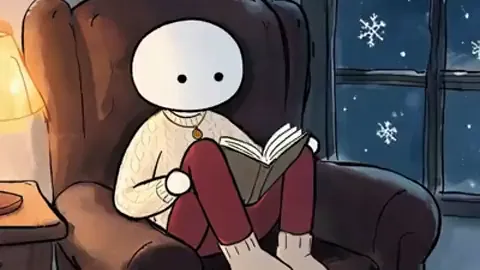
Stick guy and Stick girl are ready-made characters in Clippie. The two scenes are drawn in the Bare and Painted looks.
How to generate a stickman with AI. Four steps.
- 1
Choose a look
Bare, Caveman, Doodle explainer, Painted or Classic. Each one sets how every figure and background is drawn.
- 2
Add or describe a character
Pick Stick guy or Stick girl from the library, or name a new one, describe what they look like, and Clippie draws them. You can also upload a drawing.
- 3
Write what happens
Paste a script or generate one, and call your character with @. Clippie breaks it into scenes and draws each one.
- 4
Redraw what is not right
Regenerate one picture, upload your own, or redraw the whole story in another look. Pictures use no credits on a plan.
Getting the stickman you pictured. What to describe and what to leave out.
How to describe a stickman
A stick figure has very little to describe, so one or two details do all the work. “Spiky messy hair drawn as black strokes” is how the built-in Stick guy is described, and “a high ponytail” is Stick girl. Give your character one thing a viewer will spot at a small size.
What you can add depends on the look. Bare stickman draws nothing worn at all: no clothes, hats or bags. Hair, a companion or an object nearby are what make a Bare figure recognisable. Painted, Classic and Doodle figures can wear clothes, and Caveman figures always wear a fur tunic.
How to keep a character the same
Bare, Caveman, Doodle explainer and Painted are drawn by models that can look at your character’s picture, so the figure carries from scene to scene. Classic stickman is a Clippie style that works from how you describe a character, so keep that description the same.
Clippie also reads your script and suggests characters to add. A scene with three named people is easier to keep straight when all three are in the Characters panel.
Setting rules for every scene
Scene instructions apply to the whole story or part of it, and take up to 2,000 characters. “Bright, vibrant colours”, “set in Mumbai, India”, “the first three scenes are bright and hopeful” or “whenever the storm comes, add lightning” are all things the drawing follows. A never-show rule keeps someone off screen entirely.
If you only want one picture
This is a video tool first: scene pictures are made as part of a story, and they are included in a plan because of that. For a single stickman image with no video, use Clippie’s AI image generator, which is priced per image in credits, and describe the style yourself, such as “a plain stick figure, round white head, black dot eyes, thin black line body”. It runs the same Nano Banana 2.1 model that draws the Bare look.
Once you have your stickman. Tell a story with it.
 ToolStickman story generatorTurn one line into a script, with 12 tones and 13 themes to steer it.
 ToolStickman animation makerMake drawn scenes move, and what each clip costs in credits.
 How-toViral stickman videosHooks, cliffhangers and numbered parts that keep people watching.
 GuideHow to make stickman videosThe full guide: script, scenes, voice, animation and captions, with AI or by hand.
What it draws. And what it keeps track of.
Five drawing styles
From plain lines on a detailed background to warm painted rooms and marker doodles.
Ready-made characters
Stick guy and Stick girl are in the character library, each with a matching voice.
Draw or upload
Describe a character and Clippie draws it, or upload a drawing or photo and use or redraw it in the look.
Monsters too
In Bare stickman, zombies and monsters take the head colour your story gives them, and animals keep cartoon anatomy.
One frame or another
Draw for 16:9 or 9:16. Pick the frame before you generate.
Then make it move
Any scene can be animated afterwards, using AI credits.
Frequently asked questions.
What is an AI stickman generator?
A tool that draws stick figures from a text description. Clippie’s draws them as scenes for a video, in five stickman looks, and keeps your characters the same from scene to scene.
Can I generate a stickman character without making a video?
You can draw and save characters in the story editor, but the story editor is built for videos. For a one-off image, use the AI image generator, which is priced per image in credits.
Can I use a picture of my own stickman?
Yes. Upload a drawing or photo for a character, and either use it as it is or have Clippie redraw it in your story’s look. In Classic stickman, characters follow your description and not a picture.
Why is my Bare stickman not wearing the hat I asked for?
The Bare look draws nothing worn at all, by design. If your character needs a hat or a backpack, use Painted or Classic, or make the detail something beside them, such as a dog.
Do generated scenes cost credits?
Not on a plan. Scene pictures in the story editor use no credits, and plans start at $19.99 a month. Animating them and using the separate AI image generator do use credits.

