
Myths, empires and Bible stories, told on an epic scale.
Grand, painted scenes for ancient history, mythology and Bible stories. Clippie writes the script, paints every scene and narrates it in 16:9 for YouTube.
- Creators1,000,000+ and counting
- Views generatedOver 5 billion
- MonetizationCopyright safe
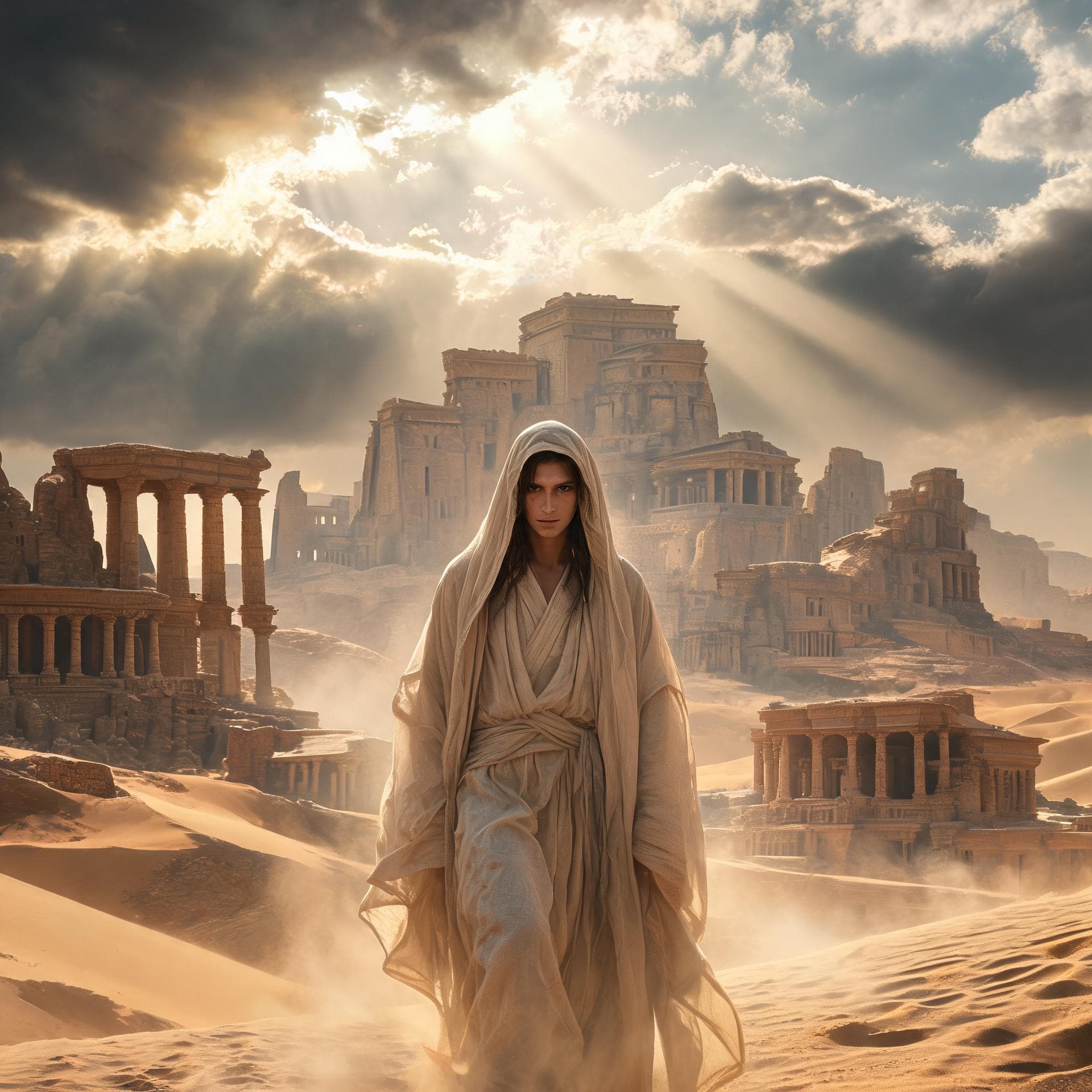
Sample frames from the Ancient Epic template.
How to make ancient history and mythology videos. Three steps.
- 1
Open the Ancient Epic template
The look and frame are set for you: long-form 16:9 for YouTube.
- 2
Write or generate the script
Paste your story, or let the AI script writer draft one from a topic, a tone and a length up to 10 minutes.
- 3
Generate, edit and export
Clippie draws every scene, adds a narrator and captions. Change any scene, voice line or caption, then export.
What people make with it. Ancient Epic, ready to go.
Mythology
Greek, Norse and Egyptian gods, heroes and monsters.
Empires
The rise and fall of Rome, Persia and the Mongols.
Bible stories
Old Testament epics and parables, told with reverence.
125 AI voices
Pick the narrator that fits the story and regenerate any line.
Captions in 100+ languages
Styled captions that keep muted viewers watching.
Built for long-form
A 16:9 frame and scripts up to 10 minutes for YouTube.
Frequently asked questions.
Which script theme should I use?
Pick Mythology, Historical, War or Religion in the AI script writer, with a Cinematic or Dramatic tone.
Can I monetize these videos on YouTube?
The images, voice and captions are generated for you, so there is no copyrighted footage to get flagged. YouTube still rewards original work, so write or edit your own script, check your facts and add your own angle.
How long does it take to make a Ancient Epic video?
A few minutes for a short. Clippie generates the scenes, voice and captions in one go; most of your time goes into tweaking the script.
Do styles cost extra?
The 9:16 Clippie styles are included in your plan. The 16:9 long-form looks are drawn by AI image models and use AI credits per scene, shown before you generate. Exporting uses the export minutes in your plan.
Keep exploring

