
A stickman animation maker with no frames to draw.
Clippie draws your stickman scenes, then an AI model makes them move: walking, turning, reacting. Animate a single scene or a whole video, and see the credit total before you start.
- Creators1,000,000+ and counting
- Views generatedOver 5 billion
- MonetizationCopyright safe

The first frame of a scene and the same scene animated in Clippie.
How to animate a stickman with AI. Four steps.
- 1
Draw the scenes first
Paste or generate a script, and Clippie draws a stickman scene for every few lines. Fix pictures now, since animation starts from the picture.
- 2
Choose what to animate
Open one scene, or use the quick picks for the first 10 seconds, 30 seconds, minute or whole video, and untick any scene.
- 3
Pick a model and quality
Seedance 1.0 Pro Fast at 480p is the default and the cheapest. Clips match each scene’s length unless you set your own.
- 4
Keep editing while it runs
Clips arrive in the background and drop into their scenes. For one scene, you can add a prompt that says exactly what should move.
What a clip costs. Credits for 5 seconds.
| Model | 480p | 720p | 1080p | Notes |
|---|---|---|---|---|
| Seedance 1.0 Pro | 17 | 36 | 85 | Sits between the other two |
| Seedance 1.0 Pro Fast | 7 | 15 | 34 | The default. Silent, and the cheapest per second |
| Seedance 2.0 Mini | 25 | 52 | Not offered | The step up, with sound |
Same price in 16:9 and 9:16. Plans include AI credits every month: Lite 800, Creator 1,500, Pro 3,000. Top-ups are available, and each clip is charged as it starts.
What AI animation is good at. And where to use something else.
What moves, and what does not
This is image-to-video: the model starts from your drawn picture and adds motion. It handles walking, turning, gestures, flickering fire, falling snow and small camera moves well. It is told to animate only what is already in the picture and not to add people, hands or text, so a figure who is not in the drawing should not appear in the clip.
For one scene you can write the motion yourself, such as “he stumbles left and catches himself”. Batches use a gentle default based on each picture, so they stay steady, and the motion is usually subtle.
AI animation or frame-by-frame?
If you need exact timing, such as a stick fight where each blow lands on a beat, animate by hand in Pivot Animator or FlipaClip. You pose every limb, at up to 720 poses a minute at 12 frames a second. AI gives you far less control and takes a fraction of the time.
For narrated stories the choice is usually easy, because the words carry the meaning and the motion only has to keep the picture alive.
How to spend credits well
Most of the cost is a choice. Stills can zoom and pan for free with Edit Motion, so you can save animation for the moments that need it. Start at 480p: at 7 credits per 5 seconds, a 1-minute Short is about 84 credits, and 1080p on the same model costs nearly five times as much. Going sharper makes more sense on a video that is already working.
A scene that is already animated is skipped by default, so nothing is charged twice unless you ask for it. If a picture is wrong, redraw it first, because animating it again costs credits.
Before and after you animate. The rest of the video.
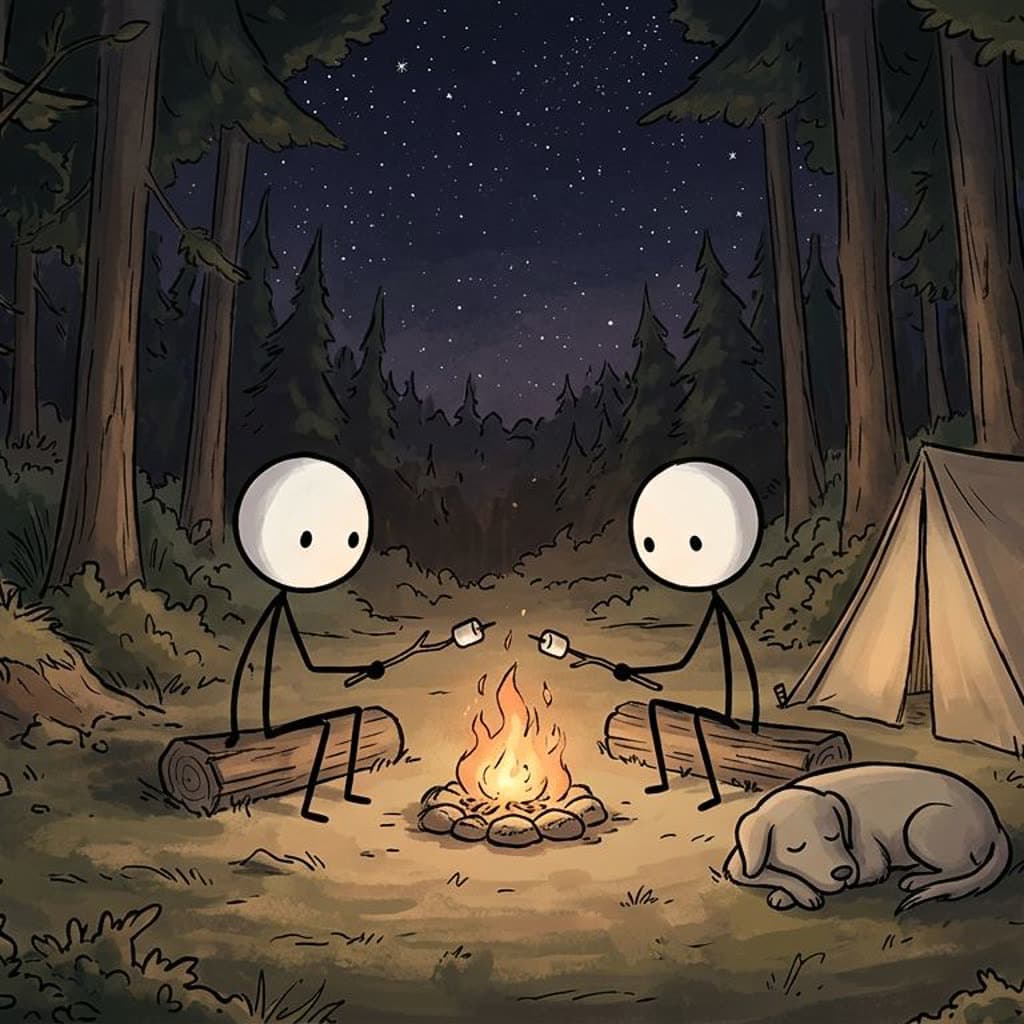 ToolAI stickman generatorDraw stickman characters and scenes from a description.
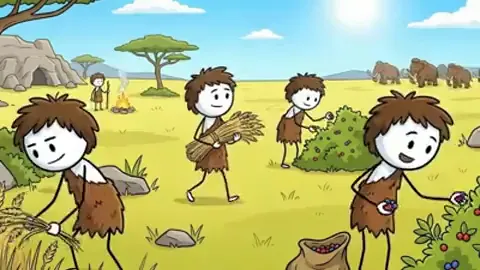 ToolStickman story generatorTurn one line into a script, with 12 tones and 13 themes to steer it.
 How-toLong stickman videos10 minutes and longer, without drawing 100 scenes.
 GuideHow to make stickman videosThe full guide: script, scenes, voice, animation and captions, with AI or by hand.
Built for stories, not single clips.
Quick picks by time
First 10 seconds, first 30, first minute or the whole video, with any scene unticked.
Clips fit their scene
Length matches the narration by default, so a scene does not freeze on its last frame.
Runs in the background
A progress tracker keeps count while you carry on editing the story.
See the total first
The dialog adds up the credits before you start, and tells you if you are short.
Free motion for stills
Edit Motion zooms and pans a still scene, and uses no credits.
Five looks to animate
Any scene from any stickman look can be animated.
Frequently asked questions.
How do I animate a stickman without drawing frames?
Draw the scene with AI, then use an image-to-video model to add motion. In Clippie you paste or generate a script, it draws the scenes, and you animate one scene or all of them in a couple of clicks.
Is the animation free?
No. Animation uses AI credits, from 7 credits for a 5-second clip at the default settings. Lite includes 800 credits a month. Zooming and panning a still uses no credits.
Can it do stick fights?
It can show a rough scuffle from a drawn scene, but it will not follow choreography you plan beat by beat. For precise fights, a frame-by-frame app such as Pivot Animator is the better tool.
How long does animating take?
Clips usually take a few minutes. Requests start at about ten a minute, so 100 scenes take at least 10 minutes, in the background.
Does the animation add sound?
The default model is silent, and your narration and music play over it. Seedance 2.0 Mini can add its own sound, which you can turn off.

