The gameplay video generator with Subway Surfers and Minecraft clips built in.
Pick a clip from a library of 417 (Subway Surfers, Minecraft parkour, Roblox, GTA and more), add a script, and Clippie reads it in an AI voice and captions it over the gameplay. The clips play inside the videos you make. They are not a footage download.
- Library417 clips in 10 categories
- Subway Surfers and Minecraft50 clips each
- Export1080x1920 at 30 fps
Short answer
A gameplay video is a short where a voice tells a story, reads a post or rants while gameplay such as Subway Surfers or Minecraft parkour runs underneath. Clippie makes them in six editors: Reddit stories, fake text stories, tweet videos, Roblox rants, split screen and voiceover videos. Each opens the same background library of 417 clips, 50 of them Subway Surfers and 50 Minecraft. You pick the clip, the voice and the look of the text, and export at 1080x1920.
The library is for videos made in Clippie. The clips cannot be downloaded on their own, and the games belong to their makers.
Frames from six clips in the library: three Subway Surfers runs and three Minecraft parkour courses. These are stills of the background clips, not finished videos.
How to make a gameplay video. Four steps.
- 1
Pick the editor for your format
A voiceover video for a script of your own, a Reddit story, a fake text story, a tweet video, a Roblox rant or a split screen with your clip on top.
- 2
Write or paste the script
Type it, paste it, or let the AI writer draft it. In the Reddit editor a post link fills in the title and the story.
- 3
Choose the gameplay
Browse the 417 clips, or use a quick pick (Minecraft, Subway Surfers, GTA driving or Fortnite) where the editor has them. Then set where the clip starts and how loud it is.
- 4
Pick a voice and export
Choose from 125 voices, style the captions where the format has them, and export at 1080x1920.
What is in the library. One frame from each game.
Each tile is a frame from one clip in that category. The table below has every category with its clip count.
Subway Surfers
50 vertical runs of 60 seconds each, across day and night stages.
Best for: Reddit stories and fake texts, where constant forward motion keeps the eye busy.
Minecraft parkour
50 vertical parkour clips of 60 seconds each.
Best for: longer stories, since the course never repeats a jump.
Roblox
171 vertical clips of 15 to 93 seconds: obbies, tycoons, simulators and PvP.
Best for: Roblox rants, where the game on screen is the subject.
GTA stunt races
11 widescreen clips of 66 to 118 seconds, such as stunt races on ramp tracks.
Best for: tweet videos and stories that need a longer background.
Fortnite
21 widescreen clips of 31 to 120 seconds, such as obstacle courses.
Best for: commentary and voiceover videos.
Temple Run and Mario Kart
15 Temple Run and 25 Mario Kart clips, vertical, 60 seconds each.
Best for: split screen videos, under a podcast or commentary clip.
Every category in the library, counted.
417 clips in 10 categories. The numbers are read from the library itself, so they change when clips are added.
| Category | Clips | Frame | Clip length |
|---|---|---|---|
| Roblox | 171 | 9:16 | 15 to 93 seconds |
| Cooking (not a game) | 58 | 9:16 and 16:9 | 7 to 120 seconds |
| Minecraft | 50 | 9:16 | 60 seconds |
| Subway Surfers | 50 | 9:16 | 60 seconds |
| Mario Kart | 25 | 9:16 | 60 seconds |
| Fortnite | 21 | 16:9 | 31 to 120 seconds |
| Temple Run | 15 | 9:16 | 60 seconds |
| GTA | 11 | 16:9 | 66 to 118 seconds |
| Mobile runner games | 10 | 9:16 | 52 to 81 seconds |
| Spider-Man | 6 | 16:9 | 87 to 120 seconds |
Clippie is not affiliated with or endorsed by the makers of Subway Surfers, Minecraft, Roblox, Grand Theft Auto, Fortnite, Temple Run, Mario Kart or Spider-Man. The game names say what each clip shows. A background clip can run shorter or longer than your video; you set where it starts.
Gameplay videos, explained. What works and what the library is.
Why the format works, which clip to pick, and the limits worth knowing before you build a channel on it.
What a gameplay video is, and why creators use one
The story is in the voice. The gameplay is there so the picture never stops moving: a runner dodging trains or a first-person parkour course gives the eye something to follow while the viewer listens. That is why the clips that work are busy, repetitive and have no words of their own on screen.
The format covers several kinds of short. A narrator reads a Reddit post under a post card. A text conversation plays out message by message. A voice rants about a Roblox game over that game. A podcast clip sits on top with gameplay in the lower half. In each case the script is the part you bring.
Which clip suits which video
Match the clip to how long the video is and how much is already on screen:
- Short stories under a minute: Subway Surfers or Temple Run. Both are vertical and run 60 seconds, so one clip covers a typical Short.
- Stories over a minute: GTA, Fortnite or cooking clips, the longest of which run 120 seconds. Start the clip later if the opening is slow.
- Text-heavy formats: Minecraft parkour. Its plain blocks sit well behind a chat window or a post card.
- Roblox rants: One of the 171 Roblox clips, so the game on screen matches what the voice is talking about.
- Not gameplay at all: The library also has 58 cooking clips, for the same job with a calmer picture.
The six editors that open the library
The Reddit story, fake text story, tweet video, Roblox rant, split screen and voiceover editors all take a background clip from the library. Several of them add quick picks for Minecraft, Subway Surfers, GTA driving and Fortnite, which drop in a clip in one click.
In most of them you can set where the clip starts, flip it horizontally and set its own volume. You can also upload your own footage as an mp4, mov, avi or webm.
What the library is, and what it is not
The clips are background footage supplied inside Clippie for the videos you make there. Clippie’s terms allow the stock media to be used only as part of videos made with the service, so there is no download button for a clip on its own, and this page is not a source of free gameplay footage.
Clippie is not affiliated with or endorsed by the makers of Subway Surfers, Minecraft, Roblox, Grand Theft Auto, Fortnite, Temple Run, Mario Kart or Spider-Man. The game names say what each clip shows. Game makers publish their own rules for videos that show their games, and each platform has its own rules on reused footage. This is not legal advice: read the game’s content policy and the platform’s monetization policy before you rely on a format.
Pick a format. Each one opens the library.
Every page below shows finished samples and explains its editor.
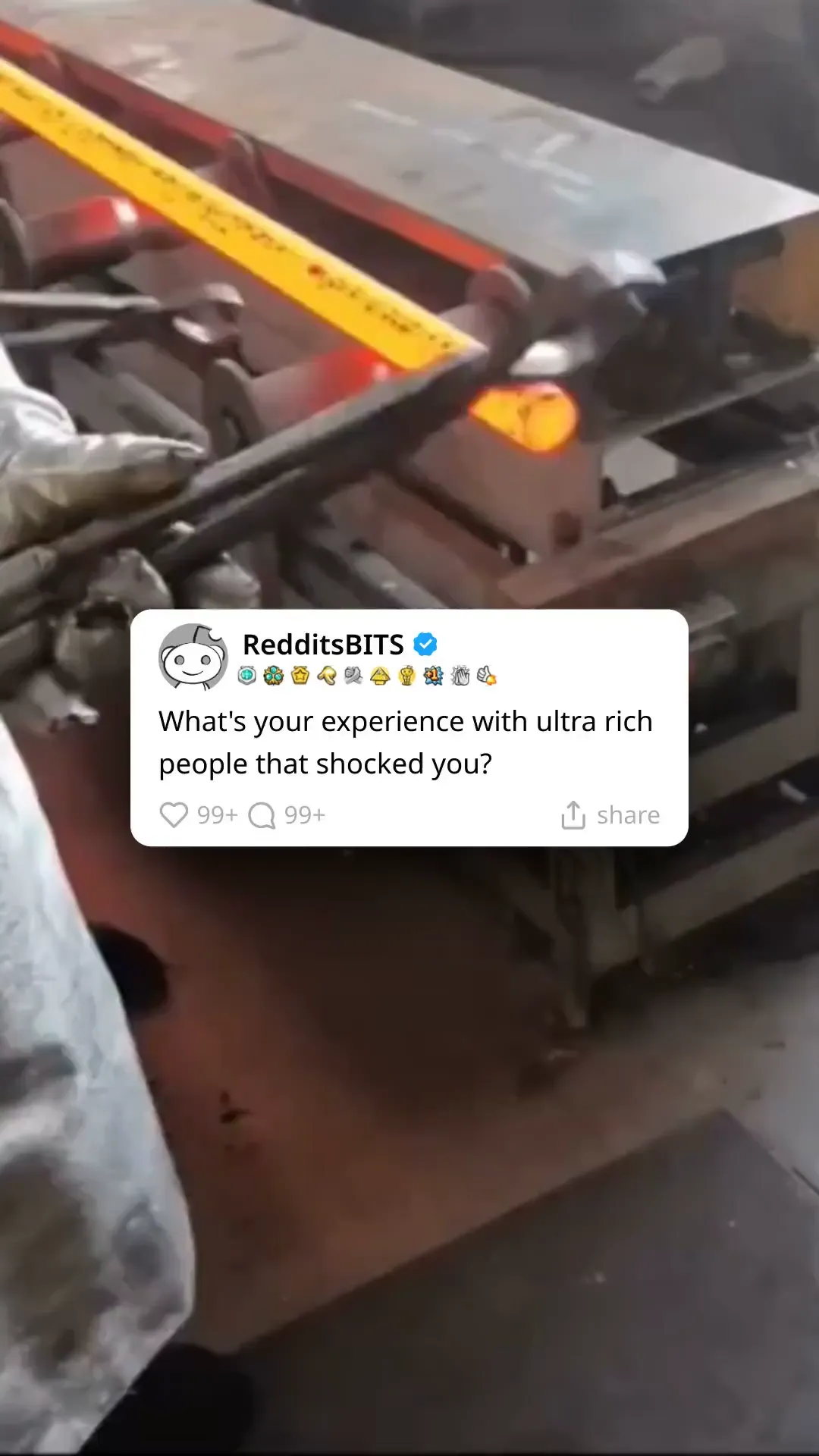 Reddit Video GeneratorTurn a Reddit post into a narrated video: paste the link or a script, and Clippie shows the post card, reads the story in an AI voice and captions it over gameplay. 1080p vertical exports.
 Fake Text Story Video MakerMake fake text story videos: write a text conversation or let AI draft it, pick an iMessage, WhatsApp, Instagram or Tinder style chat in light or dark, give each side its own AI voice and play it over gameplay. 1080x1920 exports.
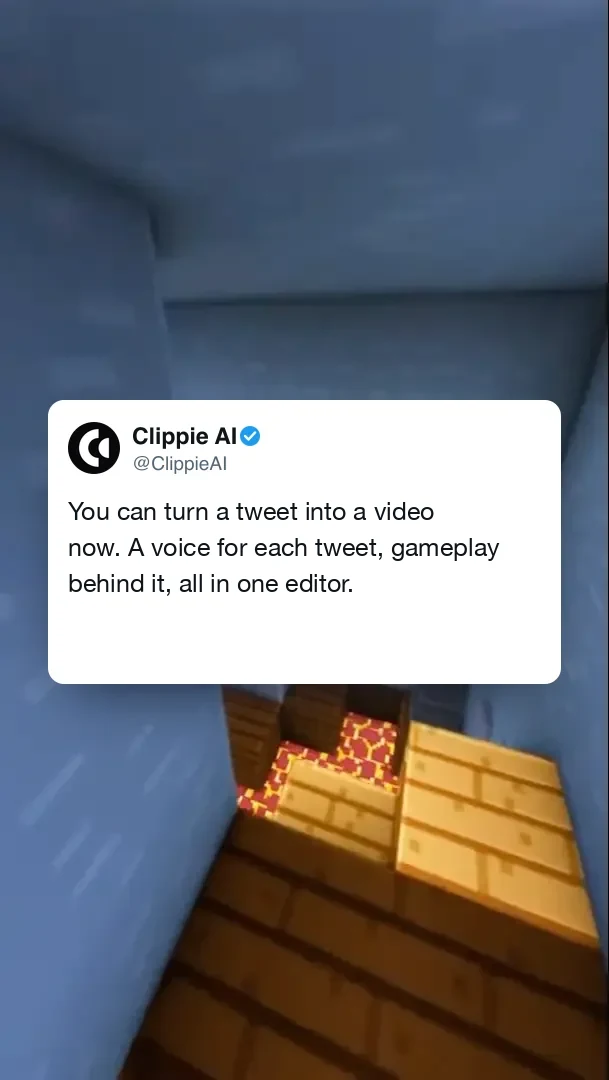 Twitter Video GeneratorTurn a tweet or a thread into a video: a tweet card you fill in, an AI voice reading it, gameplay behind it and a 1080x1920 export for TikTok, Reels and Shorts.
Roblox Rant Video GeneratorMake Roblox rant videos: write or AI-generate the rant, pick a voice, and Clippie plays it over Roblox gameplay from a library of 171 clips with bold captions. 1080p vertical exports.
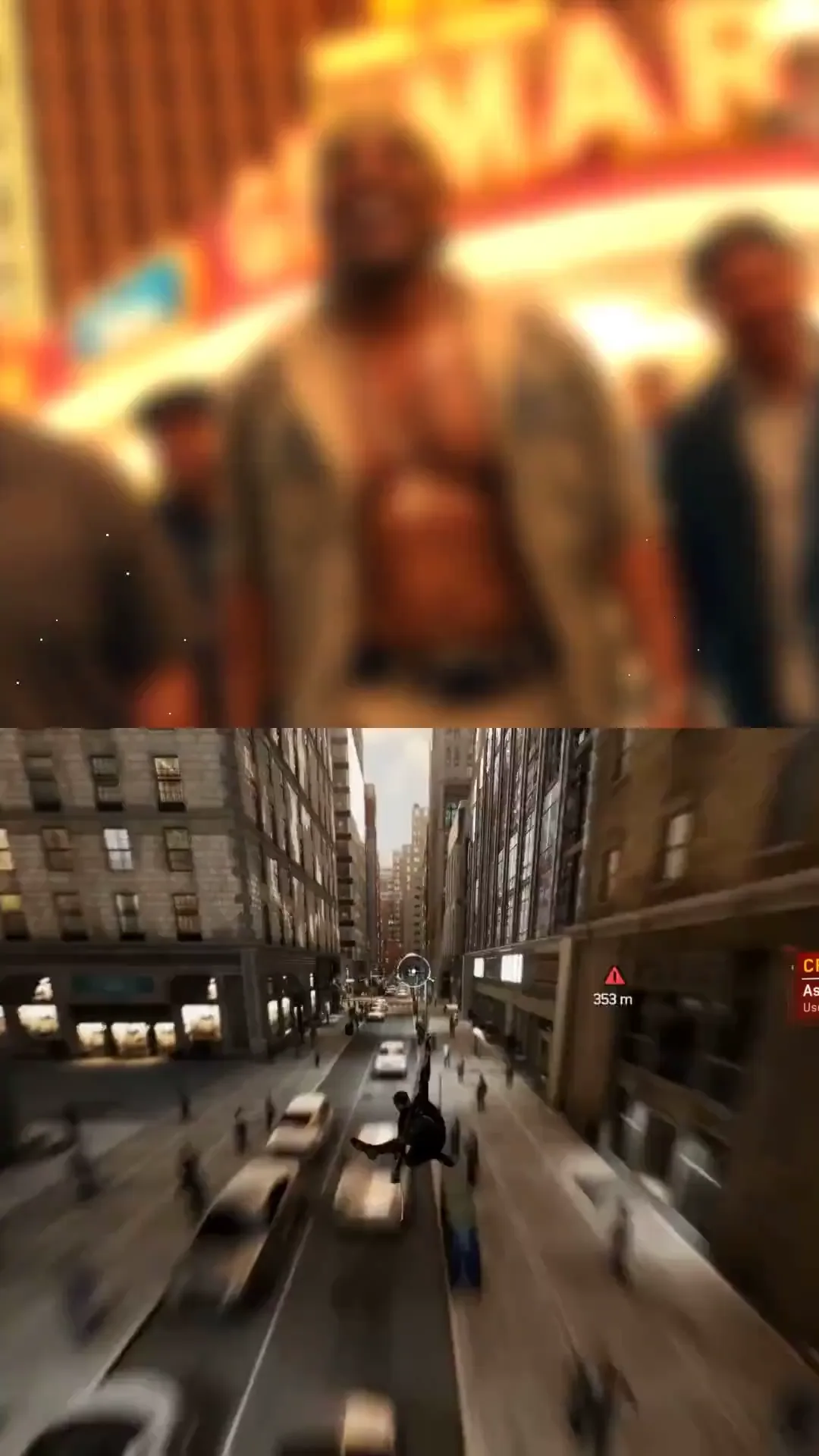 Split Screen Video MakerMake split screen videos for TikTok and Shorts: your clip on top, gameplay from a 417-clip library below, auto captions in 103 languages between them, exported at 1080x1920.
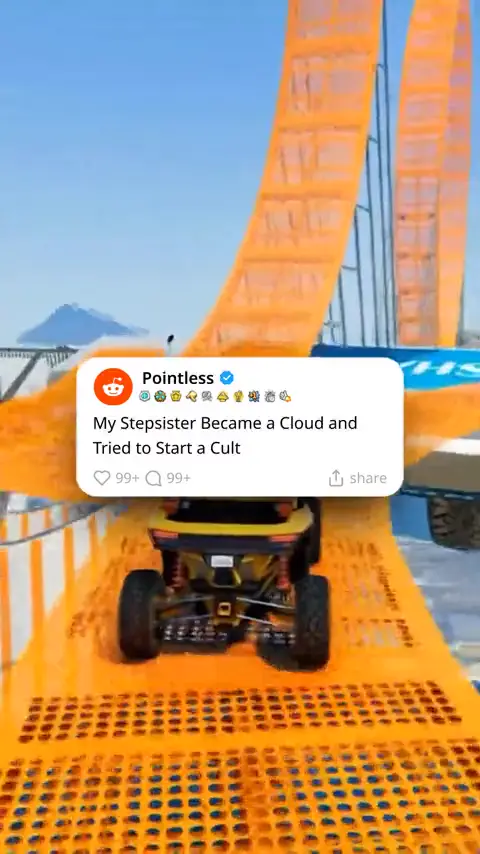 Add Voiceover to VideoAdd an AI voiceover to any video: write or generate a script, pick a voice from a library of thousands, put it over your own clip or gameplay, and export with synced captions.
What you get with the library. In every gameplay editor.
417 background clips
10 categories, in 9:16 and 16:9, most of them gameplay.
Quick picks
Where an editor has them, Minecraft, Subway Surfers, GTA driving and Fortnite drop in a clip in one click.
Start point and volume
Begin the clip where the action is and keep its sound under the voice.
125 AI voices
A narrator for the story, with style, speed and pitch controls.
Your own footage
Upload an mp4, mov, avi or webm on a paid plan when you have gameplay of your own.
1080x1920 export
Vertical MP4 at 30 fps, with no watermark.
Frequently asked questions.
What is a gameplay video generator?
A tool that puts a voice and on-screen text over gameplay footage and exports a finished short. In Clippie that is six editors (Reddit story, fake text story, tweet video, Roblox rant, split screen and voiceover) sharing one library of 417 background clips.
How many Subway Surfers and Minecraft clips are there?
50 Subway Surfers clips and 50 Minecraft parkour clips, all vertical and 60 seconds long. The library also has 171 Roblox clips and smaller sets of GTA, Fortnite, Temple Run, Mario Kart and Spider-Man footage.
Can I download the gameplay clips?
No. The clips play as the background of videos you make in Clippie and are not offered as separate downloads. What you export is your finished video.
Can I use gameplay footage in my videos legally?
This is not legal advice. Clippie’s terms let you use the stock media it supplies as part of videos you make with the service. The games themselves belong to their makers, who each publish their own rules for videos of their games, so check those and the platform’s rules. Clippie is not affiliated with or endorsed by the makers of Subway Surfers, Minecraft, Roblox, Grand Theft Auto, Fortnite, Temple Run, Mario Kart or Spider-Man. The game names say what each clip shows.
Can I upload my own gameplay?
Yes, on a paid plan: upload an mp4, mov, avi or webm and use it as the background in place of a library clip.
Can gameplay videos be monetized on YouTube?
YouTube’s channel monetization policies look at what you add. Reused footage with little of your own on top is the kind of content they exclude, so the script, the story and the commentary have to be yours. No tool can promise monetization; read YouTube’s current policy before you plan a channel around one format.
Can Clippie post the video for me?
Clippie publishes and schedules to YouTube, Shorts and regular videos, on paid plans. For TikTok and Instagram you export the MP4 and upload it yourself.
Guides from the Clippie blog.
How to Make Split Screen Videos with Clippie AI (2026 Guide)
Learn how to create split screen videos with Clippie AI. This beginner guide shows how to combine visuals, narration, and captions into engaging short form content.

How to Create Reddit Story Videos with Clippie AI (2026 Guide)
Learn how to turn Reddit posts into short form videos with Clippie AI. This guide covers narration, visuals, captions, and exporting content optimized for TikTok and Shorts.
How to Make Roblox Rant Videos with AI: 6 Steps (2026)
Six steps to a Roblox rant video: write the rant with AI, pick a voice, add Roblox gameplay and music, style the captions, then export for TikTok and Shorts.