
How to Make Split Screen Videos with Clippie AI (2026 Guide)
Learn how to create split screen videos with Clippie AI. This beginner guide shows how to combine visuals, narration, and captions into engaging short form content.
Introduction
Split screen videos are a powerful way to keep content visually engaging by showing two visuals at once. This format is commonly used for Reddit stories, reactions, gameplay, and commentary, helping prevent viewers from getting bored.
By giving viewers multiple focal points, split screen videos often increase watch time and engagement. They are especially effective for storytelling and discussion based content.
With Clippie AI, you can create split screen videos without advanced editing tools. The platform lets you combine visuals, narration, and captions in a clean layout optimized for short form platforms.
In this step by step guide, we will show you how to create split screen videos using Clippie AI, from setup to export. By the end, you will be able to produce polished split screen content with ease.
Step 1: Add Your Clips
Split screen videos combine two clips for dynamic storytelling.
Upload your main clip and background clip.
Adjust both clips’ positions if needed.
Switch split positions between top/bottom or right/left.
Click Generate Captions to add subtitles automatically.
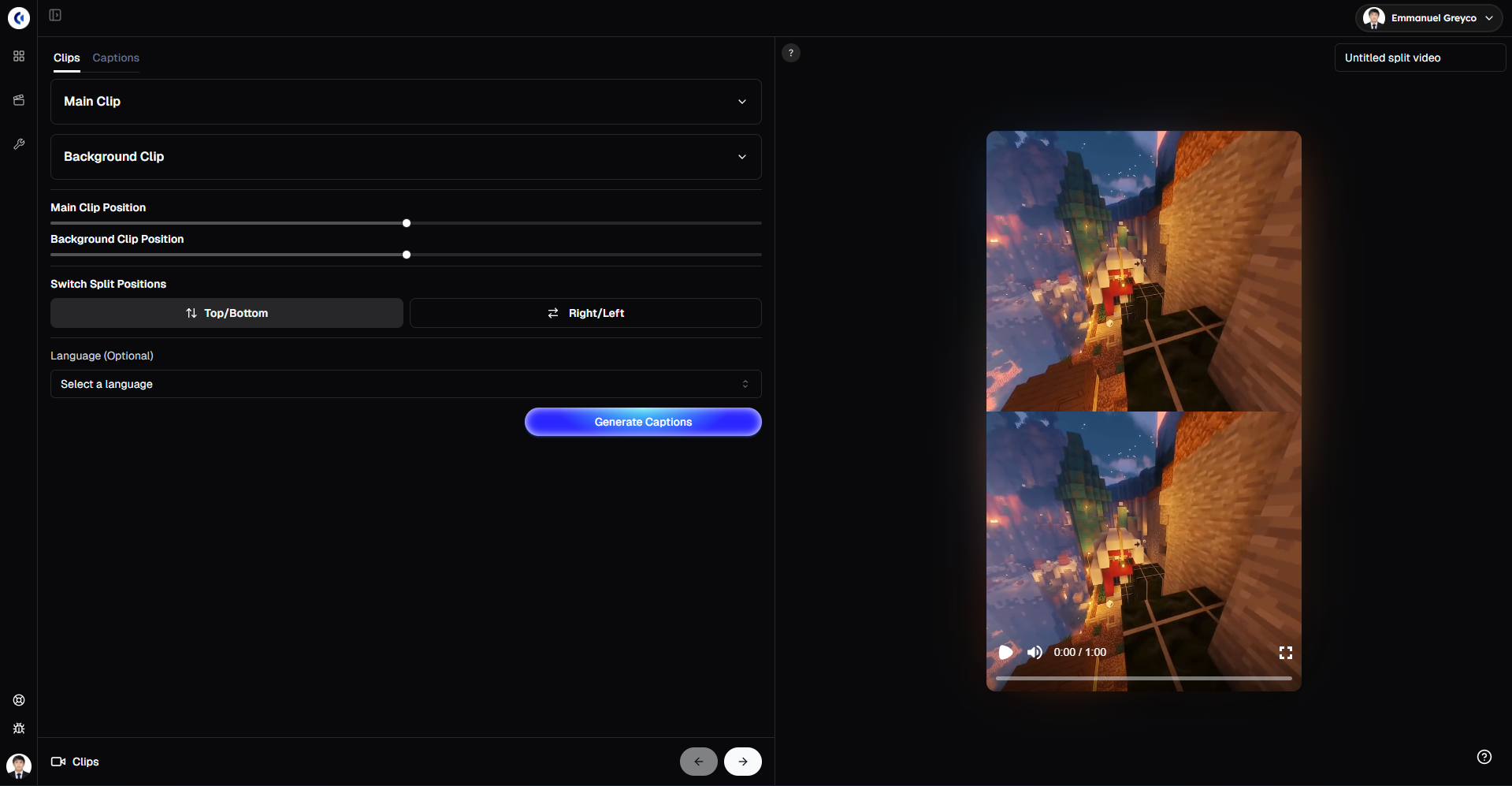
Pro tip: Use contrasting clips (like reaction and main footage) to make your split screen more engaging and visually interesting.
Step 2: Style Your Captions
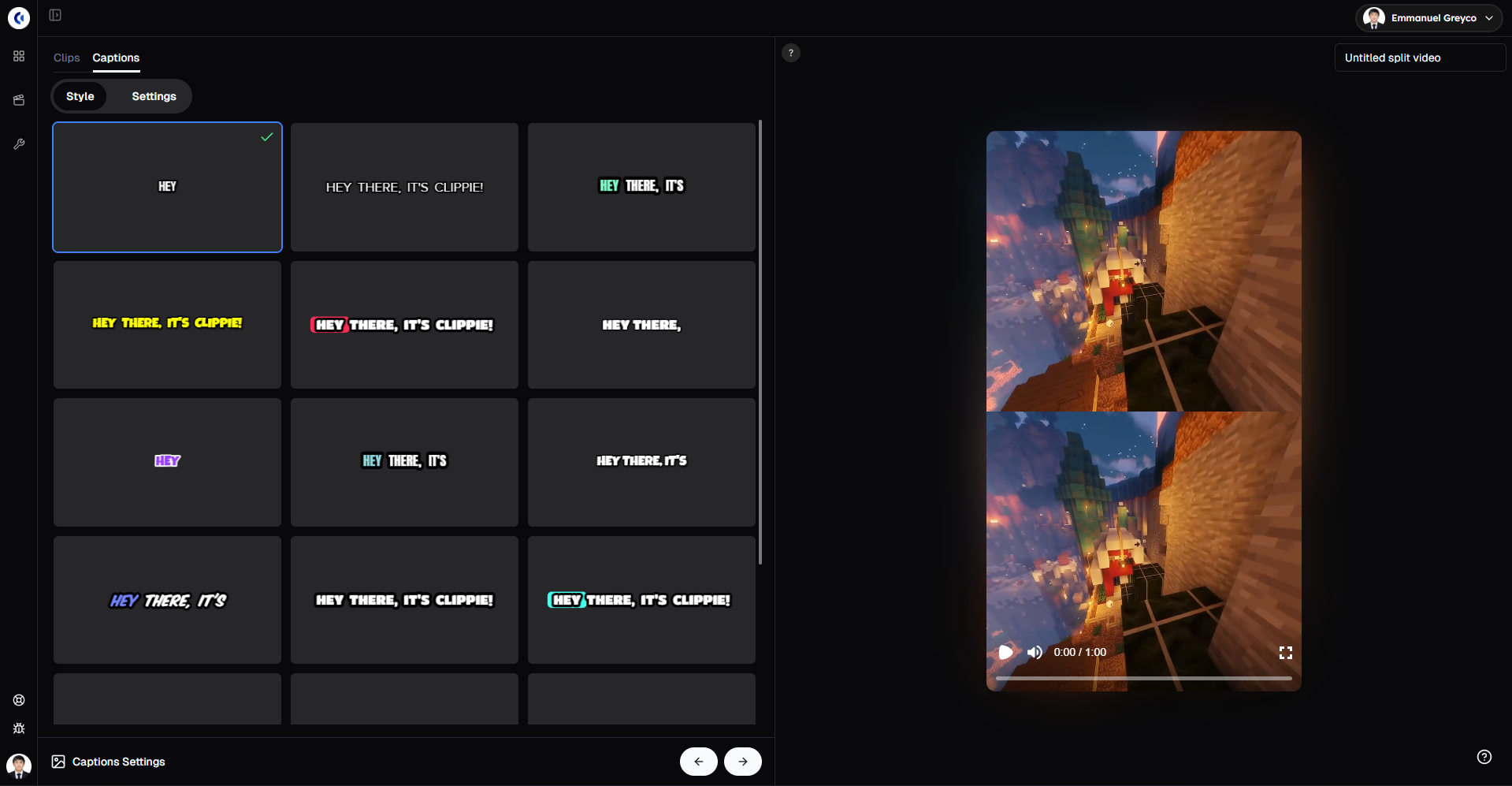
Captions help viewers follow along, especially on mute.
Go to the Captions tab.
Choose a caption style and preview it live.
Customize font, color, size, and position to match your video’s mood.
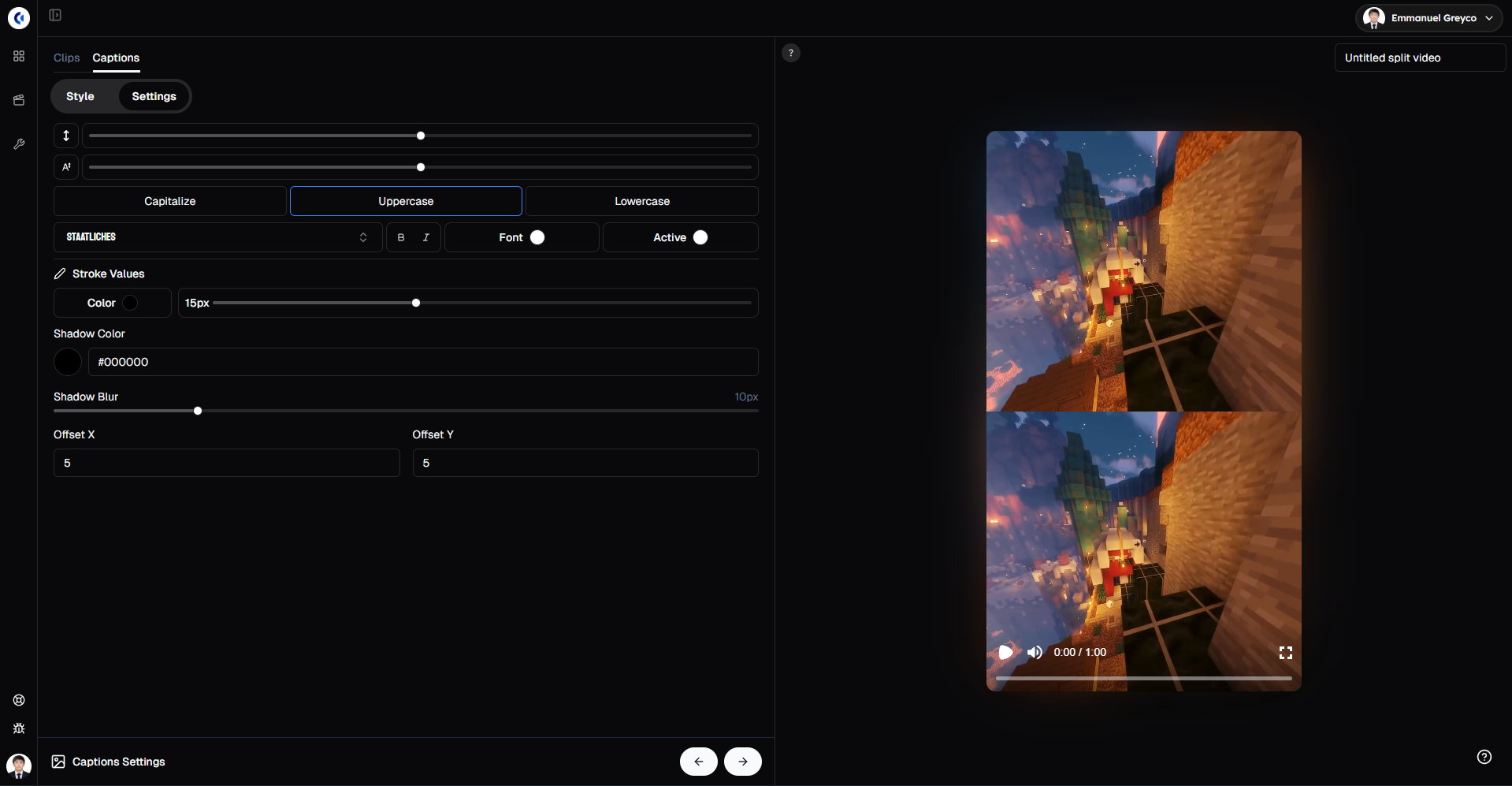
Well-styled captions highlight key moments and boost viewer engagement.
Step 3: Export Your Video
When you’re satisfied with your video:
Click Export.
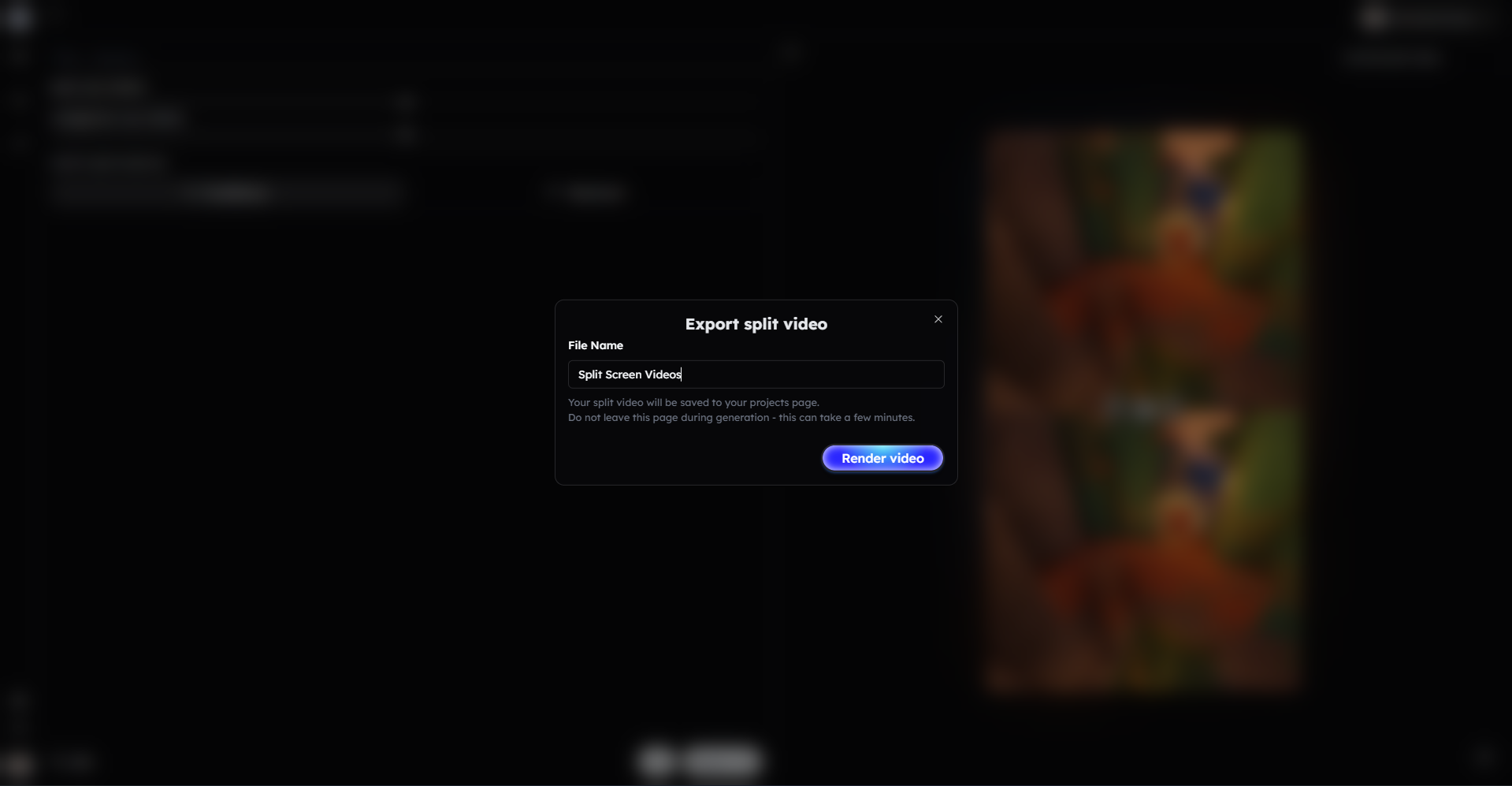
Your split screen video is now ready to share.
Bonus: Get 1-on-1 Support in Our Discord Community
If you get stuck or want personalized help, join our Discord community. Our team offers 24/7 one-to-one support to help you go viral with your content.
Click me to join our discord community!
FAQs: Making Split Screen Videos
Q: Can I adjust the size of each clip in the split screen? A: Yes, you can reposition and resize both clips to create the perfect layout.
Q: Can I switch the split screen layout between vertical and horizontal? A: Absolutely! You can switch between top/bottom or right/left split positions easily.
Q: Are captions automatically synced to the video? A: Yes, captions are generated automatically and synced with your video’s audio.
Q: Can I customize the appearance of captions? A: Yes, you can change the font, color, size, and position to match your video style.
Related Blog Posts
How to Make Roblox Rant Videos with Clippie AI (2026 Guide)
How to Create Reddit Story Videos with Clippie AI (2026 Guide)
How to Create Text Story Videos with Clippie AI (2026 Guide)
Click Me To Start Creating With Clippie AI Now!
Make a split-screen video
Put your clip on top and gameplay underneath, with captions added for you.
Read more

How to Make Top 5 Ranking Videos in 2026 (Step-by-Step)
Build ranking Shorts that can still earn: pick a debatable topic, set clear criteria, source clips you may use, script the countdown, add your commentary.

How to Create Short-Form Videos Using AI: 8 Steps (2026)
A beginner workflow for AI videos on TikTok, Reels and Shorts: pick a format, script a hook, add visuals, voice and captions, export at 9:16, label AI.

7 Free CapCut Alternatives for Short-Form Video (2026)
Compare Edits, YouTube Create, VN, Clipchamp, Canva, DaVinci Resolve and Shotcut: what each gives free users, what it caps first and where it falls short.