
Creepy cartoon horror stories, made with AI.
Bold, shadowy cartoon scenes for scary stories, unsolved mysteries and late-night lore. Clippie writes, draws, narrates and captions the whole short in 9:16.
- Creators1,000,000+ and counting
- Views generatedOver 5 billion
- MonetizationCopyright safe
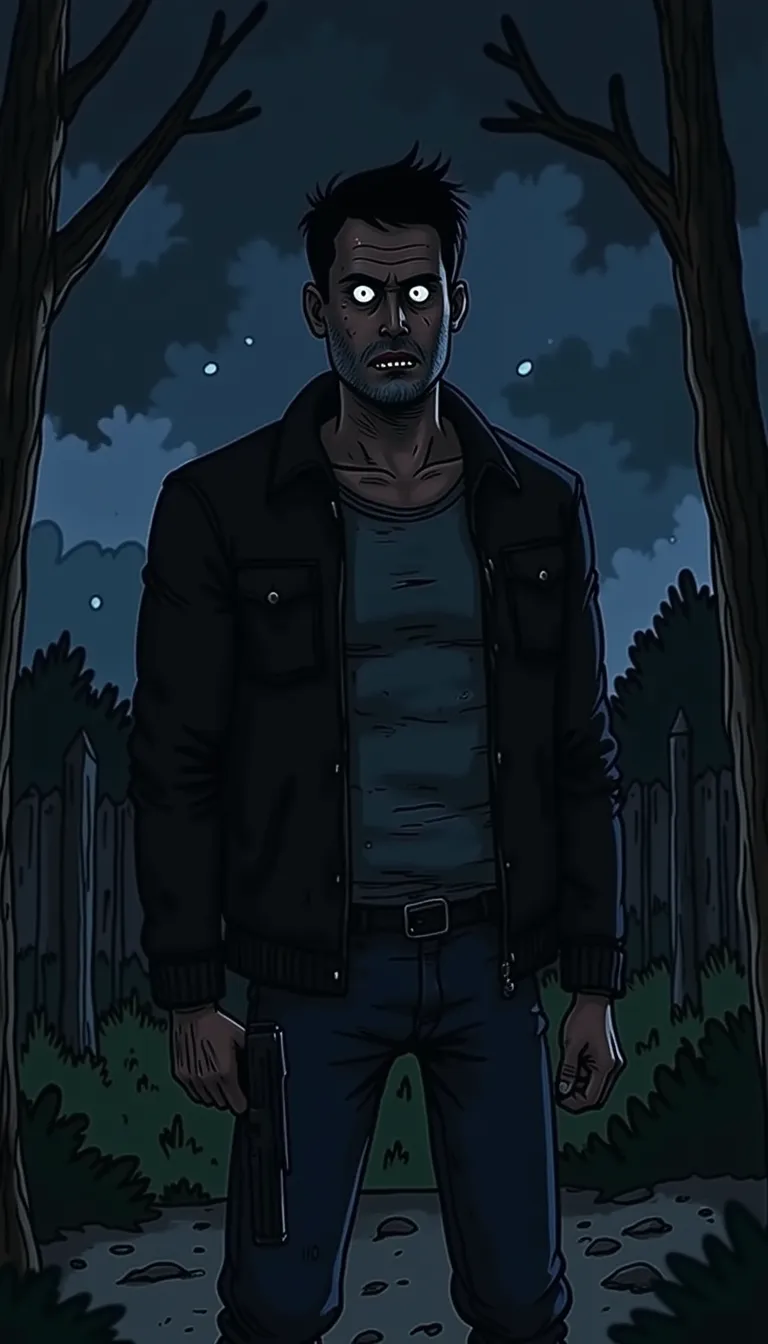
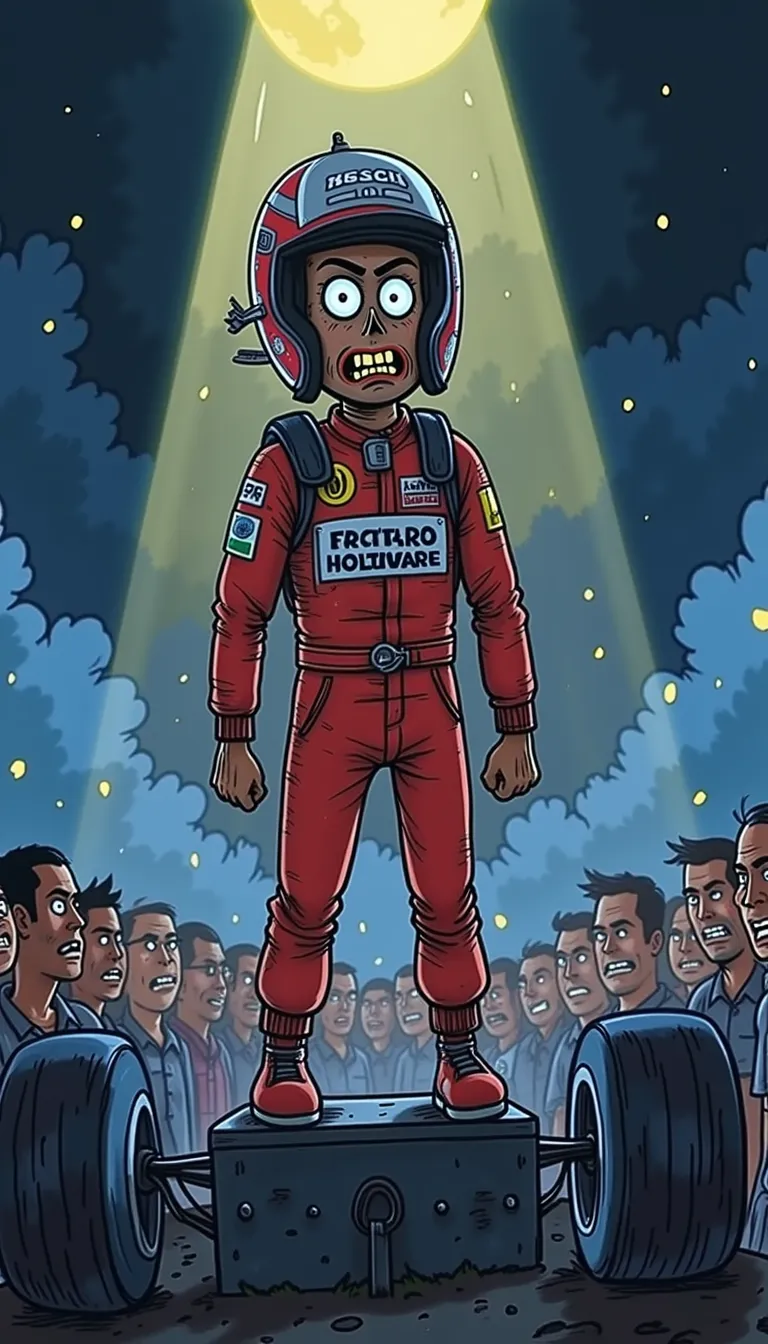
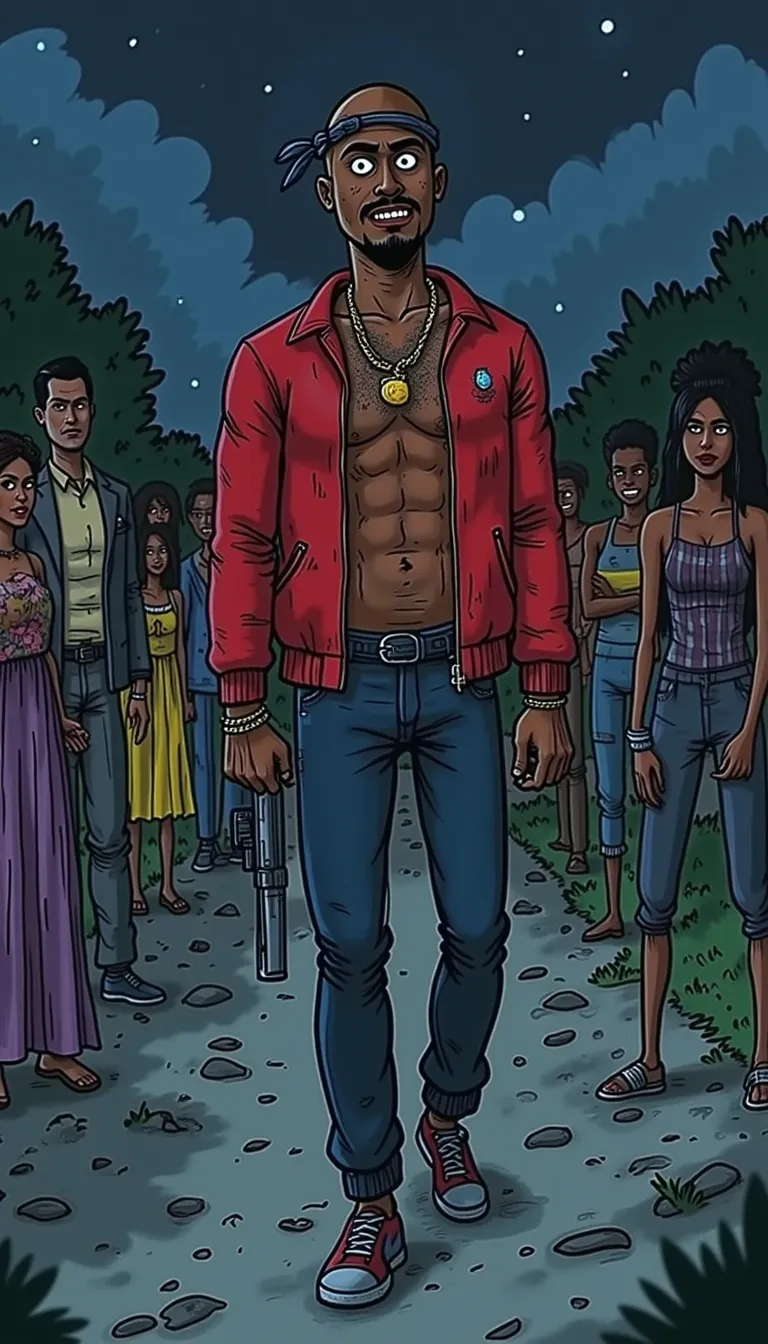
Sample frames from the Creepy Cartoon template.
How to make creepy cartoon horror story videos. Three steps.
- 1
Open the Creepy Cartoon template
The look and frame are set for you: 9:16 for TikTok, Reels and Shorts.
- 2
Write or generate the script
Paste your story, or let the AI script writer draft one from a topic, a tone and a length up to 10 minutes.
- 3
Generate, edit and export
Clippie draws every scene, adds a narrator and captions. Change any scene, voice line or caption, then export.
What people make with it. Creepy Cartoon, ready to go.
Scary stories
Campfire tales, creepypasta and “I should never have opened that door” stories.
Unsolved mysteries
Disappearances, strange signals and places nobody explains.
Dark facts
Unsettling history and science facts told one eerie scene at a time.
125 AI voices
Pick the narrator that fits the story and regenerate any line.
Captions in 100+ languages
Styled captions that keep muted viewers watching.
Built for shorts
A 9:16 frame, fast pacing and bold captions for short-form feeds.
Frequently asked questions.
What tone works best for creepy cartoon videos?
Pick the Horror, Scary, Creepy or Suspenseful tone in the AI script writer, and a slow, low narrator voice. Short sentences with a twist at the end keep people watching.
Is this style popular?
It is one of the most used AI story styles on Clippie, and it is marked Popular in the template rows.
How long does it take to make a Creepy Cartoon video?
A few minutes for a short. Clippie generates the scenes, voice and captions in one go; most of your time goes into tweaking the script.
Do styles cost extra?
The 9:16 Clippie styles are included in your plan. The 16:9 long-form looks are drawn by AI image models and use AI credits per scene, shown before you generate. Exporting uses the export minutes in your plan.
Keep exploring

