
YouTube Shorts scheduler built into the app you make them in.
Connect your YouTube channel once, then post any video you finish in Clippie right away or schedule it for a day and time up to six months ahead. A calendar shows the week or the month, and Clippie publishes on time even when you are offline.
- Post toYouTube Shorts and videos
- Schedule aheadUp to 6 months
- CalendarWeek and month views
Videos made in Clippie. When an export finishes, its Post button opens the composer with that video, ready to go to YouTube now or later.
Three steps. From finished video to scheduled post.
- 1
Connect your channel
Open Schedule under Tools and connect YouTube through Google’s sign-in. You only do this once.
- 2
Write the post
Press Post on a finished video, or pick one in the composer. Add a title and description, choose Public, Unlisted or Private, and set made for kids.
- 3
Post now or schedule it
Publish straight away, or pick a day and time up to six months ahead. The post lands on the calendar and goes out on time.
Make it, then schedule it. Guides by format.
 GuideHow to schedule YouTube ShortsThe steps in YouTube Studio and in Clippie, when to post, and how to line up a week of Shorts.
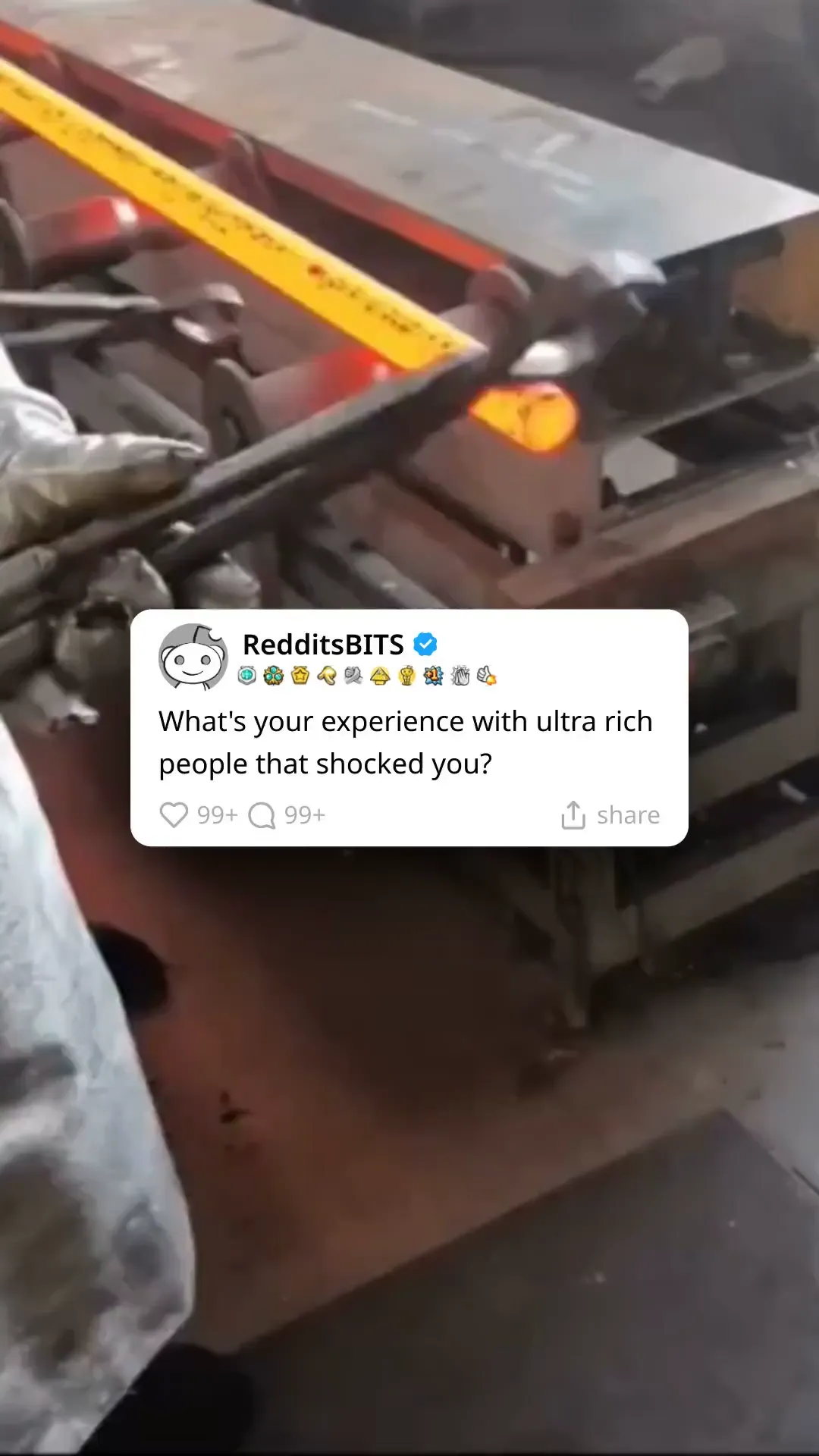 Reddit stories to YouTubePaste a post, get a narrated story over gameplay, and schedule part two for tomorrow.
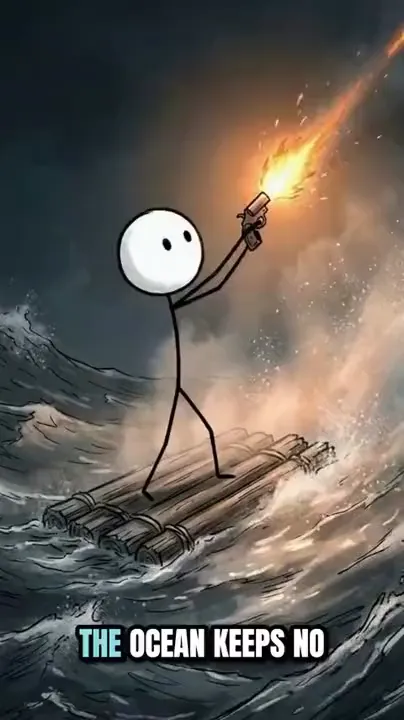 Stickman videos to YouTubeMake a stickman Short or a 16:9 episode, then put the whole series on the calendar.
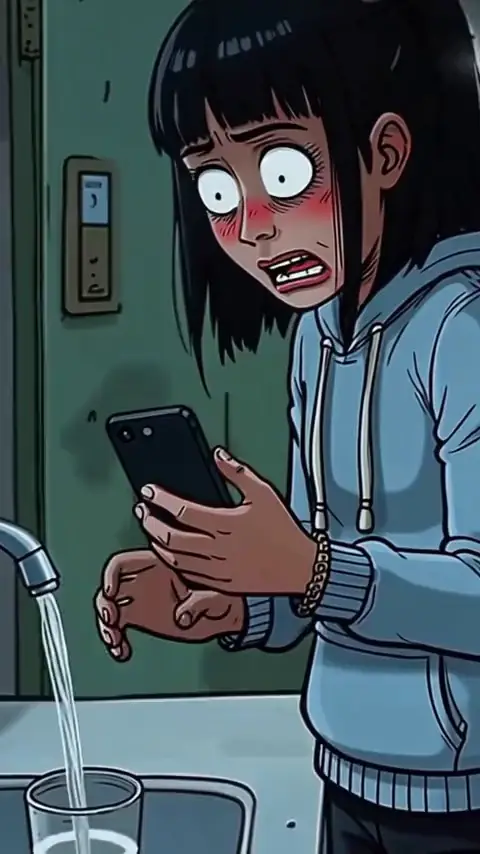 YouTube automationRun a faceless channel on a schedule: ideas, scripts, videos and posting in one place.
Everything between export and upload. In the same app.
Post from the export
When a render finishes, the ready toast has a Post button. Renders and the Media Library have one too, so there is nothing to download and upload again.
Week and month calendar
See every scheduled post by week or by month, and drag a post to another day to move it.
Upcoming and History
A list of what goes out next and a record of what already posted, filtered by channel and status.
Posts while you are offline
Clippie publishes at the time you picked from its own servers. Close the tab and shut the laptop.
Plain-English failures
If a post fails, you see why in words you can act on, and Clippie retries it automatically.
Your channel, your call
Connect through Google’s own sign-in. Disconnect any time and Clippie’s access is revoked with Google.
The YouTube settings that matter
Title, description, Public, Unlisted or Private, and the made-for-kids setting YouTube asks every upload for.
Shorts and regular videos
Vertical Shorts and 16:9 videos go to the same channel from the same calendar.
Frequently asked questions.
What is a YouTube Shorts scheduler?
A tool that uploads a Short to your channel at a time you choose, so you can make videos in one sitting and have them go out on a steady schedule. Clippie’s scheduler sits next to the video editors, so a video you finish in Clippie can be posted or scheduled without downloading it and uploading it again.
How do I schedule a YouTube Short with Clippie?
Connect your YouTube channel on the Schedule page, then press Post on a finished video (the export toast, your renders and the Media Library all have the button). Write the title and description, choose the visibility and the made-for-kids setting, pick a day and time, and schedule it. It appears on the calendar and Clippie publishes it at that time.
Will my video post as a Short or as a regular video?
YouTube decides from the video itself: a vertical or square video up to three minutes long is a Short, and anything else is a regular video. Export in 9:16 for a Short and in 16:9 for a regular video; Clippie posts both the same way.
How far ahead can I schedule?
Up to six months. Pick any day and time in that window, and move the post later by dragging it on the calendar.
Does my computer need to be on when the post goes out?
No. Clippie publishes the video from its own servers at the time you picked, so you can close the browser or turn your computer off.
Can I move a scheduled post?
Yes. Drag it to another day on the week or month calendar. The Upcoming list shows what goes out next, and History shows what already posted.
What happens if a post fails?
The post is marked as failed with the reason in plain words, for example a disconnected channel or a problem on YouTube’s side, and Clippie retries it automatically. You can see every post’s status in the History list.
Is it safe to connect my YouTube channel?
You connect through Google’s own sign-in screen and approve the access there. Clippie uses it to upload the videos you post or schedule. Disconnect the channel on the Schedule page and Clippie revokes its access with Google; you can also remove Clippie from the third-party connections in your Google account.
Can I post to TikTok or Instagram too?
Not yet. YouTube is first, for both Shorts and regular videos, and more platforms are coming. Until then you can download any render and upload it to TikTok or Instagram yourself.
Do I need a paid plan to post to YouTube from Clippie?
Yes. Posting and scheduling to YouTube are part of the paid Clippie plans, like exporting. You can look around the Schedule page first; Clippie asks you to pick a plan when you post. Plans are listed below.

