Consistent cartoon character generator a cast that stays on model.
Design a cartoon character once: a fox in an orange scarf, a round brown bear, a girl in flying goggles. Clippie draws their picture in the look you choose and uses it for every scene, so your cartoon looks like one cartoon.
- 3D looks that use pictures6
- Illustrated looks that use pictures3
- Characters per storyUp to 8
Short answer
To keep a cartoon character consistent in an AI video, draw the character once in the cartoon’s art style and use that drawing as the reference for every scene. In Clippie, pick a look such as 3D animated film, Kids cartoon and Claymation or Soft anime and Storybook, add the character with a short description, and every scene they are in is drawn from their picture.
Checked against the product on 13 November 2026.
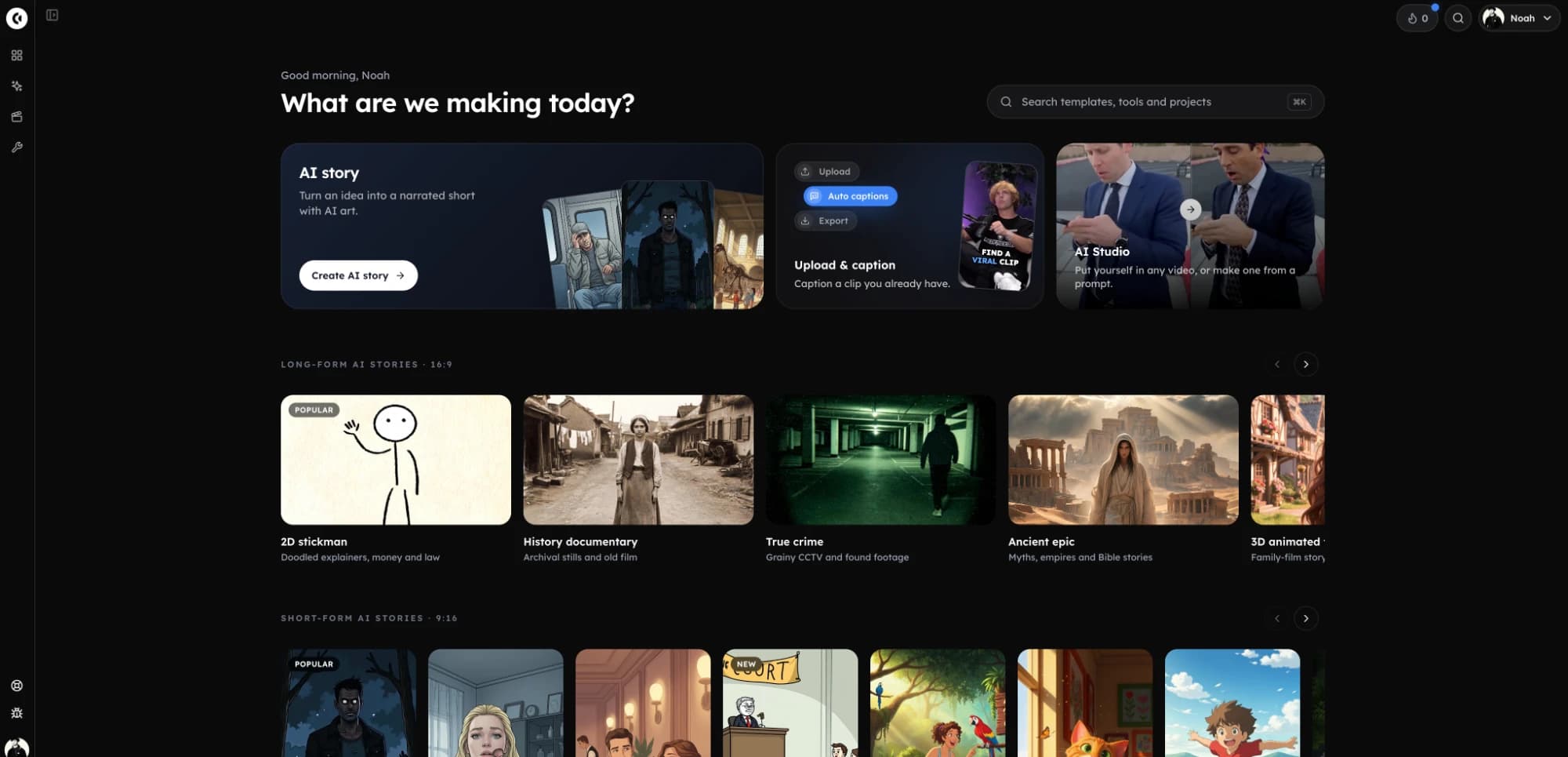
Storybook, Kids cartoon, 3D animated film, Claymation and Fruit people. Each clip is several scenes of one story with the same characters.
How to make a consistent cartoon character. Four steps.
- 1
Choose the cartoon look
Pick the art style first, because the character is drawn in it. 3D, clay, storybook, anime and comic looks all use character pictures.
- 2
Describe the character
One line of what never changes: species or build, colours, clothes and one accessory. “A small fox, orange fur, long orange scarf, acorn necklace”.
- 3
Draw and approve the picture
Draw the character in the look and regenerate until the design is right. That picture is used for every scene.
- 4
Write the episode
Paste a script or type an idea. Scenes are drawn from the cast’s pictures, narrated and captioned, ready to animate and export.
Cartoon looks and character pictures. By family.
21 of Clippie’s 46 story looks, and any look you describe yourself, send each character’s picture to the scenes they are in. The rest keep the character from the written “Looks like” line. Checked 13 November 2026.
| Look family | Drawn from the character’s picture | Kept from the “Looks like” line |
|---|---|---|
| 3D & games | Fruit people, 3D animated film, Kids cartoon, Claymation, Toy brick, Blocky voxel | Pixar 3D, Minecraft, Lego, Low poly |
| Cartoon | None yet | Creepy cartoon, Polished cartoon, 90s Disney, Dark cartoon, Bright creepy cartoon, Bright dark cartoon, Vibrant cartoon, Adult cartoon, Simpsons, Corporate satire, Whiteboard |
| Illustrated & anime | Soft anime, Storybook, Editorial | Studio Ghibli, Cute anime |
| Comic | Noir ink | Comic realism, Comic book, Dark comic, Black & white comic |
In the look gallery, looks that use character pictures carry a standing-figure mark, and the “Use character pictures” filter lists only those.
Designing a cartoon character that survives every scene. A few rules.
Design for repetition
Animation studios keep characters simple for the same reason AI needs them simple: the design has to be redrawn hundreds of times. Big shapes, two or three flat colours and one accessory survive. Intricate patterns, text on clothing and many small props do not.
Test the design by describing it in one breath. If you can, the model can repeat it. “A round brown bear with cream ears and no clothes” is a character. A paragraph of detail is a single illustration.
One look per show
The look is part of the character. A fox drawn in Storybook and the same fox drawn in Claymation are two different-looking foxes, however good the reference. Choose the look for the series and stay in it. If you do change look, redraw the characters in the new one first.
Not every cartoon look takes a reference picture. Pixar 3D, Minecraft and Lego and the looks in the Cartoon family keep characters from the written description, which holds outfits and colours well and faces less well.
Kids’ stories and bedtime videos
Children’s channels depend on recognisable characters more than any other format: the audience comes back for the bear, not the plot. Build a small cast of two or three, save them, and write each episode around a new small problem for the same friends.
If you publish for children, check the platform’s rules for made-for-kids content before you post, and write original characters. Do not imitate characters from existing shows.
When the characters should talk
A narrated cartoon has one narrator telling the story over the scenes. If you want the characters to speak their own lines on camera, switch the story to Characters talk: each character gets their own voice and each scene is one character saying one line, with their lips in time. The same cast and pictures are used either way.
A cartoon cast you design once. Then reuse.
One picture, every scene
Each character has a picture. On 21 looks, every scene the character is in is drawn with that picture as its reference, so the face, outfit and proportions come from one source.
Described is enough
Write what a character looks like and skip the drawing. When the story is generated, Clippie draws their picture in the story’s look first, then draws the scenes from it.
Start from your own drawing
Upload a drawing or a photo you have the right to use. Keep it as it is, or have it redrawn in the story’s look so it matches every scene.
Ready-made characters
Start from Clippie’s Fruit, Animals and Stickman packs, including Mittens the cat and Biscuit the puppy. Use them as they are or copy and change them.
Fix one character, not the whole video
Add or change a character after the story is generated and redraw only the scenes they are in. Every other scene stays exactly as it was.
A library for the next video
Characters you use are saved to your library, up to 300, with their picture and voice. Add one to a new story with “From library”.
Frequently asked questions.
How do I create a consistent cartoon character with AI?
Design the character once in the art style you will use, keep the design simple, and generate every scene from that one picture. In Clippie you add the character to a story, draw their picture in the chosen look, and every scene they appear in uses it as the reference.
Which cartoon styles keep a character from their picture?
In 3D: Fruit people, 3D animated film, Kids cartoon, Claymation, Toy brick and Blocky voxel. Illustrated: Soft anime, Storybook and Editorial. Comic: Noir ink. You can also describe your own look. Other cartoon looks keep characters from the “Looks like” line.
Can I make a consistent 3D character?
Yes. The 3D animated film, Kids cartoon, Claymation, Toy brick and Blocky voxel looks all draw characters from their picture. 3D animated film is the one to choose for a film-style 3D character, including one redrawn from your own photo or drawing.
Can I turn a photo or my own drawing into a consistent character?
Yes. Upload a drawing, or a photo you have the right to use, as a character’s picture. You can use it as it is, or have Clippie redraw it in the story’s look so the character matches the scenes. For a photo of a real person you confirm you have the right to use it.
Can I copy a character from a film or TV show?
No. Create original characters. Clippie’s looks are art styles, not licences to existing characters, and prompts or pictures that break the content rules are refused.
Is the character identical in every single scene?
Close, not guaranteed. A reference picture steers the drawing far more than a text description does, and the main traits (head shape, hair, outfit, colours) normally hold from scene to scene. Small details such as a logo or the exact number of buttons can still vary, so look through the scenes before you animate. A scene that drifted can be redrawn on its own without touching the others.
Do characters keep the same voice too?
A narrated story is read by one narrator, so the voice is the same throughout. In Characters talk, each character has their own voice and speaks their own lines on camera, and that voice is saved with them in the library.
How much does it cost?
Clippie is a paid product, with plans from $19.99 a month. Characters, character pictures and scene pictures are included on a plan. The voiceover uses your plan’s voice minutes and the export uses its export minutes. Animating scenes is optional and uses AI credits, with the total shown before you start.