The same AI character in every video you post.
Channels grow around characters people recognise in the feed. Make yours once, and Clippie saves them with their picture and their voice. Next week’s video starts with the same cast, not a lookalike.
- Saved charactersUp to 300
- Saved withPicture, look, voice
- Ready-made packsFruit, Animals, Stickman
Short answer
To use the same AI character across multiple videos, save three things and start every video from them: the character’s reference picture, their fixed description, and the art style. Clippie saves all of that for you. Any character you use in an AI Story goes into your character library with their picture, look and voice, and “From library” adds them to the next story.
Checked against the product on 13 November 2026.
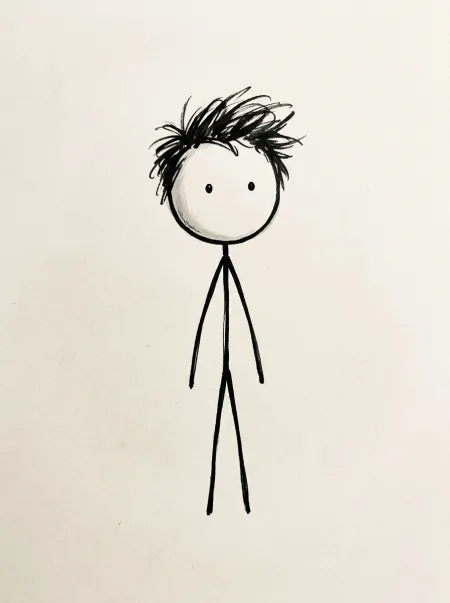
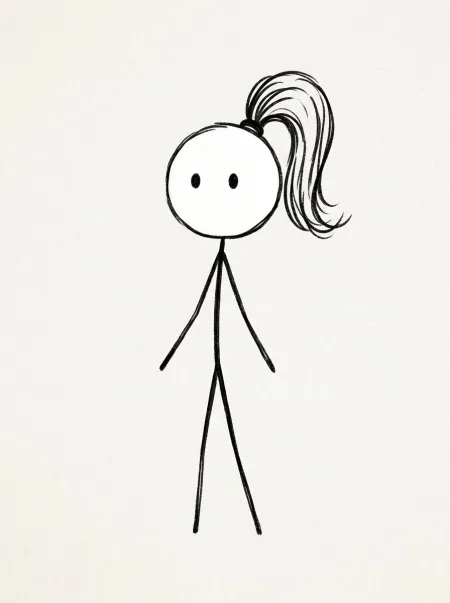
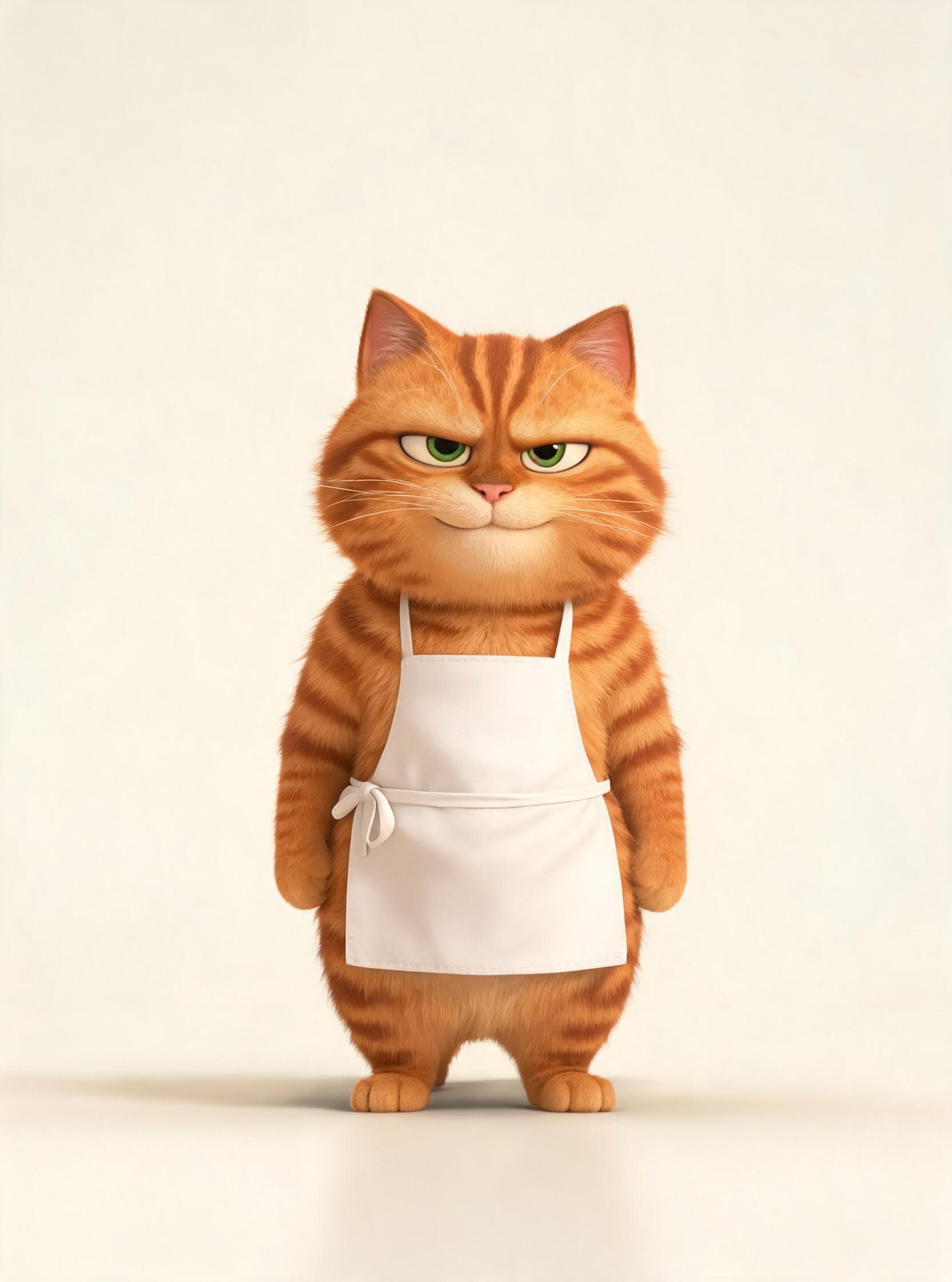
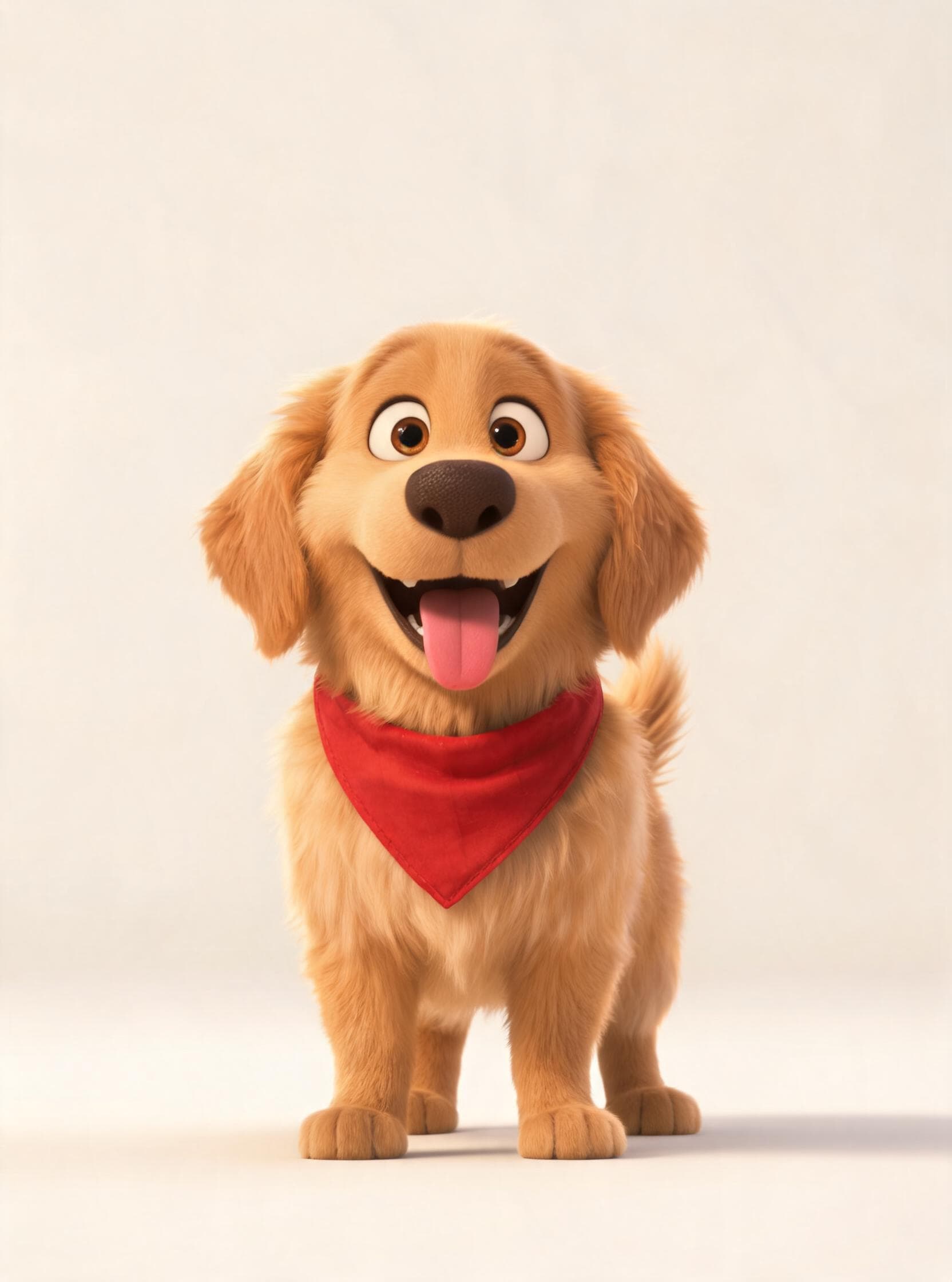
Four ready-made characters from Clippie’s library, and a finished stickman story. Your own characters are saved beside them.
How to reuse a character in every video. Four steps.
- 1
Make the character in your first video
Add them to an AI Story with a name, a “Looks like” line and a picture. Using them in the story saves them to your library.
- 2
Open the next story in the same look
Use the same template or look as the first episode, so the character and the world match.
- 3
Add them from the library
Open Characters, choose “From library” and pick your cast. Their pictures and voices come with them.
- 4
Write the new episode
Use the same names in the script. Every scene is drawn from the saved pictures, and the series looks like a series.
Building a series around a recurring character. What makes it work.
What has to stay the same between episodes
Viewers recognise a series by four things: the character design, the art style, the voice and the format. Change one and it reads as a creative choice. Change two and it reads as a different channel.
- Design: the same reference picture and description, never redrawn from memory.
- Style: the same look in every episode.
- Voice: the same narrator, or the same voice per character.
- Format: the same frame shape, caption style and opening pattern.
A saved character carries the first three. A saved template carries the fourth.
How the character library works
You do not have to remember to save anything. Characters with a picture or a voice are saved to your library when you use them in a story, up to 300. Editing a character in a later story updates the saved copy.
The Characters page lists your library next to Clippie’s own packs: eight fruit people, Mittens the cat, Biscuit the puppy, Stick guy and Stick girl. You can create characters there directly, in any look that uses character pictures, before you have written a script.
Formats that suit a recurring character
Day-counted survival stories (“Day 12 on the island”) follow one stickman for weeks. Explainer channels use a host character who appears in every video. Fruit dramas run a fixed cast through a new argument each episode. Kids’ channels return to the same two or three friends. All of them are the same production pattern: a saved cast, a fixed look and a new script.
Keep each episode worth watching
A consistent character is what makes a series recognisable. It is not a substitute for a new story each time. YouTube’s monetization policies exclude mass-produced and repetitive content, including videos that feel interchangeable from one to the next. Vary the script, the setting and the stakes, and keep the character.
A cast that belongs to your channel. Saved, searchable, reusable.
A library for the next video
Characters you use are saved to your library, up to 300, with their picture and voice. Add one to a new story with “From library”.
Saved without asking
Characters with a picture or a voice are saved when you use them in a story. Change one later and the saved copy is updated.
Voices come with them
In Characters talk, each character’s voice is saved too, so they sound the same next episode.
One picture, every scene
Each character has a picture. On 21 looks, every scene the character is in is drawn with that picture as its reference, so the face, outfit and proportions come from one source.
Make characters before the script
Create and draw characters on the Characters page in any look that uses pictures, then pull them into a story when you are ready.
Post the series on a schedule
Send each finished episode to YouTube from Clippie, now or at a time you pick.
Frequently asked questions.
How do I use the same AI character in multiple videos?
Save the character’s reference picture and description and start each new video from them, in the same art style. In Clippie the character library does this: characters are saved when you use them, and “From library” adds them to any new AI Story with their picture and voice.
How many characters can I save?
Up to 300 in your library. A single story uses up to 8 of them at a time.
Will the character look the same if I change the art style?
They will be recognisable, not identical. A picture drawn in one look pulls scenes towards that look, so for a series it is best to stay in one. If you do switch, redraw the character in the new look and save that version.
Does Clippie have ready-made characters?
Yes: the Fruit, Animals and Stickman packs, each character drawn and voiced. Use them as they are, or copy one and change the name, look and voice to make it yours.
Do characters keep the same voice too?
A narrated story is read by one narrator, so the voice is the same throughout. In Characters talk, each character has their own voice and speaks their own lines on camera, and that voice is saved with them in the library.
Is the character identical in every single scene?
Close, not guaranteed. A reference picture steers the drawing far more than a text description does, and the main traits (head shape, hair, outfit, colours) normally hold from scene to scene. Small details such as a logo or the exact number of buttons can still vary, so look through the scenes before you animate. A scene that drifted can be redrawn on its own without touching the others.
Can I post the episodes straight to YouTube?
Yes. On a paid plan you can connect a YouTube channel and post a finished video now or schedule it, as a Short or a regular video.
How much does it cost?
Clippie is a paid product, with plans from $19.99 a month. Characters, character pictures and scene pictures are included on a plan. The voiceover uses your plan’s voice minutes and the export uses its export minutes. Animating scenes is optional and uses AI credits, with the total shown before you start.