
Turn your weirdest idea into an AI brainrot story.
A strawberry with a secret. A Stickman with terrible luck. Make the cast, scenes, voices and captions in one place.
Short excerpts from Clippie story videos. Each sample has its own script and cast.
One strange premise. A complete story workflow.
- 1
Give the chaos a plot
Choose one character, one problem and one reveal. Write your own script or use the AI writer, then edit it into a story with a clear ending.
- 2
Build the cast and scenes
Choose fruit, Stickman or a cartoon look. Set the character details, generate the pictures and correct continuity before adding optional scene animation.
- 3
Add voices and finish
Use a narrator or assign voices to characters in the dashboard. Review the captions and pacing, then export a vertical video for Shorts, Reels or TikTok.
What makes a brainrot story work? A clear thread through the absurdity.
Choose a story format before choosing a look
“Brainrot” is a broad internet label. Here it means short, exaggerated AI character stories: talking fruit arguments, Stickman misadventures and surreal cartoon scenes. Clippie’s story workflow builds the scenes, voice track and captions around your script.
Try a tiny conflict with an outsized reaction: a strawberry thinks the fridge light is a spotlight, a Stickman refuses to leave a suspiciously cheap hotel, or a clay astronaut discovers the moon is a kitchen timer. Give the character a goal and end with a reveal that changes the situation.
Make the joke readable before making it faster
Show the important prop or expression when the line mentions it. Keep one main action per shot, distinguish the speaking characters and shorten dialogue that crowds the captions. A surprising scene works best when the viewer can understand what changed.
Start with a short episode and watch it all the way through before extending the series. Reuse the cast and world while giving each episode its own conflict and payoff. Generated visuals do not guarantee views or monetization.
Pick your kind of chaos. Keep the story original.
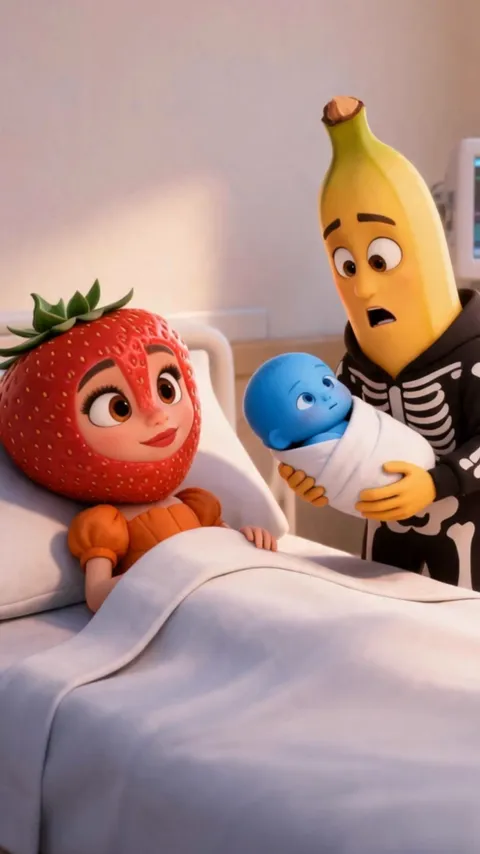 Talking fruit dramaStrawberries, bananas and apples with rivalries, secrets and distinct voices.
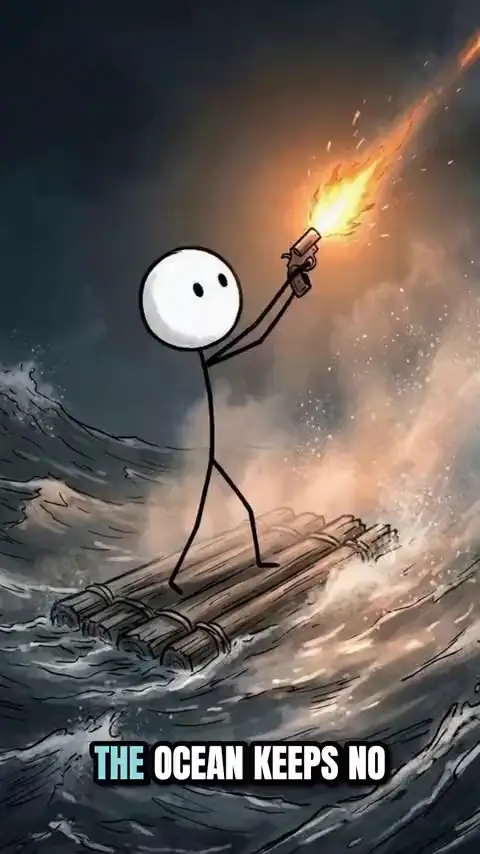 Stickman storiesSimple characters in survival challenges, awkward situations and unexpected twists.
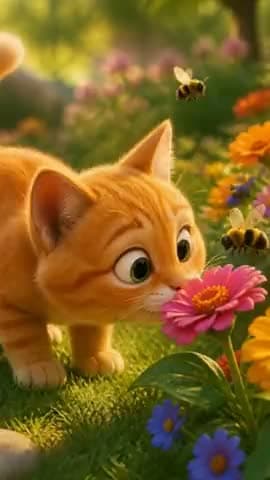 Animated cartoon storiesOriginal characters in 3D, clay, brick or hand-drawn worlds.
- Free fruit story promptsStart with a dialogue script or a story premise, then adapt it for your cast.
- Character continuity guideKeep the cast recognizable as the camera, action and setting change.
- Make stories with API or MCPCreate narrated story videos from code or through a connected AI assistant.
More than a single generated clip. Put the whole story together.
Script to scenes
Break the premise into a sequence of pictures you can inspect and edit.
A reusable cast
Save character names, appearance notes and references. Review each scene for visual continuity.
Voices that fit the cast
Create a narrated story or use the dashboard’s talking mode for character dialogue.
Captions and pacing
Check each line against the final audio and give the punchline room to land.
Choose the visual language
Start with fruit, Stickman, Doodle, 3D cartoon, Claymation, Toy brick or Blocky voxel looks.
Revise before exporting
Replace a weak scene, change a line or adjust the timing before your final export.
Frequently asked questions.
What is an AI brainrot video generator?
It is a tool for turning an absurd premise into a short AI-generated video. Clippie focuses on character stories: fruit drama, Stickman and cartoons, combining script, scene images, voices, captions and editing.
Can I make talking fruit videos with different voices?
Yes. Open the Fruit videos template in the dashboard, set up the cast and use talking mode to assign voices to speakers. Review the speaker assignments and final audio before exporting.
Does Clippie animate every scene automatically?
Scene generation and scene animation are separate steps. Generate and review the story pictures first, then add animation where it helps. Check the motion and audio timing before exporting.
Is the AI brainrot video generator free?
The guides and prompt examples are free to read. Creating and exporting story videos uses a Clippie plan and the applicable credits or minutes; review the cost shown before generating.
Can I make narrated stories through the API or MCP?
Yes. The AI Story API accepts a prompt, script or uploaded narration and creates scene images, a voice track, captions and an optional MP4 render. Use the dashboard for character-by-character talking mode; the current story API uses a single narration voice.
Guides from the Clippie blog.
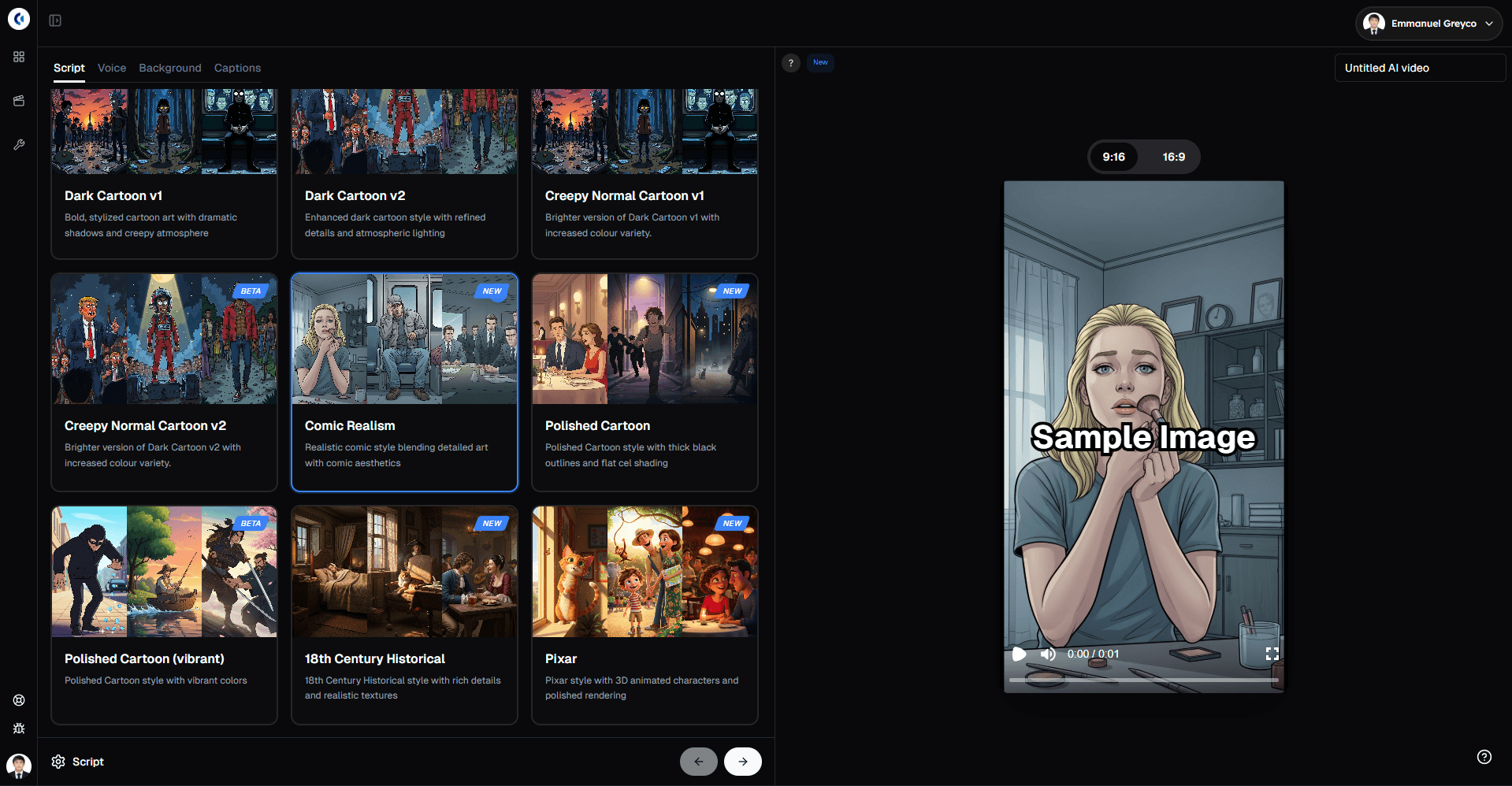
The Ultimate Guide to Clippie's AI Story Video: Create Viral AI-Generated Stories Fast
Complete guide to creating viral AI-generated story videos with Clippie. Step-by-step tutorials, art style customization, new features, and proven viral strategies for 2025.
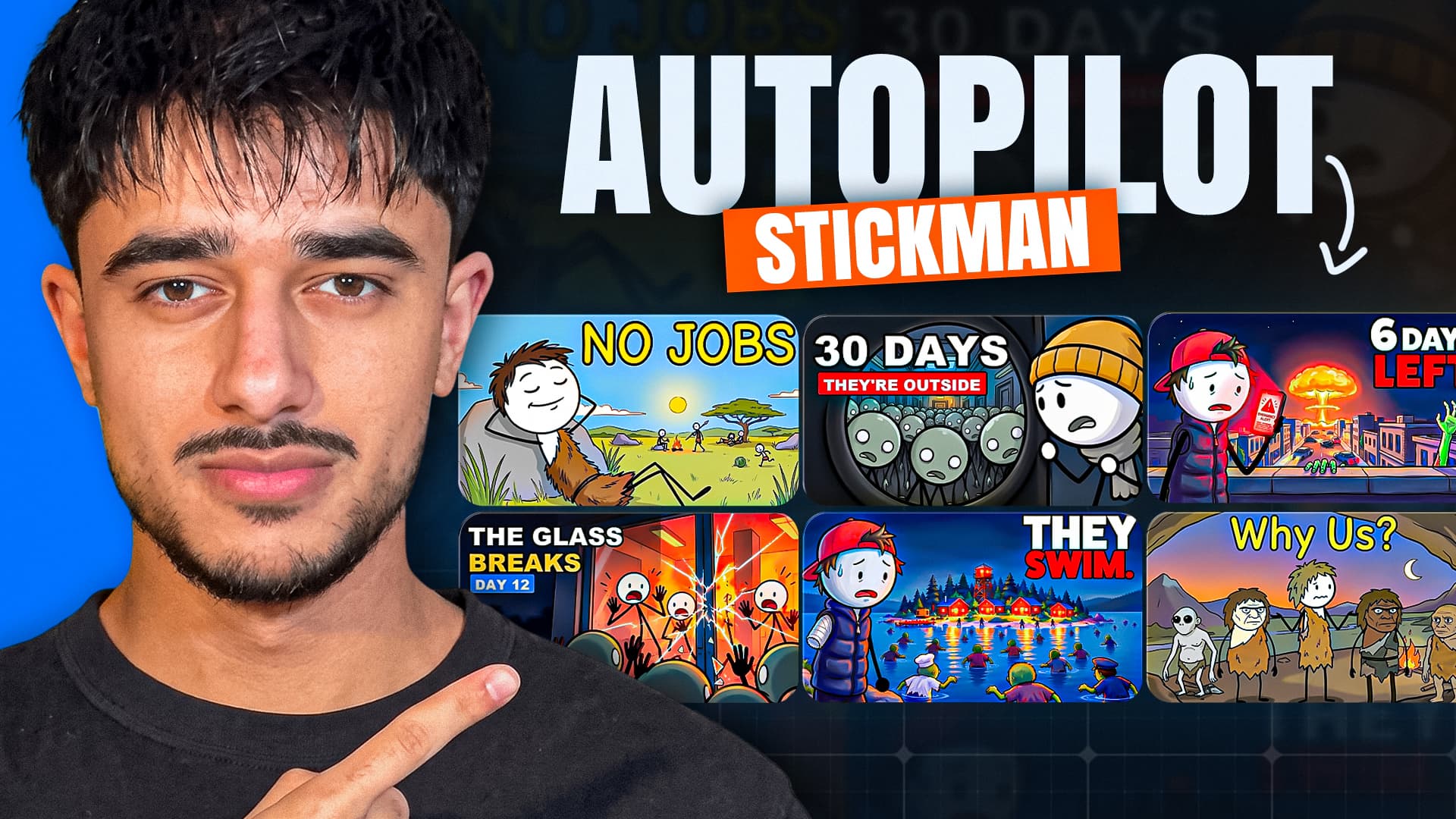
How to Make Viral Stickman Videos with AI (Free Prompt Pack)
Stickman channels are pulling millions of views, and you can make one without animating a thing. Here’s our step-by-step workflow for turning one idea into a finished stickman video with Claude and Clippie, with every prompt included.

