How to Make AI Talking Object Videos in 2026 (Step-by-Step)
Give ketchup, a phone battery or your liver a face and a voice: five formats, a script template, 12 object ideas and a lip-synced workflow for Shorts.
 Emmanuel Greyco Tulabut
On this page
You searched for how to make AI talking object videos, so this guide covers the whole process: picking an object, writing its lines, giving it a face that lip-syncs, and exporting a vertical short that people finish.
The timing is good. In November 2026, vidIQ estimates "talking objects" at roughly 30,000 monthly YouTube searches, up 198%, as creators move past the first wave of yelling-food clips. Below you get five formats, a fill-in script template, a step-by-step build, consistency tips, 12 object ideas and the originality rules that protect monetization.
Executive summary: This guide explains what talking object videos are, why the format holds attention, and five ways to structure it, from objects explaining themselves to organ explainers and product rivalries. It includes a script template, a six-step workflow using AI images, lip-synced characters and voice acting, plus brand mascot limits, YouTube originality rules and 12 ready ideas. It suits faceless creators starting a character-led series.
Table of Contents
What Are AI Talking Object Videos?
Why Talking Object Videos Work
5 Talking Object Video Formats That Hold Attention
Talking Object Script Template (With Example)
How to Make AI Talking Object Videos (Step-by-Step)
How to Keep Object Characters Consistent
12 Talking Object Video Ideas
Using Talking Objects as Brand Mascots
Originality, AI Labels and Monetization
Mistakes to Avoid With Talking Object Videos
FAQs
What to Do Next
What Are AI Talking Object Videos?
AI talking object videos are short clips where an everyday thing, such as a ketchup bottle, a phone battery, a lung or a slice of bread, gets a face and a voice and speaks straight to camera. It usually explains itself, complains about how you treat it, or argues with a rival object.
Where the trend came from
August 5, 2025: Know Your Meme logs an @freshhacks TikTok of an AI onion angry about being refrigerated as the earliest known "AI food yelling at you" clip.
December 2025 to January 2026: accounts such as @livelongerlab and @thingstalkback popularized the format.
Late January 2026: Think Marketing Magazine covered screaming vegetables, a vitamin bottle and talking organs across TikTok, Instagram and Facebook.
The format then widened to any object. Clippie's February 2026 Short on how to create viral object talking videos ends with a ketchup bottle snapping "I said a little ketchup, not a flood."

Why Talking Object Videos Work
Talking object videos work because the viewer recognizes the character instantly, the object's point of view is unexpected, and the payoff is a useful tip or a relatable joke. A familiar thing plus a personality plus a first-person complaint delivers a hook in the first second, with no setup.
Familiar object: a toaster needs no backstory.
Personality: a tired or smug voice makes a product memorable.
POV: the object talks about you, so viewers check their own habits.
Media psychologist Dr Pamela Rutledge told The Tab that advice from a cartoon vegetable threatens the ego less than advice from a person, so it is easier to accept.
The guide to the psychology behind viral short-form videos explains why opening with a stake and one idea per clip help retention.
5 Talking Object Video Formats That Hold Attention
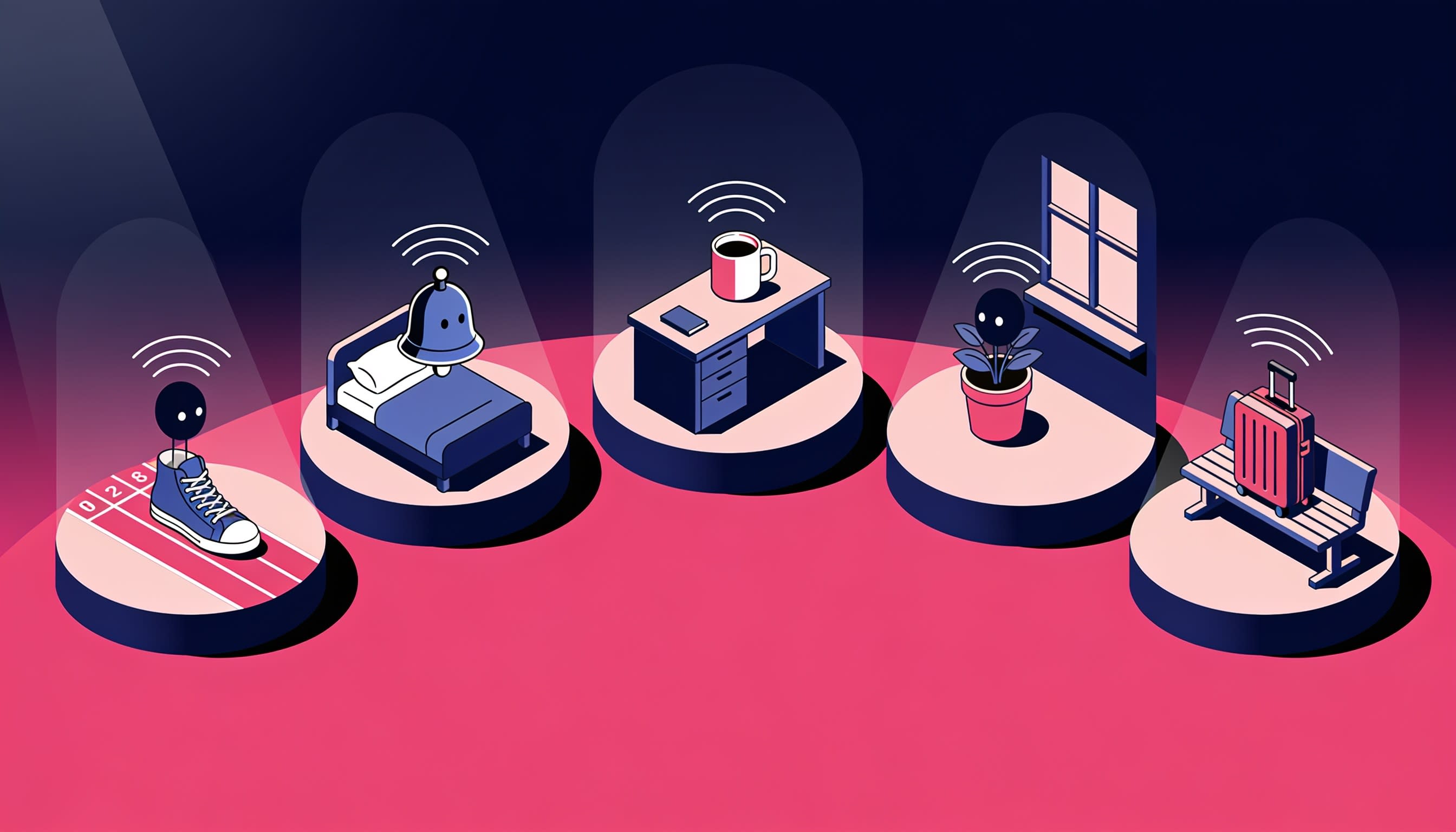
Most viral talking object videos fit one of five formats: an object explaining itself, an object complaining about its owner, a body part explaining its job, two products in a rivalry, or an object being interviewed. Pick one format per series so viewers know what each new episode delivers.
Format #1: The Object Explains Itself
The object explains how it works, such as a smoke alarm explaining its chirp. Best for educational series.
Format #2: The Object Complains About Its Owner
The classic angry-food structure: the object lists what you do wrong, then gives the fix.
Format #3: Body Parts and Organs Explain Their Job
A heart, liver or pair of lungs describes a day at work. It is the riskiest format.
Health accuracy caution: check every claim against a health authority such as the NHS or CDC, and never promise cures. YouTube's medical misinformation policy removes content that contradicts local health authority guidance on prevention or treatment.
Format #4: Food and Product Rivalries
Two objects argue, such as coffee vs tea, and viewers pick sides in the comments.
Format #5: The Object Interview
An off-screen interviewer questions an object, such as a retired flip phone. It suits longer clips.
Talking Object Script Template (With Example)
A talking object script needs four beats: a hook in the object's voice, the complaint or claim, one useful fact or twist, and a punchline or question for the comments. Keep the script between 40 and 90 words for a 15 to 35 second short, one beat per line.
Hook: the object names the problem.
Complaint or claim: what you do wrong, or what it does all day.
Fact or twist: one checkable detail.
Punchline: a joke, a threat or a question.
Example: the phone battery
Hook: "[sighs] Oh good, you're awake. I'm at 3%."
Complaint: "You left me on the charger all night, again."
Fact: "Most recent phones have a battery-protection charging setting. Turn it on."
Punchline: "Or keep ignoring me. I'll die during your next video call."
Check every fact line, here against your phone maker's support pages.
How to Make AI Talking Object Videos (Step-by-Step)
To make an AI talking object video, design the object as a character image with a clear mouth, write short lines, then either animate one clip with a speaking video model or build a multi-scene video where the object lip-syncs in its own voice. Finish with captions and a 9:16 export.
Step 1: Pick the Object and Write Short Lines
Choose a daily-use object, a format and an angle, such as "the gym bottle that's never been washed," then fill in the template. One clip covers only a few seconds of speech.
Step 2: Design the Object Character
The source Short drafts an image prompt with a chatbot, pastes it into the AI Studio image generator and generates. Ask for big expressive eyes, a clearly drawn mouth, a plain background and vertical framing. Nano Banana 2.1 accepts up to 14 reference images if you have sketches.
Step 3: Animate a Single Speaking Clip
In AI Studio's video tools, use the image as the start frame, paste the line into the prompt and pick Veo 3.1, as the Short does. The clip comes back speaking.
Veo 3.1 runs 4, 6 or 8 seconds at 720p or 1080p; test on Veo 3.1 Fast first.
Seedance 2.5 generates 4 to 30 seconds with audio for longer takes.
For voice control, the Talking tool turns a picture, your text and a chosen voice into lip-synced speech, or uses your own recording.
Step 4: Build a Multi-Scene Episode With Characters
For longer episodes, open the AI Story video generator. Add each object as a Character (name, appearance, the Step 2 picture) and mention it with @ in the script.
Characters talk mode makes every scene one character speaking on camera, lip-synced, with no narrator.
Paste lines as
Ketchup: I said a little, not a flood.For fruit casts, the Fruit videos template ships with four voiced fruit characters.
Step 5: Set Voices, Styles and Acting Tags
Give each object a voice and a style such as Dramatic, Energetic or Serious. Tags like [sighs] and [long pause] are performed, not read aloud.
Step 6: Choose the Look, Animate Key Scenes and Export
Pick an art style such as Pixar or Satirical 2D. Animate only the hook and punchline (the cost is shown first), then add captions and export in 9:16.
Where it falls short
Veo 3.1 clips cap at 8 seconds, so long scripts need several clips or the AI Story route.
Clippie is not a timeline editor; precise cuts and sound design need a separate editor.
There is no no-cost tier. Plans start at $19.99 a month, with discounts on longer billing; check the pricing page.

How to Keep Object Characters Consistent
Keep a talking object consistent by fixing its design once, reusing the same reference picture, tagging it the same way in every script, and never changing its voice. Viewers subscribe to recurring characters they recognize, not to random one-off clips.
Write a character sheet: shape, colors, eyes, mouth, accessories and five personality words.
Save it: saved Characters can be reused via From library.
Lock the voice: it is the strongest recurring signal. This comparison of AI voice generators for faceless videos helps if you voice lines in a separate tool.
Fix visuals only: Redo pictures keeps words, voiceover and timing.

12 Talking Object Video Ideas
The best talking object ideas pick an item people use daily, give it a clear grievance or a job to explain, and end on a tip viewers can act on. Each idea below names the object, its format and the hook.
Idea #1: The Ketchup Bottle (Format #2)
Sick of being shaken upside down.
Idea #2: The Phone Battery at 3% (Format #2)
Begs you to unplug it overnight.
Idea #3: The Unwashed Gym Bottle (Format #2)
Describes what lives under its lid.
Idea #4: The Smoke Alarm (Format #1)
Explains why it chirps at 3am.
Idea #5: The Cast-Iron Pan (Format #1)
Explains seasoning and begs not to be soaked.
Idea #6: Your Liver on a Friday Night (Format #3)
Describes its workload; fact-check every line.
Idea #7: Your Heart's Daily Shift (Format #3)
A tired worker who never gets a break.
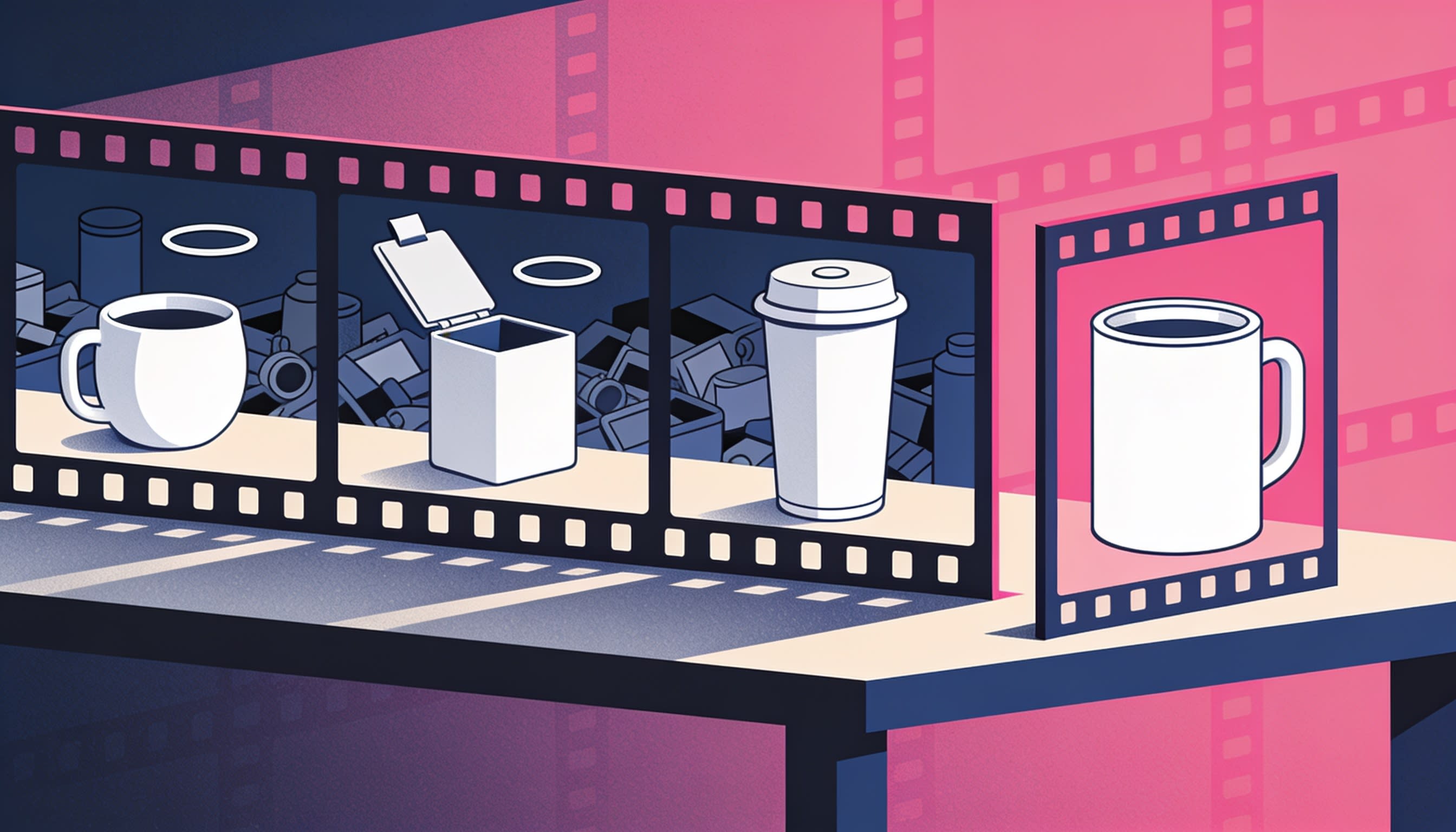
Idea #8: Coffee vs Tea (Format #4)
Each makes its case; the mug decides.
Idea #9: Air Fryer vs Oven (Format #4)
A turf war on the kitchen counter.
Idea #10: The Retired Flip Phone (Format #5)
Interviewed about life before apps.
Idea #11: The Overwatered Houseplant (Format #2)
Pleads for less water and more light.
Idea #12: The Forgotten Leftovers (Format #2)
Counts the days since you shut the fridge.
For produce characters, the Short on making viral AI fruit videos shows a food-led style.
Using Talking Objects as Brand Mascots
Brands can turn a product into a talking mascot that explains features or answers FAQs, using Format #1 or #5 with one fixed design and voice. AI generation still mangles small print and logos, and advertising rules on claims and disclosure still apply.
Logos and labels often come out garbled; add the real logo in an editor.
Never use another company's trademarks or products as characters in ads.
Claims must be accurate: a cute mascot doesn't exempt you from advertising rules.
Distribution is on you: Clippie makes the videos but doesn't post, schedule or run ads.
Originality, AI Labels and Monetization
Talking object videos can be monetized when each episode carries a real idea, not a swapped object on the same script. YouTube's inauthentic content rules target mass-produced, repetitive AI videos, and realistic AI content needs a disclosure label, though cartoon objects usually don't.
YouTube's inauthentic content rule
On July 15, 2025, YouTube renamed its repetitious content policy "inauthentic content." Interchangeable template AI videos without the creator's own input don't qualify.
Fine: a recurring series where every episode has its own facts and jokes.
Risky: one script with the object name swapped 50 times.
AI disclosure
YouTube requires disclosure for realistic altered or synthetic content, not clearly unrealistic or animated content.
TikTok has its own AI-generated content label; check its current guidance and use it when a scene could pass as real.
Mistakes to Avoid With Talking Object Videos
The most common talking object mistakes are objects without a readable mouth, jokes with no payoff, unchecked health claims, too many words per clip and characters copied from other accounts. Each one is cheap to fix before you spend any credits generating clips.
Mistake #1: No Readable Mouth
Lip-sync needs a clearly drawn mouth.
Mistake #2: A Joke With No Payoff
Complaints alone get skipped. End with a tip or a question.
Mistake #3: Unchecked Health Claims
One false treatment claim can get an organ video removed.
Mistake #4: Too Many Words Per Clip
An 8-second clip can't carry a paragraph. Split lines into scenes.
Mistake #5: Copying Another Account's Characters
Reused names, designs or catchphrases invite reports. Build your own cast.
FAQs
What AI tool makes talking object videos?
You need an image model to design the object with a face, plus either a video model that generates speech, such as Veo 3.1, or a lip-sync tool that animates the picture to a voice track. All-in-one platforms combine these steps; separate tools give more control but take longer.
Can you make talking object videos for free?
Some third-party image, voice and lip-sync apps have limited no-cost tiers, usually with watermarks or clip caps, so you can test the format before paying. Clippie is a paid tool; plans start at $19.99 a month, with discounts on longer billing, so check the pricing page.
How long should a talking object video be?
Aim for 15 to 35 seconds, which fits a four-beat script of 40 to 90 words. Single-line complaint clips can be shorter. Interviews and rivalries can run longer once your audience knows the characters, but every extra line should add a new fact or joke.
Are talking object videos monetizable on YouTube?
They can be, if your channel qualifies for the YouTube Partner Program and each video is meaningfully different. YouTube's inauthentic content policy targets mass-produced, repetitive AI content. Original scripts, a recurring cast and a useful fact in every episode keep a series on the right side of that rule.
How do I make an object's mouth move with the voice?
Design the object with a clearly drawn mouth, then use a lip-sync feature or a video model that generates speech from your line. Front-facing poses, plain backgrounds and short lines sync best. Objects without a defined mouth tend to produce odd or blurry mouth motion.
Do I need to label talking object videos as AI-generated?
On YouTube, clearly unrealistic or animated AI content generally doesn't need disclosure, and a cartoon ketchup bottle falls into that group. Photorealistic scenes that could pass as real are different. TikTok has its own AI label rules, so check current guidance and turn the label on when unsure.
What to Do Next
Pick one format and one object your audience uses every day.
Write three scripts with the four-beat template, each with a checked fact.
Design the character with a clear mouth and save it as a reusable Character.
Publish episode one, then build episode four around the hook that kept viewers longest.
Try it in Clippie
Make faceless videos with Clippie
Type an idea or paste a script. Clippie writes, voices, illustrates and captions a video you never have to appear in.
See the faceless video formats