How to Make Skeleton Shorts With AI in 2026 (Step-by-Step)
Four skeleton timeline formats, a fill-in script template, two AI workflows, 10 ideas, body-claim accuracy checks and YouTube's current originality rules.
 Emmanuel Greyco Tulabut
On this page
If you searched for how to make skeleton shorts, you have seen the format: a 3D skeleton standing in for "you", a question like "What happens to your body if you never sleep?", and a timeline that jumps from Day 1 to Year 100.
Demand is still climbing. vidIQ's YouTube search estimates for November 5, 2026 put "skeleton shorts" at about 117,000 searches a month, with "how to make skeleton shorts" up 163%. This guide shows you how to make AI skeleton videos properly: four formats, a fill-in script, two production workflows, accuracy checks, 10 ideas and the originality rules that decide monetization.
Executive summary: This post is for faceless creators starting a skeleton timeline channel on YouTube Shorts or TikTok. It explains why the format holds attention, breaks down four variants, gives a script template and two step-by-step AI workflows, then covers fact-checking, YouTube's inauthentic content rules, 10 ideas and common mistakes.
Table of Contents
What Are AI Skeleton Shorts?
Why Skeleton Timeline Videos Hold Attention
4 Skeleton Shorts Formats That Work
Skeleton Shorts Script Template
How to Make Skeleton Shorts in AI Story (Step-by-Step)
The Clip-by-Clip Method: Skeleton Image to Video
Accuracy Rules for Body and Science Claims
Originality and Monetization Rules
10 Skeleton Shorts Ideas to Script This Week
6 Skeleton Shorts Mistakes to Avoid
FAQs
What to Do Next
What Are AI Skeleton Shorts?
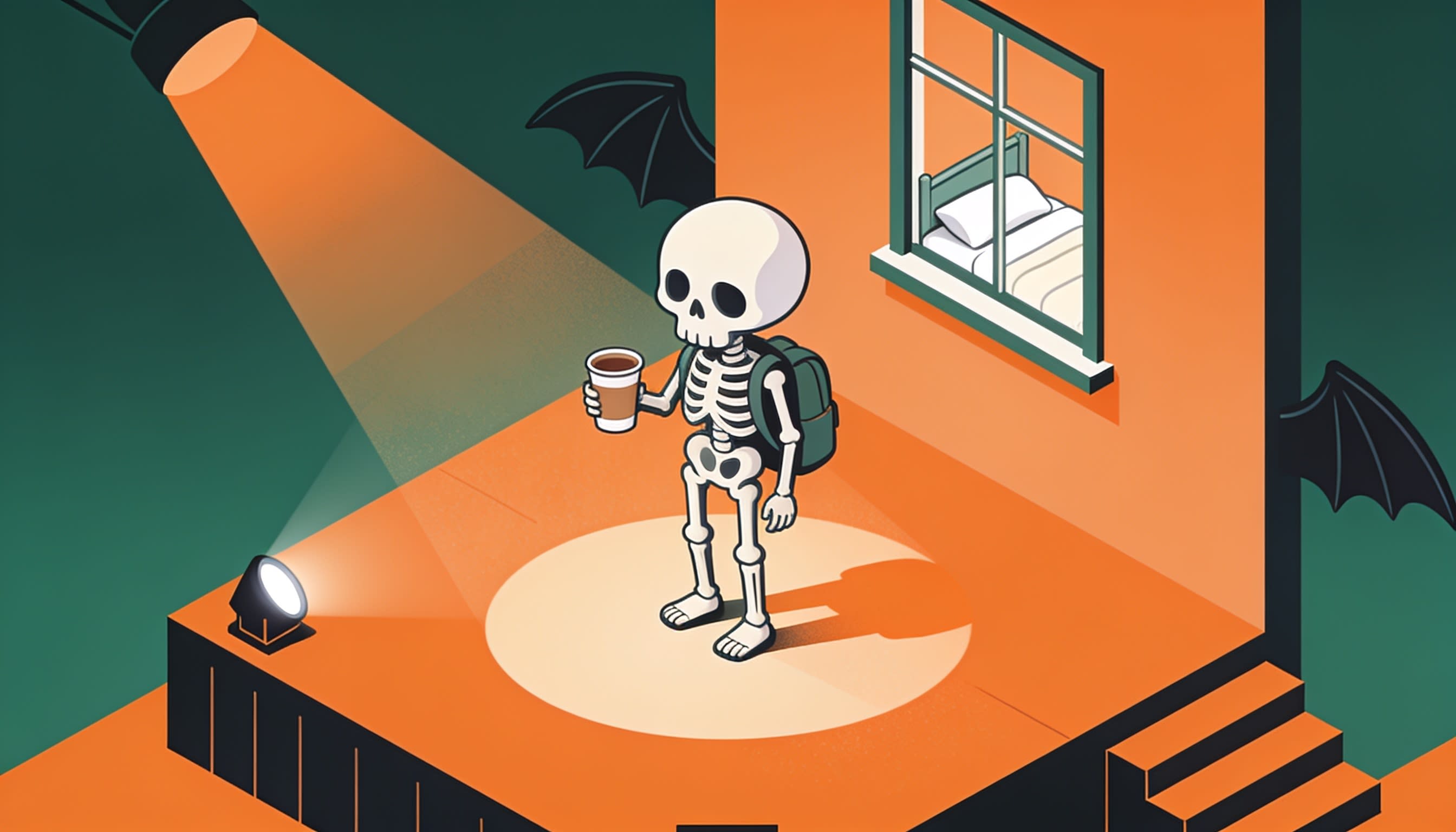
AI skeleton shorts are vertical videos, usually 30 to 60 seconds, where an AI-generated skeleton acts as the viewer's stand-in. A narrator asks "What happens if you…" or "What if you spent a week in…", then moves through time-stamped beats that escalate toward a payoff.
The recurring traits:
One character: the same skeleton, often translucent or X-ray styled, in every scene.
Second person: "you" are the skeleton, so the stakes feel personal.
Time stamps: "Hour 1", "Day 30", "Year 100" give the video a visible spine.
Why Skeleton Timeline Videos Hold Attention
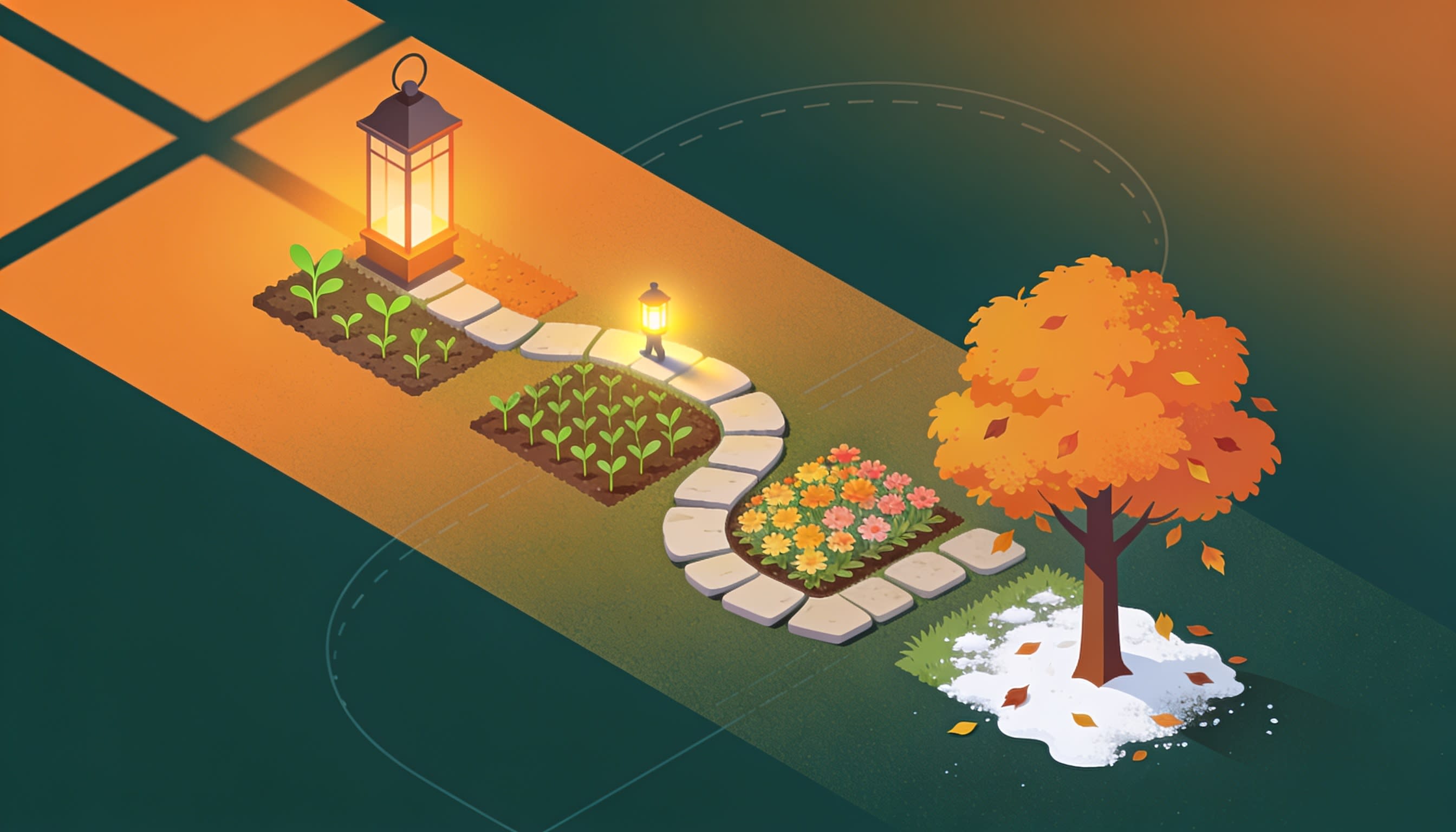
Skeleton timeline videos hold attention because they combine a personal question, a countdown structure and morbid curiosity in one recurring character. Each time stamp promises the next beat will be worse or stranger, so viewers stay to the end, and a good ending loops neatly back into the hook.
Personal relevance: "your body" turns a fact into a scenario.
Escalation: Day 1 is uncomfortable, Day 30 is serious, Year 1 is the payoff.
Morbid curiosity: a skeleton signals "this gets dark" without showing anything graphic.
Loopability: Shorts replay automatically, so an ending that sets up the hook earns a rewatch.
Example: our skeleton timeline tutorial Short opens on a GTA 6 launch-day timeline ("Hour one…") before showing the workflow. It had passed 900,000 views by November 5, 2026 (vidIQ).
4 Skeleton Shorts Formats That Work
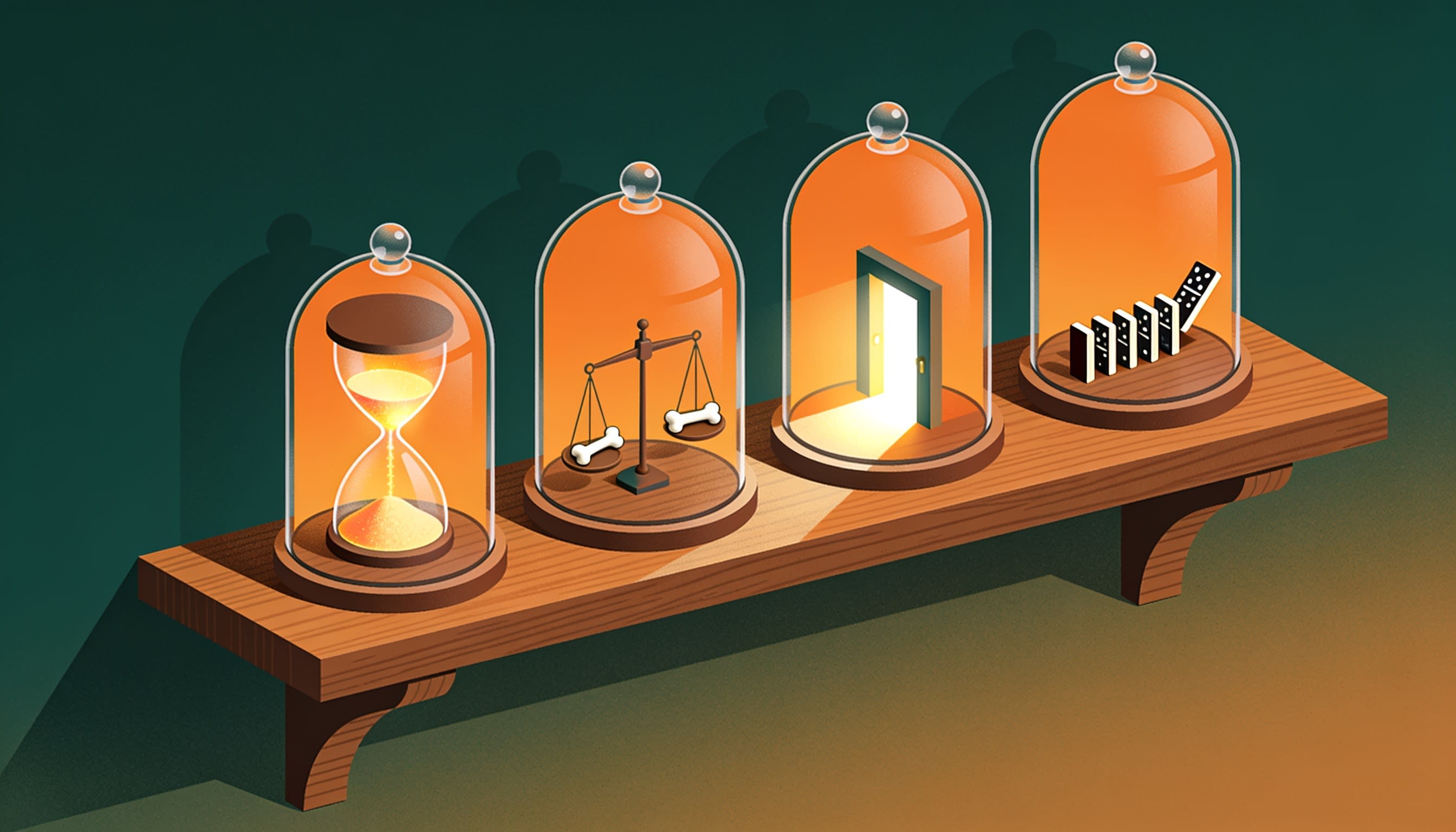
Most skeleton shorts fit one of four formats: a time-stamped life timeline, a "what happens to your body" explainer, a history or era drop-in, and a skeleton reaction or rant. Pick one per channel at first, so viewers know what they get when they follow.
Format #1: The Timeline (Day 1 to Year 100)
A scenario followed through fixed jumps in time, such as "What if you joined a mountain wrestling camp for three years? Month one…"
Format #2: What Happens to Your Body If…
An X-ray skeleton whose bones or organs react to a habit or condition. Hook: "What really happens to your hands if you squeeze a gripper every day for 30 days?"
Format #3: History and Era Skeletons
The skeleton drops into a past era for a week or a year. Skeleton history shorts can grow into longer series; for pacing and sourcing, see our guide to faceless history videos with high watch time.
Format #4: Skeleton Reacts or Rants
The skeleton speaks as a character, reacting to modern life or arguing with a historical figure. Good for comedy and comment debates.
Skeleton Shorts Script Template
A skeleton shorts script needs a question hook, a baseline beat, three to five time-stamped escalations, a payoff and a loop line. Write each beat as one or two short sentences, and start each with its time stamp so the captions display it on screen.
Copy and fill:
Hook (0–3s): "What happens to your body if you [scenario] for [time]?"
Baseline: "Hour 1. [The first, mild change.]"
Escalation 1: "Day [X]. [Something the viewer can picture.]"
Escalation 2: "Week [X]. [A verified fact that surprises.]"
Escalation 3: "Month [X]. [Stakes rise or the body adapts.]"
Payoff: "Year [X]. [The outcome or twist.]"
Loop line: leads back into the hook, such as "So… would you still try it?"
How to Make Skeleton Shorts in AI Story (Step-by-Step)
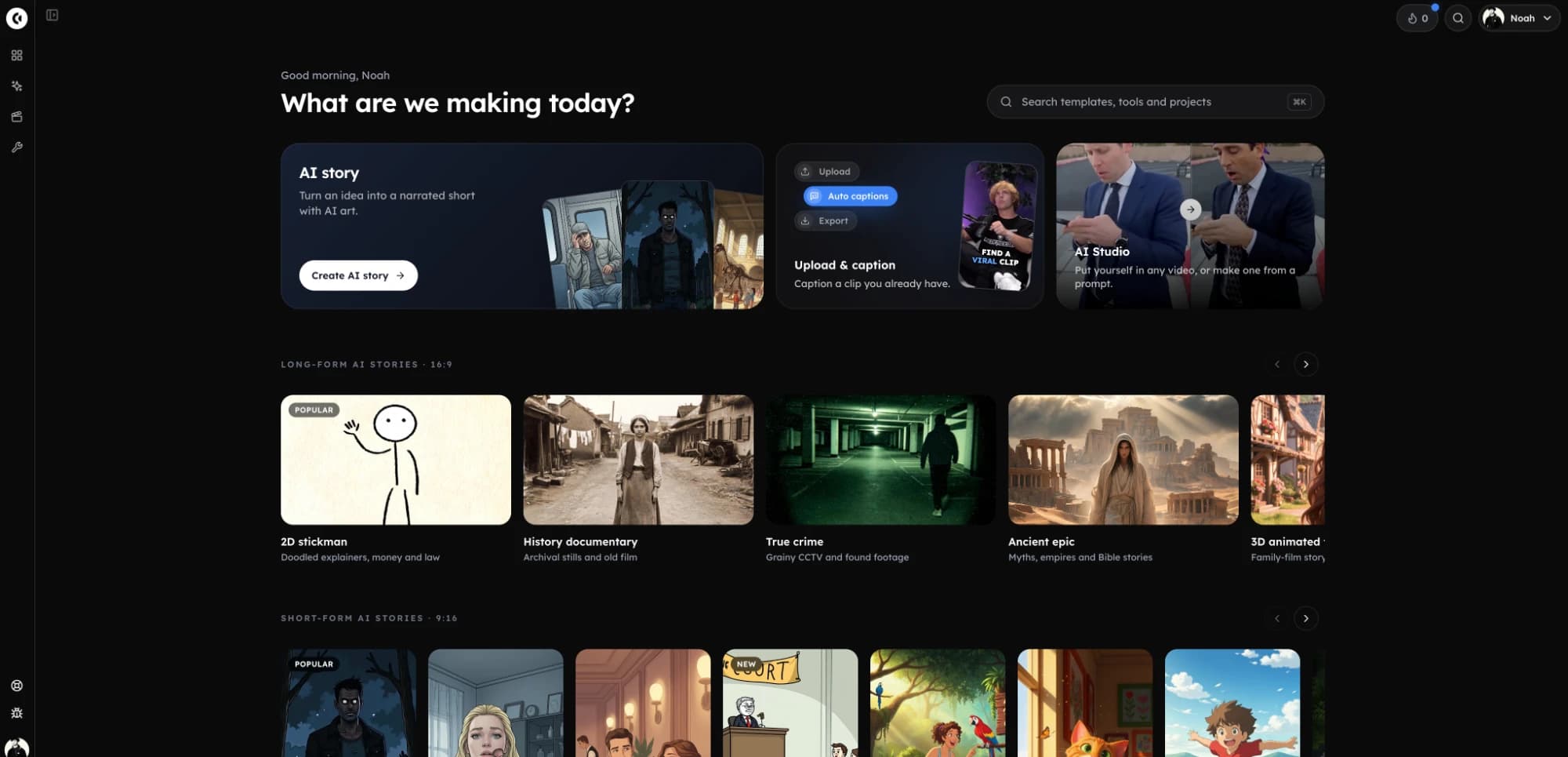
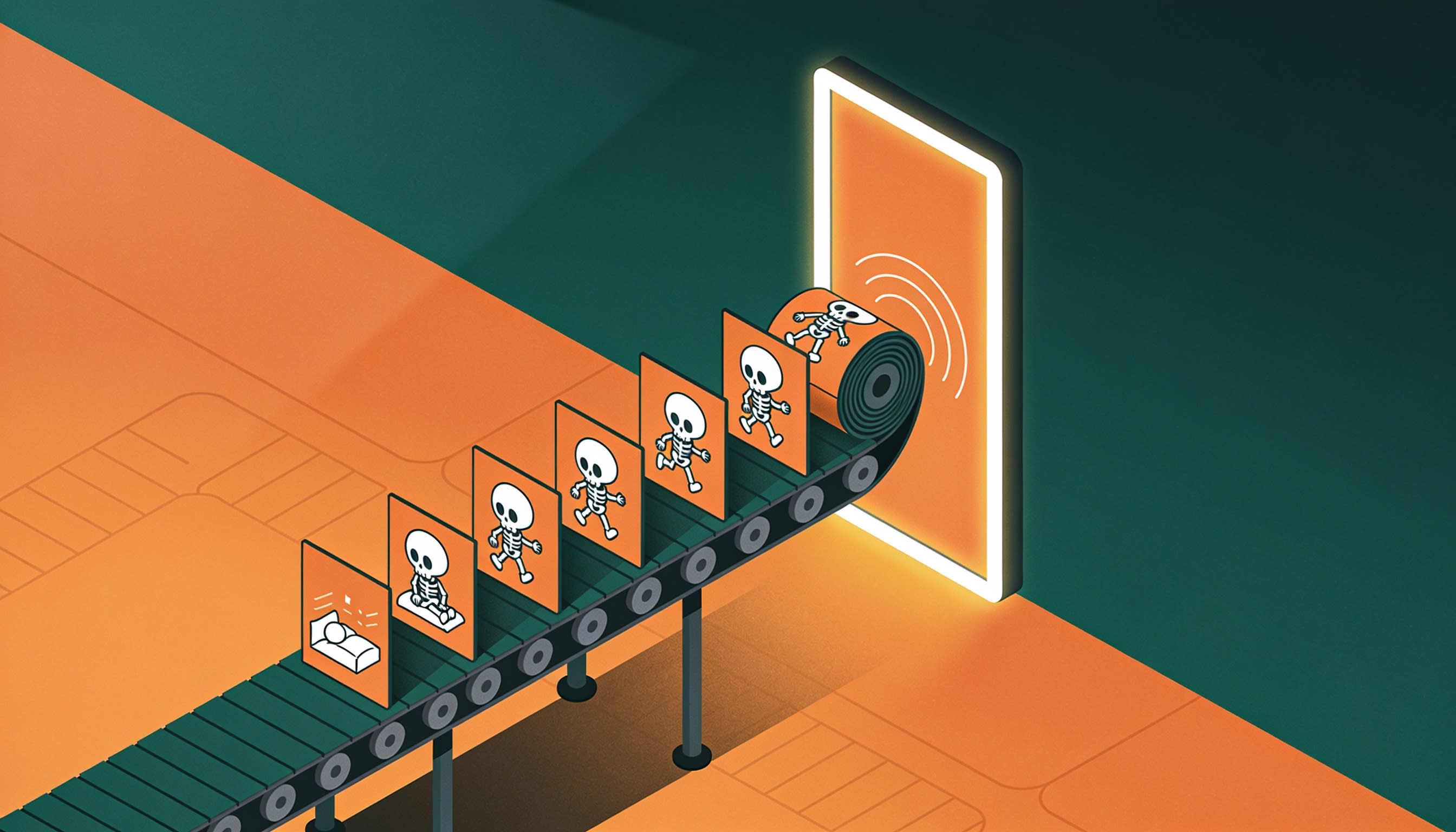
The fastest complete workflow is Clippie's AI Story tool: create a skeleton character, paste your time-stamped script, set scene instructions, choose a voice, animate the hook and export in 9:16. Script, scenes, voiceover and captions live in one project, so you don't stitch clips by hand.
Step 1: Open AI Story in 9:16
Open the AI Story video generator and choose 9:16 for Shorts, Reels and TikTok.
Step 2: Choose an Image Model
Pick an image model as the look; Nano Banana Pro or Nano Banana 2.1 suit a realistic 3D skeleton.
Step 3: Create Your Skeleton Character
Add a character with a name ("Bones"), an appearance description and a picture you generated or drew. Mention @Bones in the script to keep the same skeleton in every scene; it saves to your Characters page for reuse.
Step 4: Add the Script
Paste your script, or let the AI script writer draft one to a target length.
Step 5: Write Scene Instructions
You get up to 2,000 characters. Example: "Photoreal 3D ivory skeleton, same proportions every scene, cinematic side lighting, plain backgrounds, no gore, no on-screen text."
Step 6: Choose the Voice
Pick a voice and a style such as Dramatic, Serious or Eerie. A [long pause] tag before the payoff is performed, not read aloud.
Step 7: Animate the Hook and Export
Animate selected scenes with an AI video model; the "first 10s" quick pick covers the hook, and the cost shows first. "Redo pictures" fixes weak visuals while keeping words, voiceover and timing.
Plans start at $19.99 a month, with discounts on longer billing; check the pricing page.
Where it falls short: it isn't a timeline editor, there's no ready-made skeleton template or library character yet, and animating many scenes uses credits fast.
The Clip-by-Clip Method: Skeleton Image to Video
The clip-by-clip method generates one hero skeleton image per beat, then turns each image into a short AI video clip. It gives the most control over individual shots, which suits hooks and thumbnails, but you assemble the final video and voiceover yourself.
It's the workflow in our skeleton animation walkthrough using Nano Banana Pro and Veo 3.1.
Step 1: Write prompts. The video uses a custom GPT in ChatGPT; any chatbot works: "Write five image and motion prompts for one 3D skeleton in [scenario], one per time stamp."
Step 2: Create a master image. In AI Studio's Image tab, choose Nano Banana Pro (21 credits at 1–2MP) and paste the first prompt.
Step 3: Stay consistent. For later beats, use Nano Banana 2.1 image-to-image with the master as a reference (up to 14 references).
Step 4: Animate. In the Video tab, upload each image and choose Veo 3.1 or Veo 3.1 Fast (4, 6 or 8 seconds), or Seedance 2.5 (4–30 seconds with audio; 10 seconds at 720p costs 348 credits).
Step 5: Assemble the clips and voiceover in your editor, or switch to the AI Story route.
Accuracy Rules for Body and Science Claims
Body and science skeleton videos present facts, so every number needs a source you could defend. Check claims against medical and scientific bodies, separate dramatic story beats from real effects and never frame a scenario as health advice. Viewers who know the subject correct mistakes fast.
Check every claim against the NHS, NIH, Mayo Clinic or NASA, list sources in the description and hedge ("can", "around").
Add a line such as "For entertainment and education, not medical advice."
No dangerous challenges: never present fasting, sleep loss or extreme cold as something to try.
Stay non-graphic and respectful: clinical, not gory, and no mocking real cultures.
Originality and Monetization Rules
Skeleton shorts can earn through the YouTube Partner Program, but a recurring character makes originality harder to prove. YouTube's inauthentic content policy targets repeated situations with the same outcome, so every upload needs its own premise, research and storyline, even when the skeleton stays the same.
YouTube's policy page (checked November 5, 2026):
The policy was renamed from "repetitious" to "inauthentic content" on July 15, 2025.
Ineligible: characters in "the same situation over and over again with the same outcome."
Also ineligible: AI content from generic, unoriginal templates that looks mass-produced.
Allowed: templates and AI tools, when the final video still shows your creative vision.
For skeleton channels:
No noun-swap scripts: "30 days without sugar" and "…without salt" on identical beats is one video twice.
AI labels: YouTube exempts clearly unrealistic content such as a walking skeleton; realistic footage of real places or events may need disclosure.
10 Skeleton Shorts Ideas to Script This Week
These 10 skeleton shorts ideas cover all four formats. Each has a hook line, a beat outline and one fact to verify before publishing. Treat them as starting premises: your research and your payoff are what make the finished video original.
Idea #1: No Sleep for a Week (Body)
Hook: "What happens to your body if you stop sleeping tonight?"
Beats: irritability, focus slips, hallucinations, the crash. Verify: Randy Gardner's 1964 record of about 11 days.
Idea #2: A Year in Space (Body)
Hook: "What happens to your bones after a year in orbit?"
Beats: floating, bone loss, eyesight changes, coming home. Verify: NASA's Twins Study and Scott Kelly's 340 days.
Idea #3: A Skeleton From Year 1 to Year 100 (Timeline)
Hook: "Your bones outlast everything else. Here's Year 1 to Year 100."
Beats: clinical, non-graphic: soil, minerals, what archaeologists find. Verify with museum sources.
Idea #4: A Winter as a Roman Legionary (History)
Hook: "What if you spent one winter on Hadrian's Wall?"
Beats: rations, cold, letters home, an inspection. Verify: the Vindolanda tablets.
Idea #5: A Month on a Pirate Ship (History)
Hook: "Day 1 at sea, 1715. Your gums feel fine… for now."
Beats: hard work, food running low, scurvy, landfall. Verify: NHS on vitamin C and scurvy.
Idea #6: A Winter in a Viking Longhouse (History)
Hook: "What if you had to survive a Norse winter indoors?"
Beats: smoke, stored food, chores, spring. Find your own angle; don't copy the original.
Idea #7: Day 1 to Year 10 on Mars (Timeline)
Hook: "What if you landed on Mars with a one-way ticket?"
Beats: lighter steps, dust storms, longer days. Verify: NASA on Mars gravity and day length.
Idea #8: Stranded in Antarctica (Timeline)
Hook: "Hour 1. Minus 40. Your fingers stop listening."
Beats: shelter, frostbite risk, a storm, rescue. Verify: the −89.2°C Vostok record from 1983.
Idea #9: A 1900 Skeleton Meets 2026 (Reacts)
Hook: "I died in 1900. Why does your toaster need Wi-Fi?"
Beats: phones, food delivery, escalators, one honest compliment.
Idea #10: Your Skeleton Explains Itself (Body)
Hook: "You were born with more bones than you have now."
Beats: bones fusing, the smallest bone, the longest bone. Verify: about 206 adult bones versus roughly 270 to 300 at birth.
6 Skeleton Shorts Mistakes to Avoid
Most struggling skeleton channels repeat the same six mistakes: an inconsistent character, a slow hook, flat beats, unchecked claims, noun-swap scripts and text baked into images. Each is fixable before upload, and fixing them protects both retention and monetization review.
Mistake #1: The skeleton changes every scene. Use a saved character or reference images.
Mistake #2: A slow start. The question lands in the first second; no intro.
Mistake #3: Flat beats. If Day 7 feels like Day 1, merge them.
Mistake #4: Unchecked science. One wrong number costs trust.
Mistake #5: Noun-swap series. Identical scripts read as mass production.
Mistake #6: Text inside images. AI images often garble words; let captions show time stamps.
FAQs
What are skeleton shorts?
Skeleton shorts are short vertical videos where an AI-generated skeleton stands in for the viewer. A narrator asks "what happens if you…" or "what if you spent a week in…", then moves through time-stamped beats such as Day 1, Month 6 and Year 1, ending on a payoff or twist.
Who started the skeleton timeline trend?
Know Your Meme traces the "what if you spent a week as…" skeleton trend to TikTok creator @theoretico5, who posted a Viking-age video on January 27, 2026. Many creators then built variants, including body explainers, history drop-ins and the "Socrates skeleton" ragebait videos set in ancient Greece.
Can you monetize AI skeleton videos?
Yes, if your channel meets YouTube Partner Program requirements and passes review. YouTube's inauthentic content policy excludes videos where characters repeat the same situation with the same outcome, so each episode needs its own premise, facts and storyline. A recurring skeleton is fine; recycled scripts are not.
Do I need to label AI skeleton videos as AI-generated?
Usually not on YouTube. Its disclosure rules cover realistic synthetic content, such as real people, events or places altered by AI. Clearly unrealistic content like an animated walking skeleton is exempt. Adding realistic footage of a real location could change that, so check before publishing.
How long should a skeleton short be?
Most skeleton timeline videos run 30 to 60 seconds: a three-second hook, four or five time-stamped beats and a payoff. That is well under YouTube's three-minute Shorts limit. If a script needs more time, split it into Part 1 and Part 2 rather than slowing every beat.
How do I keep the skeleton consistent across scenes?
Generate one master skeleton image, then reuse it. Save it as a character and mention it by name in every scene, or feed it as a reference image to an image-to-image model. Repeat the same style words in your scene instructions, such as color, proportions and lighting.
What to Do Next
Script three videos in one format before generating anything; writing first shows which premises escalate.
Step 1: Choose a format from the four above.
Step 2: Fill the script template for three ideas, each with a source list.
Step 3: Produce the strongest one first, then compare retention.
Step 4: Turn the most-debated comment into a Part 2.
For voice, caption and scene settings in more depth, read our full guide on how to create AI story videos.
Try it in Clippie
Make faceless videos with Clippie
Type an idea or paste a script. Clippie writes, voices, illustrates and captions a video you never have to appear in.
See the faceless video formats