How to Make Satisfying AI Videos in 2026 (6 Viral Formats)
Create hydraulic press, matchstick burn and slicing clips with copy-ready prompts, an image-to-video workflow, loop edits and AI labeling rules to follow.
 Emmanuel Greyco Tulabut
On this page
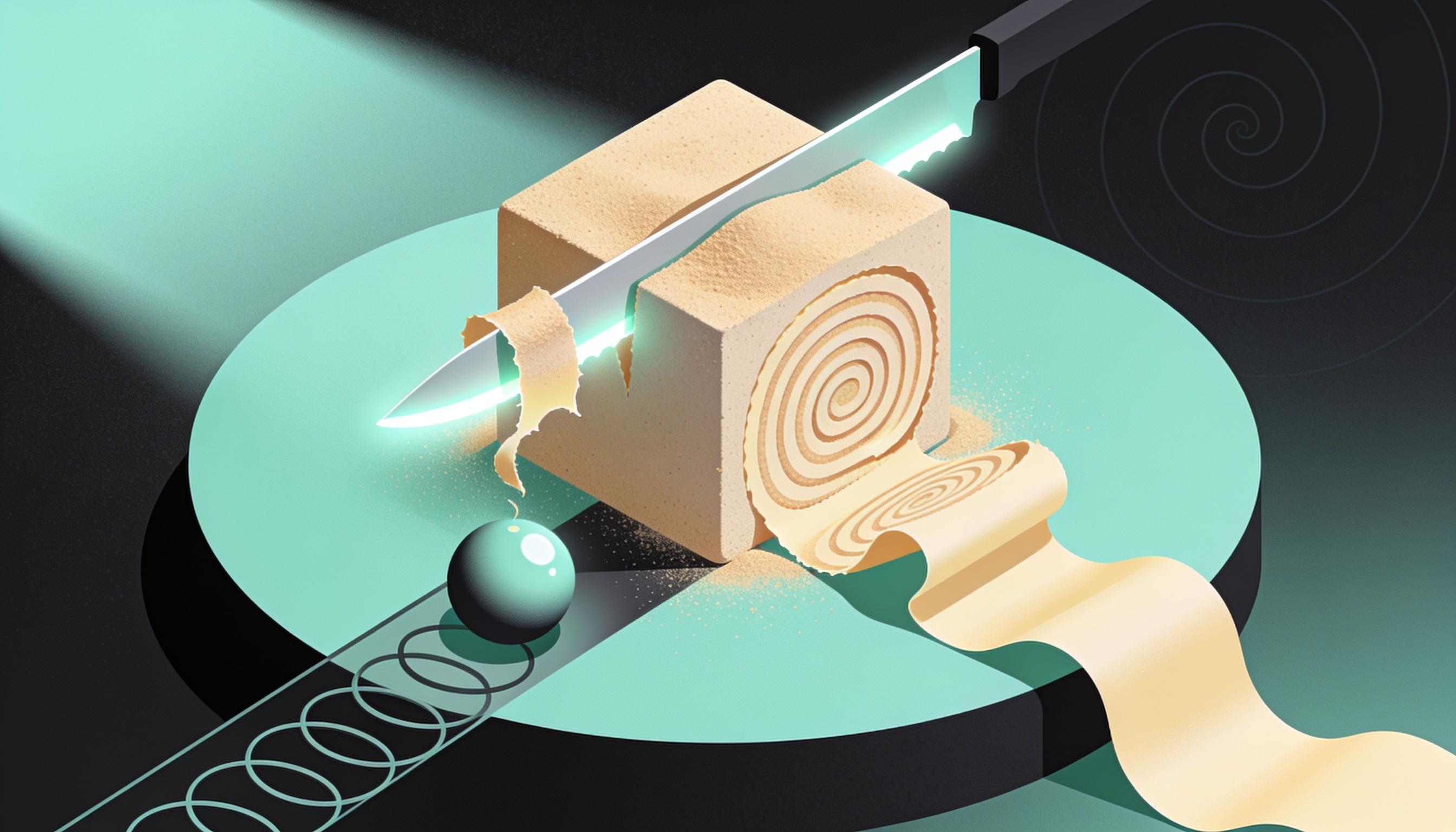
You searched for how to make satisfying AI videos, so you have probably seen the clips: a hydraulic press flattening something glossy, a matchstick sculpture burning down to embers, a knife gliding through a cube of rainbow sand. These ai satisfying shorts are easy to watch on repeat, and vidIQ's YouTube estimates show searches for "satisfying ai videos" more than doubling over the past year.
The catch is that most attempts look fake, run too long or get flagged as low-effort. This guide gives you six proven formats, copy-ready prompts, an image-to-video workflow, loop editing tips and the labeling rules to follow in late 2026.
Executive summary: This post shows faceless creators how to make satisfying AI videos from scratch. It explains why the format loops, breaks down six formats (hydraulic press, matchstick burn, slicing, melting, kinetic sand and impossible materials), gives prompt templates covering material, camera, lighting, physics and sound, and walks through a six-step image-to-video workflow. It closes with loop editing, AI labeling and monetization rules, and common mistakes.
Table of Contents
What Are Satisfying AI Videos?
Why Oddly Satisfying AI Clips Get Replayed
6 Satisfying AI Video Formats to Try in 2026
How to Write Prompts for Satisfying AI Videos
How to Make a Satisfying AI Video Step-by-Step
Editing AI Satisfying Shorts for Seamless Loops
Labeling and Monetization Rules for Satisfying AI Videos
5 Mistakes That Ruin Satisfying AI Videos
FAQs
What to Do Next
What Are Satisfying AI Videos?
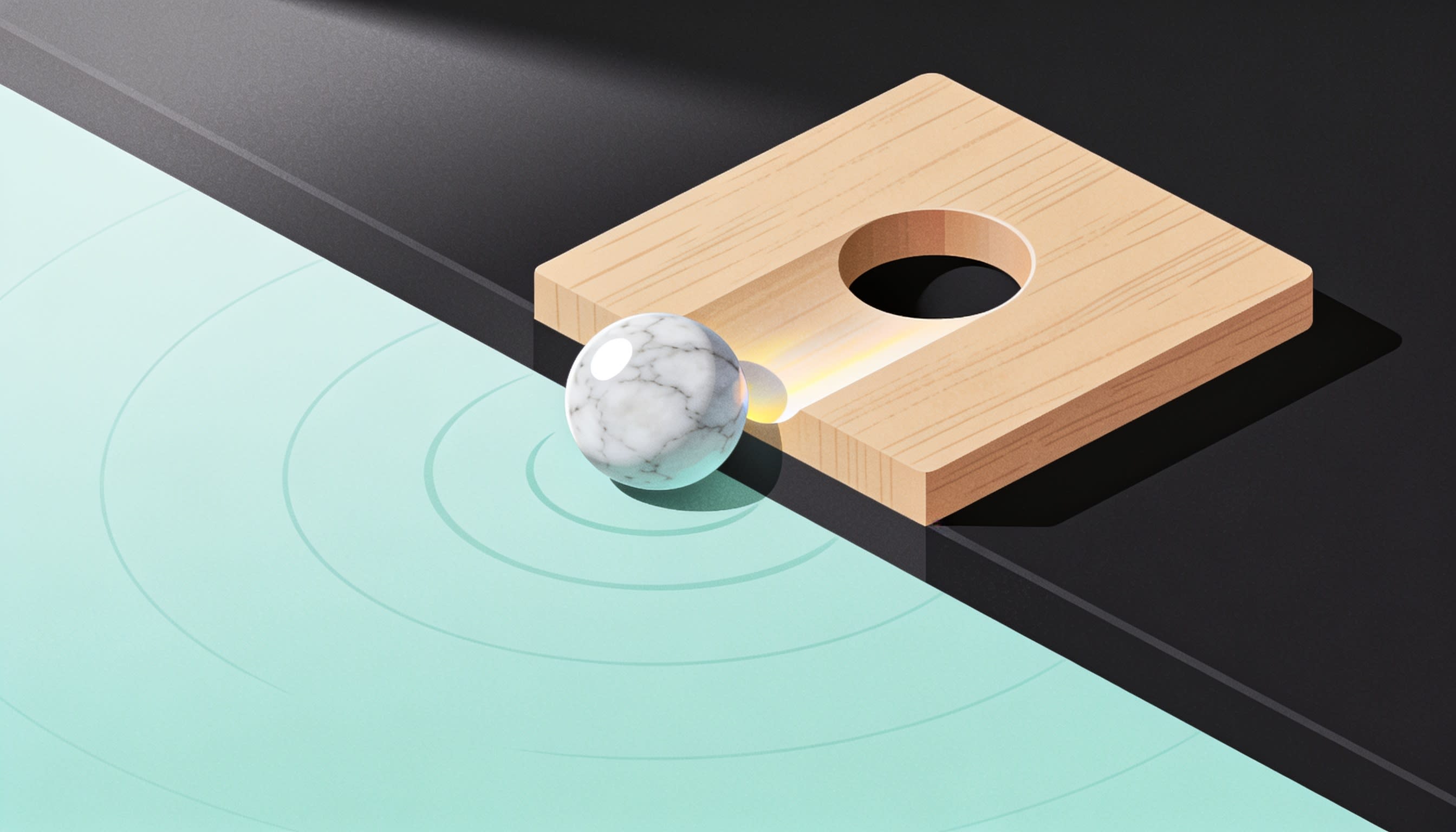
Satisfying AI videos are short, generated clips built around one clean physical transformation: something is crushed, burned, sliced, melted or reshaped while the camera holds still and the sound carries the moment. They need no narrator, no face and no language, which makes them a natural faceless format.
The genre borrows from real "oddly satisfying" footage like press channels and soap cutting. AI adds two things:
Objects too expensive or impossible to destroy, such as a car made of matchsticks.
Full control of the shot: lighting, lens, speed and the moment of impact.

Why Oddly Satisfying AI Clips Get Replayed
Oddly satisfying AI clips get replayed because they follow a tight anticipation, transformation and payoff loop in under ten seconds, deliver crisp ASMR-style sound, and need no translation. Viewers watch the moment of impact, feel the release, and often let the clip loop a second time.
Break the loop into three beats:
Anticipation (0–2s): the press hovers or the first match head glows. The viewer predicts what happens.
Transformation (2–7s): the material reacts. Realistic physics matters most here.
Payoff (7–10s): debris settles or embers fade. A clean ending makes the restart feel natural.
Sound does half the work. A hiss, a creak and a crack tell the brain the event was real, which is why an asmr ai video with native sound usually beats the same clip set to stock music.
No language barrier means one clip can travel across every market.

6 Satisfying AI Video Formats to Try in 2026
The six satisfying AI video formats that work best in 2026 are hydraulic press crushes, burning matchstick sculptures, slicing and cutting, melting, kinetic sand or soap cutting, and impossible materials. Each one has a single clear action, a material viewers recognize, and a sound that sells the moment.
Format #1: Hydraulic Press Crush
A steel plate lowers onto an object until it cracks, bursts or flattens. "Hydraulic press ai" is one of the biggest related YouTube searches, so start here.
Best objects: bowling balls, candles, crayons, gummy candy, resin blocks.
Key detail: describe what's inside the object (gel, powder, colored wax) so the burst has a reward.
Format #2: Matchstick Sculpture Burn
A detailed model built from matchsticks catches fire and burns down to glowing embers. Clippie's matchstick sculpture AI video walkthrough shows the full image-then-video flow in under a minute.
Best subjects: cars, castles, ships, animals, famous landmarks.
Key detail: the flame should travel along the structure, head by head, before anything collapses.
Format #3: Slicing and Cutting
A blade glides through something with visible layers, like a rainbow soap bar or stacked colored clay.
Format #4: Melting
Chocolate figures, wax sculptures or ice carvings soften under a heat lamp. Viewers know how these should behave, so realism is easy to judge.
Format #5: Kinetic Sand and Soap
Cutting or crumbling soft materials. The appeal is texture: falling grains, clean edges, soft scraping sounds.
Format #6: Impossible Materials
Familiar actions on materials that can't exist, like slicing a glass strawberry with a galaxy inside. It's clearly fictional, which helps with labeling and originality.
If you're still choosing a video generator for these formats, our roundup of the best text-to-video AI tools for faceless creators compares the main options.
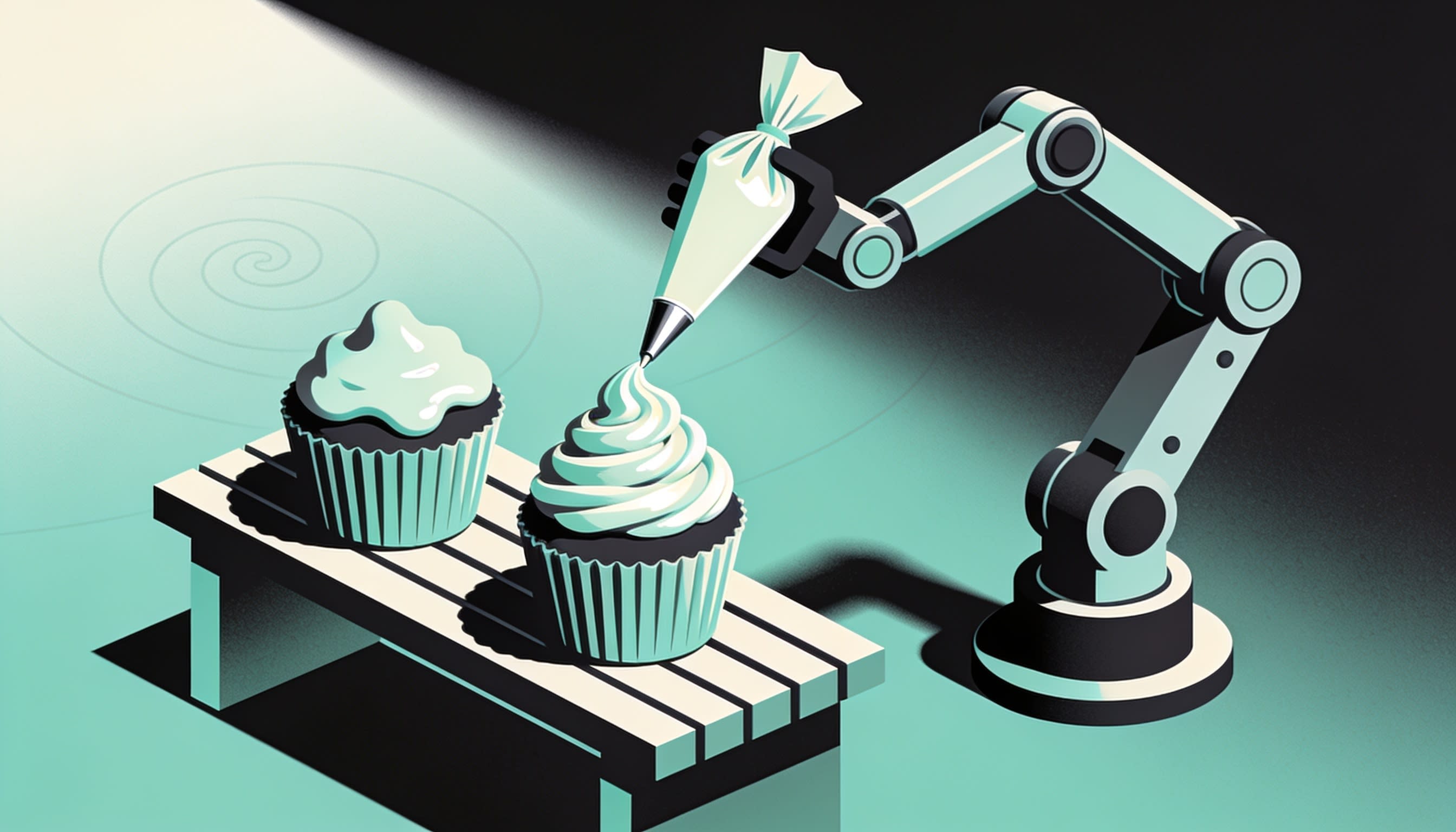
How to Write Prompts for Satisfying AI Videos
To write prompts for satisfying AI videos, describe five things in order: the material, the camera, the lighting, the physics of the action and the sound. Write one prompt for the starting image and a second, shorter prompt for the motion, so the video model only has to animate.
Use this checklist for every prompt:
Material: what it's made of and what's inside ("glossy red resin shell filled with blue gel").
Camera: locked-off, close-up, vertical 9:16. Moving cameras make physics harder to read.
Lighting: soft overhead light, dark background, rim light on edges.
Physics: speed, how it breaks, where pieces go, slow motion at impact.
Sound: list each sound in sequence. End with "no music, no text."
Example Prompt: Hydraulic Press
Image prompt: Vertical 9:16 photo, industrial hydraulic press in a clean workshop, flat steel plate just above a glossy red bowling ball on a steel base, soft overhead light, macro detail, photorealistic.
Video prompt: Static close-up. The plate lowers slowly onto the ball; the shell cracks, then bursts into chunks and colored powder. Slow motion at impact. Sound: hydraulic hiss, deep creak, sharp crack, debris scattering. No music, no text.
Example Prompt: Matchstick Sculpture
Image prompt: Vertical 9:16 macro photo of a vintage car built entirely from wooden matchsticks with red heads, on a dark slate table, black background, warm rim light.
Video prompt: The front match heads ignite one by one, flames spread across the car, wood blackens and curls, the frame collapses into glowing embers. Slow push-in. Sound: ignition whoosh, crackling, embers settling.
How to Make a Satisfying AI Video Step-by-Step
To make a satisfying AI video, plan one action, write an image prompt and a video prompt, generate the starting frame with an image model, animate it with an image-to-video model that adds sound, then trim the clip for a clean loop and label it before posting.
This is the same flow Clippie uses in its hydraulic press AI video tutorial, built on the AI Studio tools.
Step 1: Pick the Object and the Payoff
Choose a format and decide what the final frame shows: a flat disc, a pile of embers, two open halves.
Step 2: Draft Your Image and Video Prompts
Use the templates above, or do what the source videos do: ask a chatbot such as ChatGPT for both prompts. Then edit them so they name the material, camera and sounds.
Step 3: Generate the Start Frame
Open AI Studio, go to the Image tab and pick Nano Banana Pro (21 credits at 1–2MP) or Nano Banana 2.1 (5, 7 or 16 credits depending on resolution). Paste the image prompt and generate a few options in vertical format.
Step 4: Animate It With an Image-to-Video Model
Go to the Video tab, choose a model, upload your start frame as the reference image and paste the video prompt. The hydraulic press video uses Seedance; the matchstick video uses Veo 3.1. Both can generate sound with the clip.
Seedance 2.5: 4–30 seconds, 480p to 1080p, with audio. A 10-second clip costs 348 credits at 720p or 782 credits at 1080p.
Veo 3.1 or Veo 3.1 Fast: 4, 6 or 8 seconds, 720p or 1080p. The cost shows before you generate.
You can compare sample outputs from every model on the AI Studio Explore page before spending credits.
Step 5: Test at 720p, Then Upscale Your Winner
Generate at 720p first. If the physics hold, rerun at 1080p or upscale in AI Studio's Tools tab. Lite's 800 monthly credits cover about two 10-second Seedance 2.5 clips at 720p.
Step 6: Trim, Label and Post
Download the clip, trim it for a loop in your usual editor (Clippie is not a timeline editor), turn on the AI label and post.
Editing AI Satisfying Shorts for Seamless Loops
To edit AI satisfying shorts for seamless loops, cut the first dead frames so the clip opens one beat before contact, end on a settled payoff frame with no fade, and match the final sound to the opening so the restart feels like part of the action.
Practical loop rules:
Start mid-tension. Open with the press already moving, not a two-second establishing shot.
Cut on stillness. End when debris stops moving. A hard cut back to the untouched object reads as a reset.
No fade-outs or end cards. They tell the viewer the video is over.
One line of text, max. "Will it survive?" works; a paragraph doesn't.
Example: a matchstick burn that ends on embers, then hard-cuts to the intact car, feels like one cycle. For more on hooks, pacing and payoff in AI shorts, read our guide on how to make AI shorts go viral.
Labeling and Monetization Rules for Satisfying AI Videos
Realistic-looking satisfying AI videos should carry an AI label on YouTube, TikTok, Instagram and Facebook. To stay monetizable on YouTube, each upload also needs real, visible variation, because templated, mass-produced AI content with little difference between videos falls under YouTube's inauthentic content policy.
When You Need an AI Label
YouTube: its altered or synthetic content rules require disclosure for a generated realistic scene that didn't happen, like a photoreal press crush. Clearly unrealistic clips, like the glass strawberry galaxy, generally don't need it. YouTube may also auto-label using C2PA metadata or detection.
TikTok: creators must label AI-generated content showing realistic-appearing scenes, and TikTok auto-labels uploads carrying C2PA Content Credentials.
Instagram and Facebook: Meta shows an "AI info" label and lets you label AI content when you share.
When in doubt, label it.
Staying on the Right Side of YouTube's Originality Rules
YouTube renamed its "repetitious content" policy to "inauthentic content" on July 15, 2025. Its monetization policies say content made from generic or unoriginal AI templates, or characters stuck in the same situation with the same outcome, can be ineligible. Enforcement can affect the whole channel.
How to add variation:
Rotate formats instead of 30 press videos in a row.
Build a concept, such as "Will it survive the press?" rankings.
Change materials, settings and sound in every upload.
Never re-upload other creators' clips; YouTube's reused content policy covers that.

5 Mistakes That Ruin Satisfying AI Videos
The mistakes that ruin satisfying AI videos are long setups, physics that morph instead of break, music that buries the sound, identical uploads, and skipping the AI label. Each one either loses the viewer in the first second or puts the channel's reach and monetization at risk.
Mistake #1: A Slow Setup
Two seconds of a still press invites a swipe. Trim to just before contact.
Mistake #2: Morphing Physics
Objects that melt into the press or regrow pieces break the illusion. Use a static camera, a simpler action and a shorter clip.
Mistake #3: Music Over the ASMR
Trending audio hides the crack and crunch that sell the format. Test native sound first.
Mistake #4: The Same Video 30 Times
One object, one press, one angle on repeat is exactly what the inauthentic content policy describes. Vary every upload.
Mistake #5: Passing It Off as Real
Captions like "I crushed this in my garage" mislead viewers and break disclosure rules.
FAQs
What AI is used to make satisfying videos?
Most creators pair an image model with an image-to-video model: Nano Banana Pro or Nano Banana 2.1 for the start frame, then Seedance 2.5 or Veo 3.1 to animate it with sound. A chatbot like ChatGPT can draft the prompts, which you then edit for material, camera and physics.
How do you make a hydraulic press video with AI?
Generate a photoreal frame of a press plate above your object, then upload it to an image-to-video model with a motion prompt. Describe the plate lowering, how the object bursts, slow motion at impact, and sounds like hiss, creak and crack. Keep the camera static and the clip under ten seconds.
Can you monetize satisfying AI videos on YouTube?
Possibly, if your channel meets YouTube Partner Program requirements and the content is original. YouTube's inauthentic content policy targets mass-produced, templated AI videos with minimal variation. Rotate formats, build a recurring concept, change materials and sound design, and add your own perspective so each upload is clearly different from the last.
Do I have to label satisfying AI videos?
If the clip looks like real footage, yes on YouTube and TikTok, and Meta offers an AI label for Instagram and Facebook. YouTube requires disclosure for realistic scenes that didn't happen, while clearly fantastical clips generally don't need it. Labeling realistic AI clips is the safer default and avoids misleading viewers.
How long should a satisfying AI short be?
Aim for 6 to 10 seconds. That covers anticipation, transformation and payoff without dead time, and short clips loop more naturally. Seedance 2.5 generates 4 to 30 seconds and Veo 3.1 generates 4, 6 or 8 seconds, so you can generate close to your final length and trim only the edges.
How much does a satisfying AI video cost to make in Clippie?
It depends on the model and resolution. A Nano Banana Pro start frame costs 21 credits at 1–2MP, and a 10-second Seedance 2.5 clip costs 348 credits at 720p or 782 at 1080p. Plans start at $19.99 a month, with discounts on longer billing; check the pricing page.
What to Do Next
Pick one format from the six above and plan its payoff frame.
Copy the matching prompt template and swap in your own object and materials.
Generate a start frame and a 720p test, then trim, label and post.
Plan a week of variety: three formats, three materials, one recurring concept.
Try it in Clippie
Make faceless videos with Clippie
Type an idea or paste a script. Clippie writes, voices, illustrates and captions a video you never have to appear in.
See the faceless video formats