
How to Create AI Voiceover Videos with Clippie AI (2026 Guide)
Learn how to create AI voiceover videos with Clippie AI. This guide explains how to add natural sounding narration without recording your own voice.
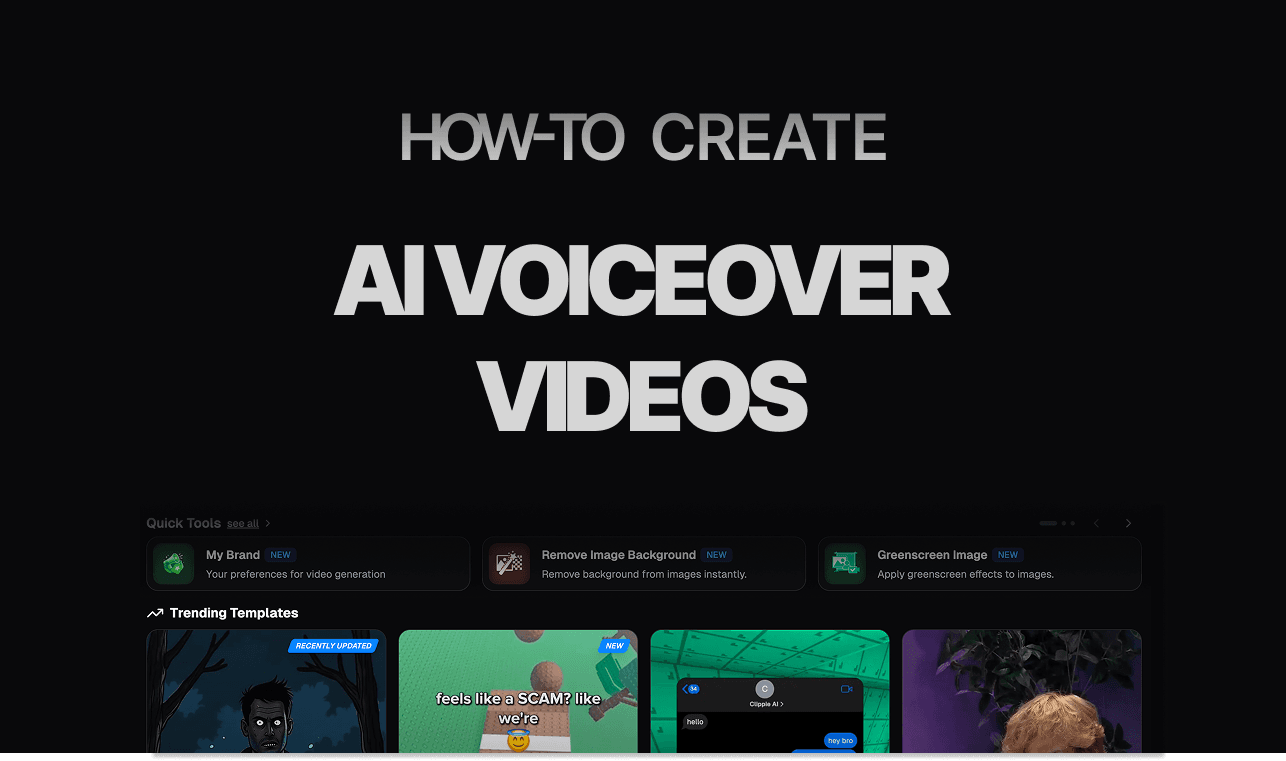
Introduction
AI voiceover videos are ideal for creators who want to stay faceless while still producing high quality content. A clear and natural sounding voice helps deliver your message and keeps viewers engaged.
Voiceovers are commonly used for story videos, explainer content, list videos, and social media clips. Consistent voice quality adds professionalism and trust to your videos.
With Clippie AI, you can choose from multiple AI voices and generate narration without recording anything yourself. The platform handles text-to-voice conversion, syncing, and export automatically.
In this guide, we will walk you through how to create AI voiceover videos with Clippie AI. By the end, you will know how to produce smooth and professional narration for any content type.
Step 1: Generate Your Script with the AI Script Writer
AI voiceover videos start with a clear and engaging script.
Click the AI Script Writer in Clippie AI.
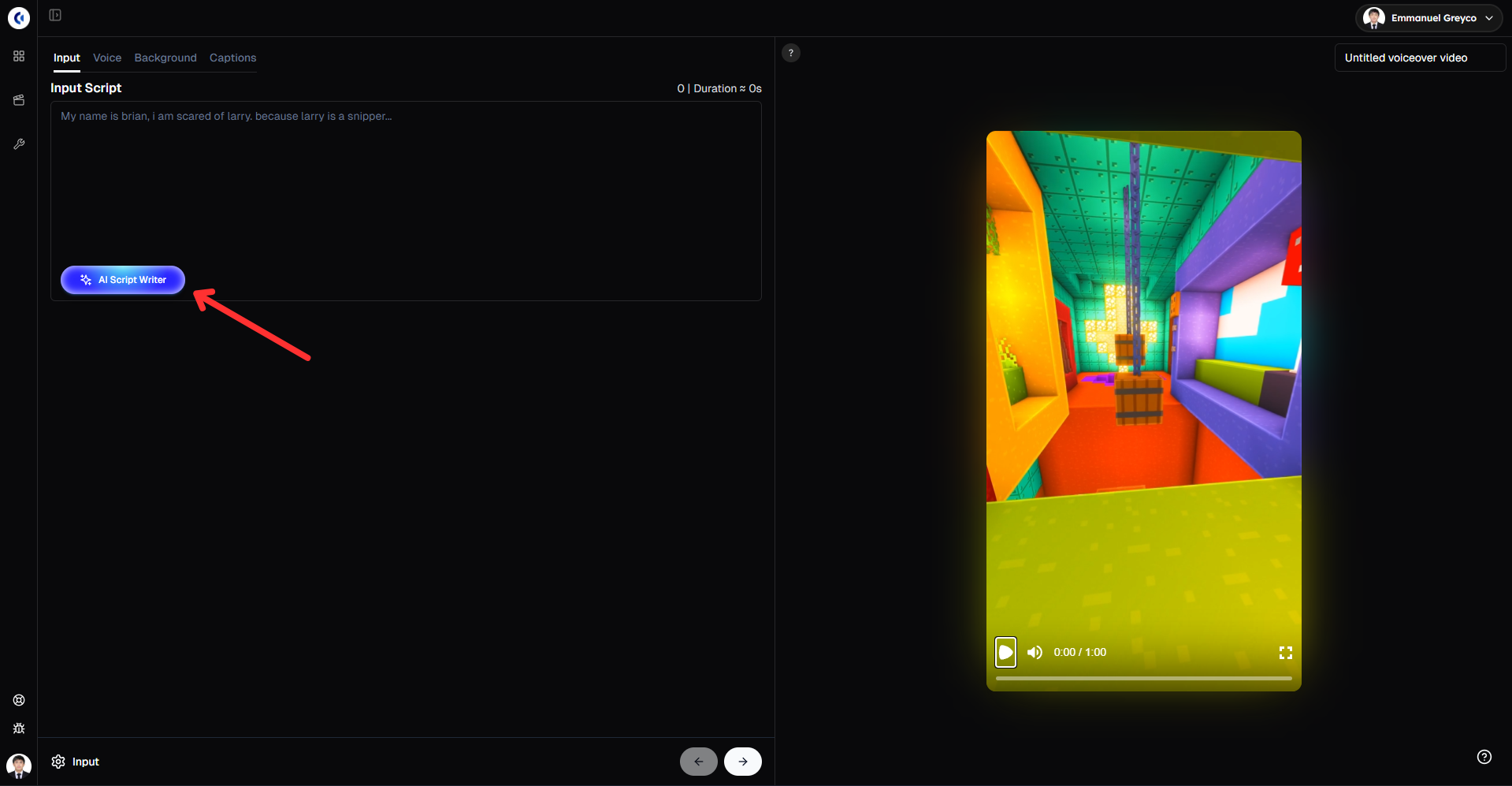
Enter a detailed prompt describing the content you want.
Choose your preferred script duration and click Generate.
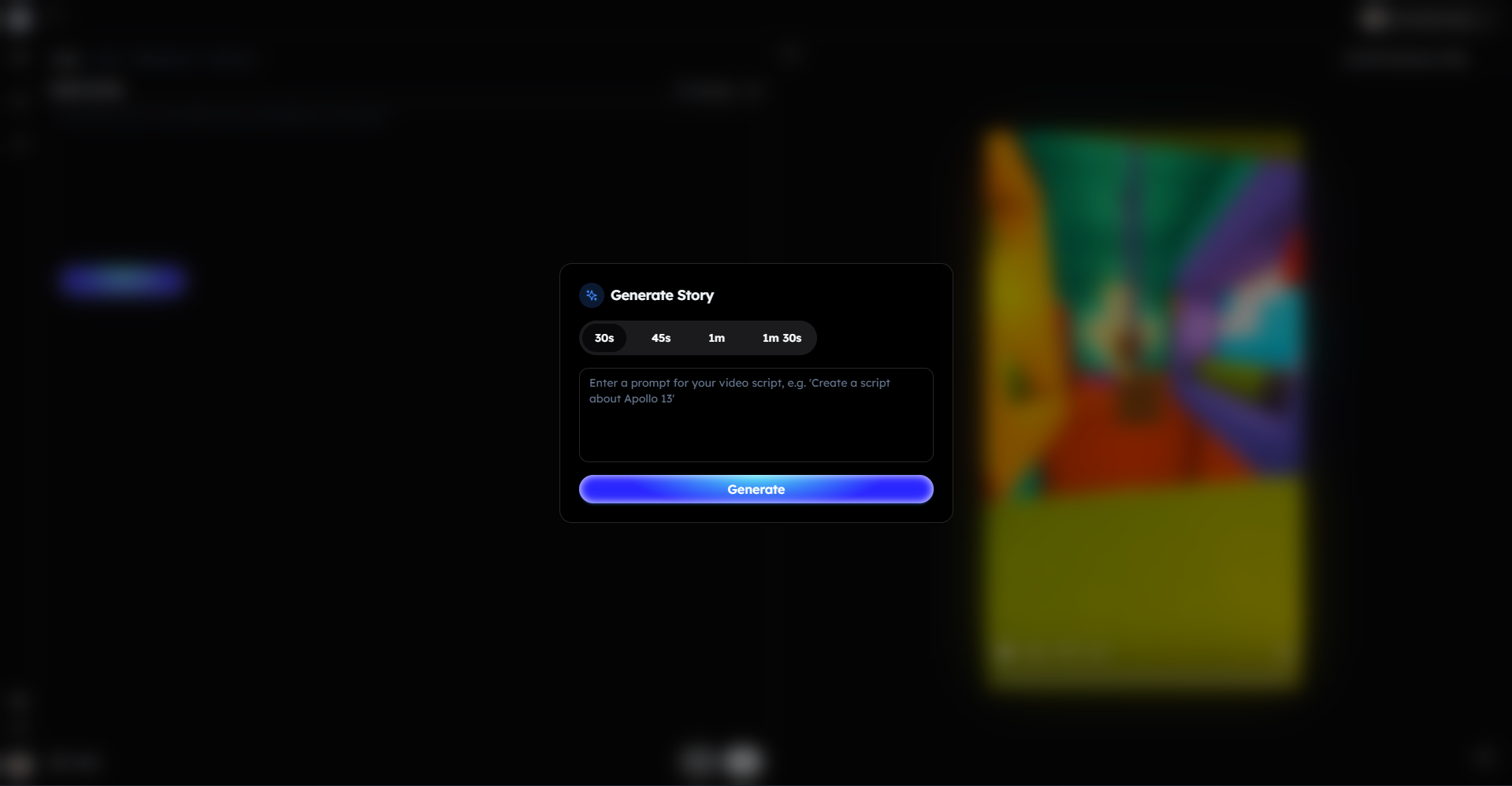
Pro tip: Write your prompt as if you’re speaking directly to the viewer to make the voiceover sound more natural and engaging.
Step 2: Select Your Voice Character
A good voice keeps viewers listening.
Go to the Voice tab.
Select a voice character that fits your content.
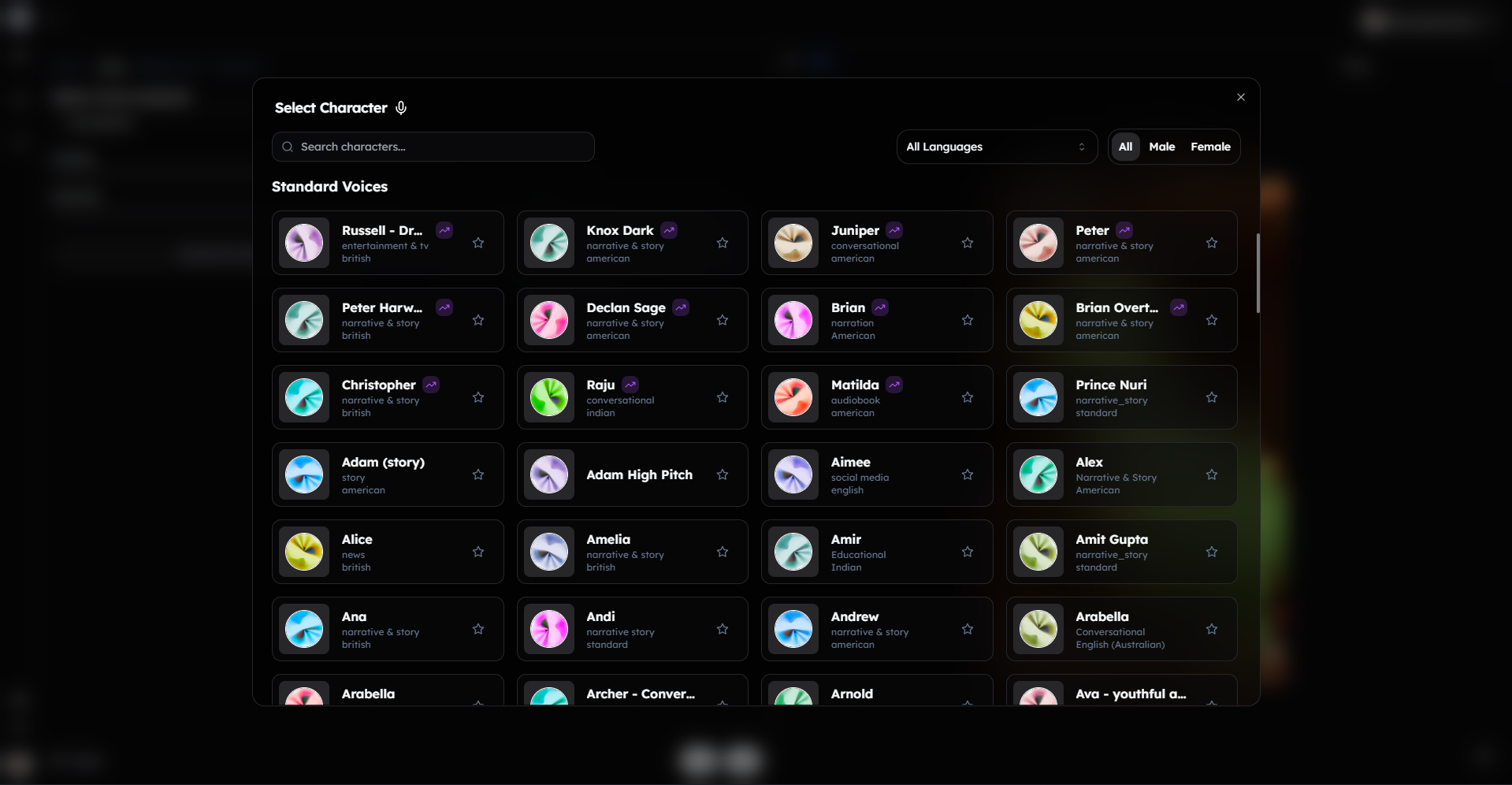
Click Generate Voiceover to create your narration.
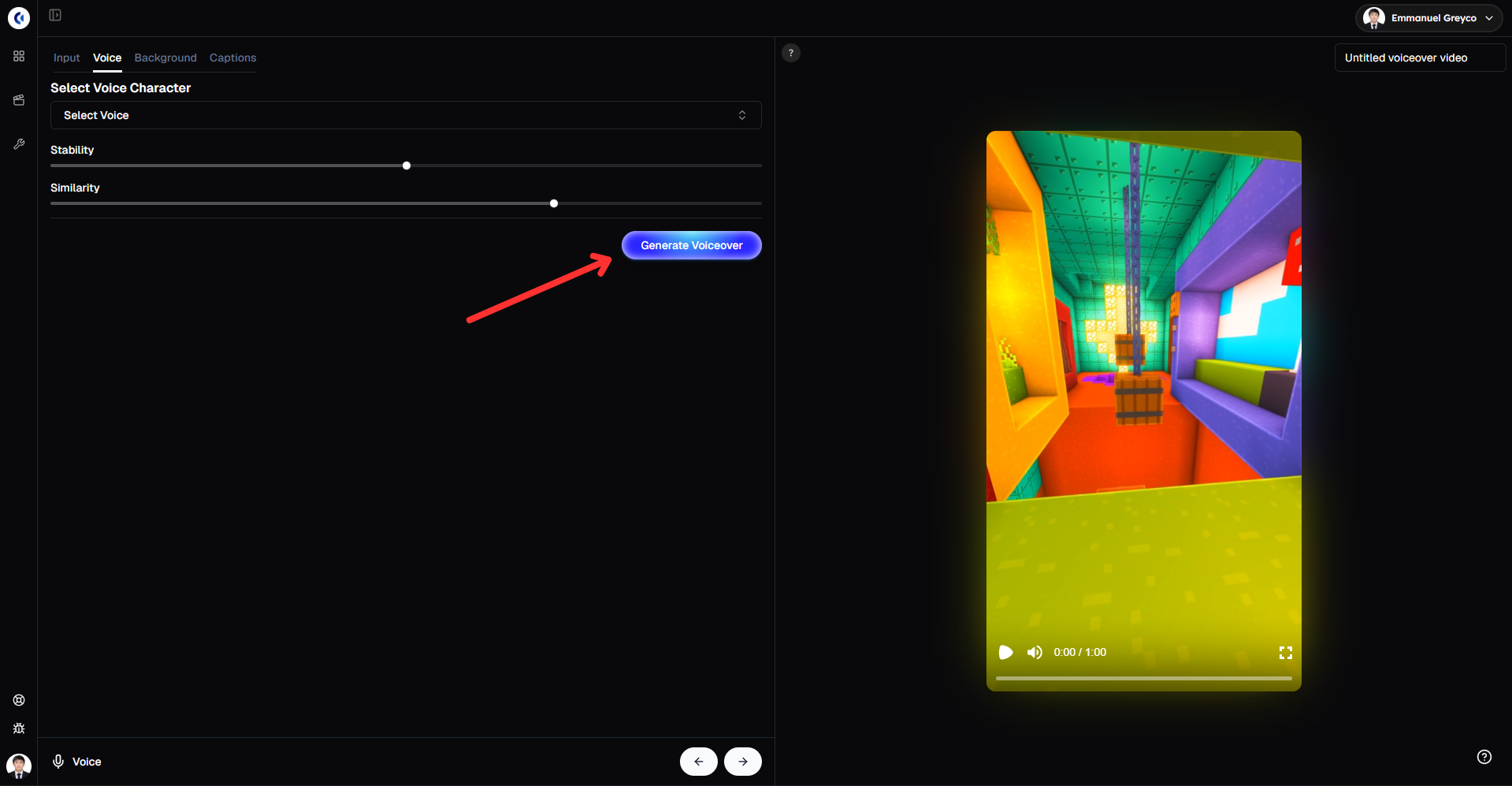
This step defines the tone and personality of your video, helping your message connect with viewers.
Step 3: Add Background Video and Music
Background visuals and audio enhance the listening experience.
Go to the Background tab.
Choose a background video or upload your own.
Add background music or upload your own audio.
Adjust the volume so the voiceover remains clear.
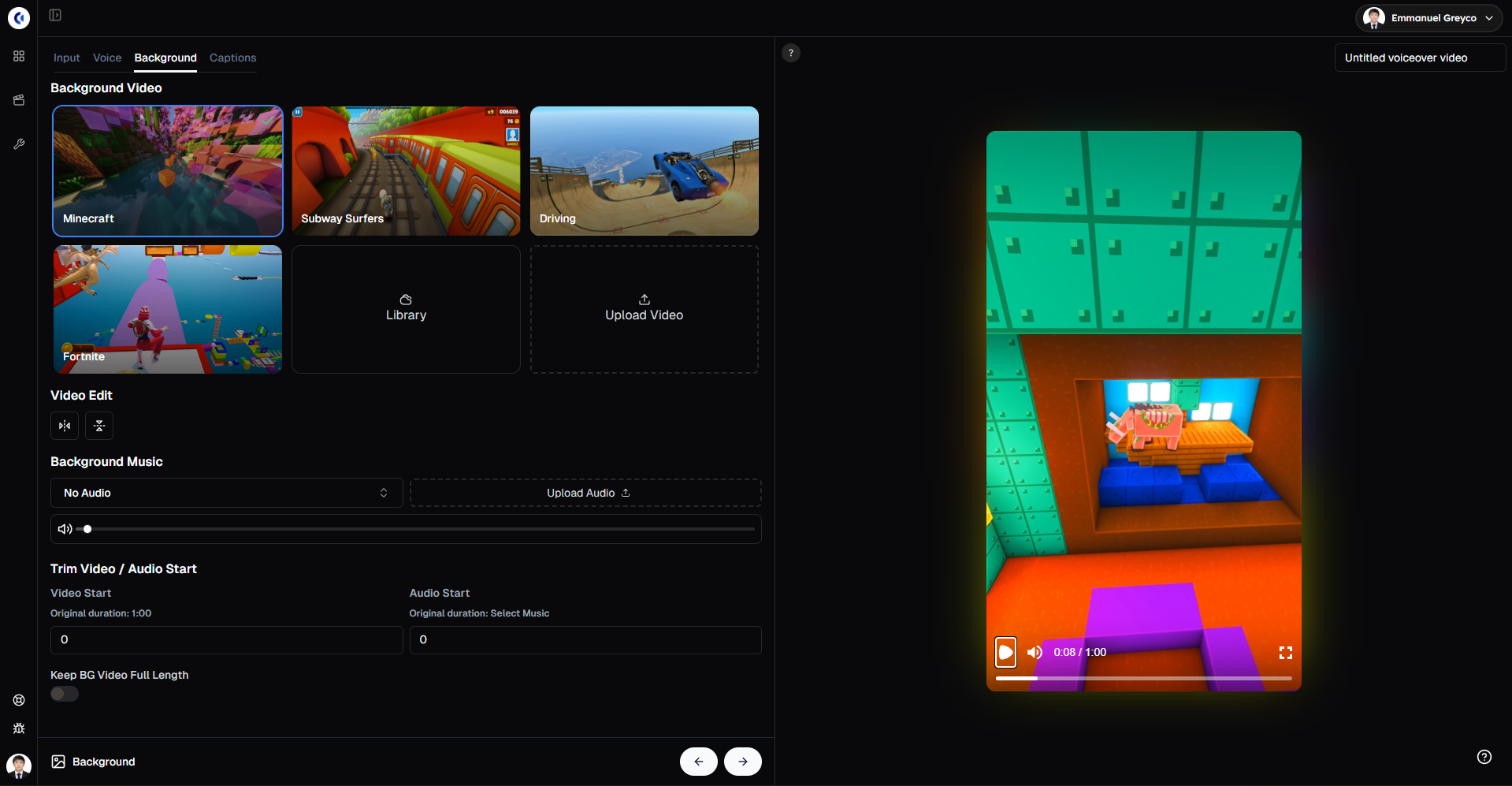
This step balances visuals and sound to create a more immersive video.
Please note that the gameplay videos available in our library are public and available for anyone to use. Because of this, there is a chance your video may get flagged or receive reduced reach on the For You Page due to reused or copyrighted content. For best performance and originality, we strongly recommend uploading and using your own gameplay videos.
Step 4: Add Captions
Captions improve engagement for viewers watching without sound.
Go to the Captions tab.
Choose a caption style and preview it live.
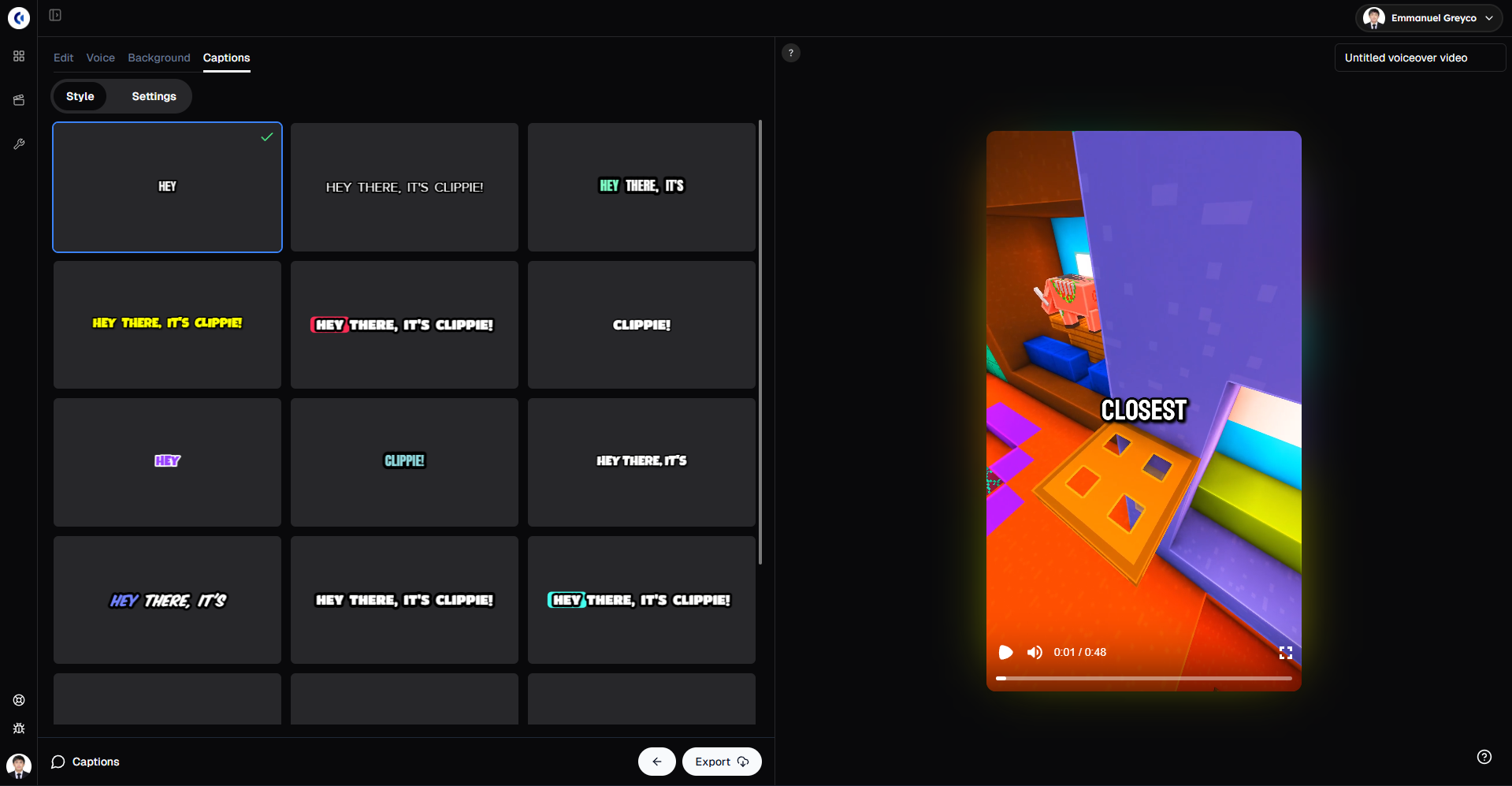
Customize the font, size, color, and position.
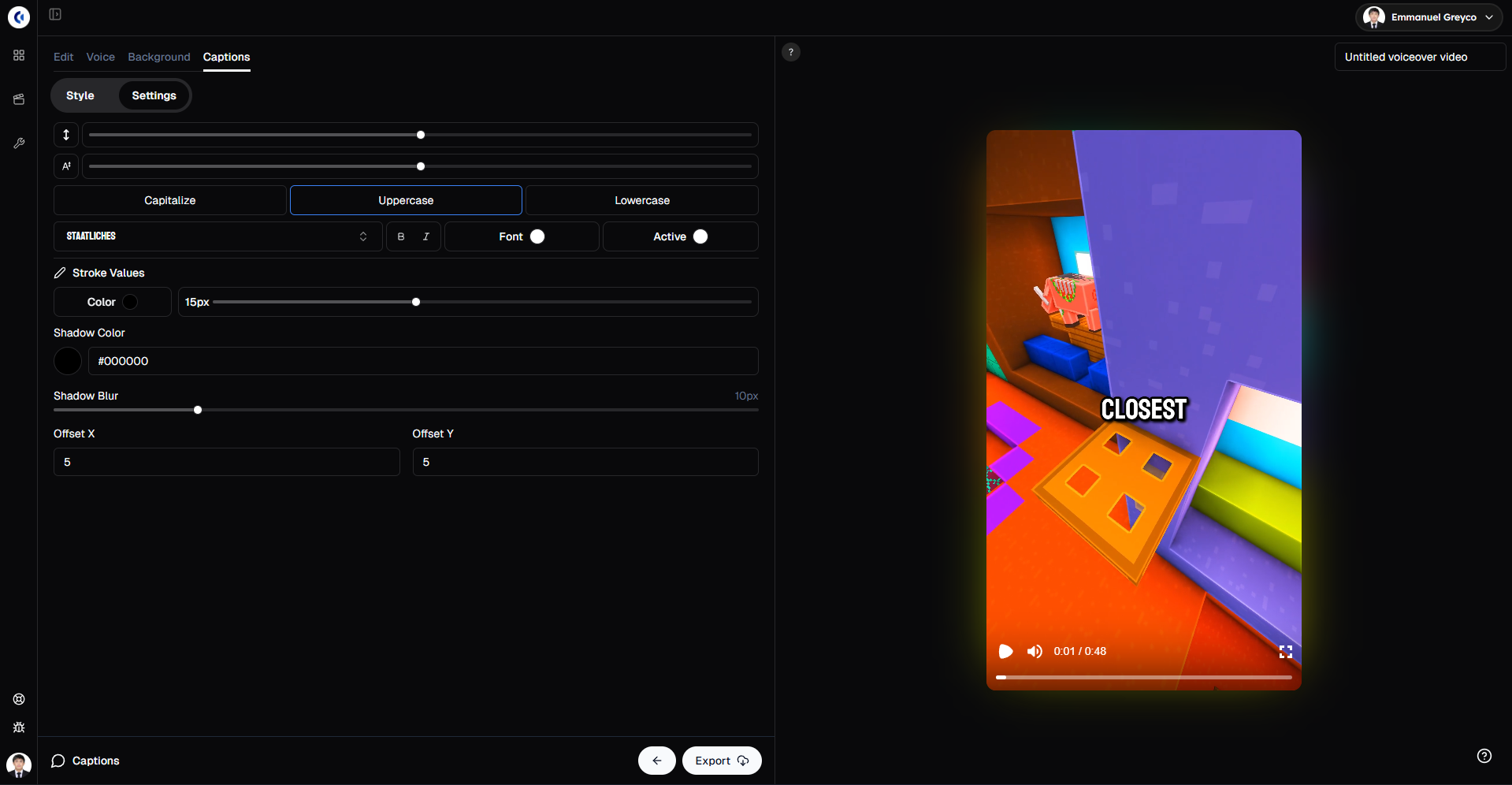
Well styled captions help highlight key moments and increase watch time.
Step 5: Export Your Video
When everything is ready:
Click Export.
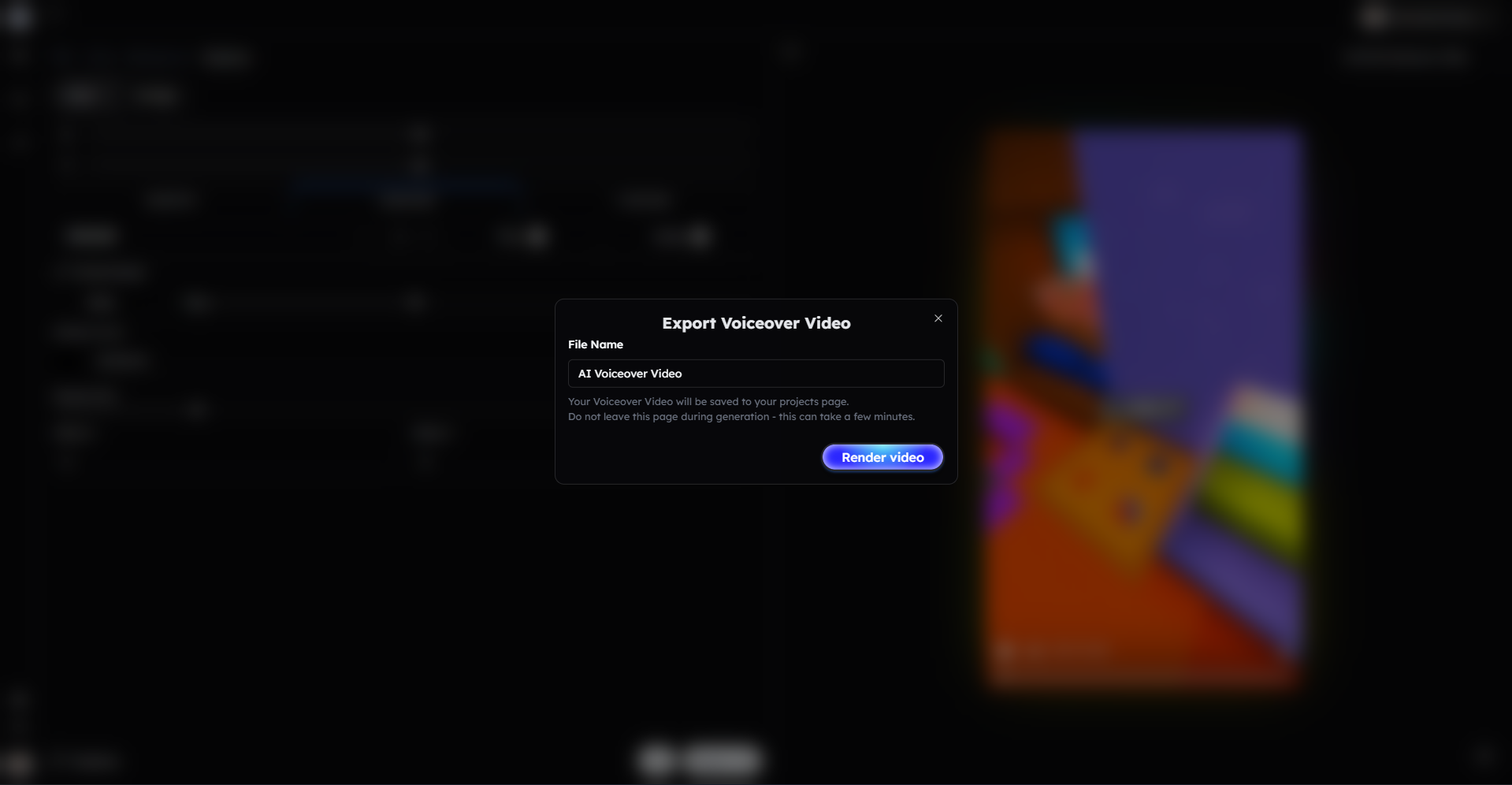
Your AI voiceover video is now ready to share.
Bonus: Get 1-on-1 Support in Our Discord Community
If you get stuck or want personalized help, join our Discord community. Our team offers 24/7 one-to-one support to help you go viral with your content.
Click me to join our discord community!
FAQs: Using AI Voiceover
Q: How detailed should my script prompt be? A: The more specific your prompt, the more natural and engaging the AI-generated voiceover will sound.
Q: Can I adjust the AI voice after generating the voiceover? A: Yes, you can change the voice character and regenerate the voiceover at any time.
Q: Do I need background music for AI voiceover videos? A: Background music is optional, but adding it can enhance the listening experience when balanced properly with the voiceover.
Q: Can I add captions to AI voiceover videos? A: Yes, Clippie AI allows you to generate and fully customize captions for any AI voiceover video.
Related Blog Posts
How to Create Reddit Story Videos with Clippie AI (2026 Guide)
How to Make Would You Rather Videos with Clippie AI (2026 Guide)
How to Create Twitter Videos with Clippie AI (2026 Guide)
Click Me To Start Creating With Clippie AI Now!
Read more

The Psychology Behind Viral Short-Form Videos, Minus the Myths
Viewers decide fast, but not for the reasons most guides repeat. Seven patterns behind videos people finish, plus how to read your own retention curve.

Are AI Story Videos Still Worth Making in 2026?
Two AI story videos can use the same tool and get opposite results. What changed in 2026, which formats hold attention, and what YouTube won't monetize.

How to Create YouTube Shorts Faster Using AI (2026 Workflow)
AI can take a YouTube Short from script to export in one sitting. Here's the six-step workflow, the 2026 specs, and what to keep manual as volume rises.