
Best ElevenLabs Alternatives in 2026, AI Voice Generation Built Into a Complete Video Production Platform
Find the best ElevenLabs alternatives in 2026 for faceless creators, why standalone voice tools create workflow overhead, Clippie AI vs ElevenLabs full comparison, migration guide, and plan recommendations.
Searching for the best ElevenLabs alternatives in 2026 for faceless content creators?
ElevenLabs makes the best AI voices in the market by most benchmarks, the naturalness of its output is genuinely industry-leading. But for faceless content creators, the question is not just whether the voice sounds good. It is whether the voiceover tool fits inside a sustainable production workflow without requiring three additional subscriptions, manual file transfers, and 30+ minutes of assembly overhead per video.
ElevenLabs generates audio files. It does not generate the video around them. And that gap, between the best AI voice tool and a complete production platform, is where the real cost and time inefficiency lives for faceless creators.
This guide covers exactly what ElevenLabs is built for, where its standalone model creates friction for faceless channel production, how Clippie AI's integrated voice generation compares, and what the right alternatives are for different creator needs.
Executive Summary
This guide is for faceless content creators who are currently using ElevenLabs and want to understand whether a more integrated platform serves their production needs better in 2026. It covers what ElevenLabs is designed for and where its standalone voiceover model creates production overhead for faceless creators, the true cost of running ElevenLabs alongside three additional production tools, a full comparison between Clippie AI and ElevenLabs across voice quality, cloning, and workflow integration, other alternatives worth evaluating, a practical migration plan, and the right Clippie AI plan for different production volumes. By the end, you will know whether ElevenLabs' voice quality justifies its workflow complexity for your specific channel needs.
Table of Contents
What ElevenLabs Does and Why Standalone Voiceover Is Only Half the Production Problem
The Hidden Cost of Using ElevenLabs Alongside Separate Video Tools, Time, Money, and Friction
Clippie AI vs ElevenLabs, Voiceover Quality, Voice Cloning, and Integrated Workflow Compared
Other ElevenLabs Alternatives Worth Evaluating for Faceless Channel Production in 2026
How to Migrate Your Voice Cloning Workflow From ElevenLabs to Clippie AI
Which Clippie AI Plan Replaces ElevenLabs for Your Production Volume
Frequently Asked Questions
1. What ElevenLabs Does and Why Standalone Voiceover Is Only Half the Production Problem
ElevenLabs is the industry benchmark for AI voice generation. ElevenLabs makes the best AI voices on the market, listen to any side-by-side comparison and ElevenLabs wins on naturalness every time. Its text-to-speech quality, voice cloning realism, and multilingual support are genuinely best-in-class across the AI voice generation market.
What ElevenLabs Provides
Core capabilities:
Text-to-speech generation from typed script input
Instant voice cloning from a short audio sample (available from Starter plan upward)
Professional Voice Cloning (PVC) from longer samples for hyper-realistic digital voice twins (Creator plan and above)
Multilingual dubbing and translation
Sound effects and music generation
Conversational AI agent voice capabilities
For creators working with narration, podcasts, or AI-generated videos, ElevenLabs has become one of the most popular AI voice tools available.
The Pricing Structure
ElevenLabs plans translate to real usage as follows: Starter at $5/month gets approximately 30 minutes of audio. Creator at $22/month gets approximately 100 minutes and Professional Voice Cloning. Pro at $99/month gets approximately 500 minutes, the best value for businesses. Scale at $330/month is for high-volume production.
The commercial rights issue:
The Starter plan introduces commercial usage rights and increases the monthly credit allowance to 30,000 credits. The Free plan does not include commercial licensing for generated content, for anyone planning to use AI voices in monetised content such as YouTube videos, podcasts, or marketing material, upgrading to at least the Starter plan becomes necessary.
The Professional Voice Cloning gate:
The Creator plan, marked 'Popular' on the ElevenLabs site, costs $22 per month. It is the first tier that unlocks Professional Voice Cloning, which is the feature most serious creators are actually after. Instant voice cloning, available from the $5 Starter plan, creates a voice model but with less stability during long narration sessions compared to Professional Voice Cloning.
For a faceless creator who wants the full ElevenLabs professional voice cloning experience, the quality level that serious channel building requires, the minimum viable plan is Creator at $22/month.
Where the Standalone Model Becomes a Problem
ElevenLabs remains the specialist tool for advanced voice cloning, multilingual dubbing at scale, conversational AI agents, and production-quality audio output where voice fidelity is the primary deliverable.
But voice fidelity is not the only deliverable for faceless creators. A complete faceless video requires:
Narration audio (ElevenLabs provides this)
Visual content, AI-generated footage and images (ElevenLabs does not provide this)
Assembled video with audio synced to visuals (ElevenLabs does not provide this)
Auto-captioning synced to the narration (ElevenLabs does not provide this in a video production context)
Platform-specific export (ElevenLabs does not provide this)
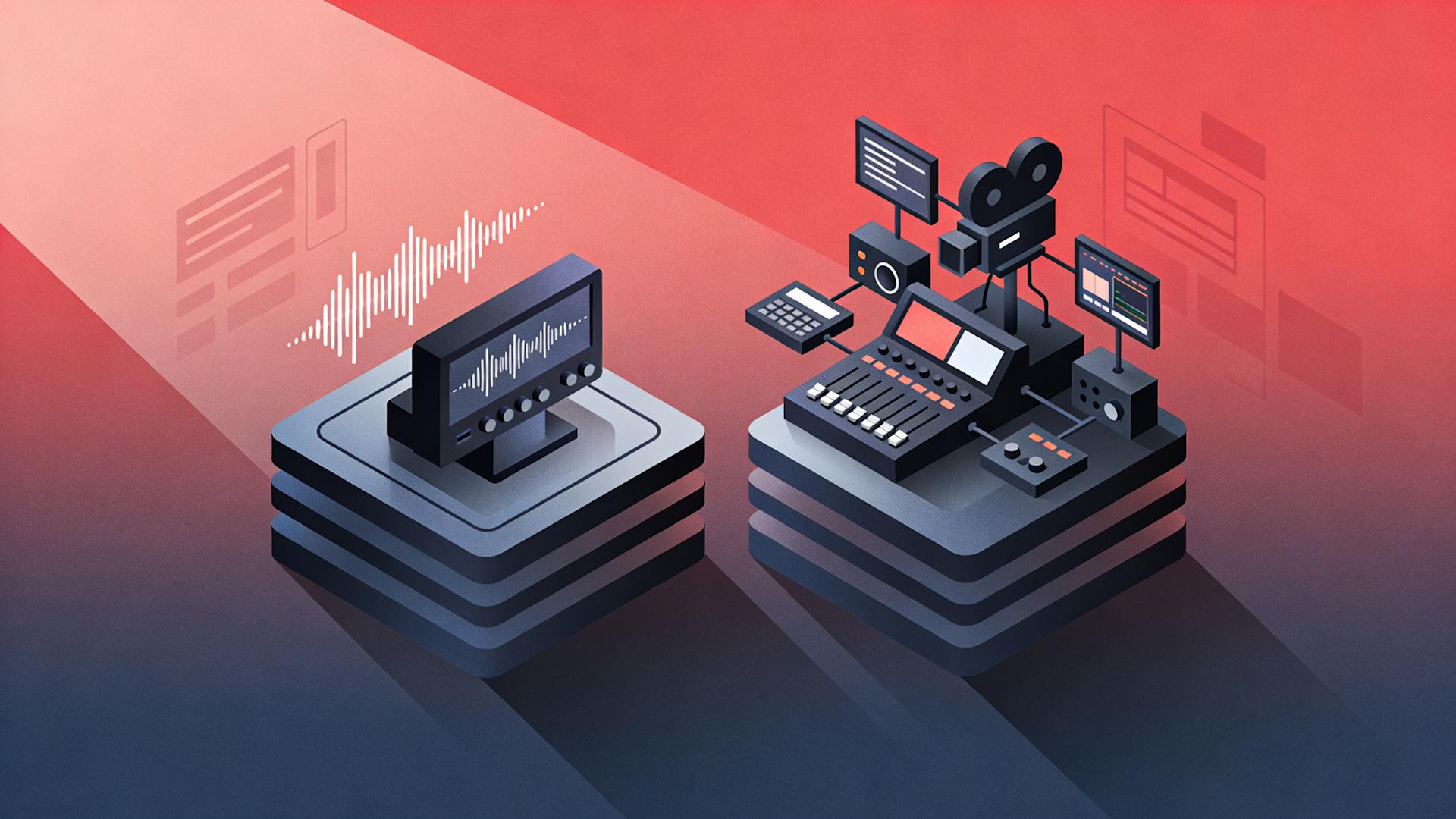
ElevenLabs covers one of five production stages. The other four require separate tools.
2. The Hidden Cost of Using ElevenLabs Alongside Separate Video Tools, Time, Money, and Friction
The true cost of ElevenLabs for a faceless creator is not the $22/month Creator subscription. It is the total system cost, the combined subscriptions, the time overhead, and the workflow friction of managing four separate tools for every video produced.
The Complete 4-Tool ElevenLabs Production Stack
Tool 1: ElevenLabs (AI Voiceover): $22/month (Creator plan for Professional Voice Cloning)
Tool 2: AI Footage Generation (Runway ML, Pika, Kling, or similar): $15–$50/month depending on generation volume and model quality
Tool 3: Video Editor (for assembly of audio + footage): $0–$55/month (DaVinci Resolve free to Premiere Pro at $55/month)
Tool 4: Captioning Tool (Submagic, Captions.ai, or similar): $15–$35/month
Total monthly cost for complete ElevenLabs-based faceless production stack: $52–$162/month before generation overage charges
For comparison: Clippie AI's Creator plan at $34.99/month covers all four production stages within one subscription.
The Per-Video Time Overhead
Beyond subscription cost, the multi-tool ElevenLabs workflow creates per-video time overhead that does not appear in any subscription fee:
Overhead Step 1: ElevenLabs audio export (2–3 minutes per video): Generate narration, listen for quality review, export the MP3 or WAV file.
Overhead Step 2: Import audio into video editor (3–5 minutes per video): Open the video editor, create or open the project, import the ElevenLabs audio file.
Overhead Step 3: Import footage from generation tool (5–8 minutes per video): Download clips from the footage generation tool, import into the editor, place on the timeline.
Overhead Step 4: Manual audio-visual sync (10–15 minutes per video): Align the voiceover audio with the footage on the editing timeline. Adjust clip timing to match narration sections. Add any static images at the appropriate points.
Overhead Step 5: Caption import and application (5–8 minutes per video): Generate captions in the captioning tool, export them, import into the editor, apply to the video.
Overhead Step 6: Platform-specific export configuration (5–8 minutes per video): Set the correct format, resolution, aspect ratio, and bitrate for each target platform.
Total per-video overhead from multi-tool integration: 30–47 minutes
At 10 videos per month, this overhead totals 300–470 minutes, 5–8 hours of monthly production time that generates zero content value. It is pure workflow friction.
At Clippie AI's standard production time of 45–65 minutes for a complete 10-minute video (including footage generation, voiceover, captioning, and export in one integrated session), that 5–8 hours of recovered monthly overhead is equivalent to 5–10 additional videos, an entire week's additional content output.
The Credit Consumption Unpredictability
The headline plan price is rarely the full story with credit-based voice platforms. ElevenLabs operates on a subscription-plus-credits model with tiered overage charges once you exceed your monthly allocation.
Once you exceed your plan's included credits, ElevenLabs charges per minute. For a Creator plan user hitting 150 minutes per month: $22 base plus approximately $15 overage equals approximately $37/month total.
For faceless creators whose production volume varies, heavier months when a series is being built, lighter months during breaks, credit overages create unpredictable monthly costs that flat-rate subscription platforms eliminate entirely.
3. Clippie AI vs ElevenLabs, Voiceover Quality, Voice Cloning, and Integrated Workflow Compared
Voiceover Quality
ElevenLabs: ElevenLabs makes the best AI voices on the market, the naturalness of its output wins in side-by-side comparisons for naturalness consistently. The quality gap between ElevenLabs and most competitors is real, particularly for:
Long-form narration without degradation in naturalness over extended scripts
Emotional range and vocal inflection during emphasis moments
Whisper, breath, and pause handling that creates genuinely human-sounding delivery
Multilingual output quality maintaining native-language naturalness
Clippie AI:
50+ AI voices covering multiple accents, genders, tonal styles, and delivery registers
Natural pacing and delivery appropriate for documentary, conversational, authoritative, and narrative tones
Custom voice cloning available on all paid plans, creating a proprietary channel narrator identity
Voiceover quality is production-grade for faceless channel content across all major niches
Honest quality assessment:
ElevenLabs' absolute voice quality ceiling is higher than Clippie AI's, its Professional Voice Cloning output, when produced from high-quality samples and reviewed carefully, produces the most natural-sounding AI narration available. This is a genuine difference.
The practical question for faceless creators is: does this quality difference produce a measurable difference in viewer behaviour, completion rate, subscriber conversion, audience retention, that justifies $22+/month in additional standalone subscription cost plus 5–8 hours of monthly workflow overhead?
For most content types, finance explainers, true crime, motivational, Reddit stories, history, the difference between ElevenLabs' ceiling-level output and Clippie AI's integrated voiceover is not perceptible to the viewer. The narration sounds natural and authoritative in both cases. The real difference is in the workflow that delivers it.
Voice Cloning
ElevenLabs:
Professional Voice Cloning (PVC), the feature most serious creators are actually after, is available at the Creator plan ($22/month) and above. Unlike instant cloning, PVC uses longer samples to create a hyper-realistic digital twin of your voice.
Instant voice cloning is available in lower-tier paid plans and requires only a short audio sample. This approach is fast and easy to set up, but the resulting voice may sound less stable during long narration sessions.
Clippie AI:
Custom voice cloning on all paid plans using a 2–3 minute audio sample
1 custom voice (Lite), 10 custom voices (Creator), 30 custom voices (Pro)
Custom clones available alongside the 50+ pre-built voice library
Cloning integrated within the production platform, no separate export and import step
Practical comparison:
ElevenLabs' Professional Voice Cloning produces the highest-fidelity voice clones available, a meaningful advantage for creators whose specific voice replication accuracy is a core product requirement (podcasters building a voice identity, narrators with distinctive voices they need precisely replicated).
For faceless creators whose goal is a consistent, natural-sounding narrator identity, rather than a precise replica of a specific voice, Clippie AI's integrated cloning provides the channel audio identity that audience recognition requires, within the production workflow where that identity is used.
Integrated Workflow
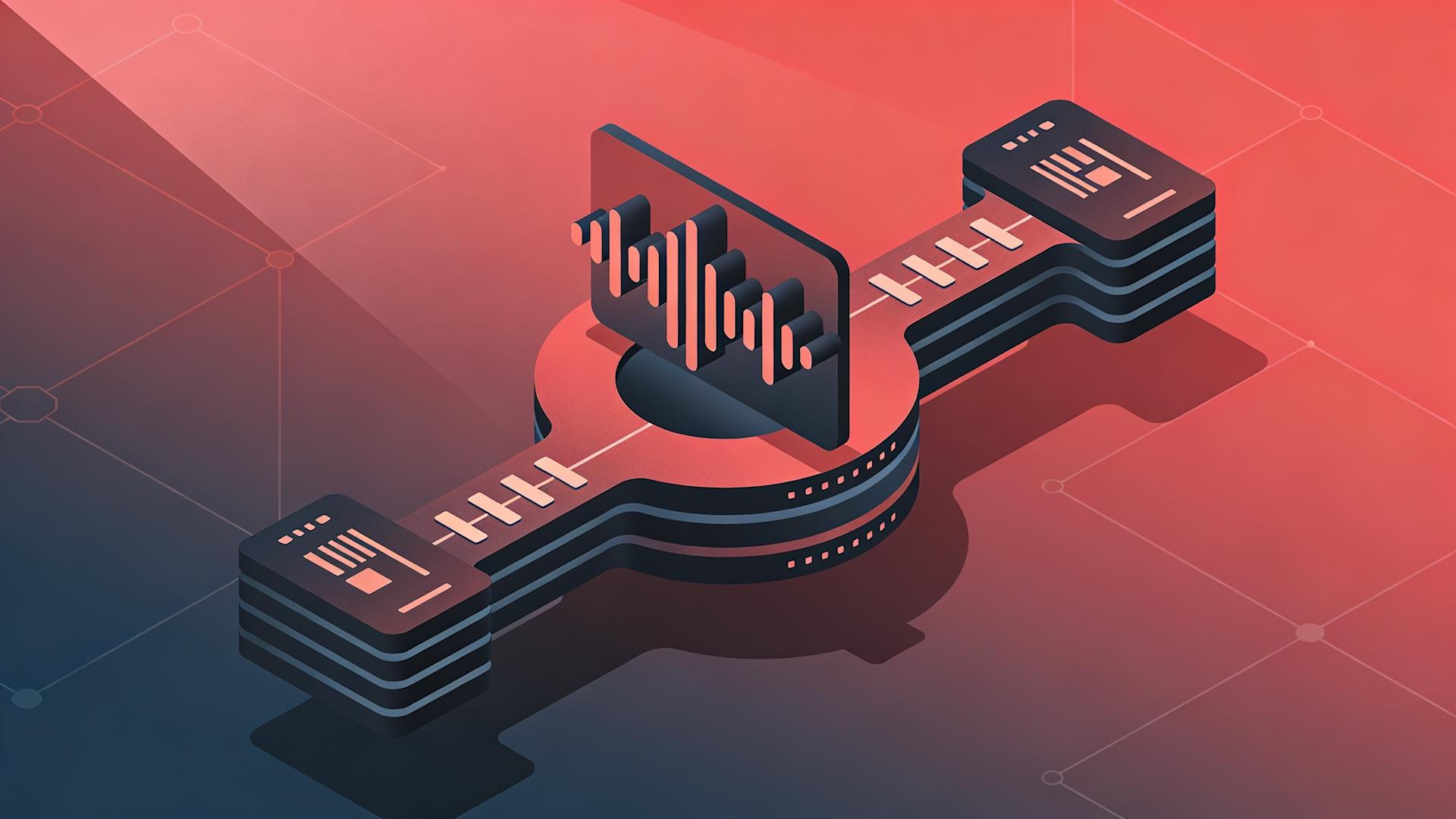
ElevenLabs: Audio generation tool only. Footage, assembly, captioning, and export all require separate tools and manual integration steps.
Clippie AI: Complete production platform, voiceover, AI footage (VEO3.1 and Seedance 2.0), AI image generation, speech-to-subtitles (102+ languages), and multi-format export all within one integrated production session.
Captioning
ElevenLabs: No captioning capability within the voiceover tool. A separate captioning workflow is required for every video.
Clippie AI:
Speech-to-subtitles auto-synced to AI voiceover
102+ language support
No separate captioning tool required
Captioning capacity mirrors voiceover capacity per plan
Pricing, Complete Comparison
ElevenLabs Creator plan ($22/month):
~100 minutes of Professional Voice Cloning narration per month
No footage generation
No captioning
No video assembly
No export
What a complete production workflow costs with ElevenLabs: $22 (ElevenLabs Creator) + footage generation tool + video editor + captioning tool = $52–$162/month combined
Clippie AI Creator plan ($34.99/month):
120 minutes of AI voiceover with 10 custom voice clones
VEO3.1 and Seedance 2.0 footage generation
500 AI images
102+ language auto-captioning
Dual-format export (9:16 and 16:9)
All within one subscription
Total monthly cost for complete production workflow with Clippie AI: $34.99/month
4. Other ElevenLabs Alternatives Worth Evaluating for Faceless Channel Production in 2026
Alternative 1: Clippie AI (Primary Recommendation)
Integrated voiceover, footage generation, image generation, captioning, and export in one platform. The strongest recommendation for faceless creators who want production-grade voice quality within a complete workflow at a lower total monthly cost than ElevenLabs plus additional tools.
Best for: All faceless channel creators who need consistent, natural voiceover within a complete production pipeline.
Alternative 2: Murf AI
Murf AI is a dedicated AI voiceover platform with a strong library of studio-quality voices and voice cloning capability. It competes directly with ElevenLabs in the standalone voiceover category.
Best for: Creators who specifically need a dedicated voiceover tool with a large pre-built voice library and studio-grade output.
Limitation: Standalone voiceover tool, the same multi-tool overhead applies as with ElevenLabs. No footage generation, captioning, or assembly capability.
Alternative 3: Play.ht
Play.ht is an AI voice generation platform with voice cloning, text-to-speech, and audio output capabilities. It offers competitive pricing relative to ElevenLabs for comparable voice generation.
Best for: Creators who want ElevenLabs-competitive voice quality at potentially lower per-minute cost.
Limitation: Standalone voiceover tool. Does not replace any other production stage.
Alternative 4: Descript (Overdub)
Descript's Overdub feature is a voice cloning tool integrated within Descript's video editing platform, creating a more integrated voiceover experience than ElevenLabs alone for creators who record their own content and want to clone their voice for editing corrections.
Best for: Face-on-camera and podcast creators who want voice cloning for editing purposes, correcting mistakes with cloned voice audio.
Limitation: Designed for editing recorded content rather than generating original AI narration from scripts. Not the right tool for faceless creators who originate content from scripts rather than recordings.
Alternative 5: Mubert / Soundraw (For Music-Only Needs)
For creators whose primary audio generation need is background music rather than narration, Mubert and Soundraw generate royalty-free AI music without the voiceover complexity of ElevenLabs.
Best for: Creators who have voiceover handled but need AI-generated music for their productions.
Limitation: Not voiceover tools, completely different use case.
5.How to Migrate Your Voice Cloning Workflow From ElevenLabs to Clippie AI
The migration from ElevenLabs to Clippie AI consolidates the voiceover generation stage, along with footage, captioning, and assembly, into a single integrated platform. Here is how to execute it without disrupting the publishing schedule.
Phase 1: Sample Preparation (Before Creating Account, 30 Minutes)
The most important pre-migration step is preparing the voice sample for cloning in Clippie AI.
If you are cloning your own voice:
Record a 2–3 minute clean audio sample in a quiet environment. The same principles that produce good ElevenLabs voice clones apply:
Use the same microphone setup you would use for professional recording
Speak in your natural narrator voice, the voice you use for channel content, not casual conversation
Record in a quiet room without echo, hold a duvet up near walls if needed to reduce reverb
Read from a diverse text sample, sentences with varied pacing, questions, statements, and longer phrases, to give the clone model range to work with
Record to WAV or FLAC if possible; MP3 at 192kbps minimum
If you are using a pre-built voice: Browse Clippie AI's 50+ voice library and shortlist 3–4 candidates. No sample preparation required, the voice selection step happens within the platform.
Phase 2: Account Setup and Voice Cloning (Day 1, 30 Minutes)
Create your Clippie AI account:
Select the plan that matches your production volume, Lite for 3–5 videos per month, Creator for 8–12, Pro for 15–25.
Upload voice sample and create clone:
Navigate to the voice cloning section within Clippie AI
Upload the prepared audio sample
The clone generates within the platform, no external processing, no waiting for manual review
Test the clone on a 200-word passage from a recent script, listen for naturalness, pacing, and tonal consistency with the original sample
If the first clone does not match:
The most common issue is sample quality, background noise, echo, or inconsistent recording level. Address the recording environment issue, record a new sample, and reclone. Second-attempt clones are consistently better when the audio input quality improves.
Phase 3: ElevenLabs-to-Clippie AI Quality Comparison (Days 2–3)
Before completing the transition, run a direct quality comparison using the same script in both platforms:
Generate the same 60-second script in ElevenLabs Creator (Professional Voice Cloning)
Generate the same script in Clippie AI with the new cloned voice
Listen to both in the context of a complete video, not in isolation
Listen for:
Natural pacing across the full script
Correct emphasis on key words and phrases
Absence of robotic artefacts or unnatural syllable breaks
Tonal consistency throughout
If the Clippie AI output meets the channel's quality standard, proceed to full migration. If specific pronunciation or tonal issues exist, adjust the script formatting (adding punctuation pauses, breaking sentences differently) before concluding the quality assessment.
Phase 4: First Full Production Session in Clippie AI (Days 3–5)
Complete the first full production session using the new workflow:
Script → Clippie AI voiceover generation → VEO3.1/Seedance footage → AI images → Auto-captions → Export
The most significant practical change from the ElevenLabs workflow is the elimination of:
The ElevenLabs audio export step
The footage download and import step
The manual audio-video sync step
The caption import and application step
The separate export configuration step
All of these steps happen within Clippie AI's integrated session. The first production session typically takes 60–80 minutes while the workflow is new, subsequent sessions reach the standard 45–65 minutes as the workflow becomes routine.
Phase 5: Full Transition and Subscription Management (Day 7 Onward)
Move all future production to Clippie AI
Cancel ElevenLabs subscription at the next billing cycle, confirm the cancellation window within ElevenLabs' account settings
Cancel the footage generation tool, captioning tool, and video editor subscriptions that were part of the ElevenLabs-based stack (unless the video editor is used for other purposes beyond faceless channel production)
The monthly saving: Cancelling ElevenLabs Creator ($22) + footage generation tool ($15–$50) + captioning tool ($15–$35) saves $52–$107/month while consolidating to Clippie AI Creator at $34.99/month.
6. Which Clippie AI Plan Replaces ElevenLabs for Your Production Volume
Lite Plan ($19.99/month)
Right for: Creators currently on ElevenLabs Starter ($5/month) producing 3–5 videos per month. The Lite plan's 30 minutes of voiceover generation handles this production volume while adding footage generation, image generation, and captioning that ElevenLabs does not provide.
Specifications:
30 mins video export (~3–5 videos/month)
30 mins AI voice generation
30 mins speech-to-subtitles
100 AI images
1 custom voice
Captions in 102+ languages
50+ AI voices
24/7 support
Creator Plan ($34.99/month), Primary Recommendation for ElevenLabs Switchers
Right for: Creators currently on ElevenLabs Creator ($22/month) who want Professional Voice Cloning-equivalent capability plus the complete production pipeline in one subscription at $34.99/month, saving $17–$127/month compared to ElevenLabs Creator plus the additional tools required for complete production.
Specifications:
120 mins video export (~8–12 videos/month)
120 mins AI voice generation
120 mins speech-to-subtitles
500 AI images
10 custom voices
Captions in 102+ languages
50+ AI voices
24/7 support
Why this is the primary recommendation: The Creator plan's 10 custom voice clones exceed what ElevenLabs Creator provides in terms of channel voice management, covering multiple channel voice identities simultaneously rather than a single cloned voice.
Pro Plan ($69.99/month)
Right for: Creators producing 15–25 videos per month, content agencies managing voiceover across 10+ client channels, or creators running multiple channels requiring separate voice identities. The Pro plan's 30 custom voices support independent channel audio identity across a full client or multi-channel portfolio.
Specifications:
250 mins video export (~15–25 videos/month)
250 mins AI voice generation
250 mins speech-to-subtitles
1,000 AI images
30 custom voices
Captions in 102+ languages
50+ AI voices
24/7 support
No free tier is available on Clippie AI.
💡 For the complete production workflow that replaces the ElevenLabs multi-tool stack with one integrated session, read our guide on the ultimate faceless content workflow from idea to viral video
💡 For the best AI voiceover tools compared — including ElevenLabs, Clippie AI, and alternatives across the full market, read our guide on the best AI voiceover tools for faceless YouTube channels in 2026
💡 Start producing complete faceless videos with integrated AI voice in Clippie AI today →
Conclusion: The Best Voice Tool Is the One That Lives Inside a Complete Production System
ElevenLabs makes the best AI voices on the market. That is not a controversial statement, and this guide does not dispute it. For use cases where voice fidelity is the primary deliverable, audiobooks, podcasts, voice agents, enterprise dubbing, ElevenLabs is the correct specialist tool.
For faceless content creators building YouTube channels and TikTok accounts, voice quality is one input into a seven-stage production pipeline. Optimising that one stage with the best possible specialist tool, while leaving the other six stages to manual overhead across additional tools, is not an optimal system. It is an expensive, time-consuming fragmented workflow that produces 5–8 hours of monthly overhead per 10 videos.
Clippie AI's integrated production platform handles all seven stages, voiceover, footage, images, captions, assembly, and export, within one subscription at $34.99/month. The voiceover quality is production-grade for every faceless channel content type. The 10 custom voice clones on the Creator plan build the proprietary channel audio identity that ElevenLabs provides, without the additional $52–$107/month in combined tool costs or the 5–8 hours of monthly integration overhead.
For faceless creators whose goal is a complete, sustainable production system, not the highest possible voice fidelity at the maximum possible workflow complexity, Clippie AI is the right platform in 2026.

Switch to Clippie AI's integrated production platform and simplify your workflow today →
7. Frequently Asked Questions
Q1: Is ElevenLabs' voice quality better than Clippie AI's built-in voices?
ElevenLabs makes the best AI voices on the market, in side-by-side comparisons of naturalness, ElevenLabs consistently produces the most human-sounding output. This is a genuine quality difference at the absolute ceiling level. The practical question for faceless creators is whether this ceiling-level difference is perceptible to viewers in the context of a complete YouTube or TikTok video, and for most content types (finance, true crime, motivational, Reddit stories, history), the answer is no. Clippie AI's integrated voiceover is production-grade and natural-sounding for faceless channel content. The real difference is not in how the voice sounds, it is in whether the voice lives inside a complete production platform or requires three additional tools to deploy.
Q2: Does Clippie AI support Professional Voice Cloning the same way ElevenLabs does?
ElevenLabs' Professional Voice Cloning (PVC), available at the Creator plan ($22/month) and above, uses longer samples to create a hyper-realistic digital twin of your voice, unlike instant cloning which may sound less stable during long narration sessions. Clippie AI's voice cloning creates a custom voice model from a 2–3 minute audio sample, integrated within the production platform with consistent output across any script length. ElevenLabs' PVC produces higher peak realism from longer training samples. Clippie AI's cloning provides the proprietary channel audio identity that audience recognition requires, within the workflow where that identity is used every session.
Q3: What does a complete ElevenLabs-based faceless production stack actually cost per month?
A faceless creator using ElevenLabs Creator at $22/month for Professional Voice Cloning still needs: an AI footage generation tool ($15–$50/month), a video editor for assembly ($0–$55/month), and a captioning tool ($15–$35/month). The combined monthly cost for this complete production stack is $52–$162/month, significantly higher than Clippie AI's Creator plan at $34.99/month, which covers all four production stages within one subscription.
Q4: Can I bring my existing ElevenLabs cloned voice into Clippie AI?
You cannot directly import an ElevenLabs voice clone into Clippie AI, the two platforms use different voice model architectures. However, if you have access to the original audio samples that were used to create your ElevenLabs clone, those same samples can be uploaded to Clippie AI's voice cloning tool to create a new clone. For most creators, this means re-recording a 2–3 minute sample in the same environment and style as the original ElevenLabs sample. The resulting Clippie AI clone will closely match the audio identity that ElevenLabs produced from equivalent input material.
Q5: How much voiceover capacity does a faceless creator actually need per month?
A faceless creator producing 8 videos per month at 12 minutes each (typical YouTube automation channel output) requires approximately 96 minutes of narration per month, assuming roughly 1 minute of narration per 1 minute of finished video. ElevenLabs Creator at $22/month provides approximately 100 minutes of narration, just sufficient for this production volume, with minimal headroom for reshoots or additional content. Clippie AI's Creator plan at $34.99/month provides 120 minutes of voiceover generation plus 120 minutes of video export, 500 AI images, 10 custom voices, and 102+ language captioning, providing more headroom and all supporting production stages.
Q6: Which Clippie AI plan most directly replaces ElevenLabs Creator for a faceless channel producing 8–12 videos per month?
The Creator plan at $34.99/month most directly replaces ElevenLabs Creator ($22/month), matching its ~100 minutes of voiceover capacity with 120 minutes, exceeding its single voice clone with 10 custom voice clones, and adding the complete production pipeline (footage generation, image generation, 102+ language captioning, and dual-format export) that ElevenLabs does not include. The Creator plan saves $17–$127/month compared to an ElevenLabs Creator plus supporting tools stack, while consolidating all production stages into one integrated session.
Make an AI voiceover video
Write a script, pick from over 100 AI voices, and Clippie lays it over gameplay with captions.
Read more

How to Make Top 5 Ranking Videos in 2026 (Step-by-Step)
Build ranking Shorts that can still earn: pick a debatable topic, set clear criteria, source clips you may use, script the countdown, add your commentary.

How to Create Short-Form Videos Using AI: 8 Steps (2026)
A beginner workflow for AI videos on TikTok, Reels and Shorts: pick a format, script a hook, add visuals, voice and captions, export at 9:16, label AI.

7 Free CapCut Alternatives for Short-Form Video (2026)
Compare Edits, YouTube Create, VN, Clipchamp, Canva, DaVinci Resolve and Shotcut: what each gives free users, what it caps first and where it falls short.