
How to Clone Your Voice for a Faceless YouTube Channel in 2026 (And Never Record Again)
Learn how to clone your voice for a faceless YouTube channel in 2026, step-by-step guide using Clippie AI, custom voice vs pre-built comparison, and how to scale to multiple channels.
Still recording your own voiceover for every video, or paying for a separate AI voice tool that doesn't integrate with your editing workflow?
In 2026, the most successful faceless YouTube creators are doing neither. They cloned their voice once, and now every video they publish sounds exactly like them, without sitting in front of a microphone, without retakes, and without a single extra subscription.
This guide covers exactly how AI voice cloning works, how to do it inside Clippie AI, and how to use one cloned voice to power an entire channel, or multiple channels simultaneously.
Executive Summary
This guide is for faceless YouTube creators who want to build a recognisable channel identity without recording audio for every video. It covers why voice consistency is the most underrated channel growth factor in 2026, how AI voice cloning works, the step-by-step process for cloning your voice inside Clippie AI, how to deploy your cloned voice across your full content library, and how to scale to multiple channels using multiple cloned voices. Whether you're starting your first channel or managing five, this is the system that makes consistent, professional-sounding content sustainable at any volume.
Table of Contents
Why Your Voice Is Your Channel's Most Valuable Asset in 2026
What AI Voice Cloning Actually Does (And Why It's a Game-Changer for Faceless Creators)
How to Clone Your Voice Step-by-Step Using Clippie AI
How to Use Your Cloned Voice Across Every Video You Make
Custom Voice vs Pre-Built AI Voices - Which Performs Better for Retention?
How to Scale to Multiple Channels With Multiple Cloned Voices
Frequently Asked Questions
1. Why Your Voice Is Your Channel's Most Valuable Asset in 2026
Most faceless creators obsess over thumbnails, hooks, and upload frequency. Very few think carefully about their voice, and that is exactly why voice consistency has become the single most powerful channel differentiation tool available.
Here is the reality: on a faceless YouTube channel, your audience cannot see you. They cannot recognise your face, your setup, or your visual personality. The only consistent identity signal they receive across every video is your voice.
What voice consistency actually does for your channel:
It builds subconscious familiarity - viewers who hear your voice repeatedly begin to associate it with trust and authority in your niche
It reduces viewer drop-off in the first 30 seconds - an unfamiliar or inconsistent voice triggers uncertainty; a recognised voice triggers comfort
It creates brand equity that compounds - after 50+ videos, your voice becomes as recognisable as a logo
It signals professionalism - a channel that sounds the same across every video reads as an established operation, not a side project
The problem most creators face:
Recording your own voice for every video is unsustainable at the posting frequency that 2026 growth demands. At 3–5 videos per week, manual recording becomes a 4–6 hour weekly commitment before editing even begins.
The alternative, using a generic pre-built AI voice from a library, solves the recording problem but creates a different one. Generic voices are used by thousands of other creators. There is nothing proprietary about them. Any channel can sound exactly like yours tomorrow.
AI voice cloning solves both problems simultaneously. You record once. Clippie AI learns your voice. Every video you produce from that point sounds like you, without you ever recording again.
💡 To see how voice cloning fits into a complete faceless production system, read our guide on the ultimate faceless content workflow from idea to viral video
2. What AI Voice Cloning Actually Does (And Why It's a Game-Changer for Faceless Creators)
AI voice cloning is not the same as a text-to-speech engine selecting a pre-built voice from a library. It is a fundamentally different technology, and understanding the difference is what separates creators who build real channel identity from those who sound generic.
How AI Voice Cloning Works
When you clone your voice with Clippie AI, the platform analyses a short audio sample of your natural speaking voice and builds a personalised voice model, a digital representation of your unique vocal characteristics.
That model captures:
Your natural pitch and tonal range
Your pacing and cadence between sentences
Your pronunciation patterns and accent
The subtle vocal texture that makes your voice sound like you and not anyone else
Once the model is built, Clippie AI uses it to generate new narration from any script you provide. The output sounds like you reading that script, even though you never recorded a word of it.
Why This Changes Everything for Faceless Creators
Before voice cloning:
Record audio → edit out mistakes → sync to video → export
45–90 minutes of audio work per video minimum
Inconsistent quality depending on recording environment and energy levels
After voice cloning with Clippie AI:
Paste script → generate cloned voice narration → sync automatically → export
Under 5 minutes of voice work per video
Consistent quality on every video regardless of when or where it is produced
The compounding advantage:
Every video you publish using your cloned voice strengthens your audience's association between that voice and your channel. By video 30, your voice is a brand signal. By video 100, it is an asset that cannot be replicated by any competitor using a generic pre-built voice.
What AI Voice Cloning Does Not Do
Setting accurate expectations matters:
Voice cloning does not give you a perfect replica from a 10-second sample - quality improves with a longer, cleaner recording
It does not capture live emotion or spontaneous reaction - it generates scripted delivery; the personality comes from your writing
It does not work well with poor source audio - background noise or inconsistent volume in your sample produces inconsistent output
Both of these are easy to address. A clean 2–3 minute recording in a quiet space is all that is needed to produce a high-quality clone.
3. How to Clone Your Voice Step-by-Step Using Clippie AI
Voice cloning inside Clippie AI is straightforward. The process from recording your sample to generating your first cloned narration takes under 30 minutes the first time.
Step 1: Prepare Your Recording Environment
The quality of your cloned voice is determined by the quality of your source recording. You do not need a studio, but you do need:
A quiet room with minimal echo (soft furnishings absorb sound; hard surfaces create reflections)
A consistent speaking distance from your microphone or phone, 15–20cm is standard
No background noise, fans, air conditioning, traffic, and other ambient sounds all degrade the clone's output quality
A stable recording device, phone voice memos or a basic USB microphone both work well
Step 2: Record Your Voice Sample
Record a clean sample of 2–3 minutes of natural speaking. This is the most important step in the entire process, invest the time to get it right.
What to say in your sample:
Speak naturally at your normal pace, not too slowly, not reading robotically
Include varied sentence lengths, short punchy sentences and longer explanatory ones
Include different emotional tones, informative, conversational, slightly emphatic
Avoid filler words ("um," "uh," "you know"), they degrade the model's output quality
A simple sample script structure:
Read a short paragraph from a video script you've already written. Then describe your channel and what it covers. Then explain a concept in your niche as if teaching a beginner. This variety gives the model enough tonal and pacing data to produce natural-sounding output across different script types.
Step 3: Upload Your Sample to Clippie AI
Log into your Clippie AI account
Navigate to the custom voice section of the platform
Upload your recorded audio file
Label the voice clearly, use your channel name or a descriptor that identifies which channel this voice belongs to
Clippie AI processes the sample and builds your voice model. This typically takes a few minutes.
Step 4: Test Your Cloned Voice
Before using your cloned voice on a published video, test it on a short script:
Paste 200–300 words of a recent script into the voiceover generator
Select your custom cloned voice
Generate the narration
Listen for naturalness of pacing, accuracy of pronunciation on niche-specific terms, and overall tonal consistency with your source recording
If specific words or phrases sound unnatural, adjust the script slightly, sometimes rephrasing a sentence produces significantly better output without changing its meaning.
Step 5: Save and Deploy
Once you are satisfied with the output quality, your cloned voice is ready for production. It is saved to your Clippie AI account and available for every video you produce going forward.
Plan capacity for custom voices:
Lite: $19.99/month → 1 custom voice
Creator: $34.99/month → 10 custom voices
Pro: $69.99/month → 30 custom voices
For creators running a single channel, the Lite plan's 1 custom voice is sufficient to start. For creators building a multi-channel operation, the Creator or Pro plan provides the voice capacity to maintain separate voice identities per channel.
4. How to Use Your Cloned Voice Across Every Video You Make
Having a cloned voice is only valuable if it is integrated into every stage of your production workflow. Here is how to make your custom voice the default for everything you produce.
Integration Into the Weekly Production Workflow
Step 1: ScriptWrite or generate your script externally using ChatGPT or Claude. Keep sentences under 15 words, shorter sentences produce more natural pacing from AI voice generation.
Step 2: Voiceover generation in Clippie AI
Paste the completed script into Clippie AI's voiceover tool
Select your custom cloned voice from the voice menu
Generate narration, for a 5-minute video script, this takes approximately 60–90 seconds
Step 3: Review: Listen to the generated narration at 1.25x speed. Flag any sentences where pronunciation or pacing feels unnatural. Regenerate those individual lines with slight script adjustments if needed.
Step 4: Continue production: With the voiceover generated, proceed to image creation, auto-captioning, and export, all within Clippie AI's integrated workflow.
Maintaining Voice Consistency Across Video Types
Your cloned voice should be used across every format your channel produces:
Long-form YouTube videos (10–20 minutes)
YouTube Shorts and TikToks (30–60 seconds)
Reels cross-posts
Any audio-led content where narration is the primary vehicle
Consistency across formats builds the audience recognition that converts casual viewers into subscribers. A viewer who discovers your channel through a Short and then finds your long-form content recognises the same voice, and that recognition is what drives the subscription.
Updating Your Voice Clone Over Time
As Clippie AI's voice model technology improves, periodically re-uploading a new sample with the same voice characteristics can improve output quality. This is not required, your existing clone will continue to perform, but an updated sample every 6–12 months keeps your output at the quality ceiling of the platform's current capabilities.
5. Custom Voice vs Pre-Built AI Voices, Which Performs Better for Retention?
This is the most practical question for a creator deciding whether to invest in voice cloning or simply use one of Clippie AI's 50+ pre-built voices. The honest answer depends on your channel's stage and goals.
When Pre-Built AI Voices Are the Right Choice
You are in the validation phase
If you are testing a new niche with your first 10–15 videos, using a high-quality pre-built voice from Clippie AI's library is entirely sufficient. The goal at this stage is to validate the content format and topic, not to build long-term brand identity.
You are producing content across multiple unrelated niches simultaneously
If you run separate channels in very different niches (finance and gaming, for example), you may want each channel to have a distinctly different voice identity. Using different pre-built voices for initial testing before committing to a clone per channel is a practical approach.
Pre-built voice advantages:
No recording required, immediate deployment
Large variety, 50+ voices covering different accents, genders, and tonal styles
Fully integrated, same workflow as custom voices inside Clippie AI
When Custom Voice Cloning Is the Right Choice
You have validated your niche and are scaling
Once a channel has 20+ videos and is generating consistent views, voice identity becomes a meaningful competitive advantage. This is the inflection point at which cloning pays dividends.
You are building a channel in a trust-based niche
Finance, health, career advice, and educational content all benefit enormously from voice consistency. Audiences in these niches associate a familiar voice with authority and reliability. A cloned, proprietary voice accelerates this trust-building process.
You want to protect your channel's identity
A pre-built voice can be used by any creator on the platform. A cloned voice is yours. No competitor can sound like your channel.
Retention Data: What the Research Shows
Audience retention on faceless YouTube channels is primarily driven by three factors in order of impact:
Script quality and hook strength
Pacing and visual variety
Audio consistency and naturalness
A natural-sounding, consistent voice has a measurable positive impact on the third factor. Channels that maintain a single consistent voice across their catalogue report lower early drop-off rates in the first 30 seconds compared to channels that vary voices across videos.
The consistency signal, hearing the same voice at the start of a video that they heard on the last 10 videos, is what keeps the viewer engaged long enough for the script to do its work.
💡 For the complete production workflow that maximises retention across every element of a faceless video, read our guide on the best AI tools to start a faceless YouTube channel in 2026
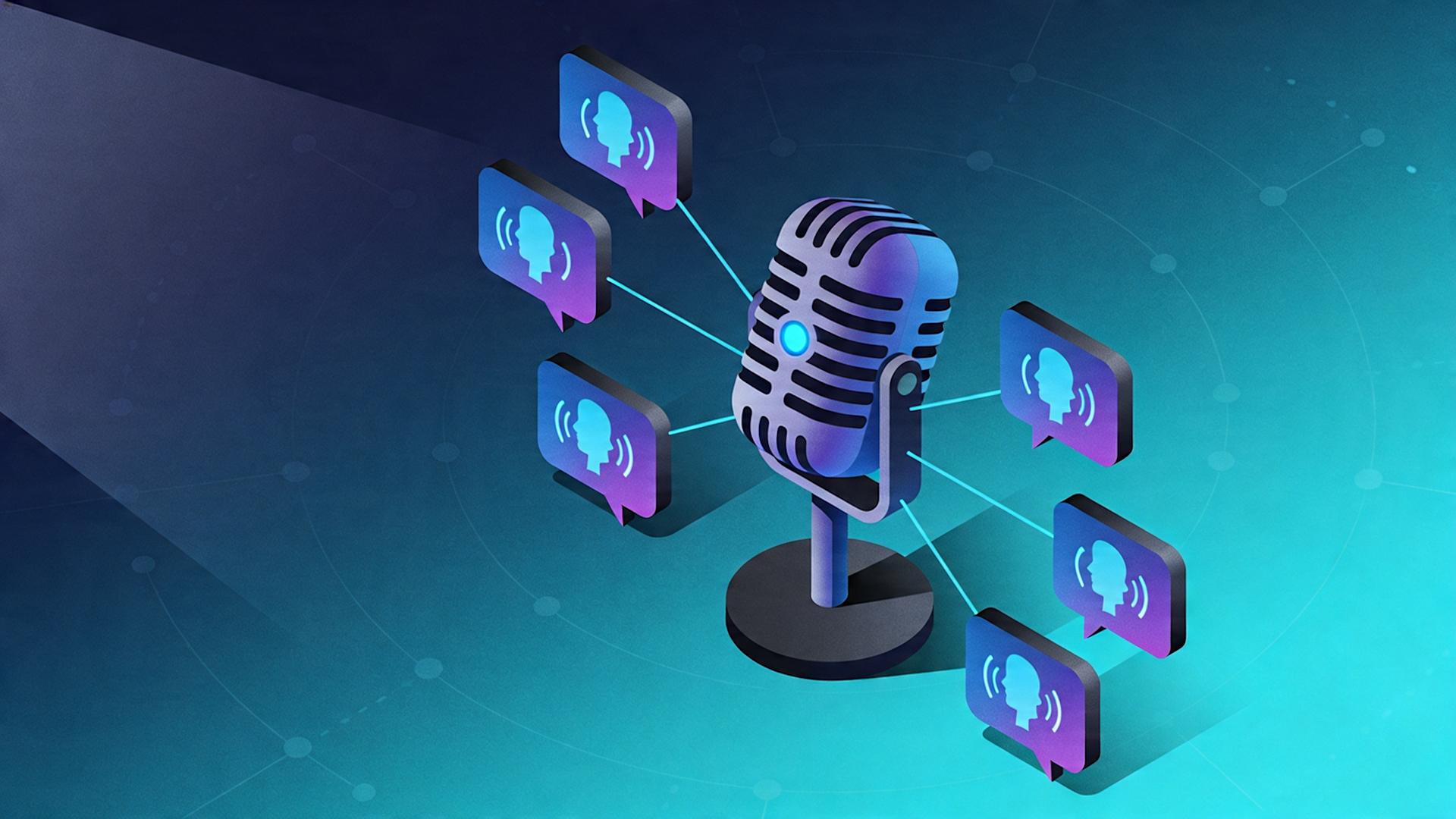
6. How to Scale to Multiple Channels With Multiple Cloned Voices
The creators generating the highest monthly income from faceless YouTube content in 2026 are not running one channel. They are running three, five, or ten, each with its own niche, its own voice identity, and its own monetisation stack.
Clippie AI's Pro plan makes this operationally achievable for a solo creator or small team.
The Multi-Channel Voice Architecture
Each channel in a multi-channel operation needs a distinct voice identity. This is what prevents audience confusion and maintains niche authority on each channel independently.
How to structure voice identities across channels:
Assign one custom cloned voice per channel
Clone a different voice persona for each channel's niche tone, a measured authoritative voice for finance, a conversational energetic voice for gaming, a calm reassuring voice for wellness
Use Clippie AI's voice labelling system to keep each channel's voice clearly identified in the platform
Pro plan capacity for multi-channel operators:
30 custom voices, enough for 30 separate channels, each with a unique voice identity
250 mins export capacity per month, supports 15–25 videos across all channels combined
1,000 AI images per month, sufficient for 3–5 channels producing 5–8 videos each
The Solo Multi-Channel Production Schedule
Running multiple channels does not require proportionally more time when the workflow is batched correctly.
Example weekly schedule for a 3-channel operation on Clippie AI Pro:
Monday: Script 9 videos (3 per channel), 3 hours with AI scripting tools
Tuesday: Produce all 9 videos in Clippie AI, 2.5–3 hours at 15–20 minutes per video
Wednesday: Write captions and schedule all posts, 1.5–2 hours
Thursday: Publish any time-sensitive trending content, 30 minutes
Total weekly production time: 7.5–9 hours for 9 complete, platform-ready videos across 3 channels.
That is a content agency operation running from a single Clippie AI Pro account, by one person, in under 10 hours per week.
Protecting Each Channel's Voice Identity
When managing multiple channels with multiple cloned voices, two operational rules prevent costly errors:
Always confirm the correct custom voice is selected before generating narration, a voice mismatch on a live video damages the brand consistency you are building
Label each voice file clearly with the channel name in Clippie AI, not just "Voice 1" but "Finance Channel, Male Authoritative" or equivalent
These are small operational discipline points that matter significantly at scale.
Monetisation Across a Multi-Channel Portfolio
Each channel in a portfolio contributes separately to:
AdSense revenue (each channel has its own CPM based on its niche)
Affiliate income (different affiliate products per niche)
Sponsorship opportunities (brands approach channels in their specific niche)
The combined monthly income from a 3-channel portfolio in different high-CPM niches (finance, technology, health) consistently outperforms a single channel with three times the subscriber count, because the diversification of income streams removes single-platform and single-niche risk.
💡 For the complete business model that makes a multi-channel operation profitable from month one, read our guide on how to build a fully automated AI video business in 2026
Conclusion: Record Once. Publish Forever.
The creators who build the most durable, recognisable faceless YouTube channels in 2026 are not the ones who record the most. They are the ones who recorded once, cloned their voice, and let Clippie AI do the rest.
Voice cloning is not a shortcut. It is a strategic infrastructure decision, the equivalent of building a brand asset that works for your channel every time you publish, without any additional investment of your time.
One recording session. One voice model. Unlimited videos that all sound like you, produced faster than any manual recording workflow could achieve, at a quality that compounds into genuine audience recognition over time.
Frequently Asked Questions
Q1: How long does a voice recording sample need to be for Clippie AI to clone it accurately?
A minimum of 2–3 minutes of clean, natural speech produces strong results. Longer samples, up to 5 minutes, can improve output quality further, particularly for tonal variety and pronunciation accuracy on niche-specific terms. The most important factor is audio clarity, not length. A clean 2-minute recording consistently outperforms a 10-minute recording with background noise or inconsistent volume.
Q2: Can I clone my voice even if I do not have a professional microphone?
Yes. A smartphone voice memo recorded in a quiet room produces audio quality sufficient for Clippie AI's voice cloning model. The key requirements are minimal background noise, consistent speaking distance from the device, and a stable recording environment. You do not need studio equipment to produce a high-quality clone, you need a quiet space and 3 minutes of focused recording.
Q3: How many custom voices does each Clippie AI plan support?
The Lite plan at $19.99/month supports 1 custom voice, sufficient for a single-channel creator. The Creator plan at $34.99/month supports 10 custom voices, suitable for creators managing multiple channels or testing different voice personas. The Pro plan at $69.99/month supports 30 custom voices, built for multi-channel operators and content agencies managing parallel production workflows across many channels simultaneously.
Q4: Will my cloned voice sound robotic or obviously AI-generated?
No, when generated from a clean, natural source recording. The most common cause of robotic-sounding AI voice output is a source recording that is itself unnatural: speaking too slowly, reading in a monotone, or heavy background noise. When the source recording reflects your genuine natural speaking voice, the cloned output sounds natural and conversational. Test your clone on a 200-word script before committing to production, if it sounds off, re-record the source with more natural delivery.
Q5: Can I use my cloned voice on multiple channels simultaneously?
Yes. Once your voice is cloned in Clippie AI, it is available for use across every video you produce within your account. On the Creator plan (10 custom voices) or Pro plan (30 custom voices), you can maintain separate cloned voice identities for different channels, using a different voice model for each channel's unique brand identity, all within the same Clippie AI account.
Q6: Is AI voice cloning legal for YouTube monetisation?
Yes. AI-generated voiceovers, including cloned voices, are permitted under YouTube's Partner Programme policies provided the content complies with YouTube's broader guidelines on original and valuable content. YouTube requires disclosure for realistic AI-generated content that could mislead viewers about real events or people, but standard AI narration on scripted educational, entertainment, or informational content does not trigger this requirement. Using your own cloned voice on original scripted content is fully monetisation-eligible.
Make an AI story video
Write a script or let AI write one. Clippie turns it into a narrated video with AI scenes, voiceover and captions.
Read more

How to Make Top 5 Ranking Videos in 2026 (Step-by-Step)
Build ranking Shorts that can still earn: pick a debatable topic, set clear criteria, source clips you may use, script the countdown, add your commentary.

How to Create Short-Form Videos Using AI: 8 Steps (2026)
A beginner workflow for AI videos on TikTok, Reels and Shorts: pick a format, script a hook, add visuals, voice and captions, export at 9:16, label AI.

7 Free CapCut Alternatives for Short-Form Video (2026)
Compare Edits, YouTube Create, VN, Clipchamp, Canva, DaVinci Resolve and Shotcut: what each gives free users, what it caps first and where it falls short.