Hey Chat Trend: How to Make the ChatGPT Video With AI (2026)
Put yourself in the viral ChatGPT phone call clip from one photo. Setup, photo tips, captions, other tools, rights, and how to catch the next AI trend.
 Emmanuel Greyco Tulabut
On this page
If you searched for the Hey Chat trend, you have probably seen the clip: a man in a suit walks through a parking lot, phone to his ear, and opens a call to ChatGPT with "Hey Chat". Now everyone is putting themselves in his place.
Trends like this move fast. Talking-to-ChatGPT phone skits flooded TikTok and Reels in October 2026, and the window to post a version that gets noticed is days, not months. This guide shows how to make your own Hey Chat video from one photo, what to do when you want different words, and how to ride the next viral AI trend early.
Executive summary: This guide is for creators who want to join the Hey Chat ChatGPT trend or any viral AI trend video. It covers what the trend is, a five-step Recast workflow from one photo, how to change the script with your own clip, photo tips, other tools with honest trade-offs, a four-step method for spotting the next trend, and the trademark, consent and AI-label rules to follow.
Table of Contents
What Is the Hey Chat Trend?
How to Make a Hey Chat Video in Clippie Recast
How to Change What You Say in the Video
Photo Tips for a Realistic Swap
Other Ways to Make the ChatGPT Phone Call Video
How to Spot and Ride the Next AI Trend
Rights and Respect: Trademarks, Consent and AI Labels
FAQs
What to Do Next

What Is the Hey Chat Trend?
The Hey Chat trend is a viral clip of a man in a charcoal suit walking through a parking lot, talking to ChatGPT on his phone, opening with "Hey Chat". Creators recreate it by swapping themselves into the clip with AI, keeping the original walk, voice and timing.
Where it sits: it belongs to a wider wave of "talking to ChatGPT on the phone" skits this autumn. The best documented is the ChatGPT millionaire meme, where a man asks how to become a millionaire in 30 days and gets told to get a job.
What trend trackers report about that wave:
The source: an Instagram comedy reel posted September 18, 2026.
The AI turn: AI remakes appeared on TikTok and Reels from around October 12, 2026.
The pile-on: by October 16, pet, costume and app-template versions were everywhere.
What we couldn't confirm: we found no reliable source naming who first posted the Hey Chat clip or when. Credit the original whenever you can identify it.
Why it works: the joke lives in the audio and body language, so a new face with the same timing still lands.
How to Make a Hey Chat Video in Clippie Recast
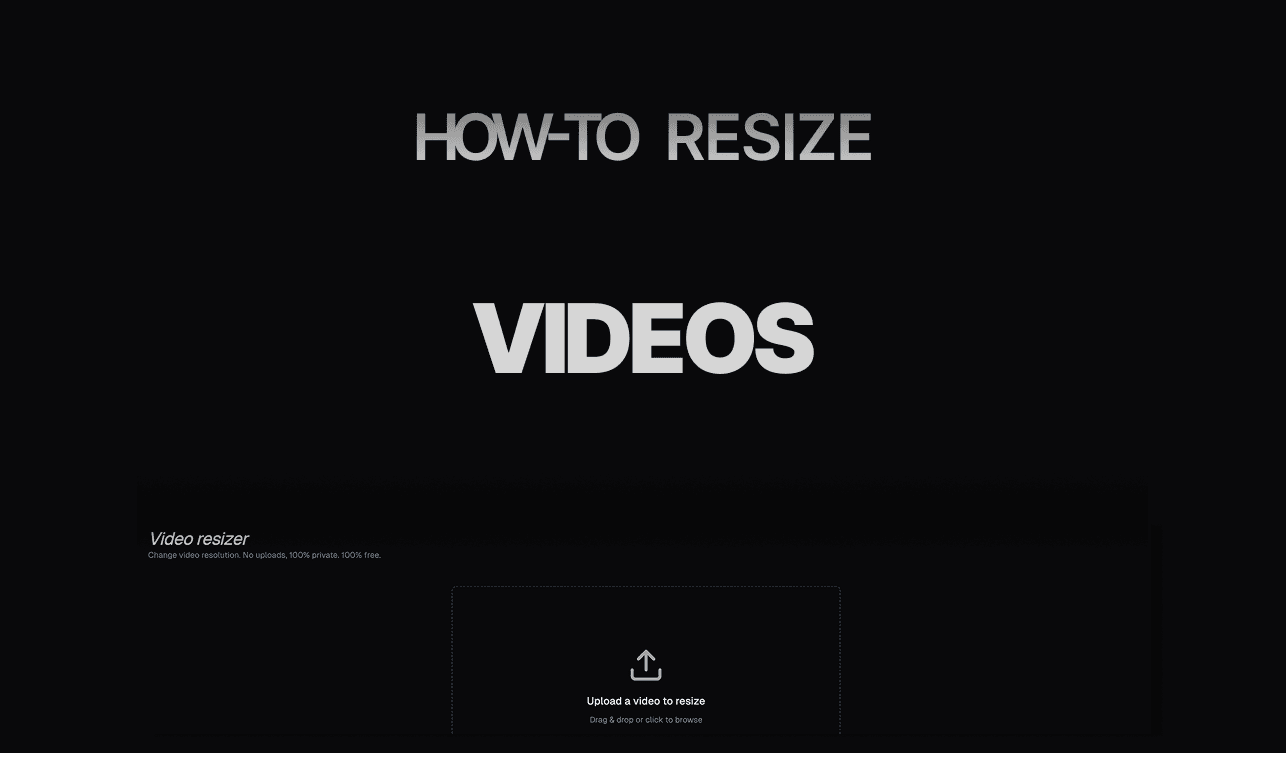
Clippie Recast swaps a person into a trending clip from one photo while keeping the original scene, movement and sound. For this trend, a ready-made template loads the clip for you: add a waist-up photo, pick 720p or 1080p, generate, then add captions before posting.
Step 1: Open the Hey Chat Template
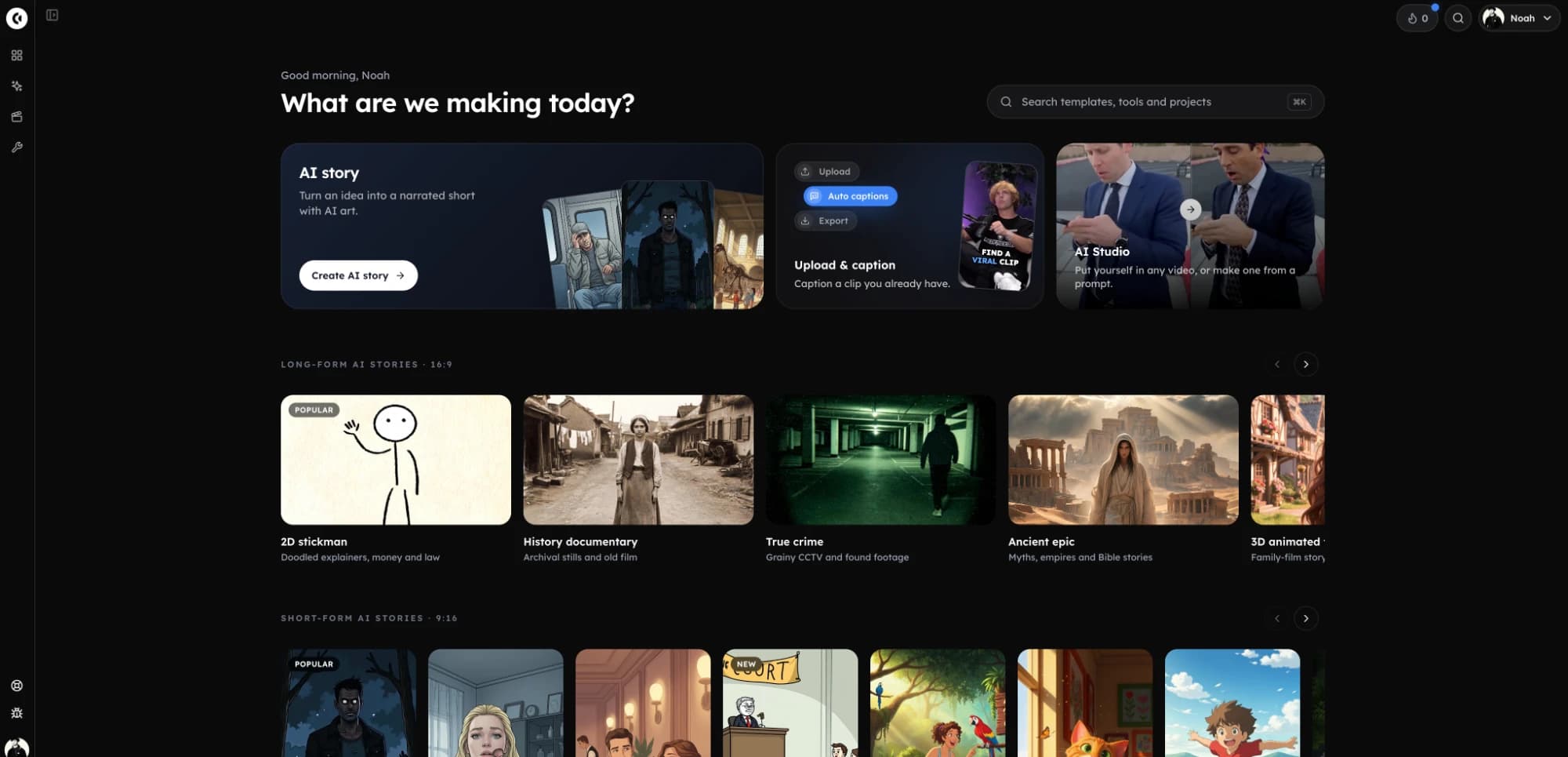
Go to the Hey Chat ChatGPT trend template and click Make my Hey Chat video. AI Studio opens on the Motion tab with Clippie Recast and the clip already loaded.
Step 2: Add One Photo
Upload one clear photo of yourself, or of someone who has agreed to be in the video. The template page's guidance: waist-up, with the face visible, works best. You don't need to record anything.
Step 3: Pick 720p or 1080p
Use 720p for a quick test and 1080p for the version you post. The clip is vertical 9:16, so it fits TikTok, Reels and Shorts without cropping.
What it costs: Recast is priced per second of video, and the price shows before you generate. For reference, 10 seconds costs 413 credits at 720p or 619 at 1080p.
Step 4: Generate and Check the Result
Generate, then watch with sound on. The original audio is kept, so the call plays exactly as in the trend. Check three things:
Face: does it hold steady as he turns and walks?
Hands: does the phone stay in the hand near the ear?
Outfit: Recast dresses you in the outfit from your photo, so a hoodie photo gives a hoodie, not the suit.
Step 5: Add Captions and Post
Add the result to a Clippie project for animated captions that follow the call. Captions help sound-off viewers and hold your own twist on the joke.
Export without another app's watermark. Our guide to Instagram algorithm updates in 2026 explains why watermarked reposts get downranked.
How to Change What You Say in the Video
You can't change the words with the Hey Chat template, because it keeps the original audio. To say something different, record your own 5 to 30 second version of the call, upload it to Recast as the clip, and add your photo.
What it is: Recast works on any 5 to 30 second video, not only templates. Your recording supplies the words, walk and setting; your photo supplies the face and outfit.
Why it matters: identical copies blur together; a new question to "Chat" makes viewers stop.
How to apply it:
Write a 15 to 25 word script. Keep the "Hey Chat" opener so the reference is instant.
Film vertically at waist height, walking slowly toward the camera, phone to your ear.
Use the photo for the look. Film in whatever you're wearing, then upload a suited, waist-up photo so the result matches the trend's look.
Example use case: a fitness creator films "Hey Chat, how do I get abs by Friday?" and lets the reaction carry the joke.
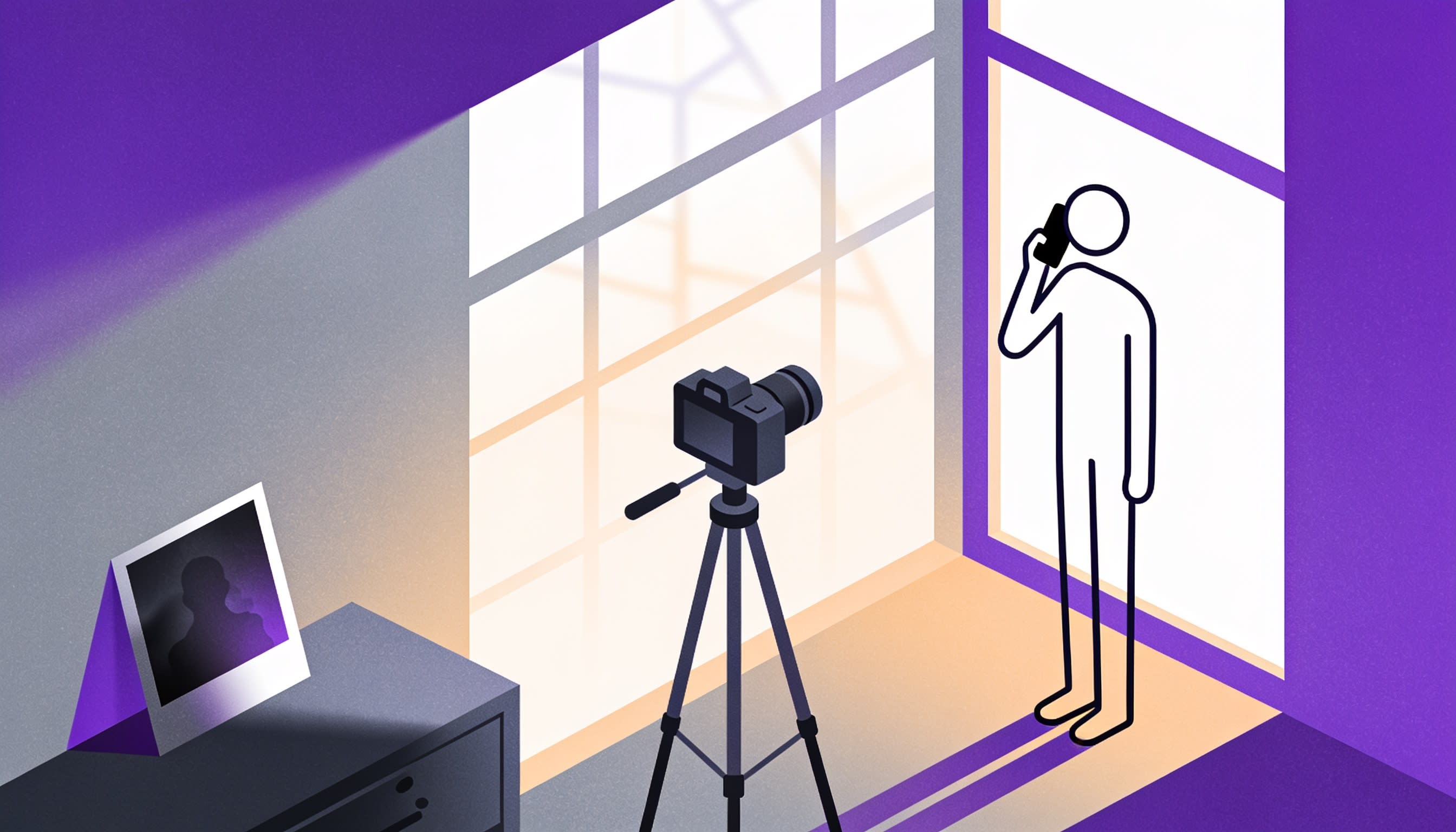
Photo Tips for a Realistic Swap
Recast copies the face and outfit from your photo onto the moving person, so the photo decides how real the result looks. Use a sharp, well-lit, waist-up photo with your face toward the camera, and match the clip's framing and outfit where you can.
Tip #1: Match the Framing
A waist-up shot matches the clip. A tight selfie leaves the model guessing your body; a distant shot shrinks your face.
Tip #2: Use Even, Soft Light
Window daylight or outdoor shade works best. Harsh side shadows can flicker as the head turns.
Tip #3: Show Your Whole Face
Face the camera, eyes open, no sunglasses, no hand near the mouth. Hair across the eyes is the most common cause of a smeared face.
Tip #4: Dress for the Joke
The suit is part of the gag. Wear a dark jacket for the classic look, or pajamas for contrast.
Other Ways to Make the ChatGPT Phone Call Video
Several apps now offer one-photo versions of the ChatGPT phone call trend, and filming it yourself is still a valid route. Pick by what you need: original words, lowest cost or the fastest one-tap result. Prices were checked in November 2026 and change often.
Option #1: Film It Yourself
What it is: no AI at all. You act out your own call with your own script.
Best for: creators comfortable on camera who want fully original content.
Where it falls short: it takes acting and several takes, and won't match the original clip.
Option #2: Starrd
What it does: a one-photo template for the ChatGPT millionaire skit, built on Seedance 2.5, with pet versions.
Pricing: 125 Starrd credits per video, about $6.25 by the app's own estimate.
Where it falls short: its template renders 12 seconds at 480p, below Recast's 720p and 1080p options.
Option #3: MakeViral
What it does: one-photo trend templates (you or your pet) built on Seedance 2.5, with a 13-second, 720p millionaire-skit template.
Pricing: 198 credits per video; one-time packs start at $39.99 for 450 credits, with no subscription.
Where it falls short: credit packs are a large upfront spend if you only want one or two trend videos.
Option #4: CapCut Templates and Face Filters
What it does: CapCut users share ready-made templates and face filters for trending formats, and several ChatGPT-skit templates circulated in mid-October 2026.
Best for: quick, cartoonish versions on your phone.
Where it falls short: filters distort your face over existing footage rather than swapping you into the scene, so results look like effects, not you.
Clippie Recast
Best for: realistic swaps that keep the original scene and sound, up to 4 people, plus your own 5 to 30 second clips and captions in the same place.
Pricing: every plan is paid; plans start at $19.99 a month, with discounts on longer billing (check the pricing page).
Where it falls short: there's no trial, it isn't a timeline editor, and filming yourself is the better choice when original words matter most.

How to Spot and Ride the Next AI Trend
To ride the next viral AI trend, find it while small accounts are still remixing it, check who owns the source, pick the tool that matches the clip, and post within days. In the ChatGPT millionaire wave, first AI remakes appeared around October 12 and app templates followed within days.
Step 1: Find It Early on TikTok and X
Watch for the same audio or line appearing across many small accounts in one week. A remix from a small account pulling far more views than its usual posts signals a spreading format.
Search the line itself ("hey chat", "get a job") on TikTok, X and Reels.
Check Google Trends for the phrase rising day by day.
Note the hashtag that forms around remixes.
Step 2: Check the Source and Rights
Find the original post. Who is the real person in it? Is there a copyrighted song or performance, a brand or a public figure? If you can't trace it, keep it personal.
Step 3: Pick the Right Tool
Match the tool to the clip:
Recast: realistic swaps that keep the scene and sound exactly, up to 4 people. Best for single-performer trends like Hey Chat or the two-person Hotel Lobby clip.
Genjutsu Motion Transfer: reuses a clip's movement with characters from your photos, up to 8 people, from 480p. Best for group dances.
Genjutsu Object Swap: changes only what you describe, such as the phone, a car or a pet, from a plain-language instruction.
Not every trend needs a face swap. Text-led trends work as tweet-style videos, like the one in this 30-second Twitter story video walkthrough.
Step 4: Post Within Days
Test at 720p, post the best version at 1080p, and add one twist in your caption or script. Read up on how TikTok's 2026 changes affect reach and AI labeling before you post.
Rights and Respect: Trademarks, Consent and AI Labels
Trend clips involve other people's work, faces and brands. Use only your own face or someone who agreed, keep Hey Chat videos as fan edits and personal posts, don't imply OpenAI endorses you, and label realistic AI content on every platform.
The brand: ChatGPT is OpenAI's product, and Clippie's template page notes it's an OpenAI trademark. Clippie isn't affiliated with or endorsed by OpenAI. Don't use OpenAI's logo or turn the clip into an ad.
The real person: the man in the original clip is a real performer, and the voice and timing are his. Credit the original and never swap in a public figure's face.
Consent: only use your own photo, a character you made or someone who agreed. TikTok's Community Guidelines on AI-generated content ban the likeness of adult private figures used without permission and of anyone under 18.
AI labels (checked November 2026):
YouTube requires disclosure of realistic altered content, including making a real person appear to say or do something they didn't.
TikTok requires a label on realistic-looking AI-generated scenes or people.
Meta applies an "AI info" label on Facebook and Instagram, using industry signals and creator self-disclosure.
Money: treat trend remixes as personal posts, not monetization. The audio isn't yours, and Recast clips run 30 seconds at most, below the one-minute minimum for TikTok's Creator Rewards Program. This isn't legal advice.
FAQs
What is the Hey Chat trend?
It's a viral clip of a man in a suit walking through a parking lot, talking to ChatGPT on his phone and opening with "Hey Chat". Creators recreate it by swapping themselves into the clip with AI, keeping the original voice, walk and timing so the joke still lands.
How do I make a Hey Chat ChatGPT video?
Open a Hey Chat template in a one-photo swap tool, upload a clear waist-up photo with your face visible, pick a resolution and generate. In Clippie Recast, test at 720p, post at 1080p, then add captions in a project. The whole process needs no filming, only one good photo.
Can I change what's said in the Hey Chat video?
Not with the template, which keeps the original audio. To say something different, film your own 5 to 30 second version of the call with your own script, upload it to Recast as the clip, and add your photo. You keep the trend's look with your own words.
Is the Hey Chat trend made by OpenAI?
No. It's a fan trend built on a viral clip of a man talking to ChatGPT, not an OpenAI campaign. ChatGPT is OpenAI's product and brand, and trend templates aren't affiliated with or endorsed by OpenAI. Don't use OpenAI's logo or imply sponsorship in your version.
Do I need to label a Hey Chat video as AI?
Usually, yes. A face swap that looks real counts as realistic AI content on TikTok, and YouTube requires disclosure when a real person appears to say or do something they didn't. Turn on the platform's AI label or add a clear caption. Labeling doesn't reduce reach on YouTube.
How do I put myself in any viral video with AI?
Find the clip, check who owns it, then pick the tool by the job. A one-photo swap such as Recast suits one to four performers; motion transfer suits larger groups; object swap changes a single item. Use a sharp, well-lit photo, test at low resolution, and post within days.
What to Do Next
Trends fade fast, so start today.
Today: make one Hey Chat test at 720p from a waist-up photo and check the face, hands and outfit.
This week: film your own 15 to 25 word "Hey Chat" call with a new question and recast it.
Every week: search TikTok and X for lines repeating across small accounts.
Between trends: keep an evergreen format running, like the one in this short AI story video walkthrough, so your channel doesn't depend on one meme.
If you want trend swaps, your own clips and captions in one place, Clippie Recast is a practical place to make your first version.
Try it in Clippie
Make faceless videos with Clippie
Type an idea or paste a script. Clippie writes, voices, illustrates and captions a video you never have to appear in.
See the faceless video formats