
How to Resize Videos with Clippie AI (2026 Guide)
Learn how to resize videos with Clippie AI to fit TikTok, YouTube Shorts, and Instagram Reels correctly.
Introduction
Different platforms require different video sizes, and using the wrong format can lead to cropping, black bars, or reduced reach. Resizing your videos ensures they look correct and perform well wherever you post them.
The Video Resizer in Clippie AI lets you quickly adjust your video dimensions for platforms like TikTok, YouTube Shorts, Instagram Reels, and more. You can resize your videos without losing important content or quality, all within a simple workflow.
In this guide, we’ll show you how to resize videos inside Clippie AI step by step, so your content fits perfectly and is ready to publish on any platform.
Step 1: Open the Video Resizer
Start by accessing the resizing tool.
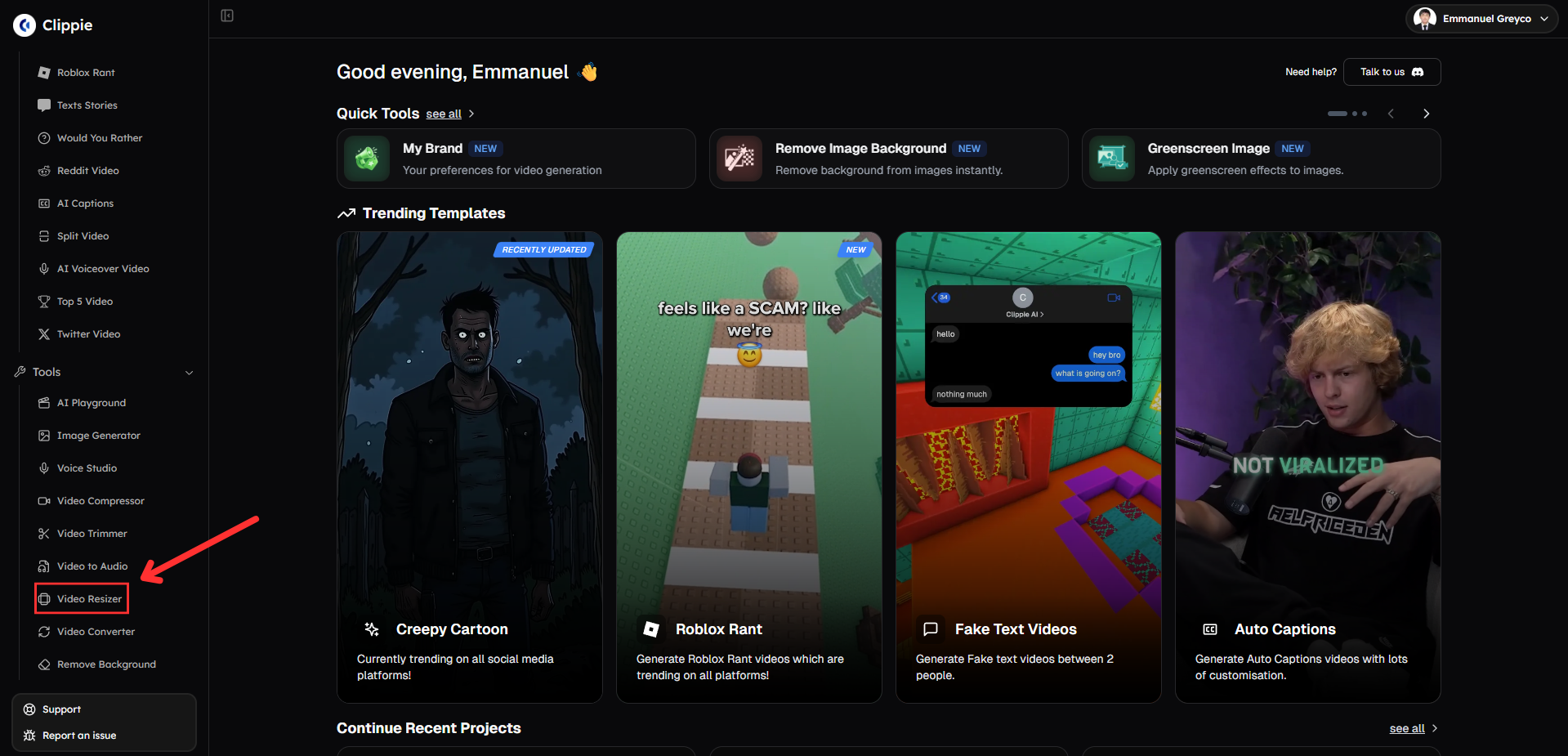
Go to Tools and click Video Resizer.
Step 2: Resize Your Video
Adjust your video to the correct format.
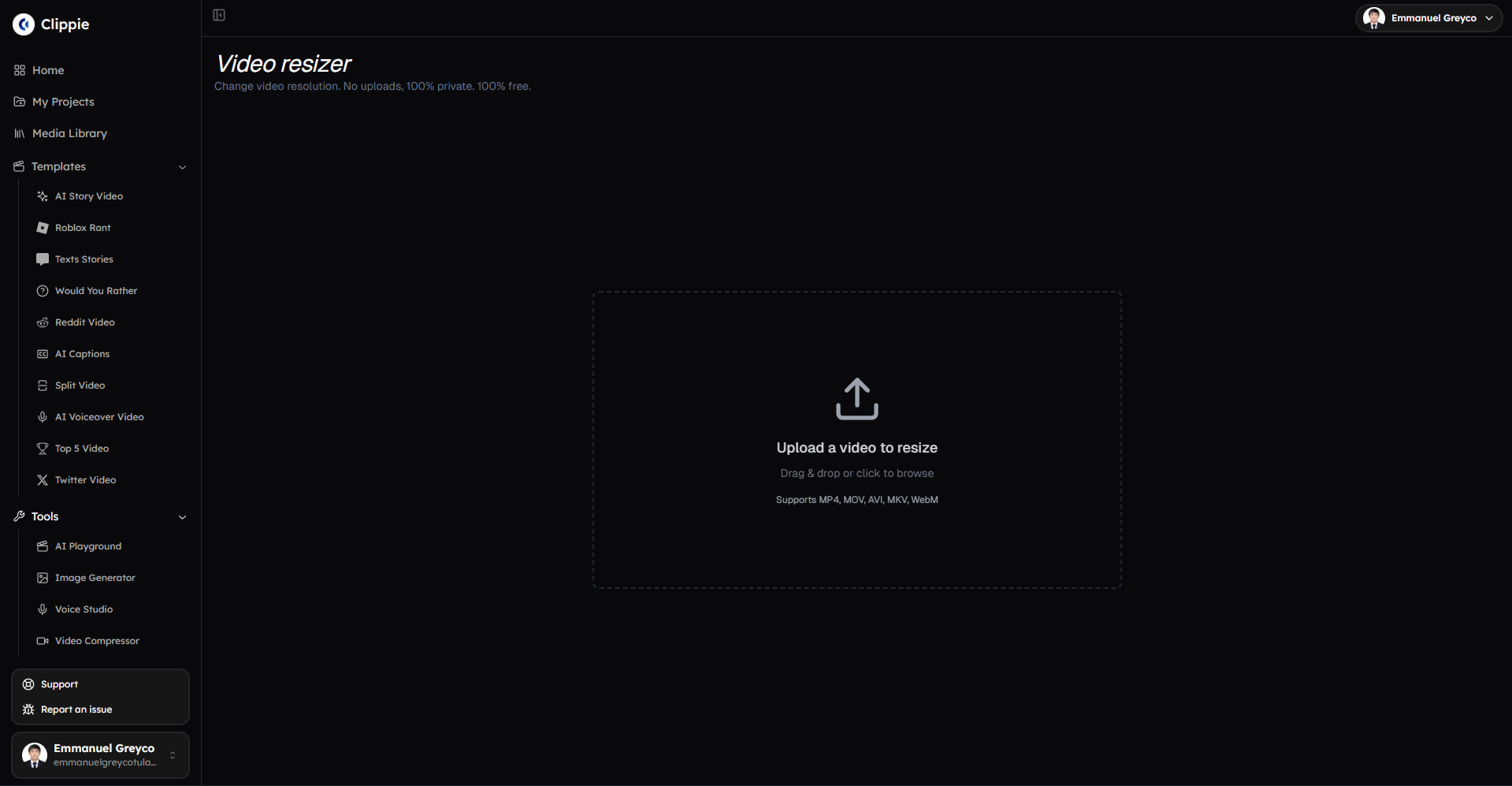
Upload your video.
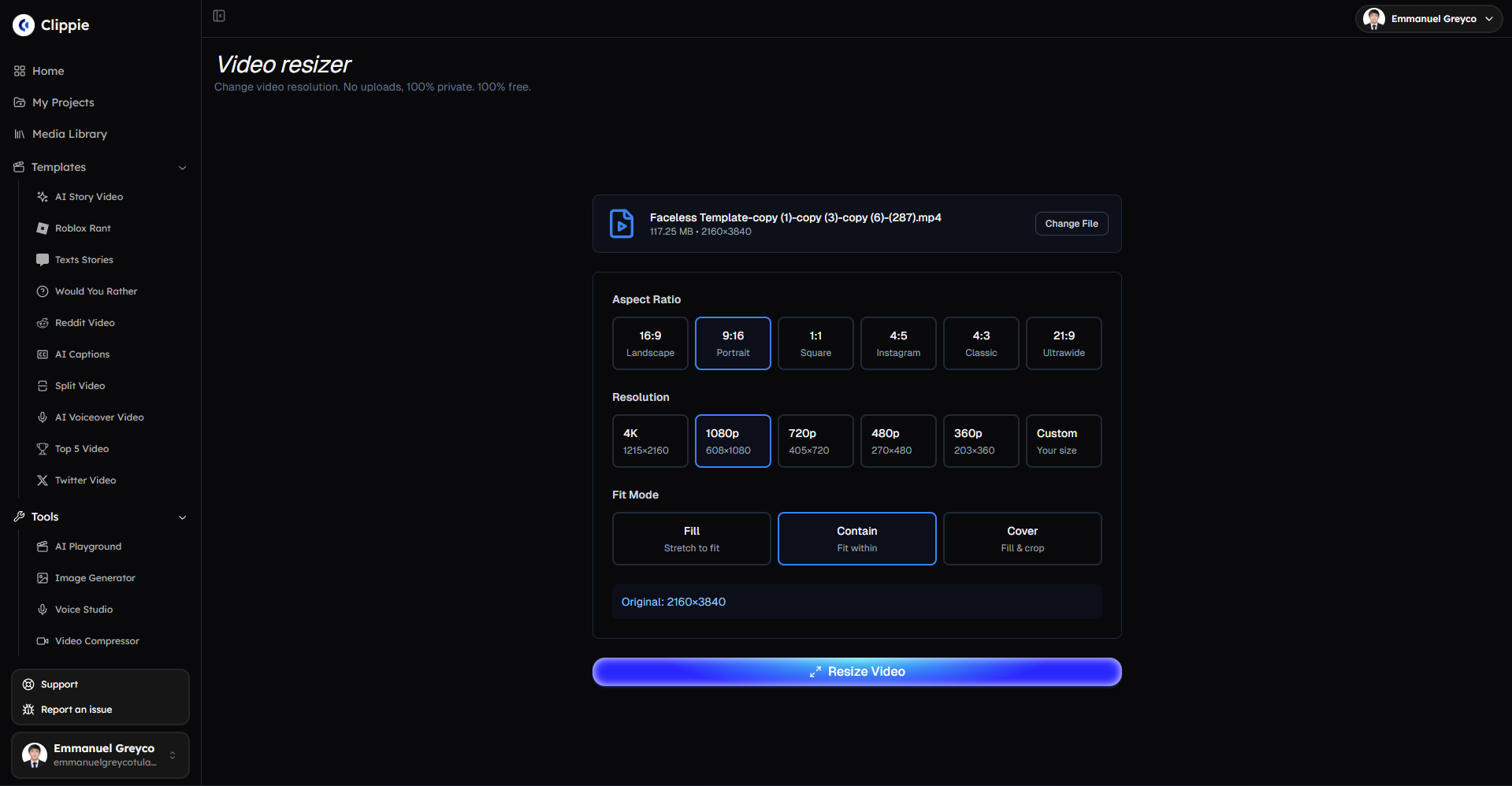
Select your aspect ratio.
Choose your resolution.
Select your fit mode.
Click Resize Video to process your file.
Step 3: Download Your Resized Video
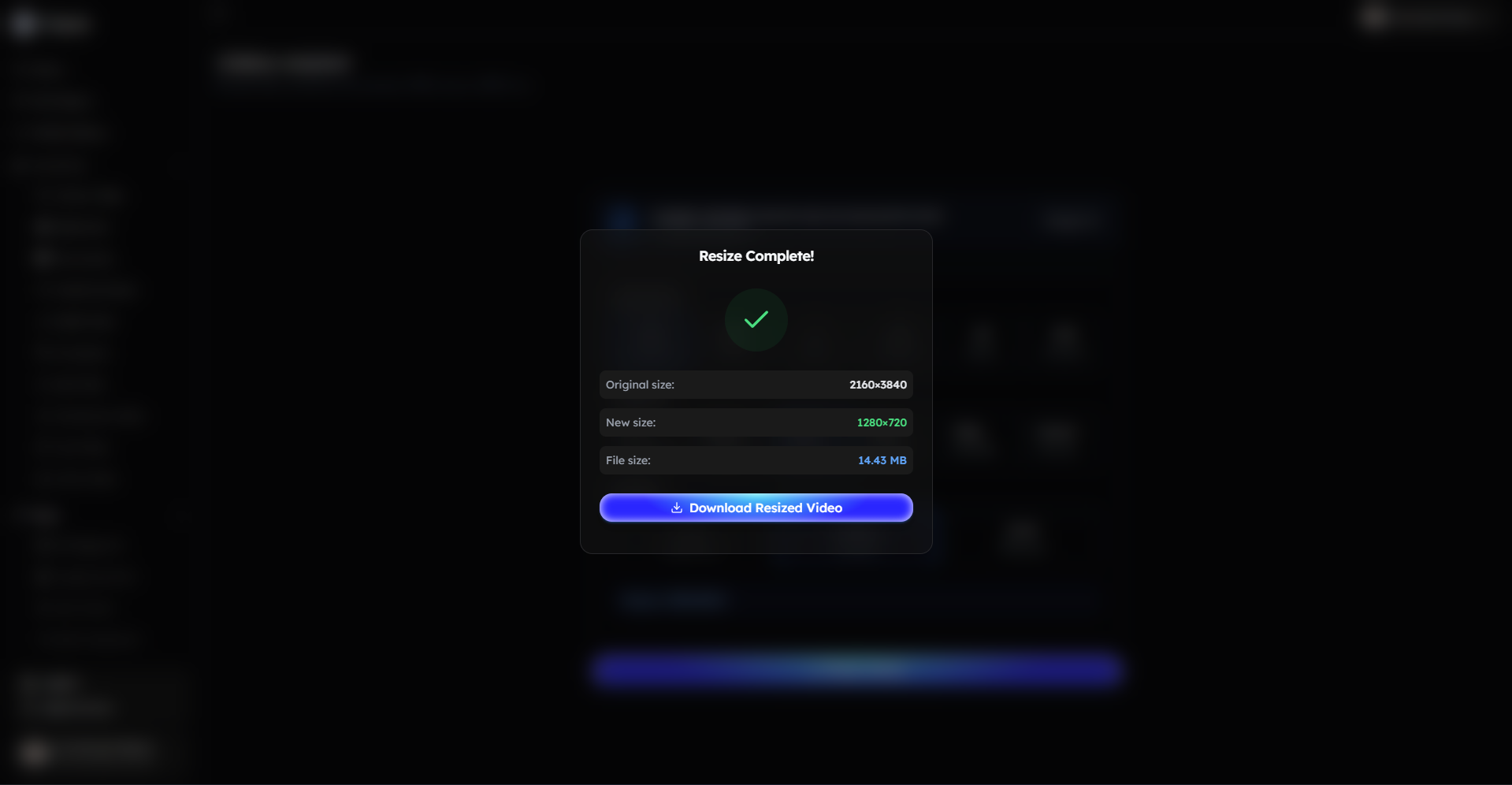
Once resizing is complete:
Download your resized video.
Bonus: Get 1-on-1 Support in Our Discord Community
If you get stuck or want personalized help, join our Discord community. Our team offers 24/7 one-to-one support to help you go viral with your content.
Click me to join our discord community!
FAQs: Using the Video Resizer
Q: What aspect ratios does the Video Resizer support? A: The Video Resizer supports 16:9, 9:16, 1:1, 4:5, 4:3, and 21:9 aspect ratios.
Q: What video resolutions can I choose from? A: You can resize videos to 4K, 1080p, 720p, 480p, 360p, or set a custom resolution.
Q: Will resizing affect my video quality? A: Resizing may adjust clarity depending on the selected resolution, but Clippie AI is optimized to maintain the best possible quality.
Q: Which aspect ratio should I use for social media? A: For short-form platforms, 9:16 works best, while 16:9 is ideal for YouTube and widescreen videos.
Related Blog Posts
How to Generate AI Images with Clippie AI (2026 Guide)
How to Compress Videos with Clippie AI (2026 Guide)
How to Trim Videos with Clippie AI (2026 Guide)
Click Me To Start Creating With Clippie AI Now!
Make an AI story video
Write a script or let AI write one. Clippie turns it into a narrated video with AI scenes, voiceover and captions.
Read more

How to Make Top 5 Ranking Videos in 2026 (Step-by-Step)
Build ranking Shorts that can still earn: pick a debatable topic, set clear criteria, source clips you may use, script the countdown, add your commentary.

How to Create Short-Form Videos Using AI: 8 Steps (2026)
A beginner workflow for AI videos on TikTok, Reels and Shorts: pick a format, script a hook, add visuals, voice and captions, export at 9:16, label AI.

7 Free CapCut Alternatives for Short-Form Video (2026)
Compare Edits, YouTube Create, VN, Clipchamp, Canva, DaVinci Resolve and Shotcut: what each gives free users, what it caps first and where it falls short.