How to make faceless YouTube Shorts with AI, step by step.
Write a 30 to 60 second script with a hook in the first line, turn it into a vertical 1080x1920 video with AI scenes or gameplay, add an AI voice and word-by-word captions, and upload it as a Short. Here is each step, the tools for it and YouTube’s rules.
- Shorts lengthUp to 3 minutes
- Frame9:16, 1080x1920
- Time per ShortMinutes, not hours
Short answer
A faceless YouTube Short is a vertical video of up to 3 minutes where a voice tells the story and the picture is AI scenes, gameplay or stock footage instead of your face. To make one: pick a niche, write a 30 to 60 second script that opens with a hook, generate the visuals and an AI voiceover, add captions, export at 1080x1920 and upload it from the YouTube app or YouTube Studio. An all-in-one generator such as Clippie does the script, scenes, voice and captions in one editor; you can also combine a chatbot, a voice tool and an editor such as CapCut.
- 1
Pick one niche and one format: Stickman stories, scary stories, Reddit stories, facts, Top 5 or would you rather.
- 2
Write a 30 to 60 second script: The first line is the hook. One idea, no intro.
- 3
Make it vertical: AI scenes in one look, or gameplay under the story, at 1080x1920.
- 4
Add a voice and captions: An AI narrator and word-by-word captions, because most people scroll with sound low.
- 5
Check, export, upload: Fix facts and slow lines, export an MP4 and upload it as a Short, or schedule it.
Faceless Shorts made in Clippie: an AI stickman story, a Reddit story over gameplay, a cartoon horror story and a would you rather.
Seven steps from idea to uploaded Short.
- 1
Pick one niche and one format
Choose a subject you can post about every day for a month (scary stories, history facts, money, Reddit drama) and one format for it. A channel that posts one kind of Short tells YouTube who to show it to.
- 2
Write a 30 to 60 second script
Open with the hook, not an intro: the question, the twist or the number. Keep to one idea and end on the payoff. Write it yourself or have an AI writer draft it from a topic, then edit it.
- 3
Turn the script into vertical visuals
Make the picture 9:16 at 1080x1920: an AI scene for every line in one consistent look, or a gameplay clip under a story card. Keep the look the same across the channel.
- 4
Add an AI voice
Pick one narrator voice and keep it for the channel. A calm voice suits explainers, a lower slower one suits horror.
- 5
Add word-by-word captions
Burn in captions that highlight each word as it is spoken, placed in the middle third of the frame so the YouTube buttons do not cover them.
- 6
Check it and export
Watch it once with the sound off. Cut any line that does not move the story, check every fact, then export an MP4.
- 7
Upload or schedule it as a Short
Upload a vertical or square video of up to 3 minutes from the YouTube app or YouTube Studio and it is treated as a Short. Write a plain title, and tick the altered or synthetic content box if it shows realistic people or events that did not happen.
The full guide. What works, and what YouTube asks.
The steps above in more detail, with the rules that decide whether a faceless Shorts channel can earn.
Faceless Shorts niches that work without a face
The formats that do well as faceless Shorts all carry the story in the voice and the captions, so the picture can be illustrated or played underneath. Each of these has its own page and template in Clippie:
- Stickman stories and explainers: Survival, history and “what if” stories drawn as stickmen. See the stickman video maker.
- Scary and horror stories: Short first-person horror in a creepy cartoon or dark realistic look.
- Reddit stories: A post card and a narrator over Minecraft parkour, Subway Surfers or satisfying clips.
- Would you rather and Top 5: Interactive formats people comment on: two choices with a percentage reveal, or a countdown.
- Facts and psychology: “Did you know” and psychology facts in a doodle or 3D look.
- Talking fruit and character dramas: Short dialogue scenes between AI characters, each with their own voice.
How long a faceless Short should be, and how to write the hook
YouTube accepts Shorts of up to 3 minutes, but most faceless Shorts land between 30 and 60 seconds because the story has to hold people who can swipe at any moment. At a normal speaking pace that is roughly 80 to 150 words.
The first sentence decides whether anyone hears the rest. Start in the middle of the action (“My neighbour has been mowing his lawn at 3 a.m. for a week”), with a number (“Five things you should never say to a police officer”) or with a question the video answers. Leave the explanation for after the hook, and end on the payoff instead of a sign-off.
The tools you need: all-in-one or a stack
You can make faceless Shorts with one all-in-one generator or with a stack of separate tools. A stack gives you more control over each part; an all-in-one editor saves the hand-offs between them.
- All-in-one (Clippie): Type an idea or paste a script, pick one of 45 looks or a gameplay format, a voice and a caption style, and export at 1080x1920. Plans from $19.99 a month with 3 hours of export.
- Script: A chatbot such as ChatGPT or Claude for a first draft, which you then edit.
- Voice: A text-to-speech tool such as ElevenLabs.
- Visuals: An image or video model, stock footage, or gameplay you have the rights to use.
- Editing and captions: An editor such as CapCut to cut it together and add captions.
For the full comparison of all-in-one tools, with prices, see the best faceless video generators page.
Can faceless Shorts be monetized?
Yes, if the channel is accepted into the YouTube Partner Program. The Shorts route asks for 1,000 subscribers and 10 million valid public Shorts views in the last 90 days (the long-form route is 1,000 subscribers and 4,000 public watch hours in a year). Accepted channels share in Shorts ad revenue.
YouTube’s monetization rules exclude mass-produced or repetitive content that only changes small details from one video to the next. They do not ban AI tools or faceless channels. A channel whose scripts carry its own research, angle or storytelling is on the right side of that line; the same prompt with different nouns is not.
YouTube also asks you to disclose realistic altered or synthetic content, such as a real-looking person saying something they did not say, when you upload. Illustrated stickman or cartoon stories are not realistic in that sense. These rules change, so check YouTube Help before you plan a channel around them.
How often to post, and how to keep it up
Consistency matters more than a number. Pick a pace you can keep for three months, such as one Short a day, and batch the work: write a week of scripts in one sitting, generate them, then schedule them.
Clippie can publish to YouTube or schedule a Short up to six months ahead from its Schedule page on paid plans, so a week of Shorts can be queued in one go. TikTok and Instagram posting are not available yet.
Making a faceless Short in Clippie
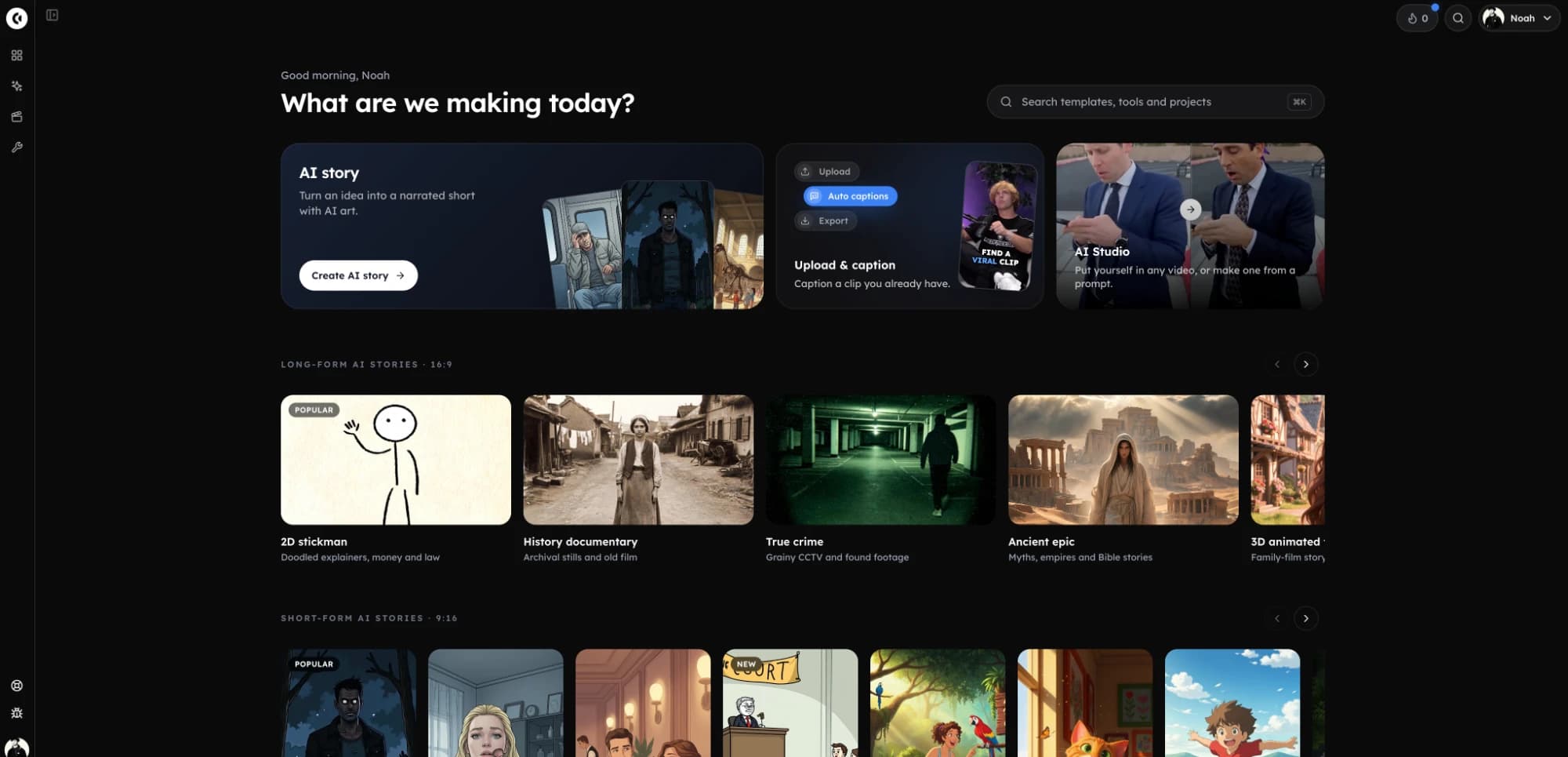
In Clippie the steps above happen in one editor: type an idea or paste a script, choose a look and a narrator, and Clippie draws a scene for each line, reads it and captions it. Fast pacing cuts every 2 to 3 seconds, which suits Shorts. Change any scene or line, then export or post it to YouTube.
- Script: An AI writer from 30 seconds to 10 minutes, or paste your own.
- Looks: 45 looks: stickman, doodle, cartoon, anime, 3D, claymation and realistic.
- Voices: 125 built-in voices, a search of the ElevenLabs voice library, or your own imported voice.
- Captions: 17 styles with word-by-word highlighting in 100+ languages, included on every paid plan.
- Gameplay formats: Reddit stories, fake texts, would you rather and split screen over a 417-clip gameplay library.
What a good faceless Short has. Checklist.
A hook in the first line
The reason to keep watching, said before anything else.
One look per channel
The same art style and voice on every Short, so viewers recognise it.
9:16 at 1080x1920
Full-screen vertical, with nothing important at the very top or bottom.
Word-by-word captions
Readable with the sound off, placed clear of the YouTube buttons.
30 to 60 seconds
Long enough for a story, short enough to finish. YouTube allows up to 3 minutes.
Your own angle
Original scripts and research, which is what YouTube’s monetization rules look for.
Frequently asked questions.
How do I make faceless YouTube Shorts with AI?
Write or generate a 30 to 60 second script that starts with a hook, turn it into a 1080x1920 vertical video with AI scenes or gameplay, add an AI voice and word-by-word captions, then upload it from the YouTube app or YouTube Studio. In Clippie that is one editor: type the idea, pick a look and a voice, check it and export or post it to YouTube.
How long can a YouTube Short be?
Up to 3 minutes, in a vertical or square frame. Most faceless Shorts are 30 to 60 seconds. Check YouTube Help for the current rules, since YouTube has changed the limit before.
What is the best AI YouTube Shorts generator for faceless channels?
It depends on the format. For animated story Shorts (stickman, cartoon, horror, history) and gameplay formats such as Reddit stories, Clippie makes the whole video in one editor. For cutting Shorts out of a long video you already have, a clipping tool such as OpusClip is built for that. The best faceless video generators page compares seven tools with prices.
Can faceless YouTube Shorts make money?
They can, once the channel joins the YouTube Partner Program (for Shorts, 1,000 subscribers and 10 million valid public Shorts views in 90 days) and the content is original rather than mass-produced. No tool can promise views or income.
Do I need to disclose that a Short was made with AI?
YouTube asks you to disclose realistic altered or synthetic content when you upload, such as a real-looking person or event that did not happen. Clearly illustrated content such as stickman or cartoon stories does not fall under that. Read YouTube’s current guidance before you upload.
Can Clippie post my Shorts to YouTube?
Yes, on paid plans. Connect your channel once, then publish a finished video or schedule it up to six months ahead from the Schedule page. TikTok and Instagram posting are not available yet, so download the MP4 for those.
Does Clippie have a free plan?
No. Plans are Lite $19.99, Creator $34.99, Pro $69.99 a month. The free browser tools (background remover, video compressor, green screen) work without an account, and you can watch finished samples on every page.