
Best Vidalgo Alternatives in 2026, Top AI Video Tools for Faceless Content Creators
Find the best Vidalgo alternatives in 2026 for faceless content creators, full feature comparison with Clippie AI, other alternatives ranked, migration guide, and plan recommendations by production volume.
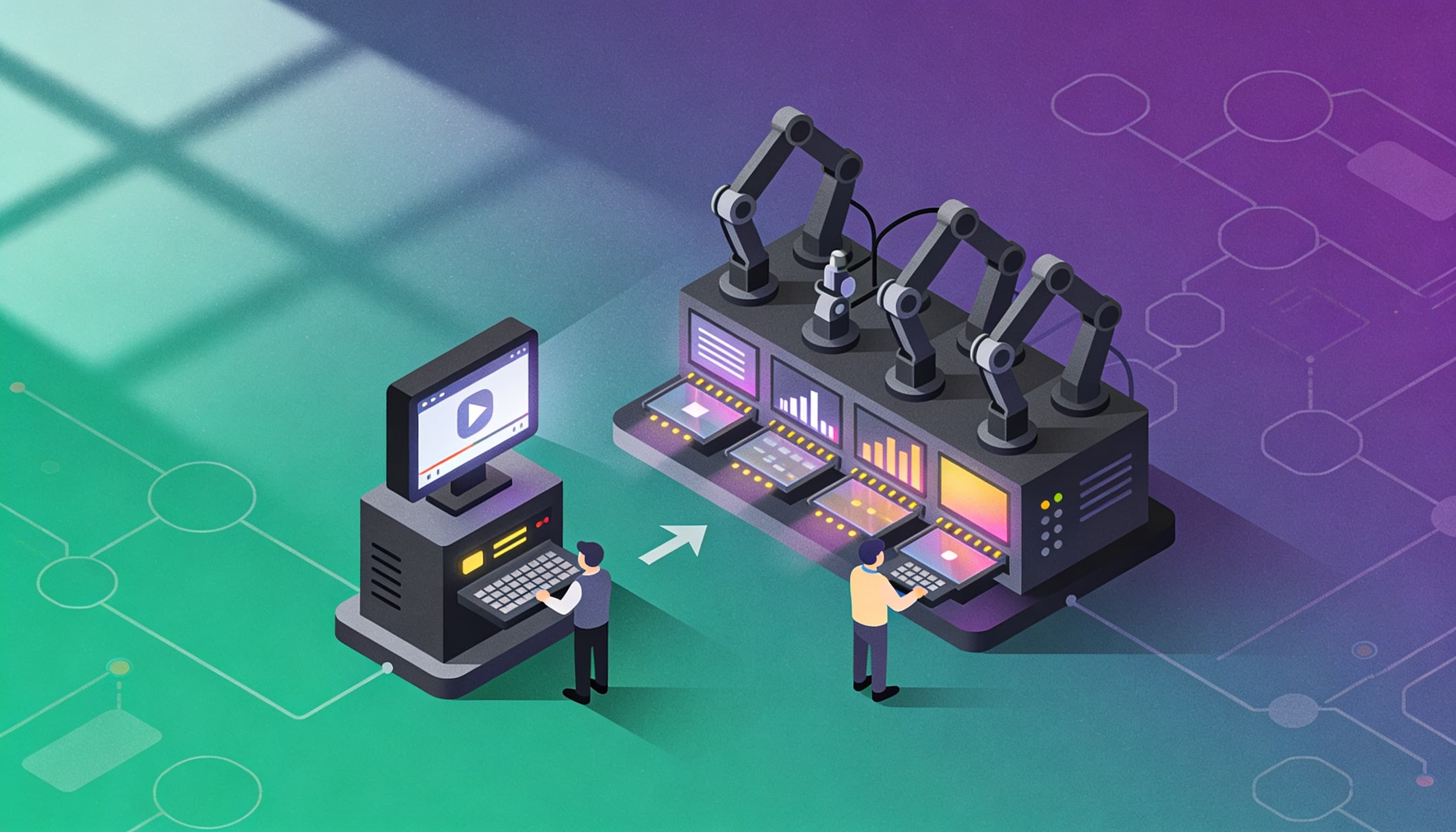
Searching for the best Vidalgo alternatives in 2026?
Whether you have hit the ceiling of what Vidalgo offers, found its workflow does not scale with your content operation, or are simply evaluating whether a better tool exists for your specific faceless channel needs, this guide gives you the complete answer.
It covers what Vidalgo is built for, the features that matter most when choosing an alternative, how Clippie AI compares across every dimension that affects real-world production, and what other alternatives are worth considering. If you decide to switch, there is also a practical migration plan that keeps your publishing schedule intact.
Executive Summary
This guide is for faceless content creators evaluating Vidalgo alternatives in 2026. It covers what Vidalgo provides and where creators find its limitations, the five features that differentiate serious production platforms from basic automation tools, a full feature comparison between Clippie AI and Vidalgo, other alternatives worth evaluating, a step-by-step platform transition plan, and a clear plan recommendation for different production volumes. By the end, you will know whether switching is the right decision and which platform to switch to.
Table of Contents
What Vidalgo Is and Why Creators Are Looking for Alternatives in 2026
The 5 Features That Matter Most When Choosing a Vidalgo Alternative
Clippie AI vs Vidalgo, Feature-by-Feature Breakdown for Faceless Creators
Other Vidalgo Alternatives to Consider in 2026
How to Switch From Vidalgo to Clippie AI Without Losing Workflow Momentum
Which Clippie AI Plan Replaces Vidalgo Best for Your Production Volume
Frequently Asked Questions

1. What Vidalgo Is and Why Creators Are Looking for Alternatives in 2026
Vidalgo is an AI video creation platform that focuses on automating video production for digital marketers, content creators, and businesses. It is positioned in the AI-assisted video creation space with a focus on reducing the manual production effort required to generate social media and marketing video content.
What Vidalgo Is Designed For
Vidalgo targets a broad range of video creation use cases, from social media content to e-commerce product videos to marketing materials. Its positioning is relatively wide, serving both creators and businesses who need video content produced efficiently using AI tools.
The platform sits in a category of tools that attempts to serve multiple audiences simultaneously, content creators, marketers, and businesses, with a workflow designed to reduce the manual effort of video production across these different use cases.
Why Creators Are Looking for Alternatives
When faceless content creators, specifically those building YouTube channels and TikTok accounts at scale, evaluate Vidalgo against their specific requirements, several patterns of limitation emerge. These are not necessarily flaws in Vidalgo for its intended audience, they reflect the specific demands of serious faceless channel production that tools with broader market positioning do not always fully address.
Reason 1: Generalist Positioning Reduces Specialist Depth
Tools that serve multiple audiences simultaneously, creators, marketers, and e-commerce businesses, tend to build features that work adequately across all three rather than features optimised specifically for any one. For faceless YouTube creators building long-term channels with specific requirements around voice identity, AI visual generation, multi-language distribution, and high-volume production efficiency, a specialist platform built specifically for faceless creator workflows outperforms a generalist platform at the features that matter most.
Reason 2: Voice Customisation and Cloning Limitations
The most consistent limitation creators cite when evaluating tools with general positioning is voice customisation depth. Custom voice cloning, generating narration that sounds like the creator's own voice or a proprietary character voice, is the feature that separates channels with a distinctive audio identity from channels that sound like every other creator using the same pre-built voice library.
Platforms with general market positioning typically offer voice libraries and limited cloning, but the cloning depth (number of clones, output naturalness, and integration within the production workflow) often falls below what serious faceless channel operators require.

Reason 3: Limited AI Video Generation Integration
Serious faceless creators in documentary, history, true crime, motivational, and narrative niches need cinematic AI-generated footage, not stock libraries. VEO3.1 and Seedance 1.0 produce footage that stock libraries cannot match in visual specificity and quality. A platform that does not integrate these models within its production workflow requires creators to manage separate accounts and tools for footage generation, adding friction and cost.
Reason 4: Production Scope That Does Not Cover Long-Form YouTube
Platforms with social media marketing positioning often focus on short-form content, the format most relevant to their marketing audience. Faceless creators who build YouTube channels alongside their TikTok and Reels presence need a platform that handles 10–20 minute long-form production with the same efficiency as 60-second short-form content.
Reason 5: Pricing and Capacity Misalignment at Creator Production Volumes
Platforms designed to serve businesses and marketing teams often price by feature access or usage metrics that do not align with how faceless content creators think about their monthly output. A creator needs to know: how many videos can I produce per month at this price? Clear, capacity-based flat-rate pricing answers this question directly. Usage-variable or feature-tiered pricing that does not translate cleanly to video count creates budget unpredictability.

2. The 5 Features That Matter Most When Choosing a Vidalgo Alternative
Every creator evaluating an alternative platform should run each candidate through these five criteria. They represent the features that determine whether a tool can actually support serious faceless channel production, not just get a creator to their first published video.
Feature 1: Integrated Production Workflow (No Tool-Switching)
Why this matters:
Every time a production step requires moving from one tool to another, exporting from a voiceover tool, importing into a video editor, syncing captions from a third tool, the workflow adds friction. At 5 videos per month, this friction is manageable. At 15+ videos per month, it becomes a significant productivity tax.
What to look for:
A single platform that handles voiceover generation, visual creation, captioning, and video export without requiring files to be moved between applications. The production session should start and end in the same platform.
Clippie AI: Voiceover, AI image generation, VEO3.1/Seedance footage, speech-to-subtitles, and video export all within one platform. No external tool required for any production stage.
Feature 2: Custom Voice Cloning at Professional Scale
Why this matters:
A cloned voice is the most powerful channel identity tool available to a faceless creator. It creates a proprietary audio signature that no competitor can replicate. Over time, the audience associates that voice with the channel, building the same recognition effect that a face-on-camera presenter builds through visual familiarity.
What to look for:
Voice cloning from a short audio sample (2–3 minutes). Multiple cloned voices available at higher plan tiers. Output that is natural-sounding and consistent across any script length. Cloning integrated within the production platform rather than requiring a separate tool.
Clippie AI: 1 custom voice (Lite), 10 custom voices (Creator), 30 custom voices (Pro). Cloning integrated within the platform. All plans include 50+ pre-built voices in addition to custom clones.
Feature 3: Cinematic AI Video Generation (Not Just Stock Footage)
Why this matters:
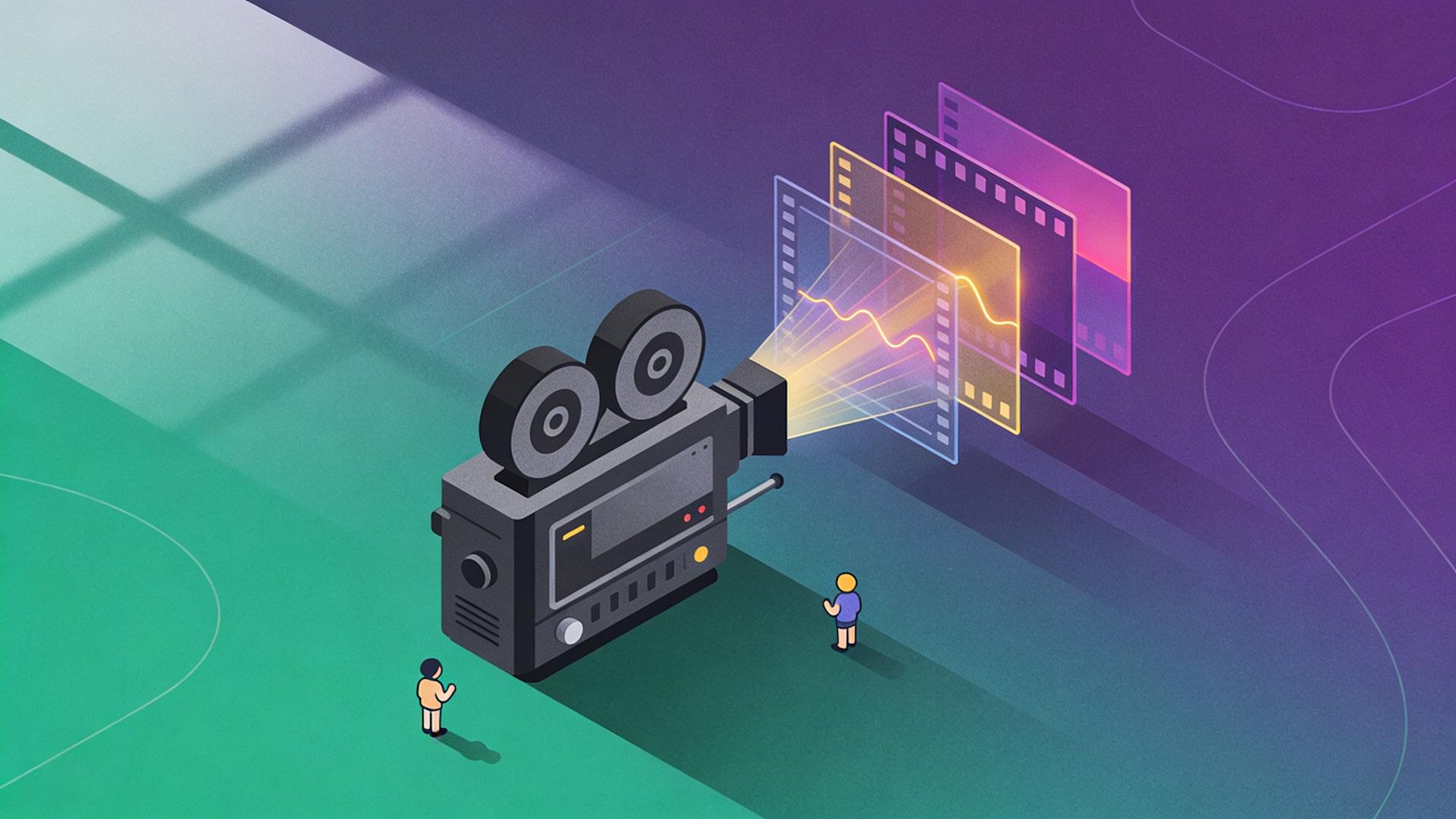
Stock footage libraries contain footage of existing real-world situations. They cannot provide: period-appropriate ancient civilisation footage for history channels, atmospheric dark environments for true crime, cinematic character staging for Reddit story videos, or the specific narrative scene composition that distinguishes visually distinctive channels from generic ones.
AI video generation models, specifically VEO3.1 and Seedance 1.0, produce footage that is custom-generated for each video's specific visual requirements. Channels using AI-generated footage look visually distinctive; channels using stock libraries look interchangeable.
What to look for:
Integration of state-of-the-art AI video generation models within the production platform. No separate account or subscription required for footage generation.
Clippie AI: VEO3, VEO3.1, and Seedance 1.0 integrated within the platform alongside AI image generation. Covers both photorealistic (VEO3.1) and filmic/narrative (Seedance) aesthetic requirements.
Feature 4: 100+ Language Caption Support
Why this matters:
Multi-language captioning is the infrastructure for international audience expansion. A finance channel captioning content in Spanish and Portuguese reaches over 700 million additional potential viewers beyond the English-only audience, without additional production sessions, translation costs, or separate captioning tools.
What to look for:
Auto-captioning synced to voiceover in 100+ languages. No manual translation required. Captioning integrated within the production platform without additional subscription.
Clippie AI: 102+ language caption support. Auto-sync to AI voiceover. Captioning capacity included in all plan tiers.
Feature 5: Flat-Rate Predictable Pricing at Creator Production Volumes
Why this matters:
A creator needs to know the answer to one question when choosing a platform: how many videos can I produce per month at this price? Variable or usage-based pricing that depends on generation volume, character counts, or feature access makes this question impossible to answer without significant monitoring and active management.
What to look for:
Fixed monthly plans with clearly defined capacity limits, minutes of video export, minutes of voice generation, number of images. The creator's monthly cost is fixed regardless of how they distribute production within those limits.
Clippie AI: Three flat-rate plans at $19.99, $34.99, and $69.99 per month with clearly defined capacity at each tier. No usage-variable charges.

3. Clippie AI vs Vidalgo: Feature-by-Feature Breakdown for Faceless Creators
Voice Generation
Vidalgo: AI voiceover is available within Vidalgo's video creation workflow. Specific details about voice library size, language coverage for voice generation, and the depth of custom voice cloning capability are not comprehensively documented in publicly available information. Creators evaluating Vidalgo specifically for voiceover quality should test the platform directly.
Clippie AI:
50+ AI voices across multiple accents, genders, tonal styles, and delivery registers
Custom voice cloning integrated within the platform
1 custom voice (Lite) / 10 custom voices (Creator) / 30 custom voices (Pro)
Voiceover capacity: 30–250 minutes per month by plan
Captioning and Subtitle Support
Vidalgo: Auto-captioning is available within Vidalgo's workflow. The specific breadth of language support is not extensively documented in publicly available sources.
Clippie AI:
102+ language caption support
Auto-synced to AI voiceover, no manual timing required
Caption capacity mirrors voiceover capacity per plan

AI Video and Image Generation
Vidalgo: Vidalgo includes visual content generation within its workflow, with a focus on marketing and social media video creation. Specific details about AI video generation model integrations (VEO3.1, Seedance) within the platform are not extensively documented.
Clippie AI:
Native AI image generation for scene visuals, title cards, and section imagery
VEO3, VEO3.1, and Seedance 1.0 integrated for cinematic AI footage generation
All generation within the platform, no external model accounts required
100–1,000 AI images per month depending on plan
Export Formats and Platform Support
Vidalgo: Export for social media and marketing platforms is a core feature of Vidalgo's workflow, with support for multiple output formats.
Clippie AI:
9:16 vertical for TikTok, Shorts, and Reels
16:9 horizontal for YouTube long-form
Both formats from the same production session
MP4, 1080p minimum, no watermarks on exported content
Long-Form YouTube Support
Vidalgo: Vidalgo's marketing focus means it is primarily positioned for social media and marketing video formats. Long-form YouTube production (10–20 minute educational or documentary content) is not documented as a primary use case.
Clippie AI: Long-form YouTube production is a core use case, the platform handles scripts of any length, voiceover for extended content, multi-section visual generation, and 16:9 export optimised for YouTube. The workflow treats long-form and short-form production equally.
Pricing
Vidalgo: Specific pricing structure and plan details are not comprehensively documented in readily available public information. Creators should visit Vidalgo directly for current pricing.
Clippie AI:
Lite: $19.99/month
30 mins video export (~3–5 videos/month)
30 mins AI voice generation
30 mins speech-to-subtitles
100 AI images
1 custom voice
Captions in 102+ languages
50+ AI voices
24/7 support
Creator: $34.99/month
120 mins video export (~8–12 videos/month)
120 mins AI voice generation
120 mins speech-to-subtitles
500 AI images
10 custom voices
Captions in 102+ languages
50+ AI voices
24/7 support
Pro: $69.99/month
250 mins video export (~15–25 videos/month)
250 mins AI voice generation
250 mins speech-to-subtitles
1,000 AI images
30 custom voices
Captions in 102+ languages
50+ AI voices
24/7 support
No free tier is available on Clippie AI.

4. Other Vidalgo Alternatives to Consider in 2026
A complete alternatives guide presents the honest competitive landscape, including options that are better fits than Clippie AI for specific creator profiles.
Alternative 1: Clippie AI (Primary Recommendation for Faceless Channel Creators)
The strongest recommendation for faceless YouTube and TikTok creators who need a complete production platform with custom voice cloning, AI cinematic footage, 102+ language captioning, and integrated workflow for both short-form and long-form content.
Best for: Faceless creators building serious YouTube channels, multi-channel operators, content agencies.
Alternative 2: InVideo AI
InVideo AI generates complete videos from text prompts using stock footage and AI voiceover, a broad text-to-video platform with extensive template options and stock media integration.
Best for: Creators who want fast production using stock media and do not require custom voice cloning or AI-generated cinematic footage.
Limitation: InVideo's stock media base creates visual homogeneity across channels using it. It does not provide the VEO3.1 or Seedance integration that enables visual distinctiveness, and its voice cloning depth is more limited than Clippie AI's.
Alternative 3: Pictory AI
Pictory specialises in converting long-form content, blog posts, scripts, webinars, into social media-ready video clips using stock footage and AI voiceover. It is particularly strong for repurposing existing text content into video.
Best for: Creators with substantial written content archives who want to convert existing text into video efficiently.
Limitation: Pictory's stock footage dependency limits visual distinctiveness. It is stronger as a text-to-video repurposing tool than as a from-scratch faceless channel production platform.
Alternative 4: Synthesia
Synthesia is an enterprise AI avatar platform, producing videos with realistic digital human presenters rather than faceless narration-over-visuals. It is designed for corporate training, internal communications, and branded marketing content.
Best for: Corporate teams and enterprise L&D departments producing presenter-format internal video content.
Limitation: Synthesia is not designed for faceless channel creation, it is specifically an avatar-presenter platform for corporate use cases. Its pricing, production capacity, and feature set are not aligned with YouTube channel building or TikTok short-form production needs.
Alternative 5: ElevenLabs + Separate Video Editor
For creators who prioritise raw voice quality above integration efficiency, combining ElevenLabs (standalone voiceover) with a separate video editor and captioning tool produces the highest voiceover ceiling.
Best for: Creators who prioritise absolute voice naturalness over workflow integration efficiency and are comfortable managing a multi-tool production pipeline.
Limitation: This approach requires 3–4 separate tool subscriptions and manual file management between tools. At production volumes above 8 videos per month, the integration overhead becomes a significant time cost compared to Clippie AI's integrated workflow.
5. How to Switch From Vidalgo to Clippie AI Without Losing Workflow Momentum
The transition from one production platform to another does not need to disrupt publishing consistency. This plan keeps the channel posting on schedule throughout the switch.
Phase 1: Parallel Testing (Week 1)
Day 1: Create your Clippie AI account
Start with the Creator plan ($34.99/month) if you are already producing 8+ videos per month. The Creator plan's 120-minute capacity is the right entry point for most established channels switching platforms.
Start with the Lite plan ($19.99/month) if you are producing 5 or fewer videos per month, this provides sufficient capacity for a thorough evaluation without committing to higher capacity before testing confirms quality.
Day 2: Voice setup
Browse the 50+ voice library and shortlist 3–4 candidates
Test each on a 200-word excerpt from your most recent script
Select the primary voice for the channel
If you want custom voice cloning, record 2–3 minutes of natural speech in a quiet environment and upload through the voice cloning feature
Day 3–5: Test production sessions
Complete 2–3 full production sessions using your existing scripts or upcoming video topics:
Session 1 (Day 3): Short-form content, 60-second Short using the complete workflow (voiceover → images → captions → 9:16 export)
Session 2 (Day 4): Long-form content, 10-minute video script through the complete workflow (voiceover → VEO3.1 or Seedance clips → images → captions → 16:9 export)
Session 3 (Day 5): Multi-format export, produce a video and export both 16:9 and 9:16 in the same session
Assess each session against your existing Vidalgo output:
Voice naturalness and consistency
Visual quality from AI image generation
Caption accuracy
Total production time
Overall video quality
Phase 2: Gradual Transition (Weeks 2–3)
Continue publishing on schedule using existing workflow
Do not switch to Clippie AI exclusively until 2–3 test videos have been produced and assessed. During this transition period:
Produce 1–2 videos per week in Clippie AI for internal assessment
Continue using Vidalgo for published videos to maintain posting schedule
Use the Clippie AI test videos to refine prompt libraries and voice settings
Build your visual prompt library
During the test phase, document the image and VEO3.1 prompts that produce the best results for your specific content niche. A library of 10–15 prompt templates, one for each recurring visual type in your videos, accelerates all future production sessions significantly.
Phase 3: Full Migration (Week 3 Onward)
Upgrade Clippie AI plan if needed
If the test phase has confirmed Clippie AI meets quality and workflow requirements, and if the Creator plan capacity is approaching its limit based on your production volume, upgrade to the Pro plan before the first full production week on Clippie AI exclusively.
Switch Clippie AI to primary production
From this point, all video production runs through Clippie AI. The Vidalgo subscription can be cancelled at its next renewal date, confirm the cancellation process within the platform to avoid additional billing.
Confirm the weekly production routine
Establish the Clippie AI production schedule:
Script preparation externally (ChatGPT or Claude)
Batch production in Clippie AI (voiceover → images → VEO3.1 clips where needed → captions → export)
Caption copy and publishing preparation
YouTube Studio scheduling and cross-platform distribution
Content Archive Note
Previously published videos from your Vidalgo period remain live on all distribution platforms, platform migration does not affect published content. Only the production workflow for future videos changes. The existing content catalogue continues performing and generating views, watch hours, and affiliate clicks regardless of which tool produced it.

6. Which Clippie AI Plan Replaces Vidalgo Best for Your Production Volume
Choosing the right plan at migration time prevents both under-capacity (production bottlenecks) and over-spending (paying for capacity that will not be used for several months).
Lite Plan ($19.99/month)
Right for creators who:
Produce 3–5 videos per month (1 per week or bi-weekly)
Are in the early channel-building phase with a primarily short-form or moderate-length YouTube format
Want to evaluate Clippie AI's quality at lower commitment before scaling
Capacity:
30 mins video export
30 mins AI voice generation
30 mins speech-to-subtitles
100 AI images
1 custom voice
Captions in 102+ languages
50+ AI voices
24/7 support
Creator Plan ($34.99/month)
Right for creators who:
Produce 8–12 videos per month (2–3 per week)
Run one primary YouTube channel alongside TikTok and Shorts cross-posting
Need 10 custom voice slots for testing multiple voice styles or managing a second channel
Capacity:
120 mins video export
120 mins AI voice generation
120 mins speech-to-subtitles
500 AI images
10 custom voices
Captions in 102+ languages
50+ AI voices
24/7 support
This is the most commonly recommended starting plan for established creators switching from another platform, it provides headroom beyond minimum requirements and supports meaningful scaling without immediately committing to the Pro plan.
Pro Plan ($69.99/month)
Right for creators who:
Produce 15–25+ videos per month
Run multiple channels simultaneously (the 30 custom voices enable up to 30 distinct voice identities)
Operate as a content agency managing production for multiple clients
Capacity:
250 mins video export
250 mins AI voice generation
250 mins speech-to-subtitles
1,000 AI images
30 custom voices
Captions in 102+ languages
50+ AI voices
24/7 support
No free tier is available on Clippie AI.
💡 For the complete AI tool landscape that includes Clippie AI alongside all major competitors, read our guide on the top 10 AI tools for faceless YouTube channels in 2026
💡 For the production workflow you will be running through Clippie AI after migration, read our guide on the ultimate faceless content workflow from idea to viral video
💡 Start your Clippie AI account and begin the migration today →
Conclusion: The Right Alternative Grows With Your Channel, Not Just For Your Current Video
The creators who switch from broader-positioned tools to Clippie AI are not always unhappy with the tool they are leaving. They are looking for a platform that handles the full scope of what a serious faceless content operation requires, not just today's production volume but the workflow that scales as the channel grows.
Custom voice cloning that builds proprietary audio identity. VEO3.1 and Seedance footage that makes channels visually distinctive. 102+ language captioning that enables international expansion. Flat-rate pricing that makes monthly budgeting predictable. And an integrated workflow that keeps all production, from the first voiceover syllable to the final exported video file, in one platform.
The migration plan in this guide makes the switch in three weeks without disrupting publishing. The plan structure ensures you pay for exactly the capacity your channel needs, nothing more, nothing less.

Switch to Clippie AI and build your faceless channel on a platform designed for scale →
7. Frequently Asked Questions
Q1: What is Vidalgo primarily used for and why are creators looking for alternatives?
Vidalgo is an AI video creation platform with broad positioning across content creators, digital marketers, and businesses. Creators looking for alternatives typically cite one or more of the following reasons: the platform's generalist positioning means it does not optimise deeply for the specific requirements of faceless YouTube channel production; limited custom voice cloning depth for building proprietary channel audio identity; absence of integrated AI video generation models (VEO3.1, Seedance) for cinematic footage; limited multi-language caption support for international audience strategies; and pricing structures that do not translate cleanly to per-video production cost at scale.
Q2: Does Clippie AI handle both YouTube long-form and short-form social media content?
Yes. Clippie AI produces both 16:9 horizontal export for YouTube long-form (8–25 minute videos) and 9:16 vertical export for TikTok, YouTube Shorts, and Instagram Reels from the same production session. The voiceover, image generation, AI video footage, and captioning capabilities are equally effective for 60-second Shorts and 20-minute documentary-style YouTube content. This dual-format capability distinguishes Clippie AI from tools focused primarily on social media or marketing video formats.
Q3: How many custom voices does Clippie AI support compared to Vidalgo?
Clippie AI provides custom voice cloning at 1 voice (Lite plan), 10 voices (Creator plan), and 30 voices (Pro plan), with all plans also including access to 50+ pre-built AI voices. Vidalgo's specific voice cloning capability and capacity are not comprehensively documented in publicly available information. Creators should test both platforms directly on their own scripts to assess voice naturalness and customisation options before committing to either.
Q4: What happens to my existing Vidalgo content when I switch to Clippie AI?
Nothing happens to your existing content, it remains live on all distribution platforms. Platform migration only affects your production workflow for future videos. Videos previously produced through Vidalgo and published to YouTube, TikTok, or other channels continue performing and accumulating views, watch hours, and affiliate clicks regardless of which tool produced them. The transition is a production workflow change, not a content migration.
Q5: How long does it take to switch from Vidalgo to Clippie AI without disrupting publishing?
The three-phase migration plan in this guide takes approximately three weeks. Phase 1 (Days 1–5): Account setup, voice selection, and 2–3 test production sessions in Clippie AI while continuing to use Vidalgo for published content. Phase 2 (Weeks 2–3): Parallel production, 1–2 videos per week in Clippie AI alongside existing Vidalgo production. Phase 3 (Week 3 onward): Full production in Clippie AI, Vidalgo subscription cancelled at next billing cycle. Creators with more flexible publishing schedules can accelerate this to two weeks; those with strict daily publishing commitments may prefer the full three weeks.
Q6: Which Clippie AI plan is the right starting point for a creator switching from Vidalgo?
The Creator plan at $34.99/month is the right starting point for most established creators switching platforms. Its 120-minute export capacity supports 8–12 videos per month, covering 2–3 videos per week across YouTube and short-form simultaneously. The 10 custom voice slots allow immediate custom voice cloning for channel identity, plus voice testing for future channels. The 500 AI images cover visual production at this output level without restriction. Creators in the early channel-building phase (1 video per week) can start on the Lite plan at $19.99/month during the evaluation period before upgrading once Clippie AI's quality is confirmed.
Make an AI story video
Write a script or let AI write one. Clippie turns it into a narrated video with AI scenes, voiceover and captions.
Read more

How to Make Top 5 Ranking Videos in 2026 (Step-by-Step)
Build ranking Shorts that can still earn: pick a debatable topic, set clear criteria, source clips you may use, script the countdown, add your commentary.

How to Create Short-Form Videos Using AI: 8 Steps (2026)
A beginner workflow for AI videos on TikTok, Reels and Shorts: pick a format, script a hook, add visuals, voice and captions, export at 9:16, label AI.

7 Free CapCut Alternatives for Short-Form Video (2026)
Compare Edits, YouTube Create, VN, Clipchamp, Canva, DaVinci Resolve and Shotcut: what each gives free users, what it caps first and where it falls short.