
How to Make Storytelling Videos Automatically in 2026
Turn a bank of stories into finished Shorts with a 7-step pipeline: what to automate, what to keep human, weekly batching, and a 2-minute quality check.

If you searched for how to make storytelling videos automatically, you want a system that turns stories into finished Shorts, Reels, and TikToks without editing each one by hand. That is realistic in October 2026, but the rules have tightened.
In mid-July 2026, YouTube clarified that generic, repetitive, or template-based videos can't earn ad revenue, and story channels are among the most exposed. This guide shows you how to build a repeatable pipeline that automates the mechanical work, keeps creative decisions human, and produces story videos that still read as made by a person.
Executive summary: This is a seven-step workflow for faceless creators who want steady output across four story formats: Reddit-style first-person stories, fake text conversations, AI-illustrated stories, and voiceover over gameplay. You'll learn what to automate, what to keep human, how to batch a week of videos, and how to check each one so the channel stays monetizable.
Table of Contents
What Automatic Storytelling Video Creation Really Means
What to Automate and What to Keep Human
Step 1: Build a Story Bank You Own
Step 2: Turn Stories Into Script Templates
Step 3: Pick a Story Format per Script
Step 4: Generate the Video From the Script
Step 5: Batch in Weekly Sessions
Step 6: Run a 2-Minute Quality Check
Step 7: Publish and Rotate Formats
Mistakes That Make Automated Story Channels Fail
FAQs
What to Do Next
What Automatic Storytelling Video Creation Really Means
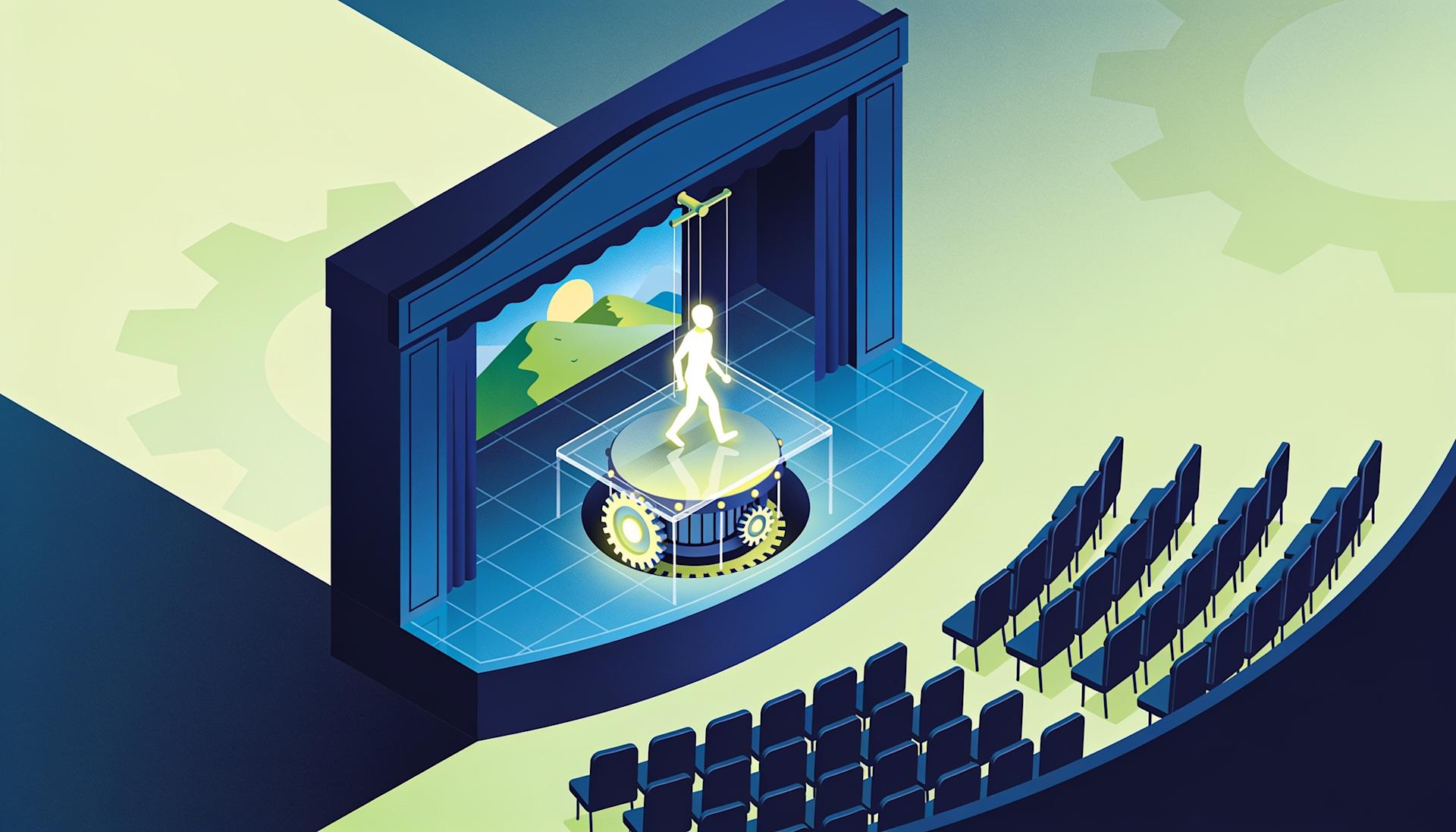
Automatic storytelling video creation means a generator handles voiceover, captions, visuals, and timing once you supply a finished script and a format. It does not mean a tool invents, publishes, and monetizes stories without you. Picking the story, shaping the script, and approving the result stay your job.
What it is: a pipeline with fixed inputs (a script, a format, a settings spec) and a predictable output: a vertical video ready to post. Text to story video tools do the assembly.
Why it matters: the bottleneck is no longer editing but having enough good stories. Channels that automate ideas too post the same story shape on repeat.
How to apply it: treat story video automation as a production line with a human at both ends.
Human in: picks the story, writes the script, chooses the format.
Machine in the middle: voice, captions, visuals, render.
Human out: watches the result once and approves or fixes it.
Example: five scripts written Sunday, rendered in one sitting with an AI storytelling video generator, then reviewed before upload.

What to Automate and What to Keep Human
Automate anything repeatable that doesn't change what the story means: narration, caption timing, background footage, scene visuals, and export settings. Keep story choice, the hook, the twist, script edits, and the final watch-through human, because those are what platforms judge when deciding whether content is original.
Automate:
AI voiceover from the finished script
Caption generation and styling
Gameplay footage or illustrated scenes
Message bubbles and timing for chat stories
Aspect ratio and export
Keep human:
Choosing and sourcing stories, including permissions
Writing the hook and the ending
Varying structure between videos
Watching every video before it goes live
Why it matters: YouTube's July 2026 clarification of its YouTube Partner Program monetization policies lists content easily made with AI or templates, with little variation between uploads, as not monetizable. The same page allows a repeated intro and outro when each video's body differs, and allows AI that helps you make something original.
Other platforms point the same way:
Meta said in July 2025 that Facebook accounts repeatedly reposting others' content lose monetization access and reach.
TikTok described its Creator Rewards Program as rewarding original, high-quality content over one minute long.
How to apply it: put every "keep human" item into the Step 6 checklist so none gets skipped on a busy week.
Step 1: Build a Story Bank You Own
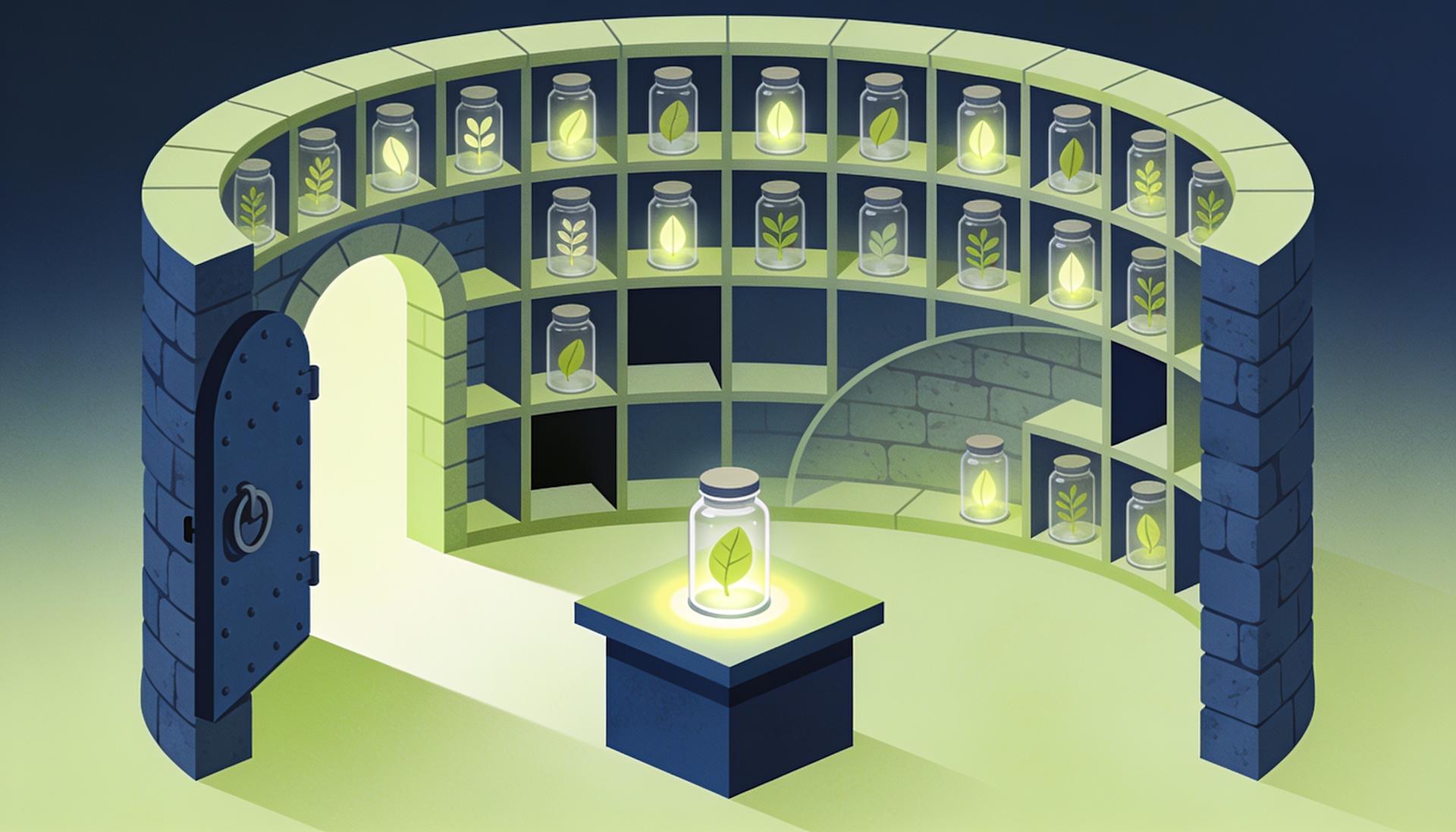
A story bank is a running list of story ideas you have the right to use, each with a one-line premise, a payoff, and a source note. Build it from original ideas, rewritten prompts, and stories people gave you permission to adapt, never from posts you plan to read out word for word.
What it is: a notes doc where each entry records the premise, the payoff, the source, and a format guess.
Why it matters: YouTube's reused content rules name videos that are only readings of material the creator didn't write. Narrating someone else's forum post over gameplay is the clearest example, and the policy says the author's permission doesn't exempt it.
How to apply it: fill the bank from three sources.
Original ideas: everyday situations with a stake, like a roommate dispute or a wrong-number text.
Rewritten prompts: keep only the bare premise of a common situation, then write new characters, details, and an ending.
Permissioned stories: audience submissions with written consent to adapt, which you still rewrite substantially.
Keep at least two weeks of unused stories in the bank.
Example: "My neighbor kept borrowing my parking spot, then I found out he was renting it out" has a clear payoff and is entirely original.

Step 2: Turn Stories Into Script Templates
A script template is a reusable beat sheet: hook, setup, escalation, twist, and call to action, each with a target length. Filling one per story keeps every script built for retention, while rotating two or three templates stops the channel from sounding identical between videos.
What it is: the core five-beat template.
Hook (1–2 seconds): the most surprising line, said plainly.
Setup (10–15 seconds): who, where, and what's at stake.
Escalation (20–30 seconds): two or three beats where things get worse.
Twist (5–10 seconds): the reveal that reframes the setup.
CTA (about 3 seconds): a comment question or part-two tease.
Why it matters: one storyline shape in every upload is the repeated-template pattern YouTube's policy calls out.
How to apply it: rotate alternate structures, such as the open loop (start with the ending, then rewind), the confession, and the series cliffhanger. For beat outlines of more structures, see these eight viral storytelling formats for short-form video.
Do one test render with your chosen voice, note the word count that hits your target duration, and write it into each template.

Step 3: Pick a Story Format per Script
Match each script to the format that fits how the story is told. Dialogue-heavy stories suit fake text conversations, first-person confessions suit Reddit-style narration, scene-rich plots suit AI-illustrated videos, and short opinionated stories suit voiceover over gameplay. The format should serve the twist.
What it is: a decision rule for every script.
Reddit-style first-person story: dilemmas and confessions told by one narrator over background footage.
Fake text conversation: stories that live in an exchange, where the reveal lands in one message. This walkthrough on making the perfect text story video covers pacing the message bubbles.
AI-illustrated story: stories with distinct scenes and characters. The step-by-step AI story video tutorial covers scene-by-scene setup.
Voiceover over gameplay: fast stories under a minute where visuals only need to hold attention.
How to apply it: tag the format in the bank, and don't let one format take more than about half of a week's uploads.

Step 4: Generate the Video From the Script
Paste the finished script into one generator, apply your written settings spec for voice, captions, and visuals, and render. Using one automatic story video maker for every format keeps the look consistent and cuts setup time, so most of each render is waiting rather than clicking through menus.
What it is: a settings spec per format, listing:
Voice: one main narrator, plus a second voice for dialogue
Captions: font, size, position, and highlight color
Visuals: an art style or a footage type
Aspect ratio: 9:16 for Shorts, Reels, and TikTok
Why it matters: a written spec stops settings drift and lets a team member take over production later.
How to apply it: pick one tool that covers all four formats. Clippie is one option, with templates that match this pipeline: Reddit Videos (paste a Reddit URL or write your own script), Fake Text, AI Story, and Voiceover Video for narration over gameplay. For bank stories, use the write-your-own-script option. Its AI story video generator turns a script into scenes, voiceover, and captions, and this full animated AI story video tutorial shows the workflow end to end.
Where it falls short: it is not a timeline editor, so frame-level edits need a separate tool.

Step 5: Batch in Weekly Sessions
Batching means doing each stage for a full week of videos at once: write every script in one sitting, render them in another, then review them together. Grouping tasks cuts switching between writing and production and keeps quality checks consistent, which matters more than raw speed.
What it is: three weekly sessions.
Session A, writing: pull five to seven stories, fill the templates, tag formats.
Session B, generation: render every script with your saved spec.
Session C, review: run the Step 6 check and fix anything flagged.
Why it matters: mixing writing and rendering usually means rushed scripts, and the script decides whether a story video works.
How to apply it:
Keep one week of finished videos in reserve.
Refill the story bank during Session A.

Step 6: Run a 2-Minute Quality Check
Before publishing, watch every video once at full speed and run a short checklist: the hook lands in two seconds, names are pronounced correctly, captions match the audio, the twist is clear, and nothing copies someone else's writing. About two minutes per video catches most problems automation introduces.
What it is: a checklist for every video.
Hook: does the first line make sense with zero context?
Pronunciation: are names, slang, and numbers read correctly?
Captions: do they match the audio?
Pacing: no dead air, and message bubbles stay up long enough to read
Visuals: no warped faces or off-topic AI images
Originality: is the script yours or permissioned, not a straight reading?
Variation: does it feel different from your last three uploads?
Disclosure: does anything look realistic enough to need an AI label?
Why it matters: platforms judge the output, not your process. YouTube's altered or synthetic content rules require a label for realistic AI content, but not for clearly animated or fantasy content, or AI help with scripts. TikTok and Meta also ask creators to label realistic AI-generated video or audio.
Example: a cartoon-style AI story usually needs no YouTube label, while a photorealistic "doorbell camera" scene that never happened does.
Step 7: Publish and Rotate Formats
Publish on a fixed cadence and rotate formats and structures so consecutive uploads don't share a template. Check which formats hold viewers each week in each platform's own analytics, then lean the story bank toward what works without dropping variety.
What it is: a rotation plan, for example:
Monday: fake text conversation
Tuesday: Reddit-style first-person story
Wednesday: AI-illustrated story
Thursday: voiceover over gameplay
Friday: next part of a running series
Why it matters: YouTube says monetization reviewers look at the channel as a whole, including titles and descriptions.
How to apply it:
Write a unique title and description for every video.
Check retention weekly and retire structures that keep underperforming.

Mistakes That Make Automated Story Channels Fail
Most automated story channels fail for the same reasons: they read other people's posts, reuse one template, skip review, ignore disclosure, or chase shock value. Each mistake is avoidable with the human steps above, and each is named in current platform monetization rules.
Mistake #1: Reading Other People's Posts Word for Word
Narrating a forum post as written is a reading of material you didn't write. Rewrite the premise into your own script.
Mistake #2: Using One Story Template for Every Video
Same hook style, twist, and length every time looks templated. Rotate structures and formats weekly.
Mistake #3: Skipping the Watch-Through
Mispronounced names and broken captions are quick to catch before posting.
Mistake #4: Forgetting AI Disclosure on Realistic Scenes
Repeated failure to disclose on YouTube can lead to removal or Partner Program suspension.
Mistake #5: Using Distress Bait or Fake Experts
YouTube's July 2026 clarification also names content built to upset viewers for views, and AI personas discussing finance, legal, or health topics. Keep stories dramatic, not distressing.
FAQs
Can you make storytelling videos completely automatically?
You can automate assembly: voiceover, captions, visuals, and rendering. You shouldn't automate story selection, script writing, or review. Platforms judge originality and variation across the whole channel, and fully hands-off story channels are the type most likely to be flagged as repetitive or mass-produced. A human at the start and end of each video is the safe setup.
Are automated story videos monetizable on YouTube in 2026?
Yes, when each video has its own story and the channel shows real variation. YouTube's July 2026 clarification allows AI-assisted content that is original, but rules out generic, template-based uploads with little difference between them. Original scripts, rotated formats, and a review step keep a story channel on the right side of that line.
Do I need to label AI story videos?
Only when content looks realistic. YouTube doesn't require a label for clearly animated or fantasy content, or for using AI to help write scripts. Realistic scenes, such as fake footage of real places or events, need disclosure. TikTok and Meta also ask creators to label realistic AI-generated video or audio, so check each upload.
Can I use Reddit stories in automated videos?
Reading a Reddit post word for word over gameplay falls under YouTube's reused content rules, and the original poster's permission doesn't exempt it. Use Reddit for premise inspiration only, then write new characters, details, and an ending. Stories submitted directly to you with consent can be adapted, as long as you rewrite them substantially.
What is the best automatic story video maker?
The best tool is the one that covers every format you plan to post, so you aren't switching apps between fake text, narrated, illustrated, and gameplay stories. Look for script-to-video input, a range of AI voices, styled captions, and vertical export. Avoid relying on tools that pull posts by URL as your main story source.
How many story videos should I post per week?
Post only as many as you can review properly. Five to seven a week fits one writing session and one generation session, which is a practical starting point. Consistency matters more than volume, and more uploads with repetitive scripts are more likely to hurt a channel than help it. Scale up once your story bank stays ahead.
What to Do Next
Today: start a story bank with ten original premises and payoffs.
This week: write two script templates and one settings spec per format.
Next session: render five scripts in one sitting, then run the 2-minute check.
After two weeks: review retention by format and adjust your rotation.
Ongoing: reread YouTube's monetization policy page every few months.
Make an AI story video
Write a script or let AI write one. Clippie turns it into a narrated video with AI scenes, voiceover and captions.
Read more

15 Faceless Psychology Channel Ideas for 2026 (With Examples)
Psychology Shorts and long-form video concepts you can make without showing your face, plus the accuracy habits and YouTube rules that keep them monetized.

How to Make Top 5 Ranking Videos in 2026 (Step-by-Step)
Build ranking Shorts that can still earn: pick a debatable topic, set clear criteria, source clips you may use, script the countdown, add your commentary.

How to Create Short-Form Videos Using AI: 8 Steps (2026)
A beginner workflow for AI videos on TikTok, Reels and Shorts: pick a format, script a hook, add visuals, voice and captions, export at 9:16, label AI.