
How to Trim Videos with Clippie AI (2026 Guide)
Learn how to trim videos using Clippie AI to remove unnecessary parts and improve pacing for short form platforms.
Introduction
Trimming your videos is essential for removing unwanted parts, tightening your content, and keeping viewers engaged from start to finish. Clean, well-timed clips perform better across all video platforms.
The Video Trimmer in Clippie AI lets you easily cut and adjust your videos without needing advanced editing skills. You can remove intros, outros, mistakes, or unnecessary sections in just a few clicks, all within a simple and fast workflow.
In this guide, we’ll show you how to use the Video Trimmer inside Clippie AI step by step, so you can quickly refine your videos and export polished clips ready for sharing.
Step 1: Open the Video Trimmer
Start by accessing the trimming tool.
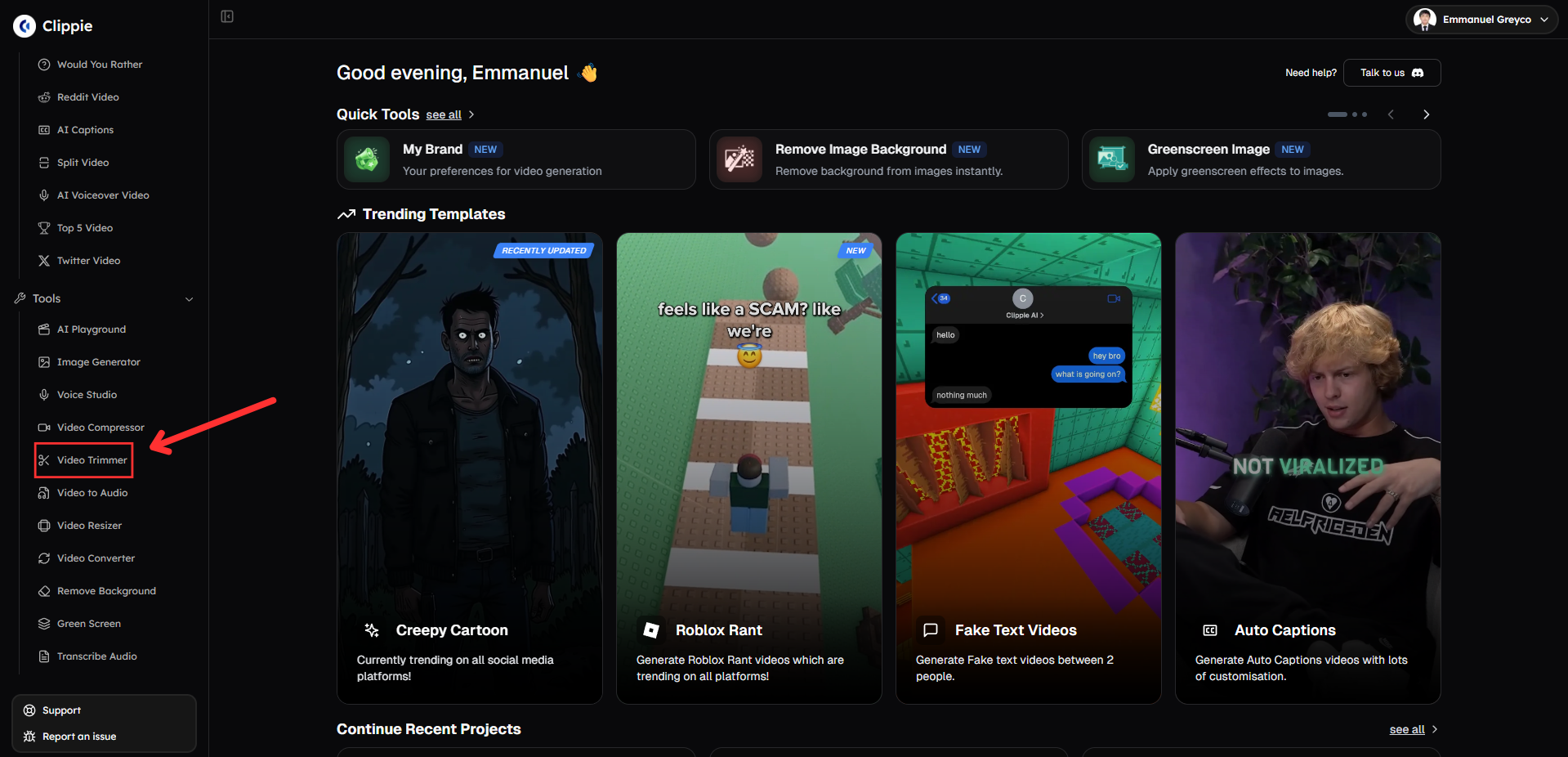
Go to Tools and click Video Trimmer.
Step 2: Trim Your Video
Select the part of the video you want to keep.
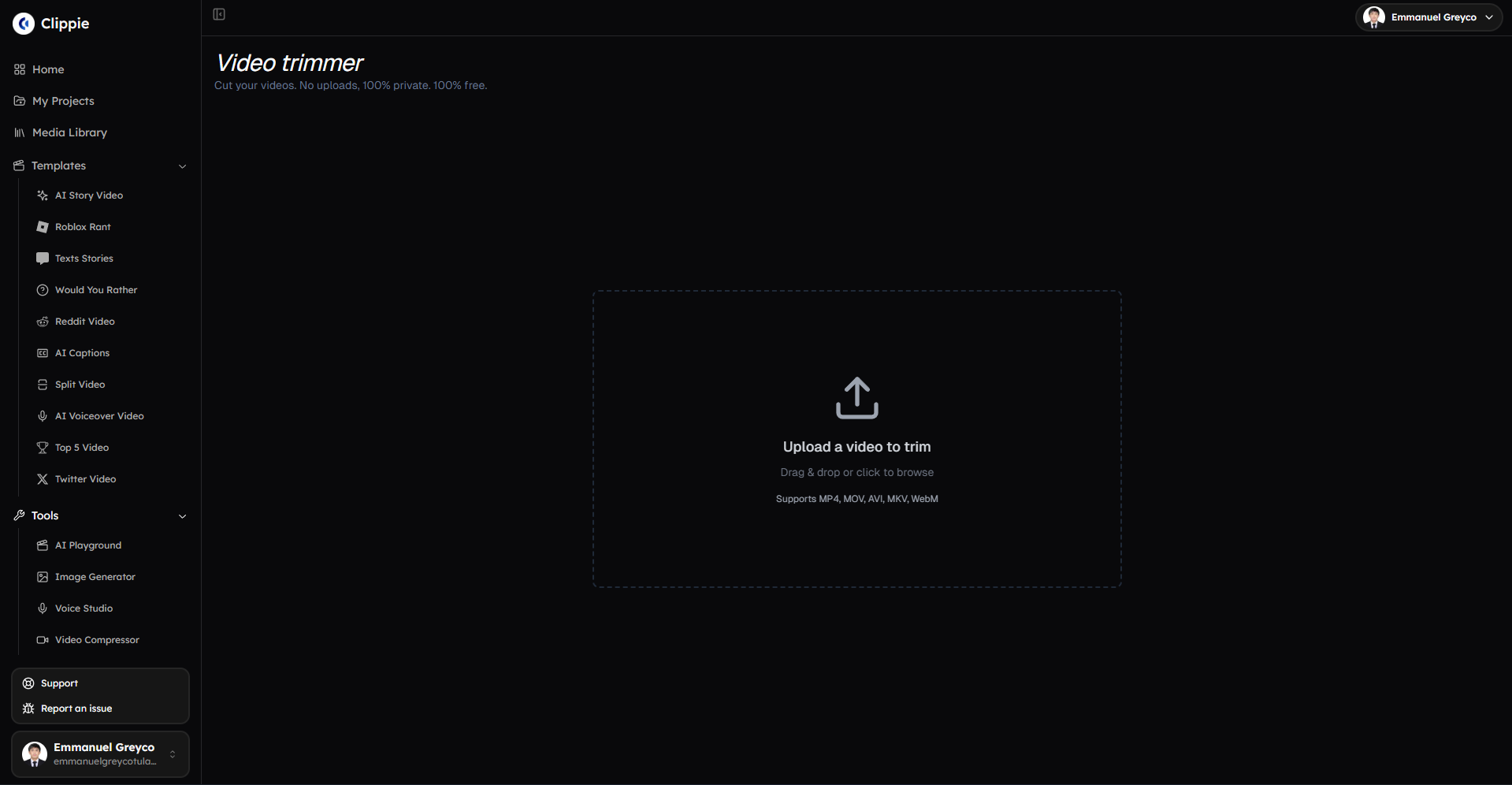
Upload your video.
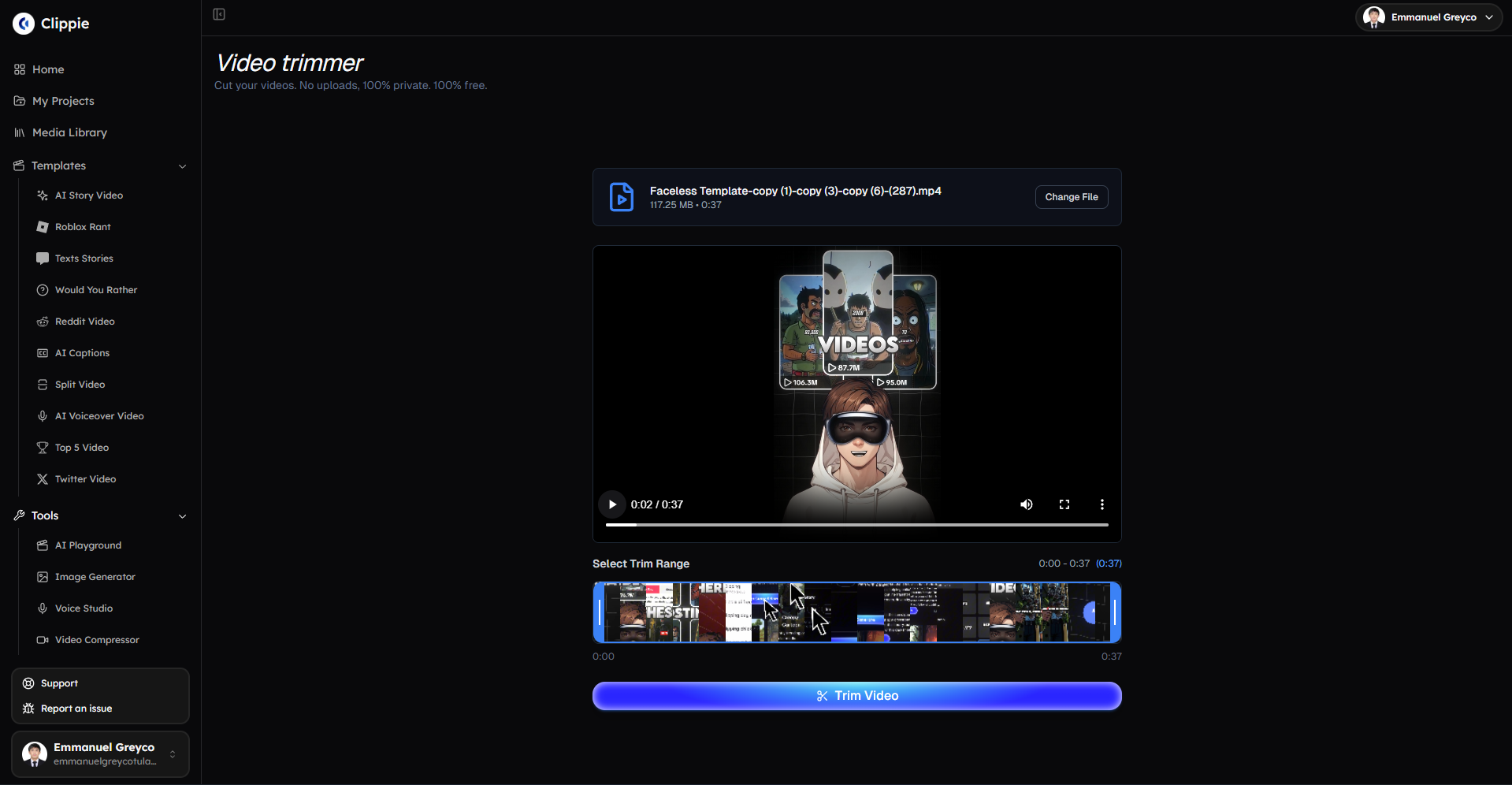
Adjust the trim range to cut unwanted sections.
Click Trim Video to process your clip.
Step 3: Download Your Trimmed Video
Once trimming is complete:
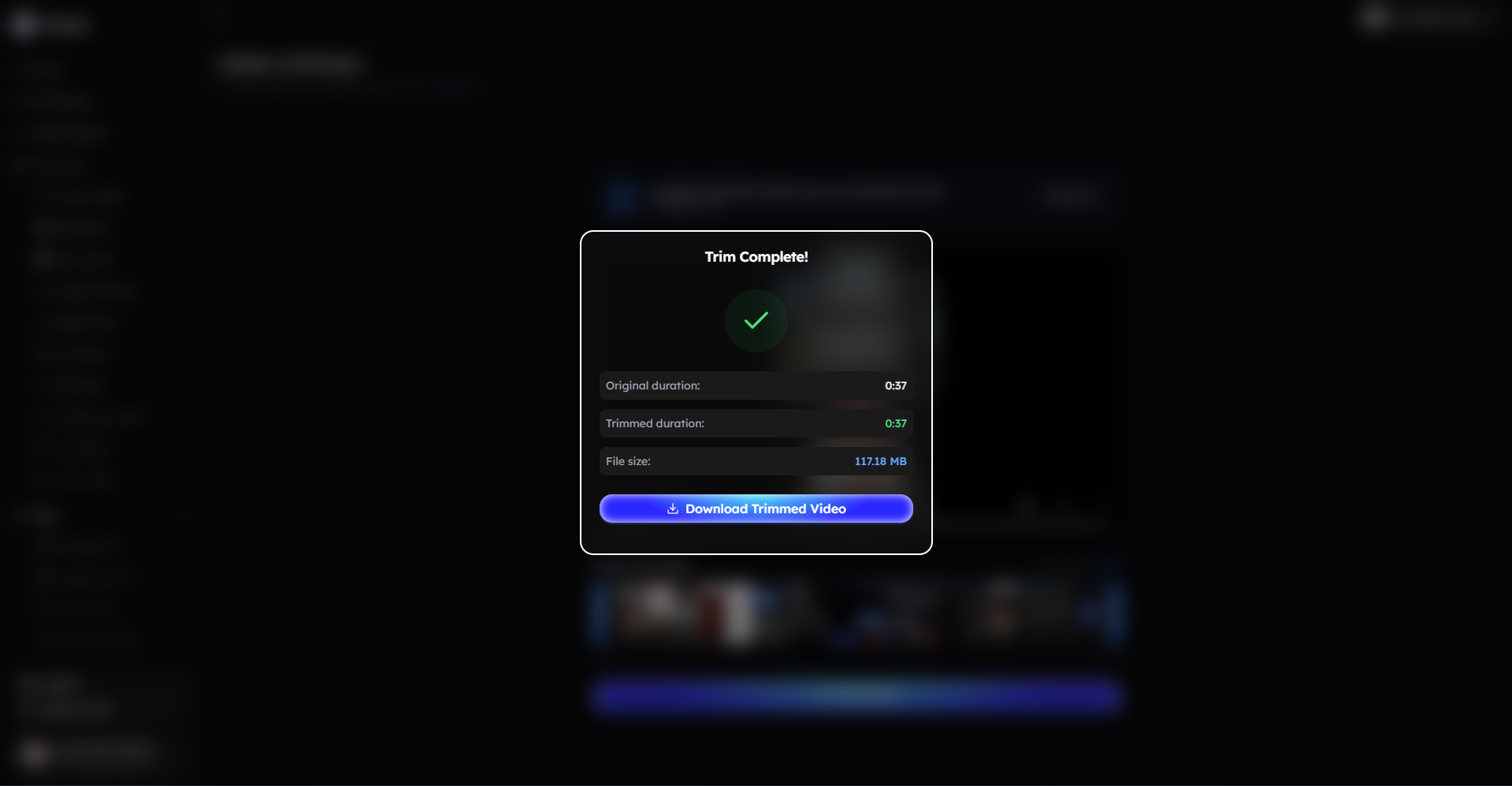
Download your trimmed video.
Bonus: Get 1-on-1 Support in Our Discord Community
If you get stuck or want personalized help, join our Discord community. Our team offers 24/7 one-to-one support to help you go viral with your content.
Click me to join our discord community!
FAQs: Using the Video Trimmer
Q: Can I remove both the beginning and ending of a video? A: Yes, you can adjust the trim range to cut any part of the video, including the start, middle, or end.
Q: Will trimming affect the video quality? A: No, trimming only removes unwanted sections and does not reduce the original video quality.
Q: What types of videos can I trim? A: You can trim most common video formats used for short-form and long-form content.
Q: Where can I find my trimmed video after export? A: You can download your trimmed video immediately after the trimming process is complete.
Related Blog Posts
How to Convert Video to Audio with Clippie AI (2026 Guide)
How to Use the AI Playground in Clippie AI (2026 Guide)
How to Use Voice Studio in Clippie AI (2026 Guide)
Click Me To Start Creating With Clippie AI Now!
Make an AI story video
Write a script or let AI write one. Clippie turns it into a narrated video with AI scenes, voiceover and captions.
Read more

How to Make Top 5 Ranking Videos in 2026 (Step-by-Step)
Build ranking Shorts that can still earn: pick a debatable topic, set clear criteria, source clips you may use, script the countdown, add your commentary.

How to Create Short-Form Videos Using AI: 8 Steps (2026)
A beginner workflow for AI videos on TikTok, Reels and Shorts: pick a format, script a hook, add visuals, voice and captions, export at 9:16, label AI.

7 Free CapCut Alternatives for Short-Form Video (2026)
Compare Edits, YouTube Create, VN, Clipchamp, Canva, DaVinci Resolve and Shotcut: what each gives free users, what it caps first and where it falls short.