
How to Generate AI Captions with Clippie AI (2026 Guide)
Learn how to generate AI captions with Clippie AI. This guide shows how captions improve watch time and explains how to customize them for better viewer retention.
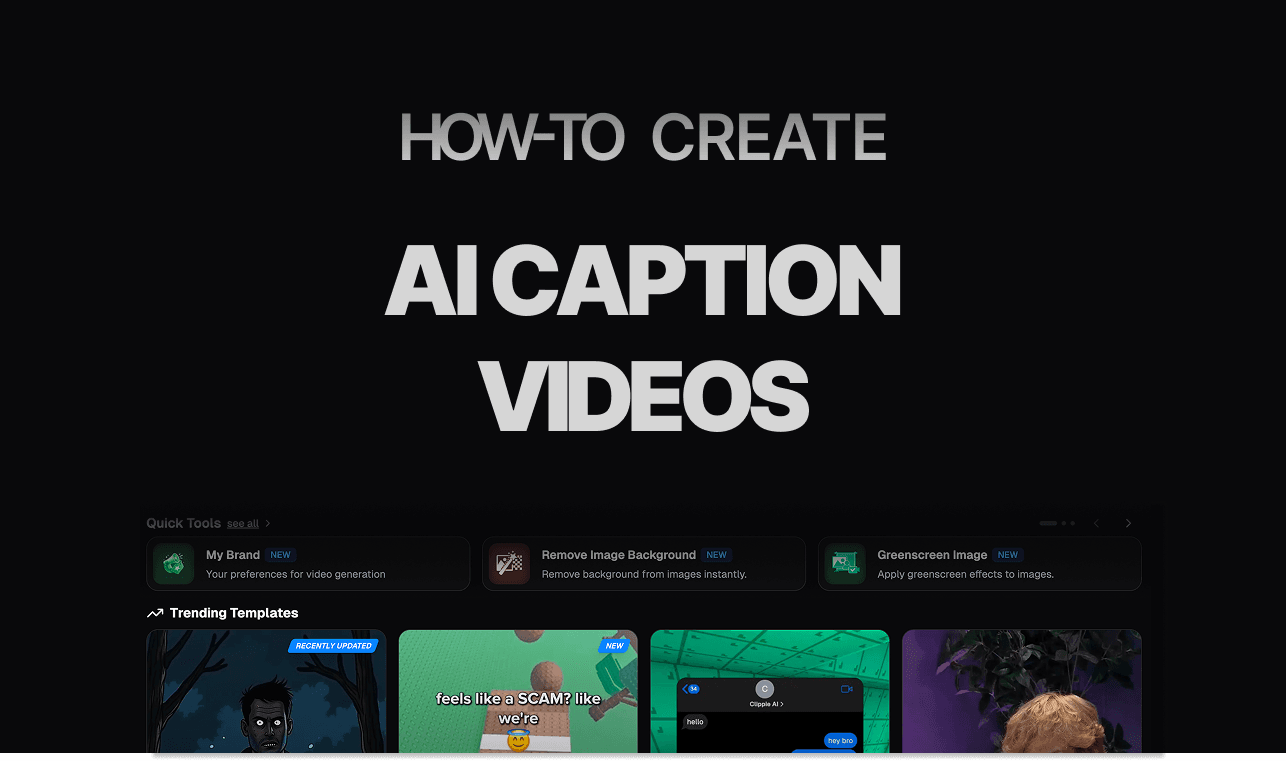
Introduction
Captions are essential for short form video success, especially since many viewers watch videos without sound. Well designed captions help viewers follow along, highlight important moments, and increase overall watch time.
Poor captions can cause viewers to scroll away, while clear and dynamic captions keep them engaged. This makes caption quality a major factor in video performance.
With Clippie AI, you do not need to manually type or sync captions. The platform automatically generates AI captions that match your voiceover and video timing, with options to customize style and readability.
In this guide, we will show you how to generate and customize AI captions with Clippie AI. By the end, you will know how to create captions that improve retention and make your videos easier to watch.
Step 1: Upload Your Video and Generate Captions
AI captions start by analyzing your video automatically.
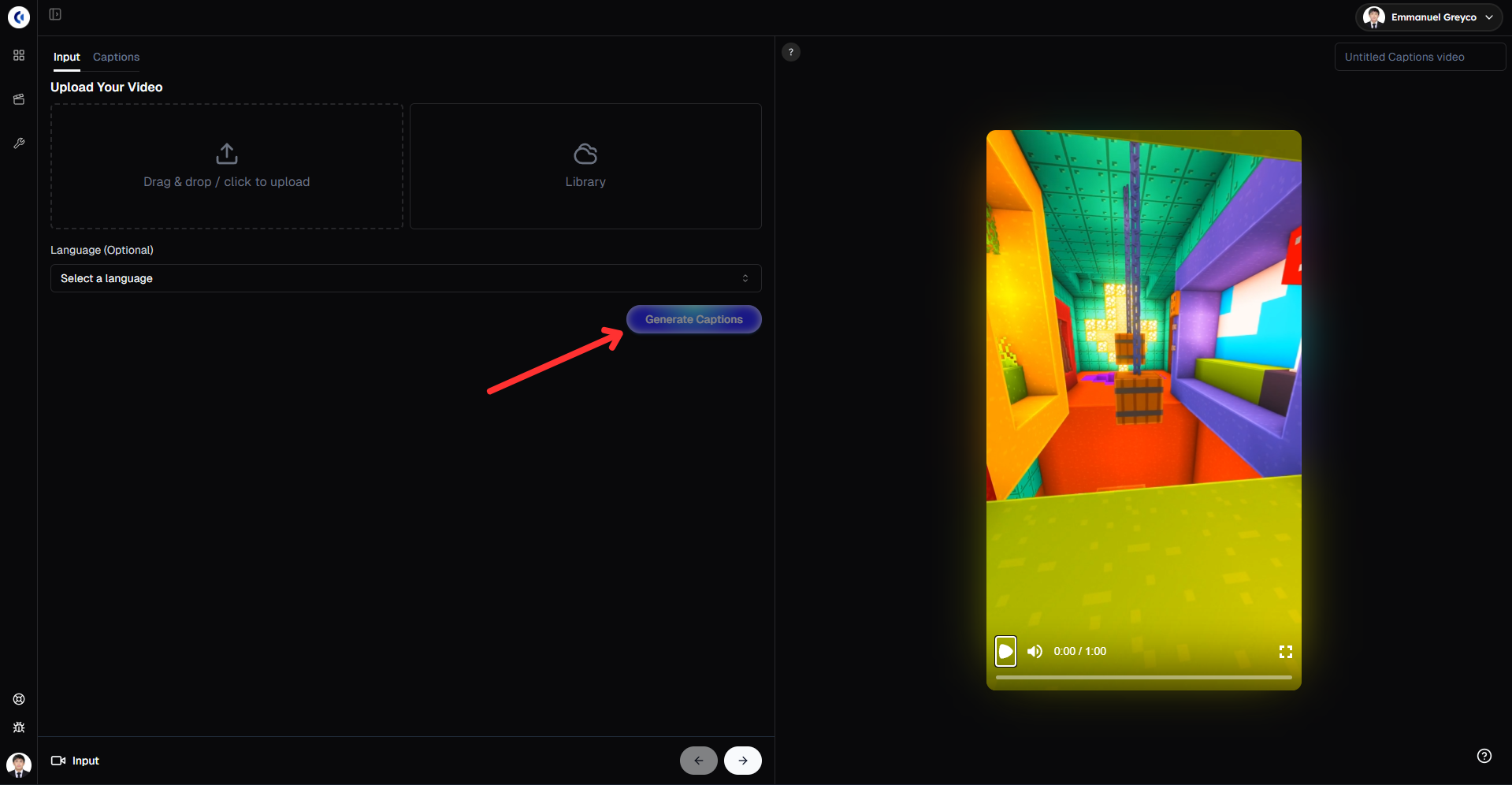
Go to the Input tab.
Upload your video file.
Click Generate Captions to let the AI create captions for your video.
Step 2: Style Your Captions
Well designed captions help increase watch time and engagement.
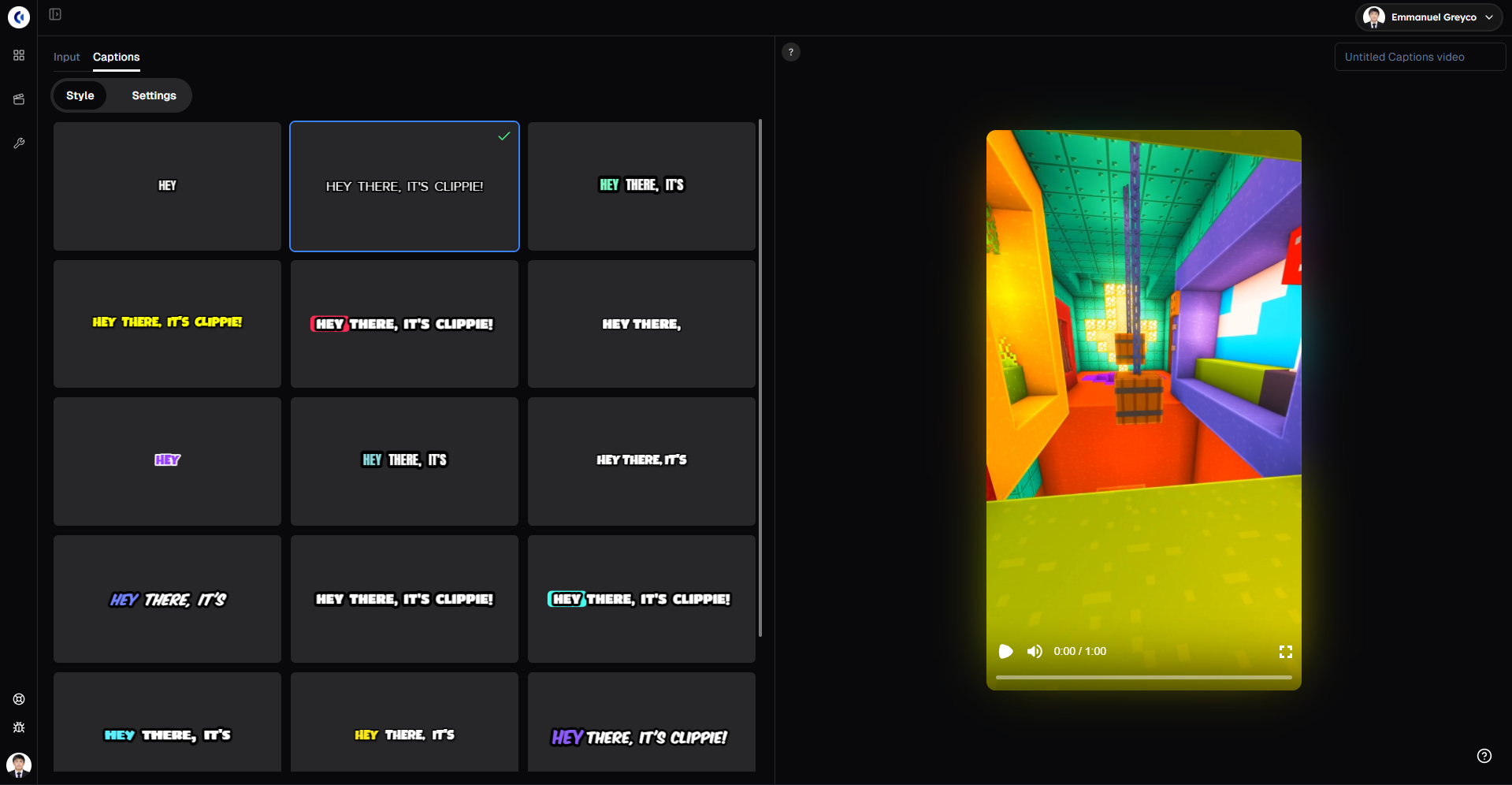
Go to the Captions tab.
Choose a caption style and preview it live.
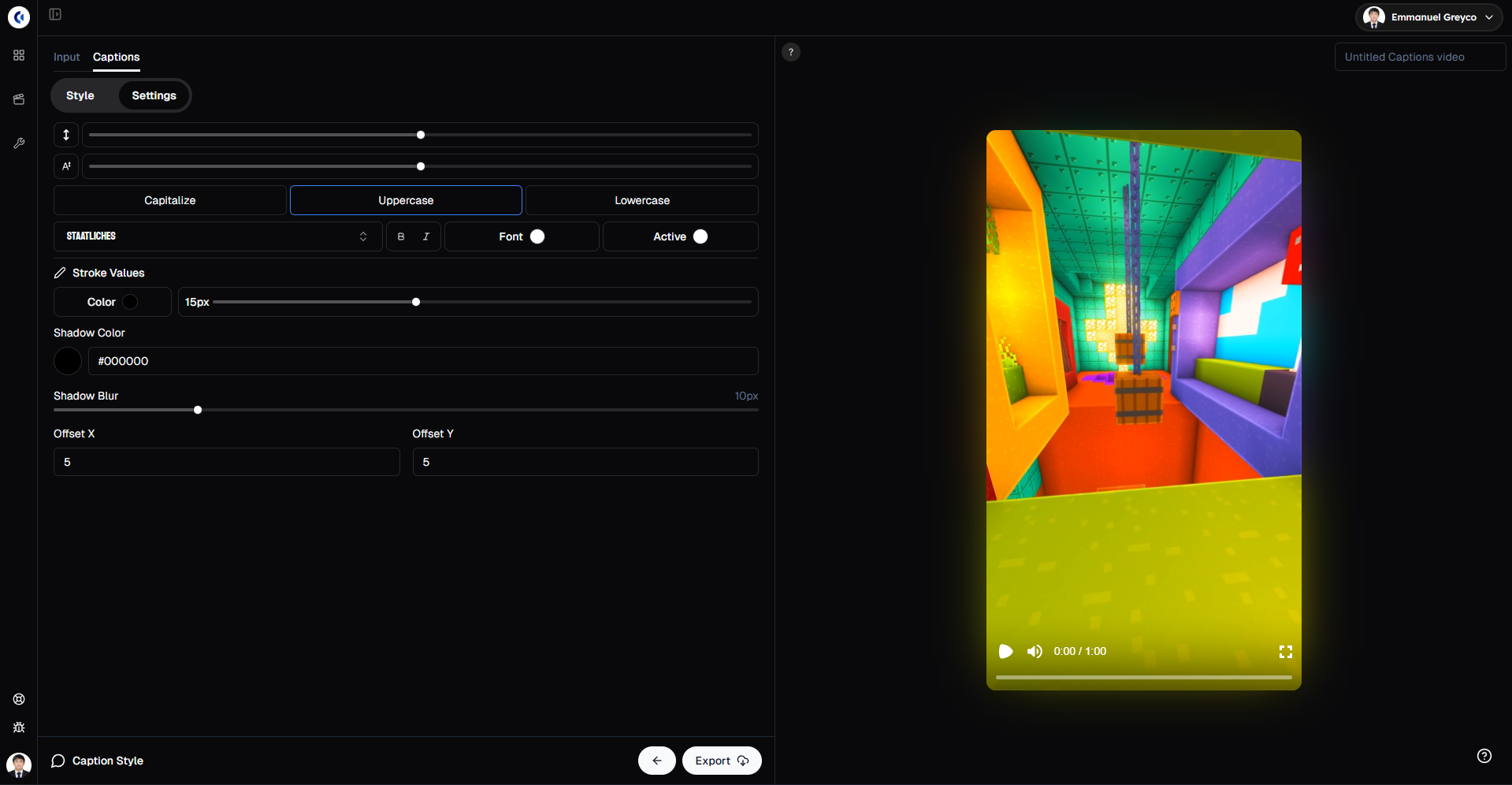
Change the font, color, and styling to match your content.
Step 3: Export Your Video
Once your captions look the way you want:
Click Export.
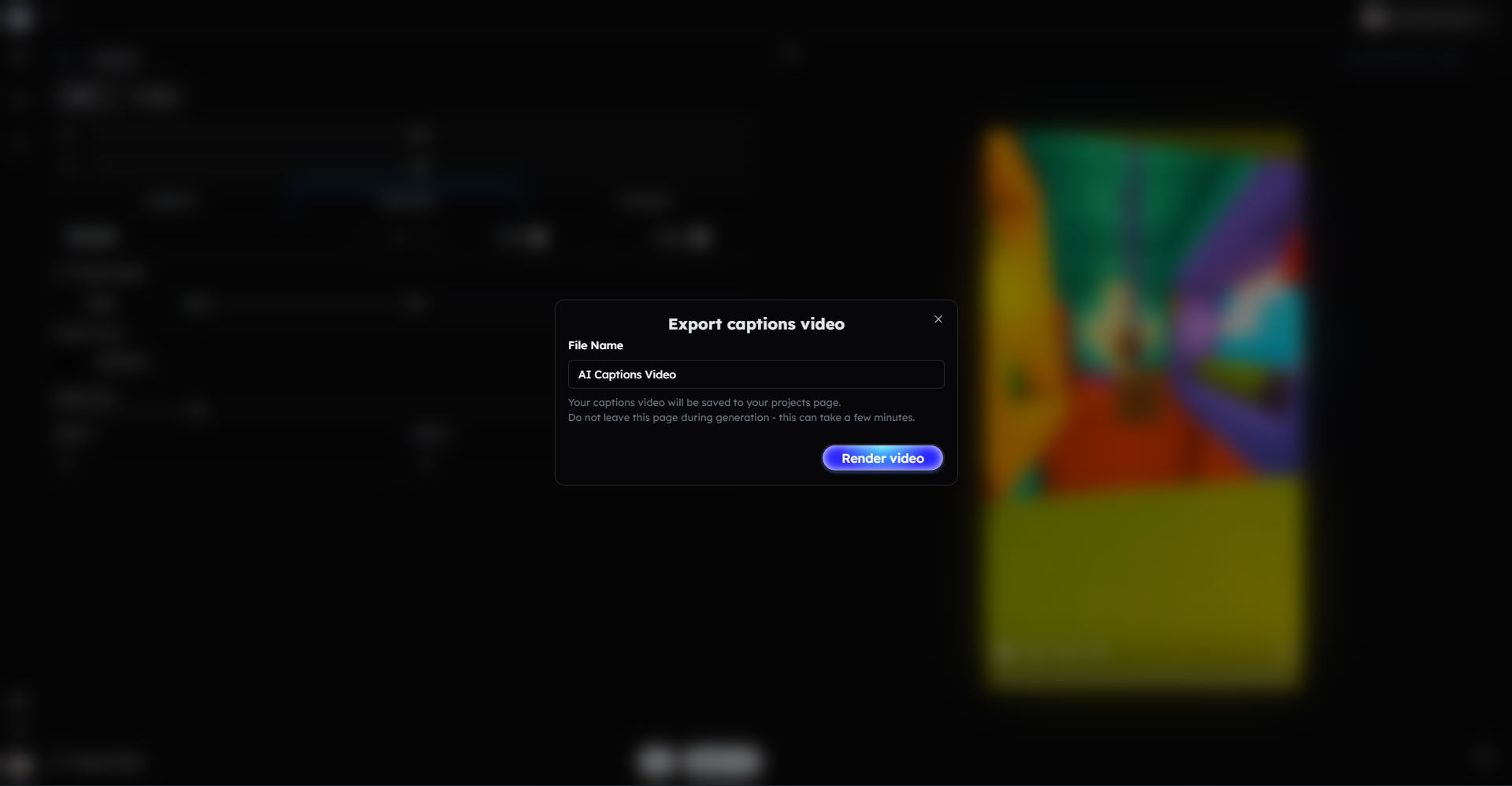
Your video with AI captions is now ready to share.
Bonus: Get 1-on-1 Support in Our Discord Community
If you get stuck or want personalized help, join our Discord community. Our team offers 24/7 one-to-one support to help you go viral with your content.
Click me to join our discord community!
FAQs: Using AI Captions
Q: How accurate are AI-generated captions? A: AI captions are highly accurate for clear audio, and you can always edit the text or styling before exporting.
Q: Can I customize how the captions look? A: Yes, you can choose different caption styles and fully customize the font, color, and appearance with live previews.
Q: Do AI captions work for any type of video? A: AI captions work best for videos with clear speech, including talking videos, story videos, and voiceover content.
Q: Why are captions important for short-form videos? A: Captions increase watch time and engagement since many viewers watch videos without sound.
Related Blog Posts
How to Generate AI Images with Clippie AI (2026 Guide)
How to Use the AI Playground in Clippie AI (2026 Guide)
How to Resize Videos with Clippie AI (2026 Guide)
Click Me To Start Creating With Clippie AI Now!
Caption your video automatically
Upload a video and Clippie captions it in about 100 languages, with caption styles, emojis and sound effects.
Read more

How to Make Top 5 Ranking Videos in 2026 (Step-by-Step)
Build ranking Shorts that can still earn: pick a debatable topic, set clear criteria, source clips you may use, script the countdown, add your commentary.

How to Create Short-Form Videos Using AI: 8 Steps (2026)
A beginner workflow for AI videos on TikTok, Reels and Shorts: pick a format, script a hook, add visuals, voice and captions, export at 9:16, label AI.

7 Free CapCut Alternatives for Short-Form Video (2026)
Compare Edits, YouTube Create, VN, Clipchamp, Canva, DaVinci Resolve and Shotcut: what each gives free users, what it caps first and where it falls short.