
How to Compress Videos with Clippie AI (2026 Guide)
Learn how to compress videos with Clippie AI to reduce file size while maintaining quality for faster uploads.
Introduction
Large video files can slow down uploads, take up unnecessary storage, and cause issues when sharing content across platforms. Compressing your videos helps reduce file size while keeping the visual quality intact.
The Video Compressor in Clippie AI makes it easy to shrink your video files in just a few clicks. Whether you’re preparing videos for faster uploads, saving storage space, or meeting platform size limits, Clippie AI handles the compression for you without complicated settings.
In this guide, we’ll walk you through how to use the Video Compressor inside Clippie AI step by step, so you can quickly reduce file sizes and export videos that are optimized for smooth sharing and posting.
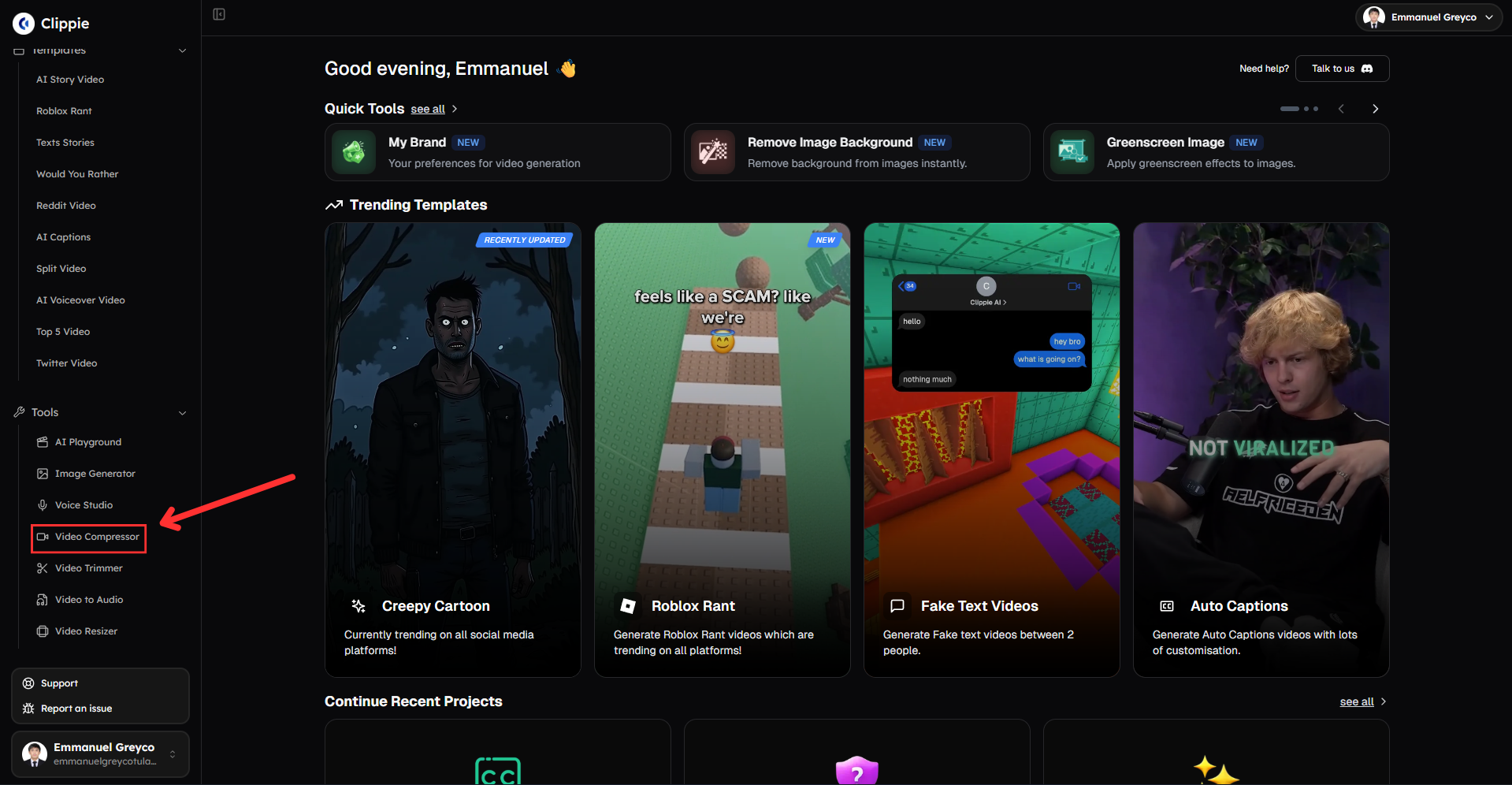
Step 1: Open the Video Compressor
Start by accessing the compression tool.
Go to Tools and click Video Compressor.
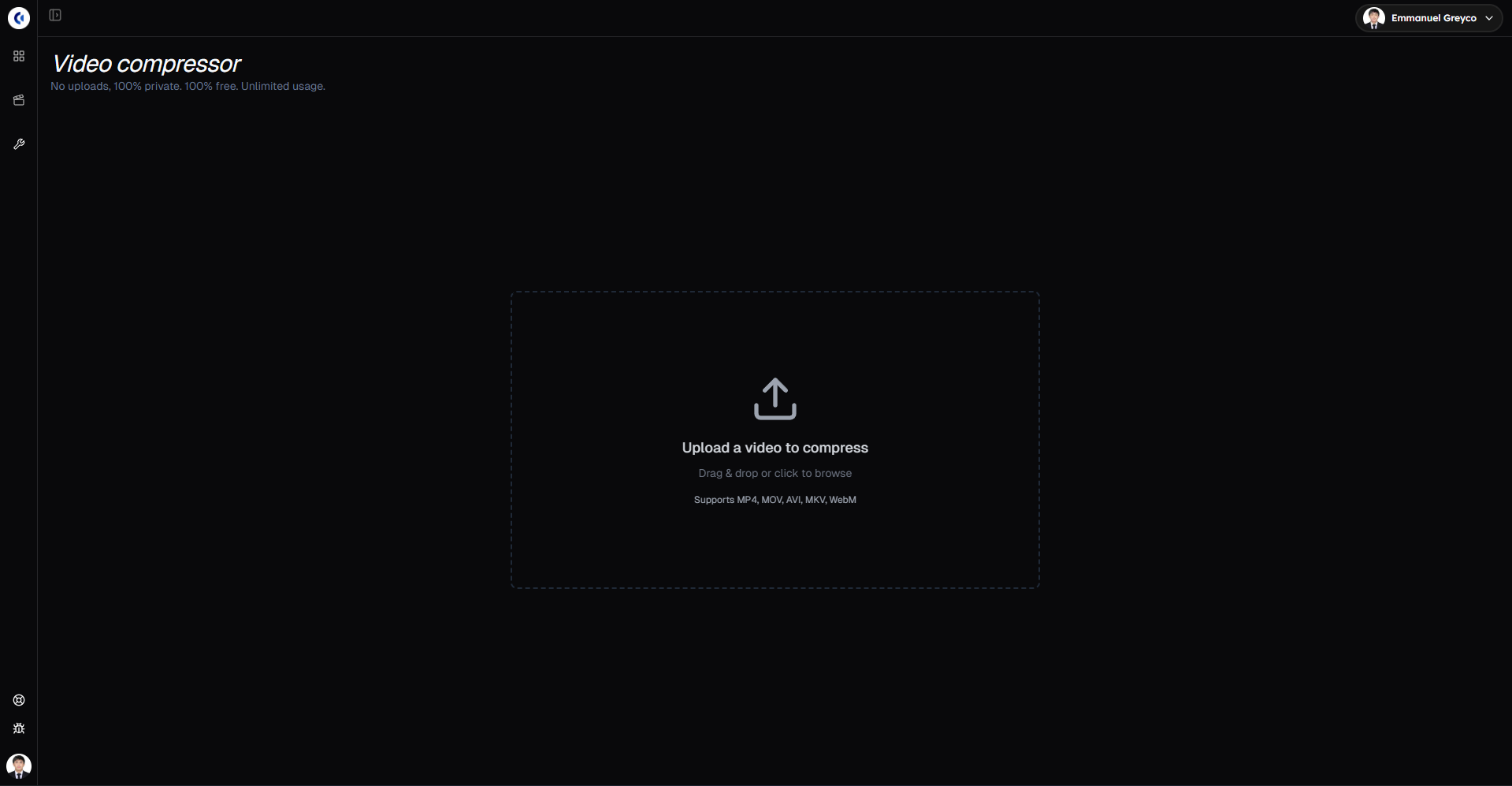
Step 2: Upload Your Video
Add the video you want to compress.
Upload your video from your device.
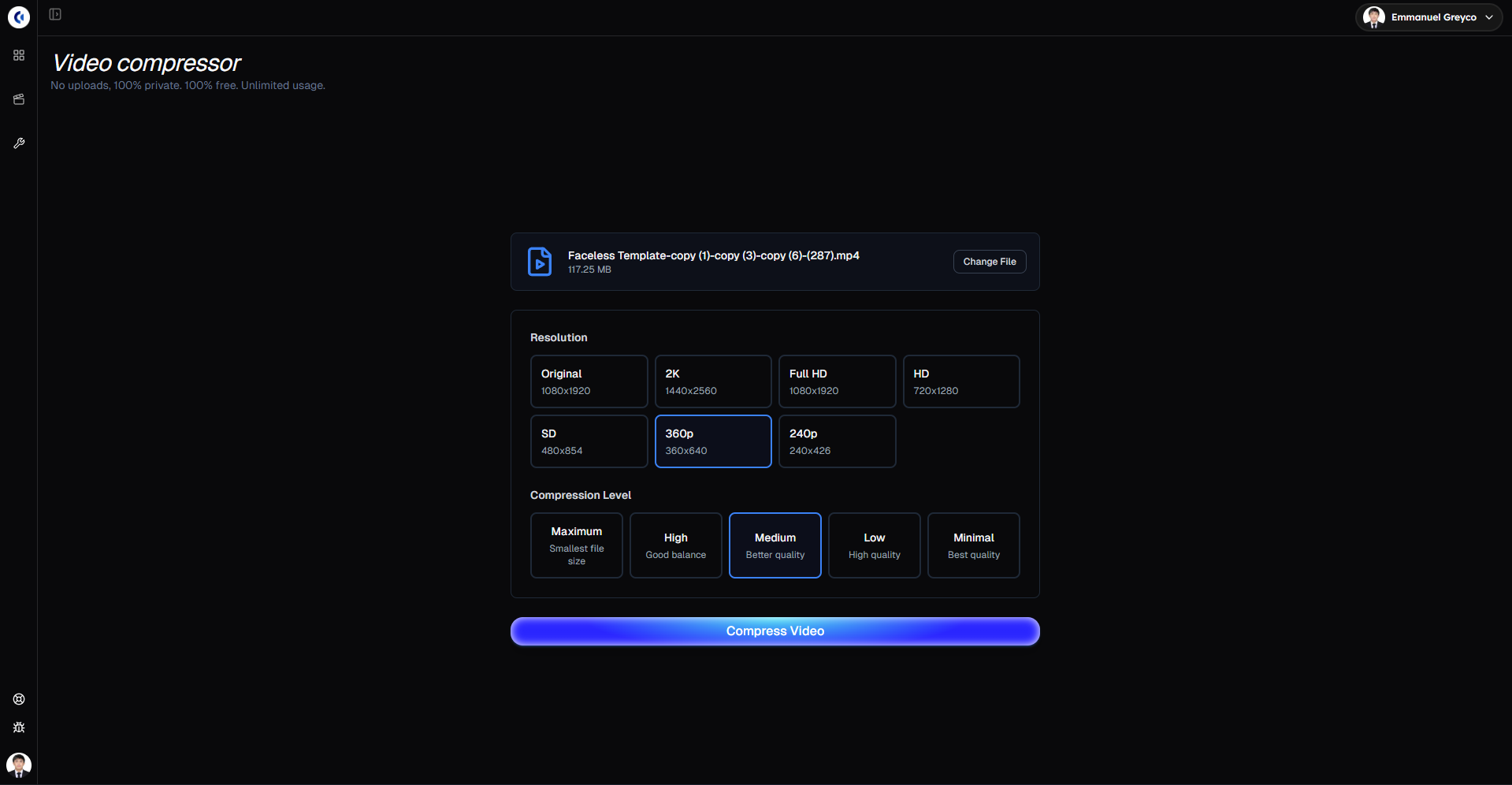
Step 3: Compress Your Video
Choose how much you want to reduce the file size.
Select your resolution.
Choose your compression level.
Click Compress Video to start the process.
Step 4: Download Your Compressed Video
Once compression is complete:
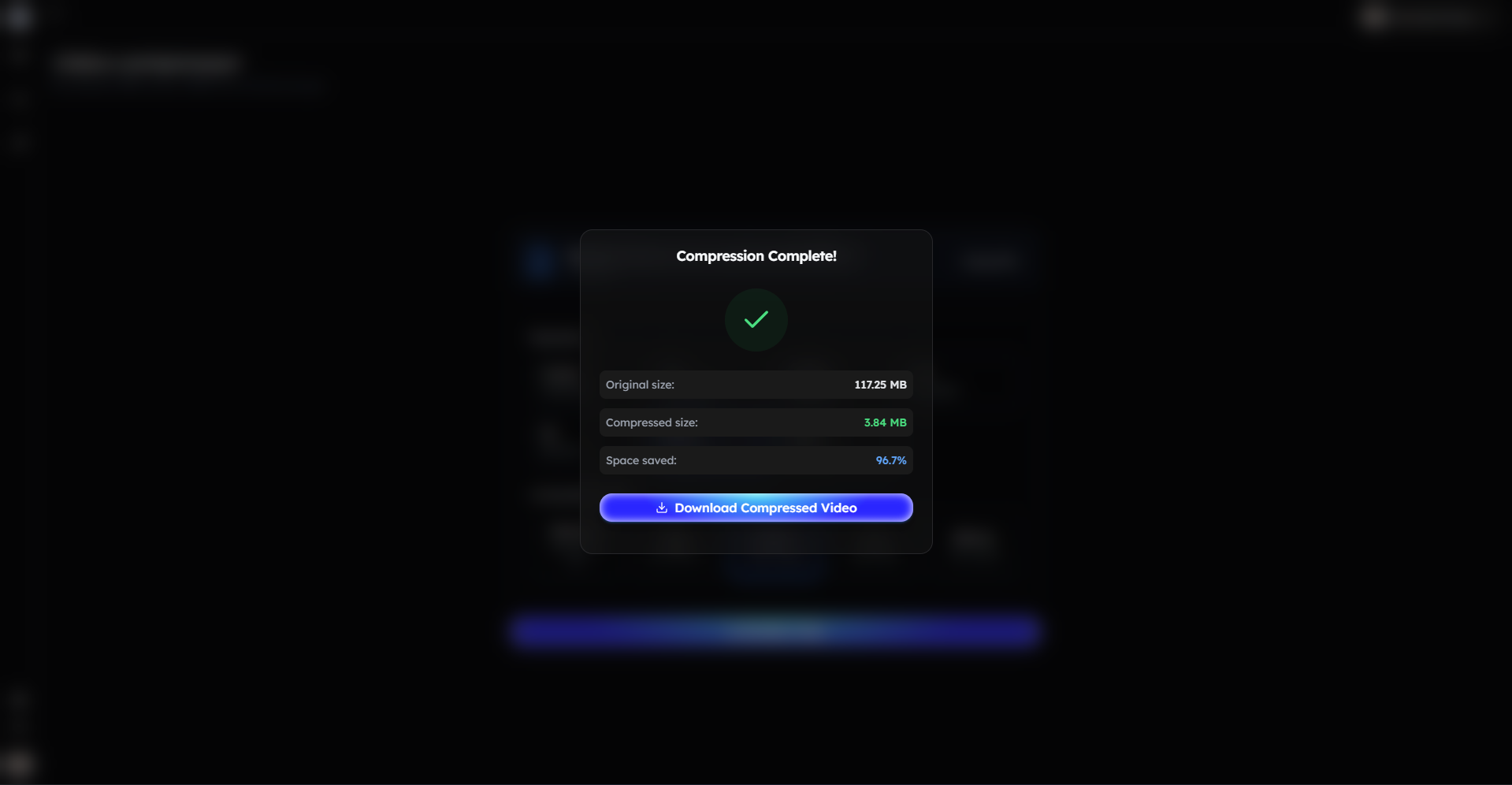
Download your compressed video.
Bonus: Get 1-on-1 Support in Our Discord Community
If you get stuck or want personalized help, join our Discord community. Our team offers 24/7 one-to-one support to help you go viral with your content.
Click me to join our discord community!
FAQs: Using the Video Compressor
Q: Will compressing my video reduce quality? A: Compression reduces file size, but you can control the balance between size and quality by choosing the resolution and compression level.
Q: Why should I compress videos before uploading? A: Smaller files upload faster, save storage space, and meet platform size limits more easily.
Q: What video formats are supported? A: The Video Compressor supports common video formats used for short-form and long-form content.
Q: Where can I find my compressed videos after export? A: You can download your compressed video immediately after the compression process is complete.
Related Blog Posts
How to Resize Videos with Clippie AI (2026 Guide)
How to Convert Video to Audio with Clippie AI (2026 Guide)
How to Use the AI Playground in Clippie AI (2026 Guide)
Click Me To Start Creating With Clippie AI Now!
Compress a video for free
Shrink a video file right in your browser before you upload it.
Read more

How to Make Top 5 Ranking Videos in 2026 (Step-by-Step)
Build ranking Shorts that can still earn: pick a debatable topic, set clear criteria, source clips you may use, script the countdown, add your commentary.

How to Create Short-Form Videos Using AI: 8 Steps (2026)
A beginner workflow for AI videos on TikTok, Reels and Shorts: pick a format, script a hook, add visuals, voice and captions, export at 9:16, label AI.

7 Free CapCut Alternatives for Short-Form Video (2026)
Compare Edits, YouTube Create, VN, Clipchamp, Canva, DaVinci Resolve and Shotcut: what each gives free users, what it caps first and where it falls short.