Top 20 AI Tools for Faceless Content Creation in 2026
The top 20 AI tools for faceless content creation in 2026, grouped by workflow: scripting, voice, video, and captions.
 Emmanuel Greyco Tulabut
If you searched for the top AI tools for faceless content creation in 2026, you don't need another vague 1-to-20 ranking, you need to know which tool does which job. This guide organizes 20 genuinely useful tools by workflow stage, so you can build a stack that fits what you actually make.
Faceless content, videos with no on-camera presenter, is now a mainstream creator strategy across TikTok, YouTube Shorts, and Reels. But "faceless" spans many jobs: scripting, voice, video generation, captions, repurposing, and distribution. Below, the best tools for each stage, with honest notes on where each fits (and where it doesn't).
Executive Summary
This guide lists 20 of the best AI tools for faceless content creation in 2026, grouped by the stage of the workflow they serve: scripting and ideation, AI voice, faceless video generation, generative video models for B-roll, repurposing and clipping, captions and editing, and visuals, avatars, and distribution. It ends with recommended starter stacks by budget. It's written for faceless creators who want a practical toolkit, not hype, and it treats every tool, Clippie included, by what it genuinely does. (Prices move often; treat all figures as ballparks and check each tool's site.)
Table of Contents
How to Build a Faceless Content Tool Stack
Scripting & Ideation Tools
AI Voice & Narration Tools
Faceless Video Generation Tools
Generative Video Models for B-Roll
Repurposing, Captions & Editing Tools
Visuals, Avatars & Distribution Tools
Recommended Starter Stacks by Budget
FAQs
Conclusion

How to Build a Faceless Content Tool Stack
You don't need 20 tools, you need one good tool per stage that matters for your format. The full pipeline looks like this:
Idea and script → an AI writing assistant.
Voice → an AI narration tool (or one built into your video tool).
Video → a faceless video generator, or generative models for custom shots.
Captions and edit → a captioning/editing tool for muted-feed polish.
Repurpose and distribute → clipping and scheduling tools.
Most creators run just 2–4 of these. The rest of this guide covers the best options at each stage so you can assemble a stack that matches your content and budget.

Scripting & Ideation Tools
Every faceless video starts with a script. These speed up drafting, but always edit for accuracy and voice.
ChatGPT, the most versatile writing assistant for outlines, hooks, and full scripts. Plus is around $20/month; a free tier exists for lighter use.
Claude, strong for longer, more analytical or research-style scripts and careful rewriting. Free tier plus paid plans.
Use them for the first draft, then add your own angle, original input is what keeps faceless content monetizable.

AI Voice & Narration Tools
Voice quality makes or breaks retention. Robotic TTS gets scrolled past and can get reach throttled.
ElevenLabs, the benchmark for natural, expressive AI narration, with voice cloning and broad language support. Paid tiers commonly start around $5–22/month for creator volumes.
Murf, a large professional voice library with good controls; a solid ElevenLabs alternative. Around $19–29/month.
PlayHT, another strong voice option with unique voices and API access.
Pick one, keep the voice consistent across your channel, and disclose synthetic voices where a platform requires it.

Faceless Video Generation Tools
This is the core of most faceless workflows, turning a script or topic into a finished video. Different tools suit different formats.
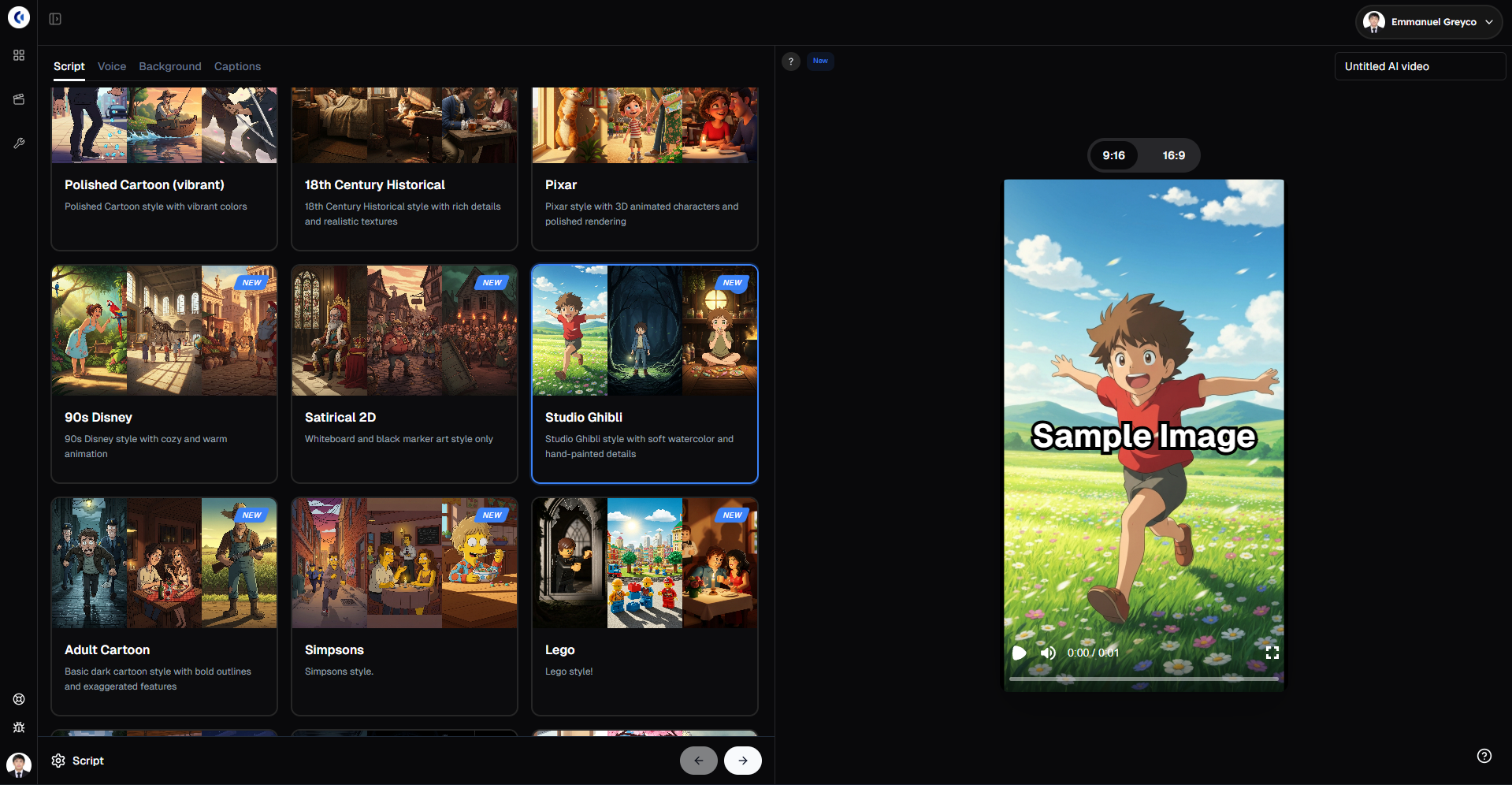
Clippie, best for pre-built faceless short-form story formats: Reddit stories, Twitter/X threads, fake-text stories, AI story videos, "top 5," and "would you rather." Includes 50+ AI voices plus a custom voice option, captions in 102+ languages, and AI images. Built for short-form (roughly 60–120s), not cinematic generation or long-form editing. Plans: Lite $19.99, Creator $34.99, Pro $69.99/month (no free tier). See it in Clippie's animated AI story tutorial, or try the AI story video generator.
InVideo AI, prompt-to-video from a topic, with a large stock library and access to generative models like Sora 2 and Veo 3.1. Great all-rounder. From around $25/month.
Pictory, turns articles, scripts, or URLs into captioned videos; best for repurposing written content and
longer YouTube pieces. From around $19–39/month.
Fliki, text-to-video with strong multilingual voices; good for quick narrated videos. From around $28/month.
Revid.ai, AI faceless video with a viral-inspiration library and optional avatars; prompt-based. Paid tiers start around $32–39/month.
AutoShorts.ai, set-and-forget automation that generates and posts short videos on a schedule; best when consistency is your bottleneck.
For a focused head-to-head of the short-form generators specifically, see our comparison of the best AI Shorts generators in 2026.

Generative Video Models for B-Roll
When you need custom shots that stock footage can't cover, generative models fill the gap. Use them for inserts, not whole videos.
Google Veo (3.1), the strongest all-rounder for realistic, cinematic clips and image-to-video.
Runway (Gen-4.5), best when you need directed camera control and editable footage.
Kling (3.0), strong for photorealistic people and products and motion consistency.
Note: OpenAI's Sora is no longer a standalone tool (its app was folded into OpenAI's media suite), so don't build a new pipeline on it.

Repurposing, Captions & Editing Tools
Once you have video, these tools multiply and polish it for muted, vertical feeds.
OpusClip, finds and cuts the clip-worthy moments from long videos into shorts; ideal if you already have long-form content.
Klap, similar long-to-short clipping with auto-captions, another option for repurposing.
Submagic, high-accuracy animated captions and B-roll polish for short-form; captions are its standout. From around $12–19/month.
CapCut, a capable free editor with AI features (auto-captions, background removal); great as a zero-cost base or backup editor.
Descript, text-based editing (edit the transcript to edit the video); best for podcasts and narration-heavy long-form.

Visuals, Avatars & Distribution Tools
The supporting cast, custom images, on-screen presenters, and getting content live.
Canva, fast thumbnails, overlays, and simple design; a free tier plus affordable Pro.
Midjourney, custom AI imagery for distinctive visuals beyond stock. From around $10/month.
HeyGen / Synthesia, AI avatar presenters if you want an on-screen host who isn't you; Synthesia leans corporate/multilingual training.
Blotato / Buffer, schedule and cross-post to multiple platforms. Distribution is the step most tool lists skip, automate it early.

Recommended Starter Stacks by Budget
You don't need all of the above. Three sensible starting points:
Zero-to-low cost: CapCut (free editing) + ChatGPT free tier (scripts) + a free voice tier. Good for validating a format before you spend.
Solo creator (~$40–70/month): a video tool like Clippie for short-form stories or InVideo AI for prompt-to-video + ChatGPT Plus for scripting. Covers most channels end to end.
Scaling (~$100–150/month): the above + ElevenLabs for premium voice + OpusClip or Submagic for repurposing and captions.
Whatever you build, the tools are only half the job, see how faceless YouTube channels make money in 2026 for the strategy side, and Clippie's Top 5 Monetizable Faceless Niches for 2026 for niche ideas.
FAQs
What AI tools do I actually need to start a faceless channel?
Fewer than you'd think. A scripting assistant (ChatGPT or Claude), one video tool (a faceless generator like Clippie or InVideo AI), and captions (built in, or CapCut/Submagic) covers a complete workflow. Add a premium voice or repurposing tool later, only when a specific limitation justifies it.
Should I use one all-in-one tool or several specialized ones?
Start with one tool that covers most of your workflow, and add a specialist only when you hit a real bottleneck. An all-in-one keeps things simple and cheap; specialists raise quality in one area at the cost of complexity. Most creators land on two to four core tools, not a sprawling stack.
What's the best AI voice tool in 2026?
For standalone narration, ElevenLabs is the common benchmark, with Murf and PlayHT as strong alternatives. If your video tool already includes good voices (many do), that may be enough. What matters most is choosing a natural voice and keeping it consistent, avoid generic robotic TTS.
Do these tools have free versions?
Many do. CapCut is free, ChatGPT and Claude have free tiers, and tools like Submagic, InVideo, and ElevenLabs offer limited free plans, though most watermark output or cap usage. Note that some paid tools (including Clippie) don't have a free tier, so check each tool's current plans before committing.
Can I run a fully automated faceless channel with these tools?
Partly. Tools like AutoShorts and Revid automate generation and posting, and schedulers handle distribution. But fully hands-off channels tend to produce repetitive, low-value content that YouTube's 2026 inauthentic-content rules penalize. Keep a human in the loop on the script and angle so the content stays original and monetizable.
How much should I spend on tools before I'm earning?
Keep it lean until you've proven you can post consistently. Free tools plus one paid scripting or video tool (roughly $20–70/month) is plenty to start. Scale spending only once the channel shows traction or approaches monetization, tools should follow revenue, not precede it.
Conclusion
The best faceless content stack in 2026 isn't the longest one, it's the smallest set of tools that covers your workflow well. Match one good tool to each stage that matters for your format: script, voice, video, captions, and distribution. Start lean, keep your voice and captions strong, and add specialists only when you hit a real limit.If your channel runs on narrated Reddit, story, or list content, Clippie covers the video, voice, and caption stages in one place, and pairs cleanly with a scripting tool and a scheduler to complete the stack.
Try it in Clippie
Make faceless videos with Clippie
Type an idea or paste a script. Clippie writes, voices, illustrates and captions a video you never have to appear in.
See the faceless video formats