
How to Make Would You Rather Videos with Clippie AI (2026 Guide)
Discover how to make Would You Rather videos using Clippie AI. Learn how to generate questions, add AI voiceovers and captions, and create high engagement videos for short form platforms.
Introduction
Would You Rather videos are one of the most interactive content formats on TikTok, YouTube Shorts, and Instagram Reels. These videos ask simple but interesting questions that encourage viewers to pause, think, and comment their answers, which leads to high engagement and algorithm reach.
The strength of Would You Rather videos lies in participation. Viewers do not just watch, they interact. This makes the format perfect for creators who want more comments, shares, and repeat viewers.
With Clippie AI, you can create Would You Rather videos without brainstorming questions or editing manually. The platform generates prompts, adds AI voiceovers, creates visuals, applies captions, and prepares your video for short form platforms automatically.
In this detailed tutorial, we will show you how to make Would You Rather videos with Clippie AI from start to finish. By the end, you will know how to create engaging question based videos that drive comments and grow your channel.
Step 1: Input Your Questions
Start by creating engaging questions for your video.
Click Generate with AI and enter a detailed prompt describing the type of Would You Rather questions you want. For example, “Write 5 funny Would You Rather questions about travel and food.”
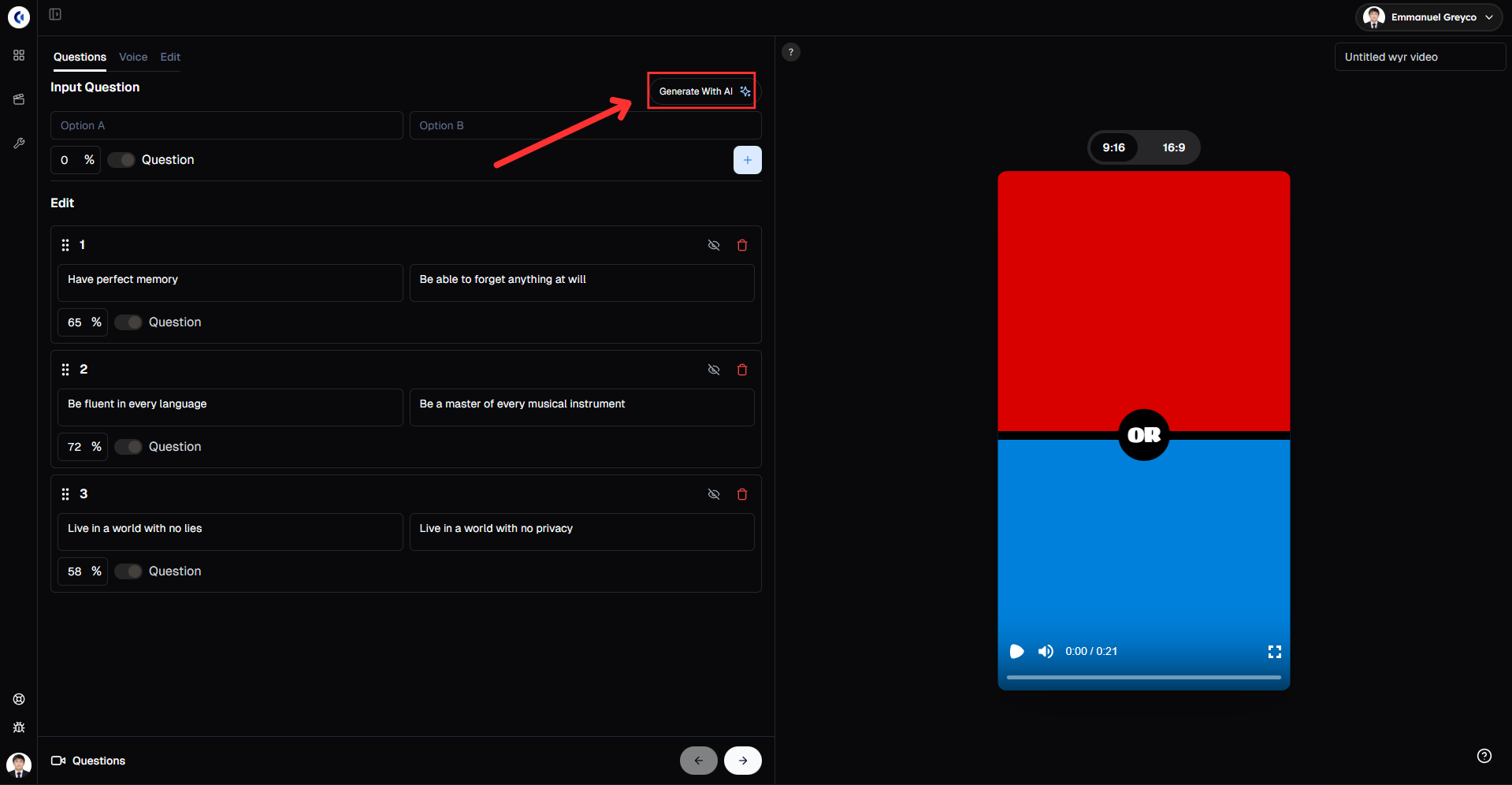
Click Generate.
Edit the order and percentage of each question.
You can also manually input a question or a comment.
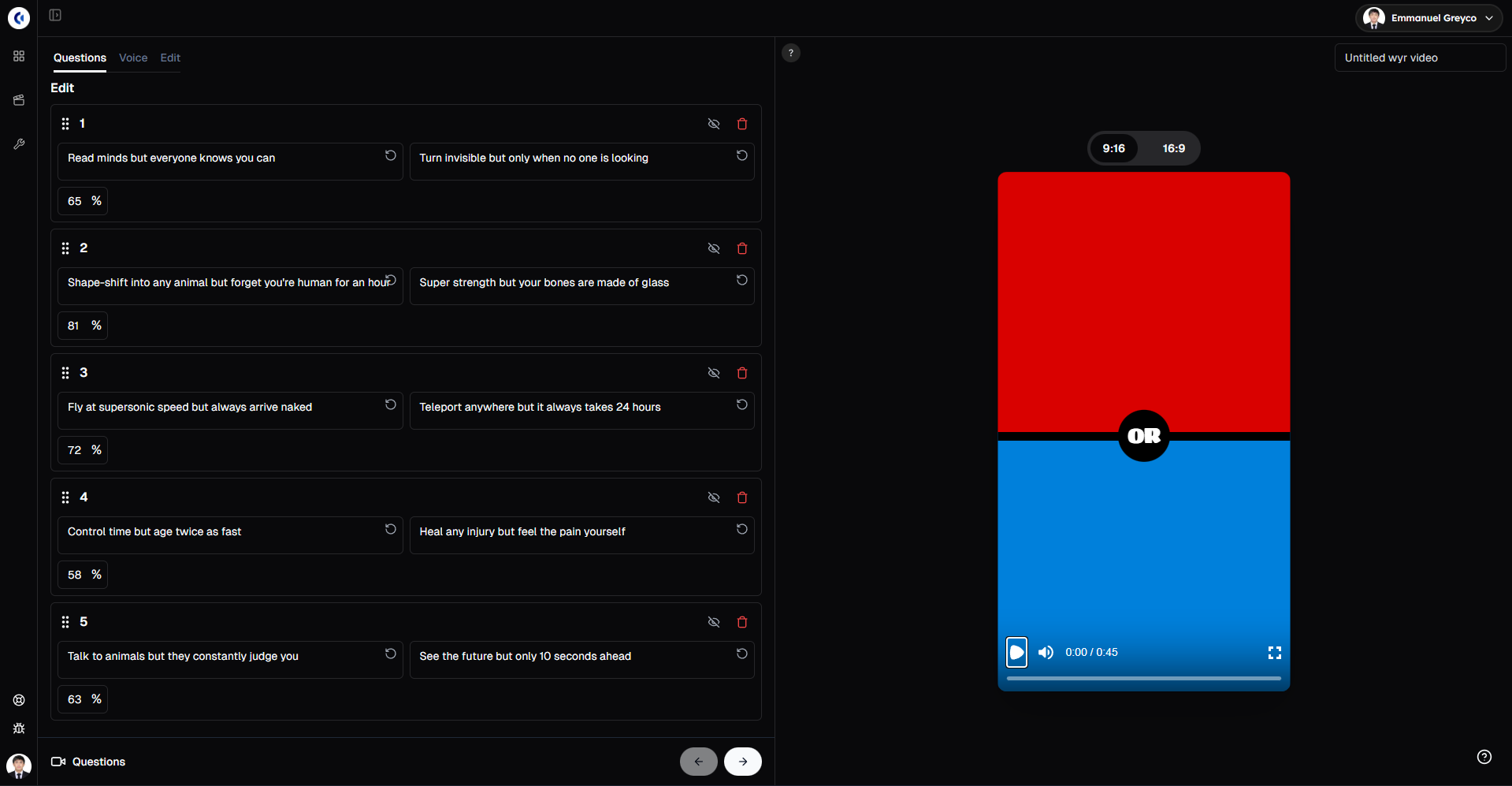
Pro tip: Use relatable or trending topics in your questions to boost viewer engagement and shares.
Step 2: Select Your Voice Character
Bring your questions to life with narration.
Go to the Voice tab.
Select a voice character.
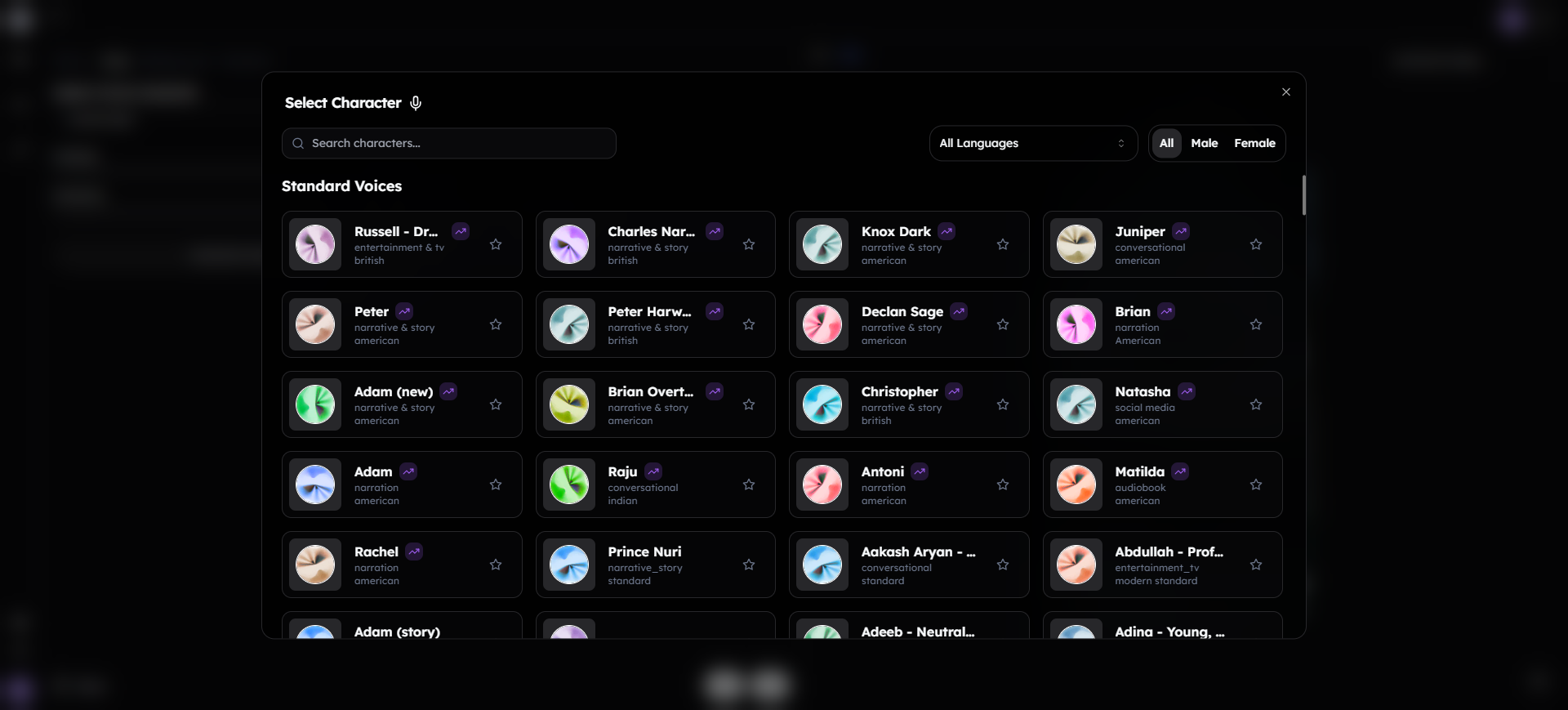
Choose to generate the voiceover with images or without images, then click generate.
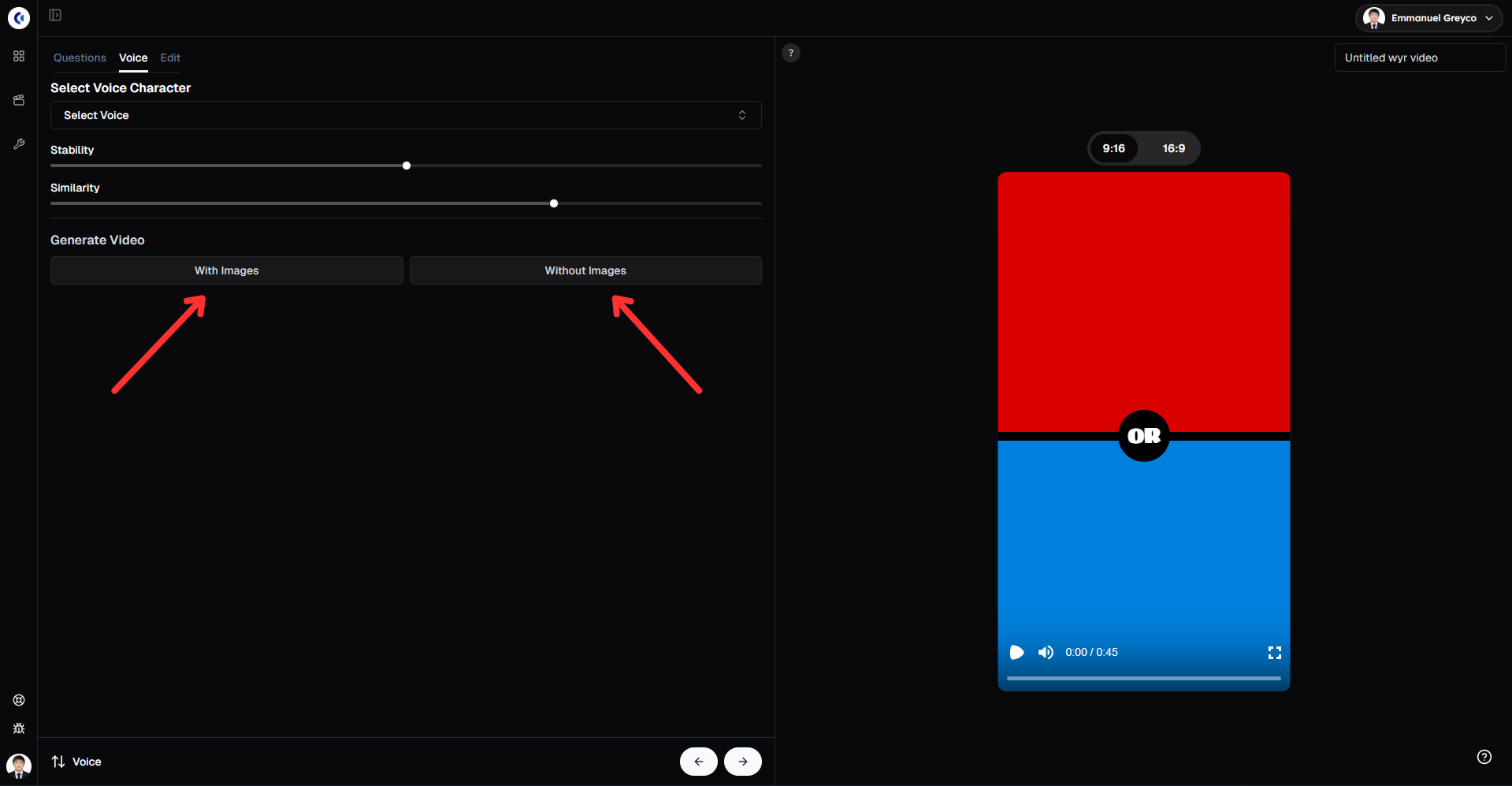
This step gives your video personality and keeps viewers interested through natural-sounding narration.
Step 3: Edit Video Settings
Customize the look and feel of your video.
Add background audio.
Edit the colors for Option A, Option B, and the divider background.
Choose whether to display a timer and edit its color.
Adjust the image radius and size.
Edit text font, style, size, and color.
Add sound effects for the video.
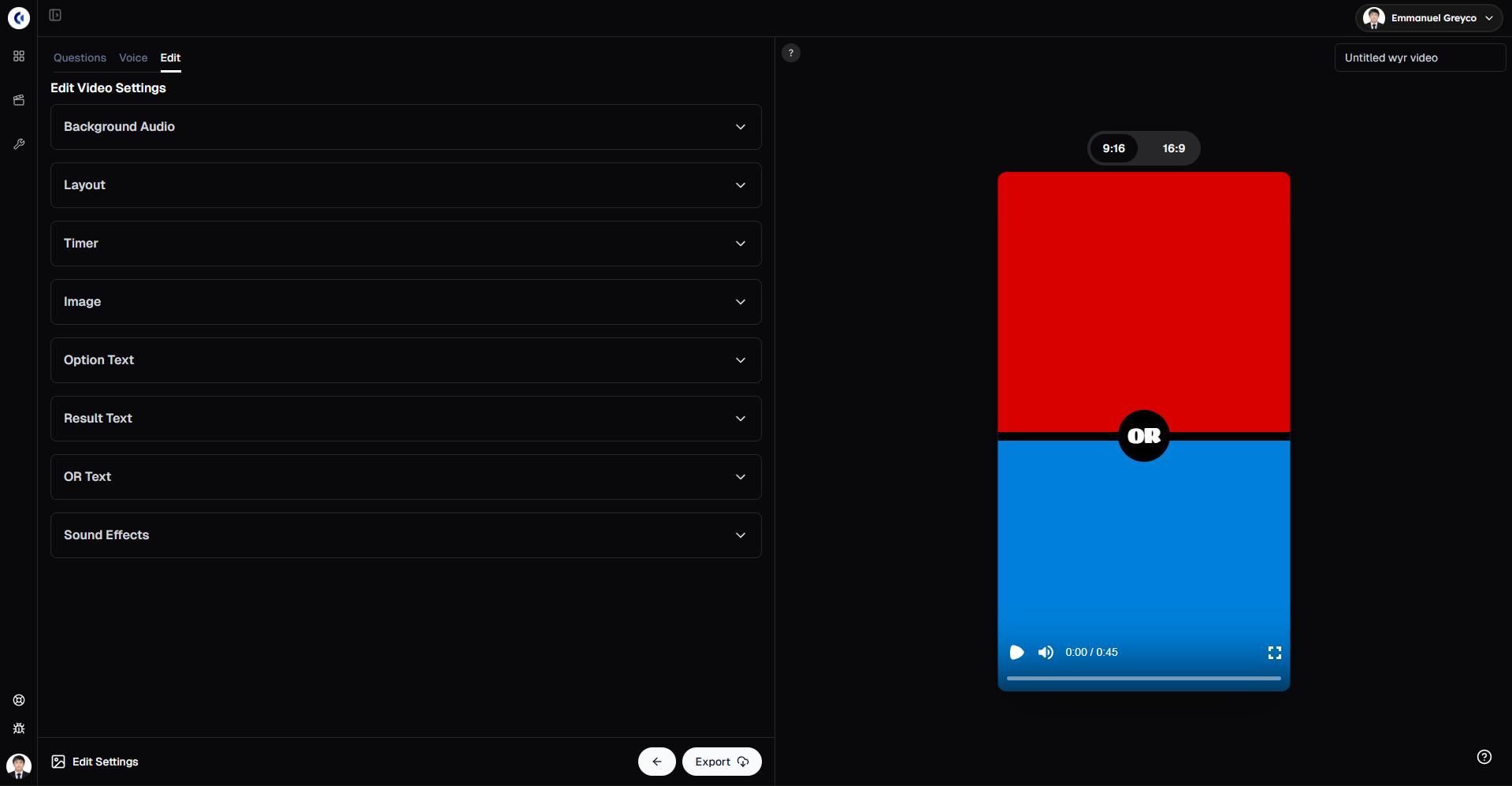
Fine-tuning these settings helps your video look polished and keeps viewers engaged longer.
Step 4: Export Your Video
Once everything looks perfect:
Click Export.
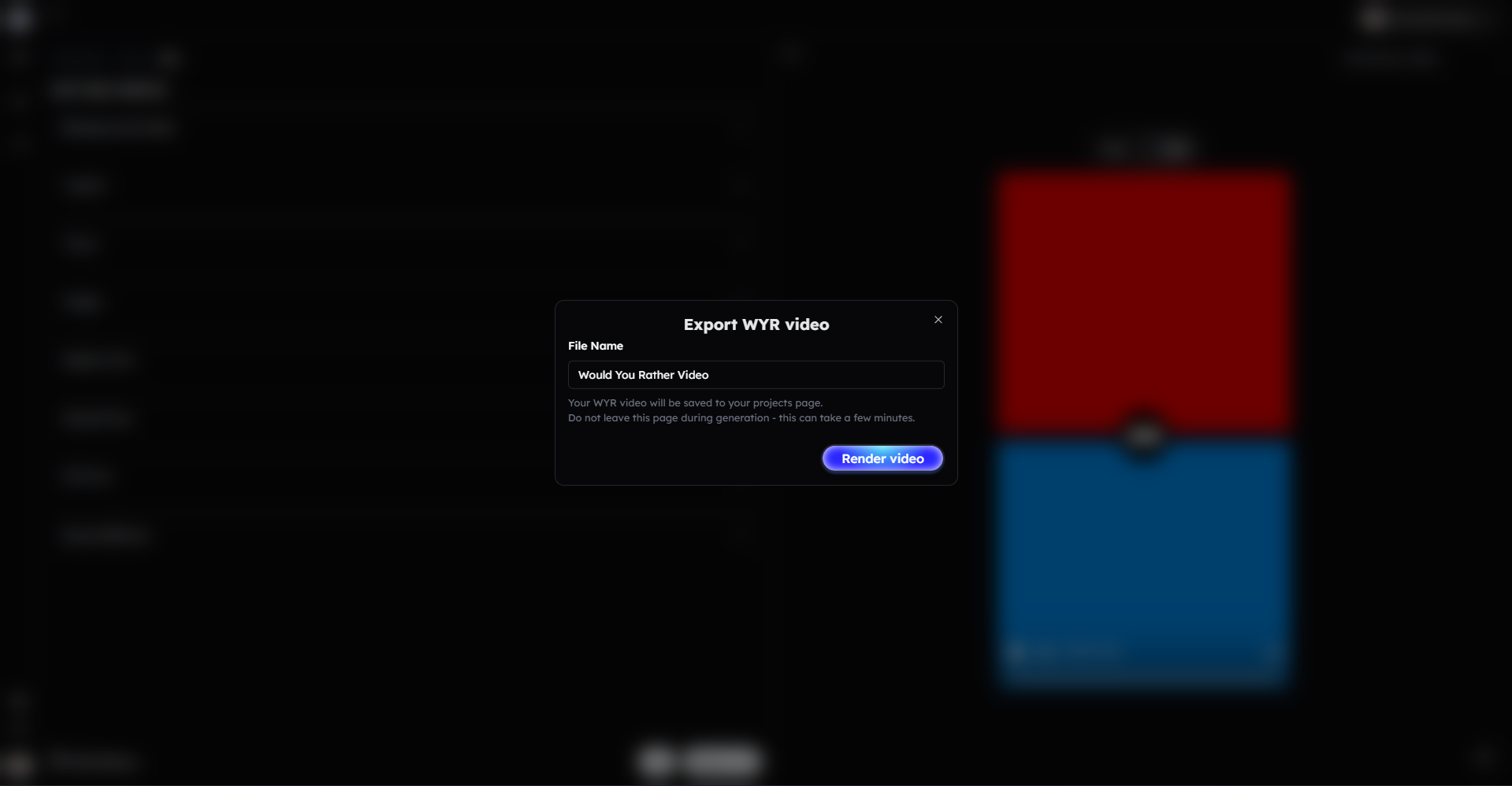
Your Would You Rather video is ready to share.
Bonus: Get 1-on-1 Support in Our Discord Community
If you get stuck or want personalized help, join our Discord community. Our team offers 24/7 one-to-one support to help you go viral with your content.
Click me to join our discord community!
FAQs: Making Would You Rather Videos
Q: Can I add my own questions or only use AI-generated ones? A: You can add both AI-generated questions and manually input your own for full customization.
Q: How do the percentages work in the video? A: Percentages represent viewer choices or engagement stats that you can edit to fit your video narrative.
Q: Can I customize the look of the options and timer? A: Yes, you can edit colors, text style, size, and whether to display the timer and its color.
Q: Is it possible to add sound effects? A: Absolutely! You can add and customize sound effects to enhance your video’s impact.
Related Blog Posts
How to Create AI Voiceover Videos with Clippie AI (2026 Guide)
How to Create Twitter Videos with Clippie AI (2026 Guide)
How to Generate AI Captions with Clippie AI (2026 Guide)
Click Me To Start Creating With Clippie AI Now!
Make a Would You Rather video
Write the questions or let AI suggest them. Clippie adds images, a timer and the answer split.
Read more

How to Make Top 5 Ranking Videos in 2026 (Step-by-Step)
Build ranking Shorts that can still earn: pick a debatable topic, set clear criteria, source clips you may use, script the countdown, add your commentary.

How to Create Short-Form Videos Using AI: 8 Steps (2026)
A beginner workflow for AI videos on TikTok, Reels and Shorts: pick a format, script a hook, add visuals, voice and captions, export at 9:16, label AI.

7 Free CapCut Alternatives for Short-Form Video (2026)
Compare Edits, YouTube Create, VN, Clipchamp, Canva, DaVinci Resolve and Shotcut: what each gives free users, what it caps first and where it falls short.