How to Cancel ShortX Subscription
Need to cancel your ShortX subscription? This comprehensive 2025 blog explains exactly how to cancel your ShortX plan, request a refund, and transition to better AI video tools like Clippie AI.

On this page
Need to cancel your ShortX subscription? This comprehensive 2025 blog explains exactly how to cancel your ShortX plan, request a refund, and transition to better AI video tools like Clippie AI. Fully SEO-optimized for creators and marketers.
Table of Contents
Introduction: Ending Your ShortX Subscription
ShortX Pricing Model: Monthly, Annual & Free Trial Users
Step-by-Step Guide to Cancel ShortX
Logging Into Your ShortX Profile
Finding Subscription or Billing Tab
Cancelling and Verifying Termination
Are You Eligible for a Refund? Key Terms to Know
What Happens to Your Shorts and Account Data?
Solving Common Cancellation Problems with ShortX
Better Alternatives in 2025: Why Clippie AI Leads for Faceless Shorts
Wrap-Up: Managing Subscriptions with a Growth Mindset
Introduction: Ending Your ShortX Subscription
In the fast-paced world of short-form content creation, creators and marketers are constantly evolving their tech stacks to keep up with new formats, better automation, and more profitable monetization tools. Whether you signed up for ShortX on a free trial, a monthly plan, or an annual subscription, there might come a time when you realize the platform no longer aligns with your workflow or content goals.
Maybe you initially joined ShortX for its basic video clipping features, but now you’re producing at a higher volume and need a platform that offers automation, voiceovers, batch exporting, and faceless content generation. Or perhaps you're scaling a faceless TikTok or YouTube Shorts brand and want more built-in support for monetization overlays, affiliate CTAs, and multi-format video templates that help you rank in-platform without editing.
Whatever your reason for cancellation, be it budget concerns, limited functionality, or shifting toward a smarter tool stack, it’s essential to know exactly how to cancel your ShortX subscription properly so you don’t get hit with unexpected charges or lose access to saved content.
This detailed guide walks you through:
The step-by-step cancellation process inside the ShortX dashboard
What to expect regarding refunds, billing cycles, and cancellation policies
How cancellation affects your saved projects, exports, and account access
And most importantly, the best ShortX alternatives creators are using in 2025, including the rising industry leader, Clippie AI, which automates the entire short-form video process and supports full monetization workflows.
If you're ready to make a smarter move for your content strategy, this is the guide that helps you cancel cleanly and upgrade confidently.
ShortX Pricing Model: Monthly, Annual & Free Trial Users
ShortX offers multiple pricing tiers:
Free Trial: Typically 7-14 days with limited access to premium features.
Monthly Plan: Billed every 30 days with access to editing, captioning, and exports.
Annual Plan: Paid upfront for a full year, usually with a discount.
Each of these plans may have different cancellation rules and refund conditions, which we'll cover in detail below.
Step-by-Step Guide to Cancel ShortX
Logging Into Your ShortX Profile
Go to the official ShortX website and click "Login."
Enter your credentials and access your dashboard.
Finding the Subscription or Billing Tab
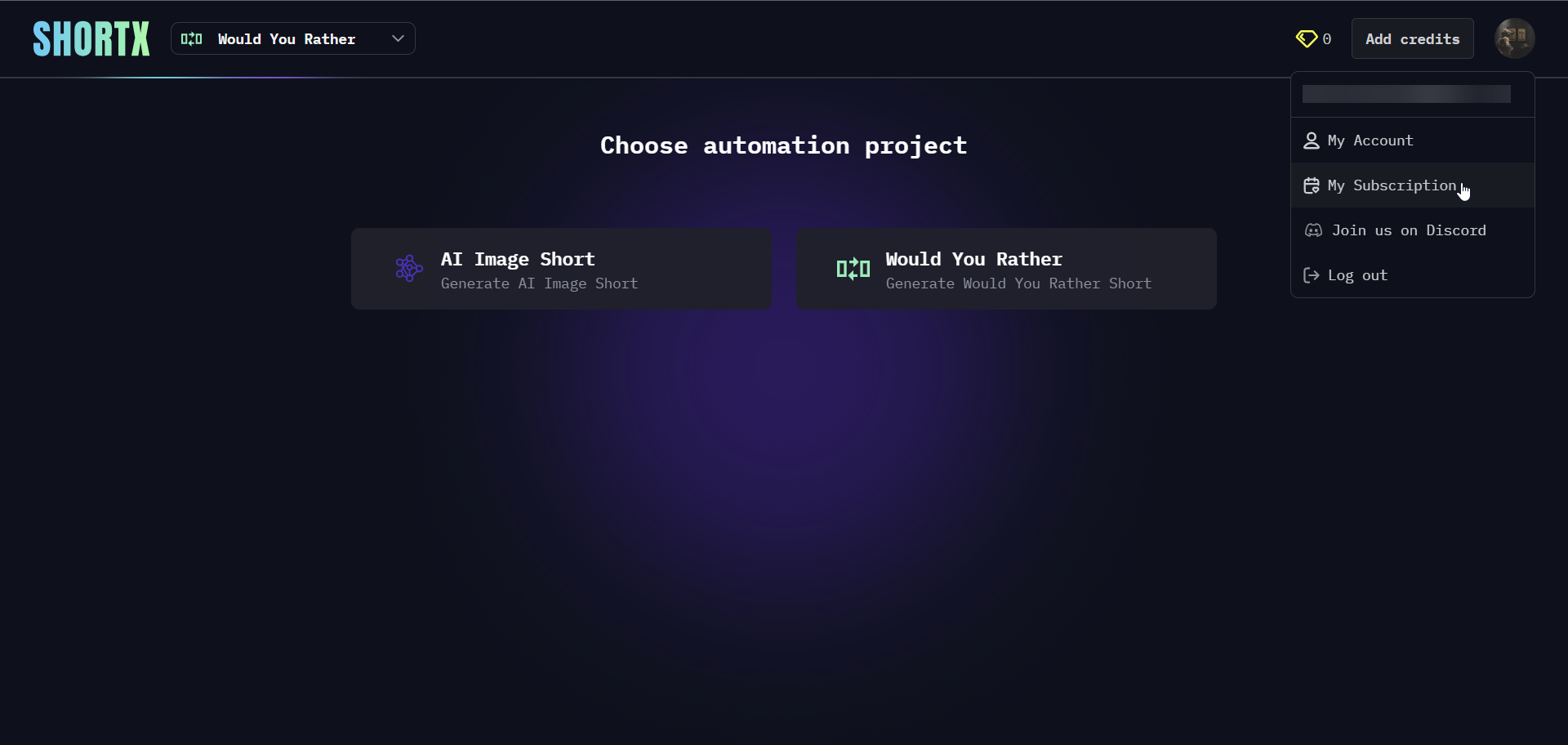
Click on your profile icon in the top right corner.
Navigate to the "Account Settings" or "Billing" section.
Look for an option that says "Manage Subscription" or "Billing Settings."
Cancelling and Verifying Termination
Once inside the billing page, locate the "Cancel Subscription" button.
Follow the prompts; you may need to confirm via email or complete a short feedback survey.
Be sure to check for a confirmation message or email that proves the cancellation was successful.
Are You Eligible for a Refund? Key Terms to Know
ShortX generally adheres to a no-refund policy, especially for monthly and annual subscriptions that have already renewed. However, exceptions may apply:
If you cancel within 24 hours of a renewal, you might be eligible for a prorated refund.
Free trial users will not be charged if they cancel before the trial period ends.
Contact customer support via email to clarify refund eligibility in edge cases.
What Happens to Your Shorts and Account Data?
After cancellation:
You will retain access to your account until the end of your billing cycle.
Once your subscription expires, you will lose access to premium features like HD exports and batch processing.
Previously exported videos will remain in your downloads folder, but
draft projects may be deleted.
Pro Tip: Always back up important videos before cancelling.
Solving Common Cancellation Problems with ShortX
Can't find the cancellation button? Make sure you are on a desktop browser.
Charged after cancelling? Check for multiple accounts or login errors.
Confirmation email not received? Check your spam/junk folder.
Still being billed? Contact ShortX support and provide your email, invoice number, and cancellation date.
Better Alternatives in 2025: Why Clippie AI Leads for Faceless Shorts
If you're cancelling ShortX, it's likely you're looking for a tool that offers more:
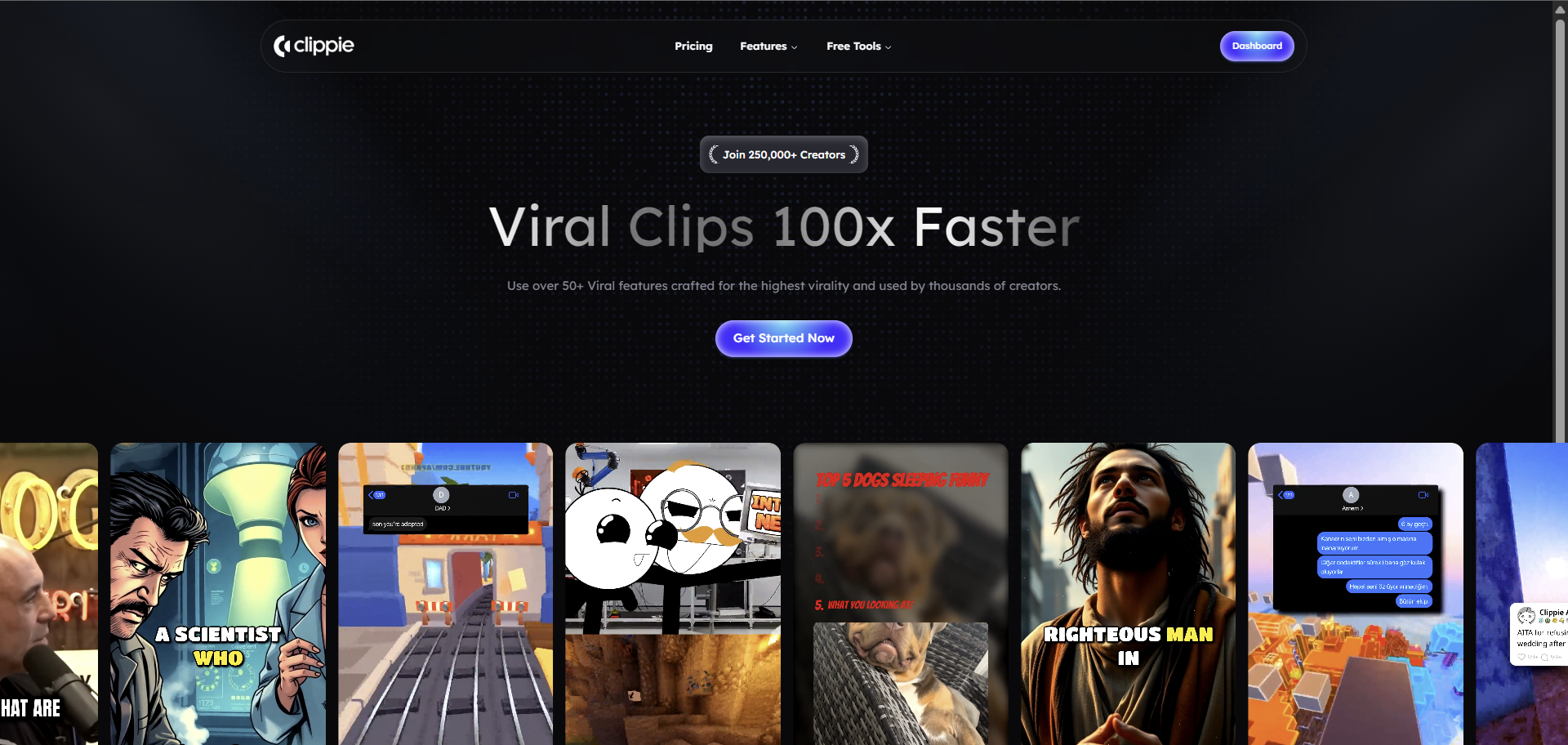
Clippie AI is designed specifically for creators who want to scale faceless content brands without editing, scripting, or even showing their face.
Here’s why creators prefer Clippie AI:
Full automation for formats like:
Text stories
Viral Top 5s
Quizzes and Polls
AI voiceover explainers
AI-driven scriptwriting and video assembly
Auto voiceovers, subtitles, and scene transitions
Batch export for TikTok, YouTube Shorts, and Reels
Built-in monetization overlays & CTA buttons
Clippie isn’t just an editor; it’s a complete growth engine for creators looking to maximize reach, engagement, and revenue in 2025.
Wrap-Up: Managing Subscriptions with a Growth Mindset
Cancelling your ShortX subscription isn’t a setback; it’s a strategic move forward. As a modern creator or digital entrepreneur, every tool in your content stack should serve one purpose: helping you grow faster with less effort. If something no longer aligns with your output goals, workflow efficiency, or monetization strategy, it’s time to reassess.
2025 is the year of smart content automation. Creators are shifting away from single-purpose tools and moving toward all-in-one solutions that enable:
High-volume publishing without burnout
AI-powered content ideation, editing, and voiceovers
Platform-optimized video templates built for TikTok, YouTube Shorts, and Instagram Reels
Built-in monetization overlays and affiliate integration that help you earn while you grow
That’s exactly where Clippie AI shines.
If you’ve outgrown ShortX or found its workflow too manual or limited, Clippie AI offers the full creative engine you’ve been waiting for. It’s not just a video editor. It’s a complete faceless video creation system, designed for:
Beginners with no editing experience
Agencies managing multiple clients
E-commerce brands using video to convert
Influencers scaling with speed and automation
You don’t need to record, edit, or even speak. Just select your format (text stories, Top 5s, polls, image storylines, etc.), enter a few prompts, and Clippie AI handles the rest including voiceover, captions, visuals, and formatting for every platform.
Ready to Upgrade Your Growth Strategy?
Don’t let outdated tools hold back your momentum. If your goal is to:
Save hours of editing every week
Build a faceless content brand at scale
Generate daily viral videos without burnout
Monetize without waiting on brand deals or sponsorships
Then Clippie AI is your upgrade path. Thousands of creators are switching because it works consistently, automatically, and at scale.
🚀 Cancel the tools that slow you down - built with the platform designed to grow you up.
Try it in Clippie
See what Clippie makes
Type an idea or paste a script. Clippie writes, voices, illustrates and captions a video you never have to appear in.
See the faceless video formats