AI Video Editing Tools for Creators: How Clippie AI Enhances Your Video Workflow (2025)
Discover how Clippie AI streamlines video creation from script to publish. Compare it to CapCut, Adobe Premiere AI & Runway, and learn AI-powered editing tips for 2025.

On this page
Addressing the Main Topic
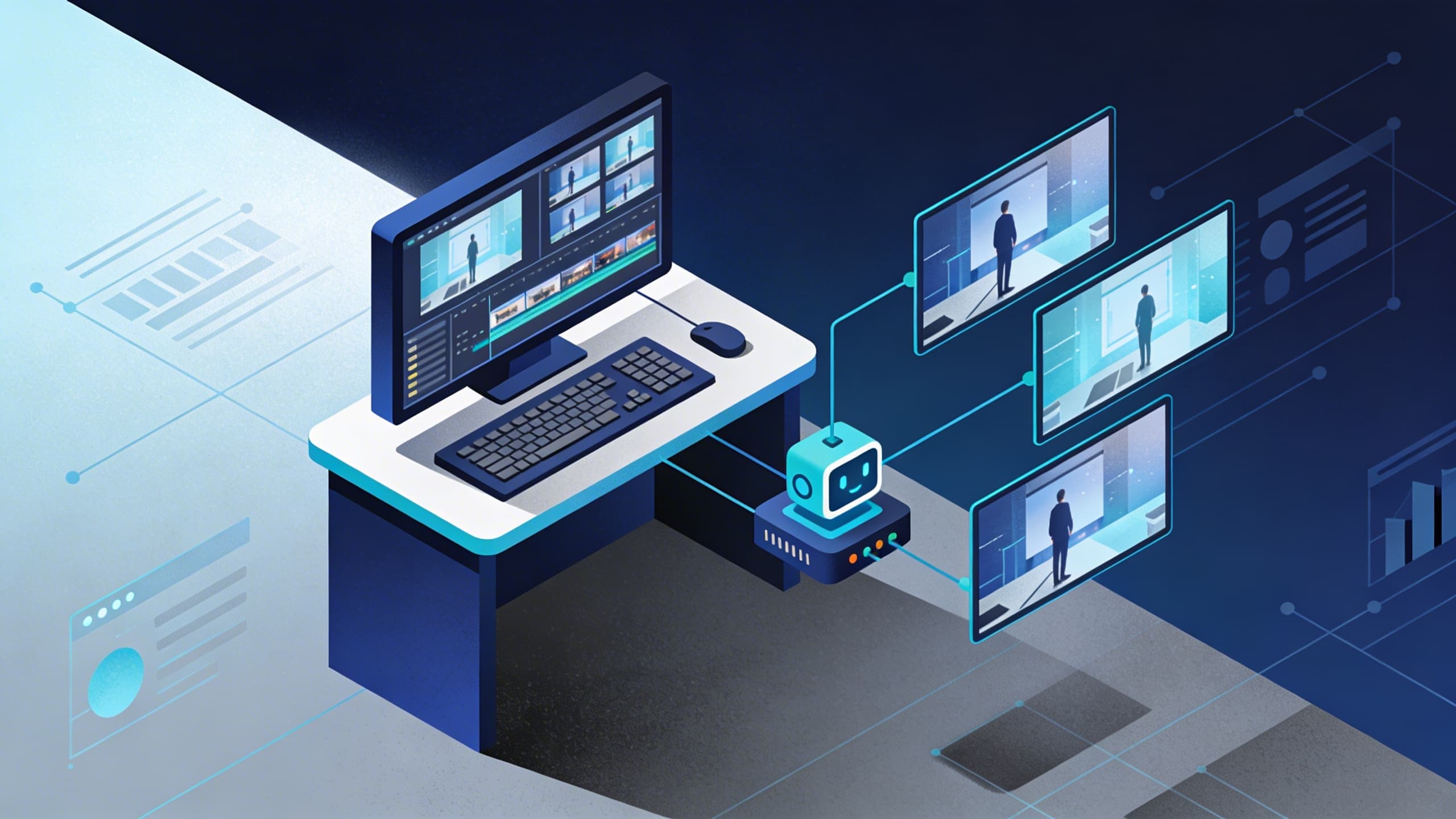
Video editing has always been the most time-consuming part of content creation. In 2025, AI video editing tools like Clippie AI are changing that by letting creators go from a text script to a fully produced, platform-ready video in minutes — without complex editing timelines.
Why This Topic is Relevant Today
Social media platforms now demand consistent, high-frequency posting to maintain reach. Traditional editing workflows can’t keep up. AI-powered tools speed up production, lower costs, and allow creators to focus on ideas, not technical details. Those who adopt AI workflows now will be positioned to dominate algorithm-based platforms like TikTok, Instagram, and YouTube Shorts.
Key Definition: What is AI-Enhanced Video Editing?
AI-enhanced video editing refers to using artificial intelligence to automate or speed up the process of producing, cutting, captioning, and formatting videos. These tools handle tasks such as:
Automatic voiceovers
Subtitle generation in multiple languages
Scene selection and pacing adjustments
Template-based layouts for specific platforms
Instant export in social media-ready formats
Blog Overview
In this guide, we’ll explore how AI is transforming video editing in 2025, with a focus on Clippie AI’s features that take creators from script to video in minutes. We’ll compare Clippie AI to other popular tools like CapCut, Adobe Premiere AI, and Runway, share practical workflow examples, explain how AI improves engagement and virality, and highlight the best settings and templates for maximum impact. Finally, we’ll address common questions about AI video editing and workflow automation.
Table of Contents
Introduction to AI-Enhanced Video Editing
Clippie AI Features: From Script to Video in Minutes
Comparing Clippie AI with Popular Video Editors (CapCut, Adobe Premiere AI, Runway)
Speeding Up Your Workflow: Practical Examples with Clippie AI
How AI Editing Tools Boost Engagement & Virality
Best Settings & Templates for High-Impact Videos
FAQ: AI Video Editing & Workflow Automation
1. Introduction to AI-Enhanced Video Editing
Traditional video editing — even for short 30-second clips — can take hours when you factor in trimming, adding captions, resizing, audio syncing, transitions, and exporting. AI-enhanced video editing flips the process by:
Automating repetitive tasks 🎯
Auto-generating captions in multiple languages
Auto-resizing videos for different platforms (9:16, 1:1, 16:9)
Auto-inserting transitions, animations, and sound effects
Suggesting creative improvements 💡
Recommends better hook openings based on viral content patterns
Suggests pacing adjustments to match audience retention curves
Offers alternative layouts or colors for higher click-through rates
Providing pre-tested templates 🖼
Optimized for TikTok, Instagram Reels, YouTube Shorts, LinkedIn, etc.
Designed around platform-specific engagement trends
Making high-quality production accessible 🚀
No need for advanced knowledge of tools like Adobe Premiere or DaVinci Resolve
Allows beginners to compete with professional creators in terms of quality and output speed
💡 Key Benefit: AI video editing removes the steep learning curve of professional software, allowing creators — whether beginners or seasoned pros — to focus on content strategy instead of technical hurdles.
2. Clippie AI Features: From Script to Video in Minutes
Clippie AI is designed for speed and virality:
Instant Script-to-Video Conversion: Paste your text and watch it transform into a fully edited clip.
50+ AI Voices in 32 Languages: Perfect for global audiences.
102-Language Captions: Auto-generated for accessibility and reach.
Platform-Optimized Templates: TikTok, Instagram Reels, YouTube Shorts ready.
Customizable Visuals: Change colors, text styles, pacing, and music instantly.
3. Comparing Clippie AI with Popular Video Editors (CapCut, Adobe Premiere AI, Runway)
Clippie AI
Instant script-to-video conversion
Built-in AI voiceovers (50+ voices, 32 languages)
Auto captions in 102 languages
Viral-ready templates for TikTok, Instagram Reels, and YouTube Shorts
Exports in under 2 minutes
Fully mobile-friendly
CapCut
No script-to-video feature (manual editing required)
No built-in AI voiceovers (external tools needed)
Auto captions in limited languages
Some viral templates available
Export time: 10–20 minutes
Mobile-friendly
Adobe Premiere AI
No direct script-to-video function (manual timeline editing)
Limited AI voiceover support
Auto captions in limited languages
No viral template library
Export time: 30+ minutes
Desktop software (not mobile-friendly)
Runway
No direct script-to-video
Limited AI voice options
Auto captions in limited languages
No dedicated viral templates
Export time: 15–20 minutes
Mobile-friendly
4. Speeding Up Your Workflow: Practical Examples with Clippie AI
Example 1: Reddit Story to TikTok
Paste trending Reddit story text into Clippie AI
Select “Text Story” template → Choose AI voice → Export
Total time: Under 3 minutes
Example 2: Blog to YouTube Shorts
Brand uploads 10 blog post excerpts into Clippie AI’s batch mode
Each becomes a short video with captions, music, and visuals
Total time: ~2 hours for 10 fully finished videos
Example 3: Multilingual Instagram Reels
Educator uploads one English script
Clippie AI generates 5 language versions with captions
International reach doubles without extra editing
5. How AI Editing Tools Boost Engagement & Virality
AI tools like Clippie AI improve video performance through:
Optimized Hooks 🎯
Analyzes text and suggests stronger opening lines
Ensures first 3 seconds are attention-grabbing
Perfect Pacing ⏱
Automatically trims pauses and adjusts clip speed to match audience attention span
Accessibility 📝
Captions ensure videos are watchable without sound, increasing completion rates
Trend Alignment 📈
Templates and music tracks match current viral trends, improving discoverability
6. Best Settings & Templates for High-Impact Videos
Template Choices:
Text Story → For storytelling & Reddit reads
Quote Reveal → For motivational & educational content
Fake Chat → For conversation-style skits & messages
Voice Selection:
Entertainment: youthful, energetic
Business: deep, authoritative
Caption Settings:
Bold, high-contrast, central positioning for mobile-first platforms
Length Guidelines:
TikTok/Reels: under 60 seconds
YouTube Monetization: 8–12 minutes
7. FAQ: AI Video Editing & Workflow Automation
Q1: Can AI completely replace manual video editing? For short-form content, yes. For complex cinematic work, manual editing is still preferred.
Q2: Is Clippie AI only for faceless creators? No, it works for both faceless and on-camera videos.
Q3: How fast can I create a video with Clippie AI? Most videos are ready in under 2 minutes from script to export.
Q4: Can I integrate Clippie AI with other editing tools? Yes, you can export from Clippie and refine in CapCut, Premiere, or DaVinci Resolve.
Q5: Do AI-generated videos perform well in algorithms? Yes, provided they follow platform best practices like strong hooks, captions, and trending sounds.
Try it in Clippie
Make faceless videos with Clippie
Type an idea or paste a script. Clippie writes, voices, illustrates and captions a video you never have to appear in.
See the faceless video formats