
Best Crayo AI Alternative in 2026: Top 6 Tools Compared (Pricing + Features)
Looking for the best Crayo AI alternative in 2026? Compare 6 top faceless video tools by pricing, voiceover limits, and features, with real numbers.

If you searched for a Crayo AI alternative, you're probably running into one of three things: workflow credit limits that run out mid-month, annual billing required to get the advertised price, or the lack of any free plan to test before paying. You're not alone, "Crayo AI alternative" searches have grown steadily through 2026 as faceless creators shop around before committing.
This guide compares the 6 best Crayo AI alternatives available right now, with verified 2026 pricing, real feature limits, and honest notes on where each tool wins and where it doesn't, so you can pick the right platform for your channel in the next 10 minutes.
Executive Summary
This post breaks down why creators leave Crayo AI (credit limits, annual lock-in, no free tier), what Crayo actually offers in 2026 so you have a fair baseline, and 6 alternatives ranked by fit for faceless content creators. Clippie AI ranks #1 for creators who want simple minute-based pricing and custom voice cloning on every plan, while Opus Clip, Klap, Submagic, InVideo AI, and Pictory each win for specific use cases like podcast clipping or blog-to-video. By the end, you'll know exactly which tool matches your budget, output volume, and content format.
Table of Contents
Why Creators Are Looking for a Crayo AI Alternative in 2026
What Crayo AI Offers in 2026 (Fair Baseline)
Alternative #1: Clippie AI - Best Overall for Faceless Creators
Alternative #2: Opus Clip - Best for Clipping Long-Form Content
Alternative #3: Klap - Best Free Starting Point
Alternative #4: Submagic - Best for Caption-First Editing
Alternative #5: InVideo AI - Best for Template-Driven Videos
Alternative #6: Pictory - Best for Turning Scripts Into Video
Crayo AI vs Clippie AI: Head-to-Head Comparison
How to Choose the Right Crayo AI Alternative
What to Do Next
FAQs

Why Creators Are Looking for a Crayo AI Alternative in 2026
Crayo AI is a genuinely popular tool for faceless short-form video, but popularity doesn't mean it fits everyone. These are the most common reasons creators start comparing options.
Reason #1: Workflow credits run out fast
Crayo meters usage in workflow credits (50 per month on the entry plan). Each video you generate consumes credits, and heavy posters, especially anyone running multiple channels, can hit the ceiling well before the month ends.
Reason #2: The advertised prices require annual billing
The $13/month Hobby price on Crayo's pricing page is billed yearly at $160 upfront. Monthly billing costs noticeably more, third-party reviews consistently report roughly $19/$39/$79 per month across the three tiers. If you're not ready for a 12-month commitment, the real monthly cost is higher than the headline number.
Reason #3: No free plan or trial
As of 2026, Crayo offers no free tier and no free trial. You pay before you test, which is a real friction point when competitors like Opus Clip and Klap let you generate videos free first.
Reason #4: Voiceover minutes don't match export minutes
On Crayo's Pro plan, you get 4 hours of export but only 3 hours of AI voiceover per month. For faceless creators, nearly every exported minute needs narration, so the voiceover cap becomes the real limit, not the export cap.
Reason #5: Reported billing and quality complaints
Several Trustpilot reviewers in 2026 have reported being charged after cancelling, and some users note occasional flat-sounding AI voices and caption errors on complex phrases. These are individual reports rather than universal experiences, but they come up often enough in reviews to factor into a purchase decision.

What Crayo AI Offers in 2026 (Fair Baseline)
To compare alternatives honestly, you need to know what you'd actually be replacing. Crayo is a capable platform, and for some creators it's still the right choice.
Crayo AI pricing (2026, billed annually):
Hobby, $13/month
(billed yearly at $160): 50 workflow credits, 40 min export, 30 voiceover minutes, 100 AI images, 25GB storage, 1 tracked social account
Clipper, $27/month
(billed yearly at $327): 150 workflow credits, 2 hours export, 120 voiceover minutes, 300 AI images, 100GB storage, 3 tracked accounts
Pro, $55/month
(billed yearly at $664): 250 workflow credits, 4 hours export, 180 voiceover minutes, 500 AI images, 500GB storage, 10 tracked accounts
Monthly billing available at a higher rate (reported around $19/$39/$79)
Where Crayo genuinely wins:
Niche workflow templates, Reddit story videos, fake text conversations, split-screen gameplay, and streamer clips are one-click formats
Bundled utility tools, voice changer, face swap, speech enhancer, vocal remover, and a YouTube/TikTok downloader are included on every plan
Social tracking and storage, built-in account tracking and generous cloud storage, especially on Pro
If your entire channel is Reddit stories over Minecraft parkour and you're comfortable paying annually, Crayo remains a reasonable pick. For most other situations, the alternatives below offer better value.
Alternative #1: Clippie AI, Best Overall for Faceless Creators
What it is: Clippie AI is an AI video creation platform built specifically for faceless content, it generates complete short-form videos from a prompt, including script, AI voiceover, visuals, and captions, plus dedicated formats like top-five rankings and would-you-rather videos.
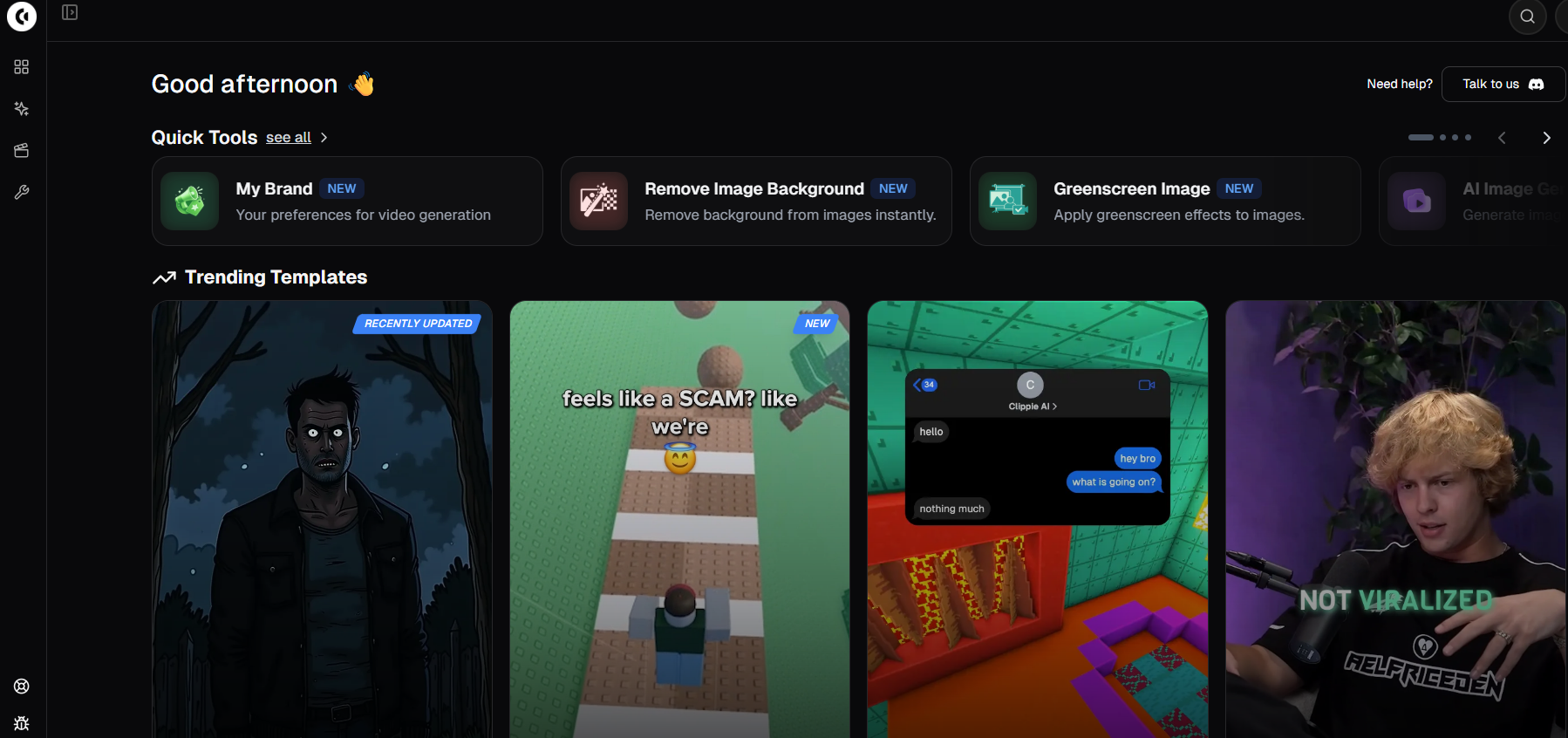
Why it matters: Clippie's plans are metered in plain minutes, export minutes, voiceover minutes, and speech-to-subtitle minutes, rather than abstract workflow credits. You always know exactly how much video you can produce, and voiceover minutes scale 1:1 with export minutes on every plan.
Clippie AI pricing (2026, monthly):
Lite, $19.99/month:
30 min video export, 30 min AI voice generation, 30 min speech-to-subtitles, 100 AI images, 1 custom voice
Creator, $34.99/month:
120 min export, 120 min AI voice, 120 min speech-to-subtitles, 500 AI images, 10 custom voices
Pro, $69.99/month:
250 min export, 250 min AI voice, 250 min speech-to-subtitles, 1,000 AI images, 30 custom voices
All plans include captions in 102+ languages, 50+ AI voices, and 24/7 support
How to apply it: Pick a niche format (rankings, story narration, quiz-style), generate your script and voiceover inside Clippie, and batch a week of videos in one session. The Creator plan's 120 voiceover minutes covers roughly 120–180 shorts per month at typical 40–60 second lengths.
Standout advantages over Crayo:
Custom voice cloning on every plan, even the $19.99 Lite tier includes 1 custom voice; Creator includes 10 and Pro includes 30, which matters for building a recognizable channel identity
Voiceover minutes match export minutes, no scenario where you have export time left but no narration budget
More AI images at the top end, 1,000/month on Pro versus Crayo Pro's 500
Monthly pricing with no annual lock-in required to get the listed price
Honest trade-offs: Crayo's annual Hobby plan ($13/month paid upfront) is cheaper at entry than Clippie Lite, and Crayo ships more bundled utility tools (face swap, downloaders) plus built-in social tracking. If those utilities are core to your workflow, weigh them accordingly.
Best for: Faceless creators posting daily who want predictable minute-based limits, voice cloning without a top-tier plan, and multilingual caption support.
Alternative #2: Opus Clip, Best for Clipping Long-Form Content
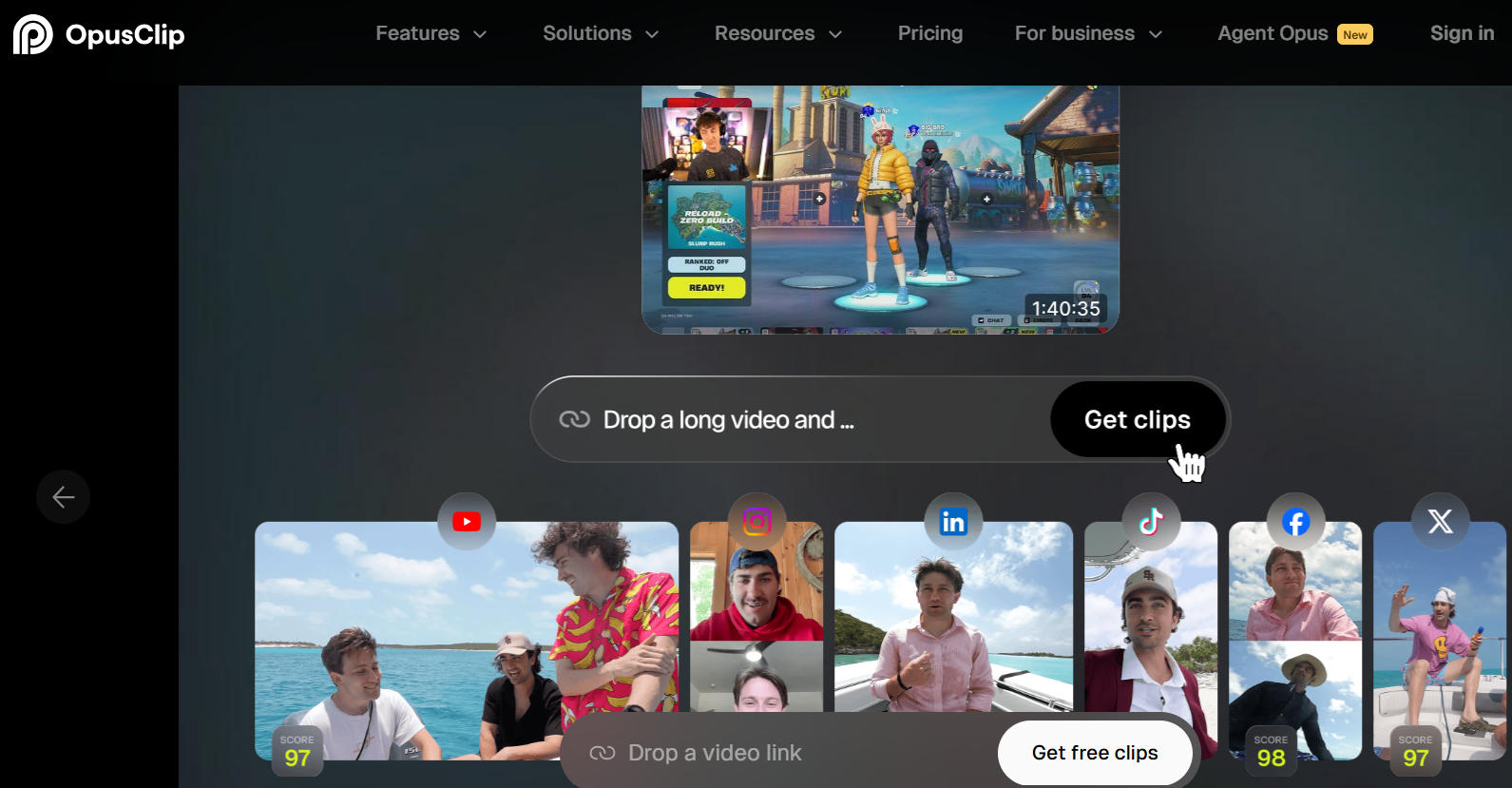
What it is: Opus Clip takes long-form videos, podcasts, streams, interviews, and automatically cuts them into scored, captioned short clips.
Why it matters: Crayo generates videos from scratch; Opus Clip repurposes what you already have. If your content pipeline starts with a 60-minute recording, clipping beats generating.
How to apply it: Upload or link a long video, let the AI identify high-retention moments, and export vertical clips with captions. Opus Clip offers a free tier, so you can test output quality before paying, something Crayo doesn't allow.
Best for: Podcasters, streamers, and interview channels repurposing existing footage. Not a fit if you have no source footage to clip.
Alternative #3: Klap, Best Free Starting Point
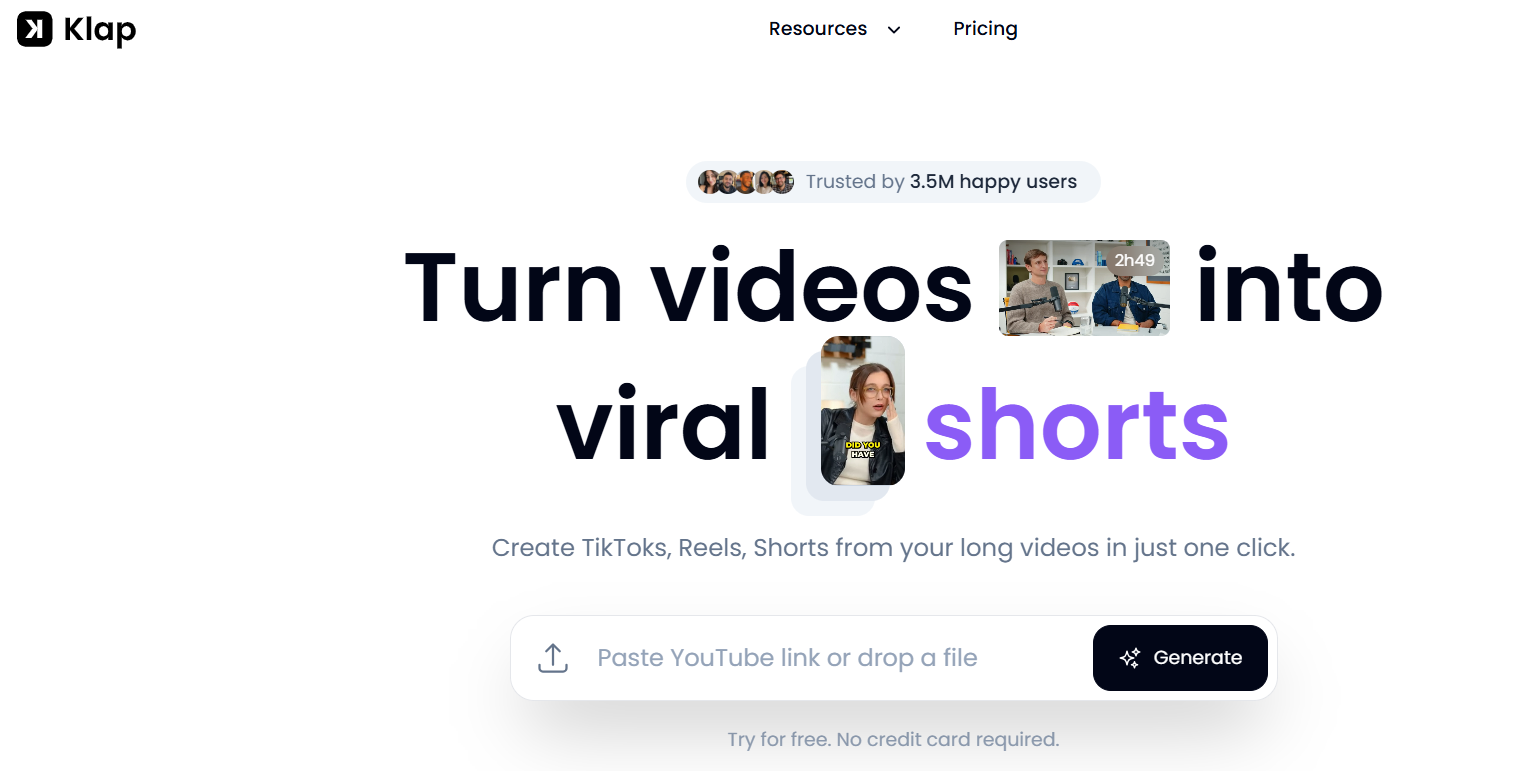
What it is: Klap is another long-form-to-shorts tool, known for one of the more generous free tiers in the category.
Why it matters: If your main frustration with Crayo is paying before testing, Klap removes that barrier entirely. You can validate whether AI clipping suits your channel at zero cost.
How to apply it: Paste a YouTube link, review the auto-generated clips, and publish the best performers. Upgrade only once free limits become the bottleneck.
Best for: Creators testing AI video workflows for the first time, or anyone on a strict budget. Like Opus Clip, it requires existing footage.
Alternative #4: Submagic, Best for Caption-First Editing
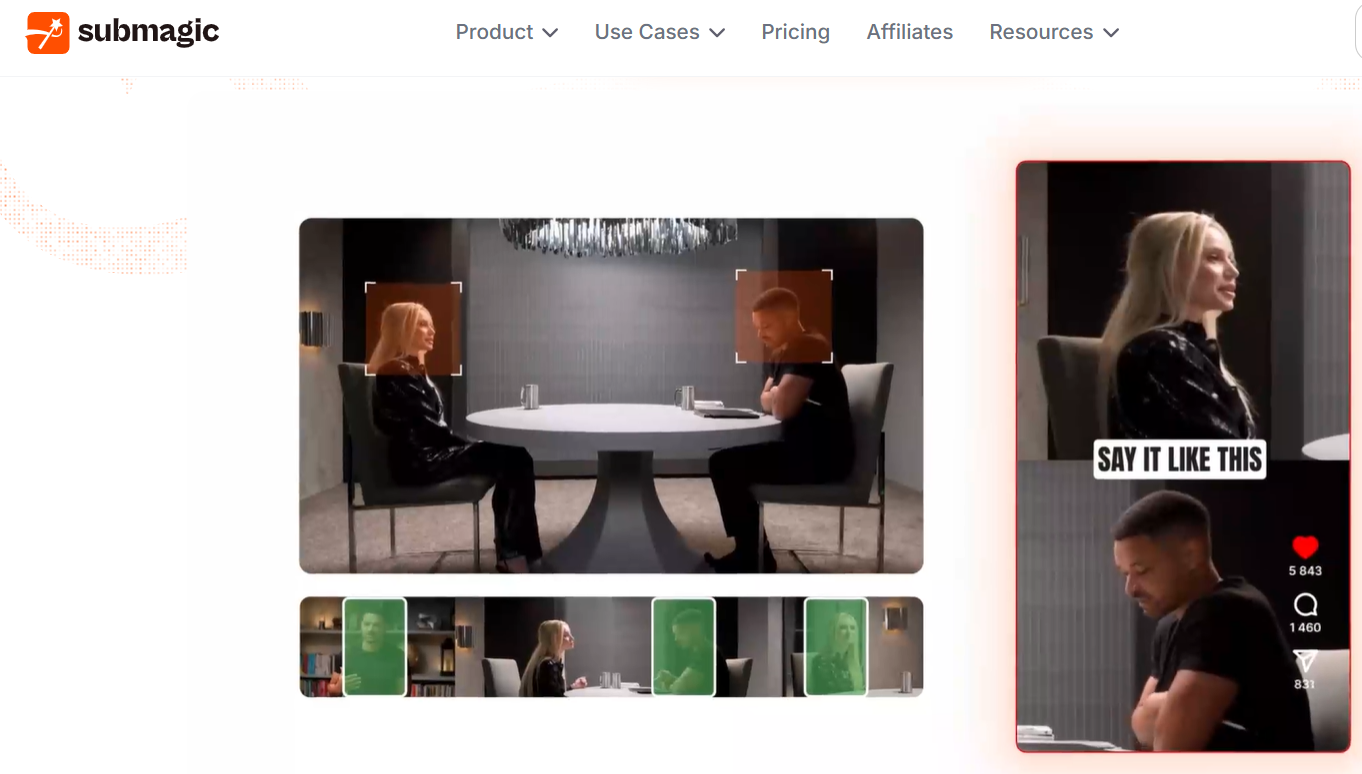
What it is: Submagic focuses on the caption and polish layer, animated subtitles, emojis, zooms, sound effects, and b-roll added to footage you record or generate elsewhere.
Why it matters: Captions drive retention on muted autoplay feeds. If your videos already exist and only need the viral-style finishing touches, a caption-first tool is cheaper than a full generation platform.
How to apply it: Record or generate your raw video, run it through Submagic for captions and effects, and export platform-ready files. Pairs well with a separate voiceover tool.
Best for: Talking-head creators and anyone whose bottleneck is editing polish rather than video generation.
Alternative #5: InVideo AI, Best for Template-Driven Videos
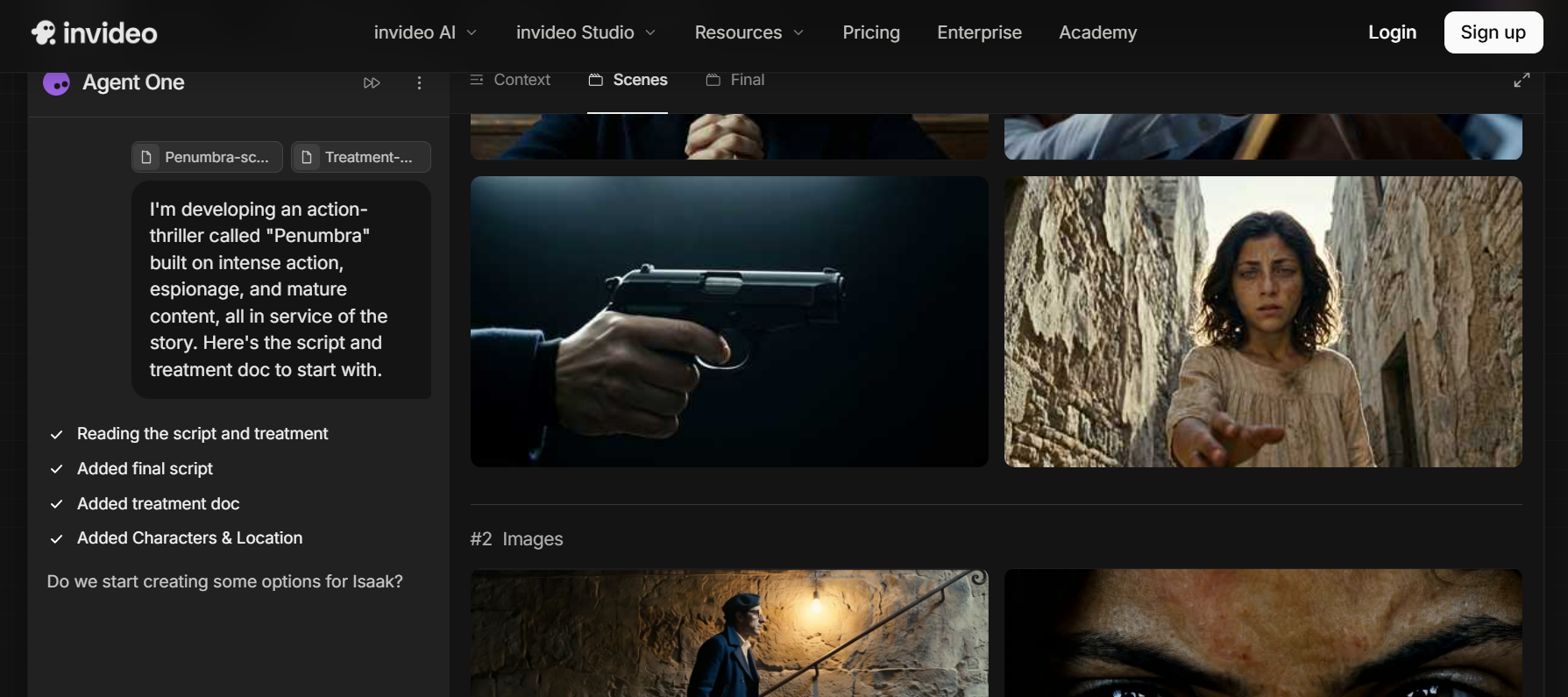
What it is: InVideo AI generates videos from text prompts using a large template and stock library, covering both short-form and longer horizontal formats.
Why it matters: Crayo is locked to short-form niches. If you also need YouTube long-form, ads, or explainer content under one roof, InVideo's broader format range covers more ground.
How to apply it: Describe the video in a prompt, edit the generated draft with text commands, and export. Expect a more general-purpose output style than Crayo's niche-specific templates.
Best for: Creators and small businesses producing mixed content types, not just faceless shorts.
Alternative #6: Pictory, Best for Turning Scripts Into Video
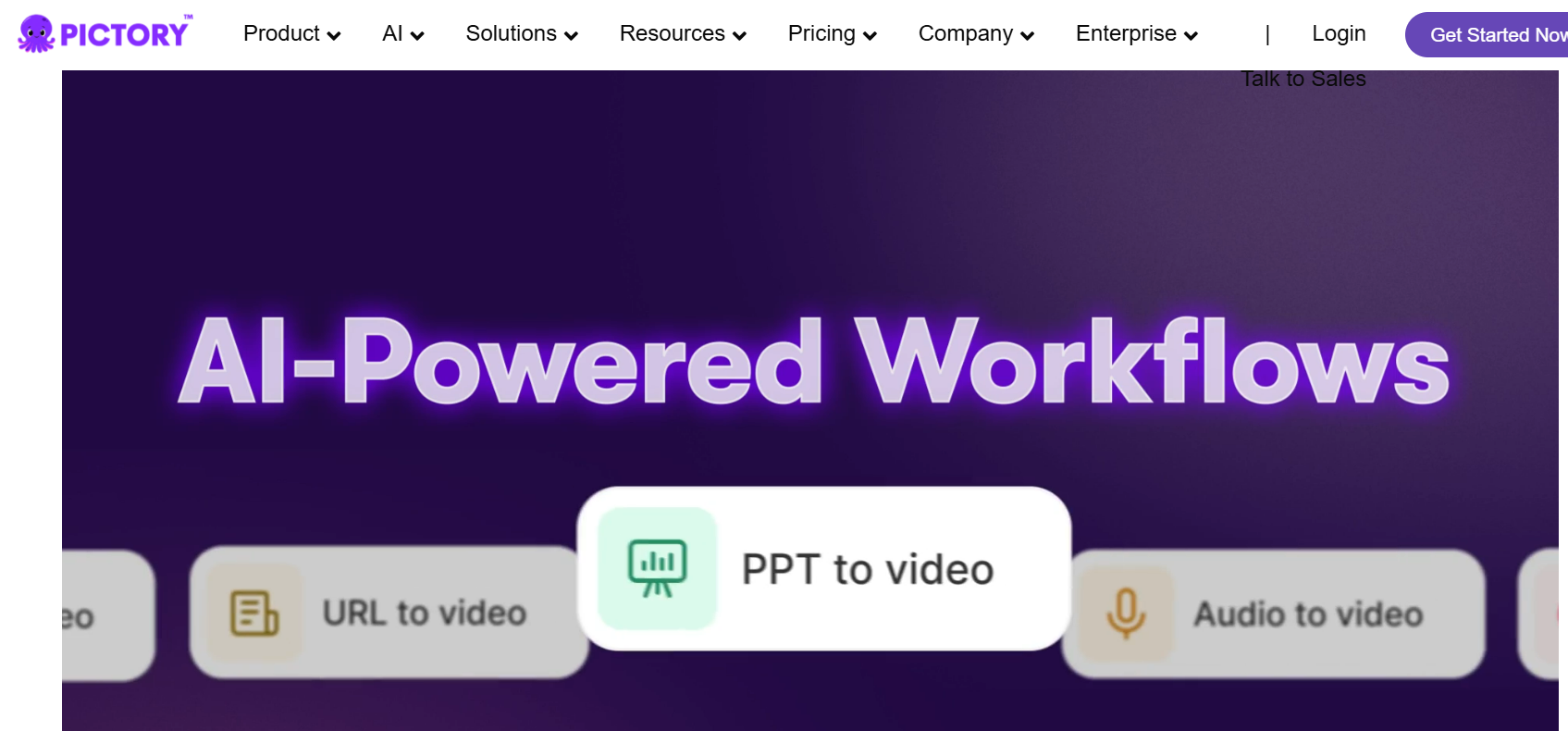
What it is: Pictory converts scripts, blog posts, and articles into narrated videos with stock visuals and captions.
Why it matters: If your content starts as writing, a blog, newsletter, or long script, Pictory's text-first workflow is more direct than prompt-based generators.
How to apply it: Paste your article or script, let Pictory match scenes to sentences, swap any weak visuals, and export. Useful for repurposing an existing content library into video at scale.
Best for: Bloggers, writers, and marketers converting written content into video. Less suited to trend-driven entertainment niches.

Crayo AI vs Clippie AI: Head-to-Head Comparison
Since Clippie is our top pick, here's the direct comparison most searchers want, using verified 2026 numbers.
Pricing structure:
Crayo: Credit-based (50–250 workflow credits/month); cheapest prices require annual billing paid upfront
Clippie: Minute-based (30–250 export minutes/month); listed prices are standard monthly billing
Voiceover allowance:
Crayo Pro: 180 voiceover minutes against 240 export minutes
Clippie Pro: 250 voiceover minutes matching 250 export minutes
Voice cloning:
Crayo: Voice changer tool included on all plans
Clippie: Custom voice cloning on all plans, 1 (Lite), 10 (Creator), 30 (Pro)
AI images:
Crayo: 100 / 300 / 500 per month across tiers
Clippie: 100 / 500 / 1,000 per month across tiers
Where Crayo keeps the edge:
Cheaper annual entry price ($13/month on Hobby, billed yearly)
More bundled utilities: face swap, subtitle remover, YouTube/TikTok downloader, social tracker, large storage allowances
One-click niche templates for fake texts and streamer clips
Where Clippie keeps the edge:
No annual commitment needed for listed pricing
1:1 voiceover-to-export minutes on every tier
Voice cloning from the cheapest plan up
Higher AI image caps on mid and top tiers, plus captions in 102+ languages
How to Choose the Right Crayo AI Alternative
Match the tool to your actual pipeline, not the marketing. Use these four questions.
Question #1: Do you generate from scratch or repurpose footage?
Generating from prompts → Clippie AI, InVideo AI, or Pictory
Clipping existing long-form → Opus Clip or Klap
Question #2: What's your real monthly output?
Under 30 minutes of finished video → entry plans anywhere work; Klap's free tier may even cover it
100+ minutes → compare voiceover minutes specifically, since narration caps bite before export caps
Question #3: Can you commit annually?
Yes → Crayo's annual Hobby plan is hard to beat on raw entry price
No → Clippie's monthly $19.99–$69.99 pricing avoids the upfront lock-in
Question #4: Does channel identity matter to you?
If you want a consistent, recognizable narrator voice across hundreds of videos, prioritize a platform with voice cloning on your budget tier, that's Clippie's strongest structural advantage
What to Do Next
Start by auditing last month's output: total finished minutes, narration minutes, and images used. Then map those numbers against the plans above, the right tool is the one whose limits you'd use 70–90% of, not the one with the biggest feature list.
If you're building a faceless channel from zero, our guide on how to start a faceless YouTube channel walks through niche selection and your first 30 videos, and our breakdown of the How to Start a Faceless YouTube Channel in 2026, Complete Beginner Workflow compares the wider tool landscape beyond Crayo alternatives.
Ready to test minute-based pricing yourself? You can generate your first faceless video with Clippie's AI video generator in a few minutes.
FAQs
Is Clippie AI a good alternative to Crayo AI?
Yes, Clippie AI is the strongest overall alternative for faceless creators in 2026. It replaces Crayo's workflow credits with straightforward minute-based limits, matches voiceover minutes to export minutes on every plan, and includes custom voice cloning starting at $19.99/month. Crayo still wins on annual entry price and bundled utility tools.
How much does Crayo AI cost in 2026?
Crayo's official pricing is $13/month (Hobby), $27/month (Clipper), and $55/month (Pro), but those rates require annual billing, paid upfront at $160, $327, and $664 respectively. Monthly billing is available at higher rates, reported at roughly $19, $39, and $79 per month.
Does Crayo AI have a free plan or free trial?
No. As of 2026, Crayo AI offers no free plan and no free trial, so you pay before testing output quality. If a free starting point matters to you, Opus Clip and Klap both offer free tiers, and Clippie's monthly billing at least avoids an annual commitment.
What is the cheapest Crayo AI alternative?
Klap's free tier is the cheapest way to start if you're clipping existing long-form footage. For generating faceless videos from scratch, Clippie AI's Lite plan at $19.99/month is the lowest-cost option among the tools compared here that doesn't require annual prepayment.
What's the difference between Crayo's workflow credits and minute-based pricing?
Crayo charges credits per video workflow you run (50–250 credits/month depending on plan), so your effective capacity depends on which formats you use. Minute-based platforms like Clippie meter output directly, 120 export minutes is 120 minutes of finished video, regardless of format, which makes monthly capacity easier to predict.
Which tool is best for faceless YouTube channels specifically?
For prompt-to-video faceless content, rankings, story narration, quiz formats, Clippie AI is the best fit thanks to matched voiceover minutes and per-plan voice cloning. If your faceless channel clips streamers or podcasts instead, Opus Clip is the better match. Crayo remains competitive for Reddit-story and fake-text niches if annual billing suits you.
Read more

How to Post One Faceless Video to TikTok, Reels and Shorts
One vertical export works on all three platforms, but the rules don't. Lengths, payout thresholds, caption styles and what you should never cross-post.

Best AI Tools for Faceless YouTube Channels in 2026
A faceless YouTube channel needs one good tool per stage, not thirty. Research, scripting, voice, video and thumbnail picks, plus three stacks by budget

Best AI Video Tools for Faceless Content in 2026
The right tool depends on what you make: story shorts, prompt-to-video, repurposing, captions or avatars. Honest picks for each, plus where each one fails.