
How to Add Subtitles to Videos in 102+ Languages With AI (2026 Guide)
Learn how to add subtitles to videos with AI in 102+ languages using Clippie AI, why captions boost retention, speech-to-subtitles workflow, multilingual reach strategy, and plan-by-plan caption capacity.
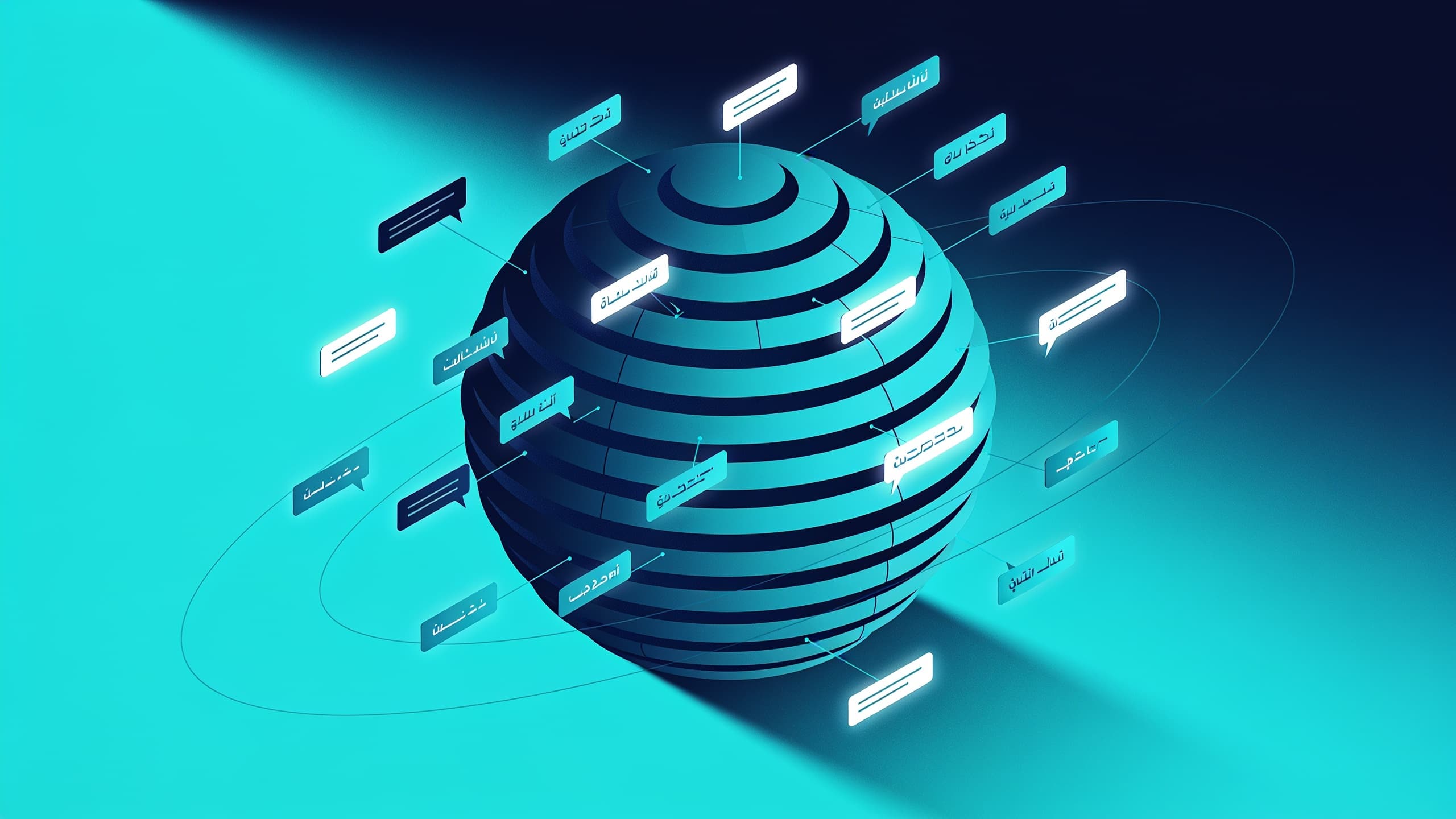
Searching for how to add subtitles to videos with AI in 2026?
Most creators add captions as an afterthought, something to tick off before posting. But captions are one of the highest-leverage production decisions you can make. They directly increase how long viewers watch, how often videos get completed, and how many people on mute can still follow the content.
And in 2026, AI auto-captioning in Clippie AI generates and syncs captions to your AI voiceover in 102+ languages, within the same production session as your footage, voice, and export. No separate captioning tool. No manual timing. No translation software.
This guide covers exactly why captions matter, how the speech-to-subtitles workflow works inside Clippie AI, and how 102+ language captioning unlocks an international audience strategy most creators are leaving completely untapped.
Executive Summary
This guide is for faceless content creators who want to understand why captions matter, how to add AI-generated subtitles in 102+ languages using Clippie AI's speech-to-subtitles tool, and how multilingual captioning builds audience reach across global markets. It covers the retention and engagement data behind captions, the complete step-by-step speech-to-subtitles workflow, the multilingual distribution strategy that expands beyond English-only content, plan-by-plan caption capacity, and the quality review process. By the end, you will have a complete captioning and multilingual distribution system ready to activate.
Table of Contents
Why Captions Boost Retention, The Data Every Creator Should Know
How Speech-to-Subtitles Works Inside Clippie AI, Step-by-Step
How to Add Subtitles in 102+ Languages, The Multilingual Reach Strategy
Caption Quality, What to Review Before Publishing
Which Clippie AI Plan Covers Your Caption Volume
Frequently Asked Questions

Why Captions Boost Retention, The Data Every Creator Should Know
Captions are not an accessibility feature added for a small audience segment. They are a retention tool that affects every viewer, including those with perfect hearing, in ways that measurably change how videos perform.
The Sound-Off Viewing Reality
A significant proportion of short-form video is consumed without sound. On TikTok and Instagram Reels, large portions of viewers scroll with their phone on silent, in transit, at work, in shared spaces, or simply out of habit. On Facebook, default autoplay is historically silent.
A video without captions is silent content for these viewers. They see the visuals, hear nothing, and scroll past, regardless of how compelling the narration is. A video with captions is fully readable content for the same viewers, the story is still there, the argument is still there, the emotional hook is still there.
Captions convert silent-mode viewers from non-viewers into engaged viewers. Every caption word is content that would otherwise be lost.
The Comprehension and Retention Effect
Even viewers watching with sound on retain information more effectively when captions reinforce the audio. Reading and hearing the same words simultaneously creates a dual-channel encoding effect, the brain processes the information through both auditory and visual channels, increasing comprehension and memory retention.
For educational and informational faceless channel content, finance, history, science, business, this dual-channel retention directly affects whether viewers remember what the video taught them. Viewers who remember the content are more likely to return, subscribe, and share.
The Completion Rate Effect
Videos with captions consistently generate higher completion rates than the same content without captions, for two structural reasons:
First, captions reduce cognitive load. Viewers expend less effort following the content because they have both audio and visual confirmation of what is being said, especially for content with technical vocabulary, accented narration, or complex arguments.
Second, captions create a reading pull effect. A viewer who is partially disengaged from the audio will read the captions as they appear, which reconnects them to the content without requiring them to actively re-engage with the audio. This recapture of drifting attention materialises as improved average view duration.
The Algorithm Effect
TikTok, YouTube, and Instagram all use engagement signals, primarily watch time, completion rate, and interaction rate, as the primary inputs to their distribution algorithms. Higher completion rates from captioned content translate directly into higher algorithmic distribution.
The mechanism is simple: captions improve completion rate → YouTube and TikTok identify the video as engaging content → the algorithm distributes it to more viewers. The captioning decision at production time compounds into larger reach over the life of the video.
The Accessibility Effect
Beyond performance metrics, captions make content accessible to the 466 million people worldwide with disabling hearing loss, viewers who are non-native speakers of the video's language, and anyone watching in an environment where audio is not practical.
For a channel building long-term audience loyalty, accessibility is not separate from strategy, it is part of it.
How Speech-to-Subtitles Works Inside Clippie AI, Step-by-Step
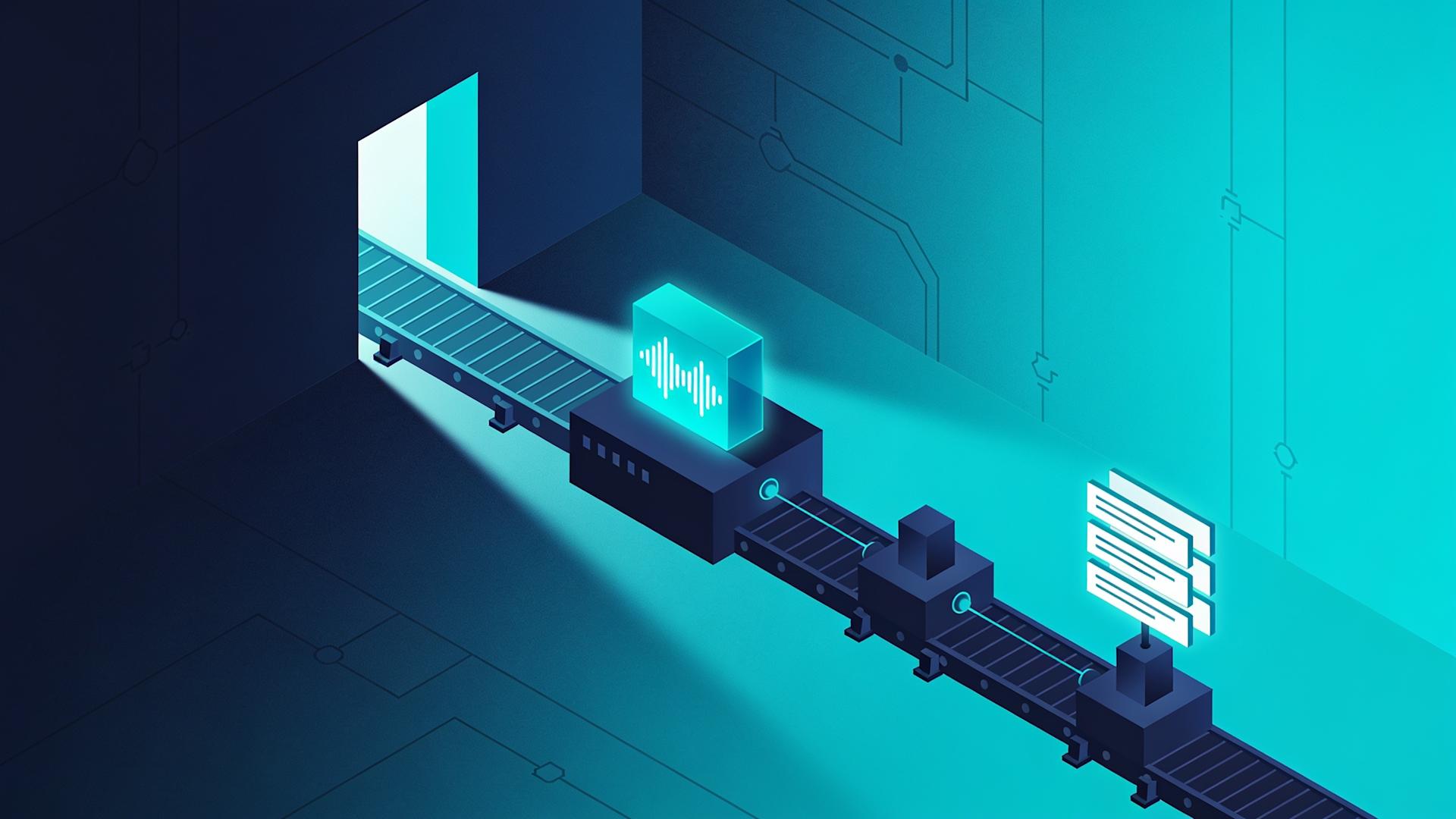
Clippie AI's speech-to-subtitles feature generates captions from AI voiceover automatically, syncing every word to the correct point in the audio timeline without manual transcript entry or timing adjustment.
Navigate to clippie.ai/generate/ai-video to begin.
Step 1: Generate the AI Voiceover First
Captions in Clippie AI are generated from the AI voiceover, they read the audio and produce time-synced text. The voiceover must be generated before captions are created.
Complete the voiceover generation step as normal:
Paste the script into Clippie AI's voiceover section
Select the voice from the 50+ library or use a custom cloned voice
Generate the narration
Review the first 10 seconds and the peak delivery moments before proceeding
Once the voiceover audio is confirmed, the captions are generated from it, with perfect word-level accuracy because the captions read the voiceover that was generated from the script rather than attempting to transcribe unpredictable human speech.
Step 2: Activate Speech-to-Subtitles
In Clippie AI's production interface, activate the speech-to-subtitles feature. Select the language for caption generation, English for English-language content, or the target language if producing a native-language version (covered in detail in the next section).
Clippie AI processes the voiceover audio and generates time-synced captions. For a 10-minute video, this process takes approximately 1–2 minutes.
Step 3: Review the Caption Output
The generated captions display in the Clippie AI interface for review. Read through the full caption output against the script, checking for:
Accuracy errors to catch:
Product names, brand names, and proper nouns, these are the most common misread elements in AI captioning
Numbers, percentages, and statistics, must be exactly correct
Technical or industry-specific terminology relevant to the channel's niche
The hook line and the close, these are the lines viewers will screenshot and share
Timing issues to check:
Captions should not appear before the narrator begins the corresponding word
Captions should not linger on screen after the corresponding section of audio has finished
Transition points between sections should be clean, no caption bleed from one section into the next
For AI voiceover-based content (where the captions are read from the AI-generated audio rather than transcribed from human speech), accuracy rates are very high because the audio comes from the script directly. Review typically takes 3–7 minutes for a 10-minute video and catches primarily proper noun and technical vocabulary issues.
Step 4: Export With Captions Embedded
Clippie AI exports the final video with captions embedded, no separate subtitle file management, no SRT upload, no manual overlay placement.
Export in both primary formats from the same session:
9:16, 1080 × 1920 for TikTok, YouTube Shorts, and Instagram Reels
16:9, 1920 × 1080 for YouTube long-form
Captions are correctly positioned and styled in both formats, the caption styling does not require adjustment between aspect ratios.
Caption Styling for Faceless Channel Content
Consistent caption styling is a visual brand element. The same font, size, position, and colour across every video in the channel builds the visual identity that returning viewers recognise in their feed.
Caption positioning: For 9:16 vertical content (TikTok/Shorts/Reels), captions positioned at the lower-third of the frame, with sufficient margin from the screen edge, are legible without obscuring the primary visual content.
For 16:9 horizontal content (YouTube), standard lower-third positioning applies.
Caption readability principles:
High contrast between caption text and background, white text with a dark shadow or semi-transparent background strip ensures legibility across any visual
Font size large enough to read on mobile at arm's length, captions that require zooming to read are not being read
Maximum 2 lines of text per caption frame, more than 2 lines requires the viewer to read rather than glance, which distracts from the visual content

How to Add Subtitles in 102+ Languages, The Multilingual Reach Strategy
The speech-to-subtitles feature supporting 102+ languages is not just an accessibility feature. It is an audience expansion strategy that most faceless creators are not using.
The International Audience Opportunity
English-language faceless channel content is competing in the most crowded content market in the world. Finance, motivational, true crime, and history channels in English are among the most saturated categories on YouTube.
The same content categories in Spanish, Portuguese, Hindi, French, Indonesian, and Arabic are dramatically less competitive, but have enormous audiences:
Spanish: 500+ million native speakers, the second most spoken language globally
Portuguese: 250+ million speakers, dominated by Brazil, one of the world's fastest-growing YouTube markets
Hindi: 600+ million speakers, YouTube's second-largest market by active users
French: 300+ million speakers across multiple continents
Indonesian: 270+ million speakers in one of the world's fastest-growing digital markets
Arabic: 400+ million speakers across the MENA region
A faceless channel that captions its content in Spanish reaches the entire Spanish-speaking audience worldwide from the same video production session.
Two Multilingual Strategies
Strategy 1: Caption Translation (Fastest, Lowest Effort)
Produce the video with English AI voiceover and generate caption translations in additional languages. The audio remains English; the captions allow Spanish, Portuguese, and other language speakers to follow the content by reading the translated captions.
How to execute in Clippie AI: After generating English captions, select the additional target language in the speech-to-subtitles language selector. Clippie AI generates translated caption outputs for the same voiceover audio.
What this achieves:
Spanish, Portuguese, and other language viewers can watch the same video
YouTube's subtitle track system allows the platform to serve the correct language caption to viewers based on their browser/app language setting
Upload the translated caption file as a subtitle track in YouTube Studio
Best for: Channels that want to expand international reach with minimal additional production time. One production session delivers captions for multiple language markets.
Strategy 2: Native Language Voiceover Versions (Maximum Reach)
Produce a dedicated native-language version of the same video, generating the AI voiceover in Spanish, Portuguese, French, or the target language, with captions in that language auto-synced.
How to execute in Clippie AI:
Translate the script into the target language (ChatGPT translates scripts accurately and quickly)
Select a native-language voice from Clippie AI's 50+ voice library (voices are available across major global languages)
Generate the voiceover in the target language
Generate speech-to-subtitles in the target language, Clippie AI auto-syncs captions to the native-language voiceover
What this achieves:
A fully native-language video that ranks in YouTube search in the target language
Higher engagement from native speakers who prefer native-language audio to translated captions
YouTube treats the native-language video as a separate asset, it can rank for Spanish search queries independently of the English-language video
Best for: Channels that want to build genuinely multi-language audiences. The most effective approach for long-term international channel growth.
The Most Valuable Language Pairs for Faceless Channel Content
Finance and business channels:
English → Spanish (Latin America), Portuguese (Brazil), Hindi (India)
These three languages add 1.3 billion+ potential viewers to a finance channel's reach
Motivational channels:
English → Spanish, Portuguese, Arabic, Indonesian
Motivational content translates culturally across these markets with minimal adaptation
True crime channels:
English → Spanish, Portuguese, French
Crime content performs strongly in these markets
History and science channels:
English → French, German, Spanish, Portuguese
Educational content has deep, loyal audiences across European and Latin American markets
The 102-Language List, What Is Covered
Clippie AI's 102+ language support covers all major global languages including:
European languages: Spanish, Portuguese, French, German, Italian, Dutch, Polish, Romanian, Swedish, Norwegian, Danish, Finnish, Greek, Czech, Hungarian, Turkish
Asian languages: Hindi, Bengali, Punjabi, Urdu, Indonesian, Malay, Vietnamese, Thai, Tagalog, Japanese, Korean, Mandarin, Cantonese
Middle Eastern and African languages: Arabic, Farsi, Hebrew, Swahili, Amharic, Hausa
And 70+ additional language and dialect variants
For the full current language list, verify at clippie.ai/pricing.

Caption Quality, What to Review Before Publishing
Caption quality is a credibility signal. A published video with caption errors, particularly on the hook line, on key brand names, or on specific claims, damages viewer trust in ways that affect both the immediate video and the channel's longer-term authority.
The Caption Review Checklist
Priority 1: Proper nouns and brand names: Every name, brand, product, and place should be verified against the script. AI captioning systems sometimes substitute phonetic approximations for unusual proper nouns, "Roblox" becomes "Rob locks," "ElevenLabs" becomes "Eleven labs," "Clippie AI" must be verified as correctly transcribed.
Priority 2: Numbers and data points: Statistics, percentages, monetary amounts, and time references must match the script exactly. "You can reach $10,000 per month" transcribed as "ten thousand dollars" rather than "$10,000" is minor; "6 months" transcribed as "sex months" is both incorrect and problematic.
Priority 3: Technical and niche-specific vocabulary: Finance channels: "Roth IRA," "EBITDA," "amortisation", verify each. True crime channels: specific names, locations, case numbers. Science channels: compound names, scientific terminology.
Priority 4: The hook line: The first line of the video is the most viewed, most screenshot, and most shared caption frame. Any error here is the most visible quality problem. Review it twice.
Priority 5: The CTA: If the CTA contains a URL, a social handle, or a specific instruction, it must be perfectly transcribed. A wrong URL in a caption is a conversion that the viewer attempted but could not complete.
Common Caption Errors and How to Avoid Them
Homophone substitution: Words that sound alike but have different meanings, "their/there/they're," "your/you're," "its/it's." Context usually prevents this in AI captioning from clear audio, but check longer scripts where the captioning system may lose contextual clarity.
Sentence boundary errors: The captioning system may occasionally break caption frames at unnatural sentence points, mid-clause or mid-phrase breaks that require the viewer to pause reading and then restart. Review the flow of caption breaks alongside the audio to confirm they occur at natural pause points.
Missing punctuation: Captions without appropriate punctuation are harder to read at speed. Confirm question marks, exclamation points, and periods are correctly placed in the caption output.

Which Clippie AI Plan Covers Your Caption Volume
Caption capacity in Clippie AI is tied to the speech-to-subtitles allowance per plan, measured in minutes, matching the voiceover generation capacity.
Lite Plan: $19.99/month
30 mins speech-to-subtitles per month
30 mins video export (~3–5 videos/month)
30 mins AI voice generation
100 AI images
1 custom voice
Captions in 102+ languages
50+ AI voices
24/7 support
Caption capacity: Covers 3–5 videos per month at 5–7 minutes each, or 15–25 short-form videos at 60–90 seconds each. Right for: creators testing the format or publishing 1 video per week.
Creator Plan: $34.99/month
120 mins speech-to-subtitles per month
120 mins video export (~8–12 videos/month)
120 mins AI voice generation
500 AI images
10 custom voices
Captions in 102+ languages
50+ AI voices
24/7 support
Caption capacity: Covers 8–12 long-form videos per month (10–12 minutes each), or 60–90+ short-form videos at 60–90 seconds each. Right for: weekly publishing schedules across YouTube and TikTok simultaneously.
Pro Plan: $69.99/month
250 mins speech-to-subtitles per month
250 mins video export (~15–25 videos/month)
250 mins AI voice generation
1,000 AI images
30 custom voices
Captions in 102+ languages
50+ AI voices
24/7 support
Caption capacity: Covers 15–25 long-form videos per month, or 150–200+ short-form videos. Right for: high-volume channel operators, multi-language content production, and content agencies managing multiple client channels.
No free tier is available on Clippie AI. Caption capacity is not unlimited on any plan, the minutes allocations above apply.
💡 For the complete beginner's guide to producing faceless videos with Clippie AI from scratch, read our guide on the ultimate beginner's guide to Clippie AI
💡 For the data behind why short-form video is the most important content format for channel growth in 2026, read our guide on why short-form content is dominating in 2026
💡 Start adding AI subtitles in 102+ languages to your videos with Clippie AI today →
Conclusion: Captions Are Not Optional, They Are the Highest-ROI Production Step
Every caption you add to a video is doing active work: retaining sound-off viewers, improving completion rates for all viewers, and making your content accessible to audiences who would otherwise scroll past.
The multilingual captioning capability in Clippie AI takes this further. Captions in 102+ languages turn a single English-language production session into content that is accessible and discoverable across Spanish, Portuguese, Hindi, Arabic, and 98+ additional language markets, without additional production time, additional tools, or additional cost.
At 3–7 minutes of review per video, the caption workflow inside Clippie AI is one of the highest-return investments in the entire production pipeline. No other single production decision adds this much reach, retention, and accessibility in this little time.
Add AI subtitles in 102+ languages to your videos with Clippie AI today →
Frequently Asked Questions
Q1: How does Clippie AI's speech-to-subtitles work and how accurate is it?
Clippie AI's speech-to-subtitles generates captions by reading the AI voiceover audio and producing time-synced text that matches every word to its correct position in the audio timeline. Because the captions are generated from AI voiceover that was itself generated from a written script, accuracy is very high, the audio is clean, consistently paced, and free of the background noise and pronunciation variations that reduce accuracy in human speech transcription. Review time for a 10-minute video is typically 3–7 minutes and focuses primarily on proper nouns, brand names, and technical vocabulary where phonetic approximations occasionally occur.
Q2: Can Clippie AI generate captions in languages other than English?
Yes. Clippie AI's speech-to-subtitles supports 102+ languages for caption generation, covering major European languages (Spanish, French, German, Portuguese, Italian), Asian languages (Hindi, Bengali, Indonesian, Vietnamese, Thai, Japanese, Korean, Mandarin), Middle Eastern languages (Arabic, Farsi, Hebrew), African languages (Swahili, Amharic), and 70+ additional language and dialect variants. Captions can be generated in the voiceover's native language (for native-language video versions) or as translated caption tracks from English-language voiceover for multilingual distribution of the same video.
Q3: Do captions actually improve video performance or is that a myth?
The performance improvement from captions is well-established and operates through multiple mechanisms. Captions convert sound-off viewers from non-viewers to engaged viewers, a meaningful portion of TikTok and Instagram Reels consumption happens on silent. Captions improve comprehension through dual-channel encoding, increasing retention of the content. Both effects contribute to higher average view duration and higher completion rates, the two metrics that most directly influence algorithmic distribution on TikTok, YouTube, and Instagram. Higher completion rates from captioned content translate directly into more algorithmic distribution for the same video.
Q4: How many minutes of caption generation does each Clippie AI plan include?
Speech-to-subtitles capacity matches the voiceover generation capacity per plan: 30 minutes (Lite at $19.99/month), 120 minutes (Creator at $34.99/month), and 250 minutes (Pro at $69.99/month). These are per-month allocations, not unlimited. At average video lengths of 10–12 minutes, the Creator plan covers 8–12 long-form videos per month. For short-form content at 60–90 seconds per video, the Creator plan's 120 minutes of caption capacity covers 60–90+ videos per month. Caption minutes do not roll over between billing periods.
Q5: What is the best multilingual strategy for a faceless channel trying to grow an international audience?
The two-track strategy produces the strongest results: implement translated caption tracks as the immediate step (adding Spanish, Portuguese, and French caption tracks to existing English-language videos requires minimal additional time), then progressively build native-language video versions for the 2–3 highest-priority language markets. For most English-language faceless channels, Spanish and Brazilian Portuguese are the highest-priority first expansion languages, these markets have large YouTube audiences, lower content competition than English, and strong overlap in popular faceless content categories (finance, motivation, true crime, history). Native-language versions using Clippie AI's target-language voiceover and caption generation rank independently in YouTube's language-specific search results.
Q6: Which Clippie AI plan is right for a creator who wants to produce multilingual content?
The Creator plan at $34.99/month is the right starting point for multilingual content production. Its 120-minute speech-to-subtitles capacity handles 8–12 long-form videos per month in the primary language, and generating translated caption tracks for additional languages uses minimal additional caption capacity per video (caption track generation for an additional language typically takes under 1 minute per video). For creators building dedicated native-language channel versions, producing separate Spanish or Portuguese voiceover versions of the same content, the Creator plan's 120-minute voiceover capacity supports this alongside the primary English-language content. The Pro plan at $69.99/month is appropriate for high-volume multilingual operations producing content in 3+ languages simultaneously.
Read more

Free Descript Alternatives in 2026 for Video and Podcasts
Descript alternatives that cost nothing to start, grouped by job: text-based editing, transcripts, captions or audio cleanup, and what each caps first.

Best Kapwing Alternatives in 2026 for Short-Form Creators
Kapwing alternatives sorted by job: captions, clipping, AI story videos or full edits. Each pick comes with a hedged price range and where it falls short.

How to Post One Faceless Video to TikTok, Reels and Shorts
One vertical export works on all three platforms, but the rules don't. Lengths, payout thresholds, caption styles and what you should never cross-post.